Light Review: Streamlight Vantage 180

Streamlight make some of the most useful articulated-head lights I’ve ever used. Lights like the Knucklehead, and Sidewinder bring an extra level of functionality with their adjustable heads. For this reason I was particularly excited to get my hands on their latest articulated light, Streamlight’s Vantage 180.
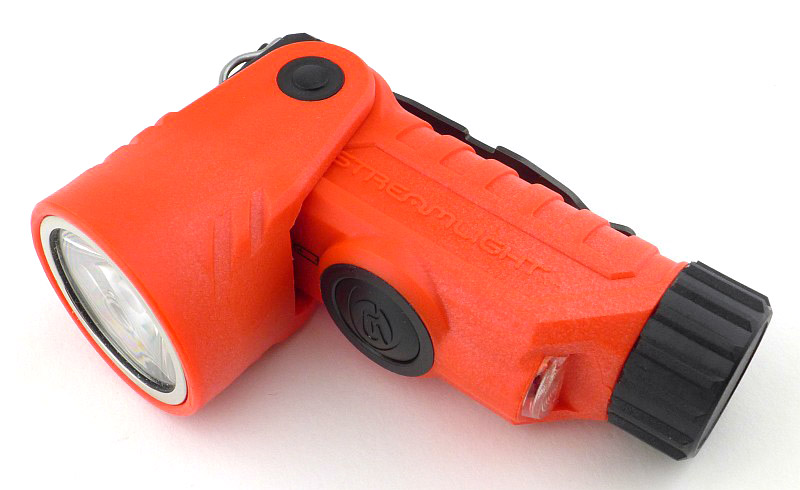
Taking a more detailed look:

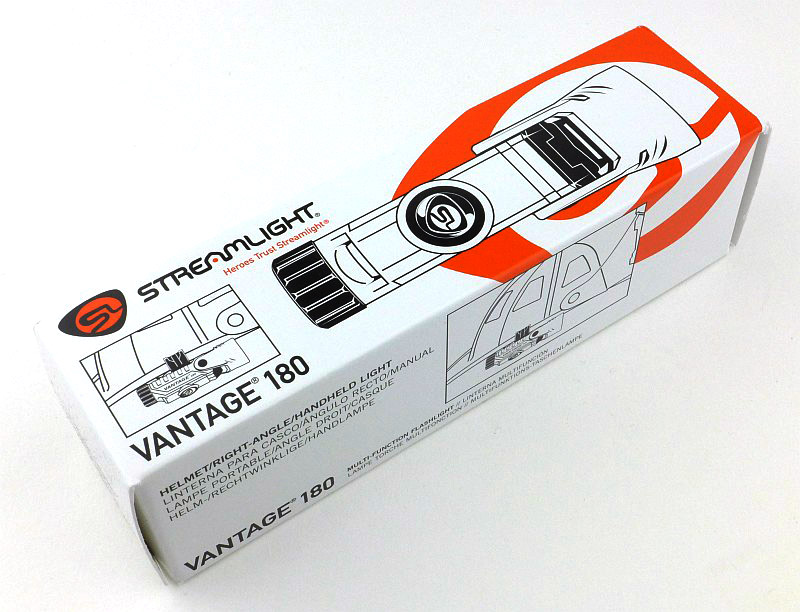
The Vantage arrives in a cardboard box.
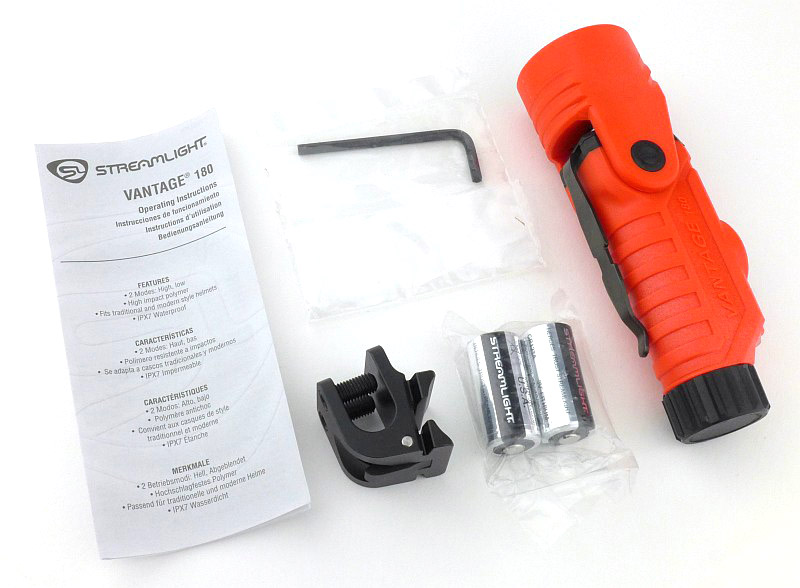
Inside is the Vantage 180, a pair of Streamlight branded CR123s, the helmet mount with Allen key, plus the instructions.
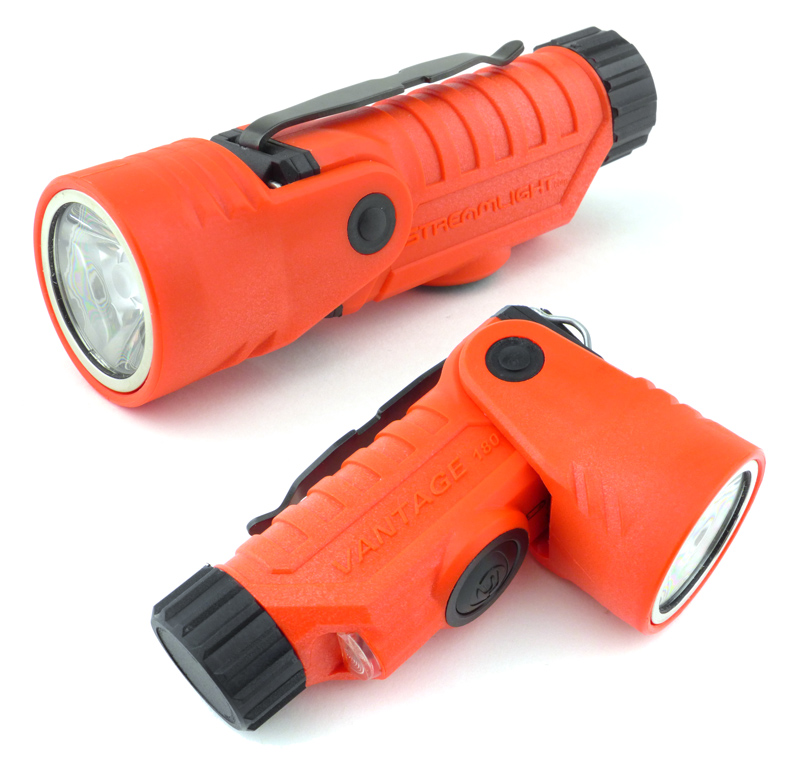
And here we have the, very orange, Vantage 180. On this side it has ‘Streamlight’ written.

On the other side it has ‘Vantage 180’.
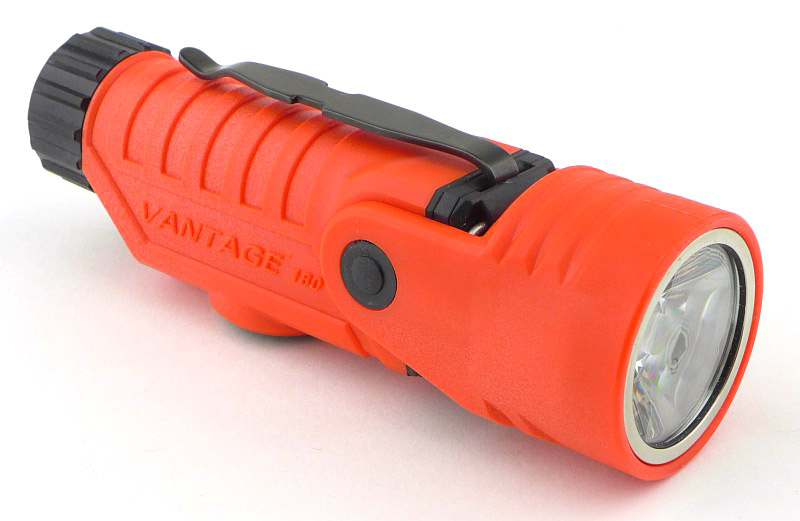
Laying the Vantage 180 on its side shows where the switch is positioned. As you would expect, it is on the opposite side to the clip.
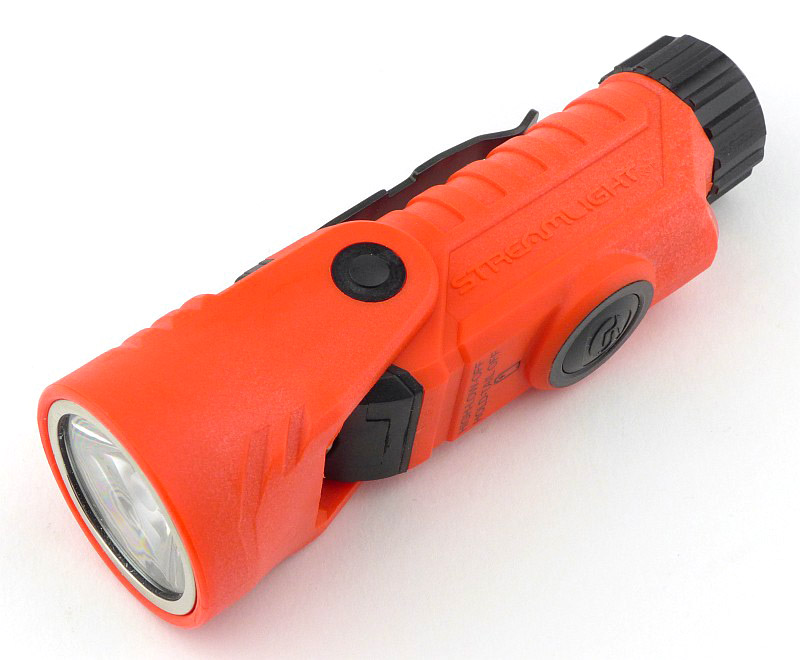
And now we get to the reason for the ‘180’ in the name. Here the head has been rotated 90 degrees to the front.
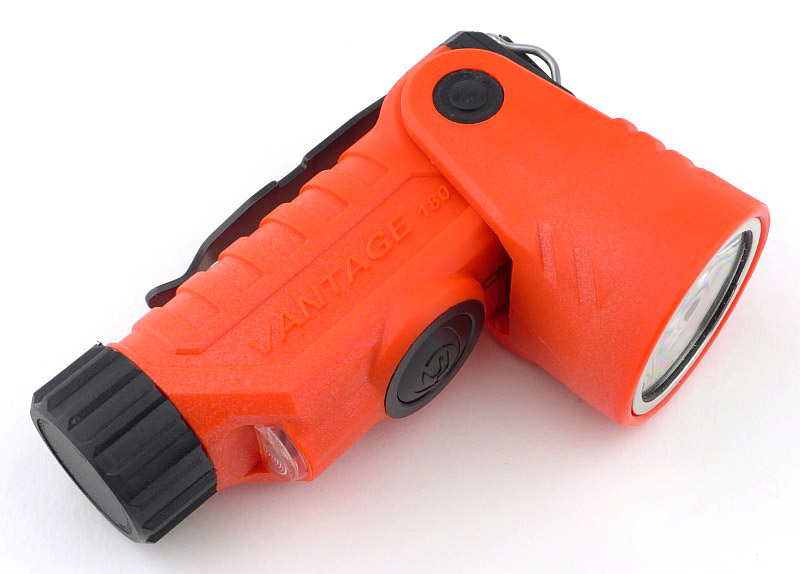
Then from the previous position, the head rotates a full 180 degrees all the way to the back. There are no click stops, instead it is held in place by friction, so the head can be adjusted to any angle between these two extremes.
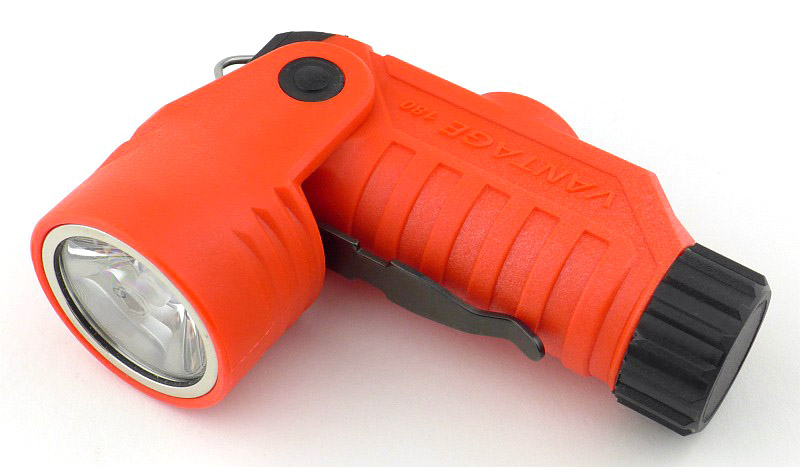
With the head either fully forward or backwards you can access the built-in turn out gear hook / hanging loop.
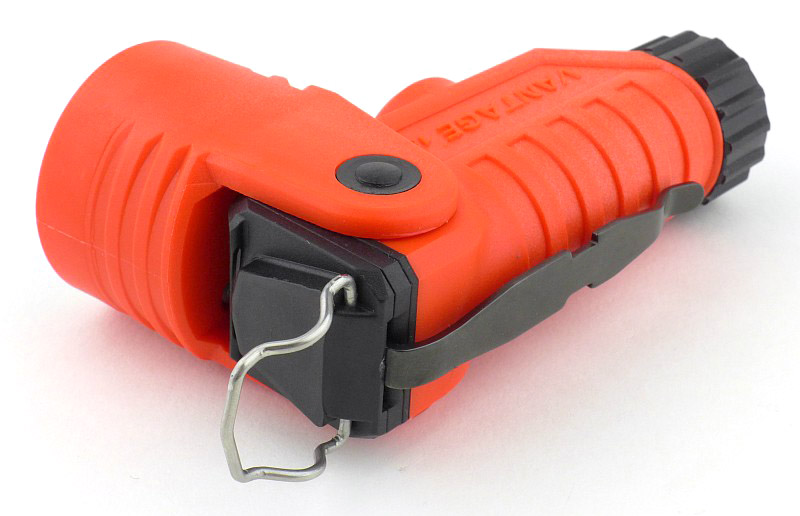
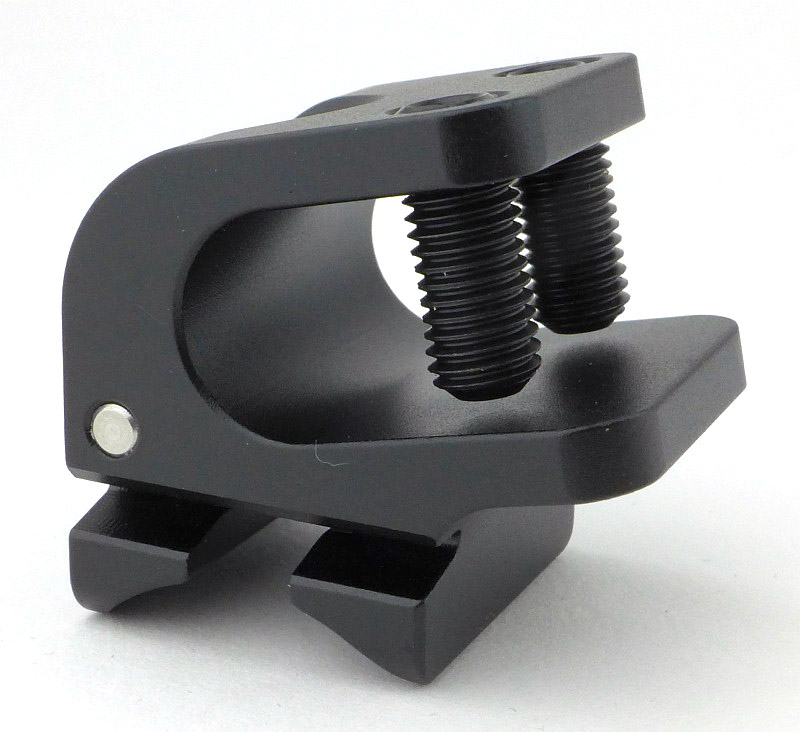
While we are looking at attachment options, there is a special helmet mount included with the Vantage 180. It is an anodised aluminium block with a few special features.

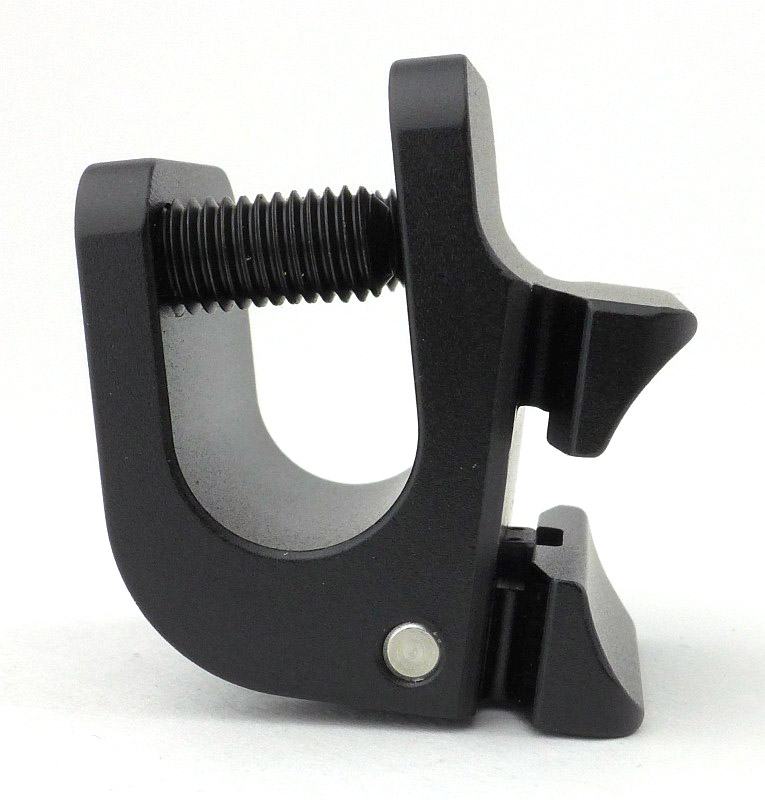
There is a deep helmet rim clamp. Using the supplied Allen keys, these two grub screws are backed right out to allow the mount to be placed over the rim of the helmet. This is specifically designed to fit US issue helmets, so might have limited success on other helmet designs around the world.
Then there is the side onto which the Vantage 180 clips. The round section fits against the Vantage 180’s body, and the T-shaped groove will allow the pocket clip to slide through.
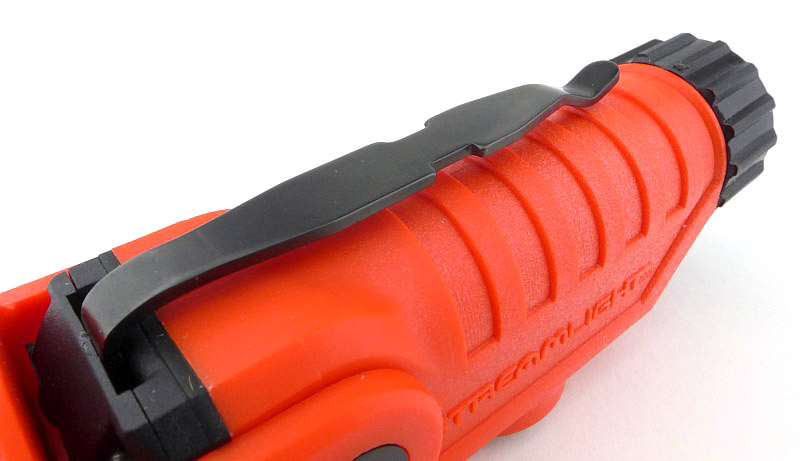
Something extra to mention while looking at the full pocket clip, is a feature that is visible bottom left in this photo; where the clip joins the body there is a slot. The pocket clip can be moved from side to side here, rotating the position of the clip around the body slightly and allowing the user to angle the Vantage 180 up to 15 degrees to either side while it is clipped to their gear.
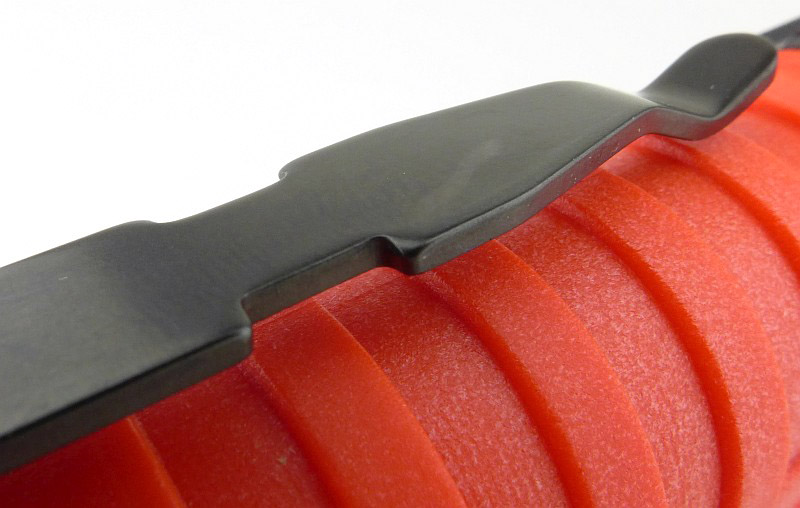
The feature of this clip that relates specifically to the helmet mount are the two notches each side of the clip. These are what the helmet mount latches on to so it doesn’t slide out of the mount,
Starting to slide the Vantage 180 into the mount. From this side you can see the mount’s release lever.
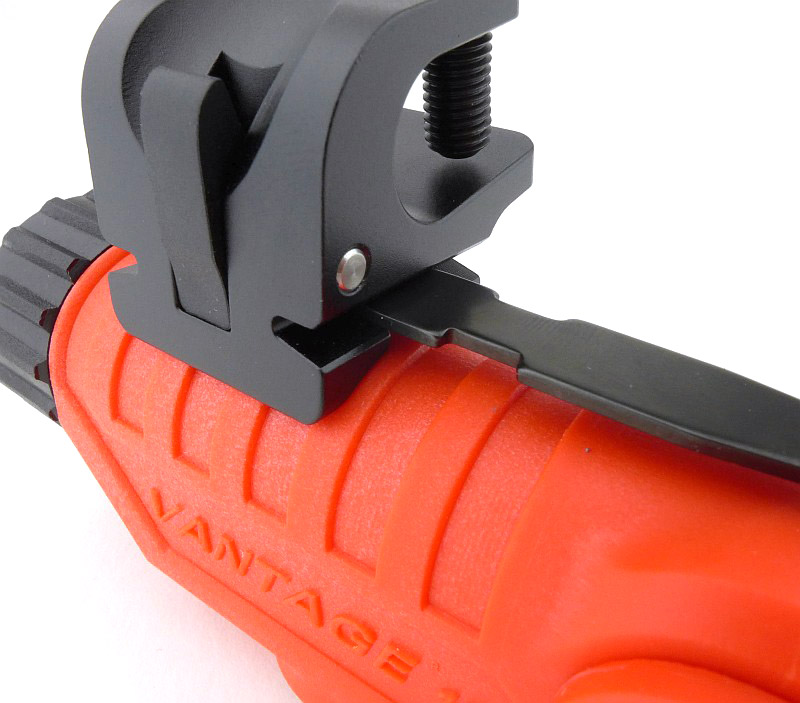
The mount is now locked in place on the clip.
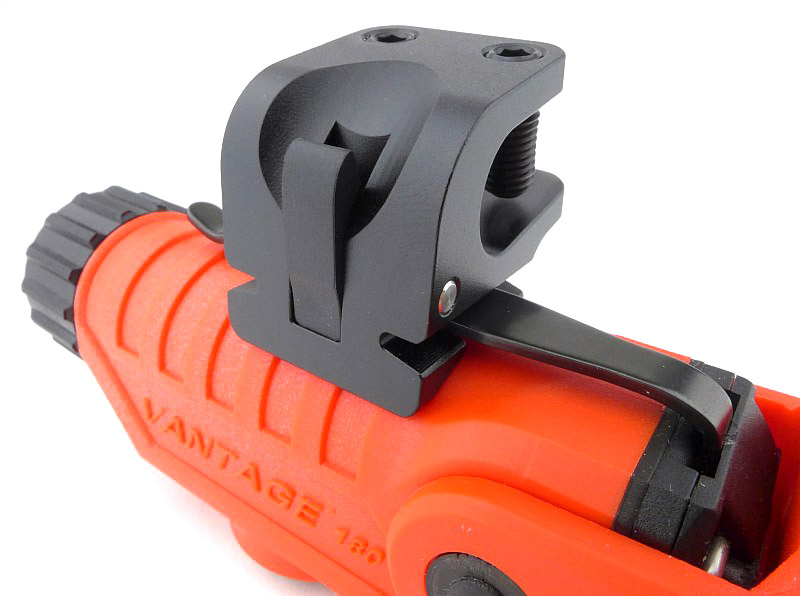
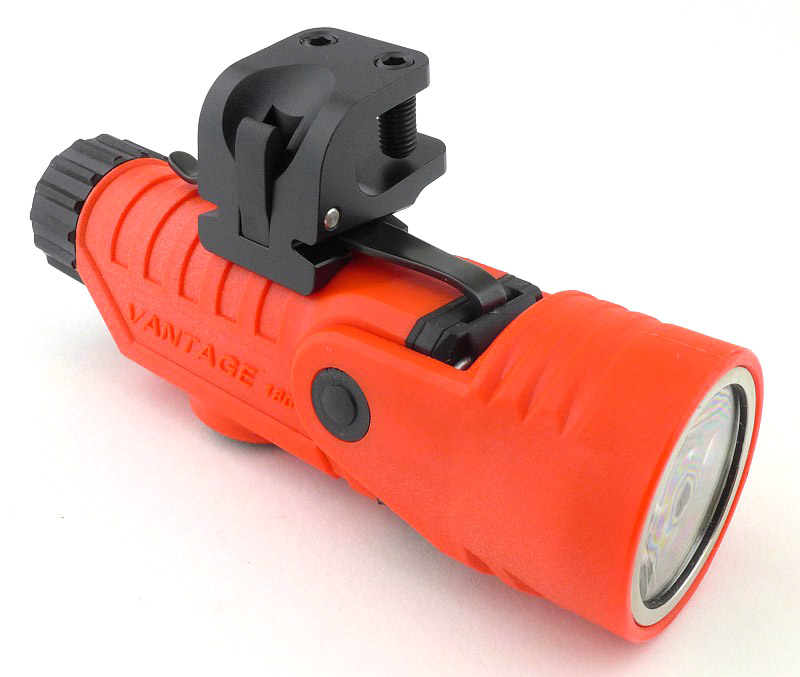
An overall view of the Vantage 180 fitted to the mount.
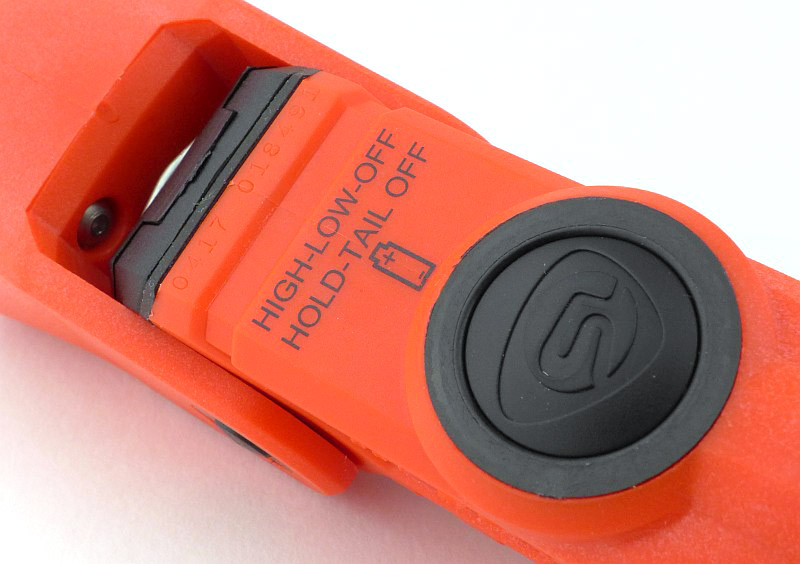
A brief reminder of the modes, and how to use them, is printed on the body (more on this later) along with the battery orientation.
There is another special feature of the Vantage 180; it has two beams. This is the second beam, and is itself dual-purpose, either as a blue marker light, or a white secondary beam down-light (more on this later).
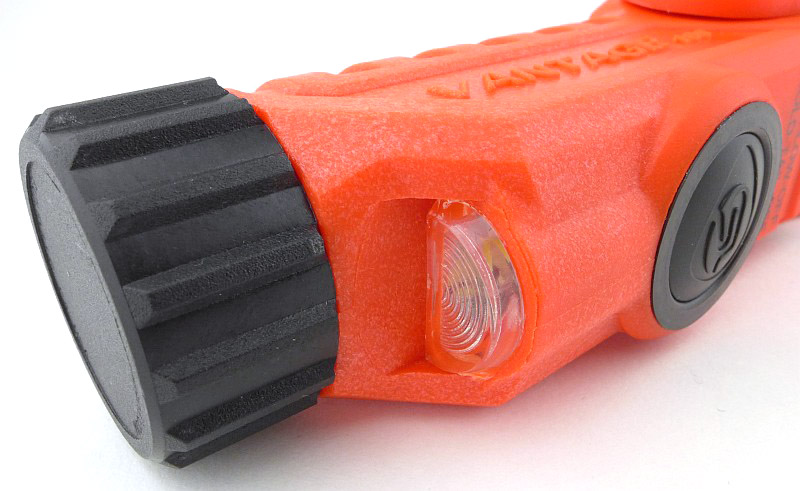
Here is a little mystery, I’ve not yet uncovered why there is an interference pattern visible (like oil on water) on the lens. It appears to be an additional layer on the lens front, but not one you are meant to remove, as there is no visible edge that would allow you to remove it. This doesn’t seem to affect the output in any way, so this is just an observation and appears to be normal.
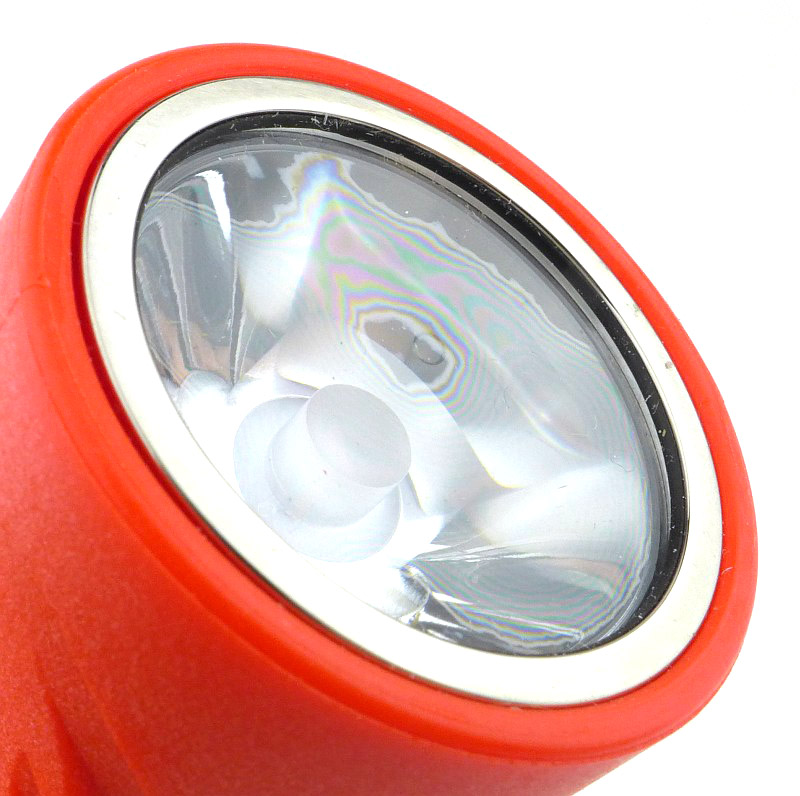
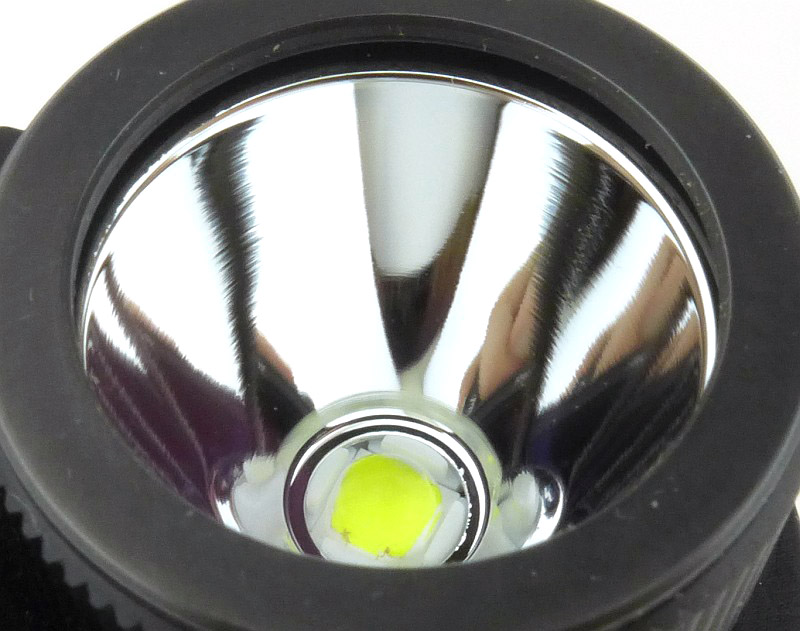
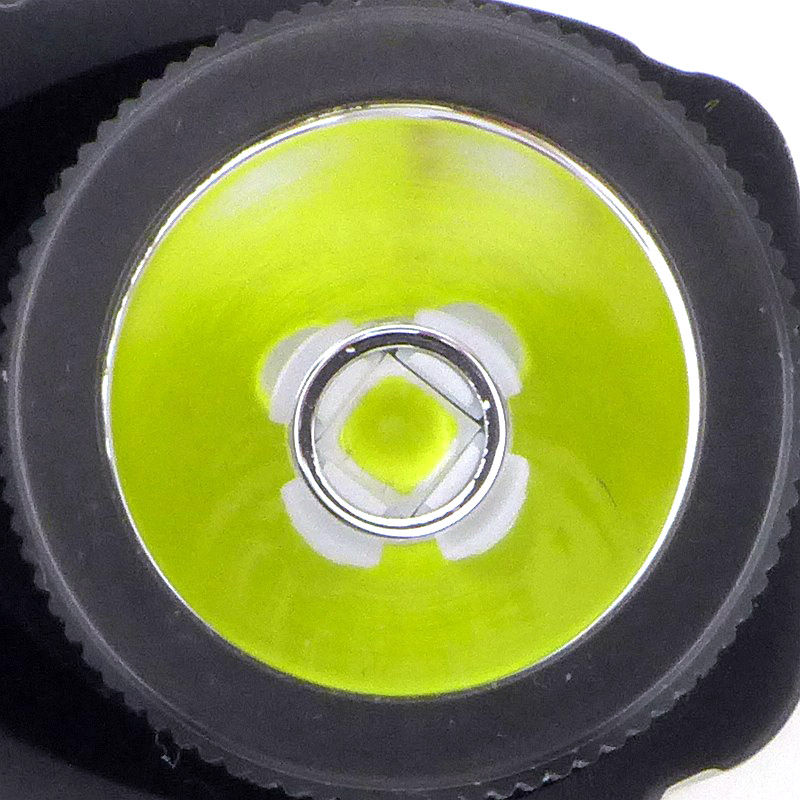
A TIR optic is used.
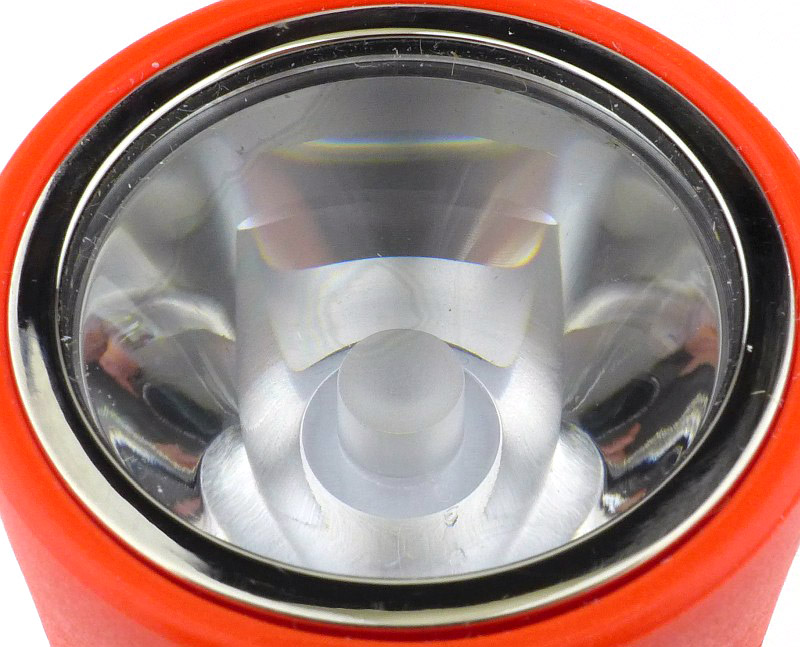
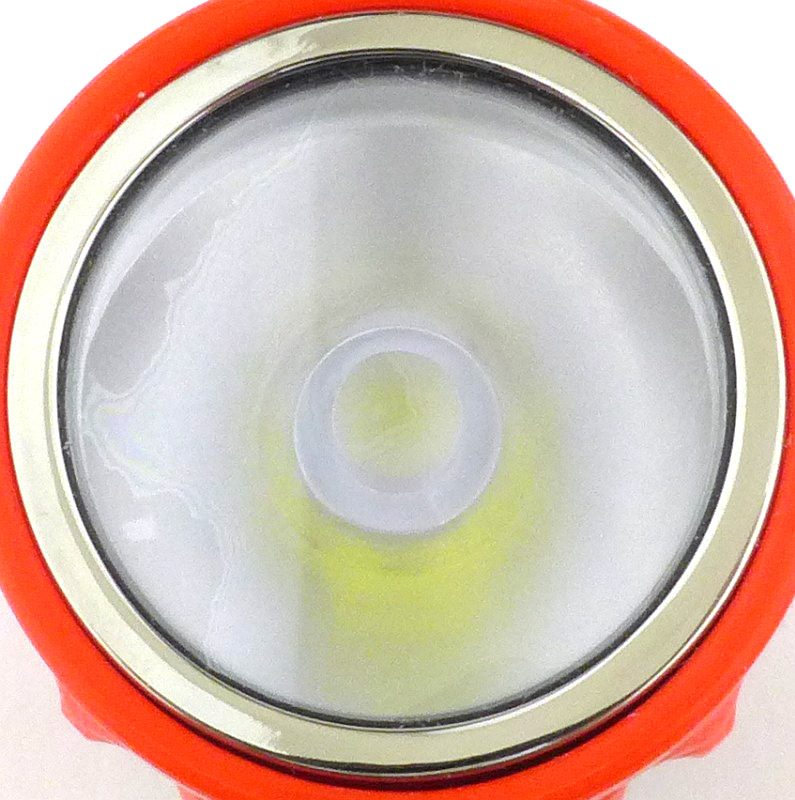
And this means that when viewed from the front, you can’t see the LED.
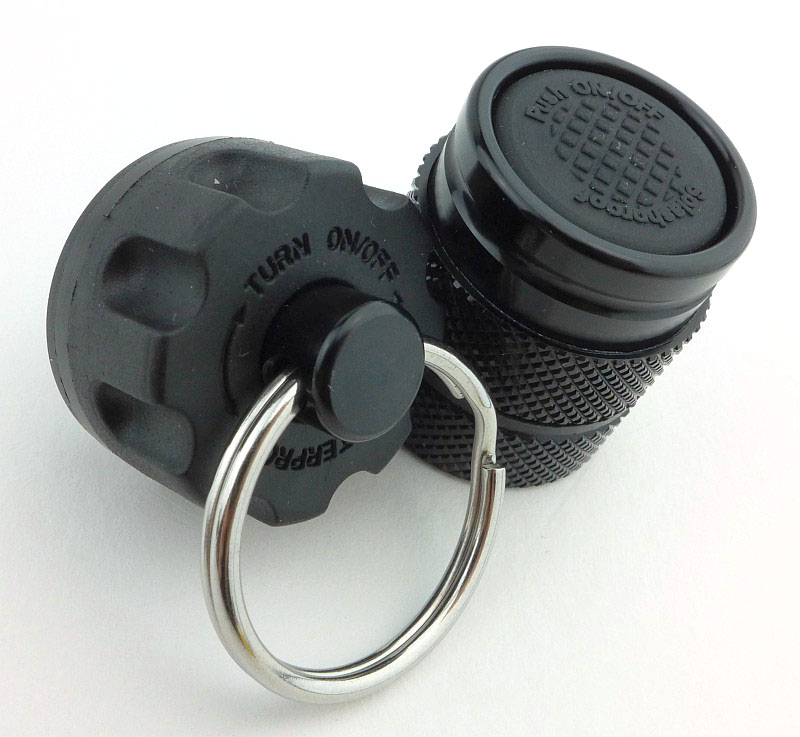
The tail-cap has a deep grip pattern making it easy to hold onto.
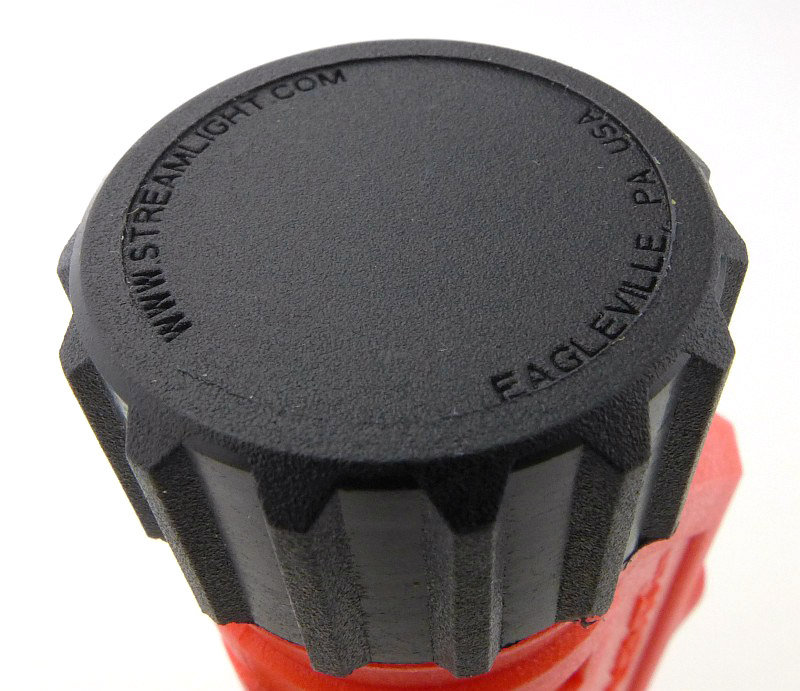
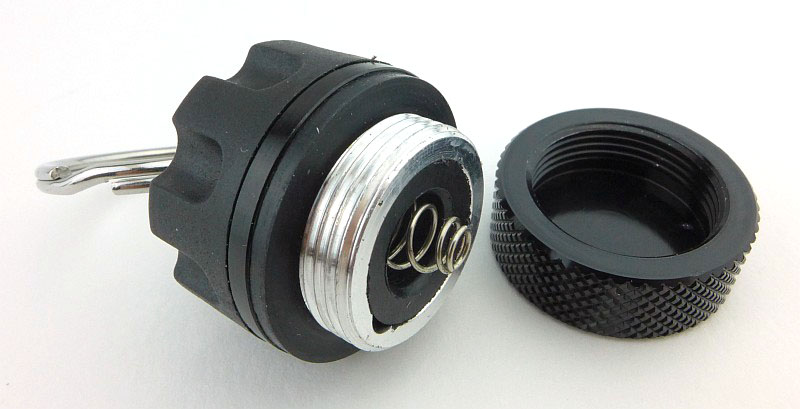
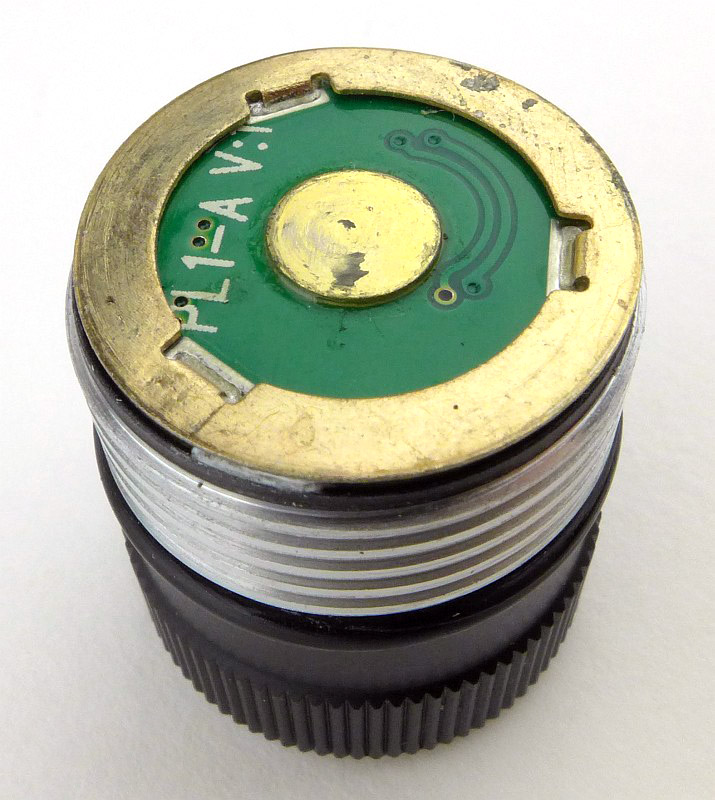
The simplest of contact design is used, with a single coil spring fitted into the plastic tail-cap.
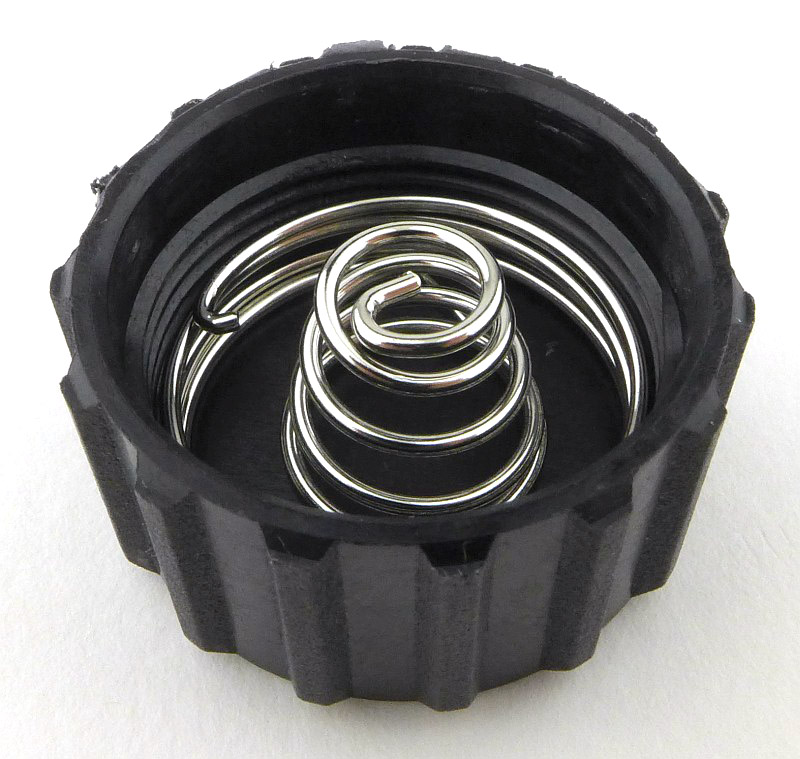
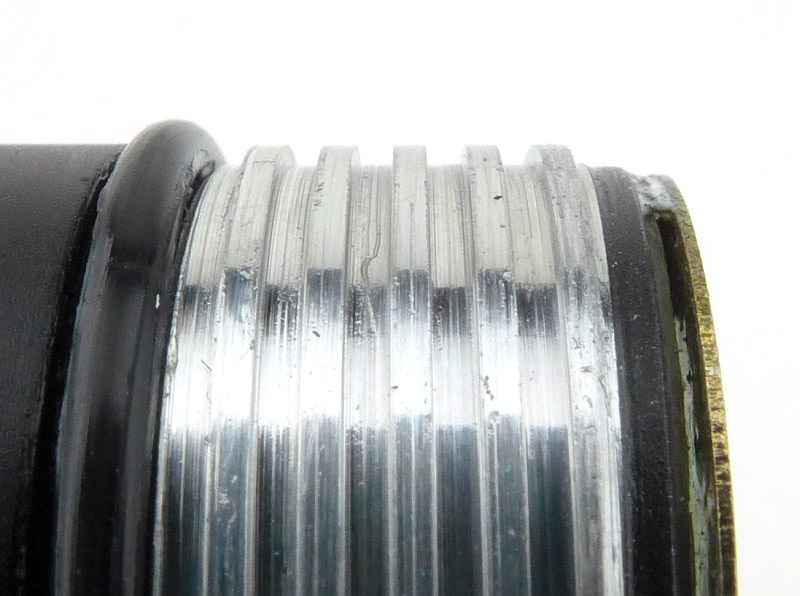
Though moulded plastic, the threads are sharp and well made. The O-ring is a wedge type.
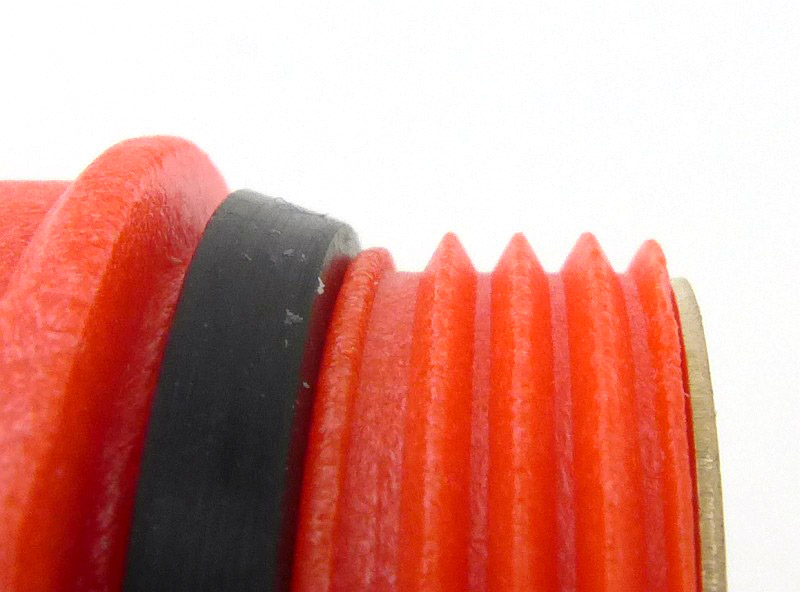
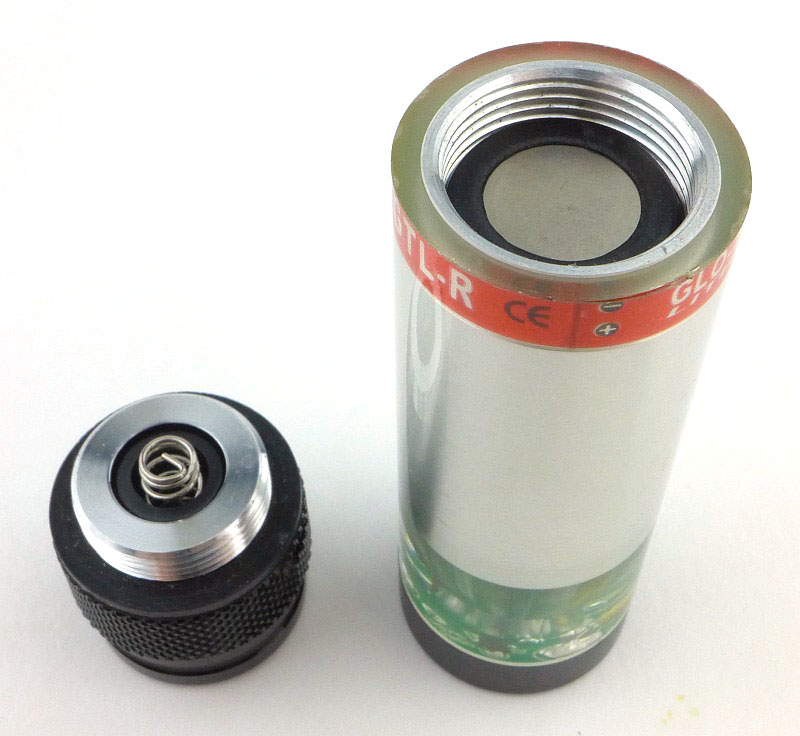
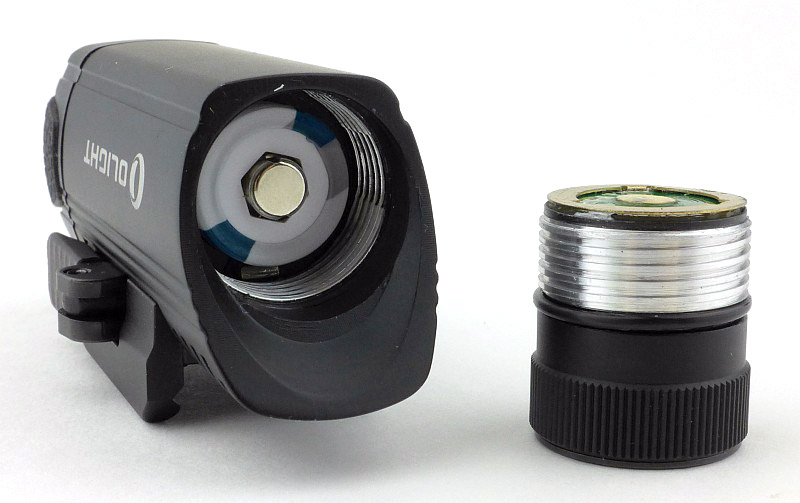
Being a plastic body, the negative contact needs to connect to the head of the light. This is via a ring contact at the end of the battery tube which is soldered to a metal strip that runs through the battery tube.
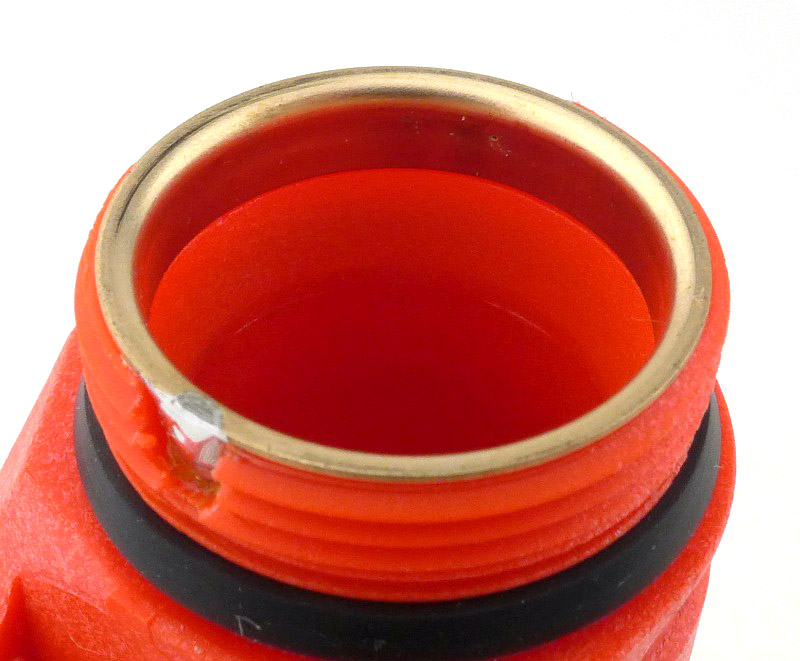
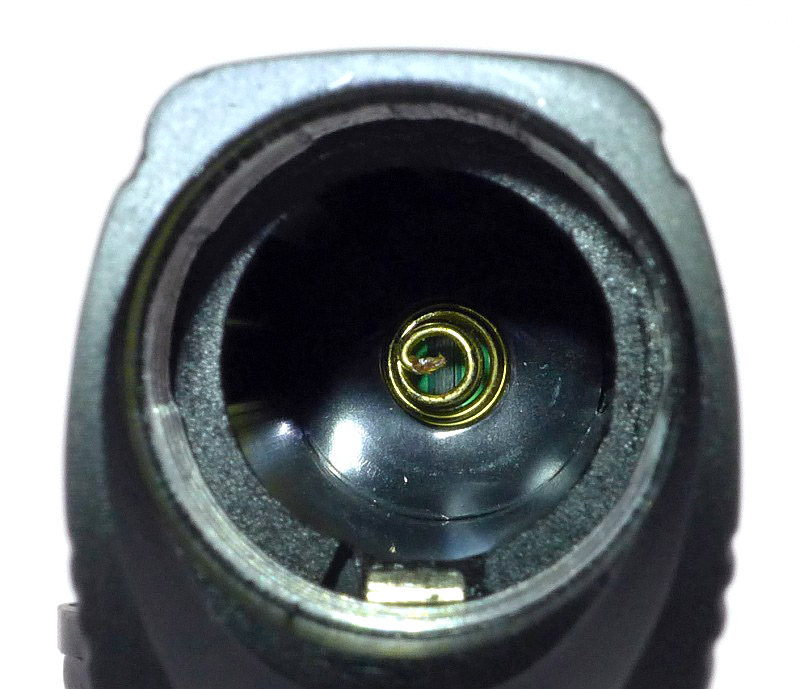
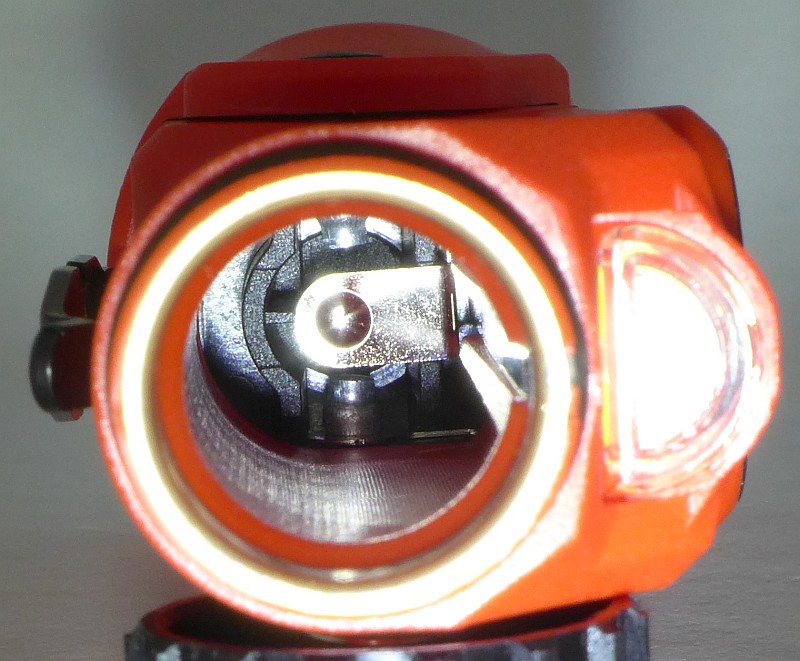
Looking into the battery tube you can see the positive contact.
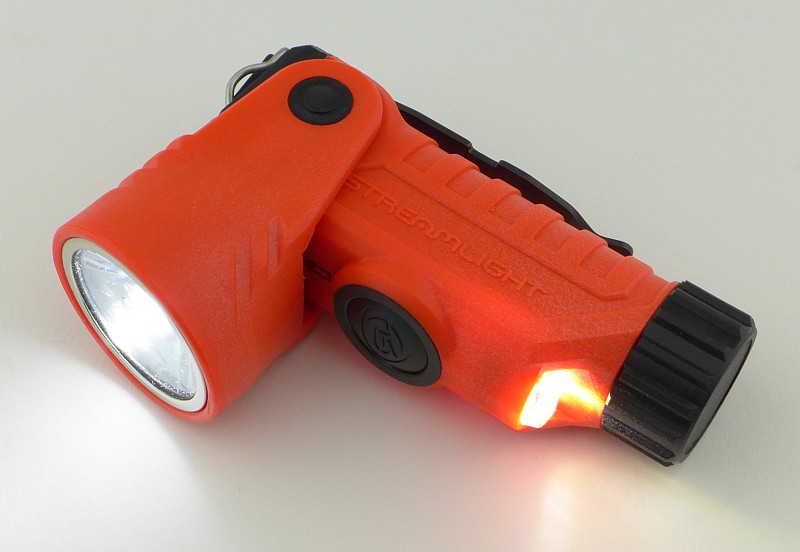
With the head adjusted to 90 degrees, the secondary beam provides downward lighting.
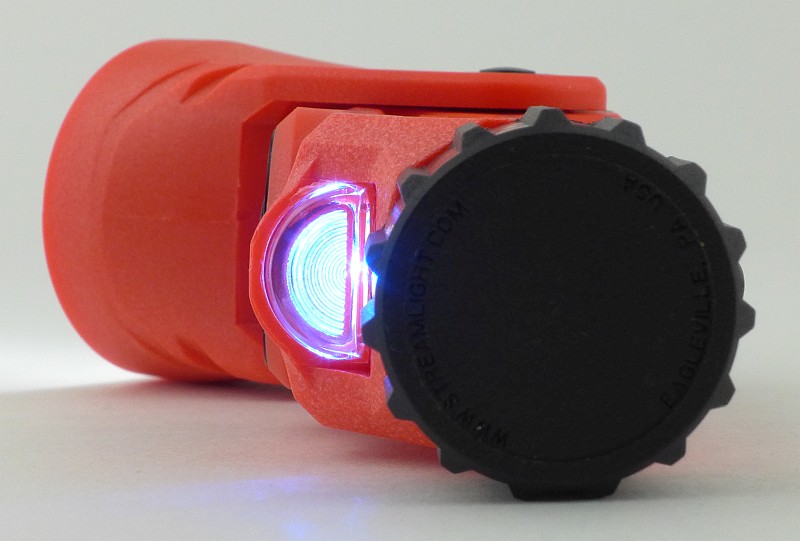
That same secondary beam, also changes to a blue marker light.
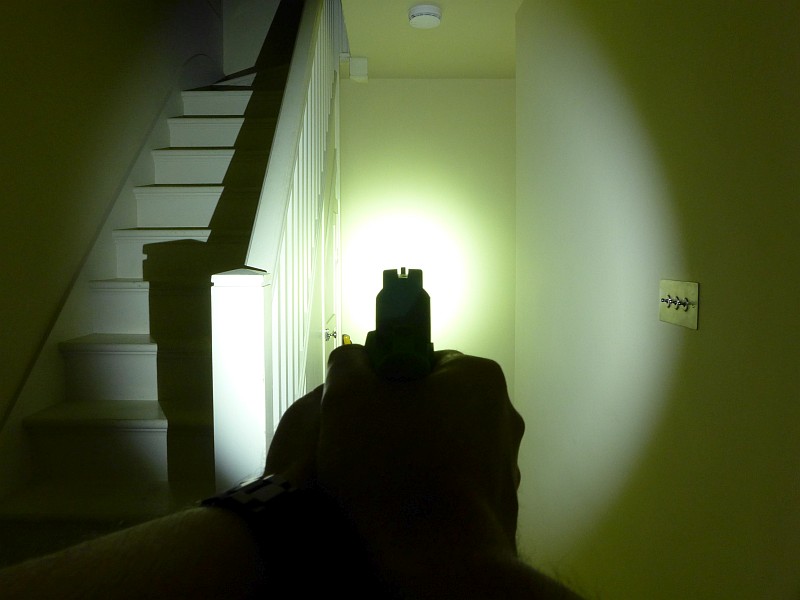
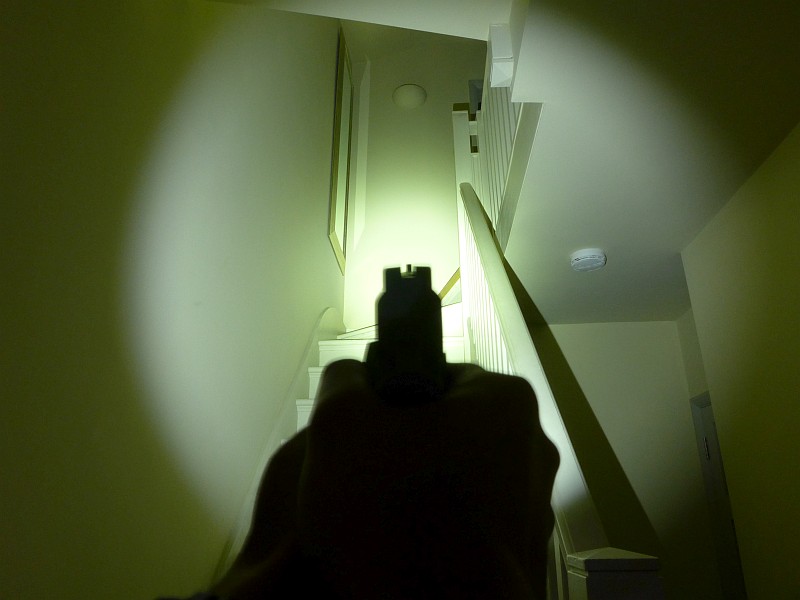
The beam

Please be careful not to judge tint based on images you see on a computer screen. Unless properly calibrated, the screen itself will change the perceived tint.

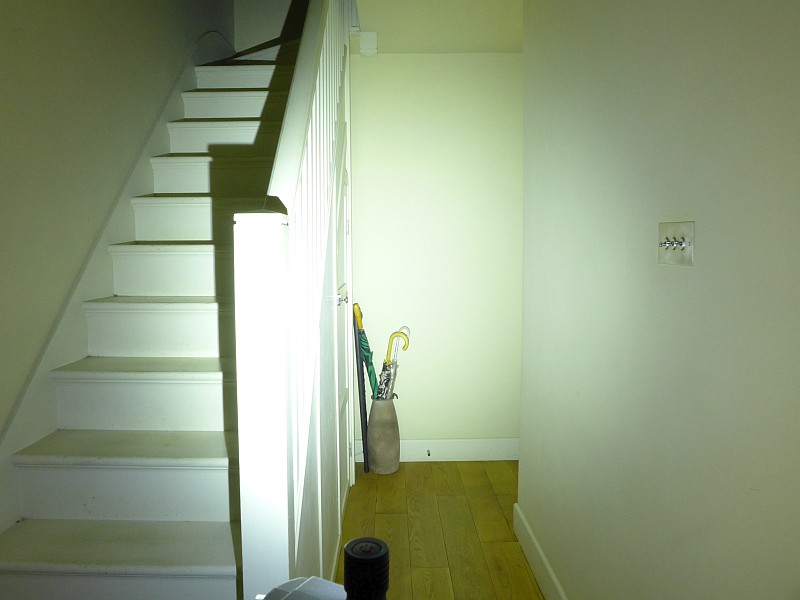
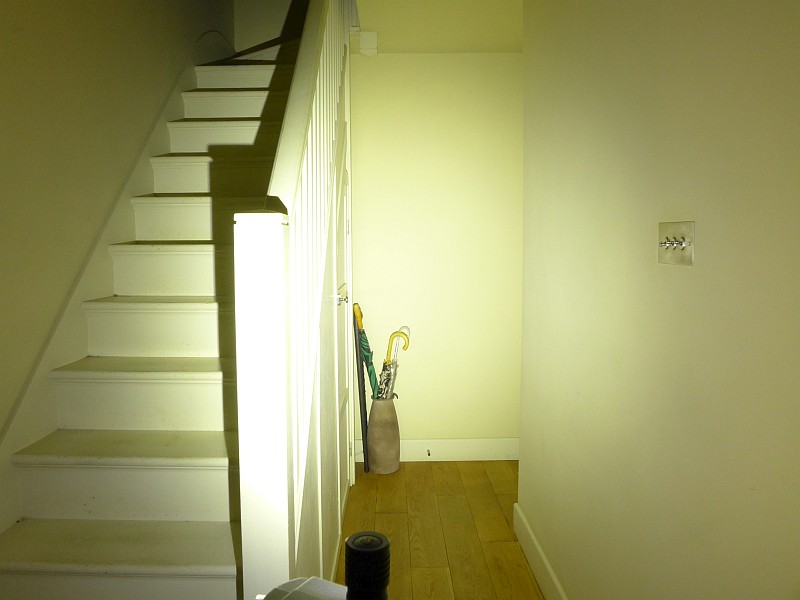
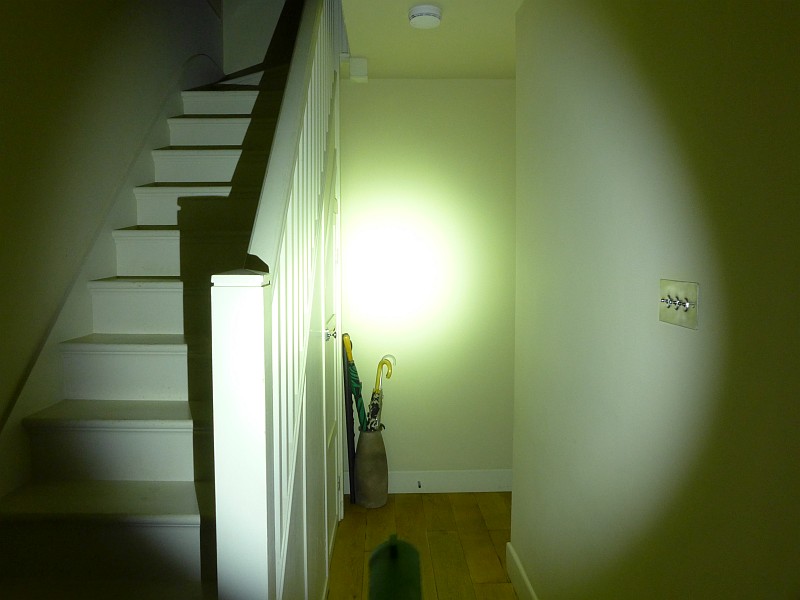
The indoor beamshot is intended to give an idea of the beam shape/quality rather than tint. All beamshots are taken using daylight white balance. The woodwork (stairs and skirting) are painted Farrow & Ball “Off-White”, and the walls are a light sandy colour called ‘String’ again by Farrow & Ball. I don’t actually have a ‘white wall’ in the house to use for this, and the wife won’t have one!

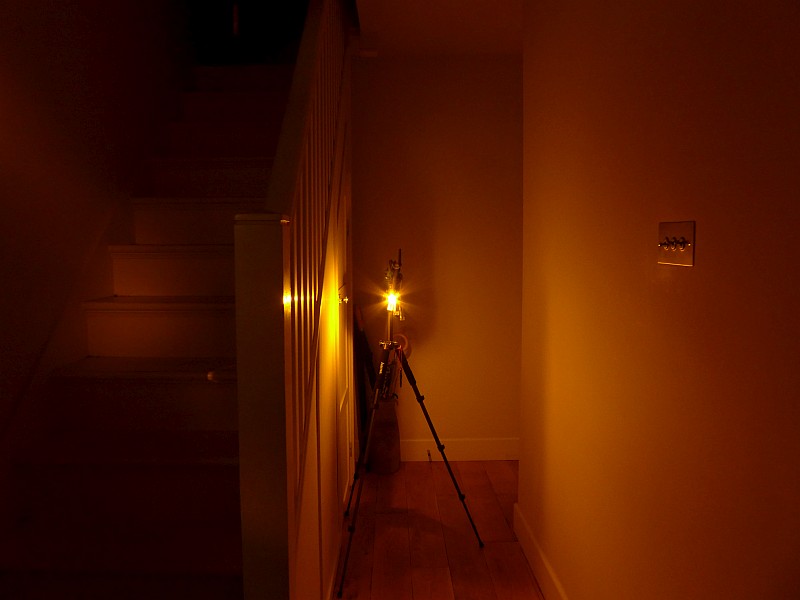
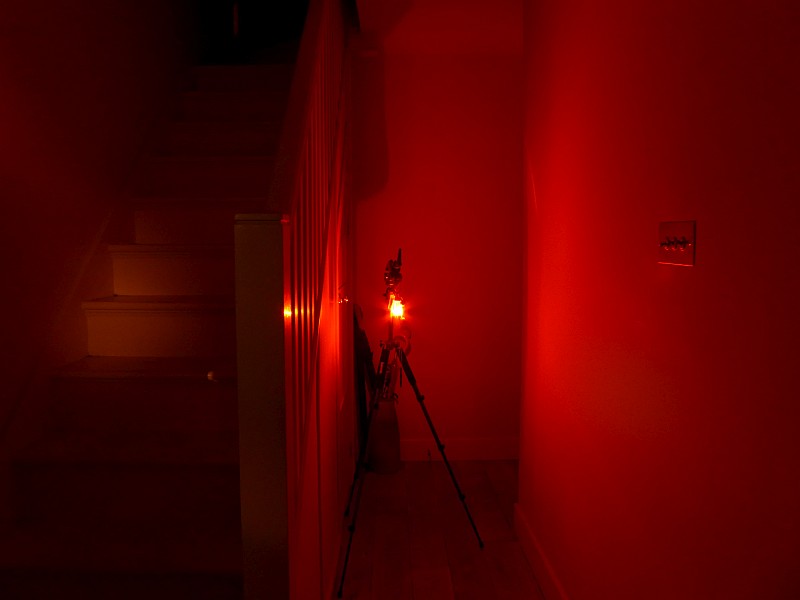
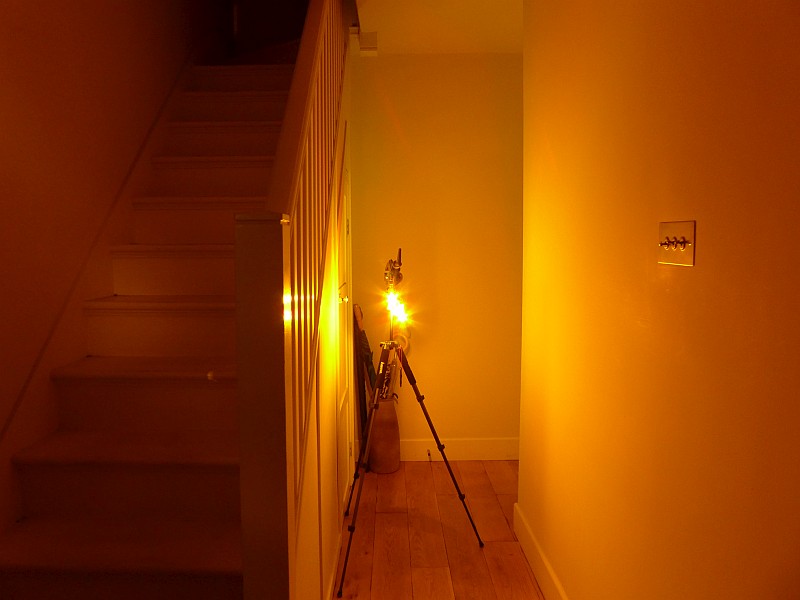
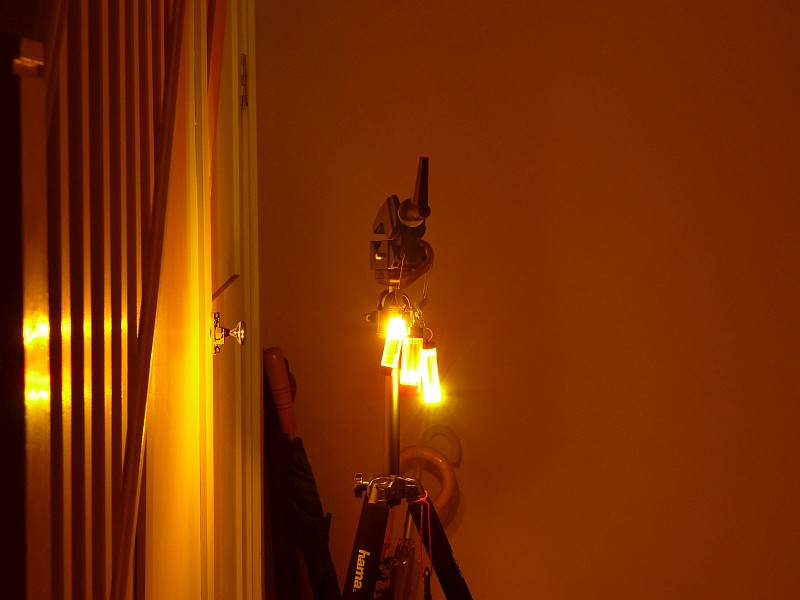
In this photo, the tail beam has been turned on and (with the head set to the straight position) is a relatively low output blue light.
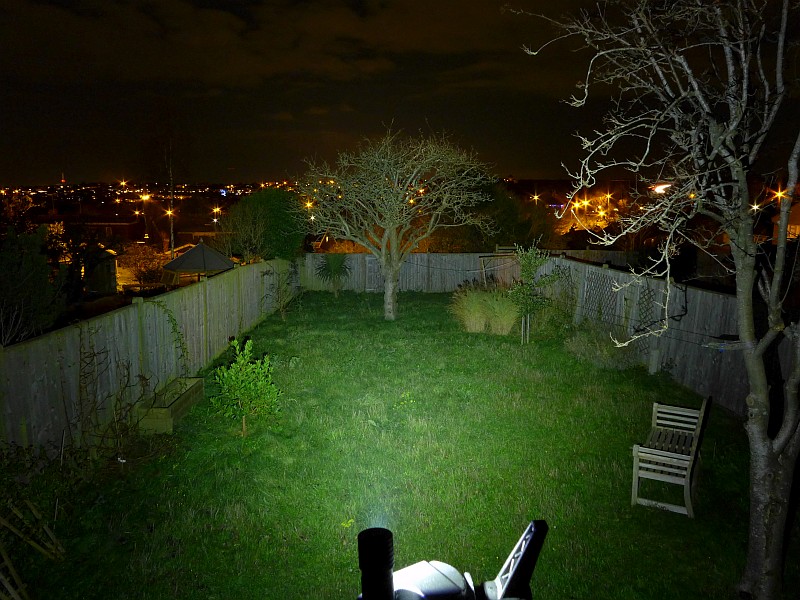
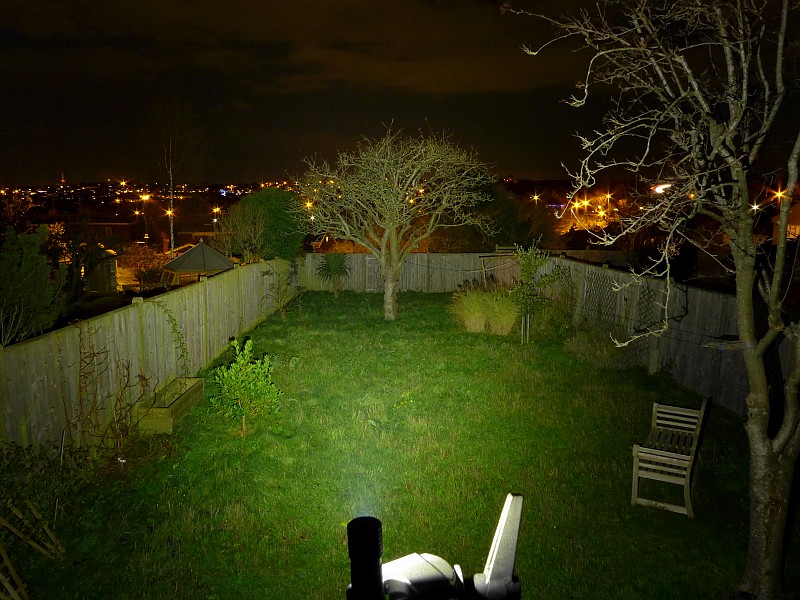
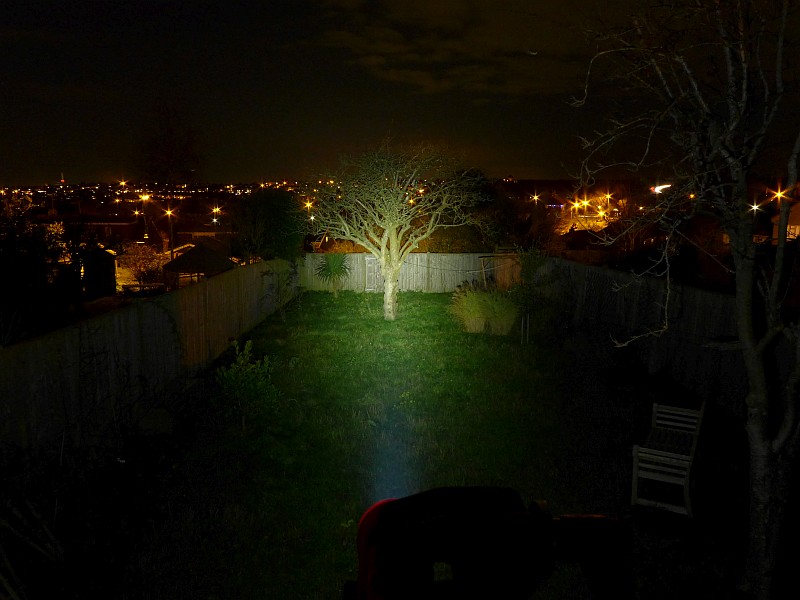
The main beam is almost entirely hot-spot. The spill is useful, but is quite weak, so this can give a slight tunnel vision effect depending on the environment.
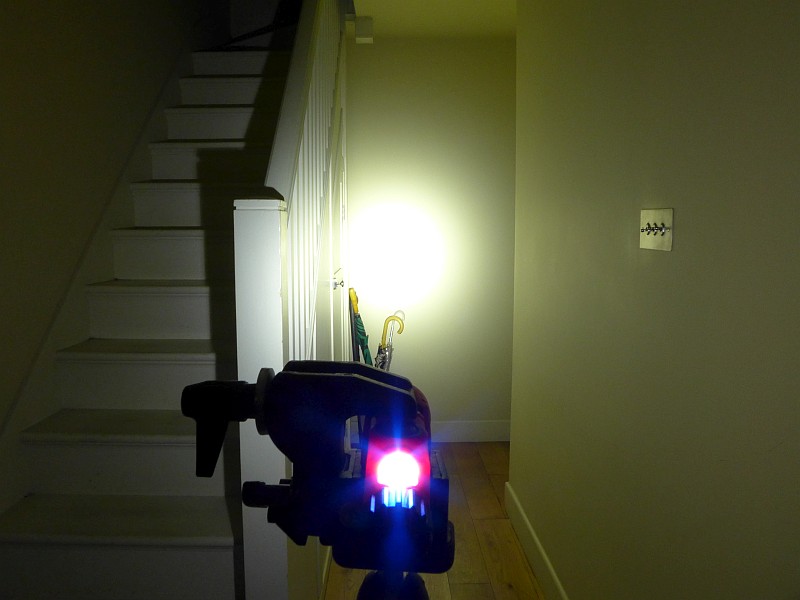
With more range the effect of the weak spill becomes more pronounced, and really the beam becomes just the hotspot.
Modes and User Interface:

The Vantage 180 has two constant output modes for the main beam, High and Low, and two different outputs for the secondary beam, white and blue.

To access High, press the switch once. If you press the switch again within 2s, the Low mode will be selected. Pressing once more within 2s turns the Vantage 180 OFF.

If either High or Low mode is activated, once it has been ON for at least 2s, a single press of the button will turn the Vantage 180 OFF.

The secondary beam is set to be either ON or OFF along with the main beam. The secondary beam cannot be used independently and can only be on if the main beam is on. Its white/blue setting is dictated by the head position.

To set toggle the secondary beam between being ON or OFF, with the Vantage 180 either ON or OFF (it doesn’t matter), press and hold the switch for more than 2s.

With the head set to the straight position, the secondary beam will be blue.

Angling the head towards being a right-angle light, and when the head gets to around 72 degrees, the secondary beam switches from blue to a brighter white.

Batteries and output:

The Vantage 180 runs on 2x CR123.

To measure actual output, I built an integrating sphere. See here for more detail. The sensor registers visible light only (so Infra-Red and Ultra-Violet will not be measured).

Please note, all quoted lumen figures are from a DIY integrating sphere, and according to ANSI standards. Although every effort is made to give as accurate a result as possible, they should be taken as an estimate only. The results can be used to compare outputs in this review and others I have published.

___________________________________________ ________________________________ ________________________________
Vantage 180 using specified cell I.S. measured ANSI output Lumens PWM frequency or Strobe frequency (Hz)
___________________________________________ ________________________________ ________________________________
High – CR123 269 0
Low – CR123 98 0

* Beacon and Strobe output measurements are only estimates as the brief flashes make it difficult to capture the actual output value.

There is parasitic drain; when using CR123, the drain was 23.2uA (6.88 years to drain the cells). The tail-cap can be unscrewed two full turns to lock-out the power and stop any drain. However this is enough to prevent the seal being effective, so the Vantage 180 would not be water resistant like this.

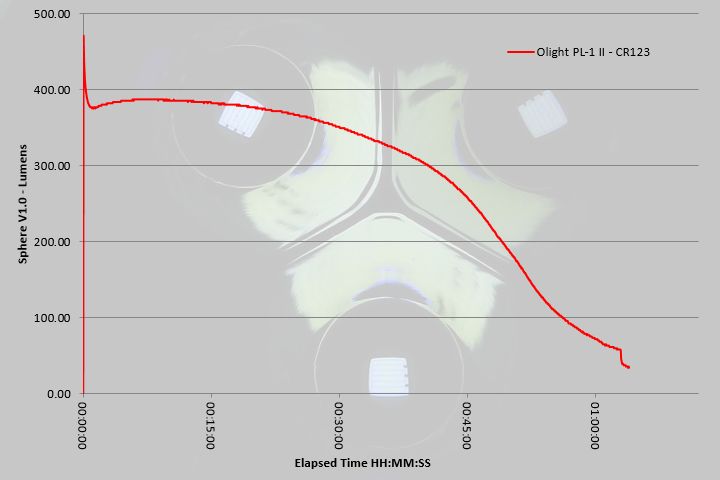
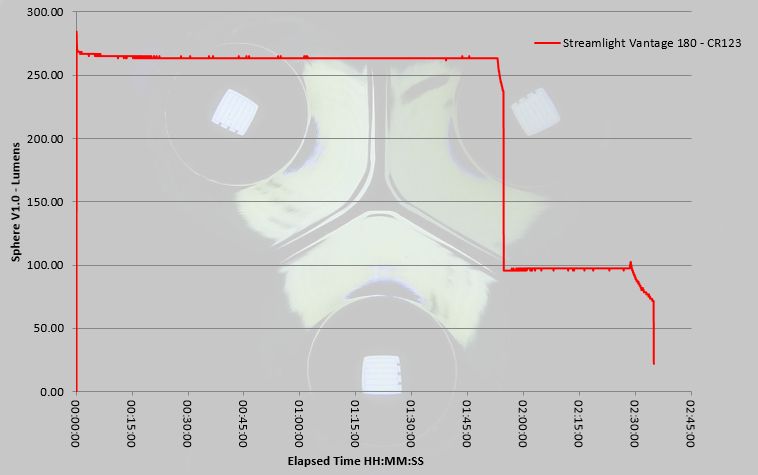
The runtime graph shows a nicely regulated output giving nearly two hours on High before the output drops to the Low level. Beyond two and a half hours the output then rapidly declines before dropping to a 22 lumen level which runs on for some time. The Vantage 180 doesn’t leave you in the dark and provides plenty of warning for a battery change.
Troubleshooting

This section is included to mention any minor niggles I come across during testing, in case the information helps anyone else.

No issues were encountered during testing.

As per the description of this section, this information is provided in case anyone else finds a similar ‘issue’ that might be fixed in the same way.

The Vantage 180 in use

Streamlight always manage to build in a great deal of functionality into lights like this, and the Vantage 180 does not disappoint. To start with, the ability to go from a conventional straight torch/flashlight to a right-angle light, or anywhere in between, is so useful. Even if this is when placing the Vantage 180 on a table or the ground to use as a task light, being able to adjust the head, allows it to work where a fixed head light just wouldn’t be much use.

Add to this the clip (with its own adjustment of 15 degrees each way) and hanging loop, and you have a highly functional work light, that will fit into just about any task you need to do.

Then there is the secondary beam. The blue tail-light is mainly for increasing your visibility to others, and this is mainly aimed at Emergency Response personnel who would wear the Vantage 180 on their helmet. For my own purposes, I can’t really think of a sensible use for this blue marker light.
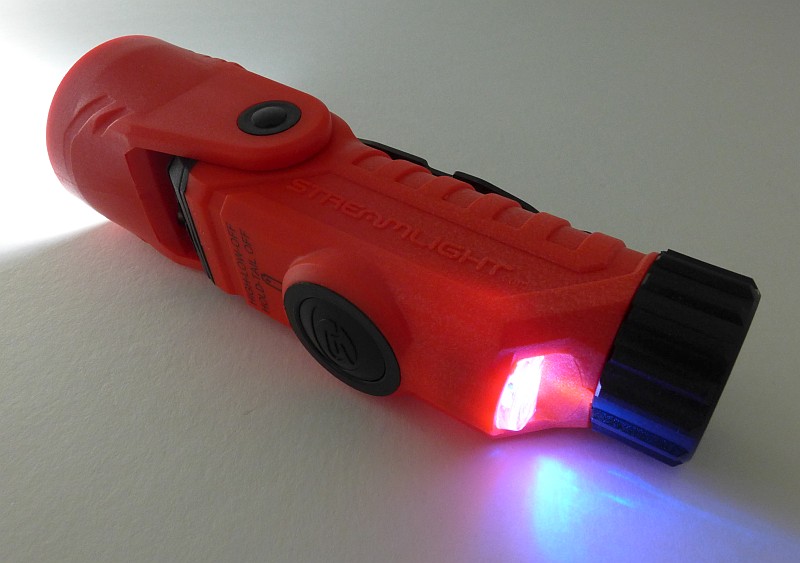
However, rotate that head to activate the down-light, and the Vantage now has ground lighting along with the main beam if you have this fitted to your clothing (or lighting to let you see what you are writing etc.).
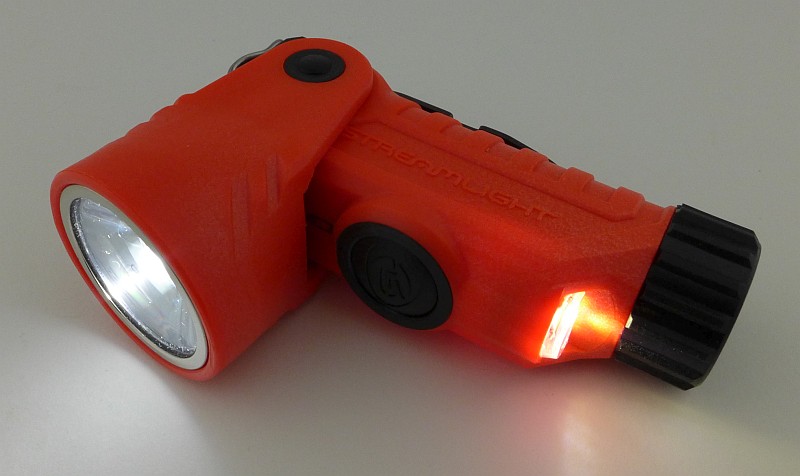
But we are not yet finished as there is that solid helmet mount. So as long as it fits the helmet you are using, or can be made to fit) you have a headlamp as well.
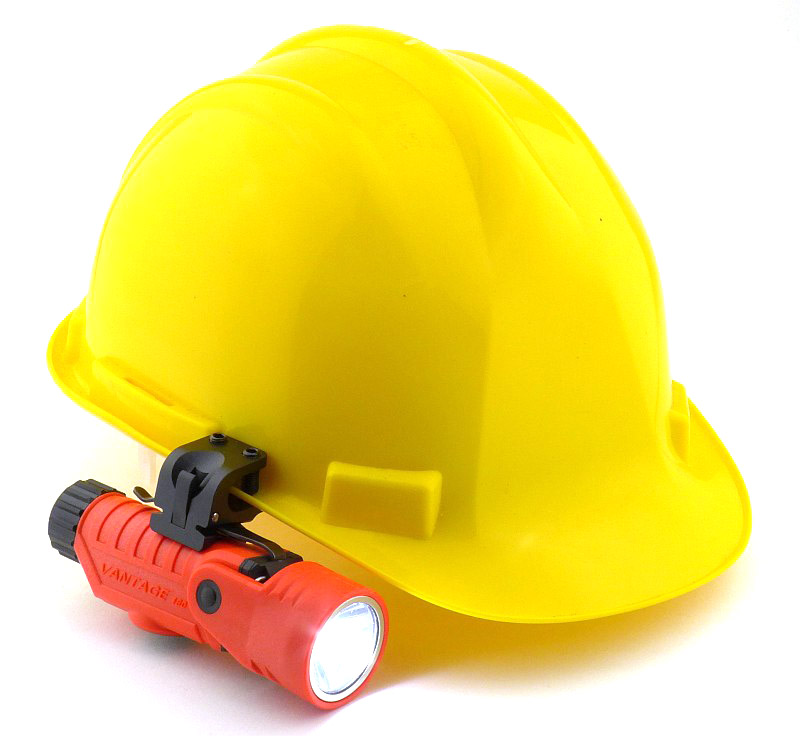
In this case it has been fitted to a basic hard-hat and nicely holds onto the rim.
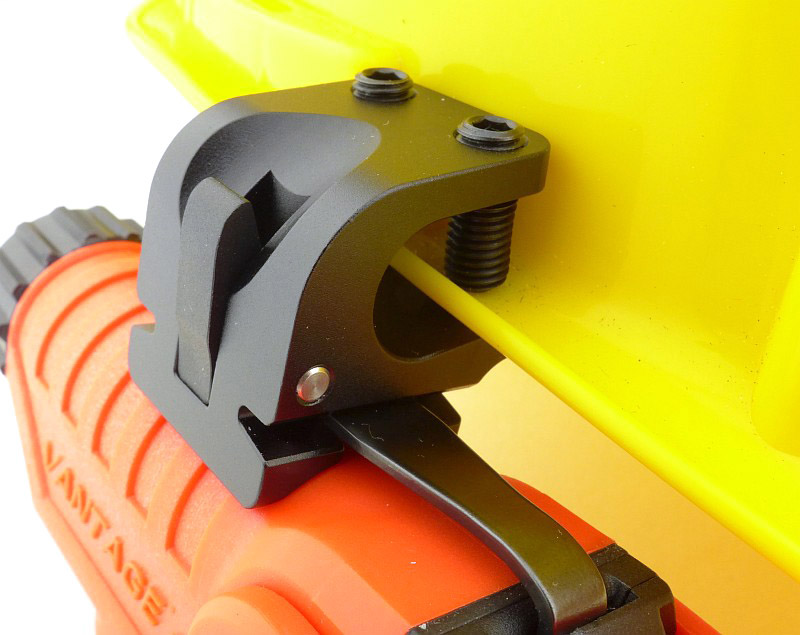
Not everyone will use every feature of the Vantage 180, but you know that it has all that flexibility built-in which provides you with a lot of options.

Review Summary

_______________________________________________ _______________________________________________
Things I like What doesn’t work so well for me
_______________________________________________ _______________________________________________
Full 180 Degrees of head Rotation. Weak spill beam.
Secondary tail-light / down-light. Doesn’t use rechargeable batteries.
Clip can be adjusted 15 degrees either way. Only two output levels.
Helmet mount included.
Hanging loop built-in.
Unbreakable TIR optic.
Well regulated output.


Discussing the Review:

The ideal place to discuss this reviews is on a forum. If you started reading the shorter forum version of the review, but followed the link this full exclusive review, please return to that forum to discuss the review there.
If you read the review entirely on Tactical Reviews, please consider one of the following to join in any discussion.

CandlePowerForums – Flashlight Reviews Section (Largest and Friendliest Flashlight Community Forum)

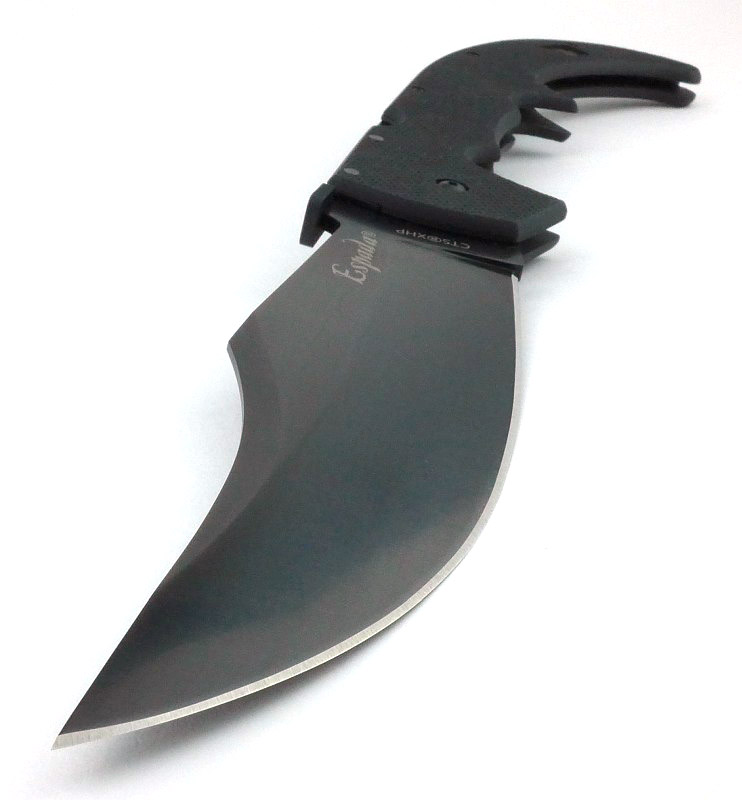
Knife Review: Cold Steel Espada XL G-10

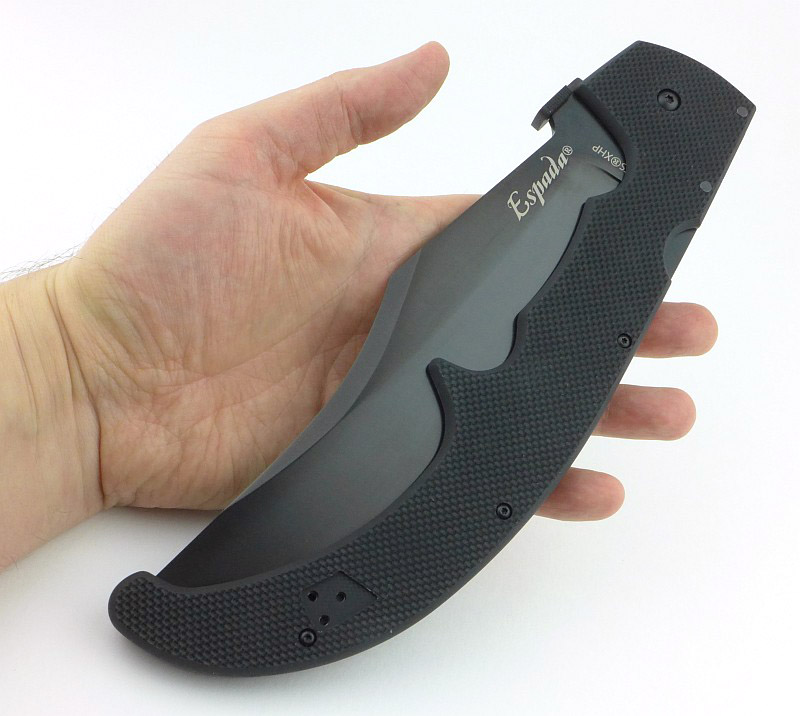
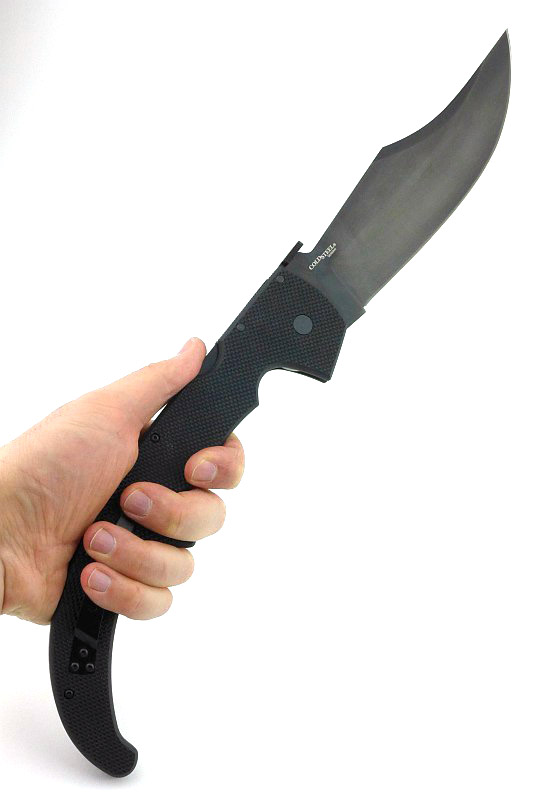
Inspired by the classical Navaja knives of Spain, Cold Steel’s Espada series are the result of a design collaboration between custom knife maker Andrew Demko and Cold Steel President Lynn C. Thompson, using modern design and materials to bring extreme performance to a range of huge folding knives. In this review we are looking at the largest of all, the Espada XL in the newest G-10 edition.

The Blade and Handle Geometry:

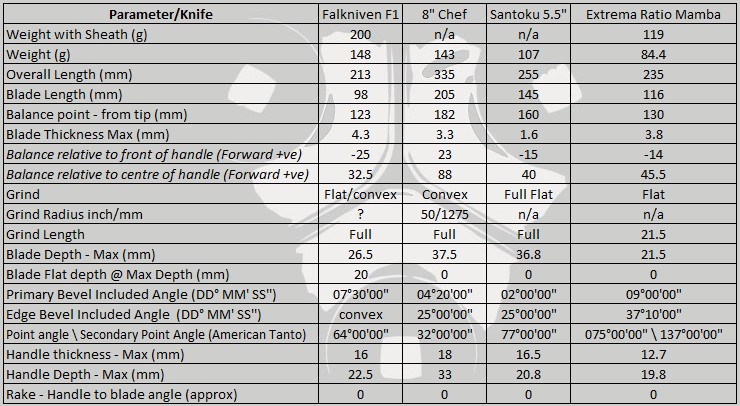
Most knife specifications have a basic description of the blade geometry, but in this section I will be taking a more detailed look at geometry and balance.

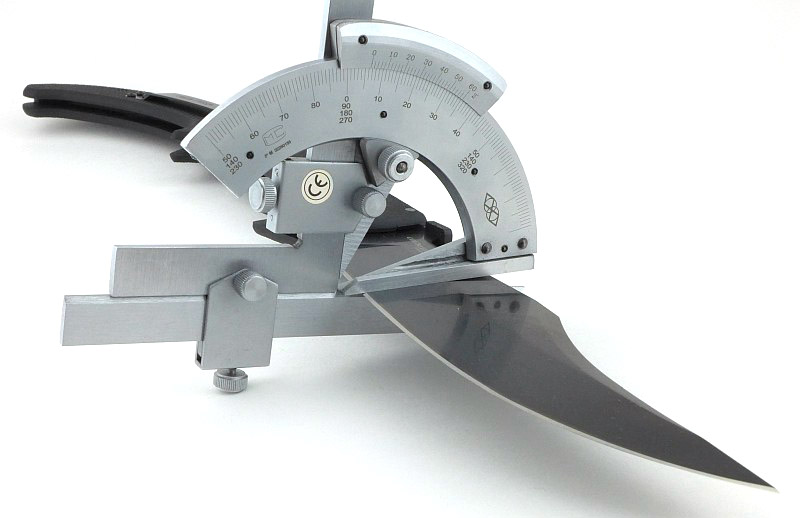
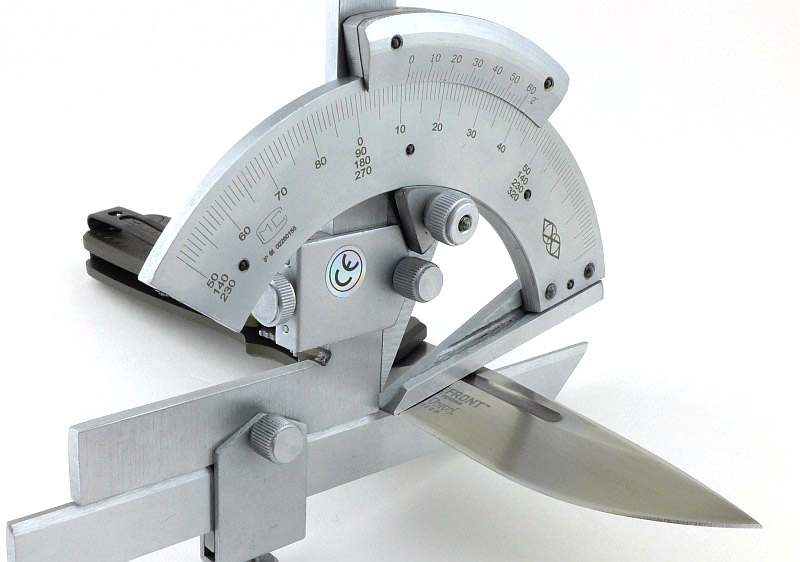
Using a set of gauges and precision measuring equipment including a Vernier protractor, callipers, fixed radius gauges and the unique Arc Master adjustable radius gauge (the one that looks like a crossbow).

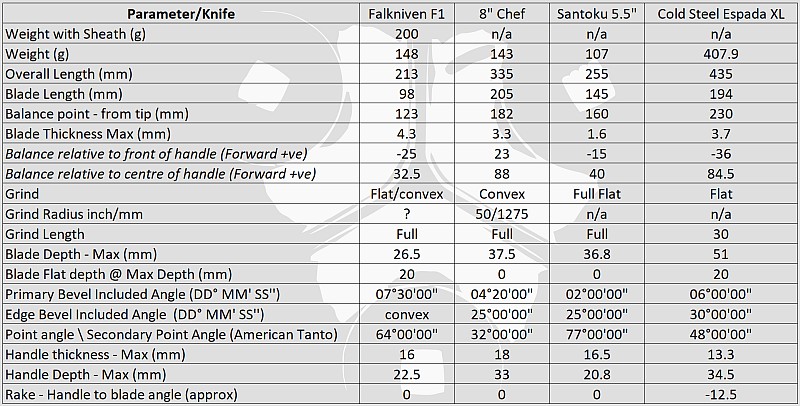
These measurements have been tabulated and are presented along with a few reference blades (8″ Chef’s Knife, 5.5″ Santoku and the popular Fällkniven F1).

Key aspects such as the primary bevel angle, grind type, blade depth, blade thickness, length, weight are detailed, along with balance information.

The ‘Balance relative to the front of the handle’ tells you if the knife will feel front heavy, or if the weight is in your hand (a positive value means the weight is forward of the front of the handle). The ‘Balance relative to the centre of the handle’ indicates how close to a ‘neutral balance’ the knife has in the hand.

In the case of full convex grinds the approximate centre of the grind is used for the primary bevel angle estimate.

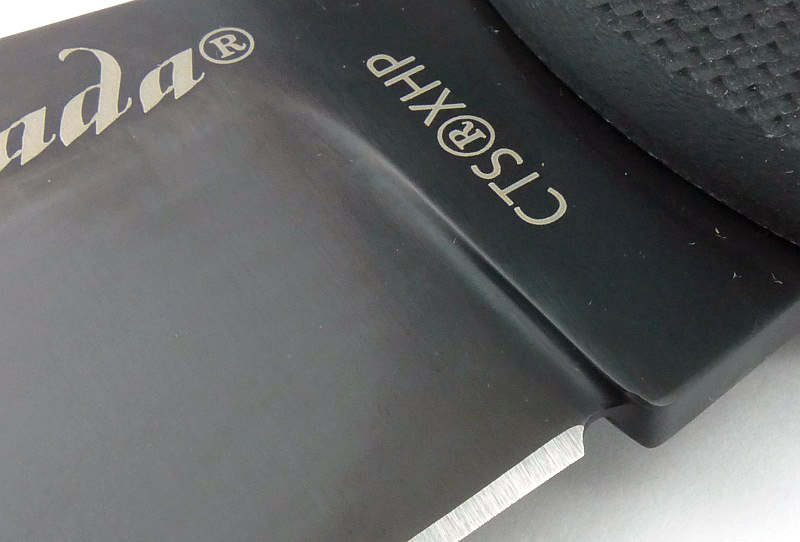
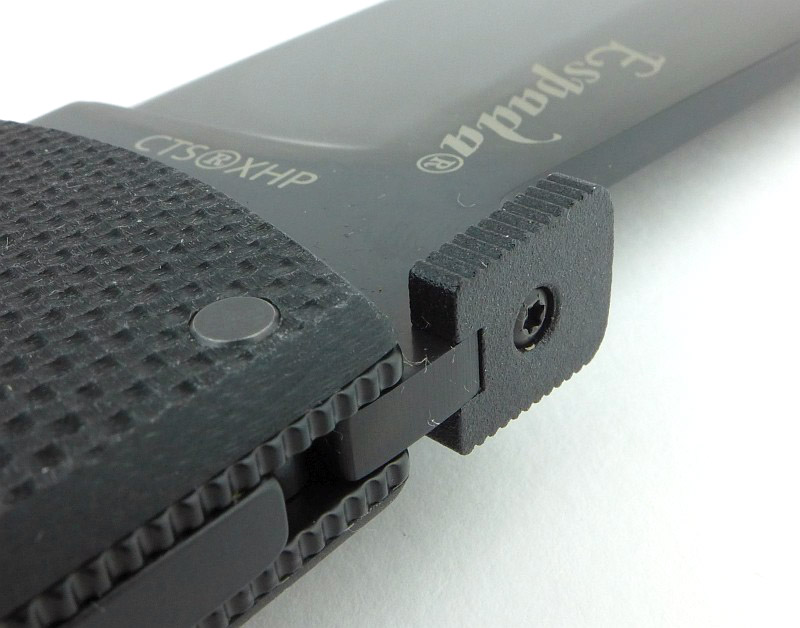
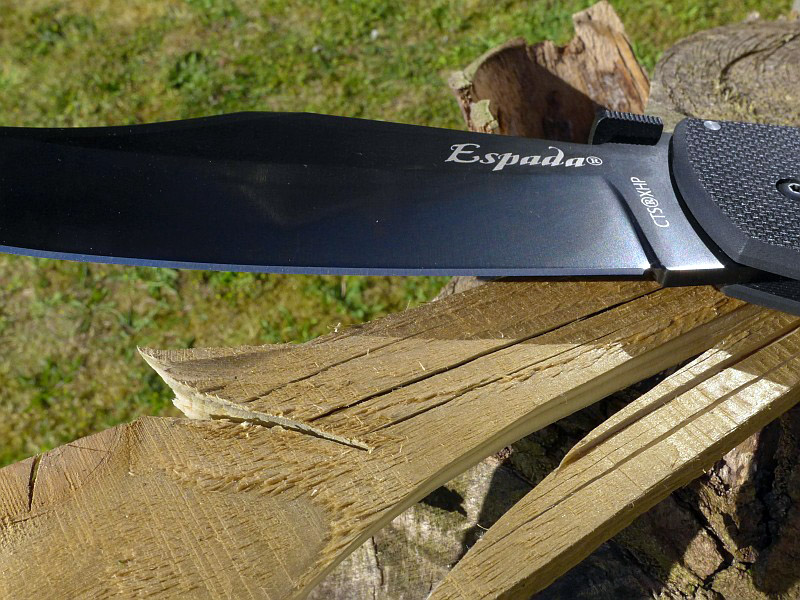
The blade is made from Carpenter CTS XHP Alloy with DLC Coating.

A few more details:

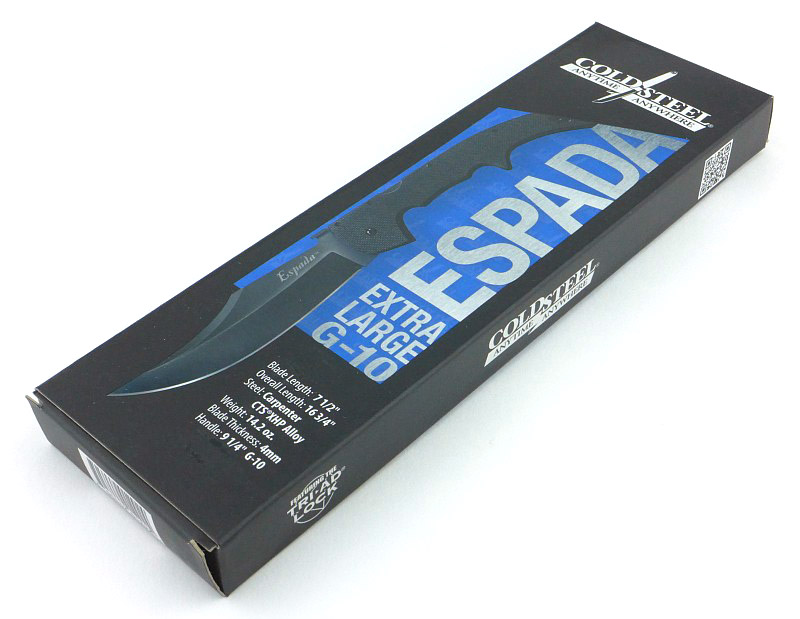
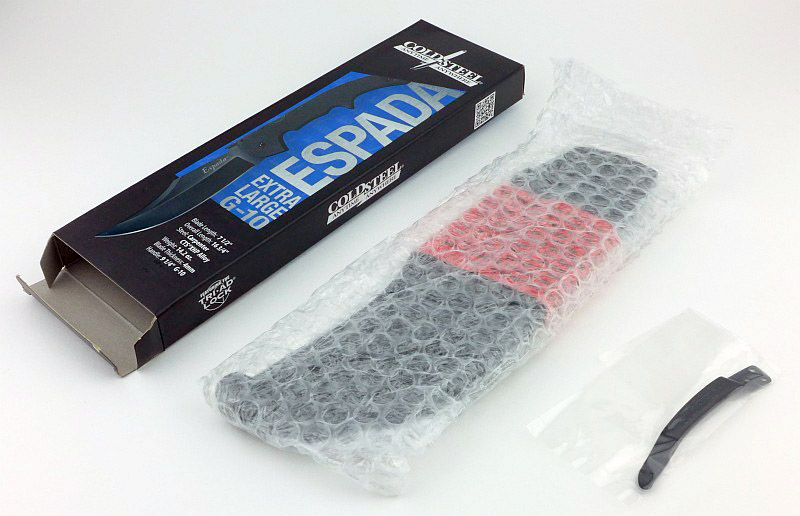
For such a large knife, the Espada XL G-10 arrives in a relatively compact box.

However, this is because the knife completely fills that box.

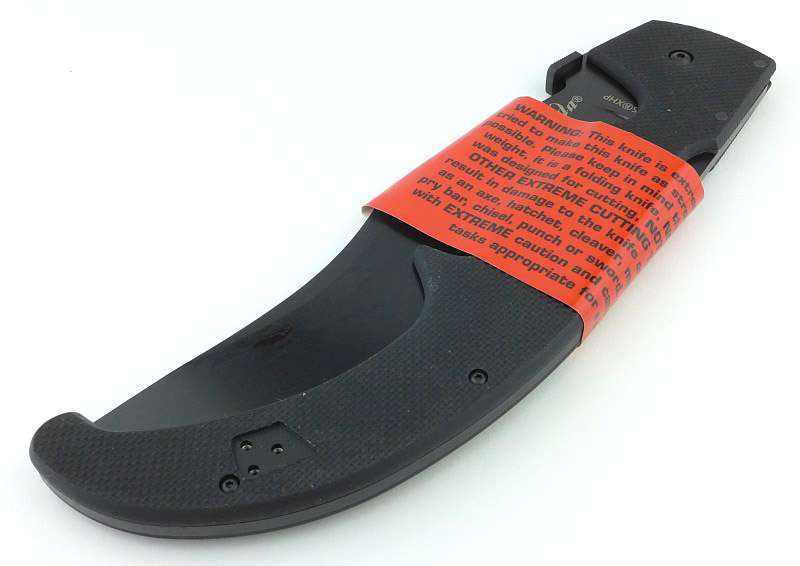
In most cases I think it is over the top to put a warning on a knife that is it sharp, but the Espada XL is worthy of extra caution with that huge sweeping belly of the blade eagerly waiting to bite like a ravening dog.

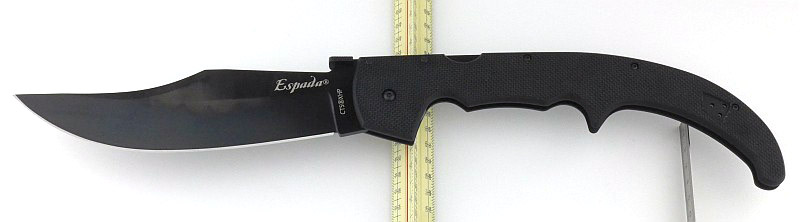
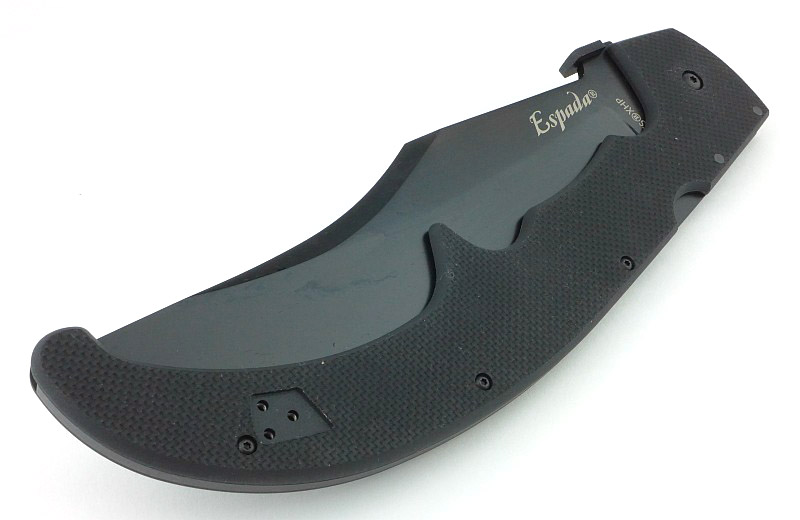
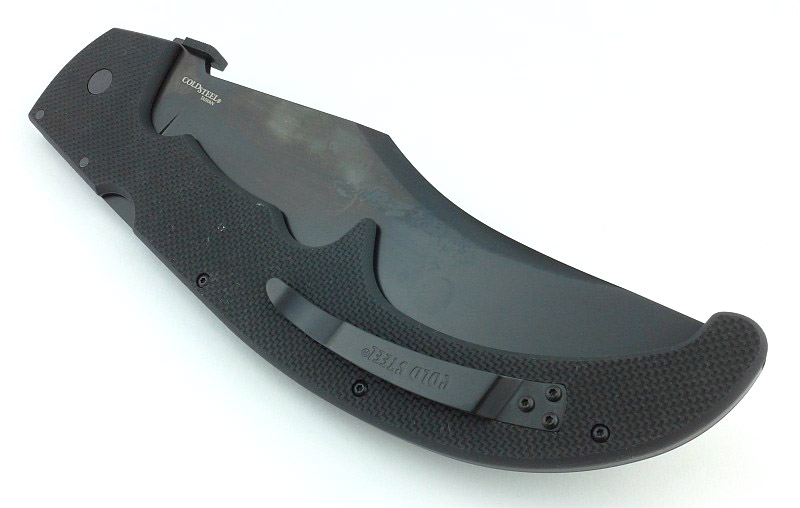
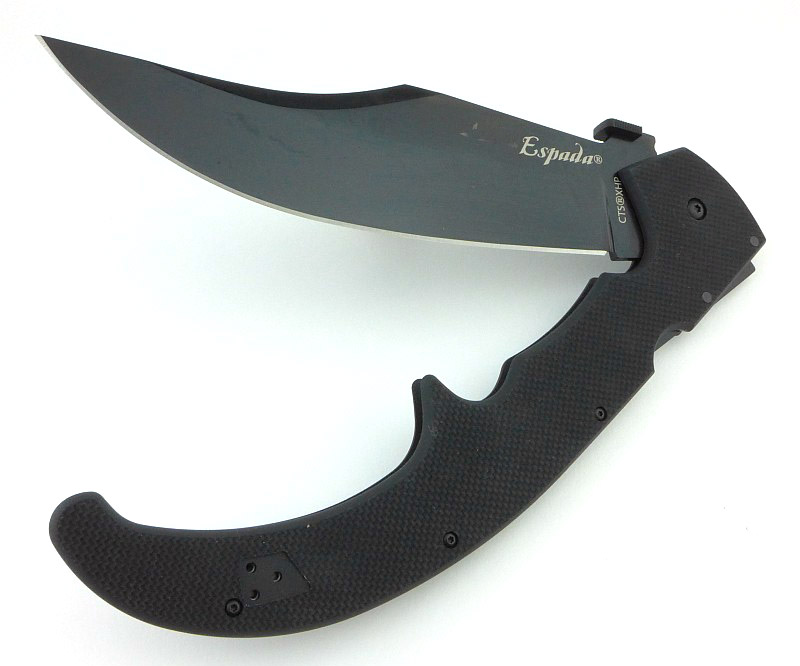
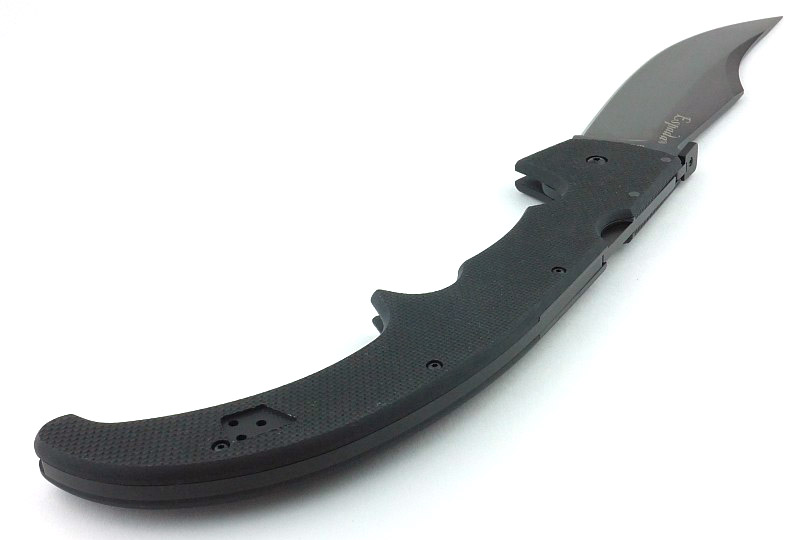
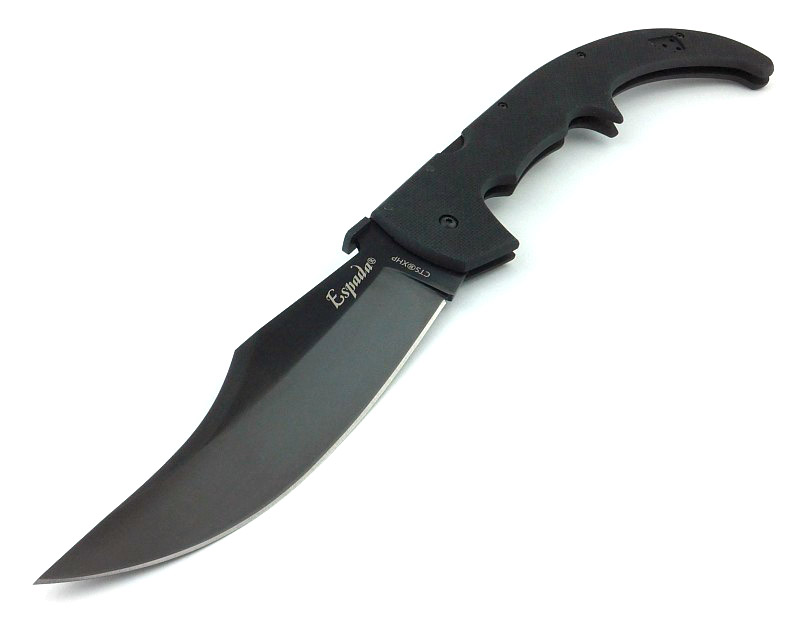
And there we have it, the Espada XL fresh out of the box.

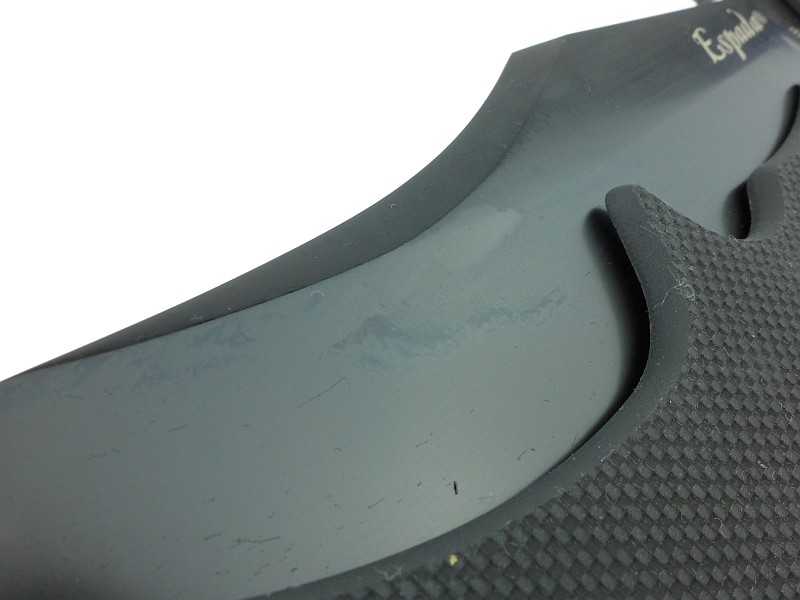
That massive blade has a thin film of oil on it.

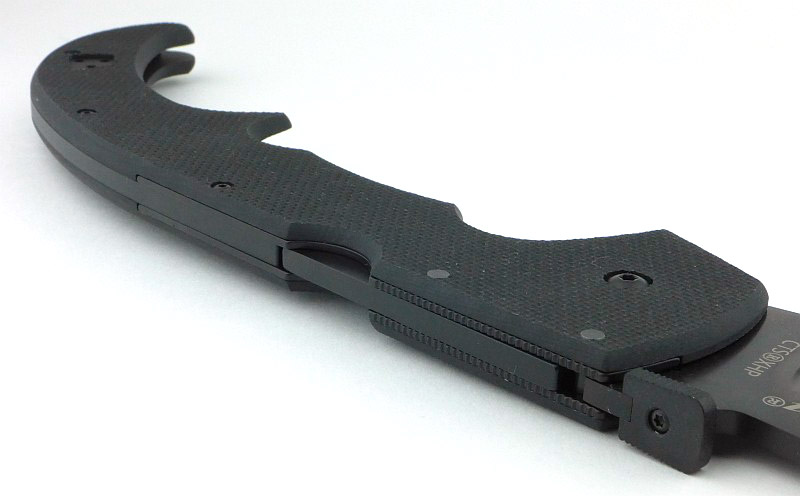
It is the oil giving the blade a slightly mottled appearance. As supplied, the clip is fitted for a right-handed person.

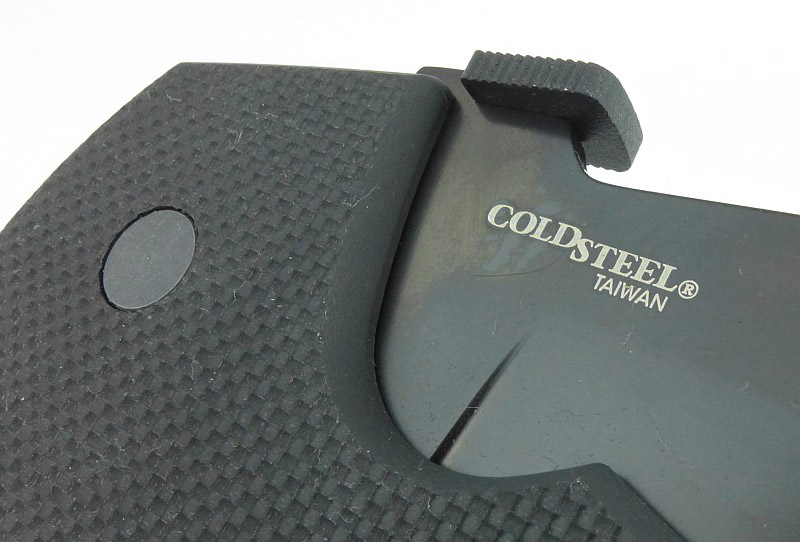
The G-10 version is made in Taiwan.

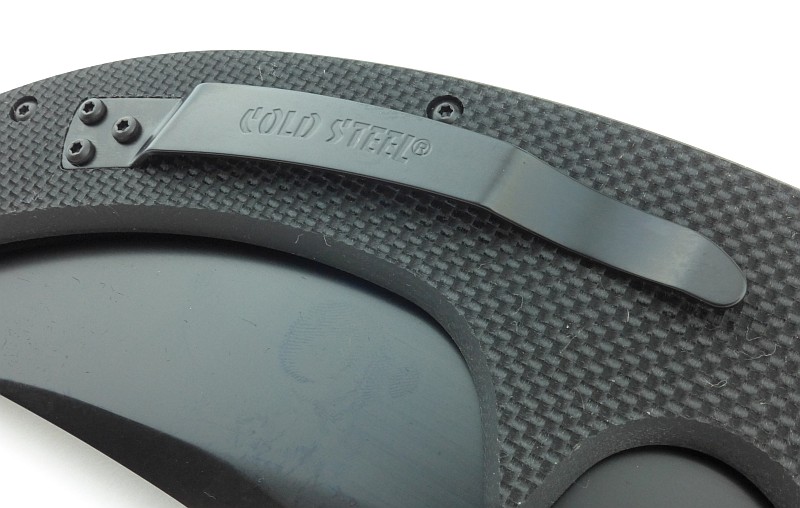
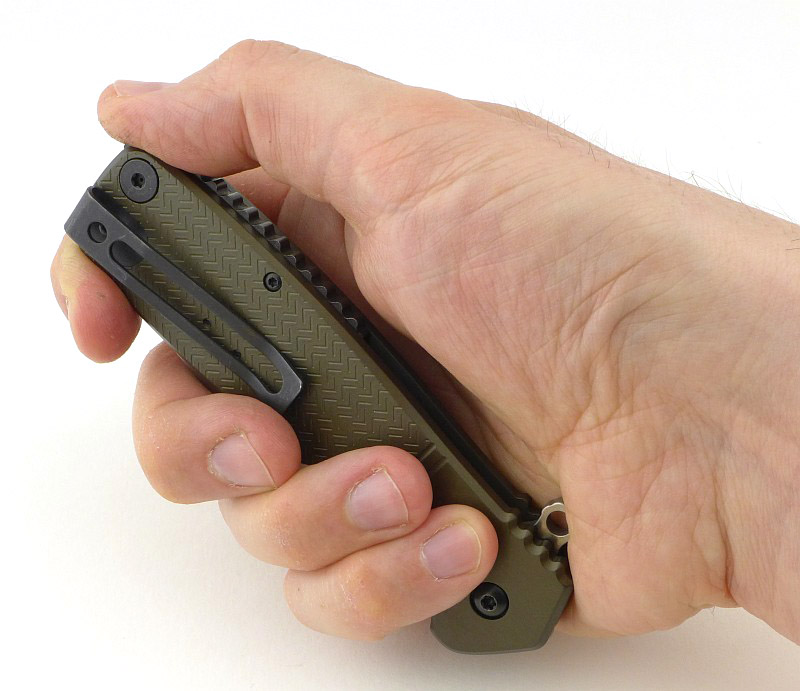
The sweeping clip echoes the lines of the curved handle.

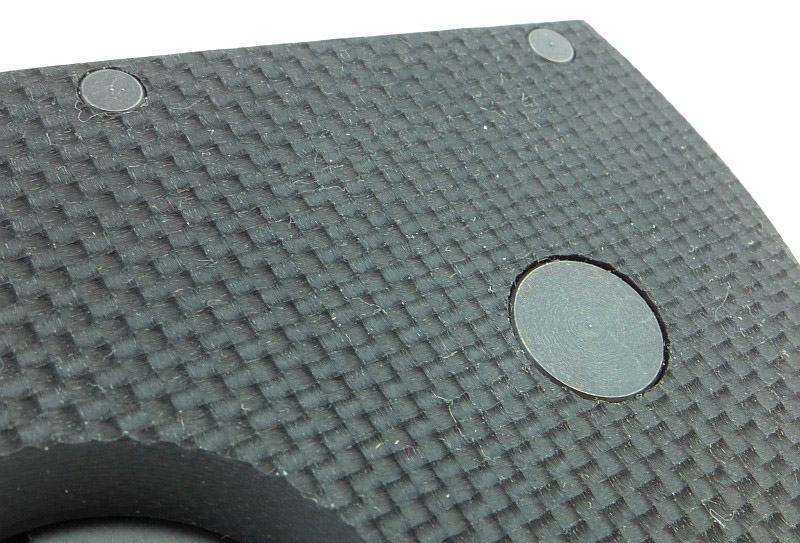
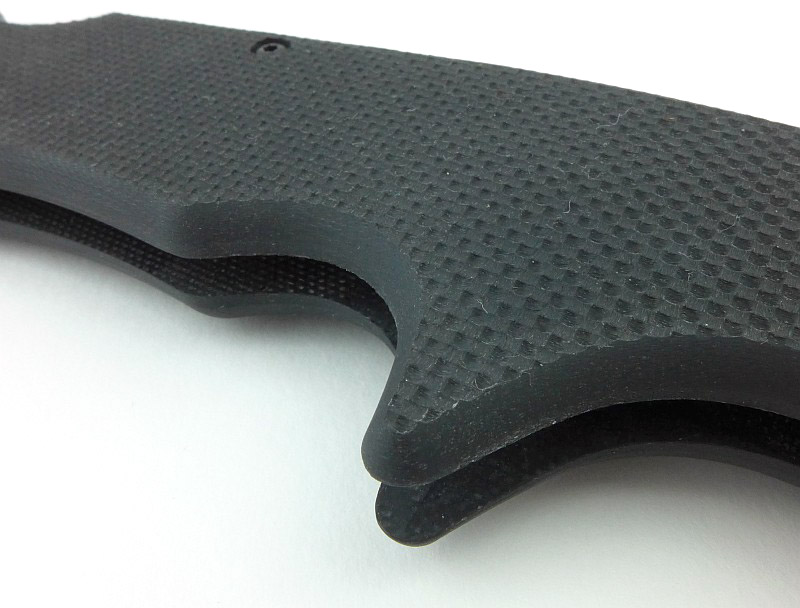
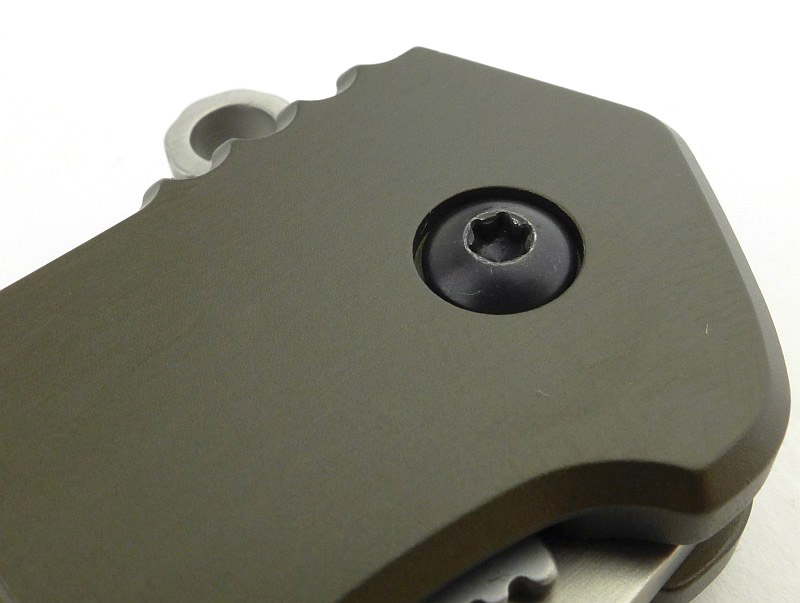
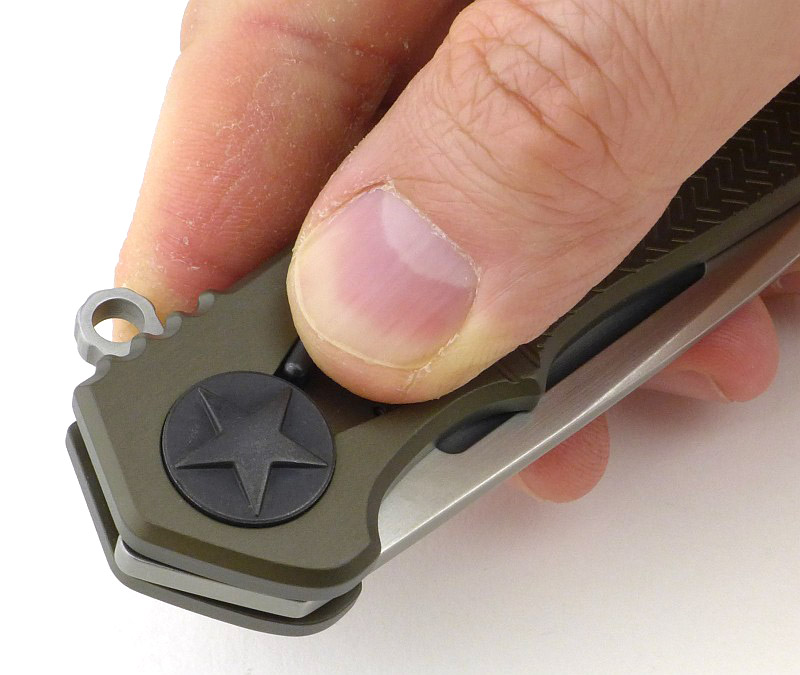
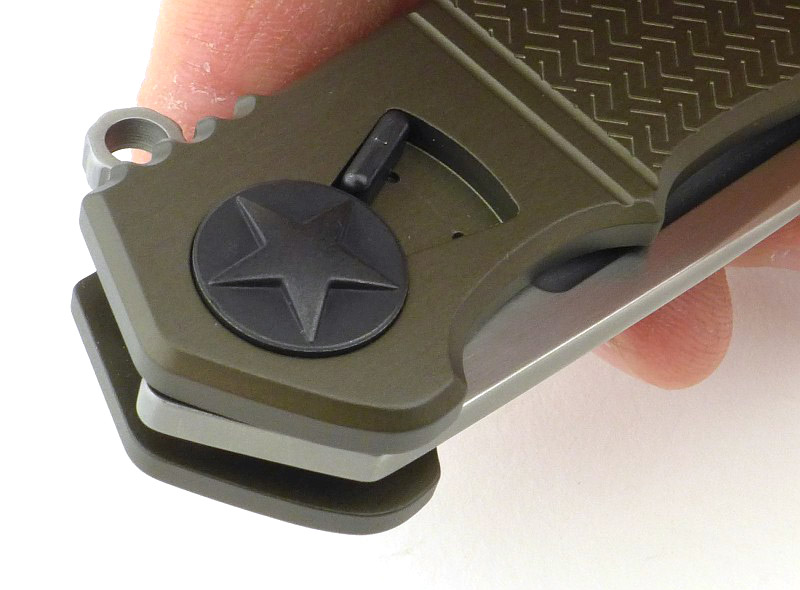
On one side, the pivot bolt is completely plain. You get a hint of the texture on that peeled G-10

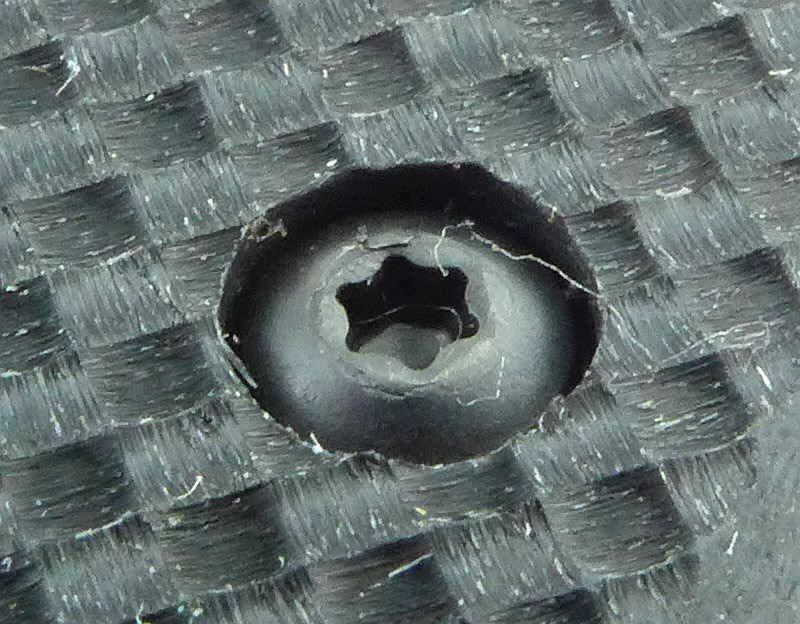
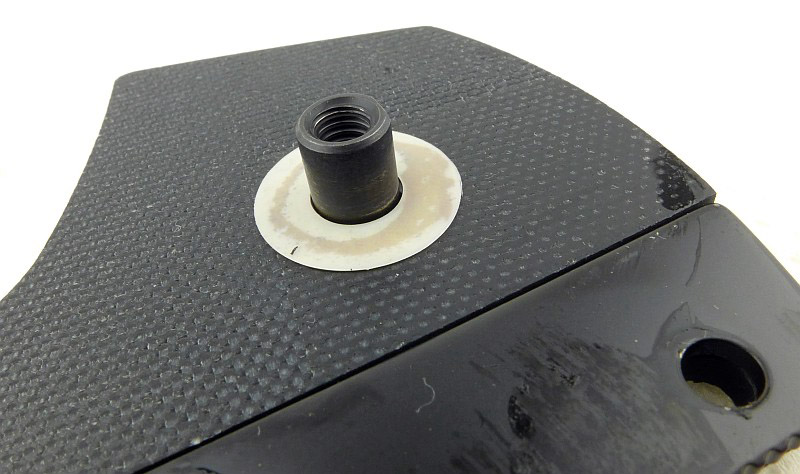
Looking in closely at one of the handle bolts the super grippy texture of the peeled G-10 is clear. This surface is created by peeling off one of the layers of G-10 material leaving the pattern of the weave in the surface of the resin. It makes for a super grippy surface.

Blade centring is excellent, especially considering the huge length of this knife.

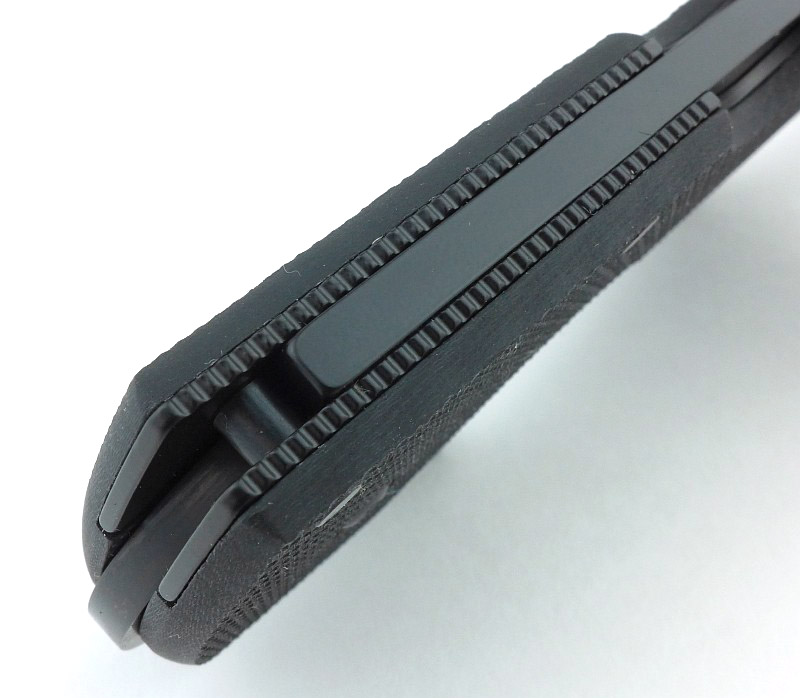
For the highly stressed areas of the lock and pivot, there are steel liner inserts. At the pivot end these are textured on the edges for grip.

Those steel liners extend beyond the end of the lock bar to spread the forces further into the handle.

An overall view of those steel liners.

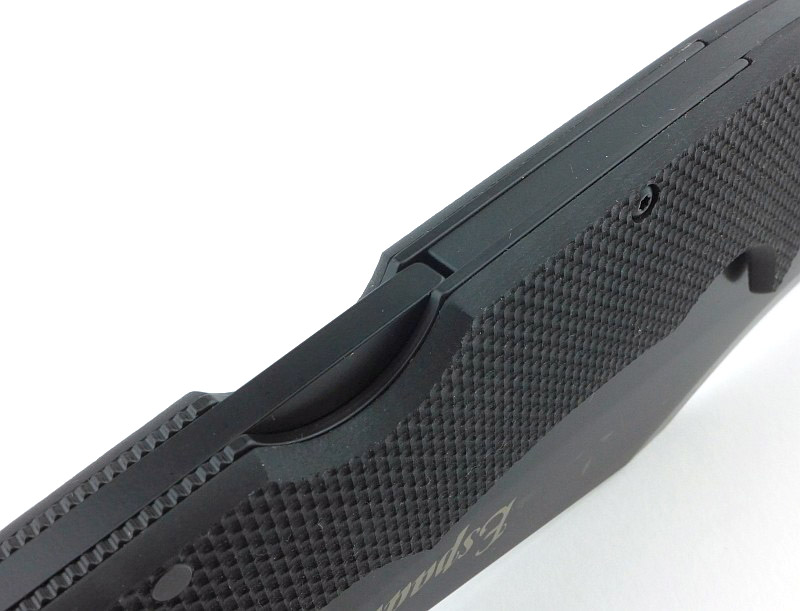
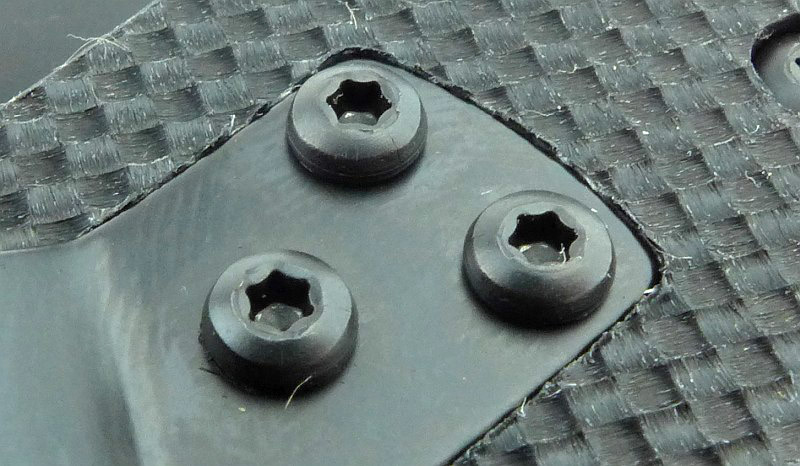
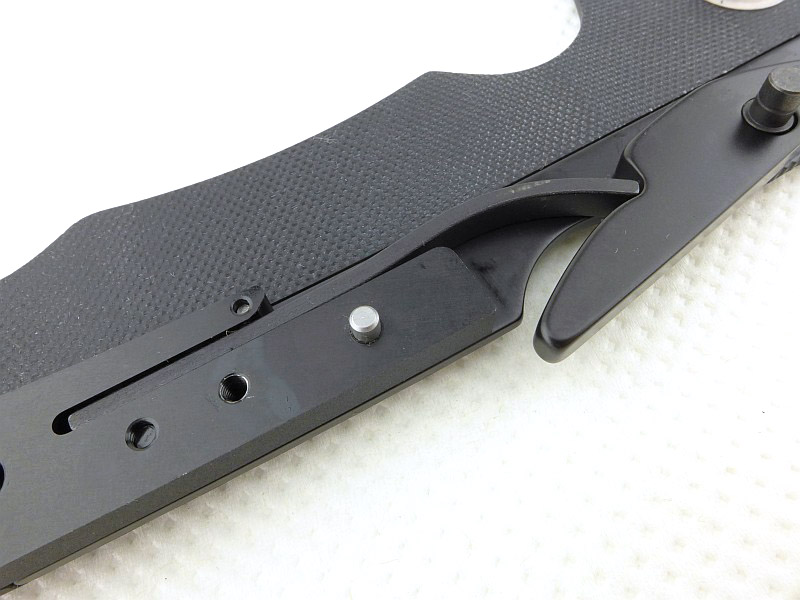
Three torx screws hold the clip in place, and the clip fits into a recessed pocket cut into the handle surface.

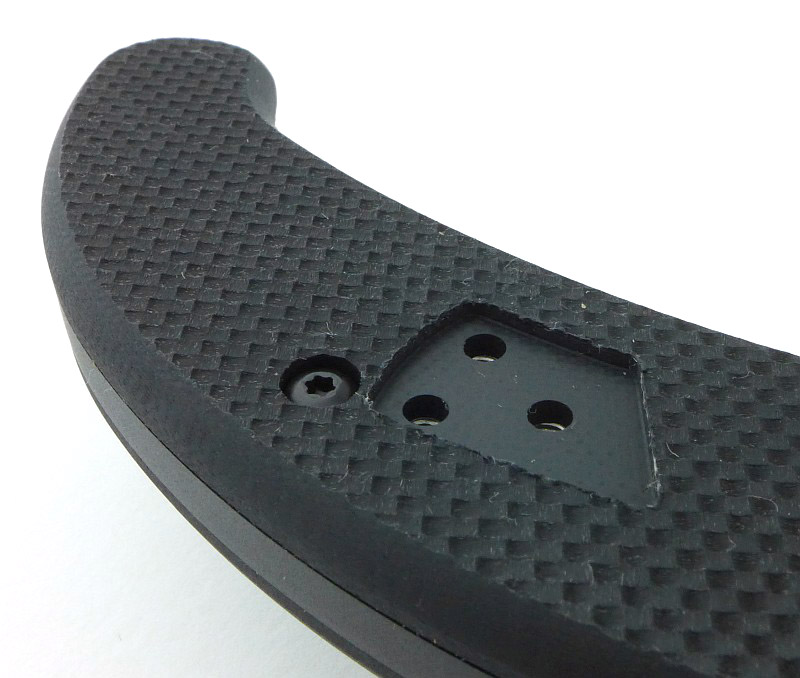
Ready for left-handed configuration the other side of the handle has the pocket for the clip to fit into. The clip is not moved from one side to the other, only the screws are reused to fit the left-handed pocket clip included in the box.

Getting ready to bite!

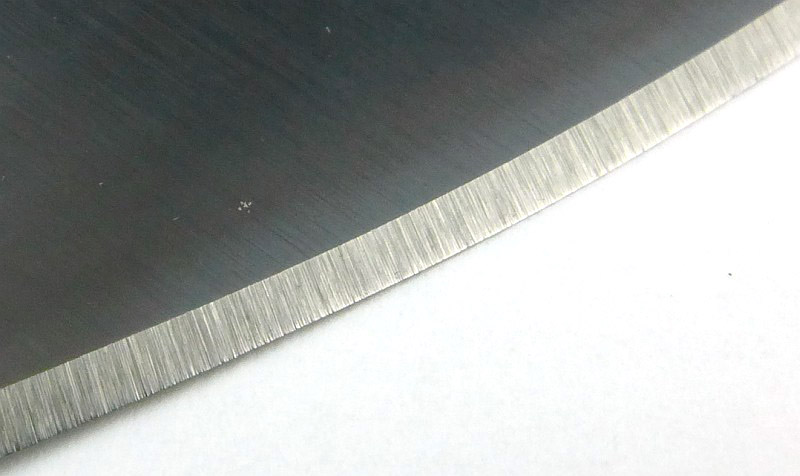
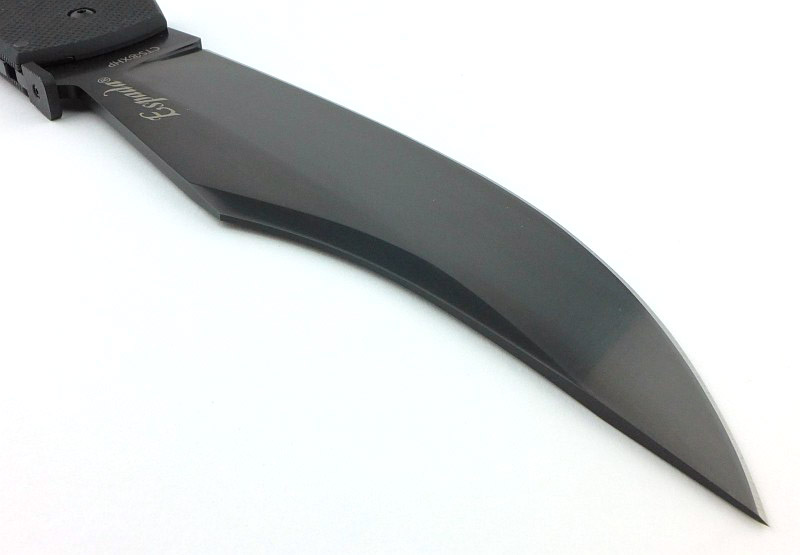
Especially considering the length of the blade, the Espada XL’s factory edge is extremely keen. You can see this is a toothy edge, but it has been finished well.

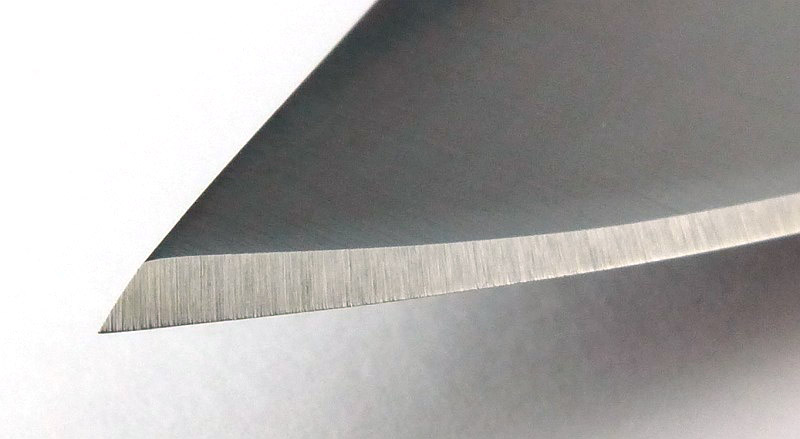
The ‘eager’ edge is topped off with a very acute angled point.

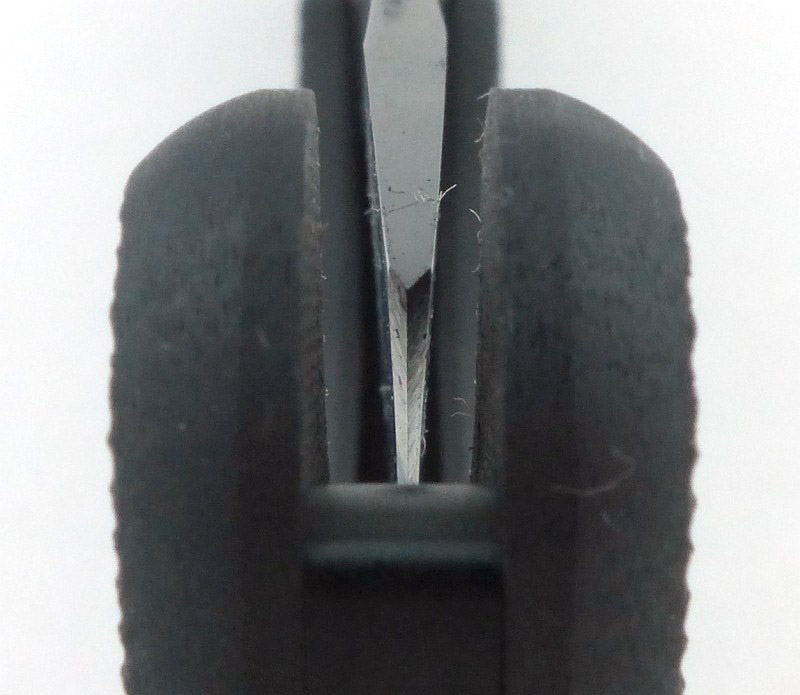
I’m pleased to see a sharpening choil at the base of the plunge line, and that the corners of the plunge line are radiused to reduce stresses.

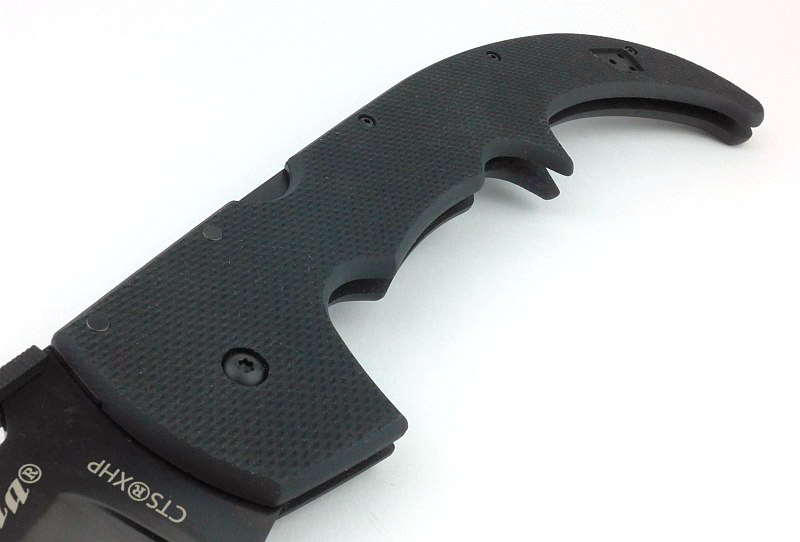
Complex curves create several grip options along the very long handle.

Of course the Espada XL needs to have a Demko Thumb Plate to make it even more awesome with out-of-pocket-opening.

All the edges of the grip are well rounded so as not to cut into your hand. The first finger grip groove is generously sized with deep finger guard.

Moving to the middle of the handle and a spur provides masses of grip for the front or mid-grip hand positions.

Grip options extend right through to the hooked end of the handle.

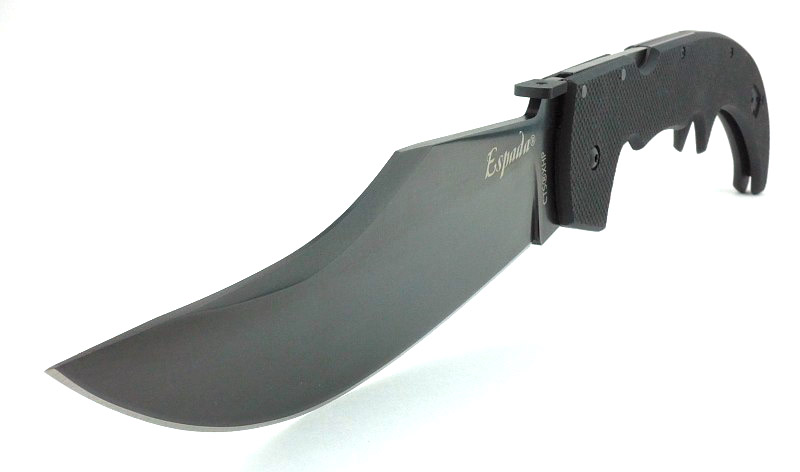
On the Espada XL the trailing point blade has a huge elegant sweeping curve to the tip.

What it is like to use?

Cold Steel describe the Espada series as ‘pocket swords’ and with the Espada XL this is an apt description, but I’d like to move away from the connotations that has and onto the enthusiasts point of view.

Honestly I can’t say the Espada XL is a practical tool, but who cares; it is an awesome giant folding knife!

Actually it is very capable as a slasher for jobs where you would use a machete, so if you want a very expensive folding brush clearing tool that will keep you grinning, look no further. If you happen to have large blocks of material that need deep cuts, it also excels at this (like thick foam rubber for cushions), so you can argue a level of practicality, even if a bit of a reach. But practicality is not what this knife is about; it is an enthusiasts knife.

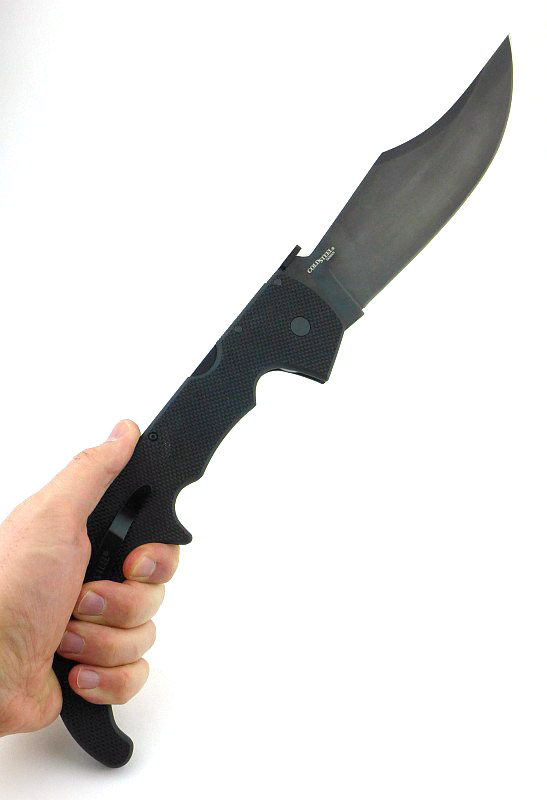
When you are using it, there are many different grip options. Starting with the primary forward grip for working with the blade for cuts requiring the most strength to be applied.

Moving to the mid-grip and with the spur between your middle fingers you have more reach and like this can use the blade to cut precisely or to chop.

Taking up the most extreme hand position on the final hook of the handle and you have very long reach and like this would primarily slash and chop instead of making more controlled cuts.

Let’s jump into a short video with some slow motion opening and cutting.

Video Edited with – Cyberlink Director Suite 5 (PowerDirector 16 and AudioDirector 7)
Camera – Panasonic HC-V770    Microphone – Tonor TN120308BL

This wood chop was not shown in the video, but I wanted to include it to show a cut made into a well seasoned fencing board, that was placed, unsupported, on the ground. The cut was made at a 45 degree angle towards the ground, so the bottom of the board could not move downwards, but nothing held it sideways except the inertia of the board itself. A very deep cut was the result; not all the way through, but impressively deep.

Using the factory edge (with no touch up at all), this lightweight cardboard tube has a very clean-edged slice through it.

The video also showed some size comparisons, but here they are as photos.
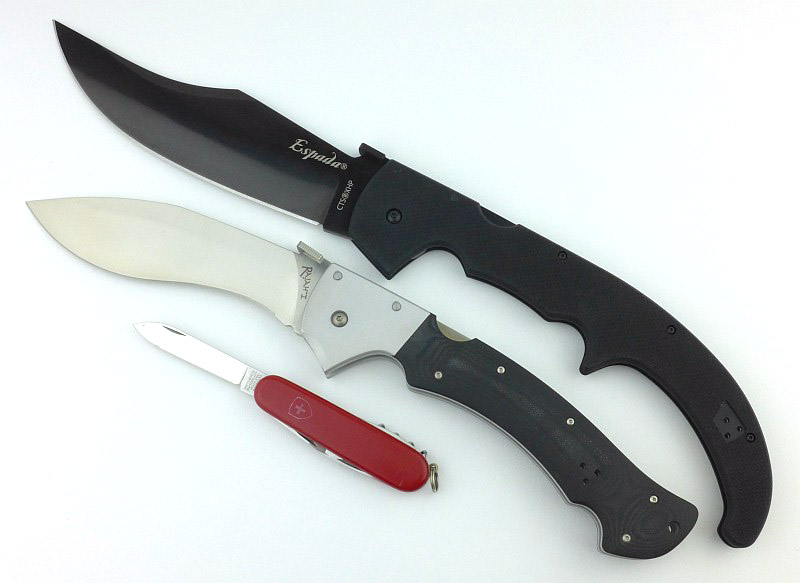
In this image we have the Espada XL along with another well known large folder, the Cold Steel Rajah I (the same size as a Rajah II) and a standard size Victorinox pocket knife.

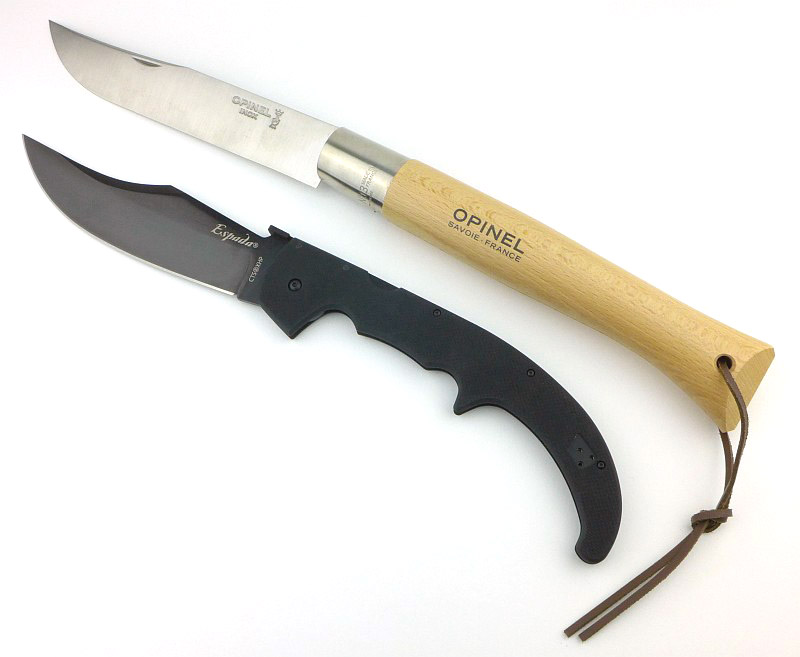
So, the Espada XL is not the largest folding knife I have, the Opinel No. 13 ‘Le Géant’ is, which in terms of pure size does beat the Espada XL, but it is nowhere near as robust.

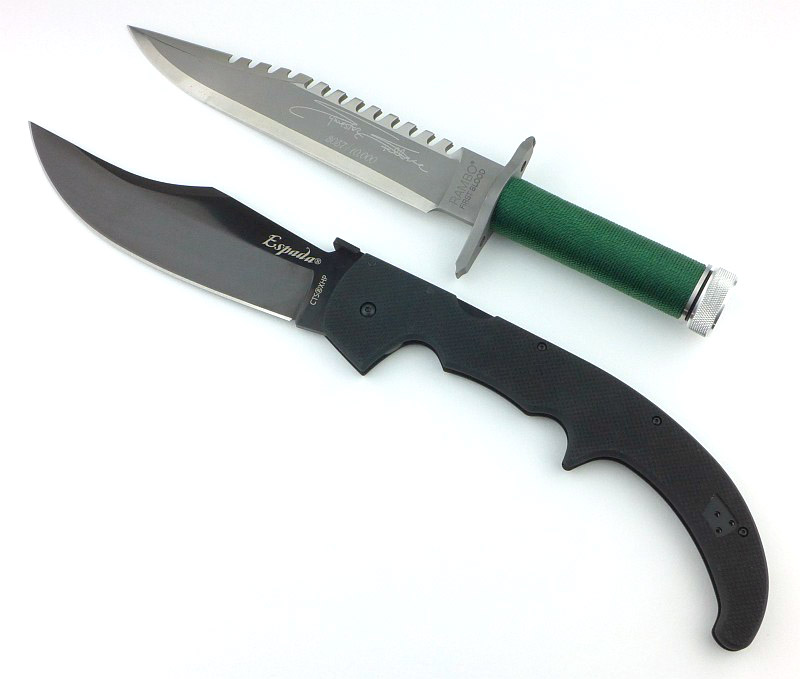
And just because I wanted to, this is a Master Cutlery First Blood replica, showing what a beast the Espada XL really is.

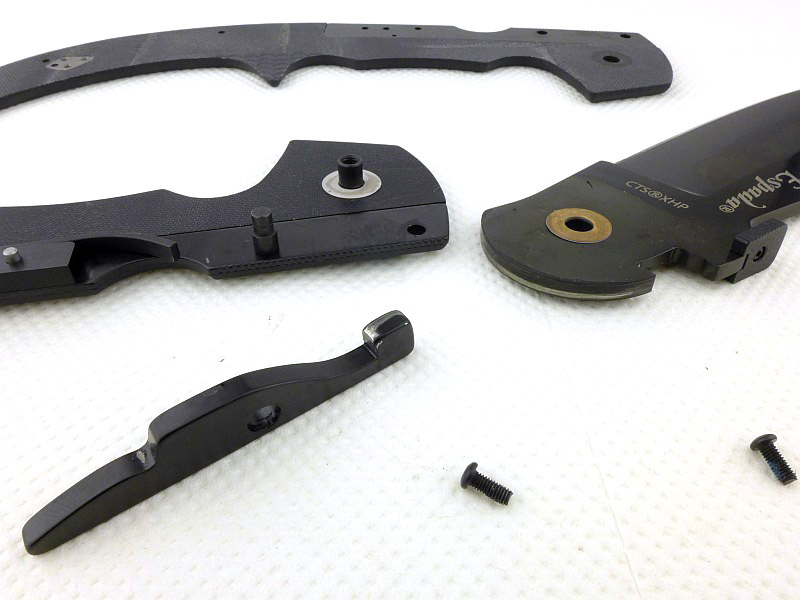
Along the way with this review, I had reason to open the Espada XL up. This proved to be a very easy job, and allows me to show a few internal details. Once you have the pivot bolt and three handle bolts undone, the handle lifts off easily and initially leaves its steel liner in place. This then lifts off easily too.
With the blade then opened up, you press the lock bar to relieve the pressure on the blade tang and lift the blade off the pivot. The lock bar, once you release the pressure, then lifts off its pivot.
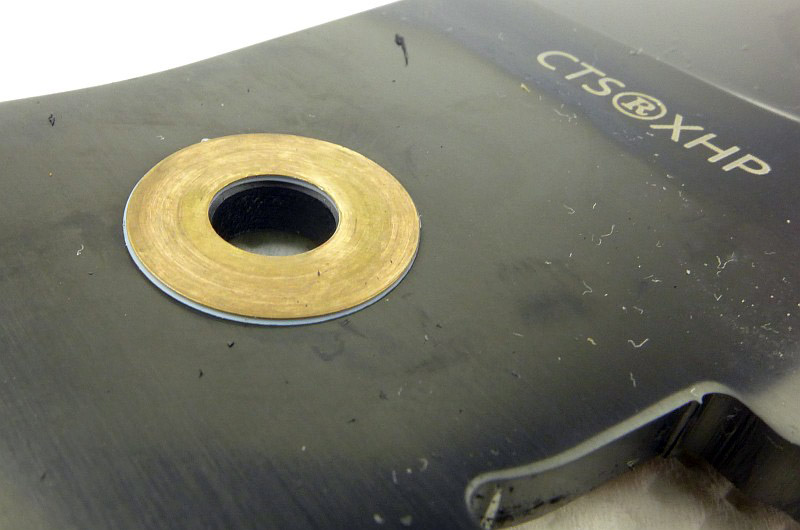
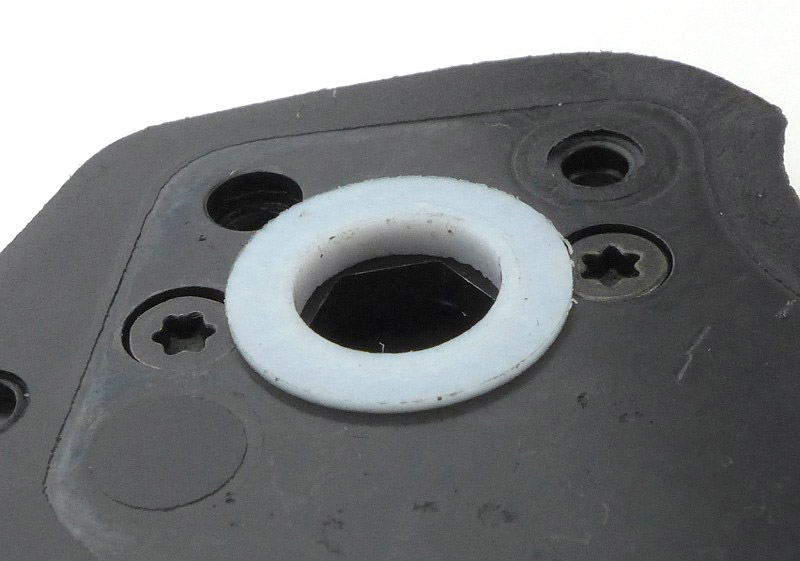
Note that the washers look different here, but that is because each washer is made of two thinner washers, a nylon or teflon (white) washer positioned next to the blade, and a phosphor-bronze washer between the nylon washer and the G-10 handle.

A closer look at the pivot bolt and the nylon washer.

Zooming in on the two-part washer.

Keeping the super strong Tri-Ad lock locked, is a heavy spring, one of the strongest I’ve come across in a back lock.

The Espada XL is a GIANT folding knife, and definitely needs consideration if you want to carry it. You’ll need a deep pocket (like leg pockets on cargo trousers) and the will to have a mostly impractical blade on you. However the genius of the Espada XL’s design is that you CAN carry such a big knife and not be too weighed down by it.

Another point to note is that though the G-10 edition may well be the cheaper version of the Espada XL, actually I’ve found it to be more usable (if not as beautiful). Mainly this is due to the super grippy handle and the fact there is no polished aluminium to get scuffed up through use. According to Cold Steel, the G-10 edition retains 90% of the strength of the original, and it is slightly lighter (50g or 1.8oz). I really must come back to that grippy handle; no matter how sweaty or wet my hands are there is no lack of grip, unlike the polished handle of the original. This is to such a degree I have considered sanding the handles a bit to take off some of the ‘sharpness’ in the surface texture, as it can be pretty abrasive. This is definitely something you might want to do under the clip as you will wear away your pocket very fast if you don’t.

This knife is just so much KNIFE, you want to find a reason to carry and use it.

Review Summary

The views expressed in this summary table are from the point of view of the reviewer’s personal use. I am not a member of the armed forces and cannot comment on its use beyond a cutting tool or field/hunting knife.

Something that might be a ‘pro’ for one user can be a ‘con’ for another, so the comments are categorised based on my requirements. You should consider all points and if they could be beneficial to you.

_______________________________________________ _______________________________________________
Things I like What doesn’t work so well for me
_______________________________________________ _______________________________________________
This is a really BIG knife! This is a really BIG knife! (It is not a mistake putting this in both columns.)
Super strong Tri-Ad lock. Demko opener ‘eats’ your pocket.
Very grippy handle. Handle can be overly abrasive.
Pocket carry is possible despite the size.
Demko Opener allows rapid blade opening..
Extremely ‘eager’ blade wants to cut everything.
This is a really BIG knife! Enthusiasts will LOVE it.


Discussing the Review:

The ideal place to discuss this reviews is on a forum. If you started reading the shorter forum version of the review, but followed the link this full exclusive review, please return to that forum to discuss the review there.
If you read the review entirely on Tactical Reviews, please consider one of the following to join in any discussion.

BladeForums – Knife Reviews (US based Forum for Knife Discussion)

CandlePowerForums – Knife Reviews Section (Largest and Friendliest Flashlight Community Forum)

The BESS Exchange – A forum discussing technical aspects of sharpness and truly understanding your sharpening process.

Light Review: Surefire 2211 Signature Wrist Light

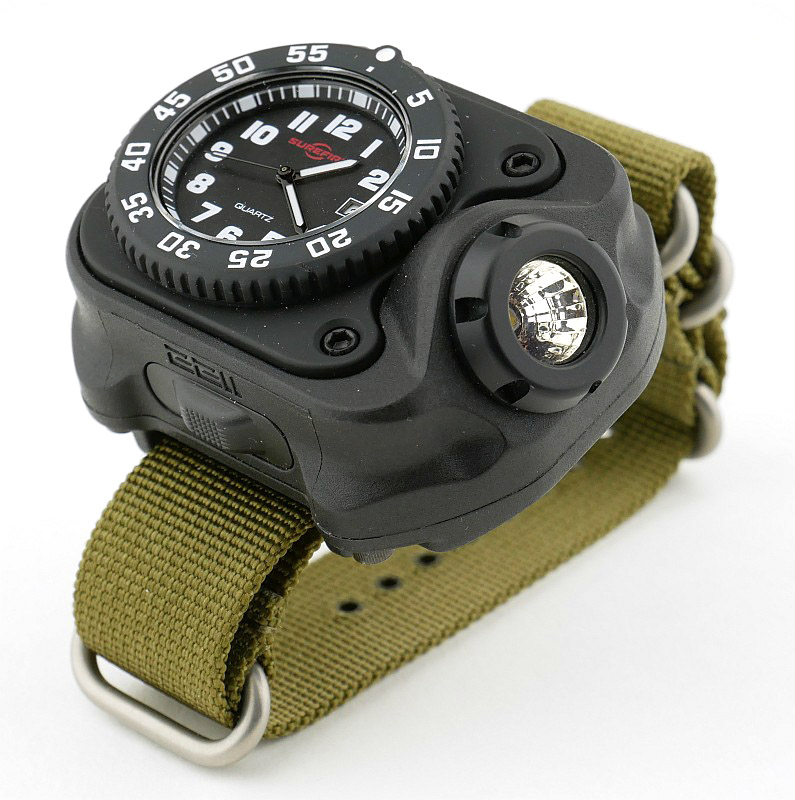
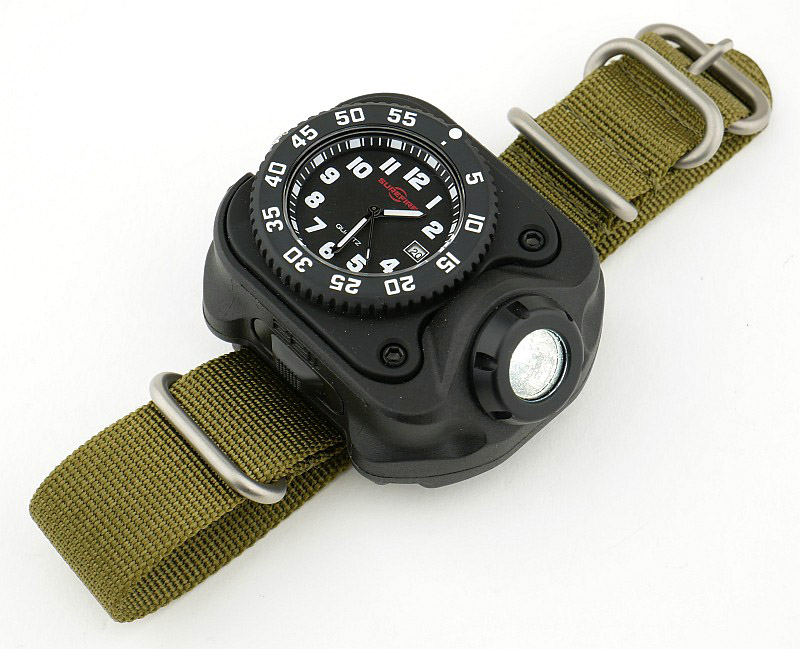
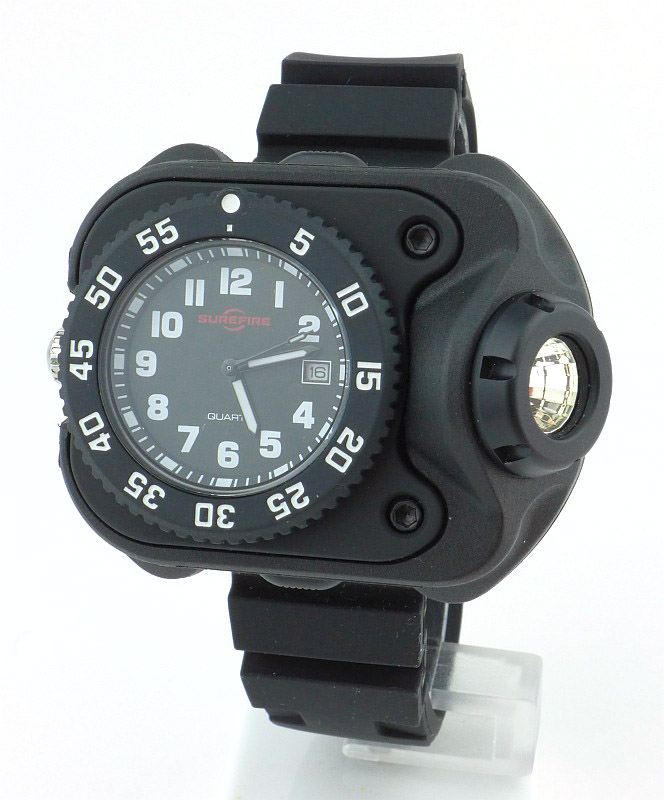
Surefire have expanded the choice in their 2211 Wrist Light range with the addition of the 2211 Signature Wrist Light. This features an integrated watch face (like the Luminox version) which is a special new Surefire branded version.

Taking a more detailed look:

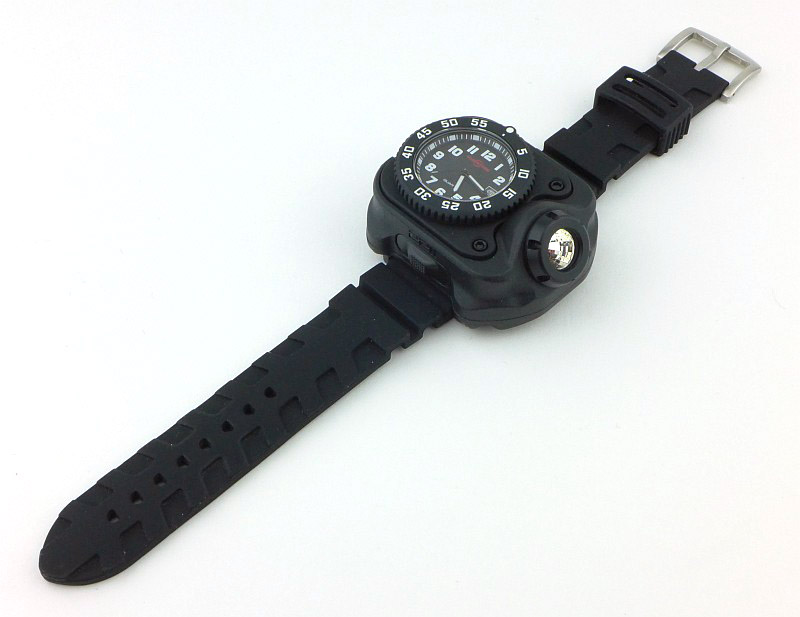
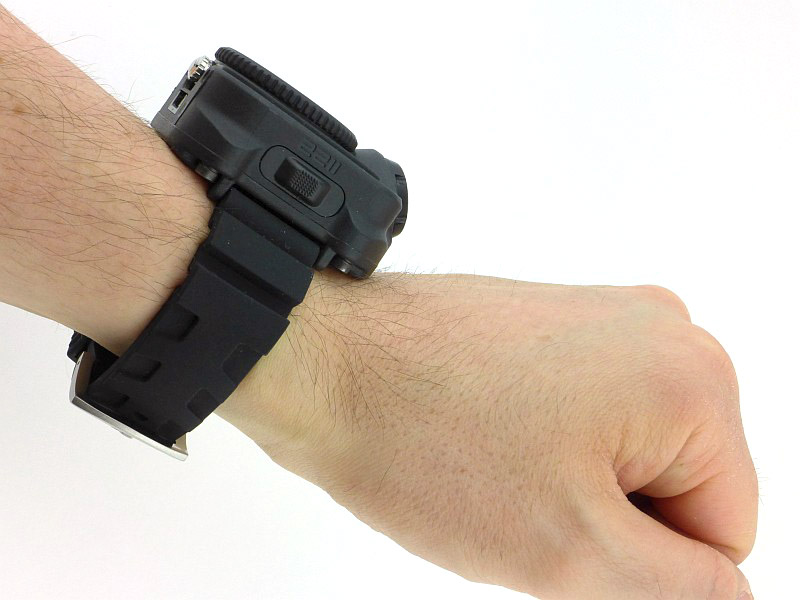
This review sample was a final pre-production example, so had no packaging and has a rubber strap instead of a NATO strap. All other details are the same as a production version.

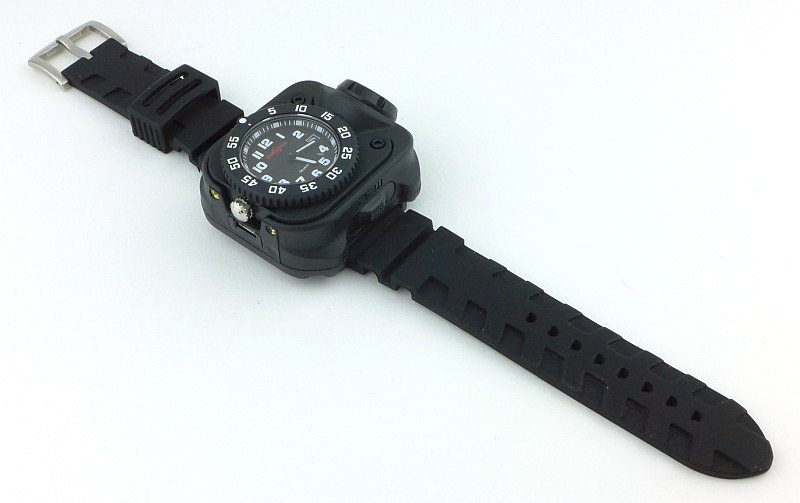
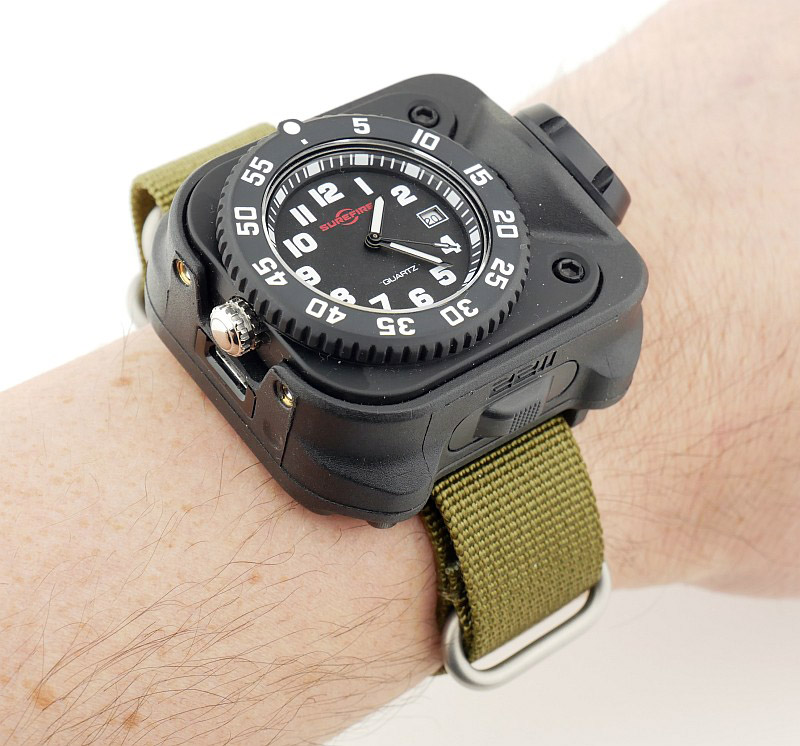
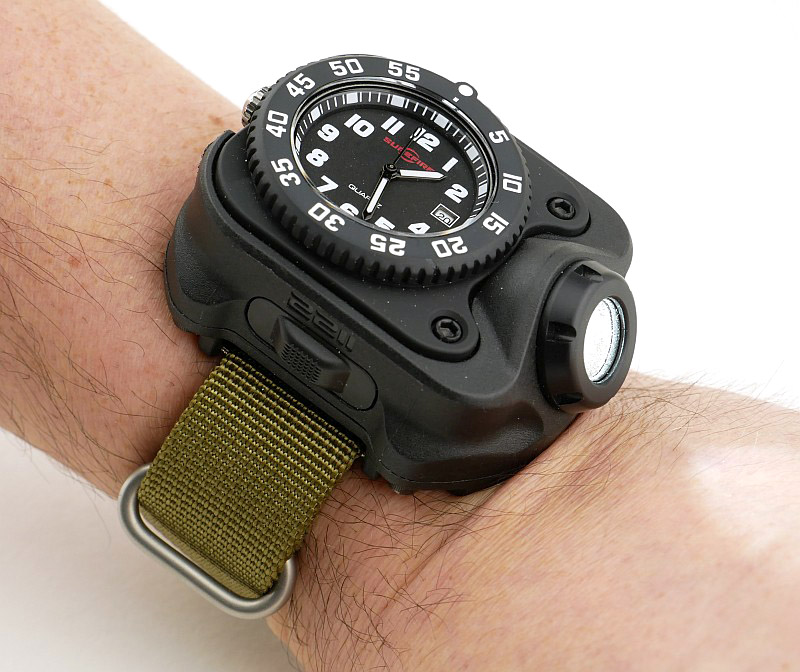
You might have seen the earlier ‘Luminox’ version of the 2211 Wrist Light, so this large watch may look familiar, but is the new ‘Signature’ model.

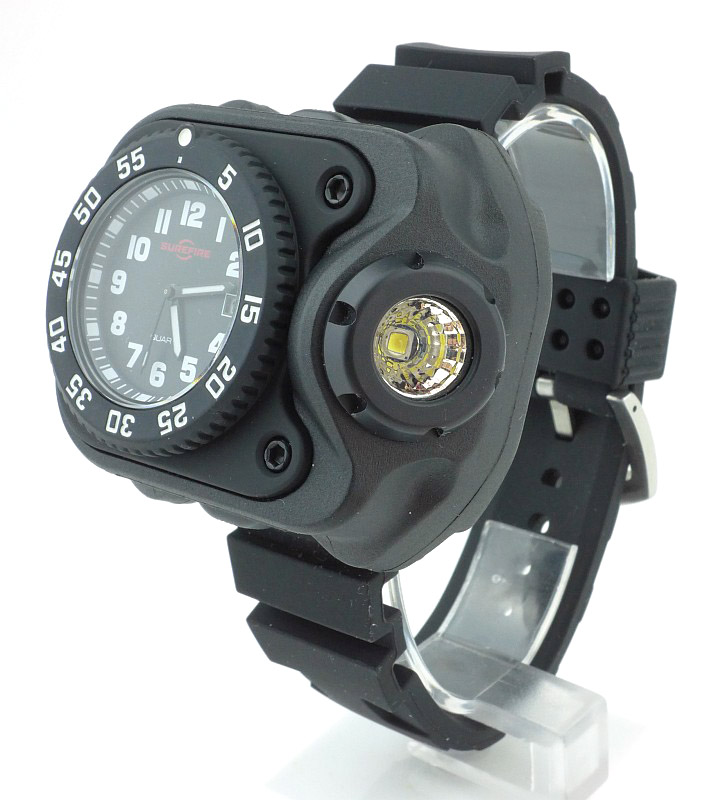
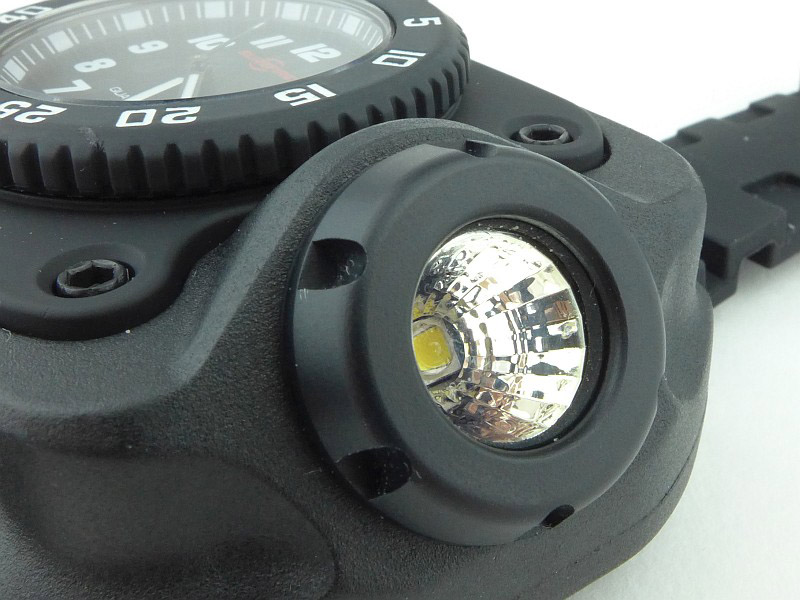
At the 3 o’clock position there is an angled, faceted reflector creating Surefire’s “MaxVision Beam”.

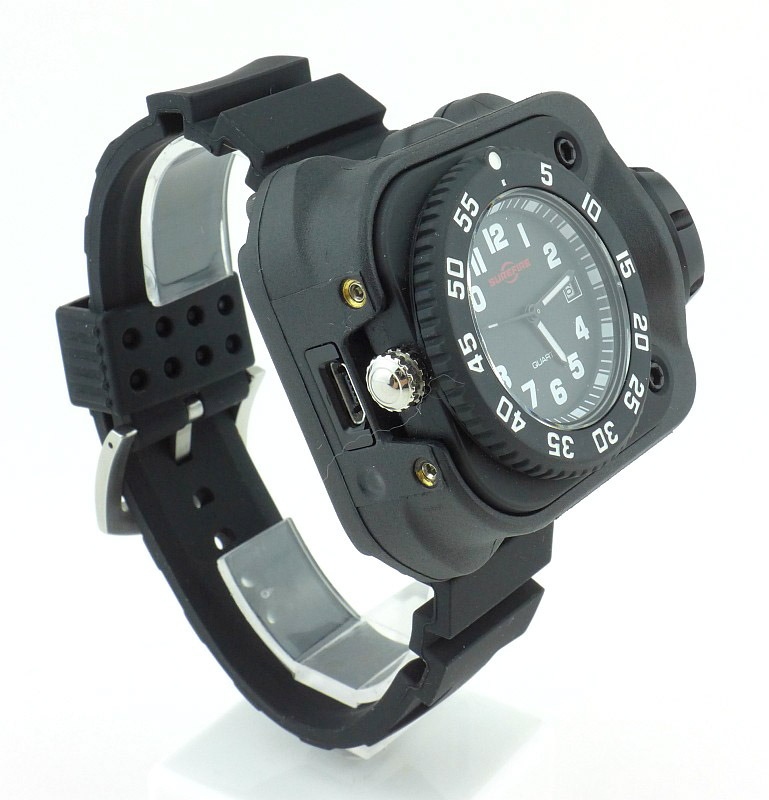
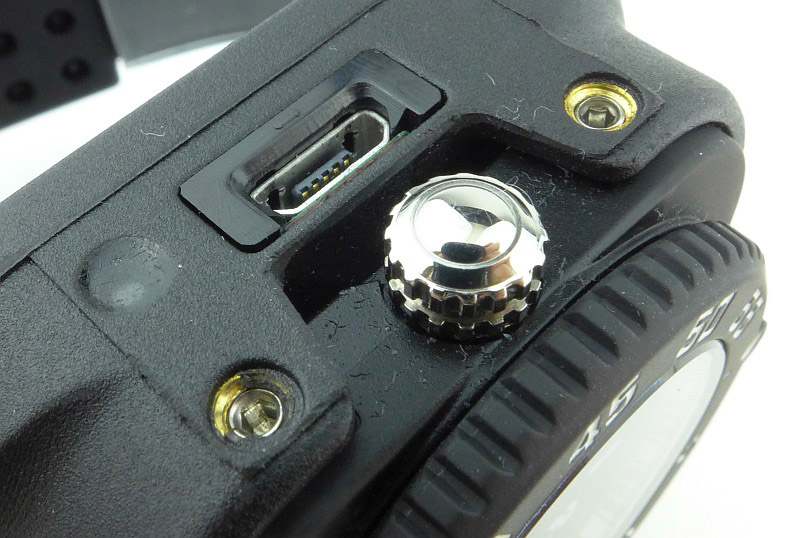
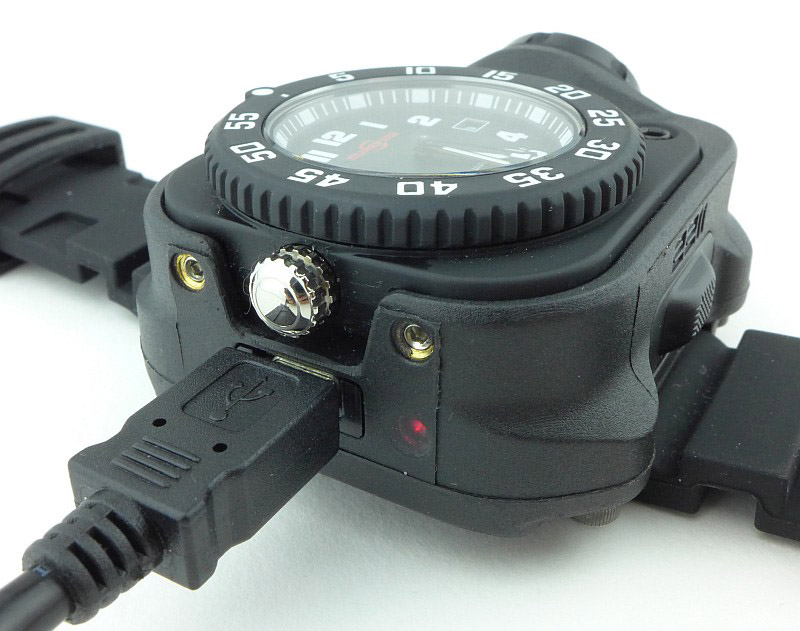
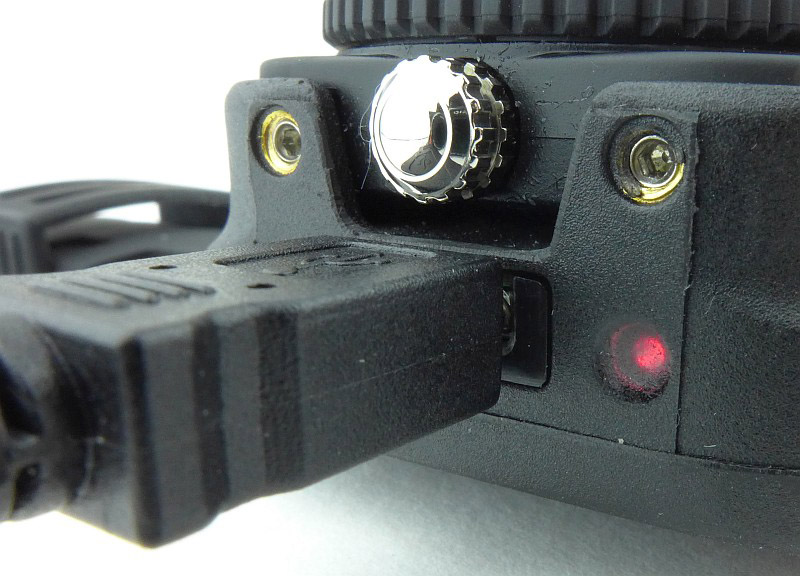
And at the 9 o’clock position there is the watch crown and USB charging port.

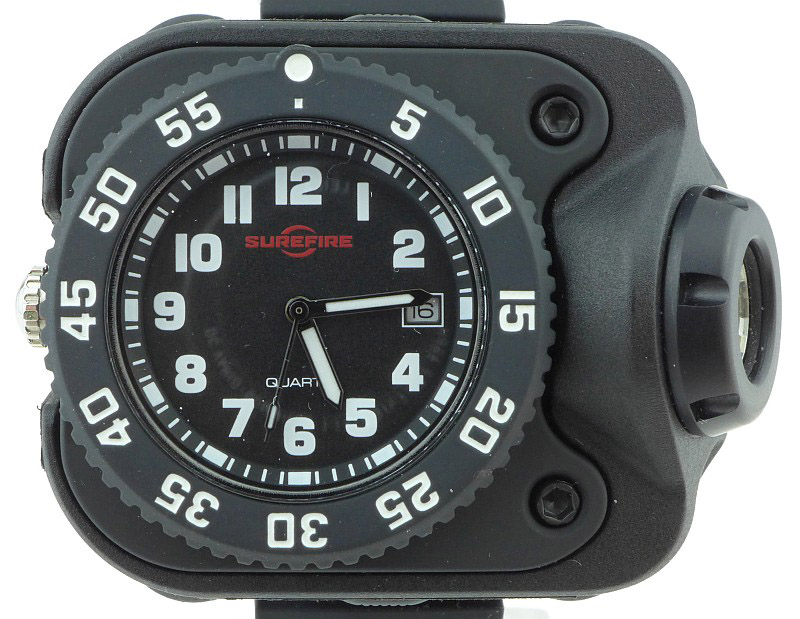
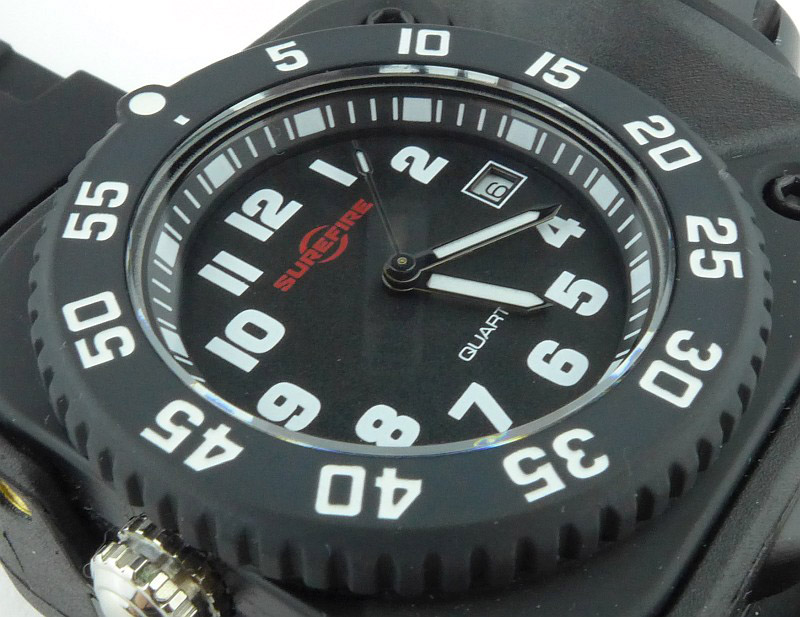
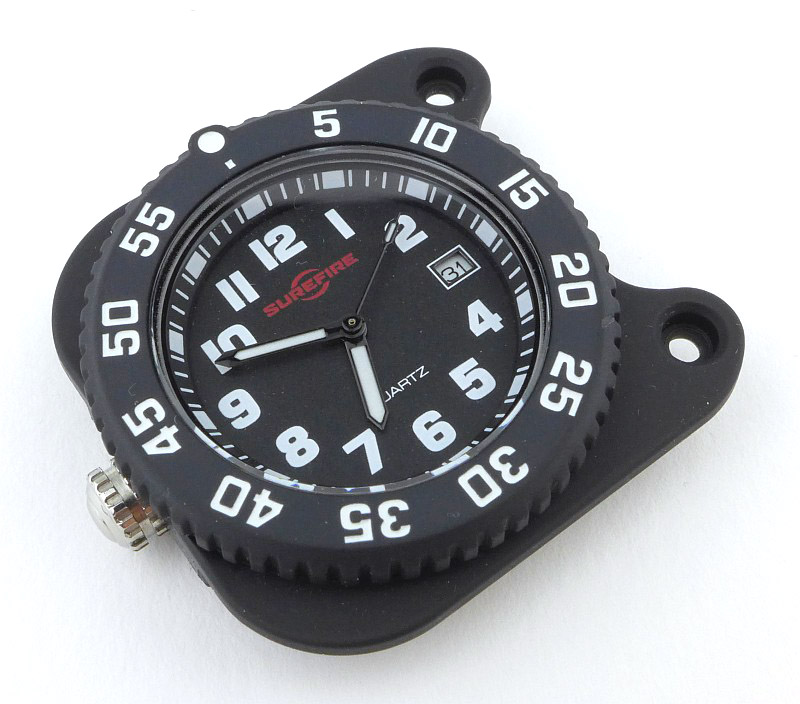
A bold tactical style watch face is incorporated into the 2211 Signature. Note there is some reflection in the glass of the camera lens so this is not any type of smudging on the watch face.

Being a rechargeable model, the 2211 Signature has a micro-USB B port for maximum compatibility.

For a watch, the body is exceptionally thick, but that is of course because this is a Wrist Light. Remember the strap on the production model is a NATO strap.

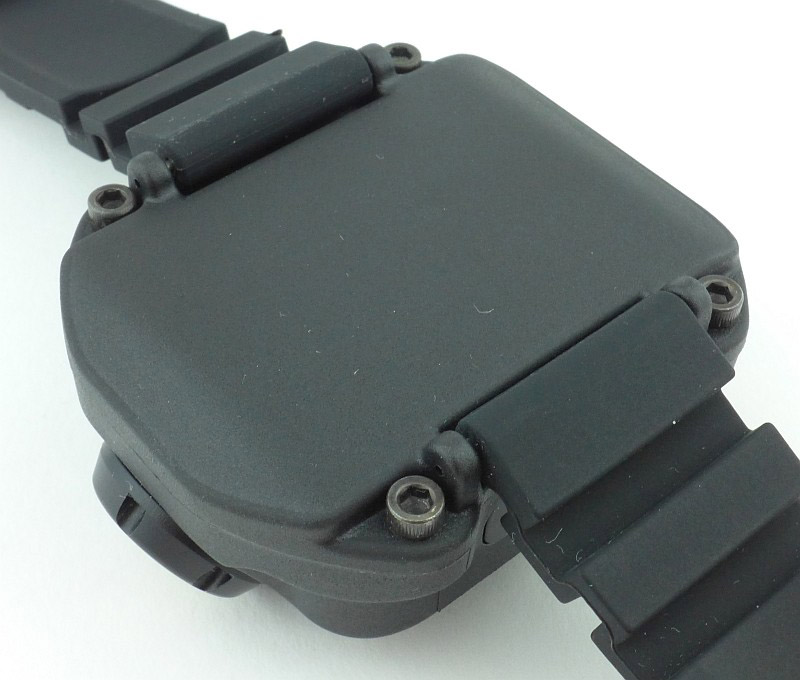
The back of the 2211 Signature is a smooth flat plate.

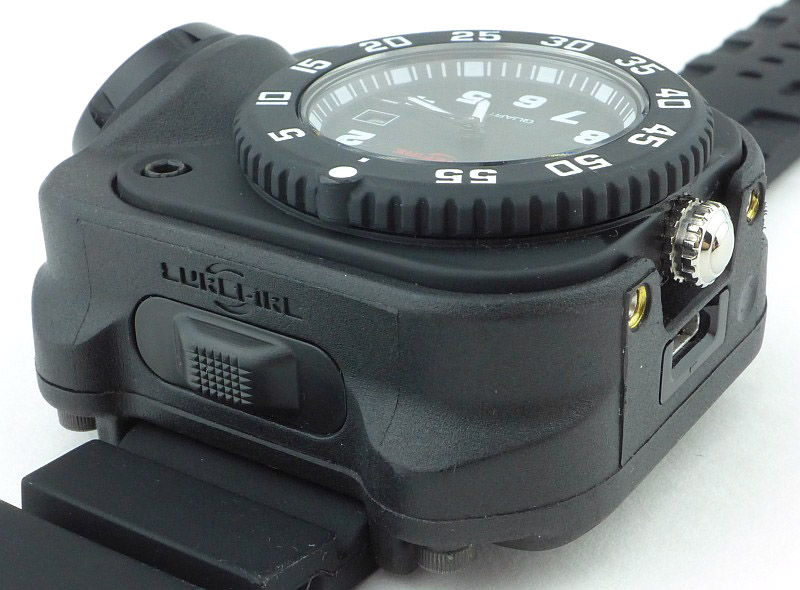
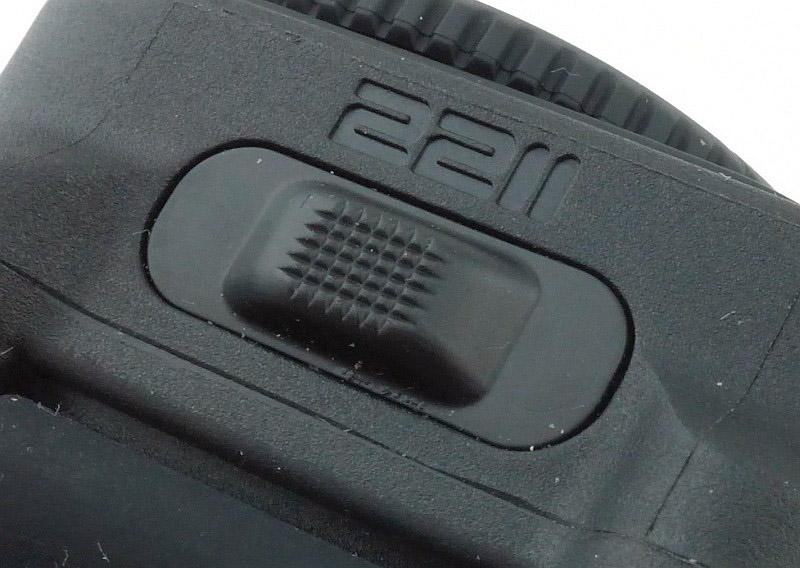
On opposite sides of the 2211 Signature’s body is a rubber covered switch.

A closer look at one of the two switches.

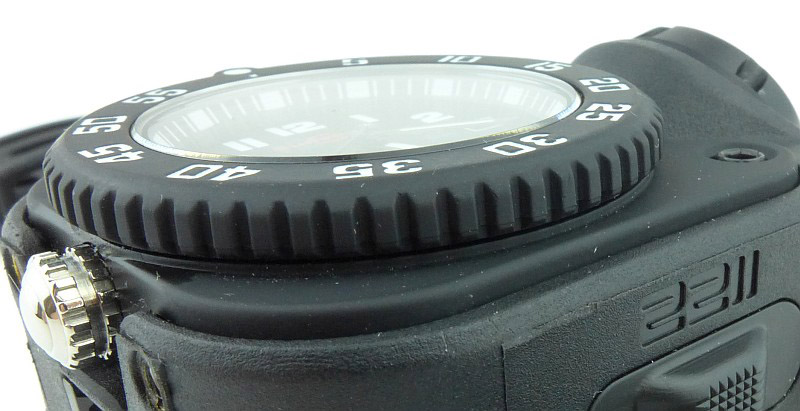
There is a 60-click unidirectional bezel. The watch glass is not specified, so is most likely mineral glass.

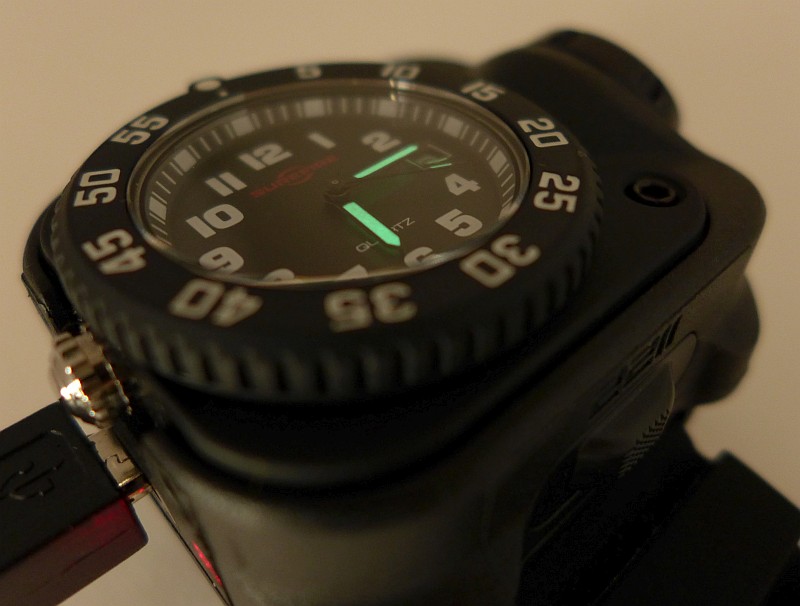
On the face there are bold numbers and this is surrounded by clear markings on the dial ring. The hands stand out well with large areas of lume providing the contrast.

An XP-G2 LED sits in the bottom of the angled, faceted reflector of Surefire’s “MaxVision Beam” first seen on the Titan.

Charging is simple, and you just need a Micro-USB charger.

During charging the ‘fuel gauge’ window lights up red. This starts to turn a slightly amber colour and once fully charged it turns green.

The hands have lume on them, but there is no lume on the rest of the watch face.

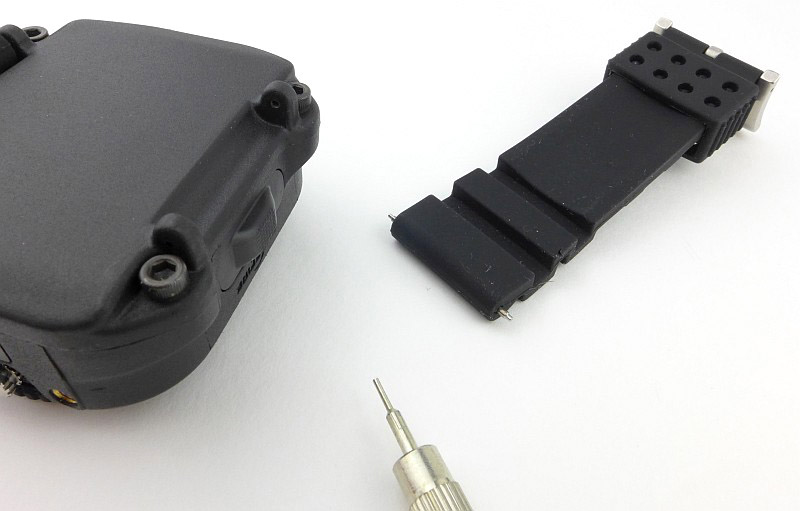
Strap fitting / changing is easy as the lugs are positioned so that you can release the spring pins using a pusher.

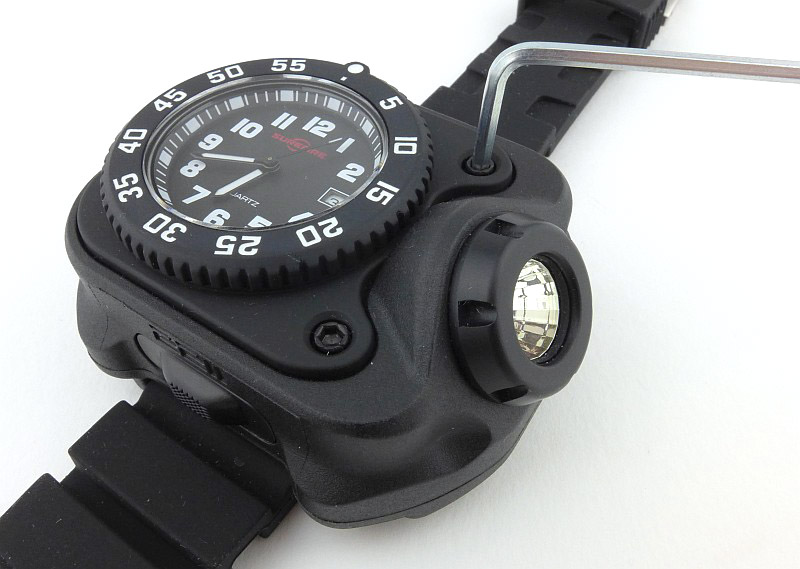
To access the watch, first loosen the two black Allen bolts near the lens of the light.

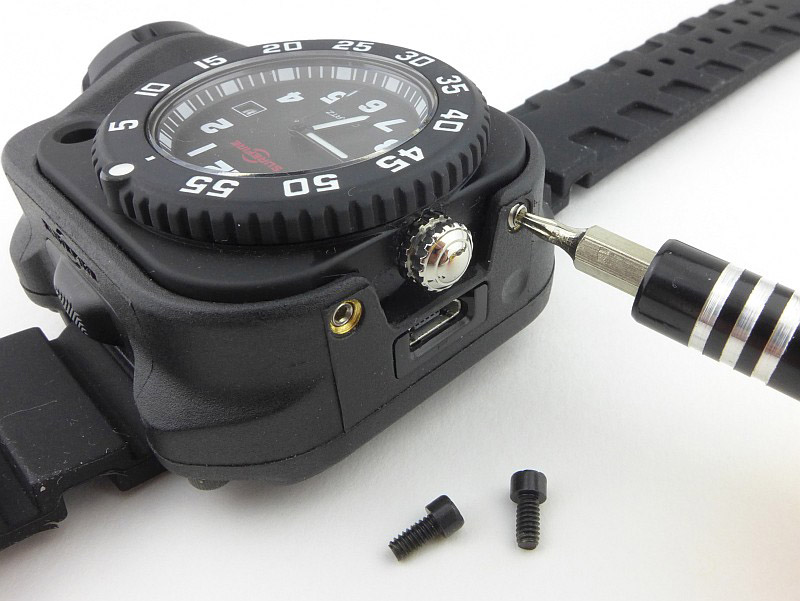
Then loosen the two Torx grub screws either side of the crown.

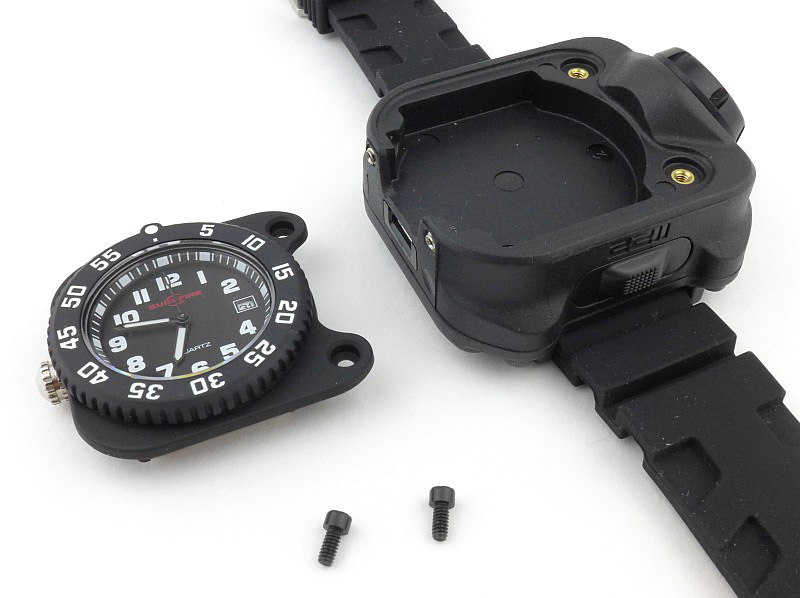
You can now lift out the watch.

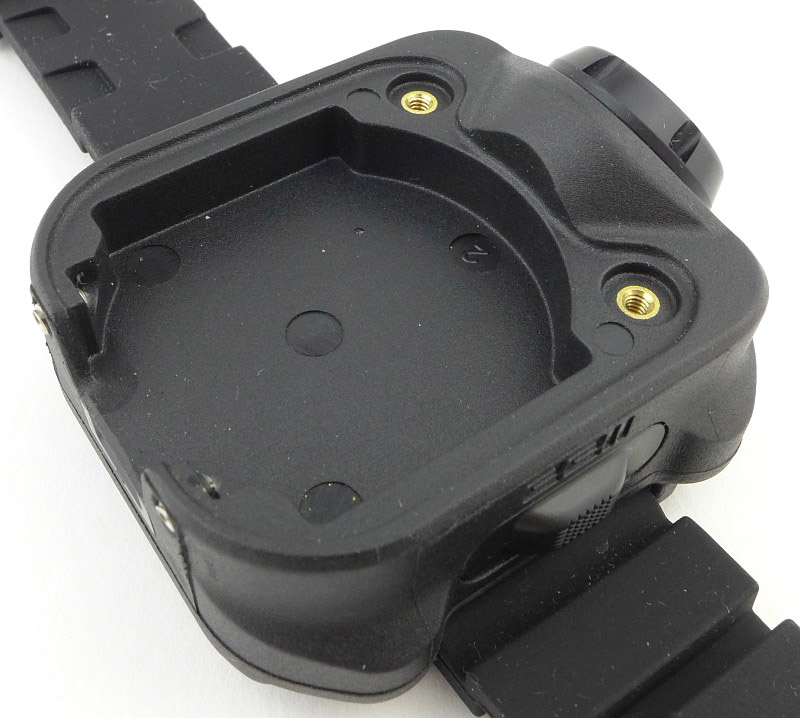
The recess in the 2211 Signature’s body for the watch to fit in, plus the four fixing points, two bolt holes and two grub screws.

The watch itself is a completely self contained module.

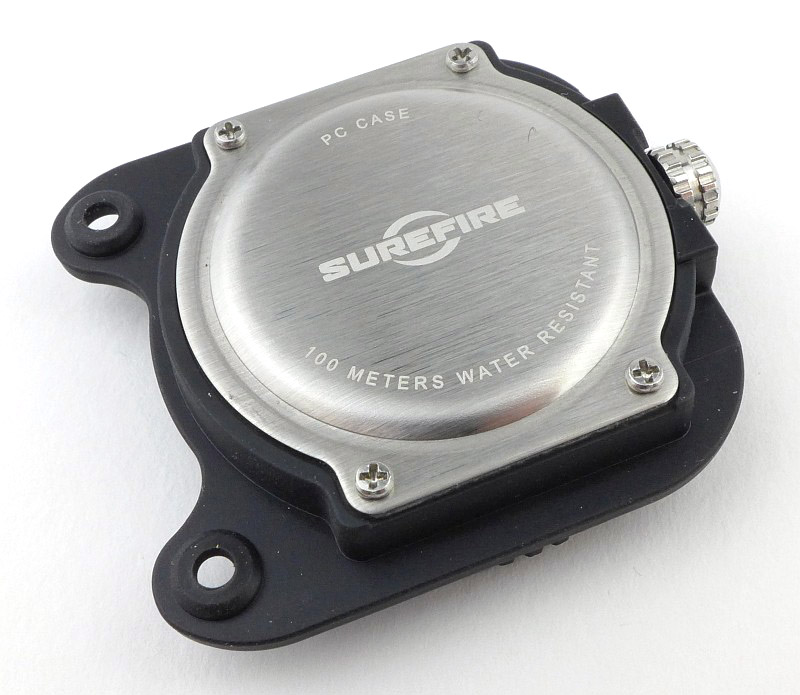
On the back of the case we see the only indication of waterproofing with a 100m water resistant rating (which is not shown on the watch face).

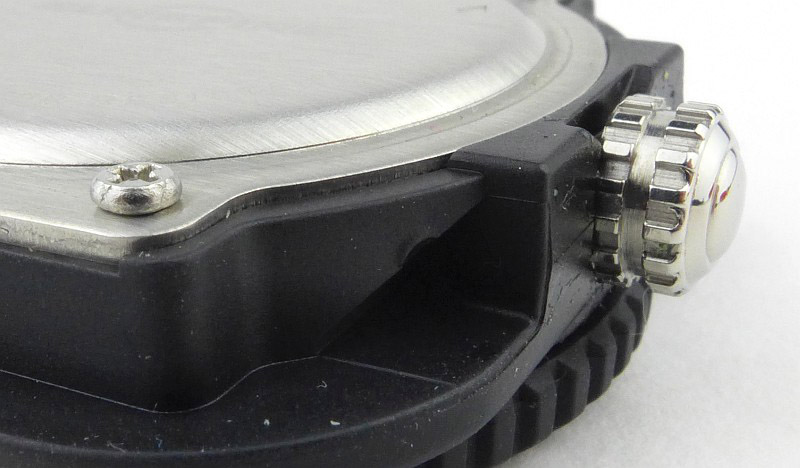
Here you can see one of the four watch back screws. In the centre of the image the slight ding in the plastic case created by the grub screw is visible. The groove in the crown is essential for ease of use, as will be explained in more detail later.

The beam

Please be careful not to judge tint based on images you see on a computer screen. Unless properly calibrated, the screen itself will change the perceived tint.

The indoor beamshot is intended to give an idea of the beam shape/quality rather than tint. All beamshots are taken using daylight white balance. The woodwork (stairs and skirting) are painted Farrow & Ball “Off-White”, and the walls are a light sandy colour called ‘String’ again by Farrow & Ball. I don’t actually have a ‘white wall’ in the house to use for this, and the wife won’t have one!

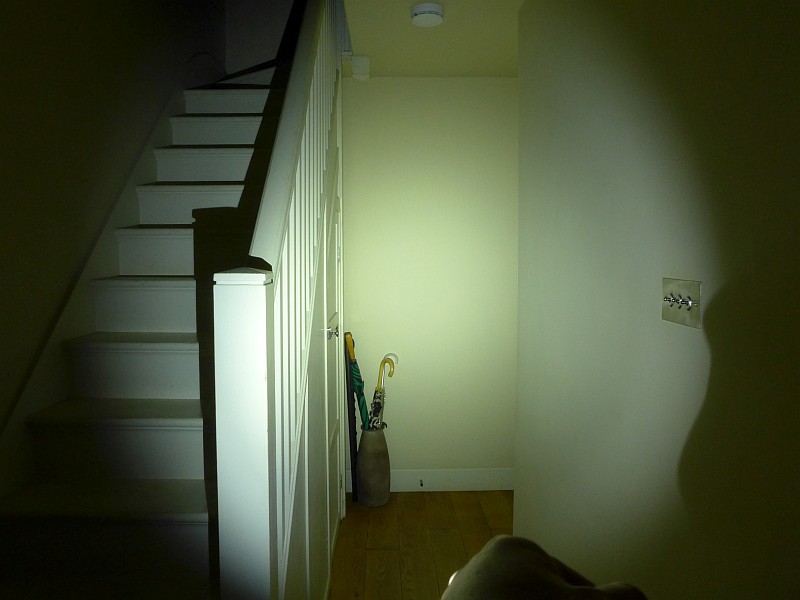
Surefire’s “MaxVision Beam” is a lovely smooth part-focused, part-diffused beam that gives you a soft edged hotspot and reasonably wide spill. Here you can see the tendency of a Wrist Light to catch the user’s knuckles in the outer edge of the spill (on the right hand side). We’ll see what this beam looks like with a sight picture later on.

Modes and User Interface:

In this section I’ll be referring to the operation of the Wrist Light rather than the watch. The watch movement is a Citizen 2115 and operates exactly as you would expect a simple date display movement to work.

There are two electronic switches on the body, positioned on the sides at the 12 and 6 o’clock positions. These control the three constant output levels.

To turn the 2211 Signature onto High – pressing either switch once. To turn OFF press either switch after it has been ON for at least 0.5 seconds.

To turn the 2211 Signature ON to Low – pressing either switch twice within 0.5 seconds. This will turn onto High and then to Low. To turn the light OFF, press either switch again once.

To access Low directly on the 2211 Signature – press and hold both switches simultaneously. This will turn ON to Low. If you continue to hold both switches, the output will cycle through Medium, and then High 0.75 seconds apart. Release both switches when the desired output has been reached. To turn the light OFF, press either switch once.

NOTE: Surefire state “Do not activate, deactivate, or adjust your 2211 Signature while holding a firearm.” – heed this warning.

The 2211 Signature has a ‘Fuel Gauge’ LED to indicate the battery charge status during use and while charging. GREEN means the battery is full (or has reached at least 90% when charging). AMBER indicates the battery is low and the output level should be reduced or the 2211 recharged. RED indicates an empty battery and the 2211 should be recharged immediately.

Batteries and output:

The 2211 Signature runs on a built-in battery. For the watch, the Citizen 2115 movement is powered by a SR626SW / 377 / AG4 button cell which is expected to last 2-3 years.

To measure actual output, I built an integrating sphere. See here for more detail. The sensor registers visible light only (so Infra-Red and Ultra-Violet will not be measured).

Please note, all quoted lumen figures are from a DIY integrating sphere, and according to ANSI standards. Although every effort is made to give as accurate a result as possible, they should be taken as an estimate only. The results can be used to compare outputs in this review and others I have published.

___________________________________________ ________________________________ ________________________________
Surefire 2211 Signature using built-in cell I.S. measured ANSI output Lumens PWM frequency or Strobe frequency (Hz)
___________________________________________ ________________________________ ________________________________
High 387 0
Medium 77 0
Low 27 0

* Beacon and Strobe output measurements are only estimates as the brief flashes make it difficult to capture the actual output value.

There will be parasitic drain but it cannot be measured due to the design. Long term testing of the Surefire Sidekick would indicate that this drain will be very low.

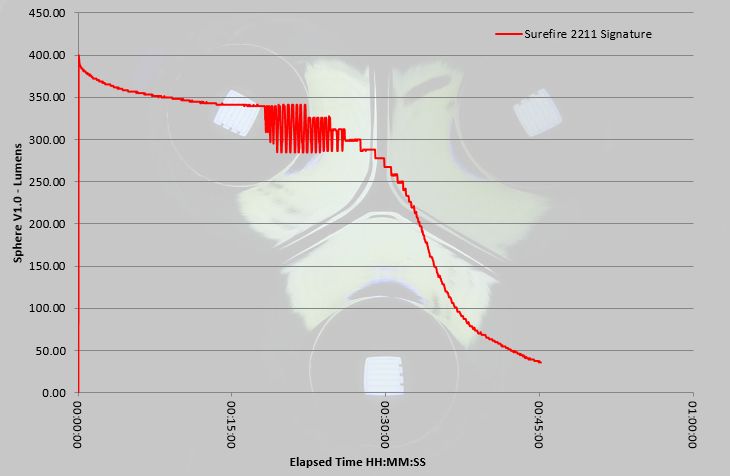
This particular 2211 Signature sample both over and under performs. Maximum output is more than the specified 300lm output for the first 30 minutes of use, but runtime is lower than the one hour specified. Between 20 and 27 minutes, the output fluctuates by around 55lm where the battery is starting to struggle to maintain the over 340 lm output. This then settles into a gradually stepping down output through the 30 minute mark, dropping more rapidly and reaching the ANSI cut off at 45 minutes of total runtime.

Troubleshooting

This section is included to mention any minor niggles I come across during testing, in case the information helps anyone else.

No issues were encountered during testing.

As per the description of this section, this information is provided in case anyone else finds a similar ‘issue’ that might be fixed in the same way.

The 2211 Signature in use

Although pictured with the rubber strap provided with this sample, in line with the Surefire final specification, I’ve changed this and used it with a NATO / ZULU strap. I have also tried it with a metal bracelet strap just to see how this worked.

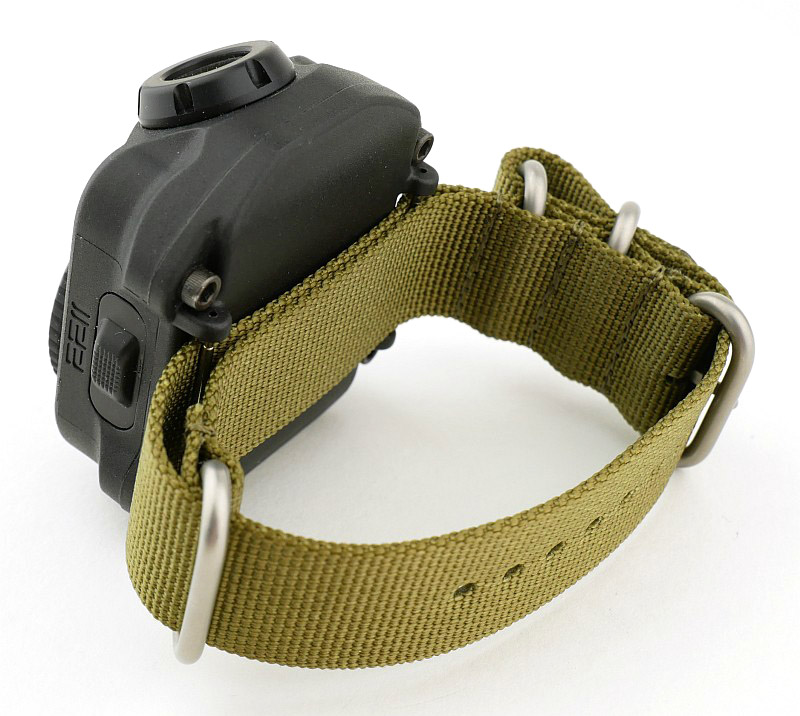
It is a really good call by Surefire to go with the NATO strap for the final version as this means that the failure of a single strap pin will not cause the 2211 to fall off (which is the reason for the NATO strap design itself).

For those not familiar with this type of strap, here you can see how the nylon webbing passes behind both strap pins, so if one breaks, it will still be attached to the strap.

In use, I’ve also found (thanks to trying all strap types) how critical it is to have the most stable fitting on your wrist. You need to fit the strap to be snug, as any looseness results in the beam being less controllable and responsive.

You certainly know when you are wearing the 2211 Signature as it has real presence on the wrist. There is definitely a sleeve incompatibility consideration as the depth of the 2211 Signature means it doesn’t easily fit into most sleeves. Taking off a jacket or shirt is not really an option with the 2211 Signature on your wrist. It is better fitted to the outside of a sleeve or glove cuff, but you’ll need to try out a few things to find what works best for you. The ideal arrangement is summer clothing with no sleeves at all.

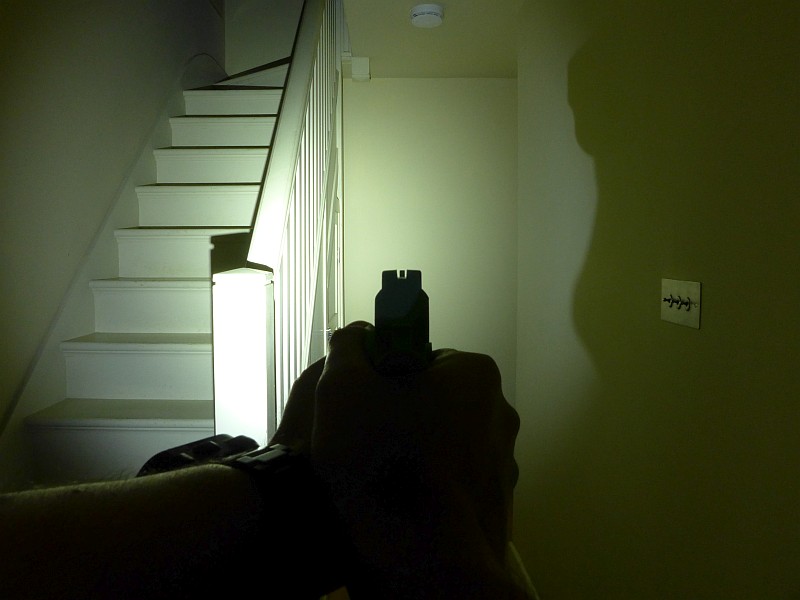
So, does it work? Based on the 2211 Signature being fitted securely to your support hand wrist, and being turned on before handling a firearm, without even thinking about it, you come up on aim and there is light on the target. You can see that the right hand edge of the spill is showing knuckle shadow, but there is still plenty of light to work within.

Searching, moving and tracking brings the light with your sight picture, and points as naturally as the sights (as long as it is fitted securely and is not loose on the wrist). But you don’t have access to turning it on or off.

A crucial point to note here is that this system does not work if worn on your primary hand, the one holding the gun. Due to the wrist position being too close to the centre line of the gun, the gun hand blocks half of the beam leaving you with only half the target area lit. In my testing this was more or less a vertical line at the point of impact.

Taking this to the next conclusion, the 2211 Signature is only suitable for right handed people (or at least those who hold their gun in their right hand). It must be worn on the support hand, so for left handed people, this means that with the light pointing forwards the watch face will be upside-down if worn on the right wrist. Left handed people may as well go for the non-watch versions of the 2211 range.

Another point to note with the 2211 Signature is due to the crown being positioned at 9 o’clock, you can’t adjust it while wearing it (unless you are a contortionist). The groove in the crown is essential to allow the, effectively recessed, crown to be pulled out using your finger nails; not the easiest crown to use.

Of course, one major advantage is that you are not going to drop this light, so gives you the benefits of hands-free use. Unlike any other hands-free options (excluding gun lights), the location of the light makes it ideal as it naturally points with the gun and doesn’t shine onto the back of the gun (which would create glare).

Like all tactical equipment, one is none (two is one), so I would not see the 2211 Signature as the only lighting option one would carry, but it does give you a really functional option for those instances where it fits in with your clothing. The major advantage of the 2211 Signature over the plain wrist lights Surefire make is that you won’t need to sacrifice wearing a watch, as the 2211 Signature includes a timepiece.

Review Summary

_______________________________________________ _______________________________________________
Things I like What doesn’t work so well for me
_______________________________________________ _______________________________________________
Hands-free Tactical handgun lighting. Must be worn on the Support hand.
Incorporated Tactical Watch. The Watch is only usable for right handed people.
USB rechargeable. Cannot adjust time/date while wearing it.
‘Fuel Gauge’ battery level indicator.
Smooth and wide beam.


Discussing the Review:

The ideal place to discuss this reviews is on a forum. If you started reading the shorter forum version of the review, but followed the link this full exclusive review, please return to that forum to discuss the review there.
If you read the review entirely on Tactical Reviews, please consider one of the following to join in any discussion.

CandlePowerForums – Flashlight Reviews Section (Largest and Friendliest Flashlight Community Forum)
Watchuseek – The Most Visited Watch Forum Site … In The World.

WatchFreeks – The #1 Watch Forum for wrists of all sizes.

Gear Review: Wicked Edge Advanced Alignment Guide and Low Angle Adapter

This is a supplementary review to the Wicked Edge ‘Field and Sport’ Sharpener Review as it covers two optional extras that extend the functionality of a Wicked Edge Sharpener. The Low angle adapter has been around for some time, but the Advanced alignment guide is a recent addition which further enhances the precision of the sharpener.

The Low Angle Adapter is a clamp extension for a Wicked Edge sharpener which allows for angles as low as 10°. The Advanced Alignment Guide provides measurable reference points for repeatable knife mounting. It allows a Wicked Edge user to be able to tilt a knife in the clamp to find the optimum knife positioning and record the setting so the mounting position can be repeated during the next sharpening session.

Low Angle Adapter – A few more details & What it is like to use?:

For this supplementary review it makes more sense to combine the different sections I normally use, so we will look at each of these optional extras and how to use them at the same time.

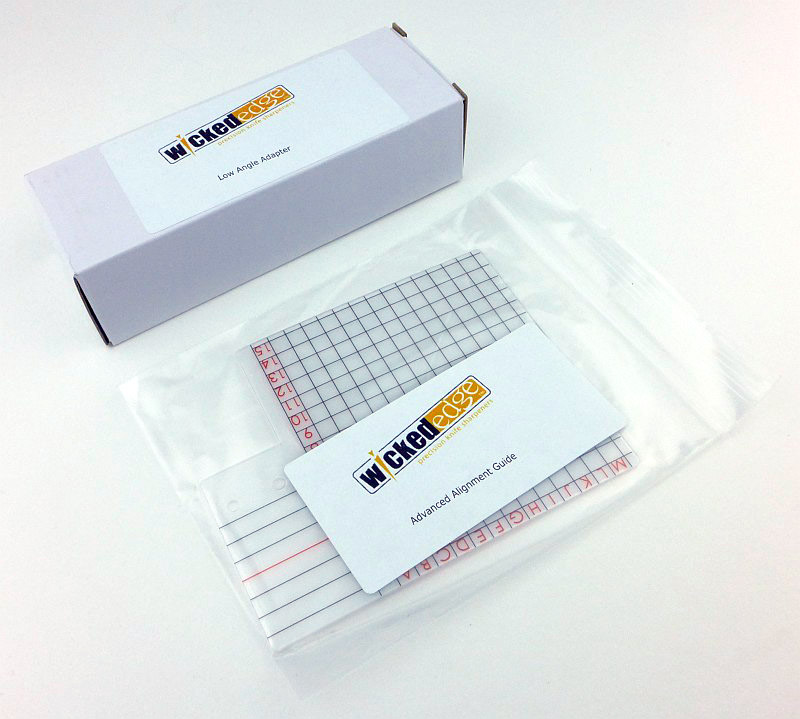
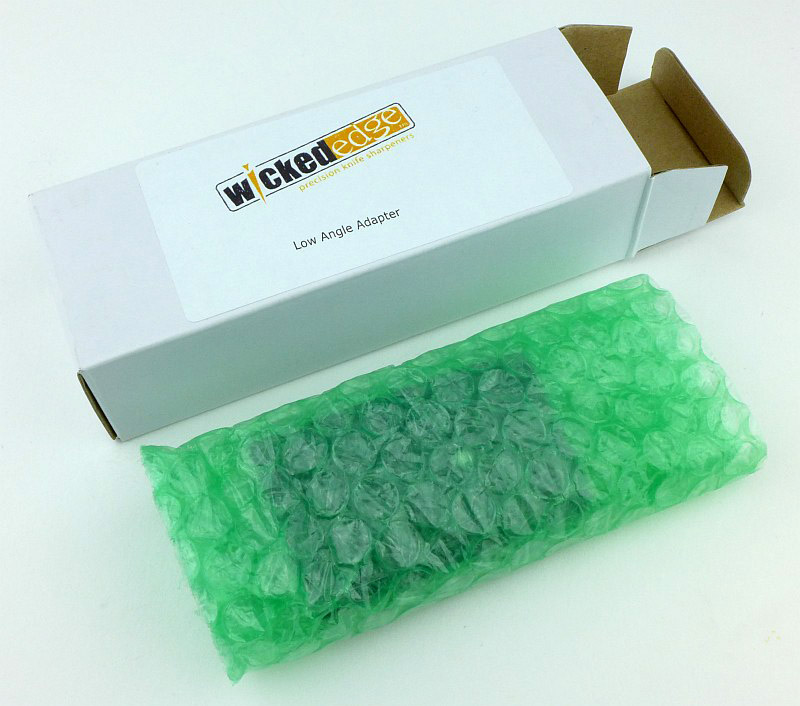
Unpacking the low angle adapter.

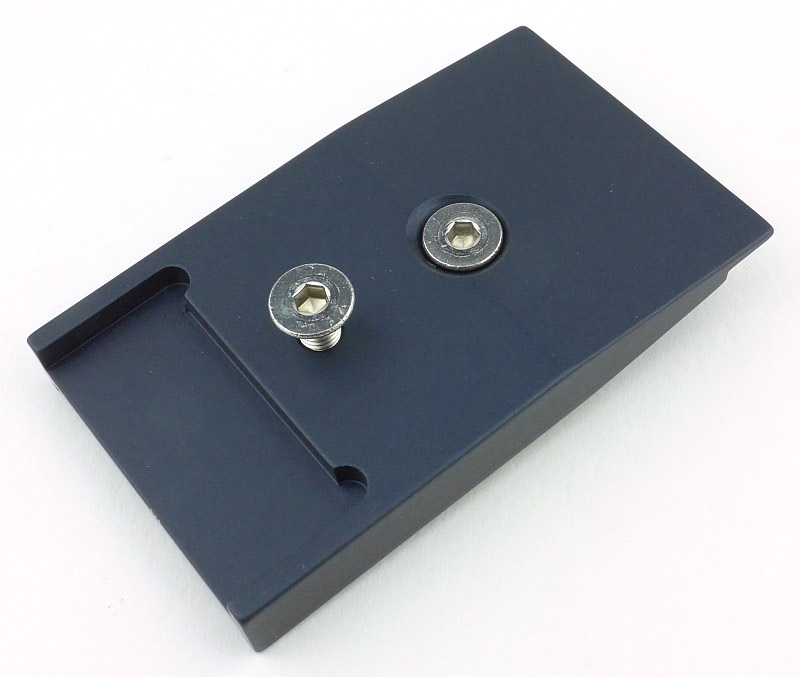
The main body of this clamp extension is black anodised aluminium.

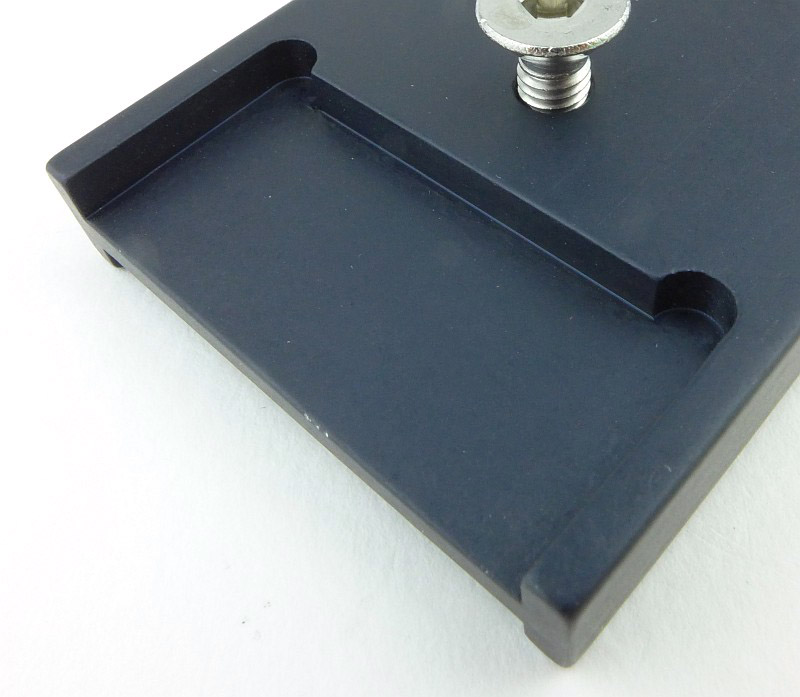
An area is milled out of the adapter for the sharpener’s standard clamp jaws to slide into and grip.

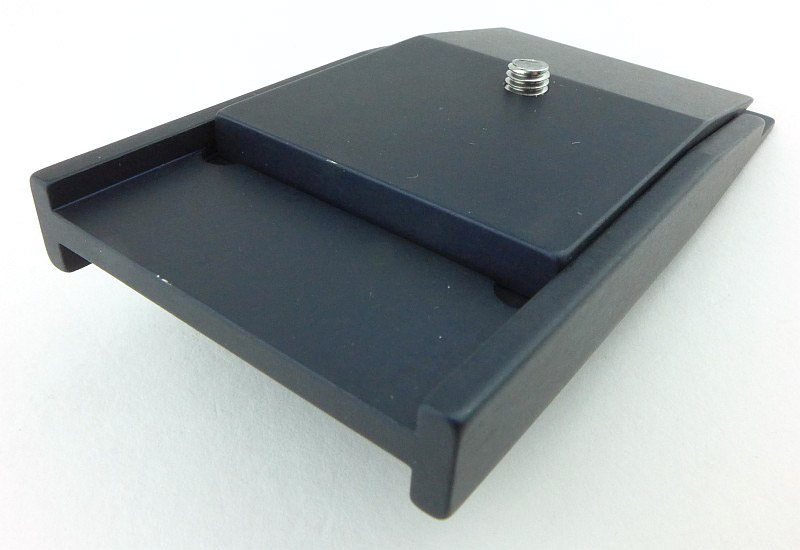
The other side has a different profile as there is the adapters blade clamp plate.

Taking this blade clamp completely off shows the milled pocket into which it sits. The milled out areas on each side (for the sharpener’s clamp and the adapter’s blade clamp) ensure precise alignment of all parts of the adapter during use.

To clearly illustrate what this low angle adapter does, here is the standard clamp of the Wicked Edge, and at the low angle set for the stone, the stone is hitting the clamp jaw, so won’t reach the knife edge (unless the knife is very deep).

With the guide rod at the same angle, fitting the low angle adapter allows the stone to completely clear the main clamp and work on a knife blade fitted into the adapter.

All standard angles are still available even with the low angle adapter, but remember the scale on the main clamp will now not be exactly correct as the height of the blade has changed. Make sure you note down the fact the that adapter was used along with the angle shown on the scale for the guide rod.

Advanced Alignment Guide – A few more details & What it is like to use?:

With the Wicked Edge system you note down the various settings used for each blade so that in subsequent sharpening sessions you can repeat the angles precisely, reducing the amount of metal removed. The Advanced Alignment Guide gives you a further level of precision for the positioning of the blade in the clamp, and allows you to angle the blade and record the exact position you used.

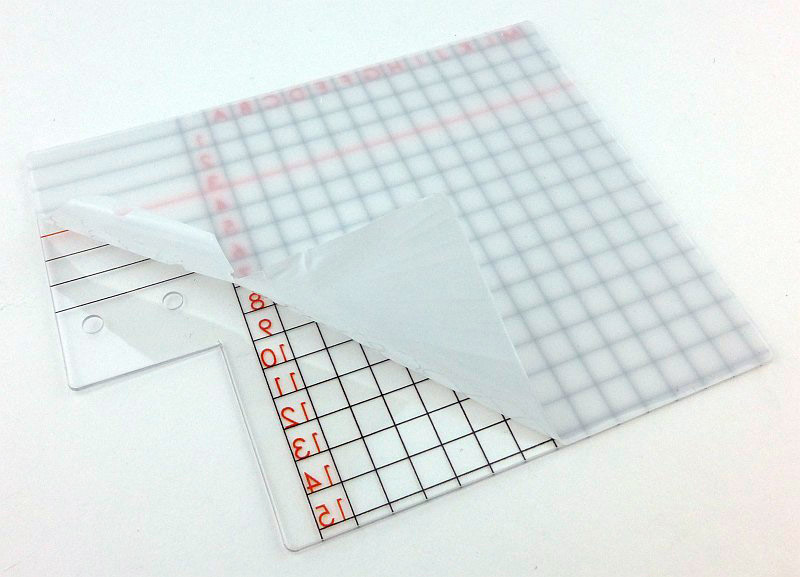
When it arrives, the guide has a protective film to ensure you get it completely free of marks.

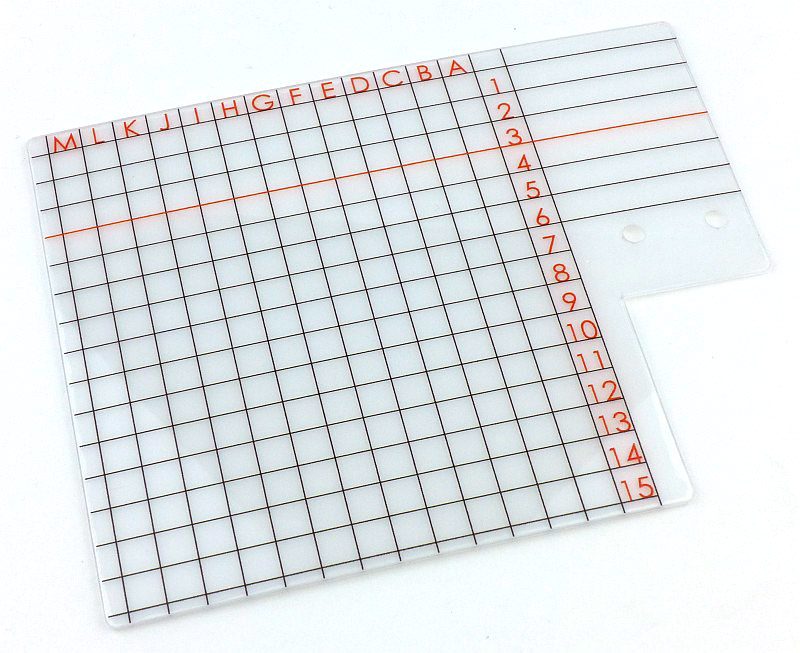
With the protective film removed you can see the grid printed onto the guide and two holes which are used to fit the guide to your sharpener.

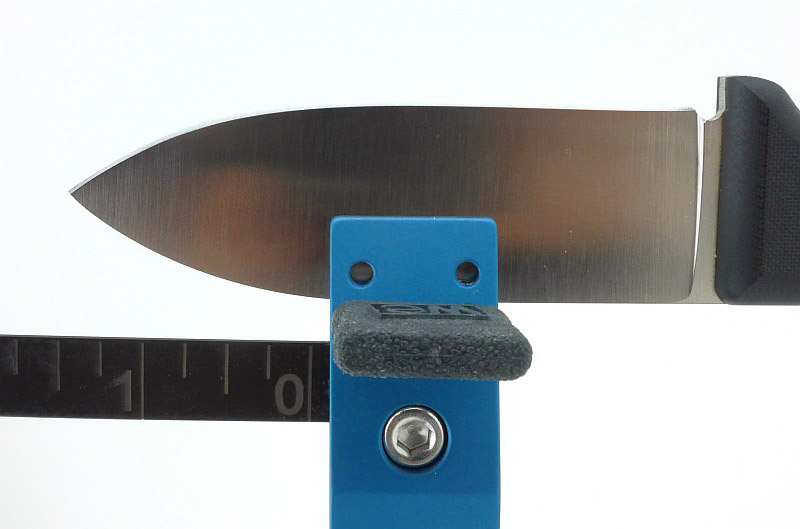
Before this alignment guide was made, you had to use the simple ruler scale built into the clamp to position the blade, relying on the blade spine to sit squarely onto the depth key.

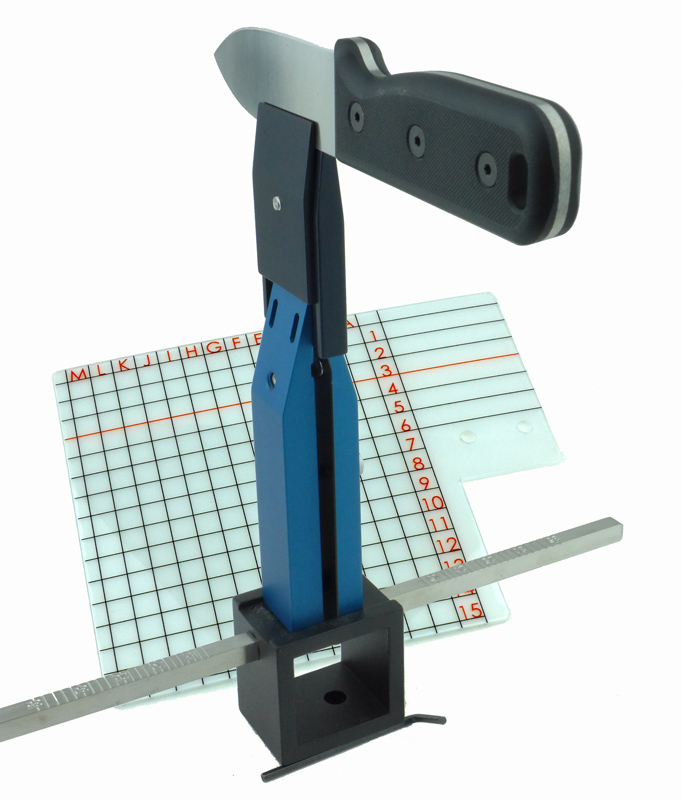
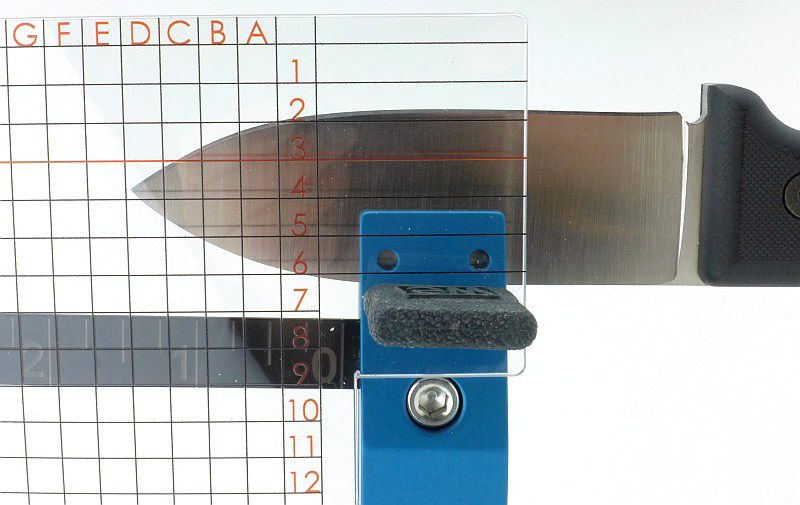
To use the new guide, when you fit the two pronged depth key into the clamp, first pass the prongs through the holes in the alignment guide and then into the clamp. Now you have a 2D labelled grid which allows you to precisely position and record where the blade tip is set. This also means you no longer have to put the blade spine down onto both depth key prongs and can rock it one way or the other to better present the knife edge for sharpening. Another level of precision.

Review Summary

The views expressed in this summary table are from the point of view of the reviewer’s personal use. I am not a member of the armed forces and cannot comment on its use beyond a cutting tool or field/hunting knife.

Something that might be a ‘pro’ for one user can be a ‘con’ for another, so the comments are categorised based on my requirements. You should consider all points and if they could be beneficial to you.

_______________________________________________ _______________________________________________
Things I like What doesn’t work so well for me
_______________________________________________ _______________________________________________
Finer Edge Angles available. Relatively expensive.
Smaller blades can be sharpened.
Blade positioning even more repeatable. Doesn’t sit against a flat surface so can move backwards and forwards.
Much easier than the standard ruler.


Discussing the Review:

The ideal place to discuss this reviews is on a forum. If you started reading the shorter forum version of the review, but followed the link this full exclusive review, please return to that forum to discuss the review there.
If you read the review entirely on Tactical Reviews, please consider one of the following to join in any discussion.

EdgeMatters – Sponsored Reviews (UK based Forum for Knife Makers and Collectors)

BladeForums – Knife Reviews (US based Forum for Knife Discussion)

CandlePowerForums – Knife Reviews Section (Largest and Friendliest Flashlight Community Forum)

Gear Review: Walkstool Steady

Following the review of the Walkstool ‘Comfort 65’ Portable Stool, the most asked question was if there was anything to allow it to be used on very soft ground. Well Walkstool had already thought of this and the solution is the Walkstool Steady, an optional extra to give the Walkstool maximum stability on any surface.

A few more details:

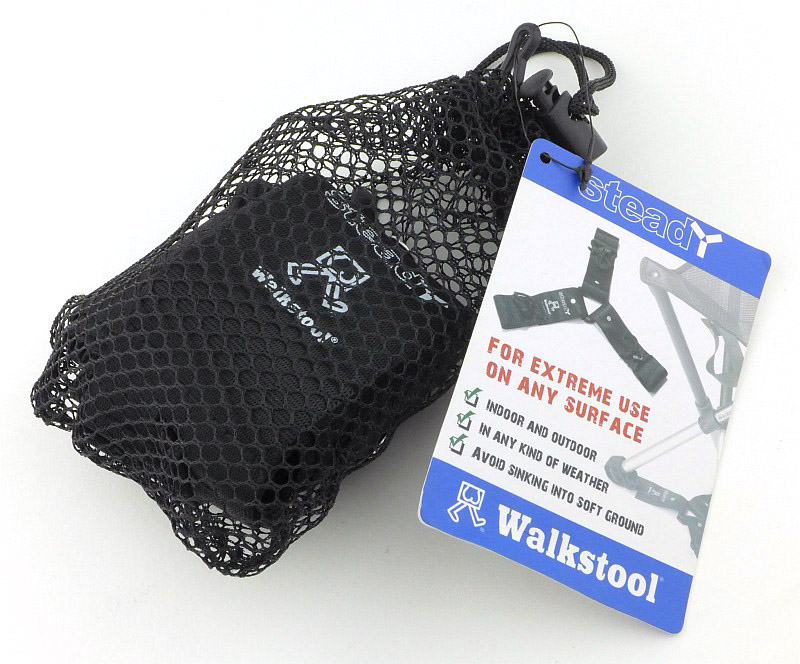
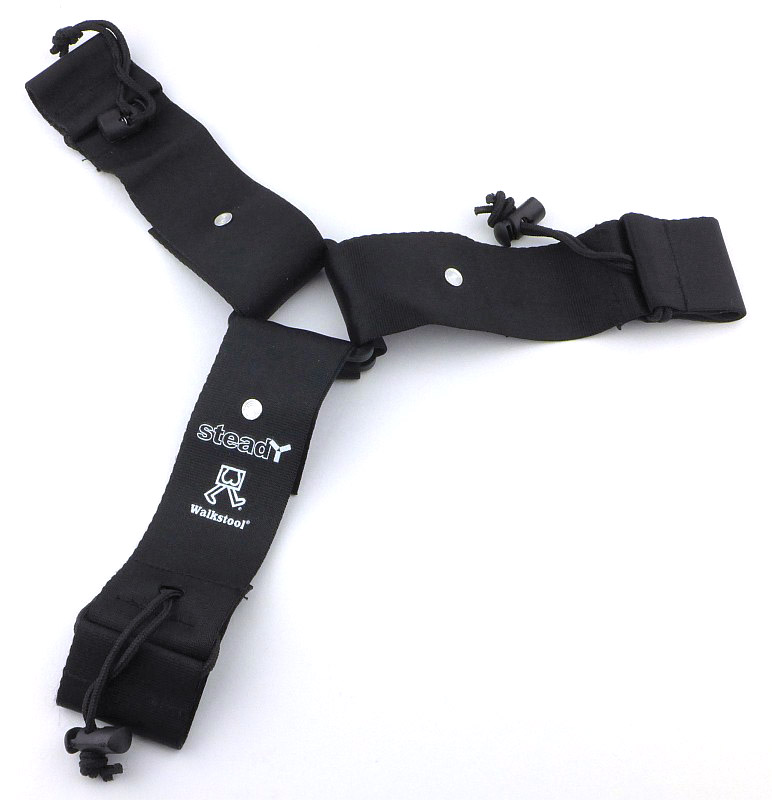
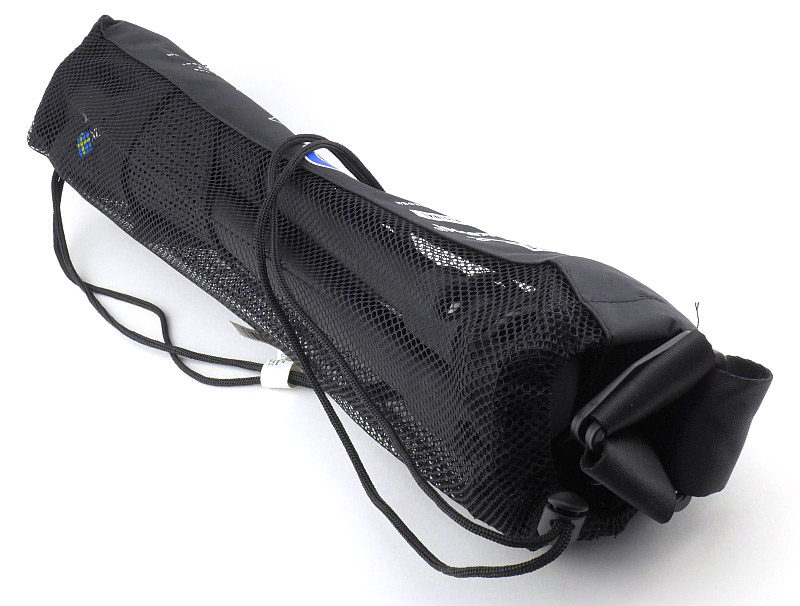
Like the Walkstools themselves, the Steady comes in a mesh carry bag, and is a very neat pocket sized package.

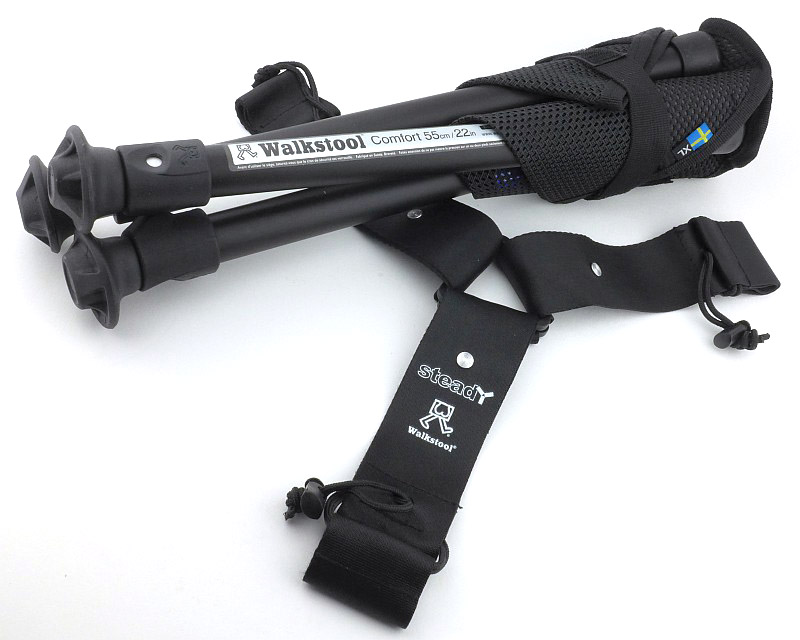
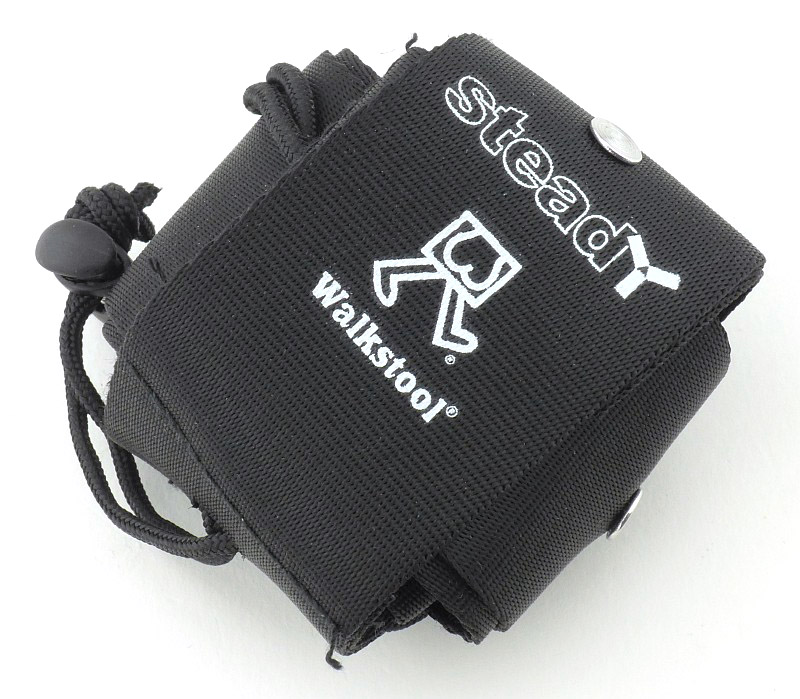
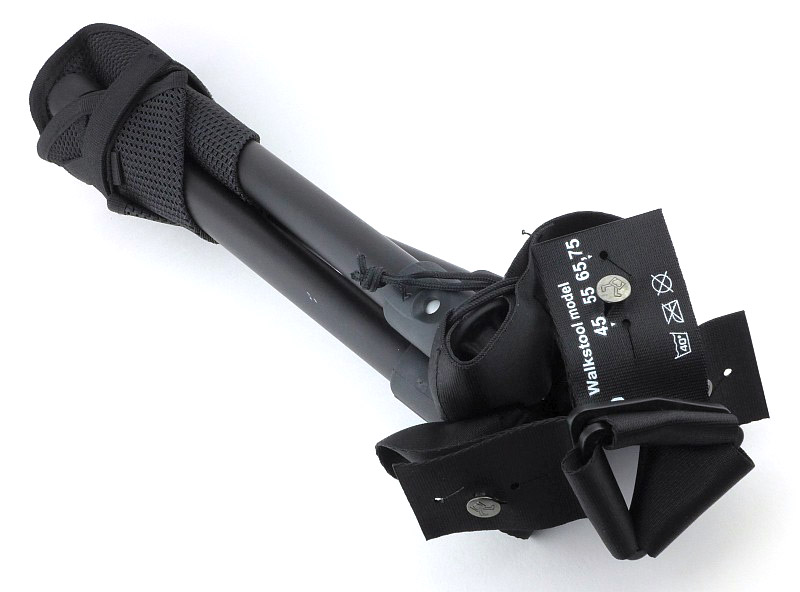
Taken out of the mesh bag, the Steady is wrapped up tidily.

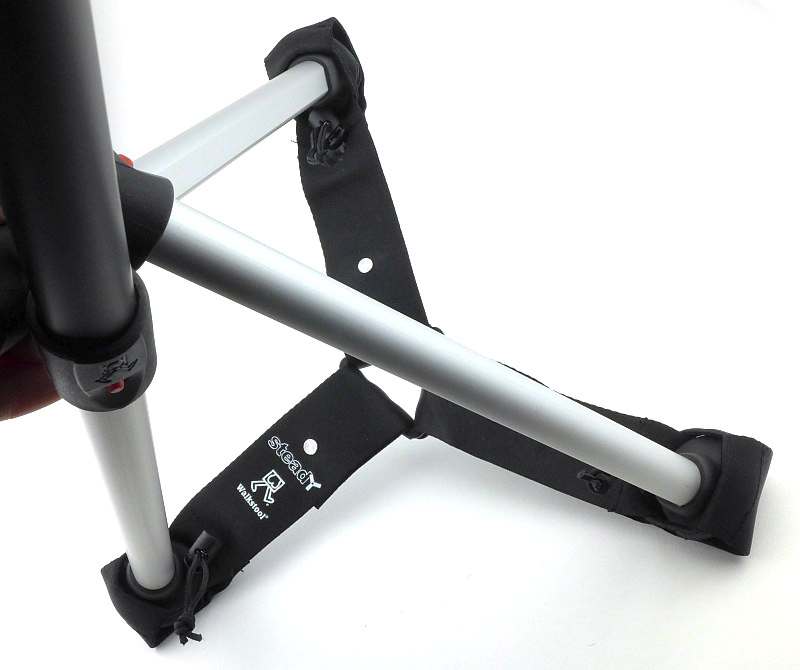
Unravelling it and you now get to see what this is all about. It is both a leg brace, and a load spreader.

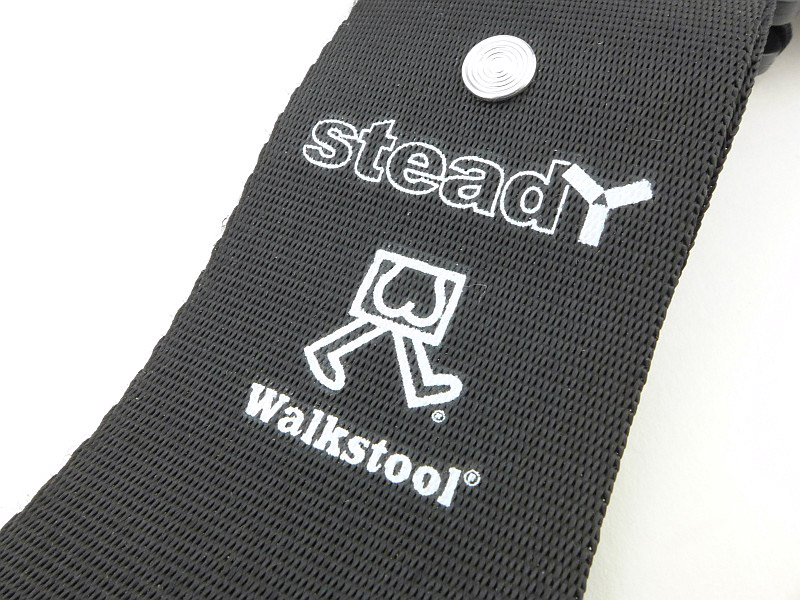
Printed on one of the arms is the Walkstool, and Steady logo.

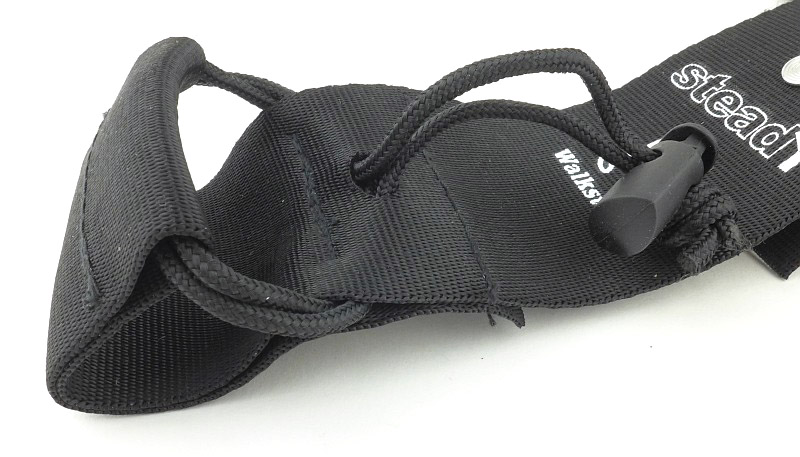
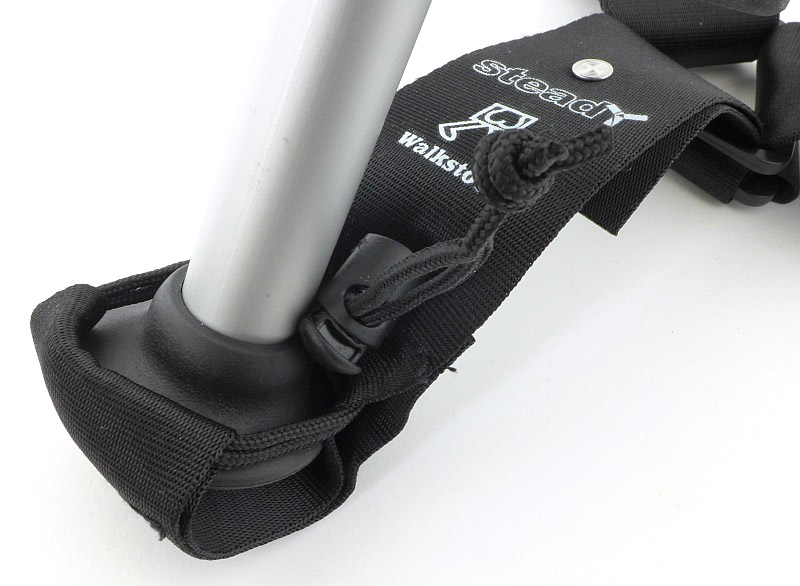
To fit the Steady to the Walkstool, there is a pocket at the end of each ‘arm’, with cords to allow it to be tightened around the foot.

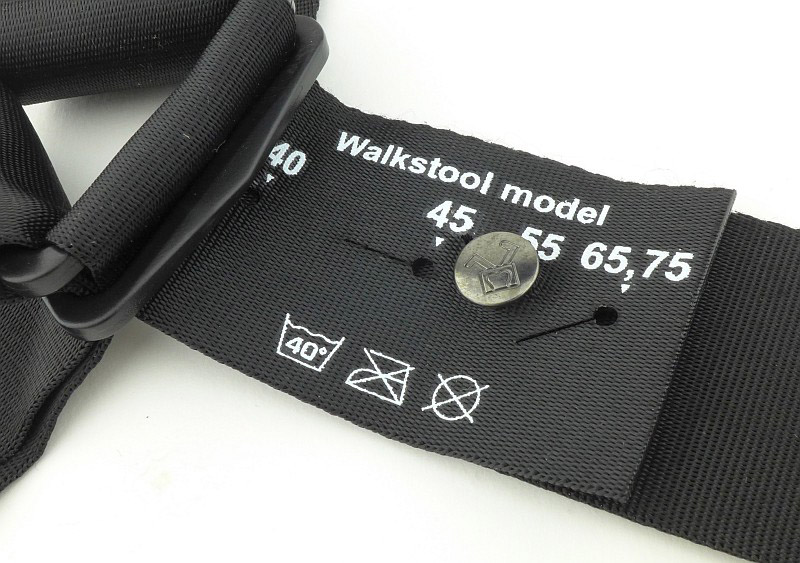
Clearly, as there are several sizes of Walkstool, you might wonder if you then need different Steadys to match, cleverly, there is an adjustment designed into each arm where you simply set it to the matching Walkstool size.

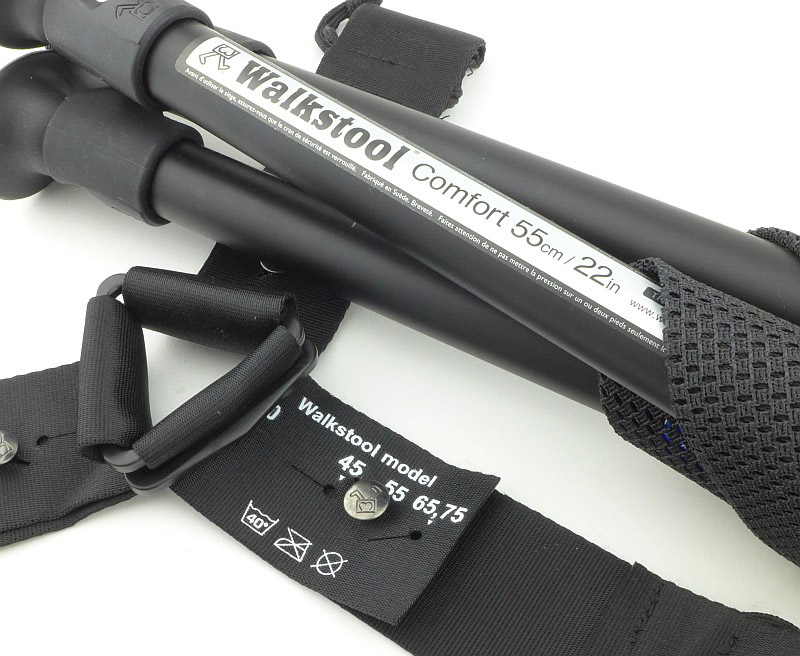
Here it is on the 55cm setting for the Comfort 55 I’m using to test it.

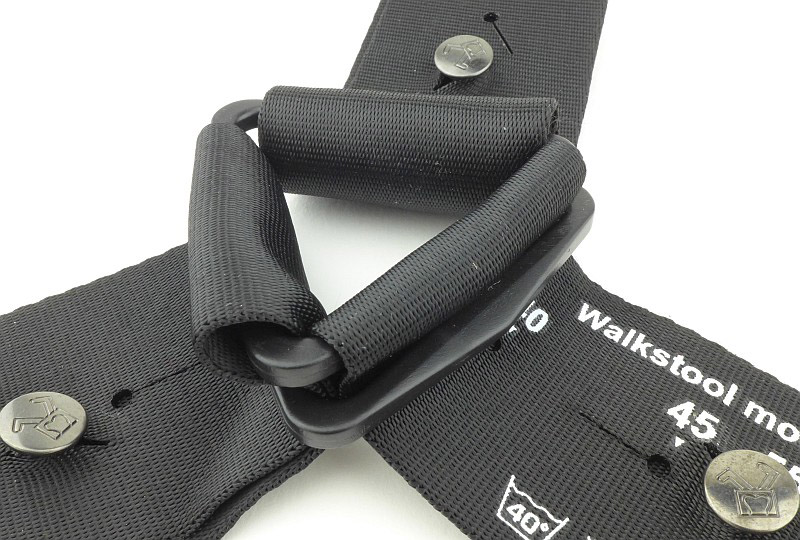
Joining the three arms of the Steady is a triangular plastic ring.

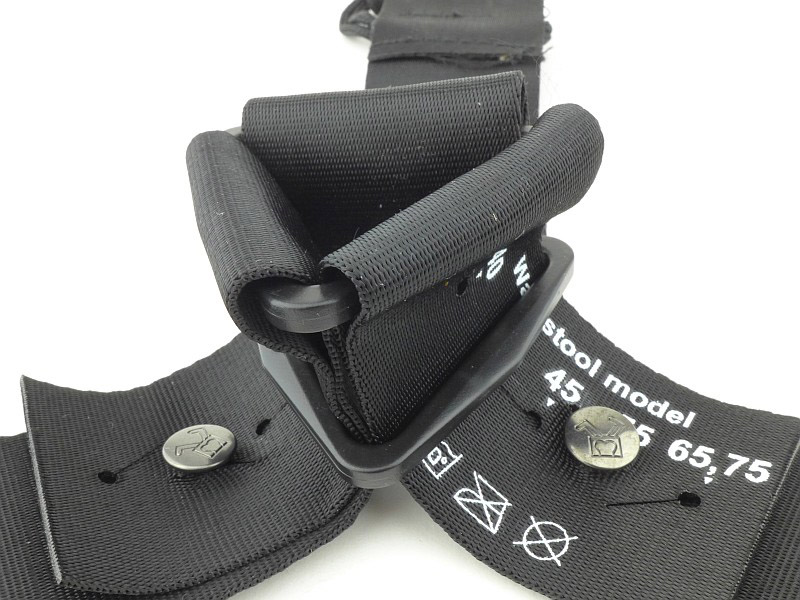
With a second triangular ring positioned in this way, as the arms are pulled tighter, the two triangular rings press together more firmly and grip the webbing securely.

What it is like to use?

Fitting the Steady is simple. Pull the pocket over each foot in turn ensuring you work the cords tight and adjust the toggle to hold the cords in place.

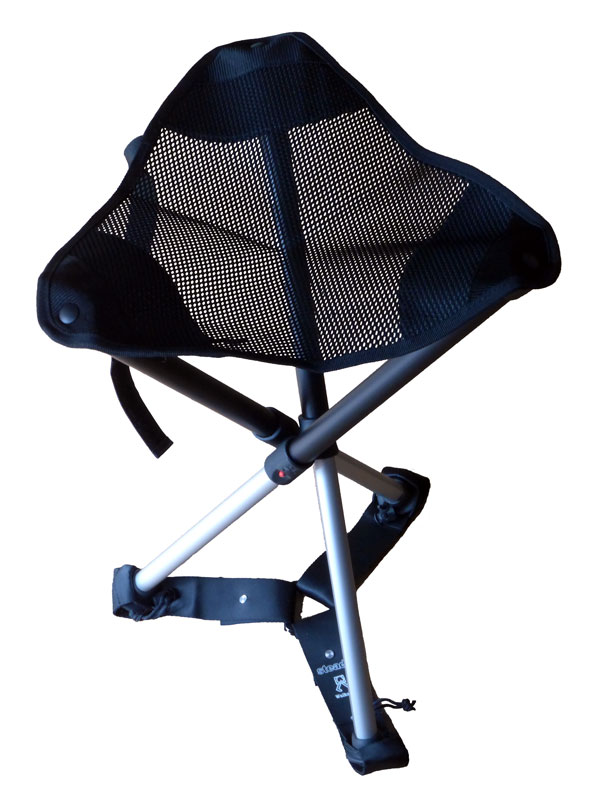
With all three feet fitted into the Steady it is ready to go.

One concern might be that with the Steady fitted, the Walkstool looses some of its ease and convenience, but this is not the case. Opening and folding the stool is almost as easy with the only change being that the Steady can get in the way a bit when working your way round the legs.

And what about putting the Walkstool back in its bag? As you can see here you almost don’t notice the Steady is fitted, with only a little bit of it protruding from the bag.

Of course all these nice clean studio photos don’t show one aspect of the Steady, and what it is designed for. It provides additional stability which is most needed on soft ground, the consequence of which is it will get very dirty, especially if used on a wet soft surface.

Picking the stool up after using it like this will bring plenty of that mud/muck with it, and folding it again will be a messy job. What I tend to do is avoid those really wet and muddy spots, or if next to water, be it river or lake, I dip the end of the legs with the steady into the water and give it a good stir to clean it off.

If you want that extra stability or use a walkstool on soft ground or sandy beaches, then the Steady is a worthy addition to your Walkstool, and can easily be added or removed to suit.

Review Summary

The views expressed in this summary table are from the point of view of the reviewer’s personal use. I am not a member of the armed forces and cannot comment on its use beyond a cutting tool or field/hunting knife.

Something that might be a ‘pro’ for one user can be a ‘con’ for another, so the comments are categorised based on my requirements. You should consider all points and if they could be beneficial to you.

_______________________________________________ _______________________________________________
Things I like What doesn’t work so well for me
_______________________________________________ _______________________________________________
Adds extra strength and stability to a Walkstool Can pick up a lot of dirt if used on very muddy ground.
Stops legs sinking into soft ground.
Adjustable to suit all Walkstool models.
Adds very little bulk to the folded Walkstool.


Discussing the Review:

The ideal place to discuss this reviews is on a forum. If you started reading the shorter forum version of the review, but followed the link this full exclusive review, please return to that forum to discuss the review there.
If you read the review entirely on Tactical Reviews, please consider one of the following to join in any discussion.

CandlePowerForums – Knife Reviews Section (Largest and Friendliest Flashlight Community Forum)

Light Review: Olight H1 Nova Headlamp

Inspired by their excellent S1 Baton pocket light (previously reviewed), Olight wanted to bring the same concept of an ultra compact body with high performance output to a headlamp. As will become clear throughout this review they have managed to do just that with the H1 Nova which is a headlamp and pocket light all in one.

Taking a more detailed look:

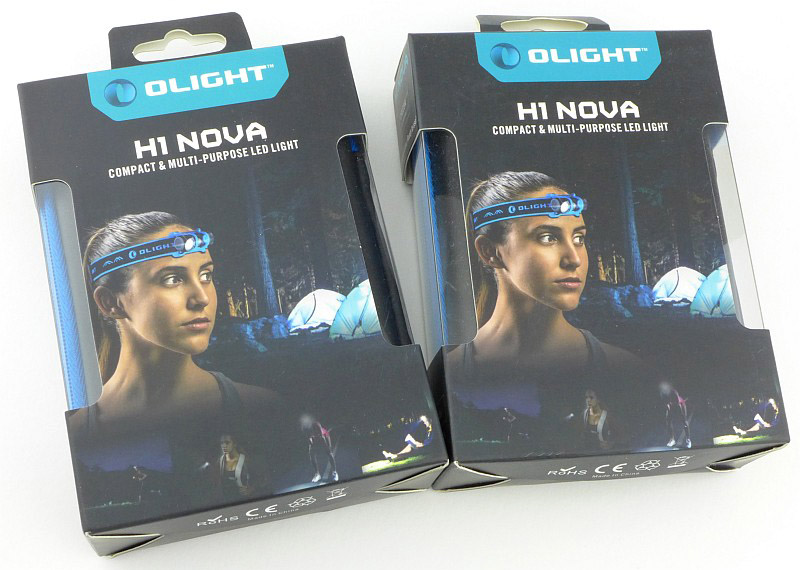
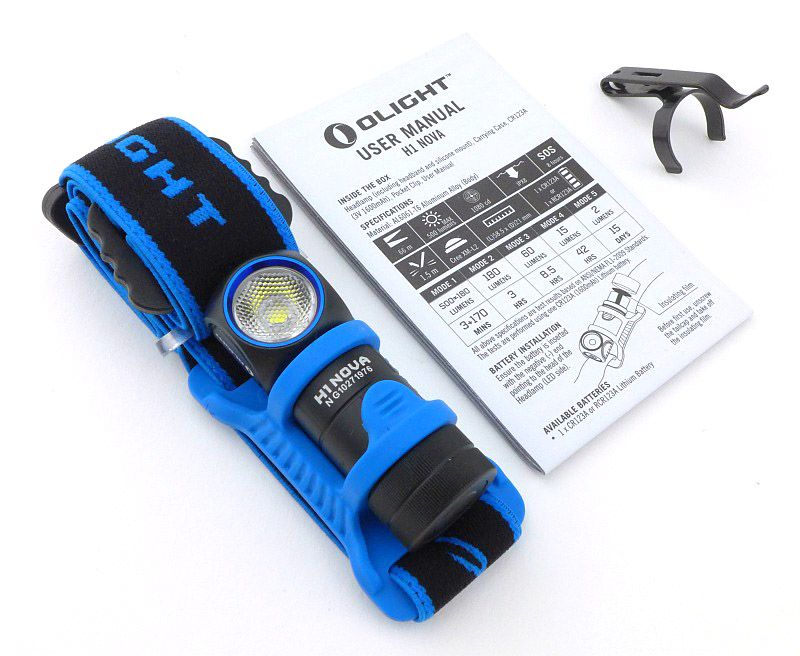
The reason there are two boxes here is that this review is looking at the CW – Cool White, and NW – Neutral White versions of the H1.

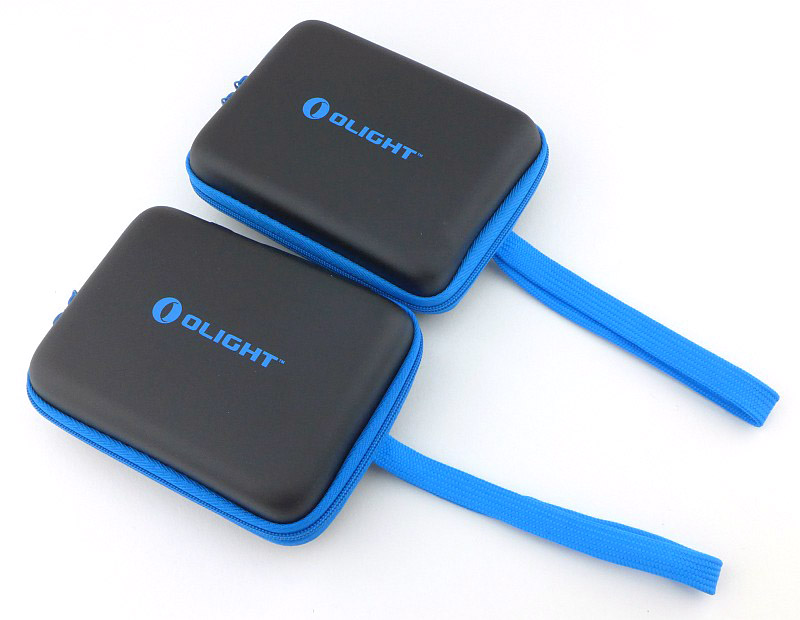
Inside the outer box is a zip-up carry case.

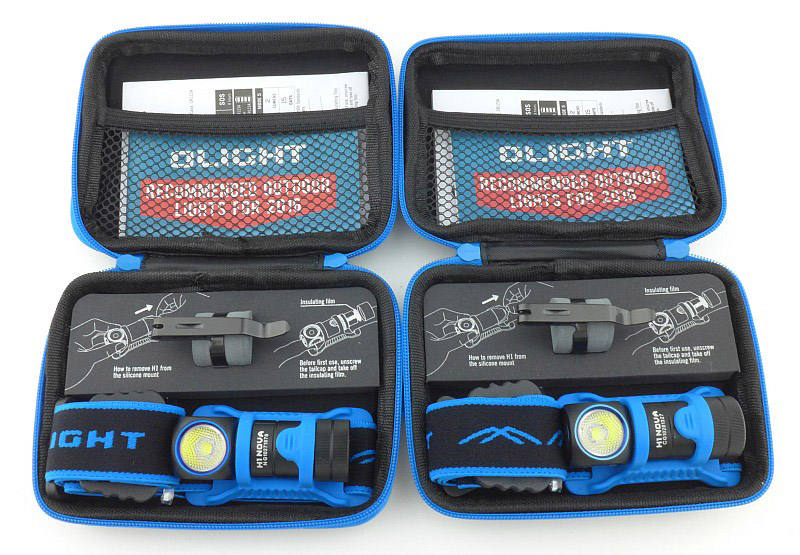
In each of the cases is the H1 in its headband mount, a pocket clip stored on a foam holder, and the instructions held in a mesh pocket.

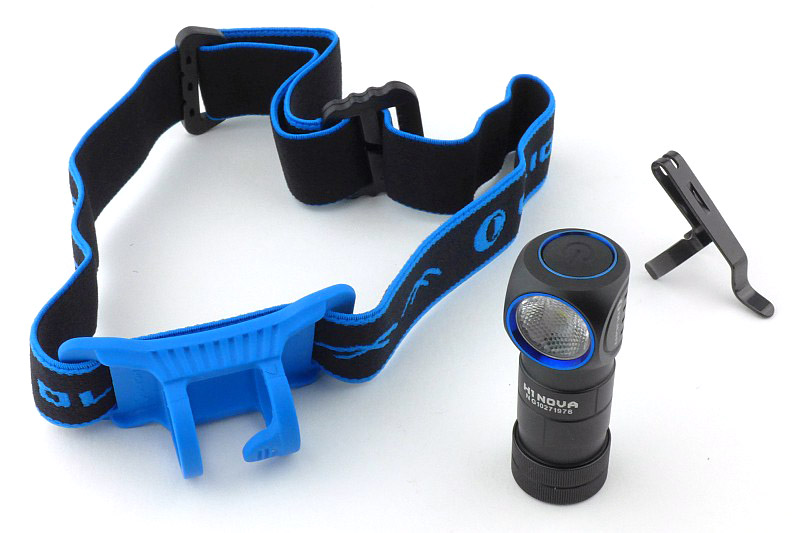
Laying out the contents of the case.

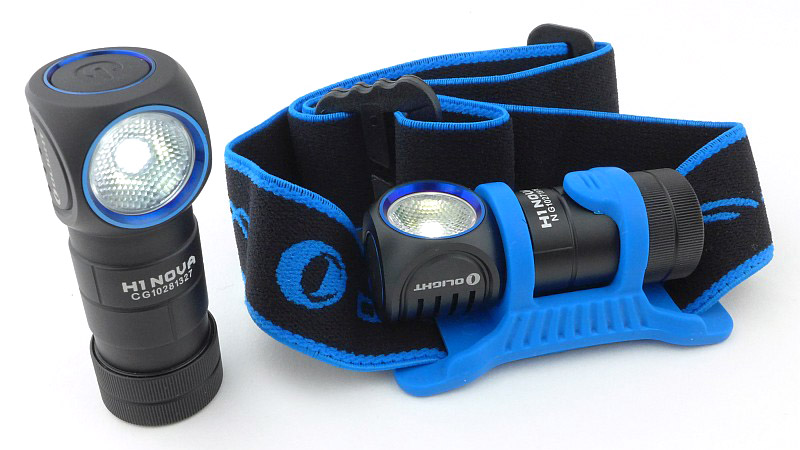
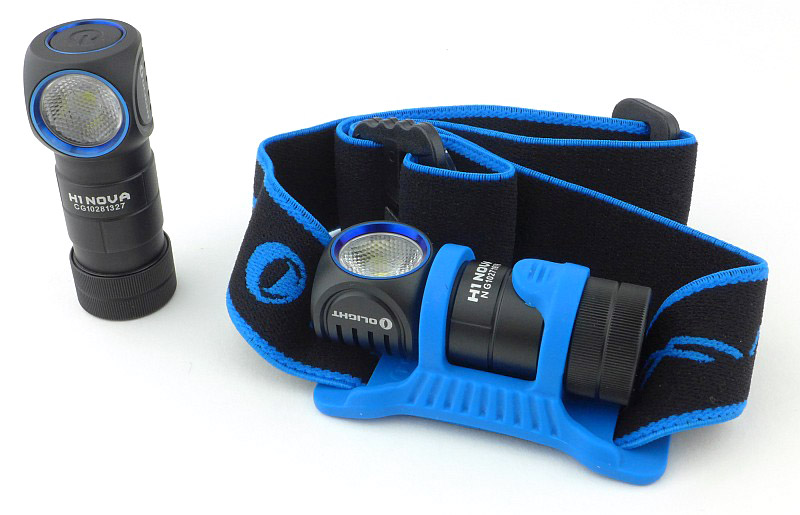
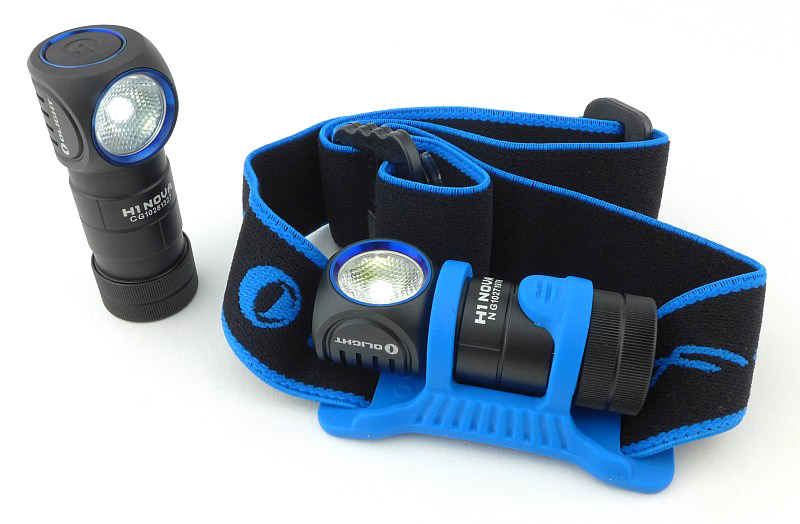
The main parts are the headband with rubber mount, the H1 Nova light, and a steel pocket clip.

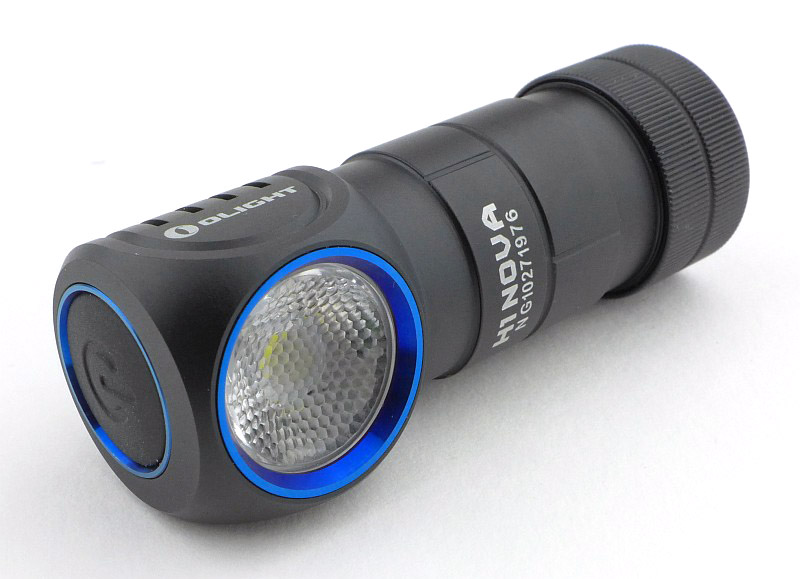
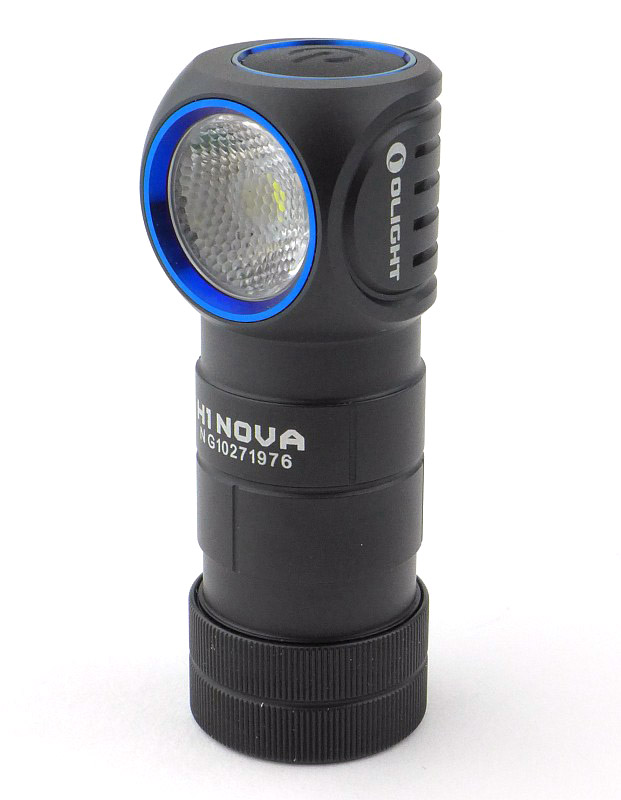
Just like the S1, the H1 has the blue highlights surrounding the lens and switch.

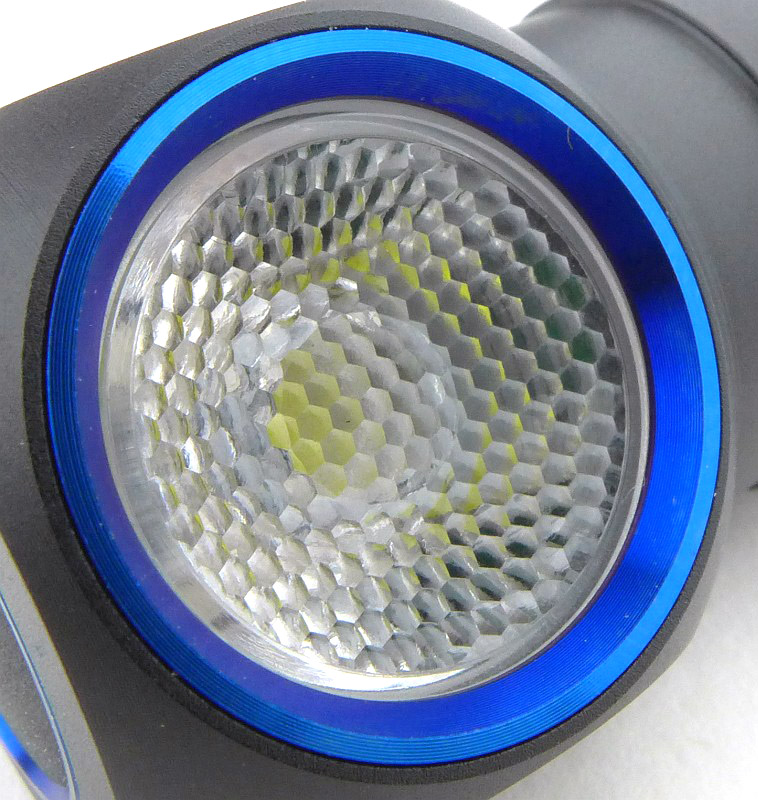
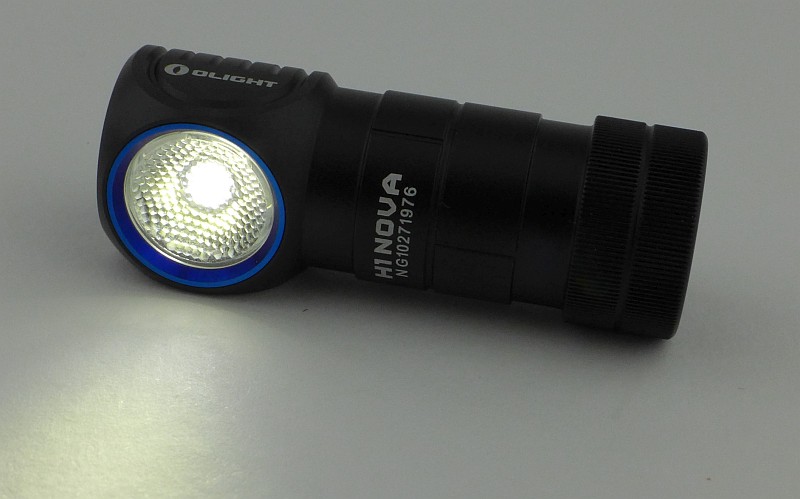
A TIR optic is used, but this also has a hexagonal diffuser pattern to give a flood beam to the XM-L2 LED.

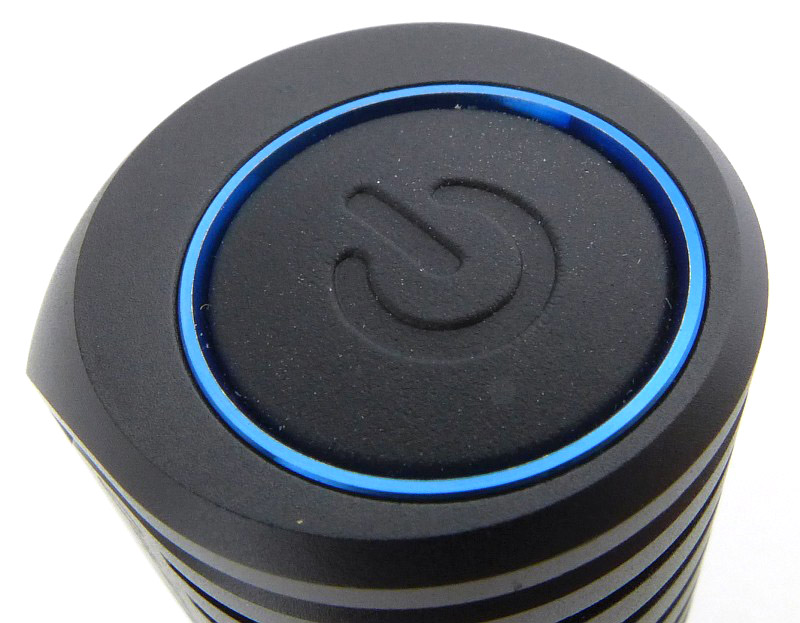
On the top of the H1 is its rubber power switch. This is an electronic click switch.

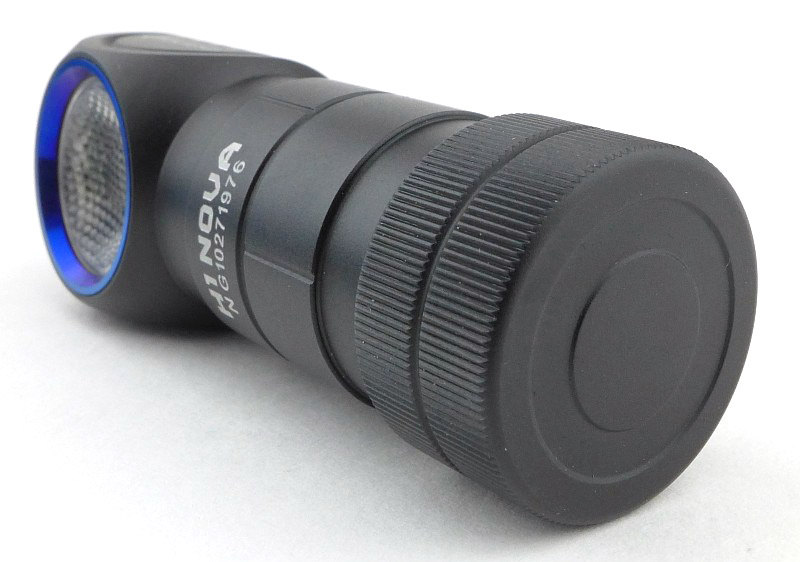
A plain tail-cap has a hidden magnet.

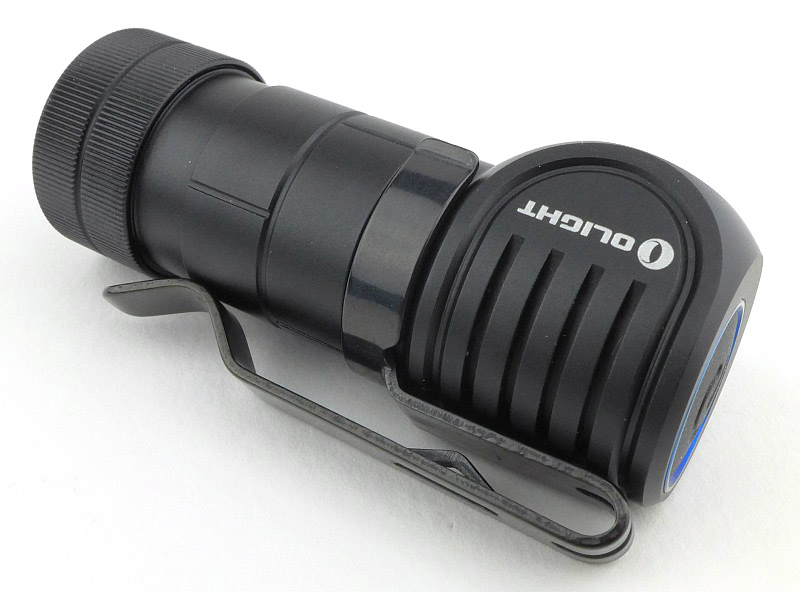
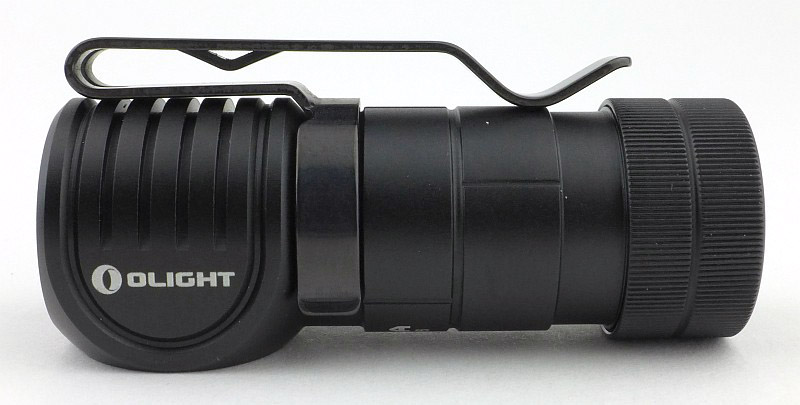
Though designed as a headlamp, the H1 also has a pocket clip that can be fitted either way up into one of the two grooves in the body.

It is a deep carry type of clip with a secondary ‘catch’ to help it hold onto a pocket edge.

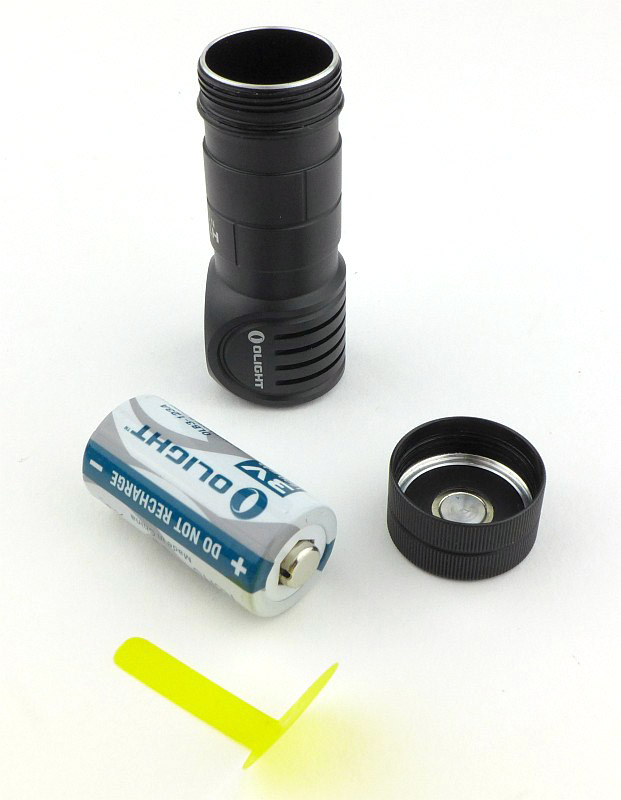
When it arrives, the H1 has a CR123 fitted inside it, but there is also a plastic insulator to stop the H1 from coming on, or having any parasitic drain.

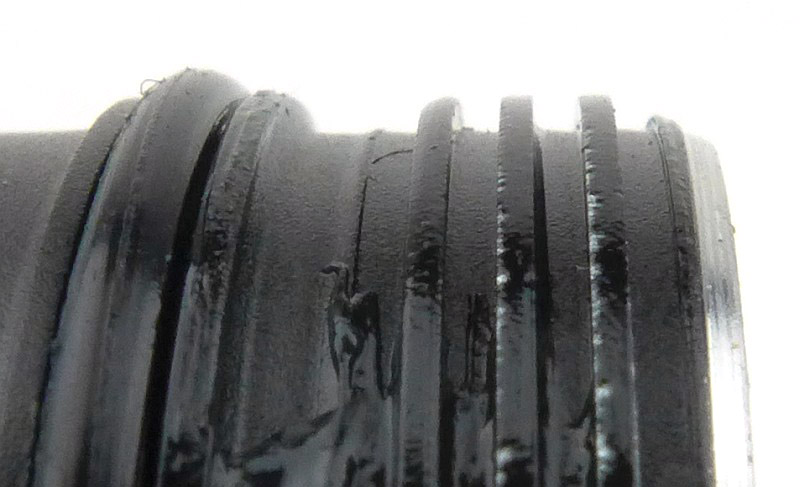
The threads are square cut. In this case there is some chipping to the anodised finish on one side of the thread.

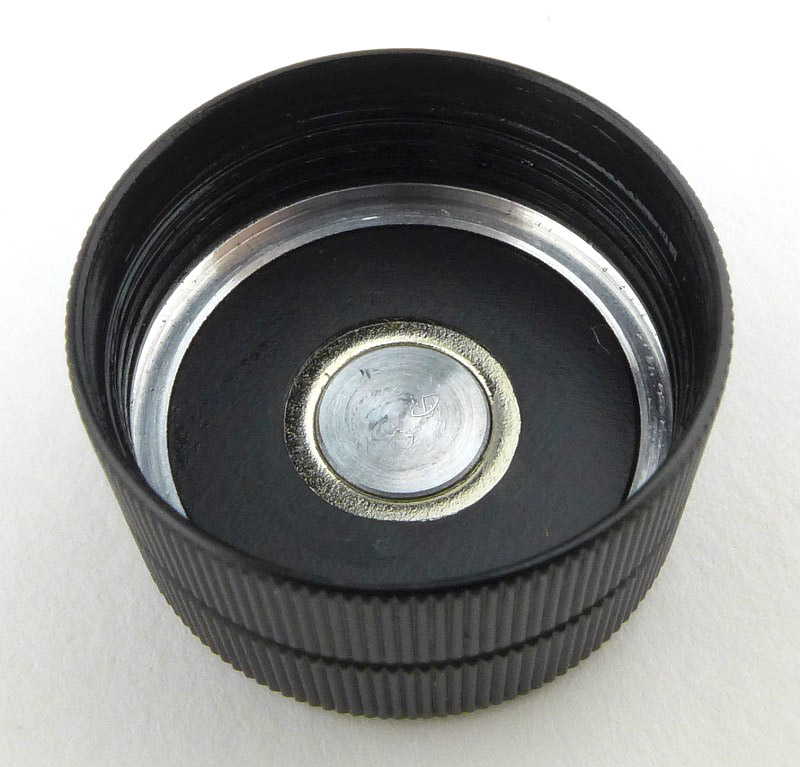
Inside, the tail-cap looks very simple. This is actually the positive contact so doesn’t have a spring. Surrounding the aluminium terminal, there is a ring of the tail-cap magnet visible.

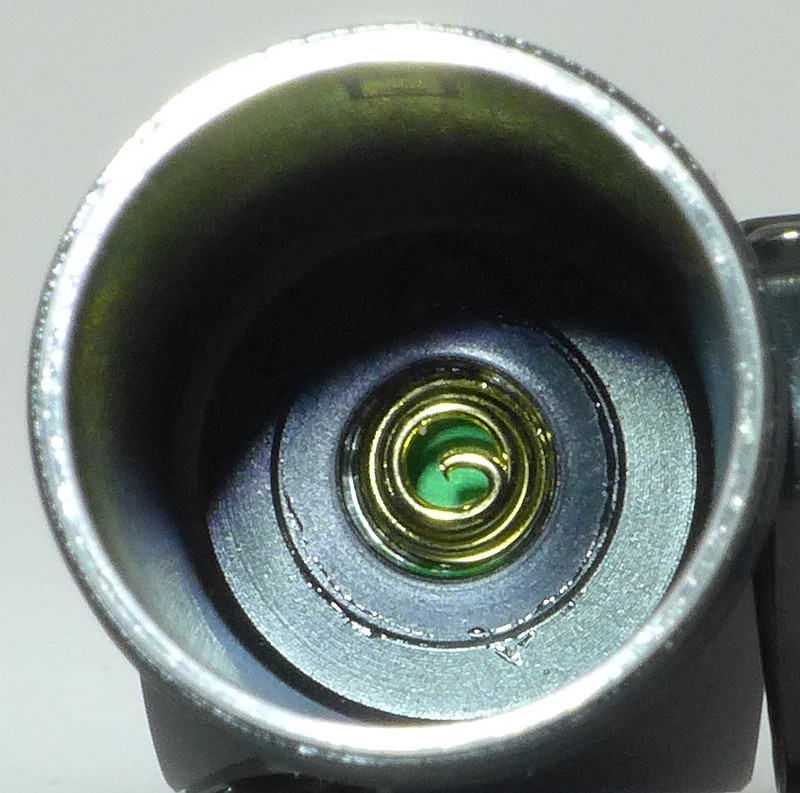
With the less conventional “negative into the tube” contact arrangement, there is a negative terminal spring contact inside the battery tube.

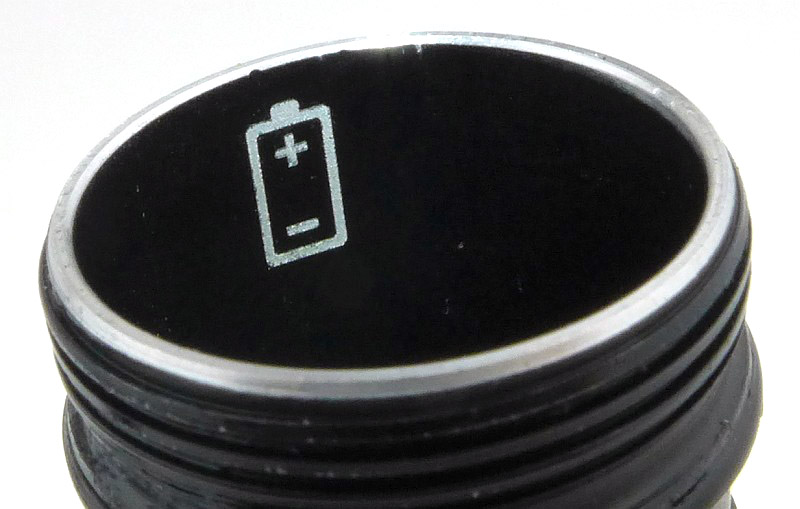
To remind you which way the battery goes in there is a guide marker inside the battery tube.

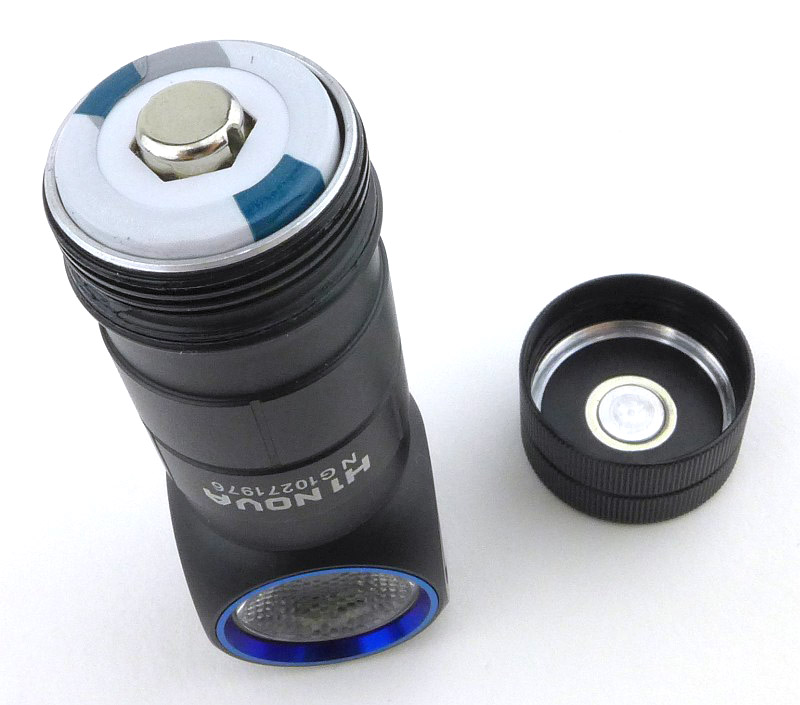
Refitting the cell after removing the transit insulator, the unconventional cell orientation has the positive terminal of the cell visible.

And we are ready to go.

With the NW and CW versions on test we can compare the beam tint in the next section.

The beam

Please be careful not to judge tint based on images you see on a computer screen. Unless properly calibrated, the screen itself will change the perceived tint.

The indoor beamshot is intended to give an idea of the beam shape/quality rather than tint. All beamshots are taken using daylight white balance. The woodwork (stairs and skirting) are painted Farrow & Ball “Off-White”, and the walls are a light sandy colour called ‘String’ again by Farrow & Ball. I don’t actually have a ‘white wall’ in the house to use for this, and the wife won’t have one!

In this first beamshot we have the CW version. All beamshot photos are taken with daylight white balance set. Of particular note is how wide the beam is, an excellent flood beam which, although it has a hotspot, this hotspot is large and surrounded by a super wide spill.

Now the NW version and the tint is significantly warmer than the CW and gentler on the eye.

Taking them outdoors, and back to the CW.

I didn’t quite get the beam alignment the same for these comparison photos, but the NW version appears to have a better reach.

Modes and User Interface:

There are five constant modes, Moon, Low, Medium, High and Turbo, plus an SOS mode. Access to these is controlled via the single electronic click switch.

To turn the H1 ON to the last used output level, click the switch once. Click again to turn OFF.
Note: Turbo is only memorised for 10 minutes after which is changes to Medium, and SOS is not memorised.

To change the output level, when ON, press and hold the switch to cycle through Moon (or Turbo), Low, Medium, High, Low etc.
Note: ‘normal’ brightness levels are Low, Medium and High.

For Moon mode, from OFF, press and hold the switch for 1s and the H1 will turn ON to Moon mode. This level is memorised.

For Turbo, from ON or OFF, rapidly double tap the switch. Double tap the switch again to change to the memorised output level.

For SOS, from ON or OFF, rapidly triple tap the switch. To exit SOS carry out any action with the side switch.

The H1 also has an electronic lockout to protect against accidental activation. To LOCK the H1, from OFF, press and hold the switch for 2s. After 1s the H1 will enter Moon mode, but continuing to hold the switch and the moon mode goes off again. The H1 is now Locked Out.

While locked, pressing and holding the switch for less than 1s will activate Moon mode momentarily, going off as soon as the switch is released. Holding it for 2s or more will unlock the H1.

To UNLOCK the H1, press and hold the switch for 2s or more. The Moon mode output will blink briefly to indicate it is unlocked and the H1 will be on in Moon mode.

With the anodised tail-cap threads there is also the option of a mechanical lockout by unscrewing the tail-cap 1/4 to 1/2 turn.

Batteries and output:

The H1 Nova runs on CR123 or RCR123.

To measure actual output, I built an integrating sphere. See here for more detail. The sensor registers visible light only (so Infra-Red and Ultra-Violet will not be measured).

Please note, all quoted lumen figures are from a DIY integrating sphere, and according to ANSI standards. Although every effort is made to give as accurate a result as possible, they should be taken as an estimate only. The results can be used to compare outputs in this review and others I have published.

___________________________________________ ________________________________ ________________________________
Olight H1 Nova Version using specified cell. I.S. measured ANSI output Lumens PWM frequency or Strobe frequency (Hz)
___________________________________________ ________________________________ ________________________________
Cool White Turbo – AW RCR123 575 0
Cool White Turbo – CR123 308 0
Cool White High – AW RCR123 193 0
Cool White Medium – AW RCR123 70 0
Cool White Low – AW RCR123 14 0
Cool White Moon – AW RCR123 2 0
Neutral White Turbo – AW RCR123 560 0
Neutral White High – AW RCR123 190 0
Neutral White Medium – AW RCR123 70 0
Neutral White Low – AW RCR123 14 0
Neutral White Moon – AW RCR123 2 0

There is parasitic drain but it is low. When using CR123, the drain was 19.6uA (8.15 years to drain the cell) and when using RCR123, the drain was 23.6uA (3.63 years to drain the cell).

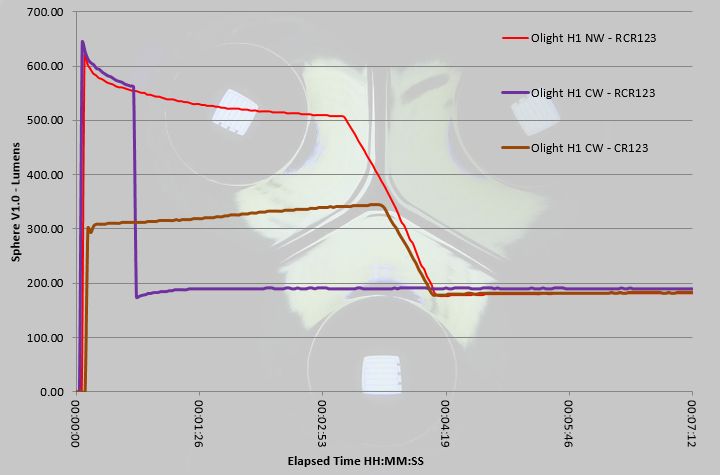
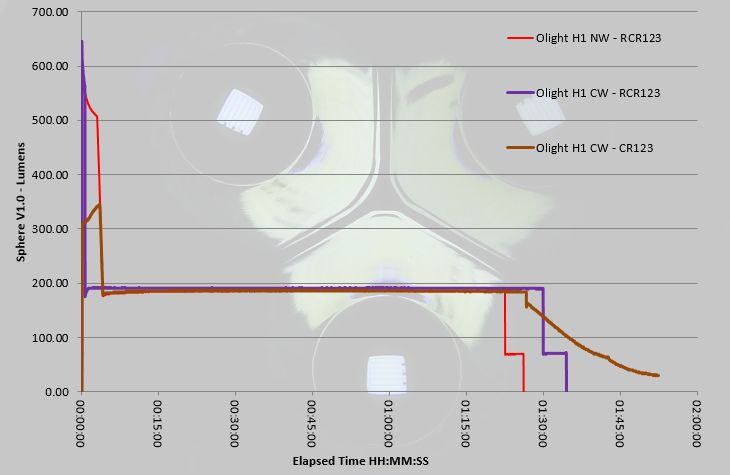
Initially looking at just the first part of the three runtime traces shown in the graph, and the first observation is that the H1 does not achieve full output on CR123 instead requiring a RCR123 for the full 500+ lm. Also note that for the maximum Turbo output the H1 is quite sensitive to the cell condition with the CW run only managing about 45s on Turbo before dropping to High, but the NW taking this to the full 3 minutes of Turbo before ramping down to High. There is more to discuss on this in the full length runtime graph.

Picking up from the previous comment, where the CW only ran at Turbo for 45s (possibly indicating a cell that was not fully charged) it actually managed a slightly longer runtime than the NW (which had the full 3 minutes of Turbo), so in reality the cell had the same level of charge, but the CW terminated Turbo earlier.
Also note that the supplied CR123 has managed approximately the same overall output (though it does tail off and gives a longer total runtime). What is important to note is that when using the RCR123, it’s protection kicks in and the output of the H1 does cut out completely around 5 minutes after dropping down to Medium. If used on Medium for long periods, you won’t have any warning a RCR123 is running low, it will just cut out.

Troubleshooting

This section is included to mention any minor niggles I come across during testing, in case the information helps anyone else.

No issues were encountered during testing.

As per the description of this section, this information is provided in case anyone else finds a similar ‘issue’ that might be fixed in the same way.

The H1 Nova in use

Honestly, before trying out the H1 Nova, I was never a fan of 1xCR123 headlamps. The reasons for this were that many would only work with primary cells (I definitely want the option of rechargeable), and the interface/beam/runtime never seemed a good fit to my needs.

Personally, the critical aspects in a headlamp are no PWM, a flood beam, direct access to moon mode, plus a comfortable headband. Add to this easy conversion to a pocket lamp, and the ability to use rechargeable cells, and you have a winning formula.

Though I prefer rechargeable cells, you often have the issue that output can shut off completely if the protection circuit kicks in. Unfortunately the H1 does have this slight issue, and it can be very disorienting to suddenly lose all light. As the H1 will drop from High to Medium when a RCR123 is getting low, if you are already on Medium, then you don’t get that warning and it will just go off. Using a primary cell completely removes this problem, so depending on your type of use you can pick the cell to suit.

With the switch being very low profile, which helps avoid accidental activation, I have found it difficult to operate reliably. When you don’t hit the middle of the button, but are more to the side, the click is not clean, or might not click at all. As soon as you find the middle of the button, it has a very precise action and works perfectly. Mounted on your head, finding that sweet spot on the button is not always easy, and if wearing gloves, forget it, so the compact design can work against the H1 in this way.

The beamshots really do speak for themselves, and the H1 has a beam that is so easy to get on with. A headlamp is predominately a task light, and when you are carrying out a task you don’t want to have to ‘point’ the beam with your head. When using the H1 as a headlamp you can just focus on the task in hand, and the fact the H1 pretty much disappears from your awareness is the signal it is working really well.

It is great that the H1 is capable of the Turbo output, however, I find that this is rarely used, it is just too bright for anything within arms reach. Moon mode is an essential, and the Low and Medium levels are just right for the vast majority of my needs. If out walking with it, I will use High sometimes when I want that bit more range, but even then Medium is my go-to level.

There is one feature I hadn’t really noticed that much, the gradual brightness changes: When turned on/off on medium, high, and turbo modes, it will turn on or off gradually. This mimics the characteristics of incan bulbs that have to heat up and cool down, making it much kinder to the eyes; Thank you Olight. The reason I hadn’t noticed this much was due to mainly using Low and Medium where the effect is less noticeable. It is more significant with the High and Turbo modes, and does make a difference.

I wouldn’t normally bother to mention the magnetic tail-cap except in passing, but I would like to make a point with the H1, to say that the strength of the magnet is one of the best I’ve come across. Often a magnetic tail-cap can be too aggressive and end up sticking to everything, yet with the H1 it is sufficient to hold the light where you put it, without ‘grabbing’ everything incessantly.

Considering this is based on the excellent S1 Baton, my one slight disappointment is that the parasitic drain is much higher. OK, it is only 20uA, but the S1 is 1uA. Parasitic drain is pure waste, especially with primary cells, so I’d have hoped to see this at the same level as the S1 instead of 20x more.

This does lead me to prefer using the mechanical lockout as this does kill the drain completely, but also the electronic lockout is not ideal to prevent accidental activation as this is too easy to unlock, and if squashed in a bag or pocket, it is very likely the button will be pressed for 2s or more.

Converting the H1 between headlamp and pocket light is very easy, and getting the light out of the rubber mount is no struggle at all. Regular fitting and removal of the pocket clip will mar the anodised finish, but there is not much that could be done about that, so you decide if you want to convert it to and from. I find it most useful as a headlamp, and a bit on the small and lose-able size when taken out of the mount.

So, overall I’ve been won round by this CR123 headlamp, which has been helped by how easy it is to carry (living in my coat pocket), by its very usable interface, the excellent beam, and comfort. There have been far fewer battery changes than I expected, so its practicality has been proven.

Review Summary

_______________________________________________ _______________________________________________
Things I like What doesn’t work so well for me
_______________________________________________ _______________________________________________
Compact and easy to carry. Though low, the parasitic drain is much higher than the S1 Baton.
Excellent flood beam. Electronic lockout too easy to unlock.
Runs on CR123 and RCR123. When used on RCR123 the cell protection is ultimately triggered, cutting the output completely.
Direct access to Moon mode (and Turbo). Sometimes difficult to press the switch in the right spot.
Very functional UI.
Useful level selection.
Soft ON/OFF is easy on the eyes.


Discussing the Review:

The ideal place to discuss this reviews is on a forum. If you started reading the shorter forum version of the review, but followed the link this full exclusive review, please return to that forum to discuss the review there.
If you read the review entirely on Tactical Reviews, please consider one of the following to join in any discussion.

CandlePowerForums – Flashlight Reviews Section (Largest and Friendliest Flashlight Community Forum)
EdgeMatters – Sponsored Reviews (UK based Forum for Knife Makers and Collectors)

Knife Review: Extrema Ratio MAMBA

Extrema Ratio are well known for making knives that are built like a tank; heavy duty fixed blades and folders that will take everything you can throw at them in their stride.
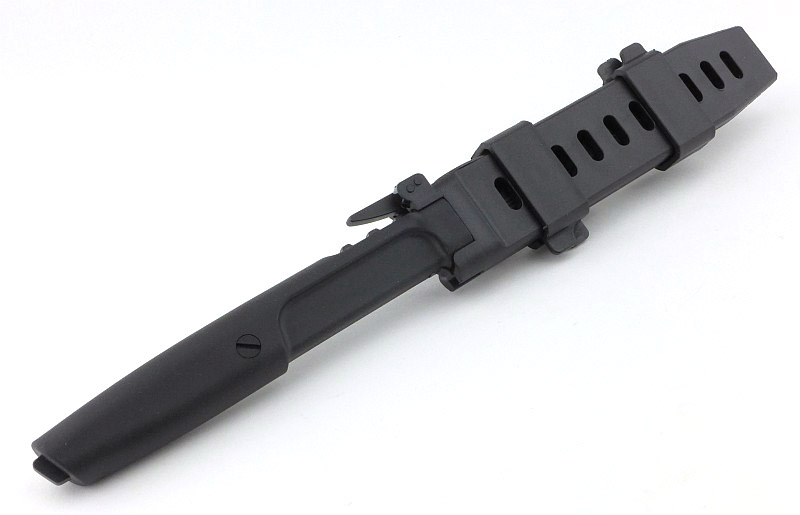
When the new Mamba arrived for testing it was clear this was something quite different; I was struck by how slim this knife is, and by the special sheath with quick release lever locking system – a sheath so slim it is MOLLE compatible because slides directly into the loops of PALS webbing.

The Blade and Handle Geometry:

Most knife specifications have a basic description of the blade geometry, but in this section I will be taking a more detailed look at geometry and balance.

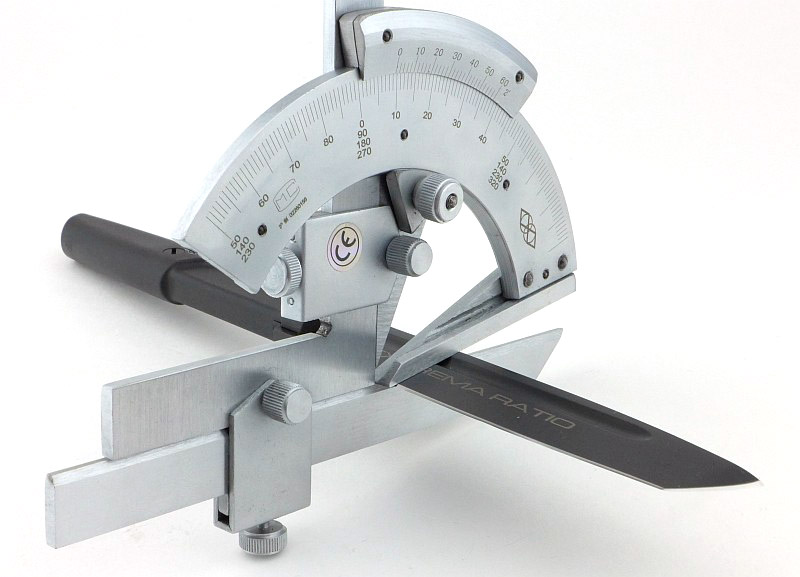
Using a set of gauges and precision measuring equipment including a Vernier protractor, callipers, fixed radius gauges and the unique Arc Master adjustable radius gauge (the one that looks like a crossbow).

These measurements have been tabulated and are presented along with a few reference blades (8″ Chef’s Knife, 5.5″ Santoku and the popular Fällkniven F1).

Key aspects such as the primary bevel angle, grind type, blade depth, blade thickness, length, weight are detailed, along with balance information.

The ‘Balance relative to the front of the handle’ tells you if the knife will feel front heavy, or if the weight is in your hand (a positive value means the weight is forward of the front of the handle). The ‘Balance relative to the centre of the handle’ indicates how close to a ‘neutral balance’ the knife has in the hand.

In the case of full convex grinds the approximate centre of the grind is used for the primary bevel angle estimate.

The blade is made from ACCIAIO BöHLER N690 (58HRC) steel.

A few more details:

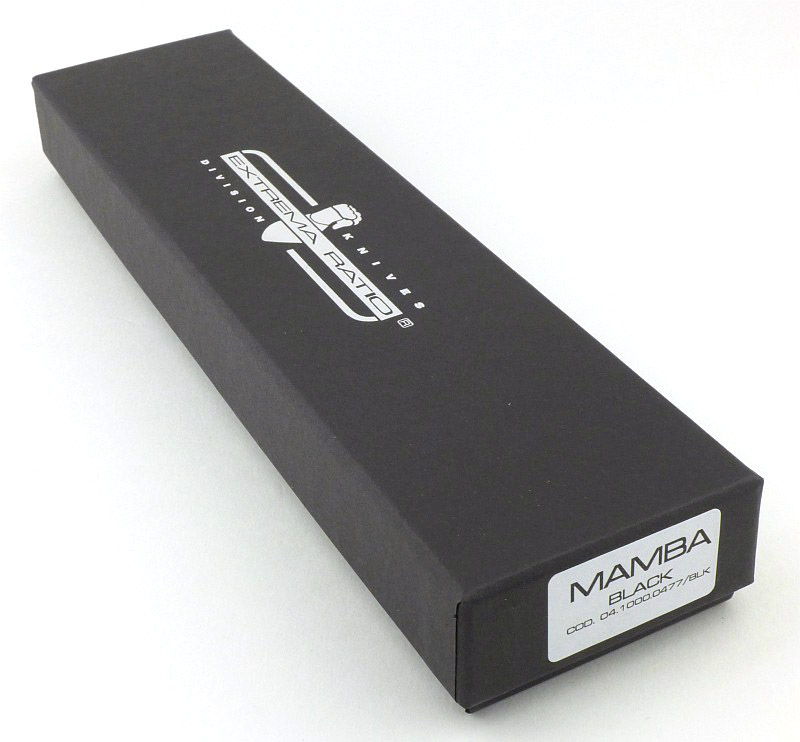
The slimmest Extrema Ratio box I’ve come across.

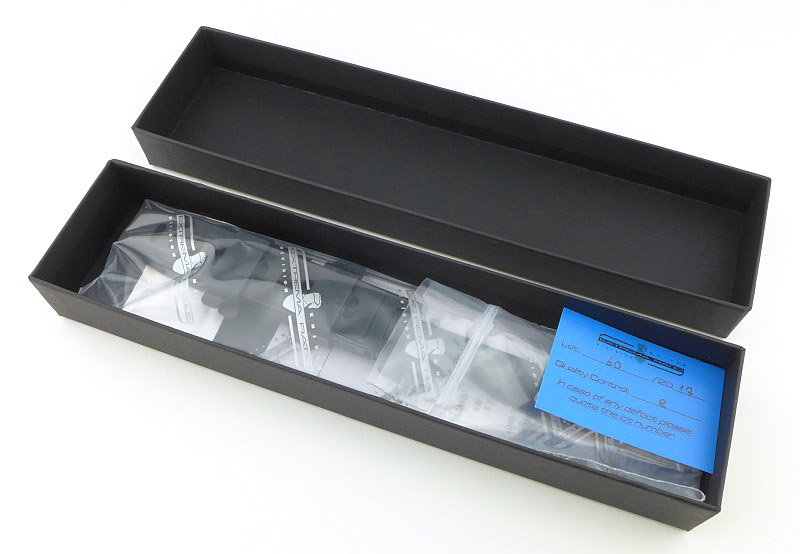
Taking the lid off; this is how the Mamba arrives.

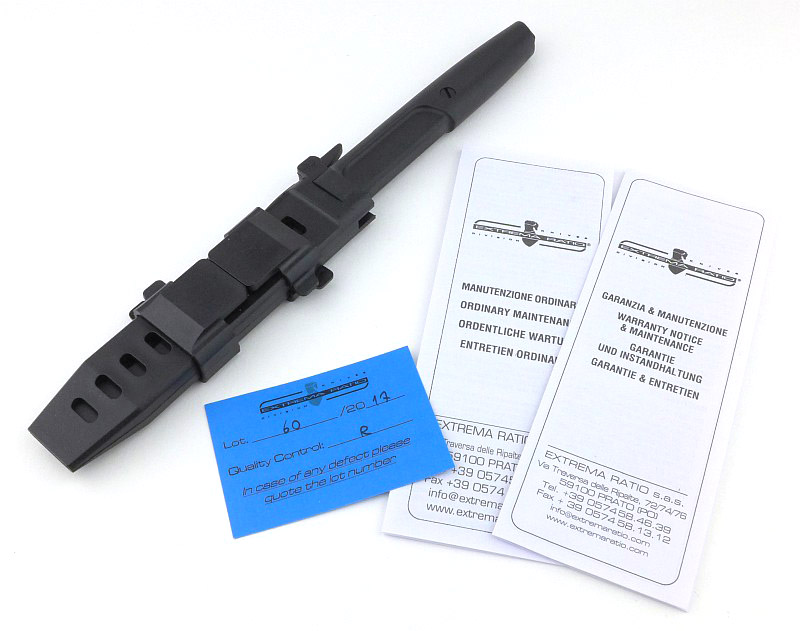
Included is the Mamba and sheath, with a quality control card and a couple of leaflets.

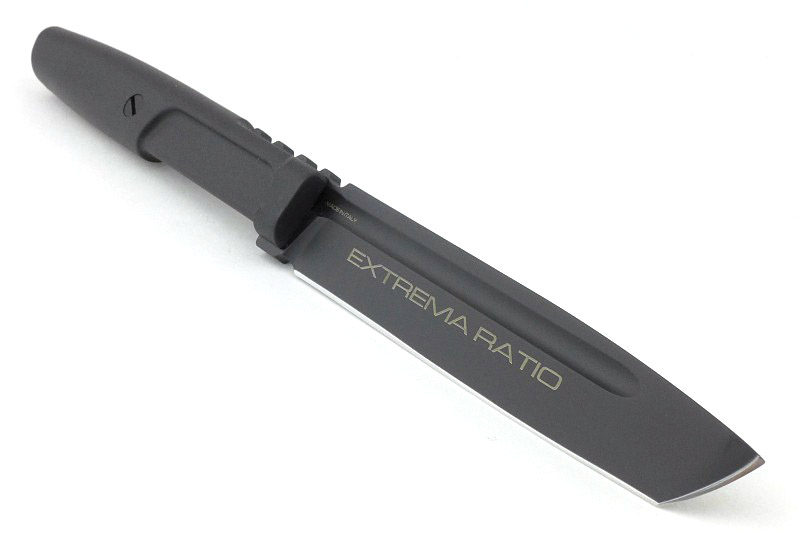
This really is something different from Extrema Ratio. Recognisable in styling, but definitely distinct.

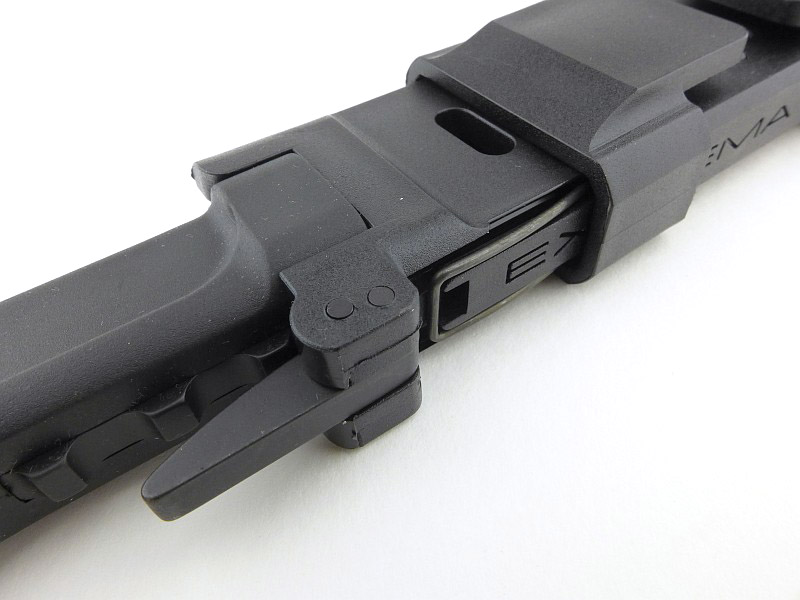
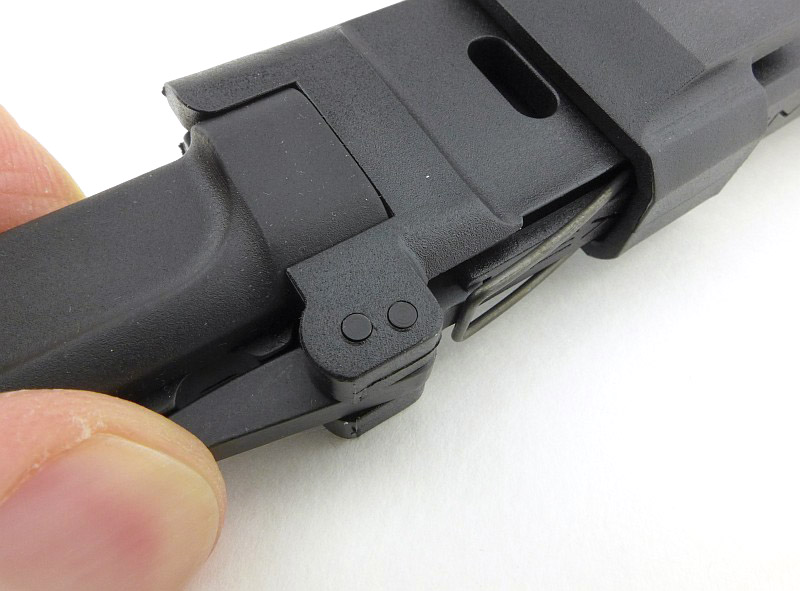
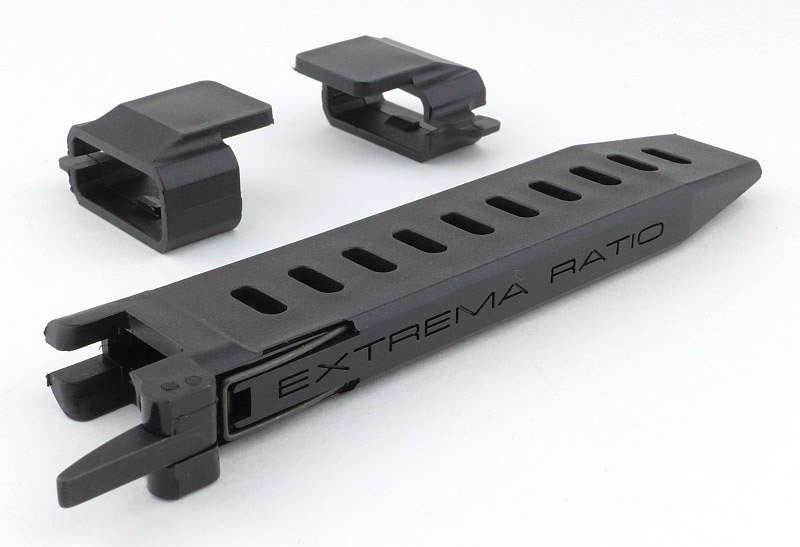
One of the outstanding features of the Mamba is the quick release lever locking system. This is not a new system as it is used in many diving knife sheaths and a few specialist designs, but it is one I’m a real fan of. Easy and quick to use and very secure.

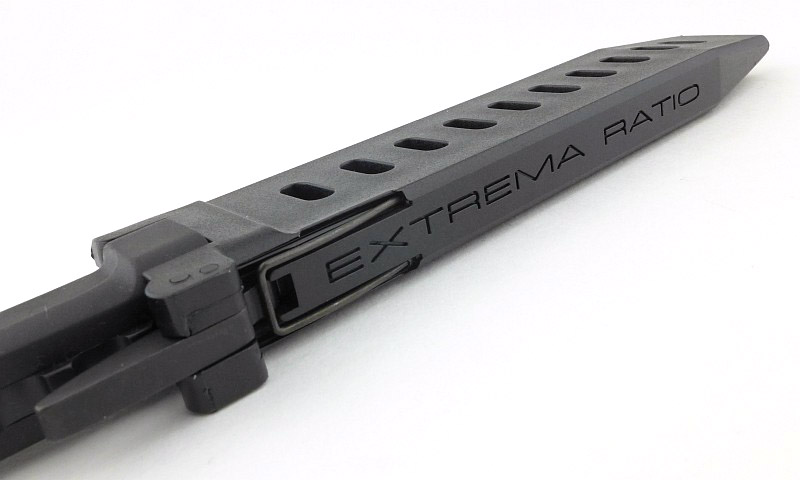
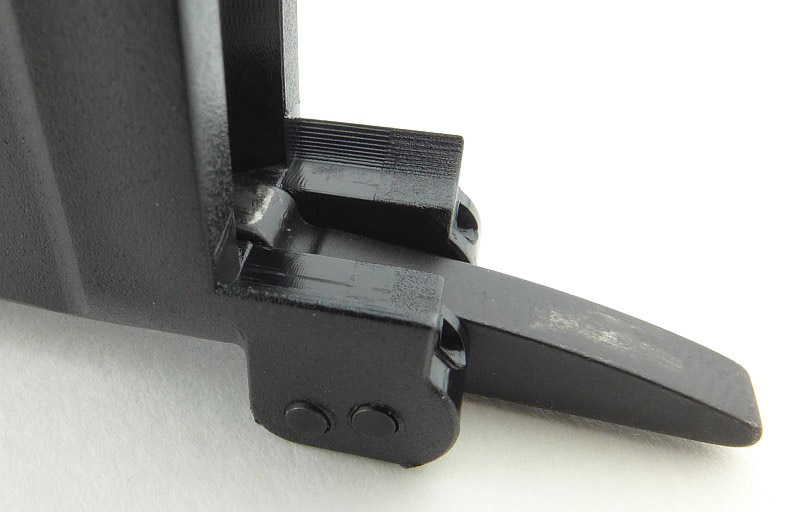
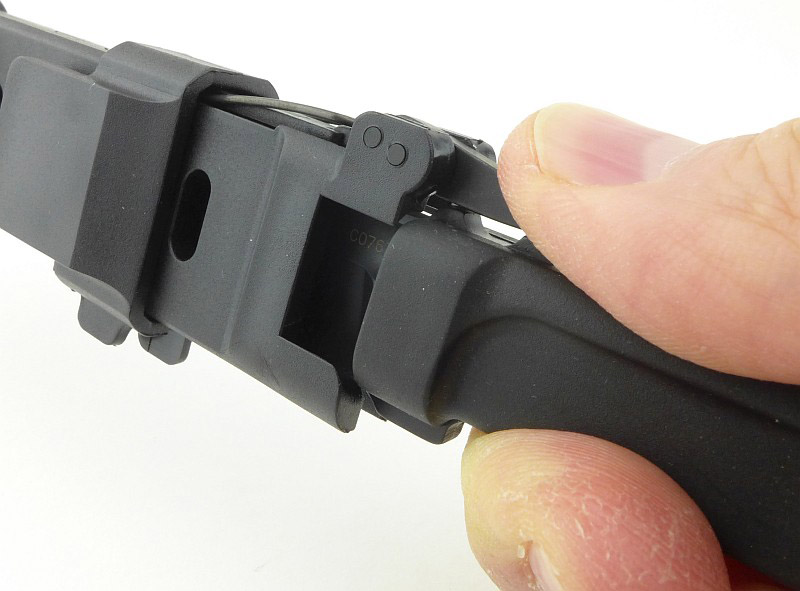
Simply press the lever inwards to release the knife. With the lever pressed in, its wire spring is pushed away from the sheath slightly.

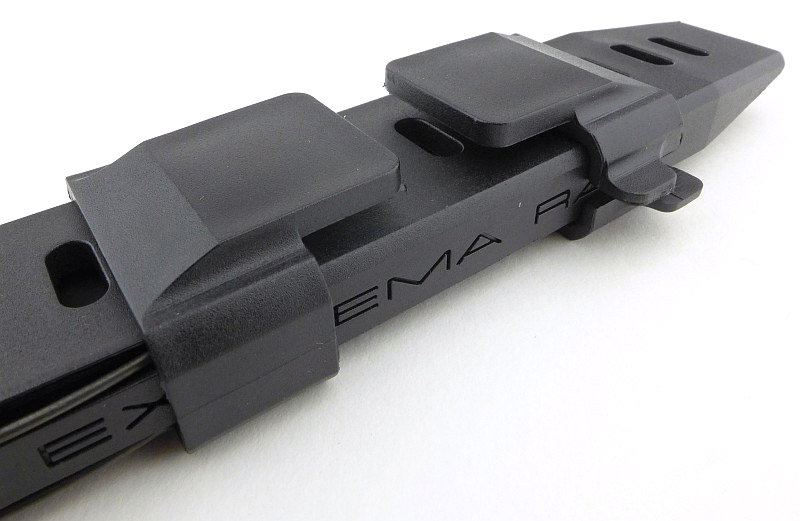
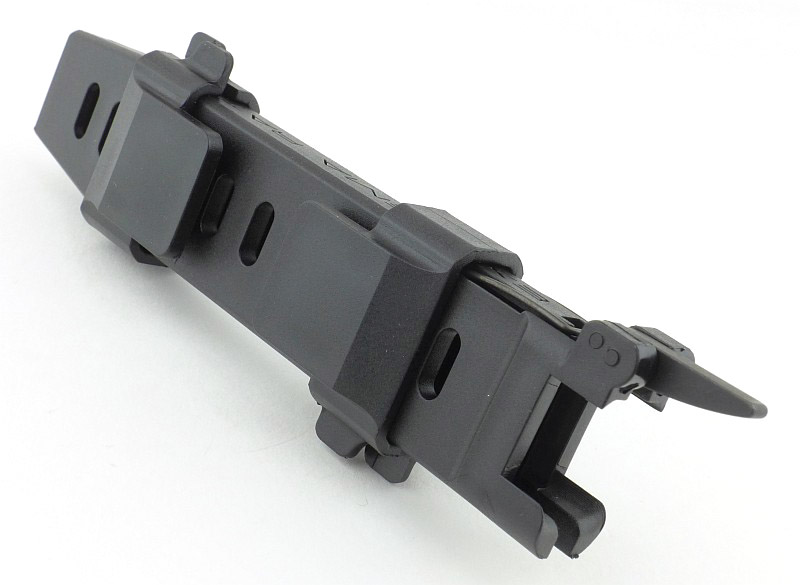
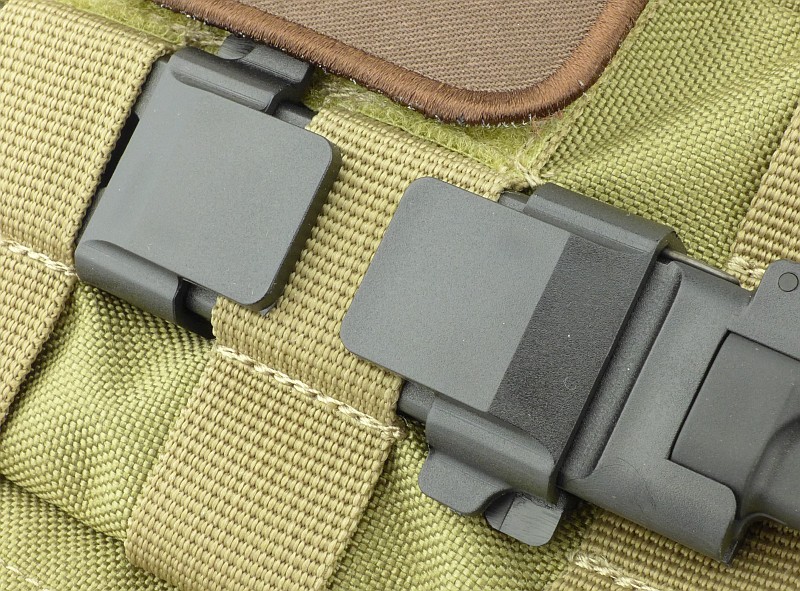
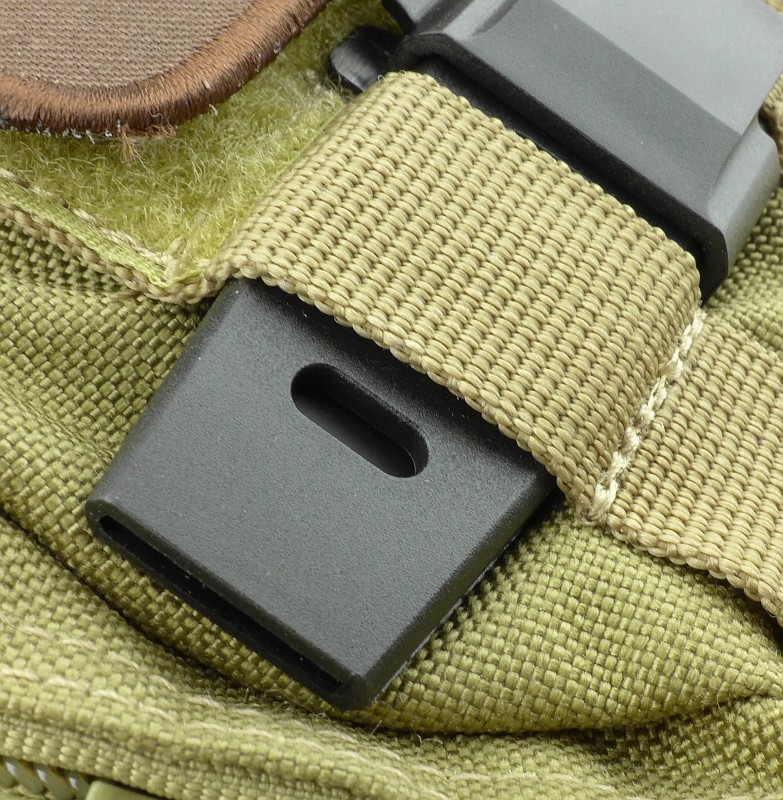
The very unusual sheath has two adjustable plastic clips. They can also be reversed to make the sheath left or right handed. Of course these are used to secure the sheath in place when inserted into PALS webbing.

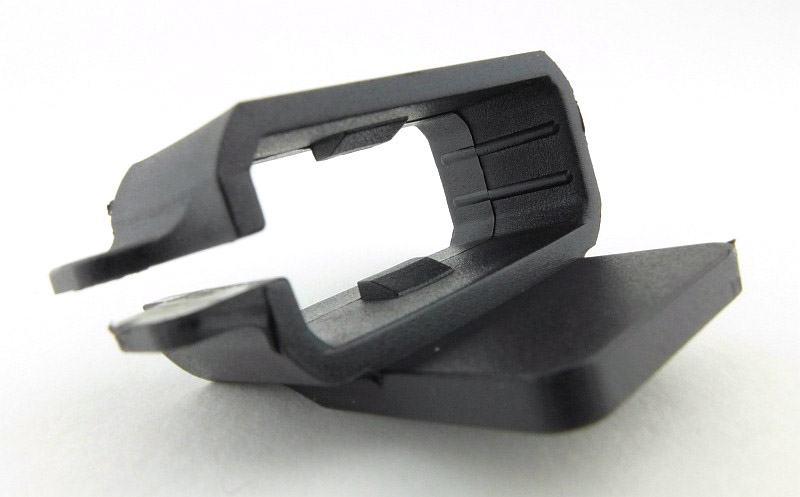
With the clip removed from the sheath you can see the internal locking lugs. One side is open and has finger tabs to allow you to open it further for adjustment or removal.

All along the sheath are holes for the adjustable clips to lock into. Should you just want a super low profile knife, you can take the clips off and use the sheath like this.

A distinctive design feature of Extrema Ratio knives is the finger grip recess in the Forprene handle.

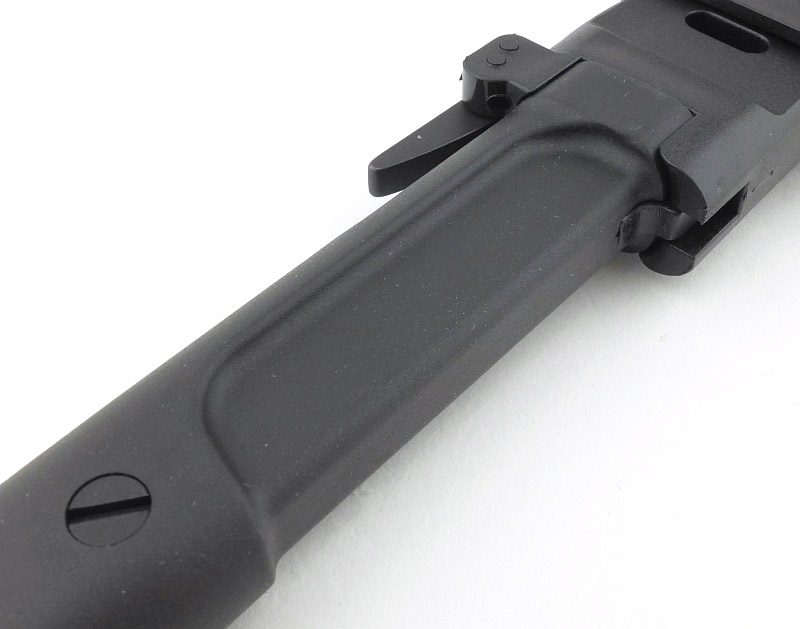
There is a single bolt holding the Forprene handle in place. The screw is a tight fit, and even when fully loosened does not fall out; you will have to undo it and pry it out to take the handle off the full tang.

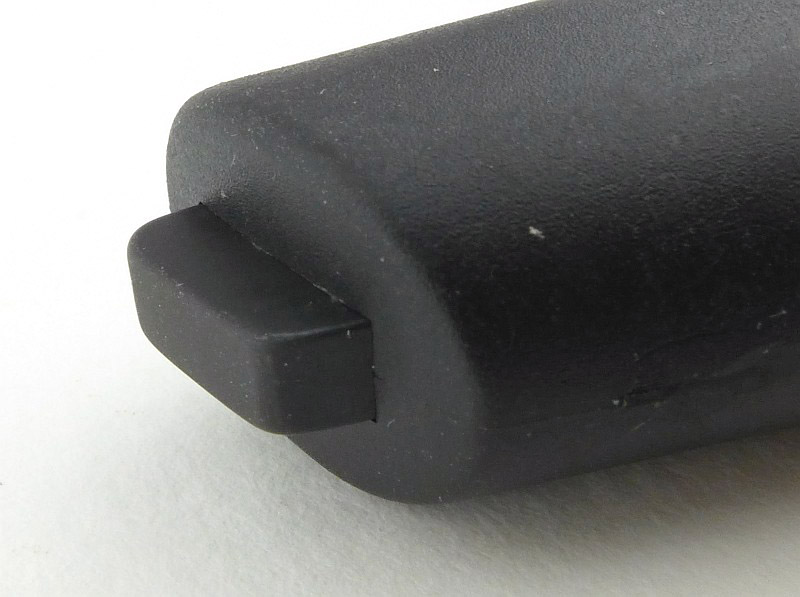
The full tang protrudes slightly from the end of the handle giving you a small striking surface.

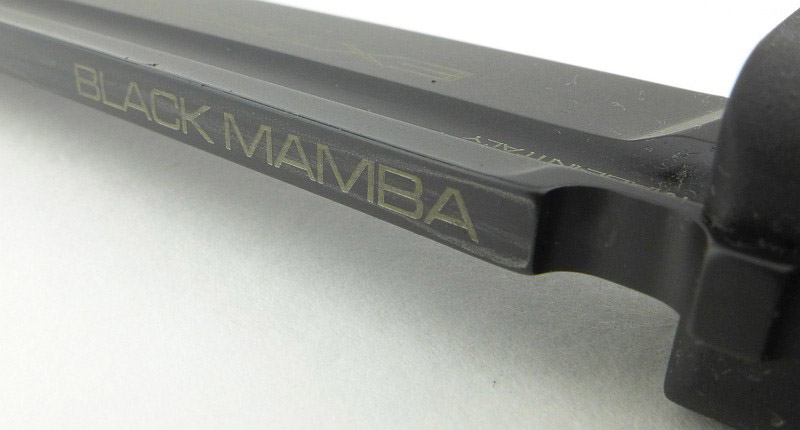
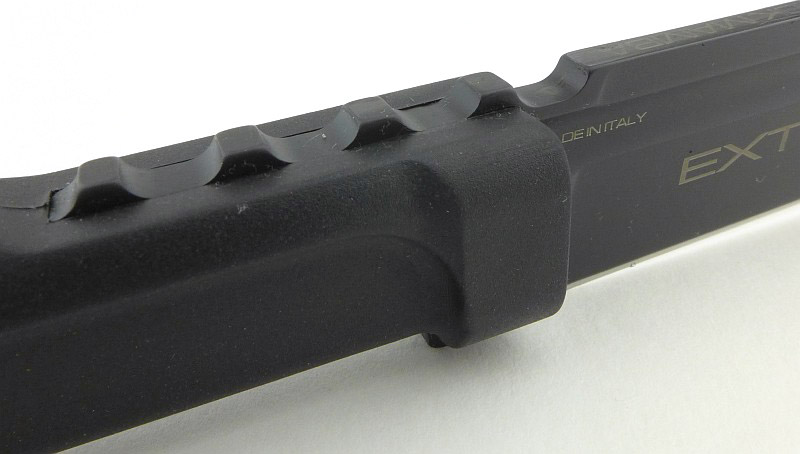
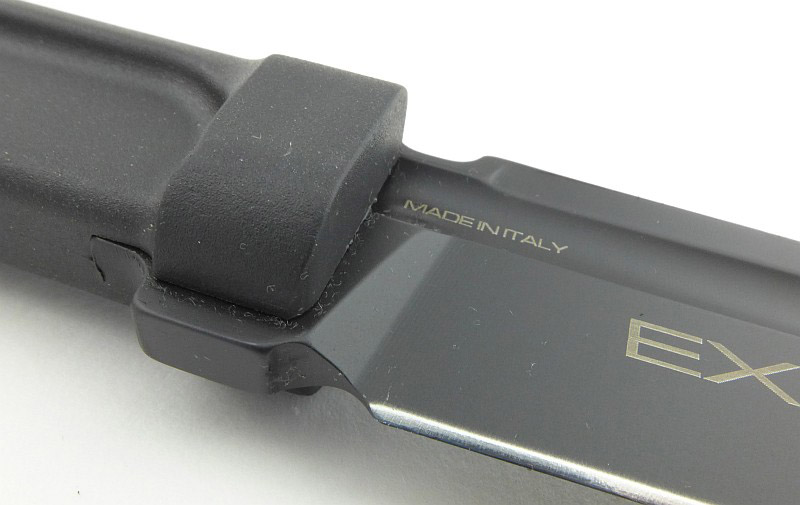
On the spine, near the handle, the model is printed onto the black MIL-C-13924 burnished blade finish, and next to this is the notch that the locking lever fits into to hold the knife in the sheath.

The spine is flat for its entire length. This is an important detail in the operation of the lever lock.

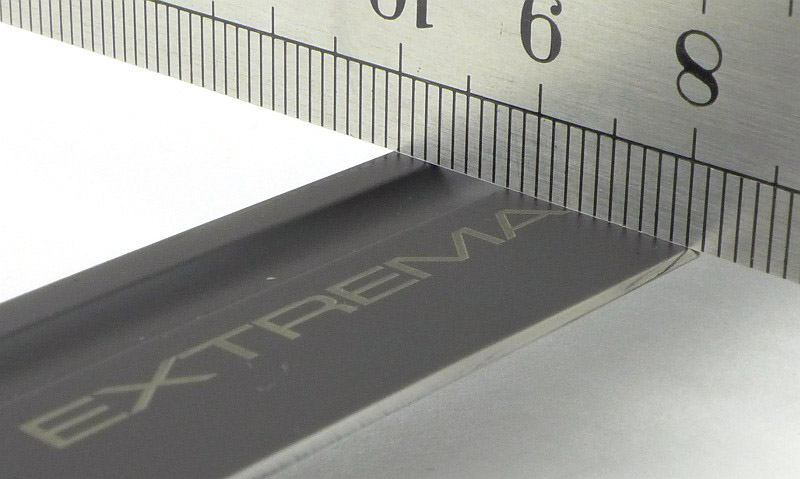
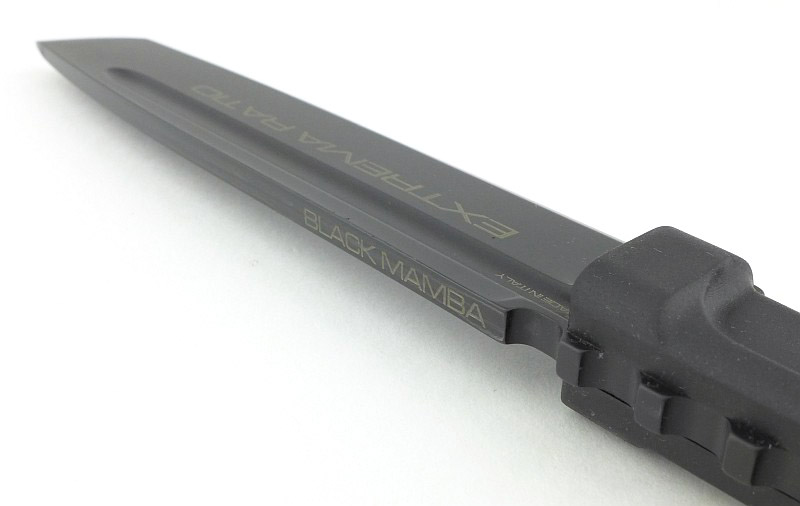
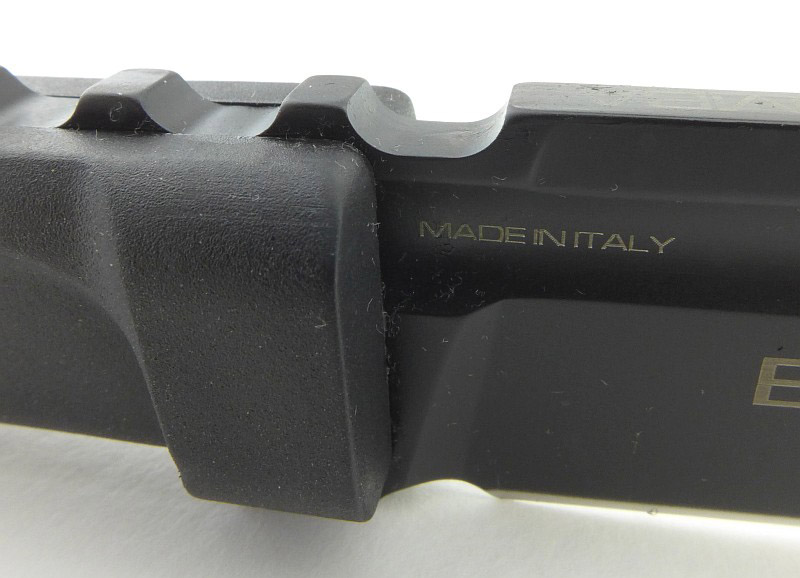
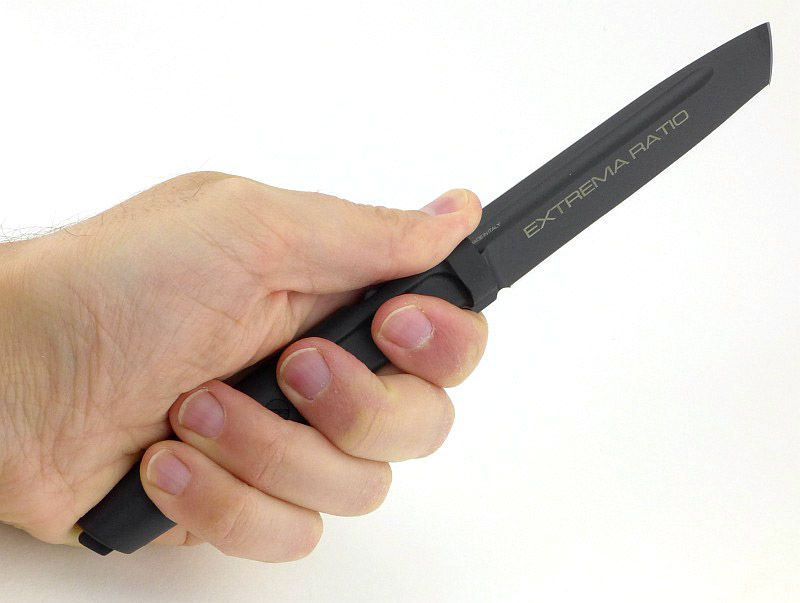
On the right side of the blade it has ‘Extrema Ratio’ printed onto the black finish.

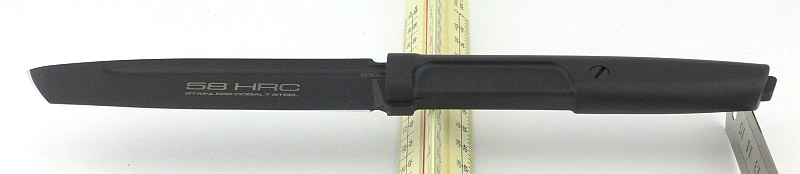
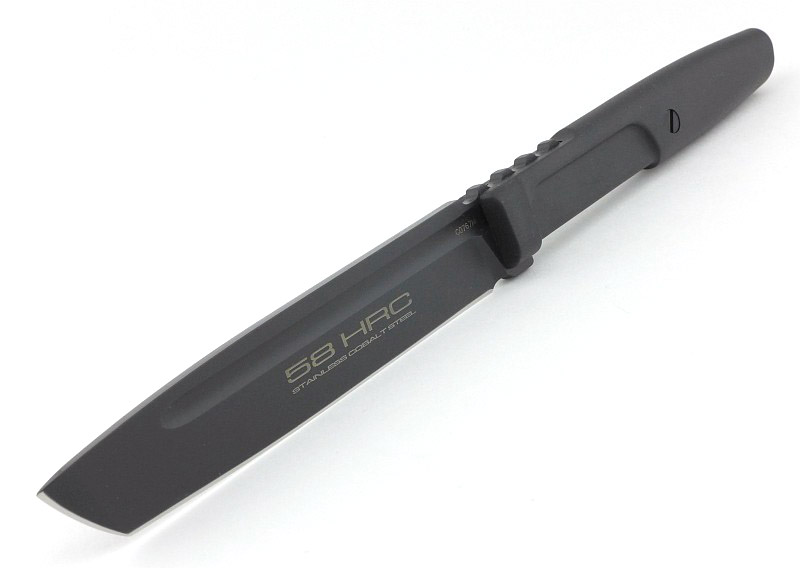
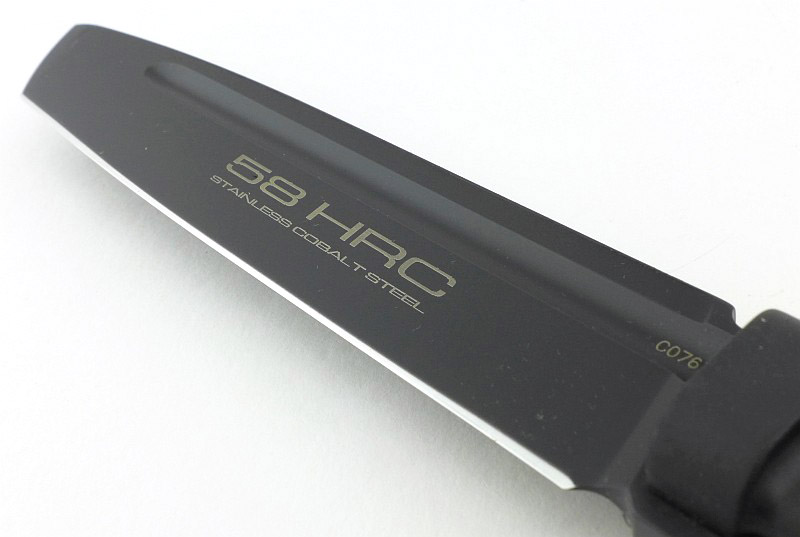
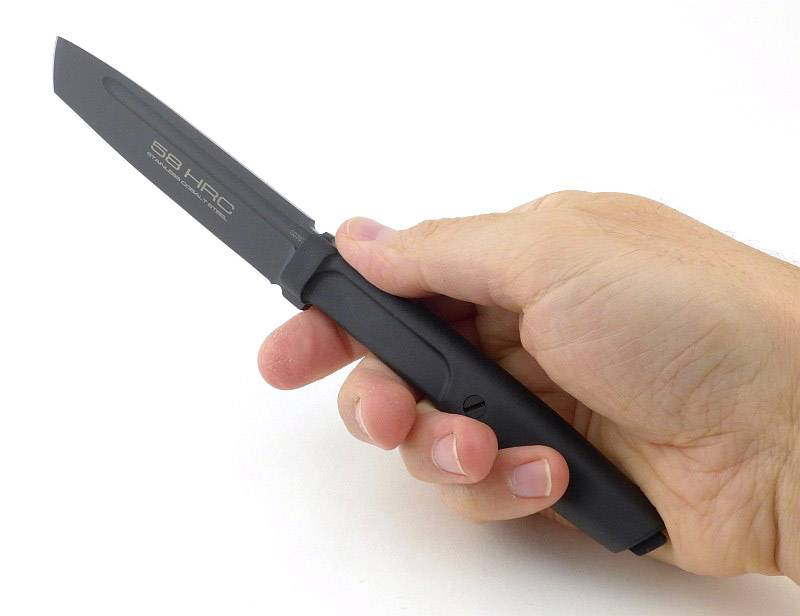
And on the left “58 HRC” is prominently printed with ” Stainless Cobalt Steel” printed underneath.

As a key design characteristic of the Mamba is that it fits into PALS webbing loops, the sheath is the starting point for this design. With the sheath fitted in PALS webbing, you want quick access to the blade and one-handed operation, both of which make the lever lock an ideal choice.

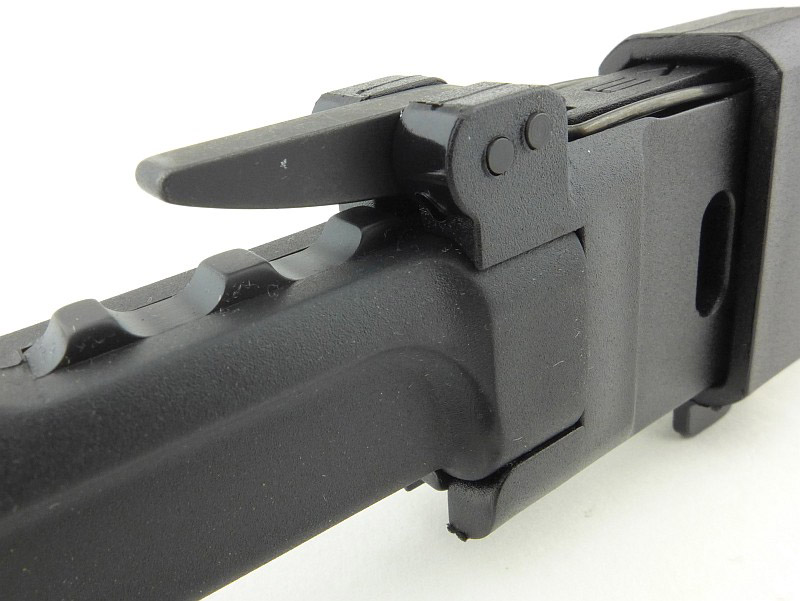
Taking a close look at the side of the lever that touches the knife, you can see several details. The lever has a pivot pin as well as a second pin to restrict the rotation of the lever. At the left end of the lever is the locking lug that fits into the notch in the blade spine. This lug is showing wear of the black coating where it rubs against the spine. Also showing wear is an area to the right of the lever where it gets pressed into the jimping when releasing the knife. Also note the shaping of the plastic sheath which supports and holds the blade end of the handle closely when the knife is locked in place.

When seen with the deep jimping on the spine, the locking notch doesn’t stand out at all as it is the same size and shape as the rest of the notches in the thumb grip.

Another view of that locking notch.

Though a relatively slim blade, there is a full length fuller cut into the full flat grind.

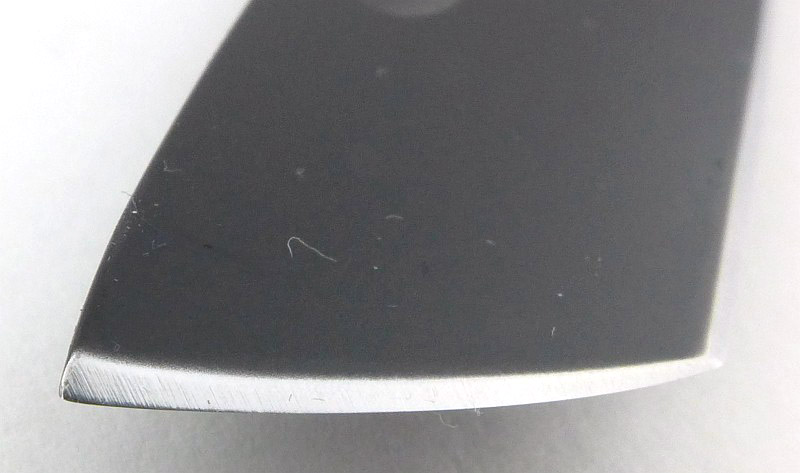
Having a strong Tanto tip, the edge bevel does widen towards the very tip.

Even in this slim blade there are refinements including a nicely angled plunge line and sharpening choil.

What it is like to use?

For a couple of main reasons, the Mamba has been a bit of a revelation. When I first saw it, I didn’t think all that much of it, but I was wrong, it really works.

The first of those reasons – the quick release lever lock. I’m so pleased to see this in a non-diving knife as it is one of those features I’ve been crying out for in ‘normal’ sheath knives.

A thumb release lever lock is so intuitive and easy to use as you basically free the blade just taking a normal hold on the handle. Your thumb sits onto the lever instead of the jimping and you squeeze to withdraw the blade.

The lever lock does require a slightly different technique when withdrawing or inserting the blade into the sheath. I mentioned this earlier in relation to the full flat spine. You need to keep the spine pressed into the locking lever as you withdraw or insert the blade. If you don’t, the sprung lever pushes the cutting edge into the opposite side of the sheath, both dragging on the blade, and cutting into the plastic. A slight pressure of the blade spine onto the lever and the blade glides in and out easily.

While mentioning ‘gliding’; actually the finish on the blade when new is so matt, it is slightly rough and in certain circumstances, this does actually cause some drag during a cut or when wiping clean. The surface finishing from Extrema Ratio is excellent, and hard wearing, so this ‘feature’ may simply be more noticeable on the finer blade of the Mamba than it is on larger, heavier knives.

There is one major disadvantage with the lever lock design; should you accidentally insert the blade into the sheath the wrong way round, the cutting edge runs directly onto and along the metal locking lever which will seriously damage the cutting edge.

Once in the hand, the Mamba is similar in size to flatware (a table knife) but is clearly something much more serious.

Though it has a slim grip, the finger grip in the handle, combined with the deep jimping under the thumb, give you a really secure hold on the knife.

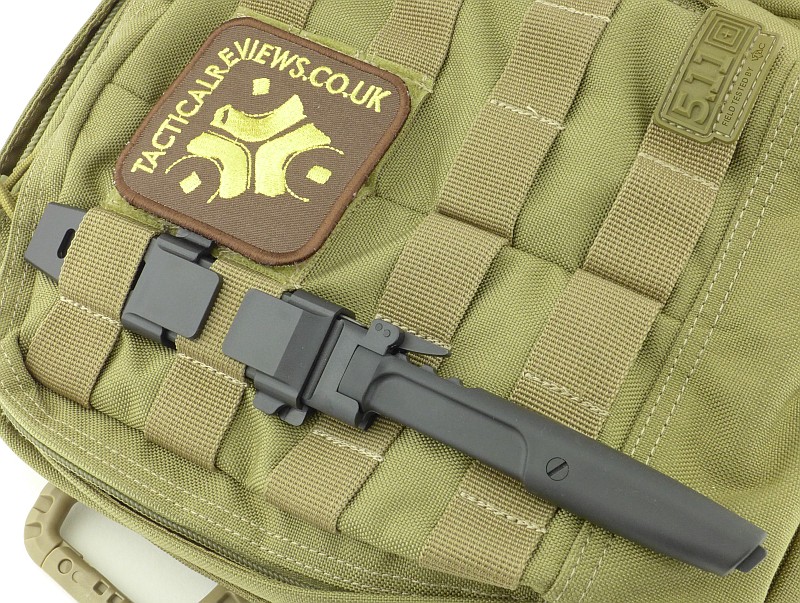
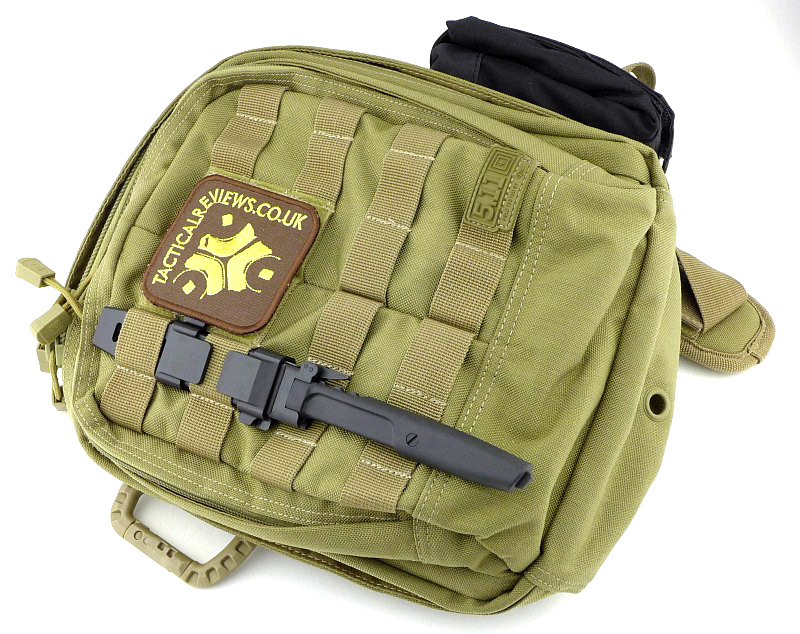
Of course the main reason for the slim design of the Mamba is so that it, and its sheath, can fit into PALS webbing (so is MOLLE compatible) for ease of integration into your gear. Many people carry a knife in their PALs webbing, but either have a folder clipped onto it, a large knife with MOLLE compatible sheath, or (something that makes me cringe) in some cases an unsheathed knife slipped into the loops.
Here I’ve got it fitted to a MOAB 6 bag, but it works even better on the shoulder strap of a backpack.

Before fitting, take off the clips and try the sheath in the position you are considering, and check your thumb will land on the locking lever. Then refit the clip nearest to the handle and try once more to check it all works. There is a good reason for checking how well it works at this point.

When mounted, the adjustable clips are positioned so that they hold onto one line of webbing. The clips need to be opened on both sides of the sheath to be able to slide, so fitting can be a bit awkward. This is due to the clip near the tip of the sheath having very little room to move as it is pressed against the bag/load carrier on one side. You don’t want to have to do this many times, hence the earlier trial fitting I mentioned.

Although you have to fight with one of the clips to fit the Mamba into PALS webbing, the tapered tip of the sheath slides through the loops very easily.

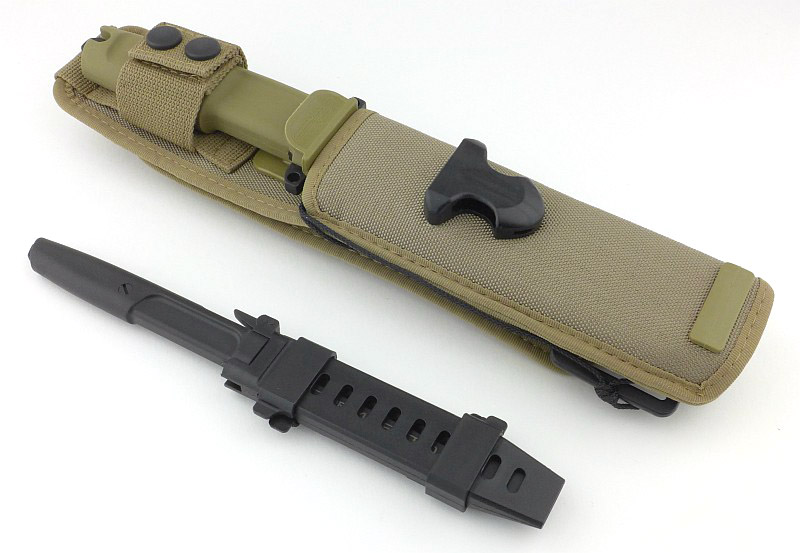
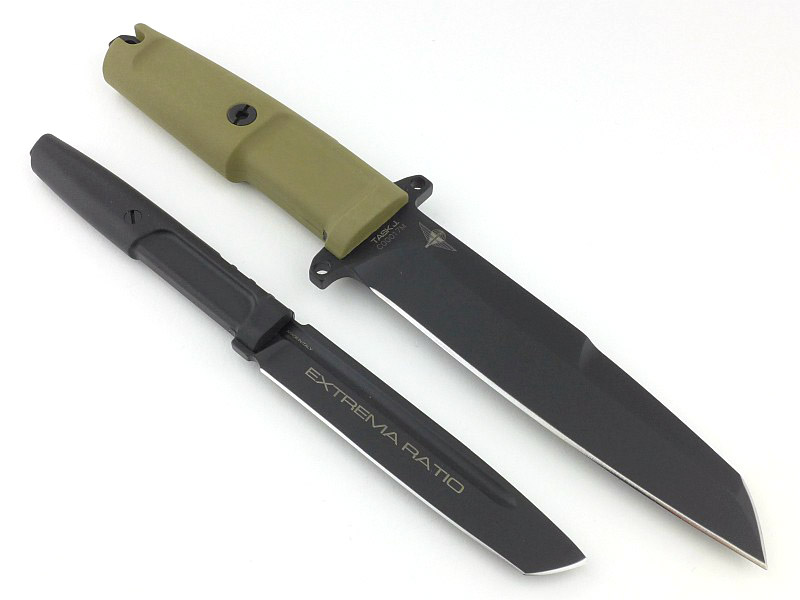
So, being designed to fit into PALS webbing, compared to the Extrema Ratio ‘standard build’ for a knife, it is quite a bit smaller. To give an idea of this, here it is next to the Extrema Ratio TASK J.

And unsheathed as well.

Initially the Mamba is not a knife I would have been that excited about; a slim knife designed to fit into PALS webbing. Useful maybe, but not that exciting. This is certainly not how I feel about it now after spending time with it.

In many ways, Extrema Ratio got me hooked with this one by using the lever lock. I just hope they introduce this for a few other models, including the larger knives. On top of that is the fact that the more you use knives, the more you realise you don’t need as much knife as you thought you might. So, often people carry around seriously heavy duty tools that are never really put to use. In terms of cutting power, the Mamba is more than capable of most everyday jobs and its slimmer blade (though not weak at 3.8mm thick) makes many cutting jobs easier. It really is a multi-purpose ‘utility blade’, in all the best possible meanings of that term.

If only Extrema Ratio could include a belt loop fitting, perhaps sliding over the sheath like the MOLLE clips do, as I would like to be able to carry the Mamba securely without a load carrier or backpack. Light, slim, easy to work with and an excellent quick release lever lock for sheath retention, I’ll be carrying this whenever I can.

Review Summary

The views expressed in this summary table are from the point of view of the reviewer’s personal use. I am not a member of the armed forces and cannot comment on its use beyond a cutting tool or field/hunting knife.

Something that might be a ‘pro’ for one user can be a ‘con’ for another, so the comments are categorised based on my requirements. You should consider all points and if they could be beneficial to you.

_______________________________________________ _______________________________________________
Things I like What doesn’t work so well for me
_______________________________________________ _______________________________________________
Quick Release Lever Lock used to retain the knife. Can be very difficult to adjust the MOLLE clips when fitted into the PALS webbing.
Slim and Versatile Blade. Handles as easily as flatware. No Belt Loop.
The Sheath fits Directly into PALS webbing loops. Black Blade finish can ‘drag’ when cutting.
Secure Grip provided by the finger groove and heavy jimping. Inserting the blade the wrong way round can blunt the blade.
Ambidextrous.


Discussing the Review:

The ideal place to discuss this reviews is on a forum. If you started reading the shorter forum version of the review, but followed the link this full exclusive review, please return to that forum to discuss the review there.
If you read the review entirely on Tactical Reviews, please consider one of the following to join in any discussion.

EdgeMatters – Sponsored Reviews (UK based Forum for Knife Makers and Collectors)

BladeForums – Knife Reviews (US based Forum for Knife Discussion)

CandlePowerForums – Knife Reviews Section (Largest and Friendliest Flashlight Community Forum)

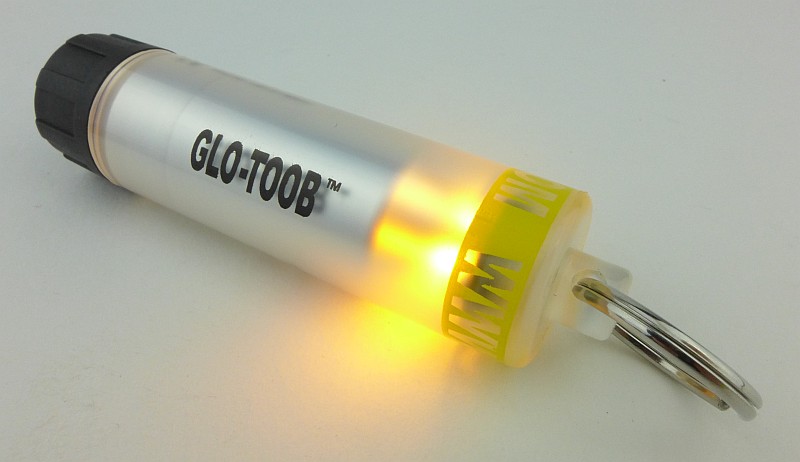
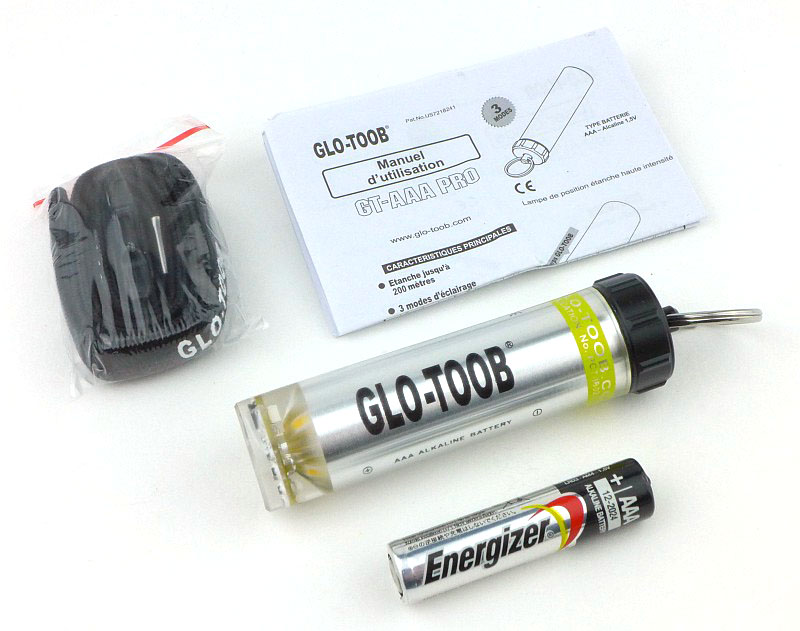
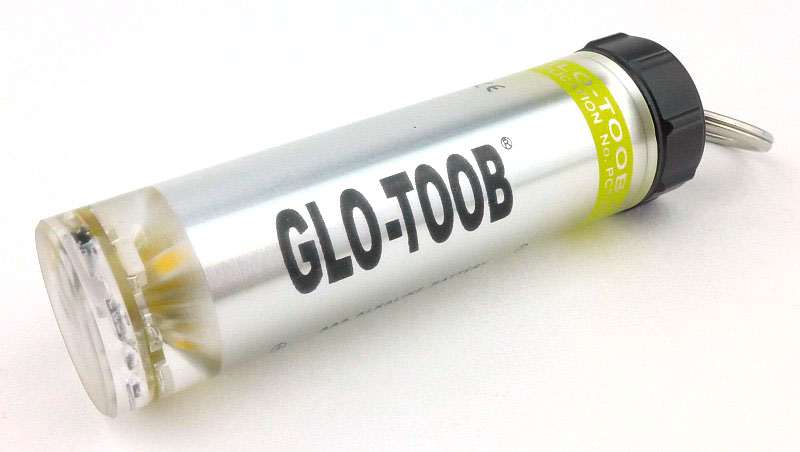
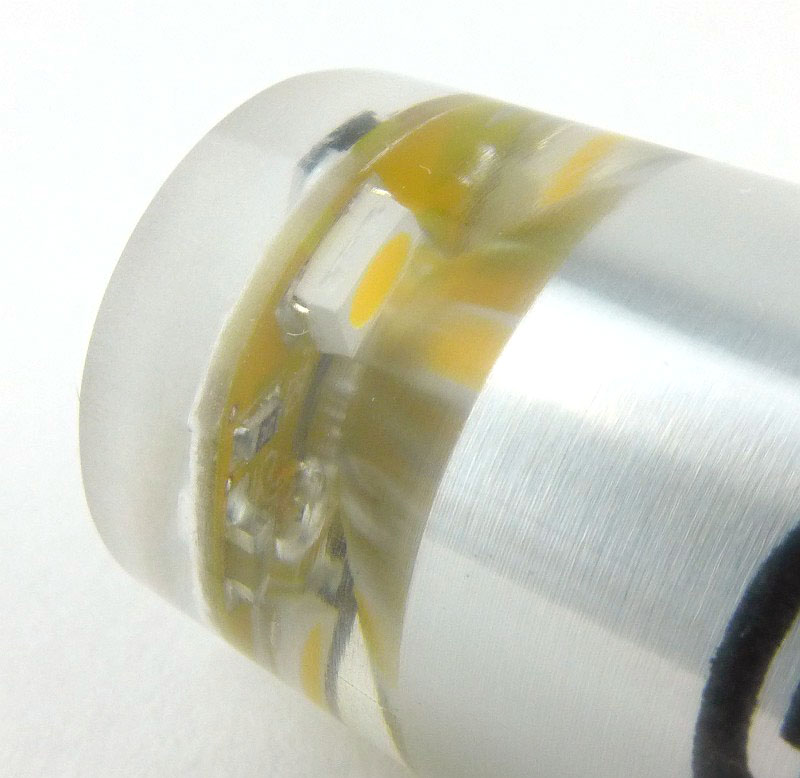
Light Review: Nextorch GLO-TOOB, GT-AAA, GT-AAA Pro and GT-LITHIUM

Who doesn’t like a light-stick? Apart from the need for emergency marker lights, there is something great about a tube that just glows, and the main problem with chemical light sticks is that when they are on, they are on; until they go out forever. Nextorch have taken the light-stick and made it battery powered and even more versatile with its GLO-TOOB range. Now the reusable super durable emergency / safety marker light has an on-off switch and flashing modes, and can survive immersion up to depths of 3500m!

Taking a more detailed look at the GT-AAA:

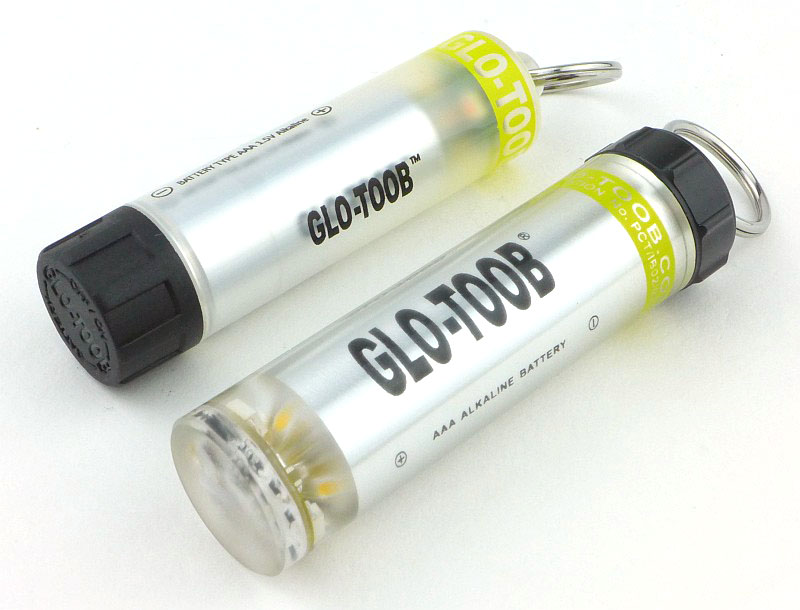
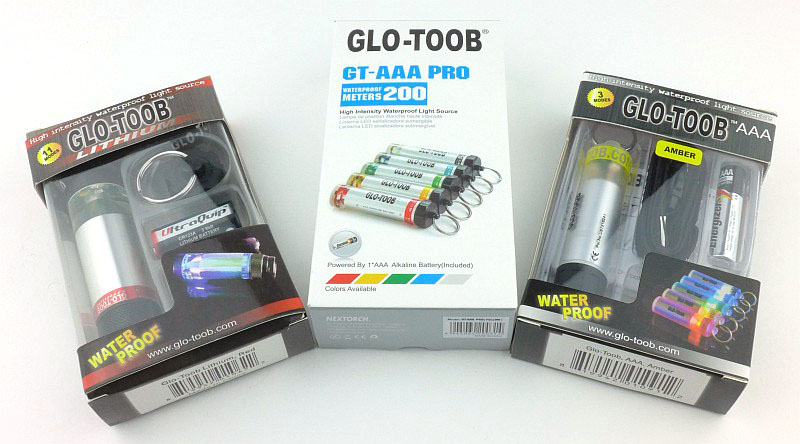
We are going to start with the standard AAA model the GT-AAA, but first here are the three that are on test in their boxes. The Lithium and AAA models are in the older packaging, with the Lithium being the original model. The GT-AAA Pro is a more recent addition and uses updated packaging. One crucial difference between the models is their depth rating for waterproofing. The GT-AAA has the lowest rating at 60m, the GT-AAA Pro is good to 200m, and the ultimate is the GT-LITHIUM which will go to 3500m. (That is not a typo it really is three thousand five hundred metres.)

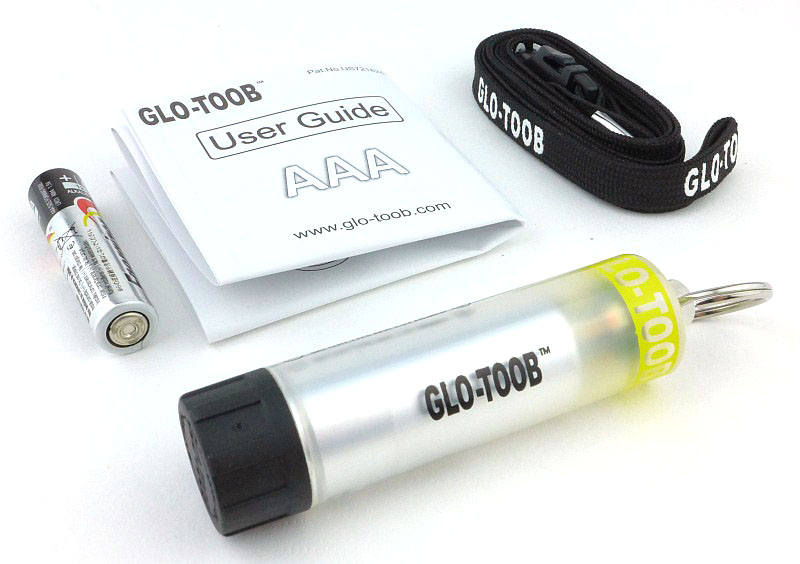
Back to the GT-AAA, the simplest and cheapest model, and this is what is in the box.

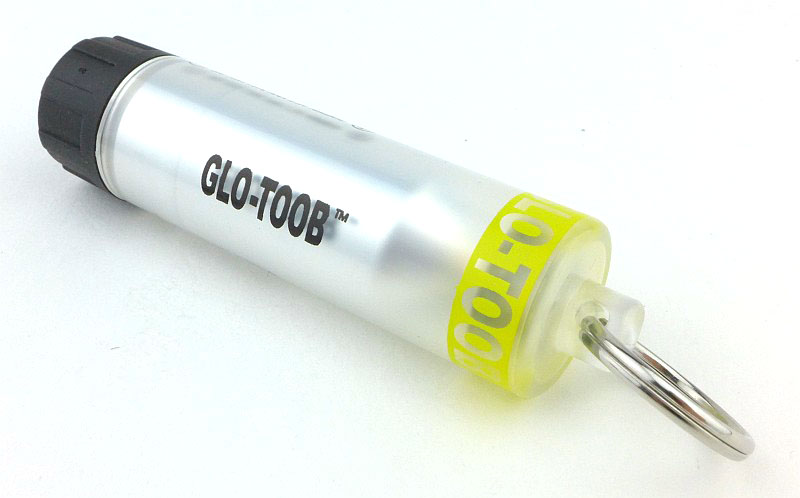
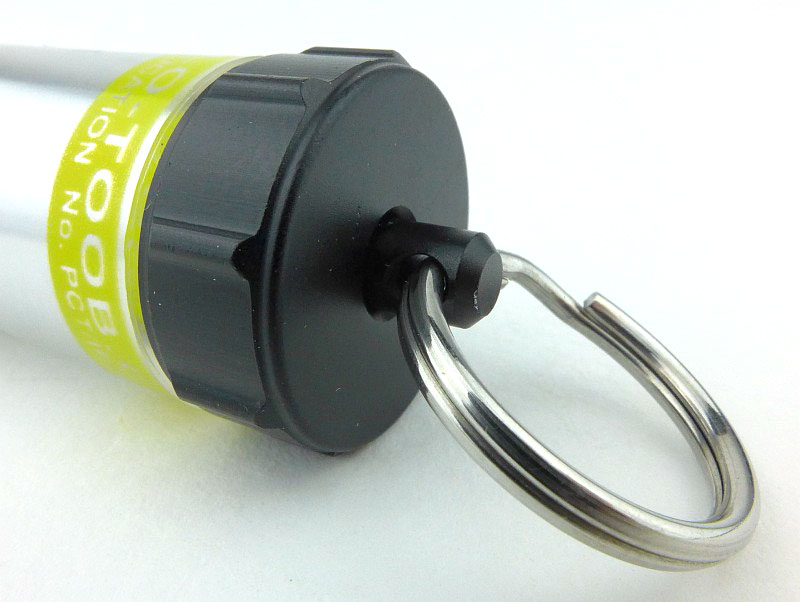
With a frosted casing, the GT-AAA has a keyring on one end and the black twist cap on the other.

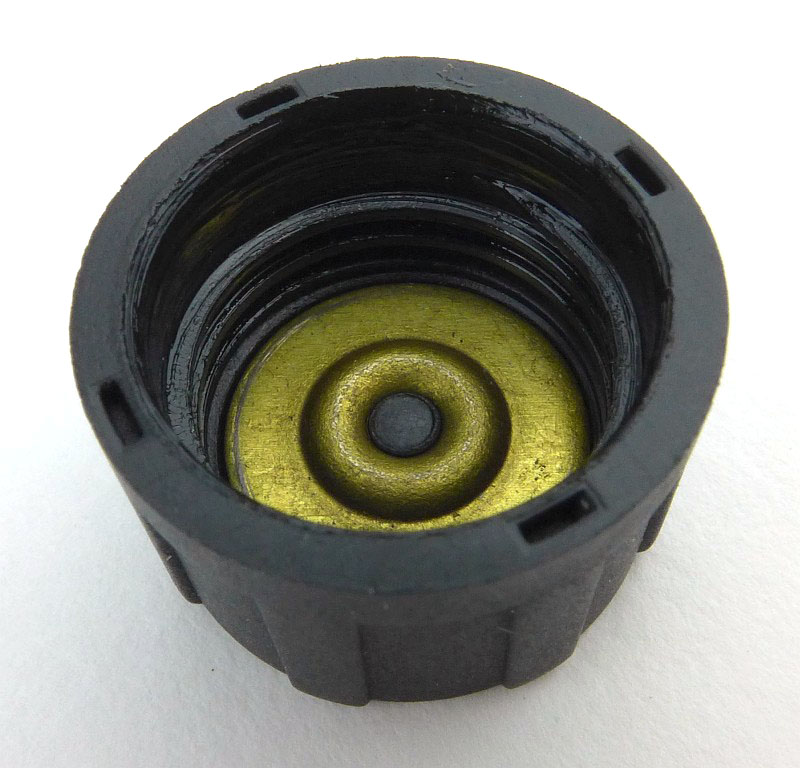
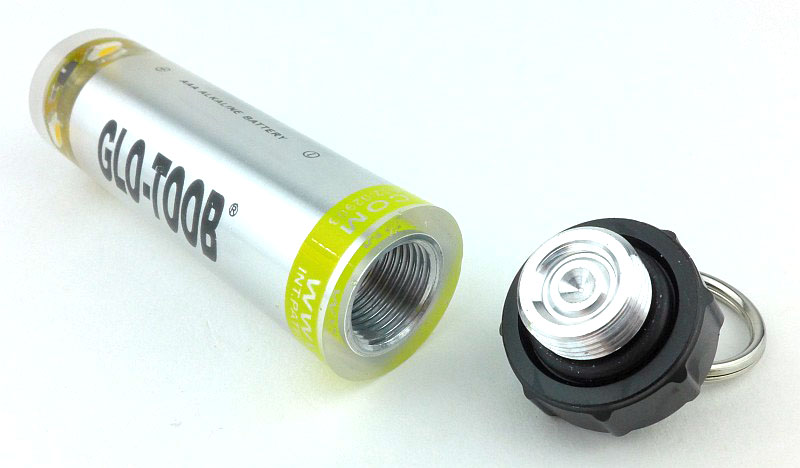
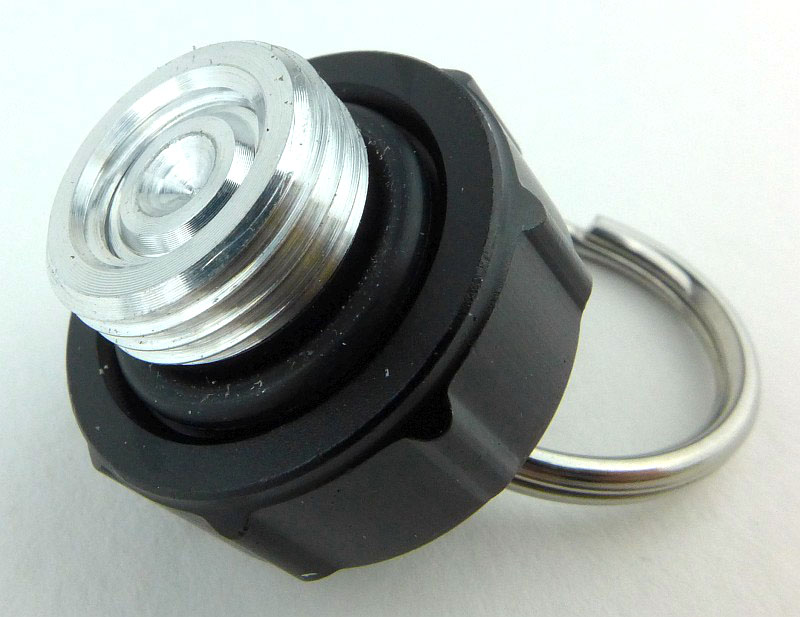
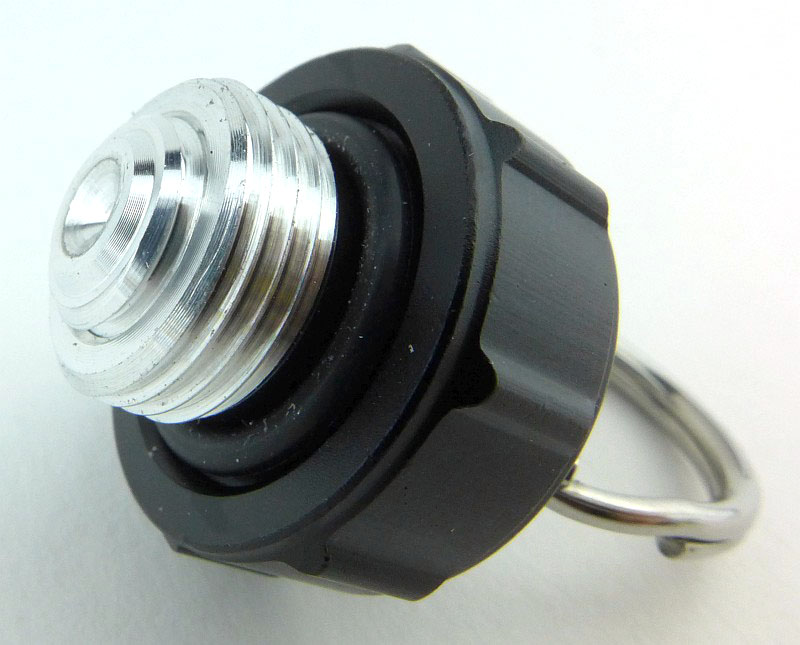
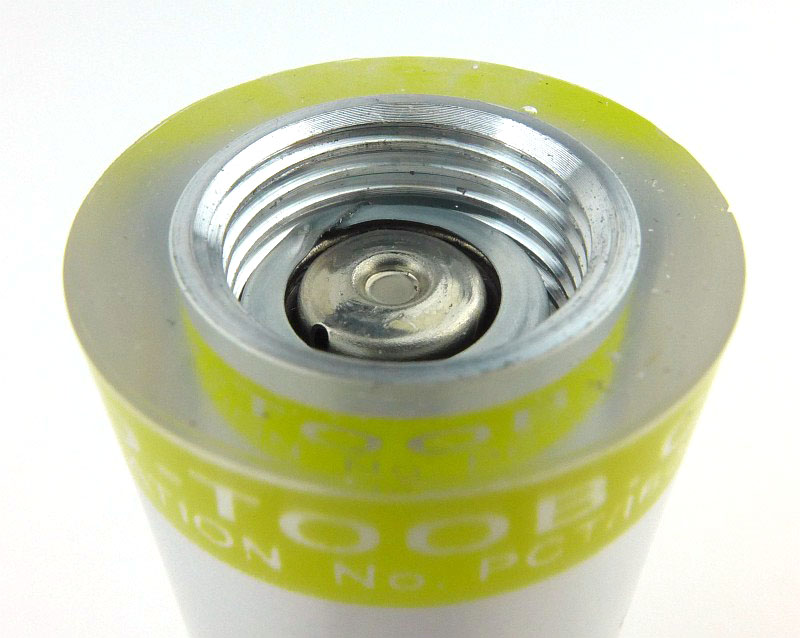
Taking that black twist cap off, there is a very simple metal contact disk with raised centre.

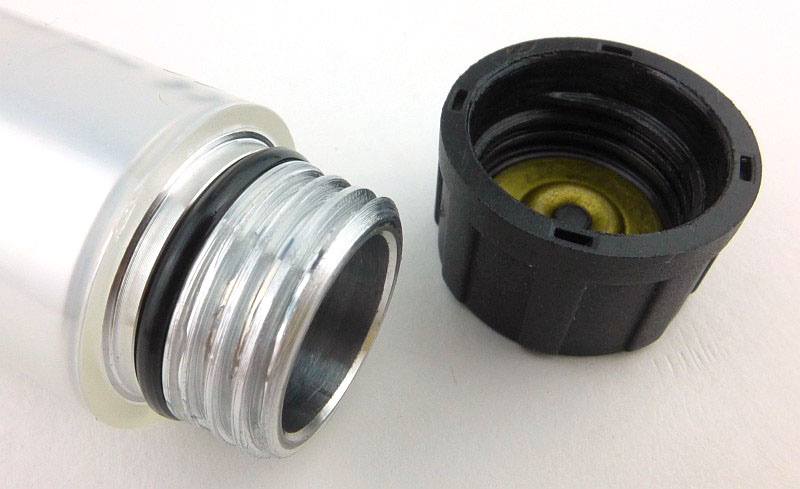
The twist-cap’s plastic threads fit onto the aluminium threads of the battery tube.

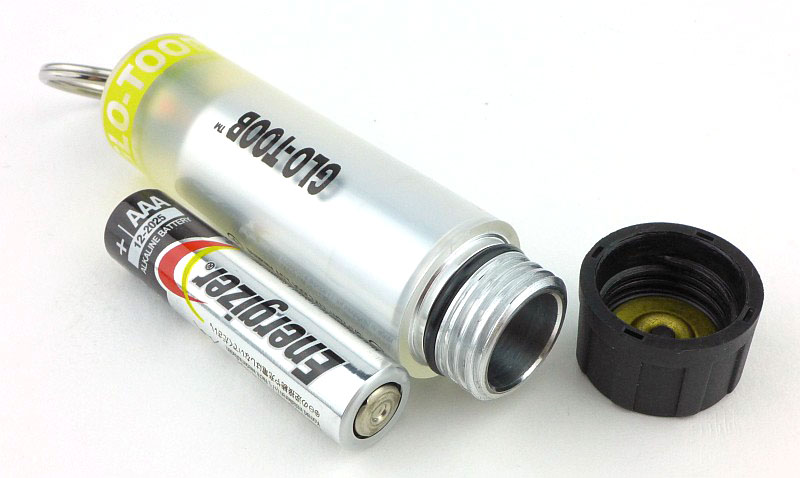
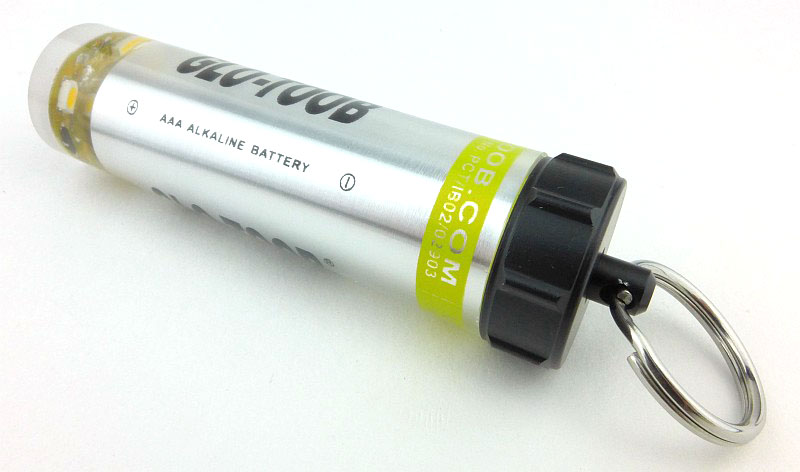
With an AAA cell next to the GT-AAA you see how big it is.

With the cell inserted, its end slightly protrudes due to the internal spring. This forms part of the ultra simple switching mechanism.

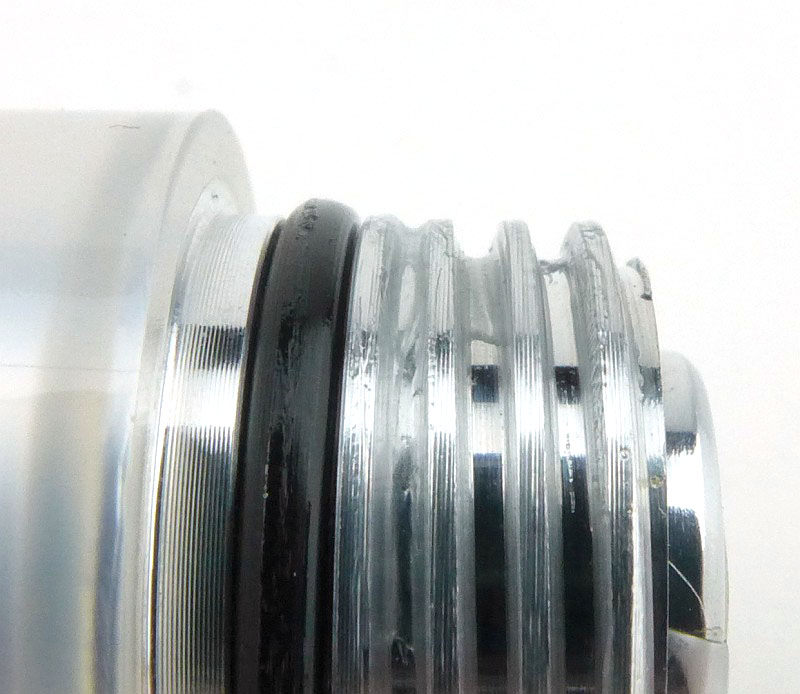
A close up of the threads and O-ring (the end of the battery is also just visible).

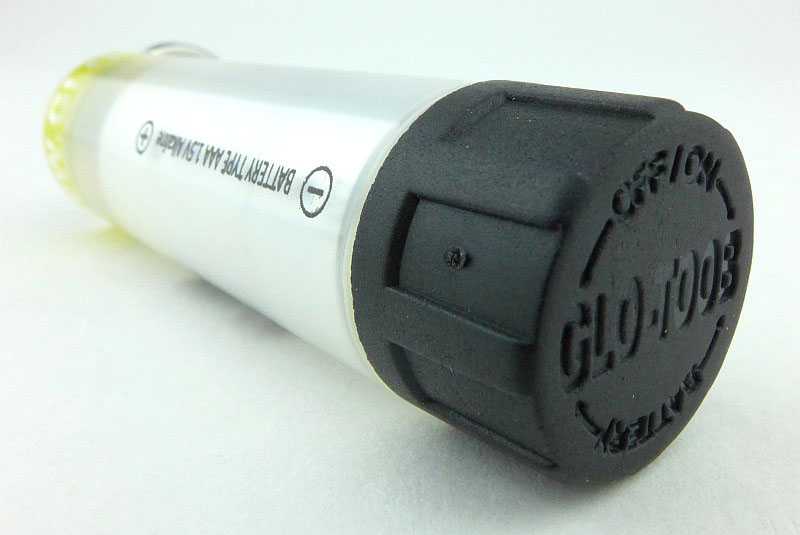
Directions for turning the light on and off are marked in the twist-cap.

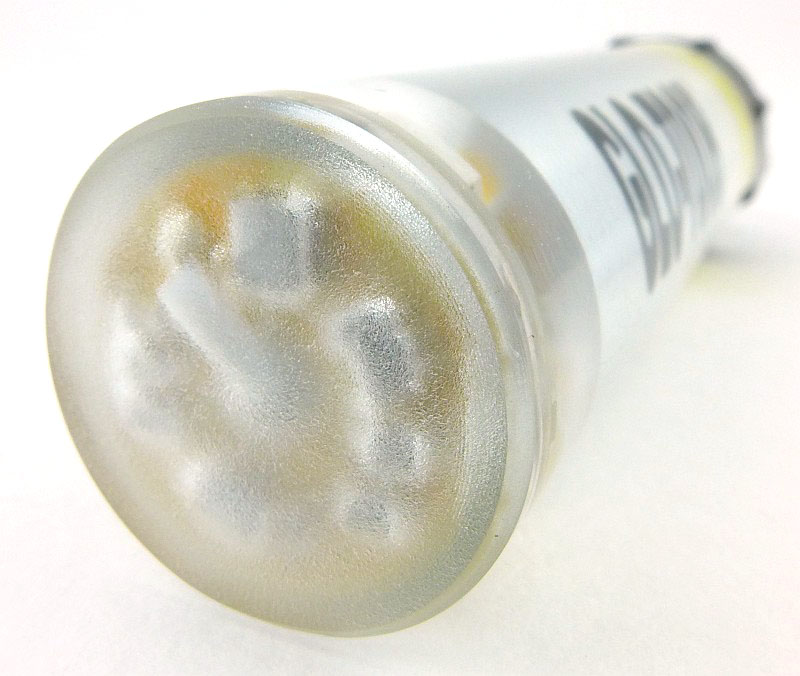
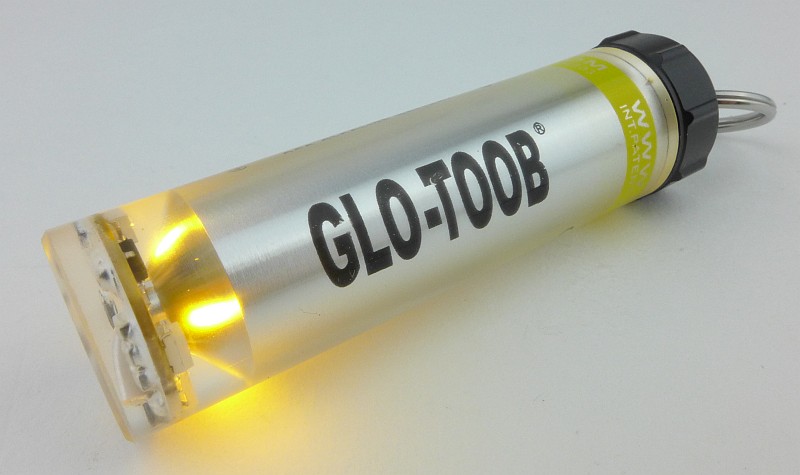
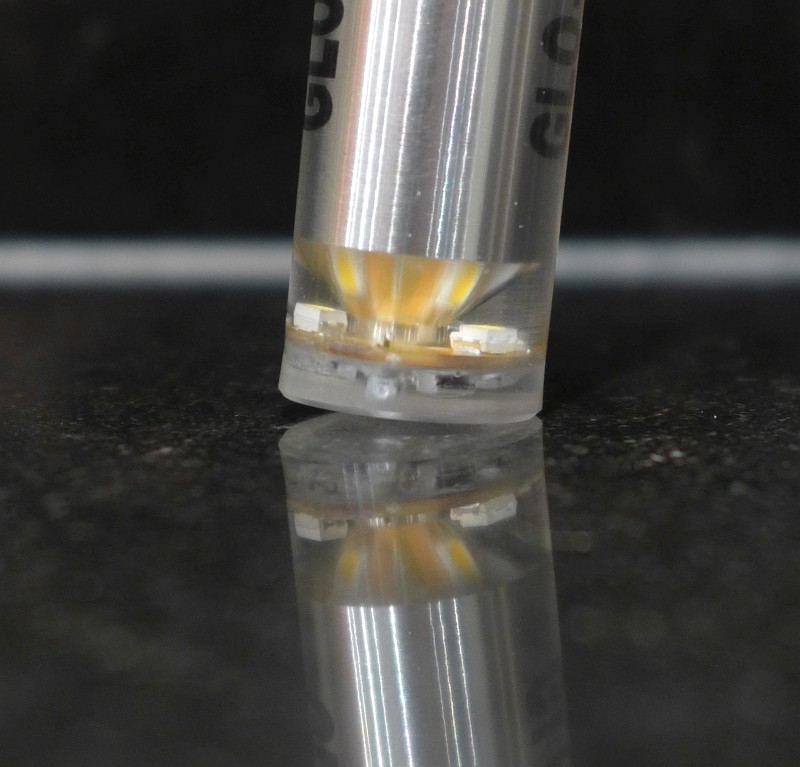
The LEDs are at the opposite end to the battery cap \ switch which is the keyring end of the GT-AAA.

Taking a more detailed look at the GT-AAA Pro:

There is nothing wrong with the basic AAA model, but the GT-AAA Pro immediately looks much more serious with its clear body and metal battery cap / switch.

Thanks to the clear body, you can see a bit more about what makes the GT-AAA Pro tick (or glow).

You can make out the PCB and LEDs through the casing.

The very end is a frosted finish, and this disguises the other side of the PCB.

In the case of the GT-AAA Pro, the keyring is fitted to a metal post making it much more robust. This also forms part of the switch mechanism; instead of the entire cap being rotated, the keyring and its post are twisted to activate the light.

The entire end cap is metal, so has metal threads instead of plastic.

Look at the middle of the cap. This is the cap in the OFF position.

Twisting the keyring pushes the middle of the cap forward and turns it ON.

With the battery fitted you can see how the middle of the battery cap will make contact with the battery terminal when it pushes out. The cell wrapper acts as an insulator allowing this switching method to work.

On the side are markings to confirm which way round the battery goes in. This follows the almost universal ‘positive terminal in’ direction.

The GT-AAA Pro switched ON.

A closer look at the lit up LEDs.

Taking a more detailed look at the GT-LITHIUM:

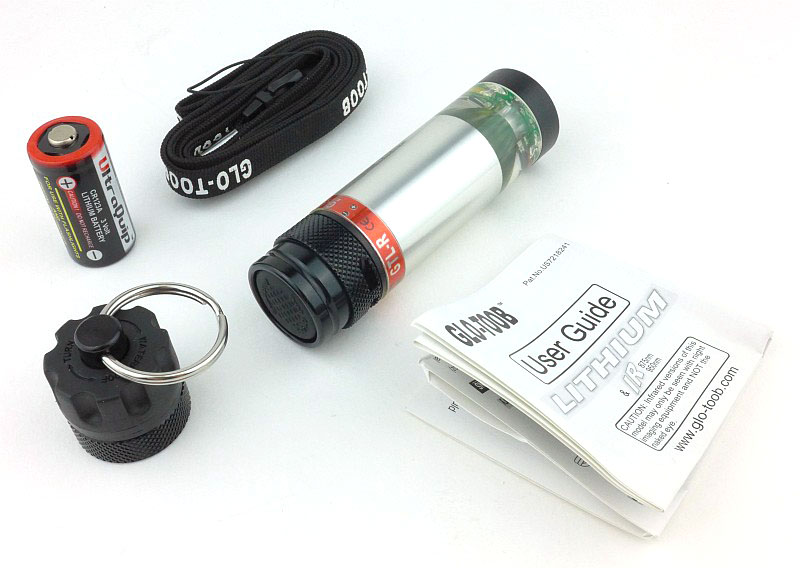
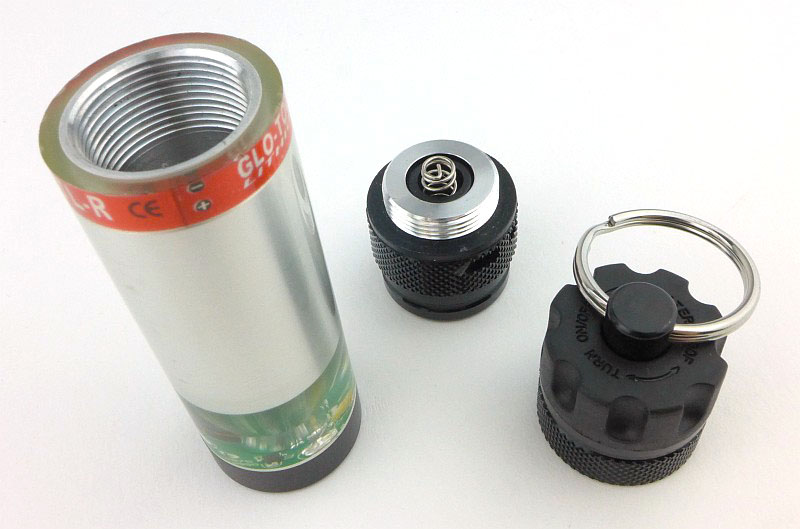
Last up is the most serious of all of the GLO-TOOBs, the LITHIUM. Notice that there is a switch cap already fitted, plus a second cap with keyring.

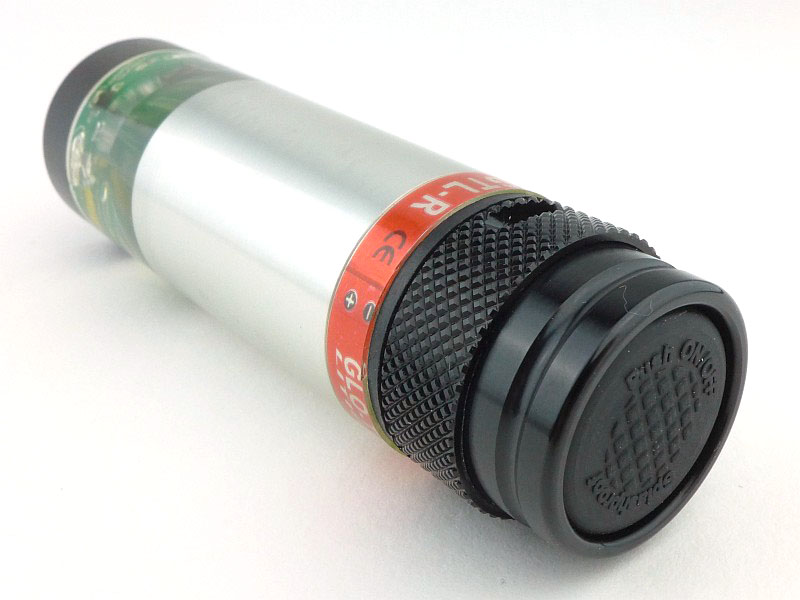
Already fitted to the GLO-TOOB LITHIUM is a click switch. This is mostly metal, but with a rubber switch boot.

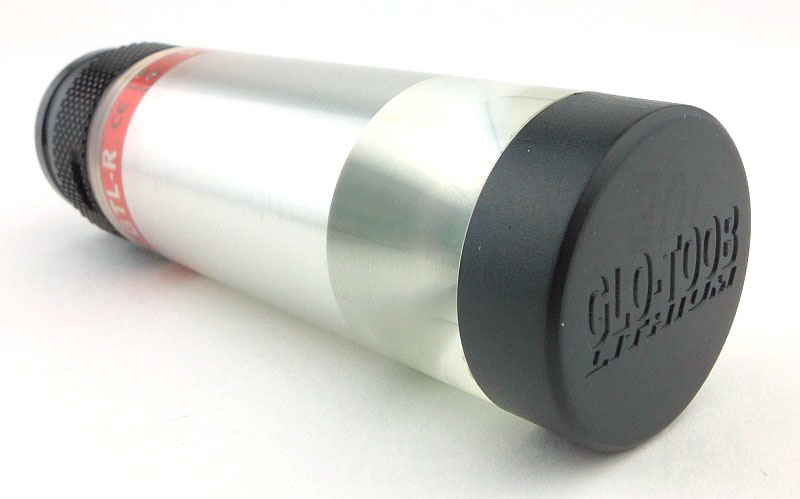
On the opposite end of the GLO-TOOB is a black plastic end cap which the other models don’t have.

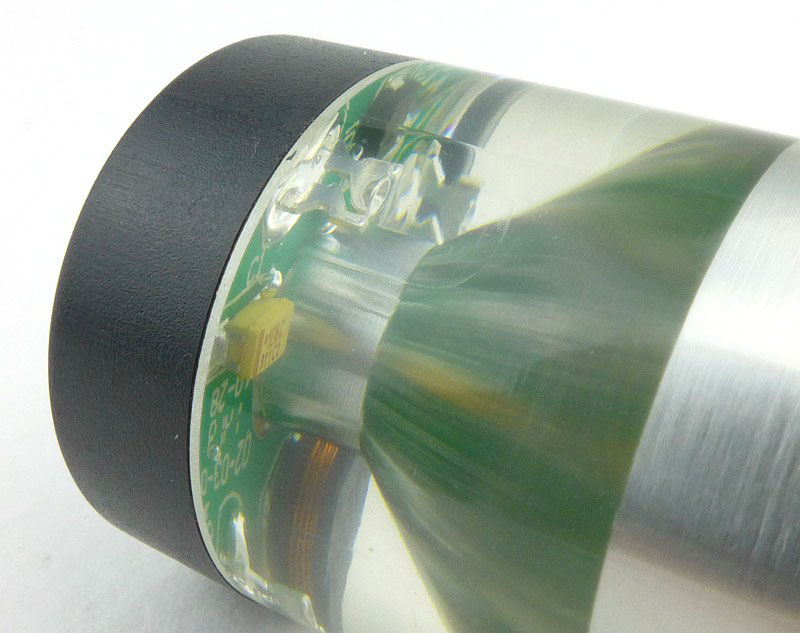
Having a clear body, like the GT-AAA Pro, you can look inside at the LEDs. In this case 5mm type LEDs are used, but the LED’s clear casing almost disappears in the clear resin used for the body of this light.

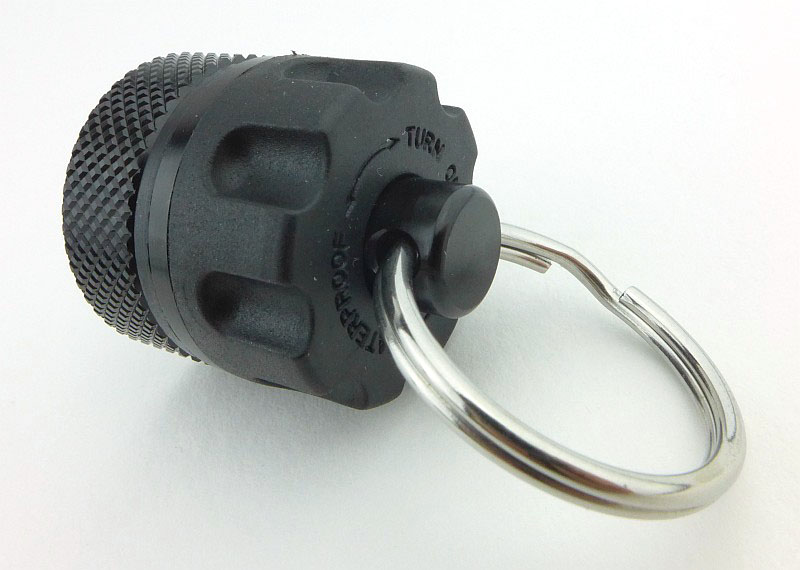
The click cap might be easy to use, but for the ultimate in resilience you need to use the diving cap switch (twist switch with keyring), so let’s swap them over.

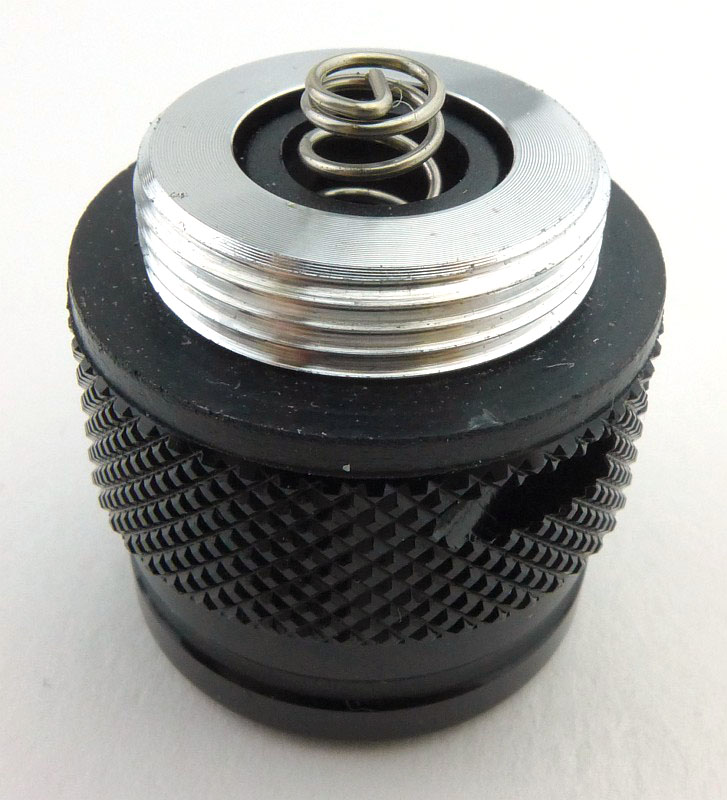
While we are swapping them over, the contacts on the click switch look like this.

Unlike the GT-AAA Pro, here the keyring and its post are fixed (and you use them to screw the cap into place), with a plastic rotating switch ring instead.

To keep the contacts totally fresh, there is a metal protective cap supplied with the twist switch cap.

Now the protective cap is fitted to the click switch.

A CR123 fitted into the GT-LITHIUM. Battery orientation is marked in the red coloured band.

This version is the Red LED one.

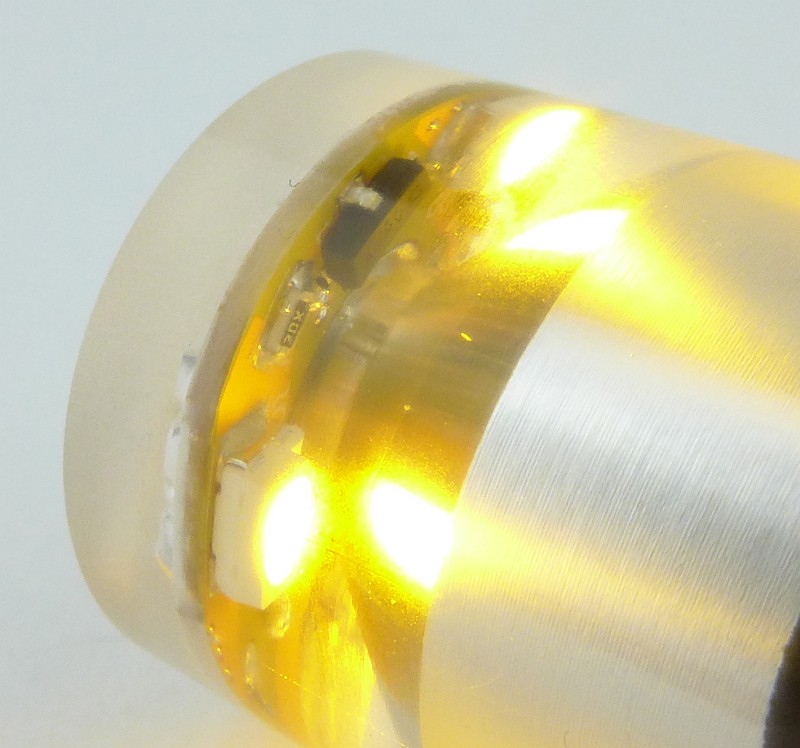
A closer look at the lit up LED.

The beam

Please be careful not to judge tint based on images you see on a computer screen. Unless properly calibrated, the screen itself will change the perceived tint.

The indoor beamshot is intended to give an idea of the beam shape/quality rather than tint. All beamshots are taken using daylight white balance. The woodwork (stairs and skirting) are painted Farrow & Ball “Off-White”, and the walls are a light sandy colour called ‘String’ again by Farrow & Ball. I don’t actually have a ‘white wall’ in the house to use for this, and the wife won’t have one!

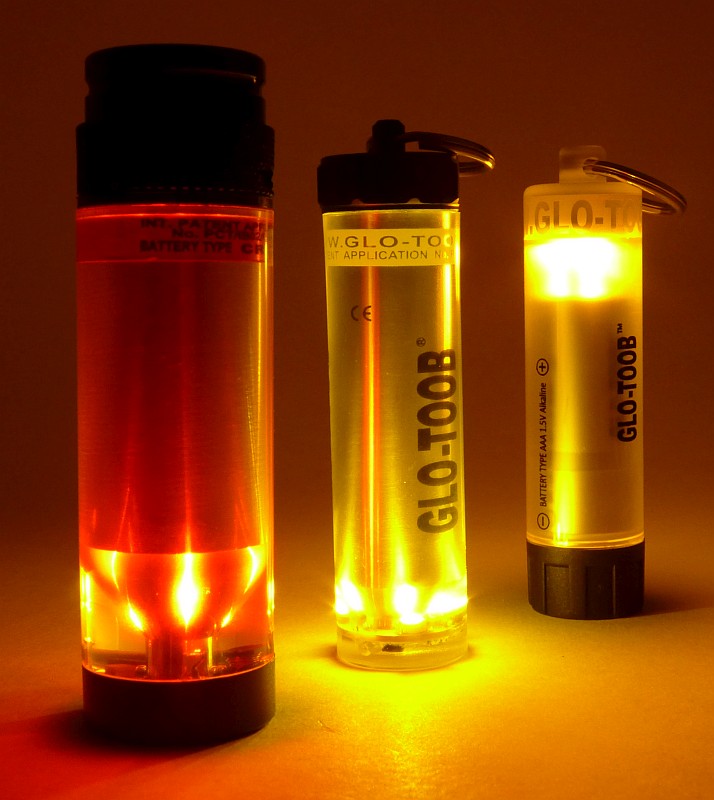
Clearly, being light-stick style, marker lights, there is not really a ‘beam’ to show, instead I’m showing each one at a short distance (3-4m) from the camera.

This is the GT-AAA; actually all three are hanging next to each other on a clip.

At the same exposure, this is the GT-LITHIUM.

With the GT-AAA Pro up last. This appears quite a bit brighter than the GT-AAA.

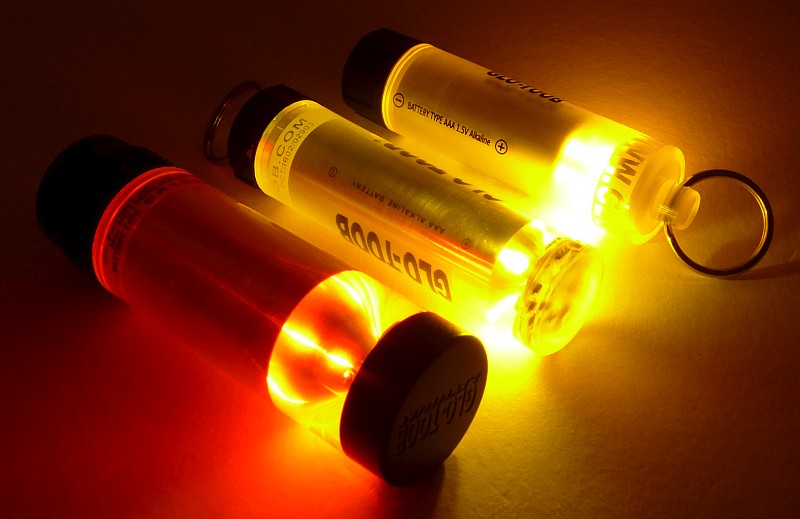
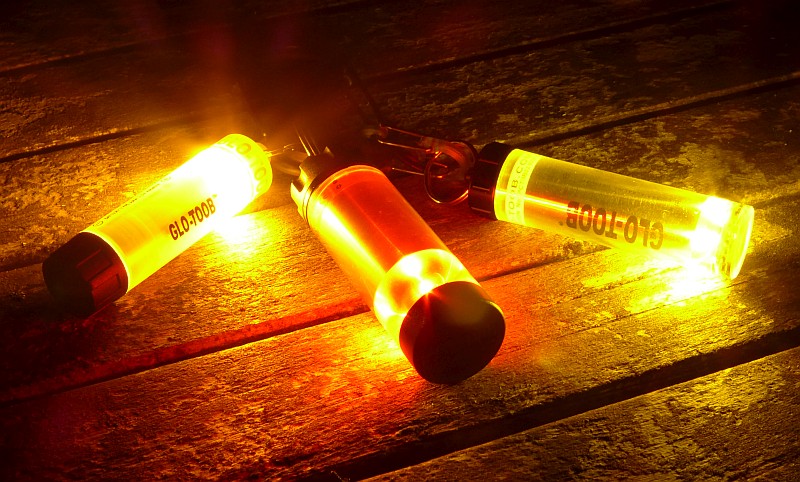
All of them on at the same time. The red of the GT-LITHIUM is a bit drowned out.

The camera is set to daylight WB (as is the case with all my beamshots) to try to make colour and tint as clear as possible. The amber GT-AAA and GT-AAA Pro take over, masking the GT_LITHIUM’s red colour.

Modes and User Interface:

Each of the GLO-TOOBs is slightly different in its operation so we’ll take them one at a time:

The GT-AAA has three modes, High, Low(25%) and Flash.
To switch ON, tighten the entire end cap.
To cycle through the available modes twist-ON, then twist-OFF, and back on again within 2s and repeat to change from High – Low – Flash – High etc.
To Switch OFF, loosen the entire end cap.

The GT-AAA Pro has three modes, High, Low(25%) and Flash.
To switch ON, turn the keyring as if tightening a screw.
To cycle through the available modes twist-ON, then twist-OFF, and back on again within 2s and repeat to change from High – Low – Flash – High etc.
To Switch OFF, turn the keyring as if loosening a screw.

The GT-LITHIUM has 11 modes, Equal Flash, Beacon Strobe, Fast Strobe, Slow Strobe, SOS, Pulse, Half Flash, Bounce, Ramp Up, 100% Constant On and 25% Constant On.
To switch ON to the memorised mode, either click the switch or turn the end cap.
To switch OFF, either click the switch or turn the end cap.
To set the current output mode, switch ON, count 5s, then switch OFF and ON again. Now you can cycle through the available modes (in the order above) by turning it OFF and ON again until you get to the one you want. To ‘fix’ that mode, simply leave it ON for 4s and it will be memorised.

Batteries and output:

The GT-AAA and GT-AAA Pro run on a single AAA Alkaline cell, and the GT-LITHIUM runs on a CR123.

To measure actual output, I built an integrating sphere. See here for more detail. The sensor registers visible light only (so Infra-Red and Ultra-Violet will not be measured).

Please note, all quoted lumen figures are from a DIY integrating sphere, and according to ANSI standards. Although every effort is made to give as accurate a result as possible, they should be taken as an estimate only. The results can be used to compare outputs in this review and others I have published.

___________________________________________ ________________________________ ________________________________
GLO-TOOB model using specified cell I.S. measured ANSI output Lumens PWM frequency or Strobe frequency (Hz)
___________________________________________ ________________________________ ________________________________
GT-AAA High – AAA Alkaline 10 0
GT-AAA Low – AAA Alkaline 2 166
GT-AAA Strobe – AAA Alkaline 10 10.5
GT-AAA Pro High – AAA Alkaline 9 0
GT-AAA Pro Low – AAA Alkaline 3 0
GT-AAA Pro Strobe – AAA Alkaline 9 4
GT-AAA Lithium High – CR123 3 0
GT-AAA Lithium Low – CR123 1 500

* Beacon and Strobe output measurements are only estimates as the brief flashes make it difficult to capture the actual output value.

There is no parasitic drain on any model.

With such low outputs and long runtimes I have not included a runtime graph for any model.

Troubleshooting

This section is included to mention any minor niggles I come across during testing, in case the information helps anyone else.

There was one slightly odd observation with the GT-AAA Pro. During the first few full runs (turning it onto high with a fresh cell, and leaving it to run until is went off) the PCB end of it started to dome out, as if there was some pressure building inside. It was also observed when fitting a mostly depleted cell and then leaving it on high.
I suspect the cell might have been gassing, and this pressure blowing the PCB out a little.
It was not observed after the fourth cell was used, so might have been connected to something on the PCB creating a pressure build up.
Not being able to replicate it any further, I asked Nextorch about it and they replaced the GLO-TOOB. The replacement did not exhibit this behaviour at all.

As per the description of this section, this information is provided in case anyone else finds a similar ‘issue’ that might be fixed in the same way.

The GLO-TOOBs in use

With the GLO-TOOB lights being marker lights, in general, to use them you simply attach the light to whatever you want to mark. The main aspects to discuss here are the user interfaces and battery change.

Each of the three models in the review is constructed differently so despite being similar overall they do feel quite different in use.

Starting with the lowest end model, the GT-AAA, and to operate this you have to turn the entire black cap. Of all three this is the stiffest to operate, and though not requiring much force to turn it, it does require reasonable force to be able to grip the cap strongly enough that you can turn it. This is due to the cap being relatively smooth to hold.

The operation is simple, very immediate and easy to judge as the cap position is obvious. The High output level is clear and has a useful level of light, but in comparison to the other GLO-TOOBs in this review, the Low uses a low frequency PWM making it quite obvious, and the flashing mode is a bit manic, being more of a strobe than a beacon.

Stepping up to the GT-AAA Pro, and there is a leap in performance and build. This time the battery cap is metal, and has a central threaded post which is used to operate the light. Starting with a battery change, you then screw in the cap, and tighten fully; at all times this cap is fully tightened. Now to operate the light, you twist that threaded post using the keyring (or you can hold the ring in place and twist the body. This action is super smooth and possibly the easiest action of all the GLO-TOOBs. It does seem a little vague though as it lacks any real feel until the unit comes on. At this point the action stiffens and becomes a bit grindy; I am slightly worried about over tightening this switch as it might crush the battery.

In terms of output, the High mode is great, making it so much nicer to use. And when it comes to the flashing mode, though not quite a ‘beacon’ the flashes are much slower than the GT-AAA and so much easier to be around. The increased waterproofing and the significantly better low and flashing modes make this Pro model a worthy upgrade to the GT-AAA.

Lastly, the much more serious Lithium model. It is more expensive than the AAA models, but one important reason you might consider this the ‘serious’ version, comes from the CR123A cell’s shelf life. You can put a fresh CR123 in this and leave it for 10 years and it will work. I’d certainly not expect the same out of an alkaline cell. In addition to the power source, the build of the GT-LITHIUM is seriously strong, and it has a ‘diving’ switch cap designed to make this usable to 3500m depth. Not many people will even use that level of waterproofing, but it does mean that overall you are getting a massively robust light. Optionally you can also use the click switch cap instead for a different way of using it.

Now we also have 11 modes to choose from, and my biggest complaint is finding it hard to choose one, as they each provide a different mix of visibility and attention grabbing. My favourite visible but not too manic is the ‘pulse’ mode, with another that works well for me is ‘Bounce’. The others are each so good, you have trouble choosing between them; the only one I’ll never use is the Fast Strobe. Depending on your application, battery life might be a consideration, so the total time the LEDs are lit are a factor. In this case the Slow Strobe or Beacon Strobe would be good choices.

Both switch cap types are equally easy to use. In some ways the click cap makes mode selection easier, but doesn’t have the solid hanging ring or levels of waterproofing as the diving switch cap does. The twist action is a smooth ‘detent’ 1/4 turn to go between on and off. Grip is very good with the deep scallops round the ring.

Unlike the GT-AAA Pro, when fitting the diving switch to the GT-LITHIUM, you now use the keyring to twist the cap on tightly; you can’t use the twist ring itself as it moves.

One of my main reasons to use this type of marker light is as additional safety lighting when cycling. Typically attached to something behind me, I don’t get to see it, so because I like these, I am constantly looking for an excuse to use them. Things like tent marking, or even leaving a slow strobe on my car dashboard when parking the car at night in a public car park are amongst the ‘excuses’ I’ve come up with.

If you like light sticks then these GLO-TOOBs should be on your shopping list.

Review Summary

_______________________________________________ _______________________________________________
Things I like What doesn’t work so well for me
_______________________________________________ _______________________________________________
‘On-Demand’, reusable light stick. GT-AAA uses PWM for low mode.
Incredible 3500m waterproofing on the GT-LITHIUM. Light not as evenly spread along the length as a chemical light stick.
GT-LITHIUM has 11 modes to choose from. Currently limited to AAA or CR123 cells (an AA option would be great).
Choice of 3 modes for the AAA versions.
Keyring makes it easy to attach.
Super tough and resilient.


Discussing the Review:

The ideal place to discuss this reviews is on a forum. If you started reading the shorter forum version of the review, but followed the link this full exclusive review, please return to that forum to discuss the review there.
If you read the review entirely on Tactical Reviews, please consider one of the following to join in any discussion.

CandlePowerForums – Flashlight Reviews Section (Largest and Friendliest Flashlight Community Forum)
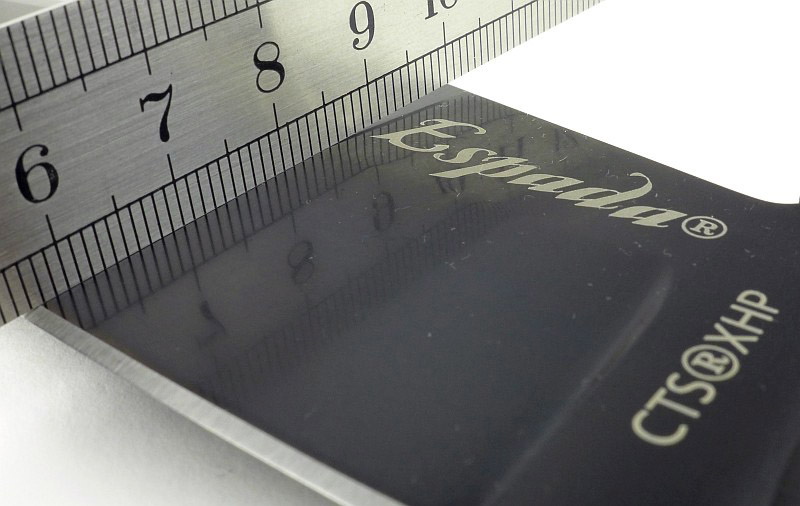
EdgeMatters – Sponsored Reviews (UK based Forum for Knife Makers and Collectors)

Knife Review: CRKT Homefront and Homefront Tactical with ‘Field Strip’ Technology

CRKT are full of interesting and innovative ideas, and with the Homefront and Homefront Tactical bring us ‘Field Strip’ Technology, or in other words tool-less disassembly. The design comes from world renowned Ken Onion and has been a work in progress for many years. Now thanks to this technology you can clean out a build up of grit and dirt wherever you are without any tools. Take your Homefront folder anywhere knowing you don’t need anything else with you to carry out a full strip and clean.

The Blade and Handle Geometry:

Most knife specifications have a basic description of the blade geometry, but in this section I will be taking a more detailed look at geometry and balance.

Using a set of gauges and precision measuring equipment including a Vernier protractor, callipers, fixed radius gauges and the unique Arc Master adjustable radius gauge (the one that looks like a crossbow).

These measurements have been tabulated and are presented along with a few reference blades (8″ Chef’s Knife, 5.5″ Santoku and the popular Fällkniven F1).

Key aspects such as the primary bevel angle, grind type, blade depth, blade thickness, length, weight are detailed, along with balance information.

The ‘Balance relative to the front of the handle’ tells you if the knife will feel front heavy, or if the weight is in your hand (a positive value means the weight is forward of the front of the handle). The ‘Balance relative to the centre of the handle’ indicates how close to a ‘neutral balance’ the knife has in the hand.

In the case of full convex grinds the approximate centre of the grind is used for the primary bevel angle estimate.

The Homefront blade is made from AUS 8 steel and the Homefront Tactical from 1.4116 steel (also known as 420MoV or X50CrMoV15).

Explained by the Maker:

The reasons for certain design choices may not be clear when simply looking at an object, so this section is intended to give an insight into the thinking behind a design by speaking to the designer themselves.

Unfortunately I can’t always get time with the designer so will use this section to include relevant information about the knife and its designer.

A little description from CRKT’s of the Homefront:

“It might look like your grandpa’s classic WWII knife, but it’s got an impressive secret. The new Homefront™ knife is the first in our fleet to feature “Field Strip” technology. This in-field, no-tool take apart capability lets you purge your most reliable companion of a hard day’s grime right where you are, without ever returning to your workbench.

The breakthrough “Field Strip” innovation comes from the shop of world-renowned knife craftsman Ken Onion and has been over ten years in the making. To disassemble the Homefront™ when the knife is in the closed position, push the front release lever away from the blade, then spin the turn release wheel on the rear of the handle away from the pivot shaft. Once you feel the handle release, pull it up and away from the blade. Reassembly is as easy as reversing the procedure, al-lowing for practical, quick maintenance where you stand.

From his shop in Kaneohe, HI, Ken Onion designed the tactically inspired, everyday carry Homefront™ knife to stay true to its vintage roots. The bayonet lug-style flipper sets off the smooth open action of the 3.5” modified drop point blade, while tank jimping on the backstrap sits snugly against your palm.

It stands up to the looks of a WWI heirloom, and it sure as hell stands up to any job it encounters. The handles are made from 6061 aircraft-grade aluminium and house an impressively beefy AUS 8 stainless steel blade.”

A few more details of the Homefront:

This review covers the Homefront (green handle) and Homefront Tactical (black handle), but we are going to look at the original Homefront first. There are no boxes as these knives came straight from the CRKT IWA 2017 display stand at the end of the show. They have been handled and used.

The pivot has what appears to be the standard US aircraft star insignia (as used from 1942). The lever next to this is where the magic is hidden.

Apparently styled after a bayonet lug, the flipper tab has a hole in it. (Do not try to attach a lanyard here!)

Both handles have a subtle grip pattern. This appears to have been laser etched into the surface before anodising.

The other bit of magic, comes from the thumb-wheel screw that holds the butt of the knife together.

A steel pocket clip also gives you a hole for attaching a lanyard should you wish to.

Though not strictly a ‘liner-lock’, tucked neatly into the inner side of the Homefront’s aluminium handle is a sprung steel locking lever.

Blade centring is good, with the tip appearing slightly off due to the edge grind.

A Torx screw holds the jimped handle spacer in place on one side.

On the opposite side to the star insignia, the pivot has an adjustment screw that sets the height of the pivot bolt.

Right! Let’s take this knife apart. First loosen the thumb-wheel screw by pushing it away from the pivot. Keep going until the thread ‘clicks’ to indicate it is fully undone.

Flip the knife round and push the locking lever towards the flipper tab (with the knife folded).

Now, as you lift your thumb, the handles spring apart at the pivot.

As we had already loosened the thumb-wheel, the handle can now be lifted away, fully exposing the folded blade.

A closer look at the thumb-wheel while we can. Note the circlip; the wheel fits over the threaded bolt, and there is a little bit of play, with the wheel having some movement even when the connector is fully tightened.

And this is the magic pivot that lets it all happen. Note the hex-shaped head. The homefront also uses a concealed stop pin which limits the open and closed positions of the blade.

Look into the hole of the handle we removed first, and you can see the hex shaped hole that locks onto the top of the special pivot bolt.

If you forget how you took it apart, or somehow it just ‘came apart in your hands’, inside the handle is a set of instructions for putting it back together again.

When stripped you have the three main components, the master handle (with pivot, stop pin, lock bar and thumb wheel screw), the blade, and the second handle.

While it is fully stripped this is a closer look at the special pivot, stop pin and the detent ball on the end of the lock bar.

So, not a ‘liner’ , this lock bar is inset into the aluminium handle, but functions exactly as a liner lock.

The blade tang has the pivot hole and a semi-circular stop pin slot. The markings in the hole suggest this is a stamping and is not water jet cut.

A really good looking blade with swell near the tip and a fuller, giving it a classic look.

Ken Onion is credited on the blade. On this side of the blade you can see the detent hole.

A close-up of the blade tip, showing the contrast in surface finish and the edge bevel grind.

With one handle removed you get a cut-away view of the workings of this knife.

Lock engagement is good with the entire lock bar touching the blade tang with a firm snap-open.

And in no time at all it is all back together.

The Homefront achieves a real vintage look, despite not looking like any historical knife I’ve found.

A few more details of the Homefront Tactical:

Next we have one of the second wave of Homefront models where instead of the aluminium handles, these have Glass Reinforced Nylon handles and a different blade steel. This is the Homefront Tactical, with a part-serrated Tanto blade

The design and shape of the handle is the same as the original Homefront, including the pivot star insignia.

In terms of the function and design the GRP handled version is basically the same. Here we have the thumb wheel.

And the same steel clip.

That bayonet lug flipper. However note that this time the blade is black. It has an EDP finish (electronically deposited paint, which is baked on).

A hint of bare steel with the lock bar. We will see that this time it is actually a liner.

Although the same grip pattern is used, in this version the width of each line is wider than on the original Homefront. Of course, in this case it is moulded into the surface instead of being laser etched.

Going straight for a field strip, exactly as with the Homefront; here the handle is off.

The internal curve of the handle spacer is a match to the Homefront’s blade, but here we have a tanto. Clearance is still good. The spacer is also now GRP instead of metal.

As before, the pivot has a hex shaped head.

Now we see one of the major differences. With the handle being plastic, it cannot have the lock bar screwed to it. Instead there is a full metal liner moulded into the inside of the handle.

This full metal liner also has the stop pin fixed to it and supports the pivot. The dirt around the detent ball on the lock bar is worn off paint from the blade.

A Teflon bushing acts as the pivot washer. You can see the outline of a metal liner inside the moulded handle. Two screws hold the pivot locking mechanism together.

Apart from the cutting edge, the entire blade is EDP coated.

EDP is just paint, so where the detent ball rubs on the blade tang, the paint has been scratched off.

Looking at the finish on the edge bevel grind.

There are part serrations near the handle which are a chisel grind (single bevel) and have two sizes of scallop.

The all black Homefront Tactical.

And there is more when you put these two together…

What are they like to use?

Headlined as a ‘field strip’ technology, it could also be an ‘easy disassembly’ feature. You can take the Homefront apart anywhere, but you can also pop it apart any time for a quick service, not only when it needs a major overhaul. By making the deep-clean a super easy process, you are much more likely to keep these knives in top condition all the time.

The styling of these knives is mentioned prominently by CRKT. The Homefront is described as a remake of grandpa’s WWII, and the Tactical as a classic WWI knife and though there is a vintage look; firstly I suspect the WWI reference is a mistake as the US Airforce aircraft marking Star Insignia was a WWII design, and secondly I would disagree that it is like any WWII folder, certainly none I’ve ever seen.

Let me make it very clear that I really like the design and styling, which definitely has a vintage look, and incorporates design features that do give a modern interpretation of a WWII knife. My disagreement is with the statement that it looks like grandpa’s knife, show me a knife from WWII that looks like this and I’ll happily eat my words.

This is really not a negative as, in particular, I like the choice of colour for the handle of the Homefront along with the finish of the blade steel and the inclusion of a fuller. Overall a really stylish design that stands out from the crowd.

Moving on to how it is in the hand, that most crucial aspect, and this is a good sized folder with plenty of handle to give a stable grip. The handle has an area of grip positioned perfectly for the thumb to sit on when using a saber style grip. It is a relatively slim aluminium slab handle, yet its shaping allows it to fit into the hand very comfortably. Not so well that I’d want to do a lot of heavy cutting with it, but well enough to find it regularly in my pocket.

The Homefront Tactical has the same ergonomics, as the handle shape is exactly the same, but the nylon GRP material gives it a different feel, warmer, slightly lighter and a slightly different balance. It does not feel diminished compared to the original Homefront, just a different option. It may only be around 13g lighter, but does feel easier to carry.

Talking of options, should you have more than one of the Homefront models you can mix things up a bit and try a different blade or handle. Have a look at this short video to see this and the ‘field strip’ in action.

Video Edited with – Cyberlink Director Suite 5 (PowerDirector 16 and AudioDirector 7)
Camera – Panasonic HC-V770    Microphone – Tonor TN120308BL

Here the Homefront and Homefront Tactical have their original blades.

After a quick strip down and shuffle around, the blades are swapped over.

It is true that the fit and lock-up of the swapped blades are not perfect, with the GRP handle taking either blade with no issues, but the aluminium handle lacks the totally secure lock-up. Actually even with its original blade, the Homefront would benefit from a little adjustment of the end of the lock bar to increase lock engagement. This in turn would make the Tactical blade work better in this handle.

One potential weakness in the design is that the lever that is used to release the pivot could itself be fouled and prevented from operating. If this happens you might find you can’t field strip the knife after all; a consequence of having a ‘mechanism’ for releasing the pivot, as any mechanism can be fouled and jam.

With the popularity of the super slick flipper, the Homefront knives have a much more laid back action. With the (presumably) Teflon washers, the action is smooth but not super slick. The Homefront Tactical won’t lock without a flick of the wrist, and the Homefront needs a quick finger to get lock-up without a flick. Some might think this is a negative, but I like the relaxed feel, and a blade that doesn’t flop around easily when closing the blade.

Stylish, functional and so easy to maintain – I find myself taking it apart just because I can.

Review Summary

The views expressed in this summary table are from the point of view of the reviewer’s personal use. I am not a member of the armed forces and cannot comment on its use beyond a cutting tool or field/hunting knife.

Something that might be a ‘pro’ for one user can be a ‘con’ for another, so the comments are categorised based on my requirements. You should consider all points and if they could be beneficial to you.

_______________________________________________ _______________________________________________
Things I like What doesn’t work so well for me
_______________________________________________ _______________________________________________
Take apart with no tools (Field Strip). Potential for pivot release lever to be jammed with dirt.
Stylish, vintage design. Fixed pocket clip cannot be relocated.
Comfortable in the hand.
Smooth action.
Zero blade play (despite the Field Strip mechanism)


Discussing the Review:

The ideal place to discuss this reviews is on a forum. If you started reading the shorter forum version of the review, but followed the link this full exclusive review, please return to that forum to discuss the review there.
If you read the review entirely on Tactical Reviews, please consider one of the following to join in any discussion.

EdgeMatters – Sponsored Reviews (UK based Forum for Knife Makers and Collectors)

BladeForums – Knife Reviews (US based Forum for Knife Discussion)

CandlePowerForums – Knife Reviews Section (Largest and Friendliest Flashlight Community Forum)

Light Review: Olight Valkyrie PL-1 II Pistol Light

The PL-1 II is Olight’s refined and upgraded version of the original PL-1 weapon light. After a year of development Olight have dramatically increased the strength of the mounting mechanism which they claim will NEVER become loose or fall off of any firearm that has a rail.

Taking a more detailed look:

The PL-1 II Arrives in a cardboard box.

Inside the box is the PL-1 II, the instructions, a CR123 cell, a Torx wrench, and a 1913 rail key. The PL-1 II arrives with a Glock rail key already fitted.

Being a pistol/gun light, the PL-1 II is a (mostly) snag free shape with a rail mount on the top. This side has the rail lock lever.

On the other side the rail clamp jaw is fixed.

Rotating the lever 180 degrees to the front opens the rail clamp.

Already fitted is the GL (Glock) universal rail key. You can use this on just about any rail, but if you want the 1913 rail key for a more secure fit, this is supplied and is easily swapped out.

Rotate the locking lever 180 degrees to the rear to lock the clamp jaws in place.

Limited by the size of the light, the reflector needs to focus the beam sufficiently for the ranges you are likely to need.

A Cree XP-L LED is used.

To insert the CR123 cell, unscrew the lens bezel to remove the LED / reflector assembly.

The threads are a nice square cut, bare aluminium, thread.

Robust solid metal contacts are used to connect to the cell positive terminal and to the body contact. These will not scratch off or wear out due to recoil forces.

Inside the light the negative contact is a spring. Also note that surrounding the spring is a rubber buffer pad.

A cell is inserted with the head ready to screw back in.

Here the PL-1 II is mounted on a 1911 training gun (to most obviously show the PL-1 II).

The switches are positioned just in front of the trigger guard, one on each side.

The beam

Please be careful not to judge tint based on images you see on a computer screen. Unless properly calibrated, the screen itself will change the perceived tint.

The indoor beamshot is intended to give an idea of the beam shape/quality rather than tint. All beamshots are taken using daylight white balance. The woodwork (stairs and skirting) are painted Farrow & Ball “Off-White”, and the walls are a light sandy colour called ‘String’ again by Farrow & Ball. I don’t actually have a ‘white wall’ in the house to use for this, and the wife won’t have one!

There will be more beamshots in the ‘In Use’ section, but here we can see a nice wide and bright hotspot with good width spill.

Modes and User Interface:

Control of the PL-1 II is intentionally very simple. There are three ‘modes’, Constant ON, Momentary ON and Strobe. There are two switches, one on each side.

To turn the PL-1 II ON, briefly press either side switch. To turn OFF, briefly press either side switch.

To turn the PL-1 II ON Momentarily, press and hold either side switch. While you hold the switch the light will remain ON, and will switch off again when you release the switch (as long as the press is at least approx. 0.2s or longer).

For Strobe, press both side switches at the same time. To switch OFF briefly press either side switch.

Batteries and output:

The PL-1 II runs on one CR123.

To measure actual output, I built an integrating sphere. See here for more detail. The sensor registers visible light only (so Infra-Red and Ultra-Violet will not be measured).

Please note, all quoted lumen figures are from a DIY integrating sphere, and according to ANSI standards. Although every effort is made to give as accurate a result as possible, they should be taken as an estimate only. The results can be used to compare outputs in this review and others I have published.

___________________________________________ ________________________________ ________________________________
PL-1 II using specified cell I.S. measured ANSI output Lumens PWM frequency or Strobe frequency (Hz)
___________________________________________ ________________________________ ________________________________
High – CR123 387 0

* Beacon and Strobe output measurements are only estimates as the brief flashes make it difficult to capture the actual output value.

There is parasitic drain but is incredibly low. When using CR123, the drain was 0.2uA (798 years to drain the cells) making it negligible as the cell will degrade long before it is run down.

You get a solid 30 minutes of good runtime, and a further 15 minutes where the output is still strong, before the output starts to really decline. Considering you won’t be using this light as a general light (as you only want to point this at potential targets) and won’t have it on all the time, this balance of output and runtime is a good match for how it will be used.

Troubleshooting

This section is included to mention any minor niggles I come across during testing, in case the information helps anyone else.

No issues were encountered during testing.

As per the description of this section, this information is provided in case anyone else finds a similar ‘issue’ that might be fixed in the same way.

The PL-1 II in use

Crucial for any truly ‘tactical’ light (and a pistol light really is the definition of a tactical light) is that it is easy to use. In stressful situations you won’t be ‘thinking’ about how to use something, it must be instinctive.

Here the PL-1 II excels as the user interface is so simple you will be using it right out of the box. The only thing I found out from the instructions was how to activate the strobe. Regular readers will know I don’t have much time for strobe, so I wasn’t looking for it anyway.

It is important to stress that during testing, no part of the PL-1 II shook loose, but I must point out that compared to other similar products, the toolless mount, and screw-in head used in this light have the potential to work loose or be caught on something (in fact my laptop bears the scar of the PL-1 II coming off the gun due to the locking lever catching). This is a very small likelihood, but as other gun lights require tools to tighten the mounts, and won’t open the battery compartment unless removed from the rail, you need to consider both sides of the argument for quick release. Of course, with a toolless mount, you can easily take the PL-1 II on and off the gun (if your holster won’t accommodate a gun light) and you can change the battery while it is still mounted (though I would not recommend it, considering the easy of dismounting this).

The PL-1 II sits very naturally under the frame in front of the trigger guard.

If your hands are big enough, you can activate the switch with your trigger finger, so not requiring a two handed grip to switch the light on. (Clearly not how you would use it in momentary output).

Now, moving onto the sight picture you get with the PL-1 II. Nicely aligned, the sights fall centrally to the hotspot, making pointing extremely natural.

Maintaining your sight alignment and tracking for targets is easy, and at shorter ranges you can use the hotspot as a broad ‘laser sight’ so even if not fully behind your sights the hotspot provides a good guide to the shot placement. These images really speak for themselves.

There is no significant change in balance in the gun as the PL-1 II is light enough at 95g not to weigh down the muzzle.

Overall the PL-1 II gives you and affordable, simple and apparently robust option for a rail mounted pistol/gun light.

Review Summary

_______________________________________________ _______________________________________________
Things I like What doesn’t work so well for me
_______________________________________________ _______________________________________________
Simple to use. The mount’s locking lever could catching on something releasing the rail clamp.
Robust build.
Good beam profile.
Fully ambidextrous.
Inexpensive compared to other options.
Easily mounted and removed.
Runs on a CR123.


Discussing the Review:

The ideal place to discuss this reviews is on a forum. If you started reading the shorter forum version of the review, but followed the link this full exclusive review, please return to that forum to discuss the review there.
If you read the review entirely on Tactical Reviews, please consider one of the following to join in any discussion.

CandlePowerForums – Flashlight Reviews Section (Largest and Friendliest Flashlight Community Forum)
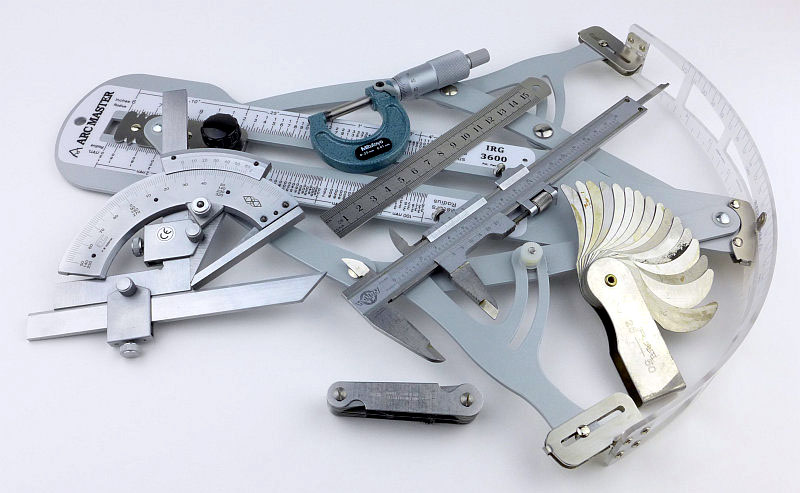
EdgeMatters – Sponsored Reviews (UK based Forum for Knife Makers and Collectors)