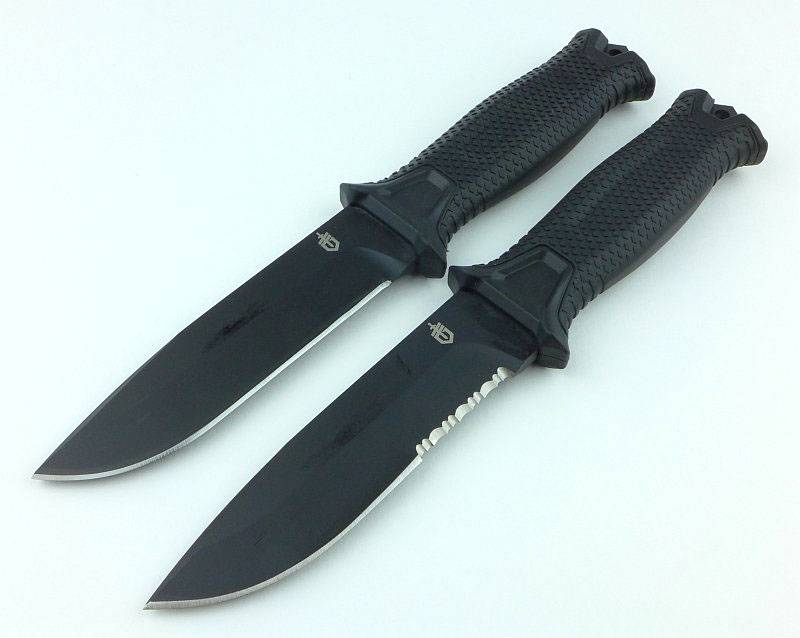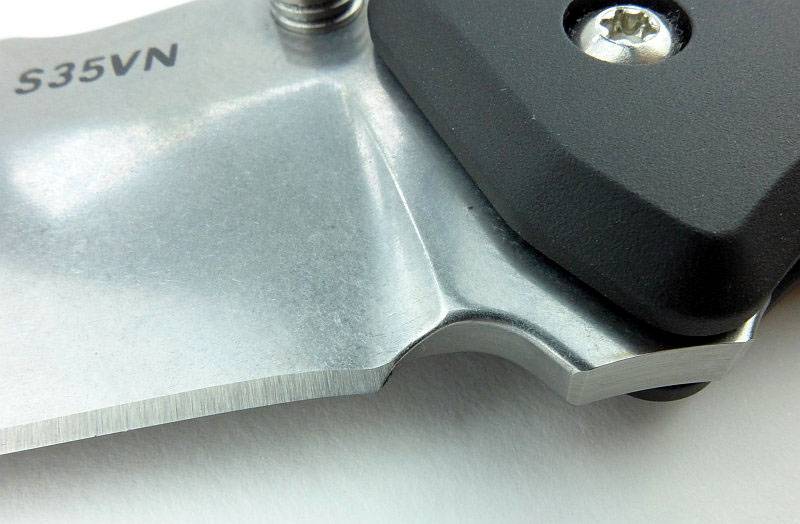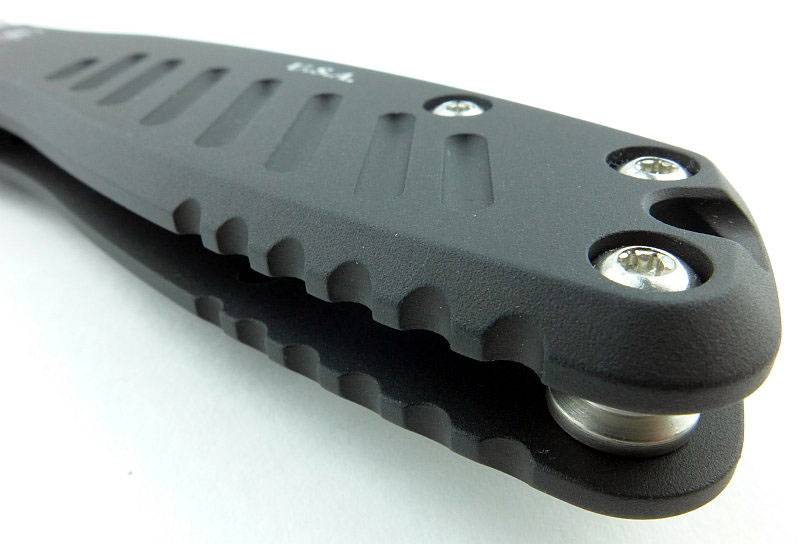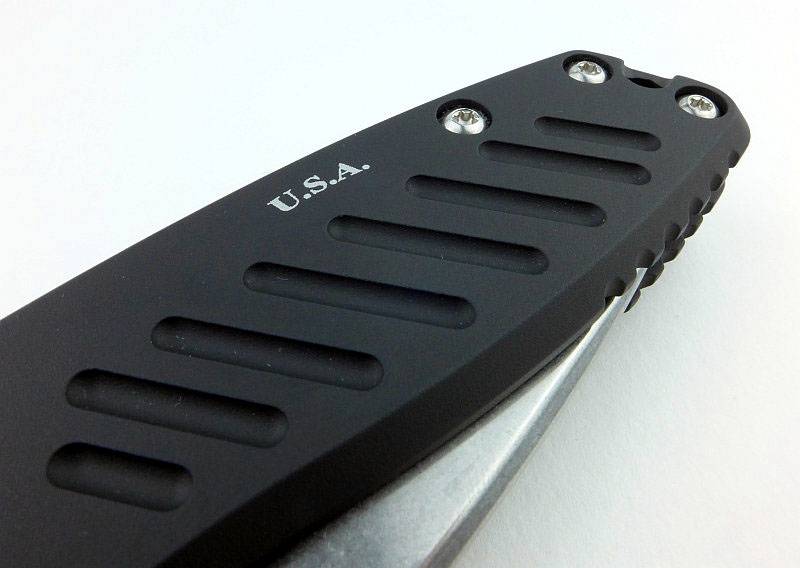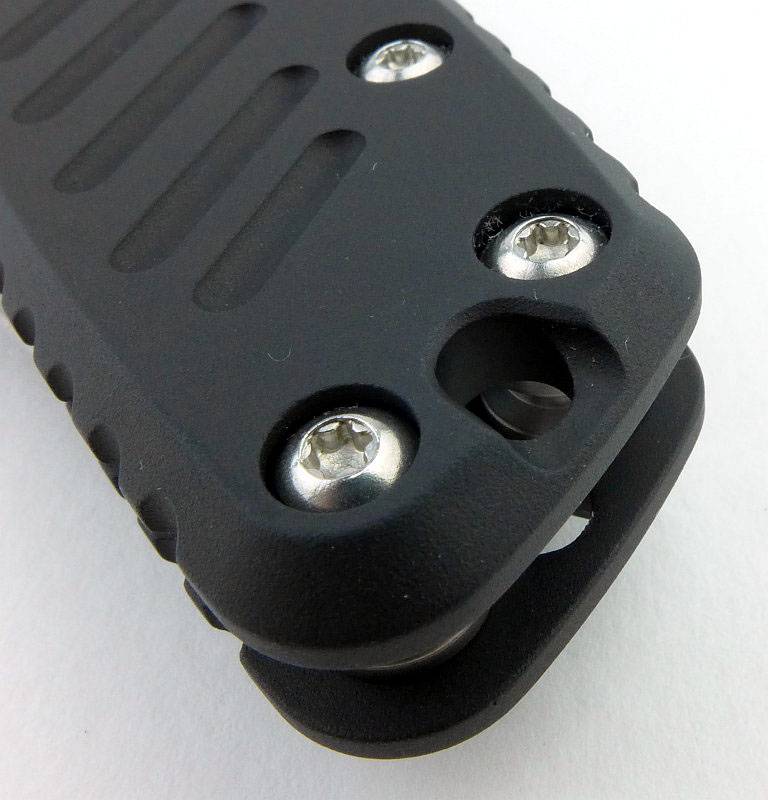
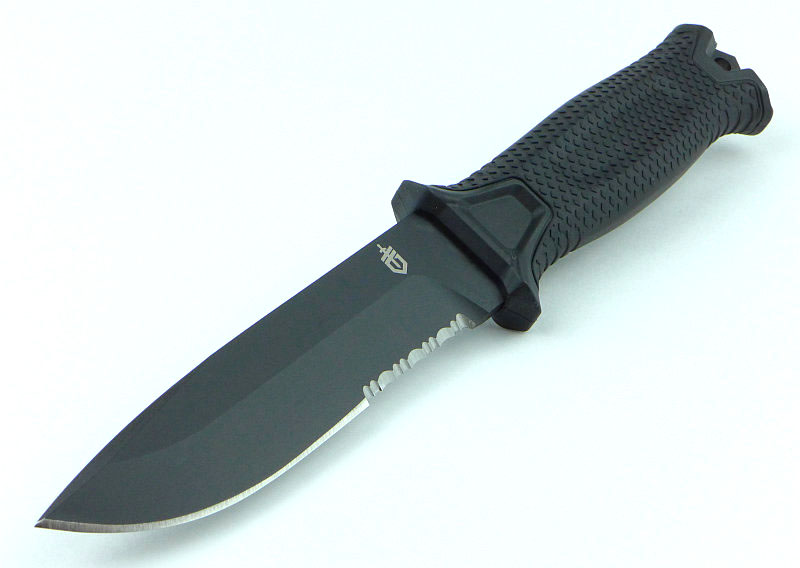
Knife Review: Gerber Strongarm

Gerber’s latest incarnation of the military/tactical survival knife has taken its evolution to another level. Paring down each element of the design to provide the essential functions without any excess bulk has resulted in a tool that works with you and remains totally reliable.
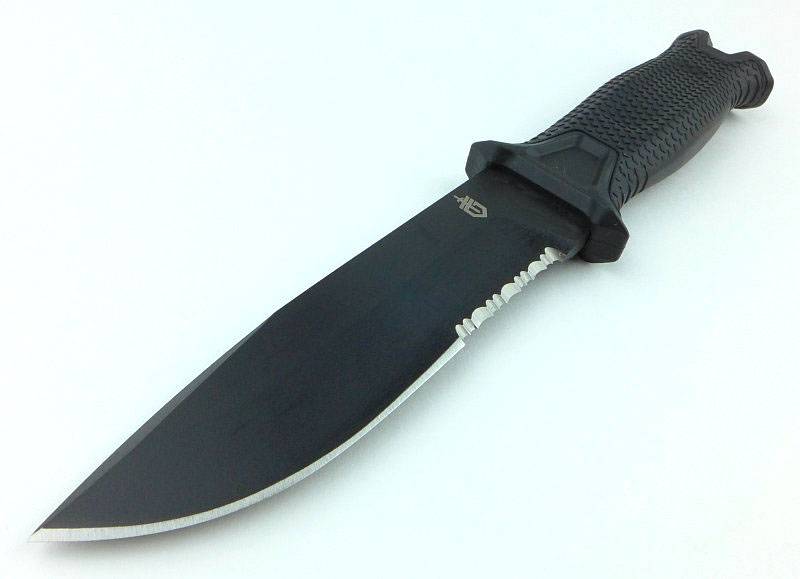
 photo 00 Strongarm feature P1190485v2.jpg

The Blade and Handle Geometry:

Most knife specifications have a basic description of the blade geometry, but in this section I will be taking a more detailed look at geometry and balance.
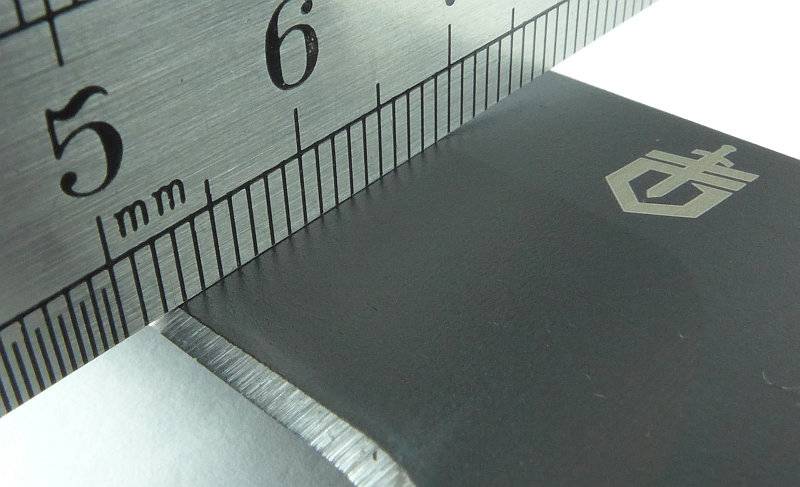
 photo 47 Strongarm grind P1200587.jpg

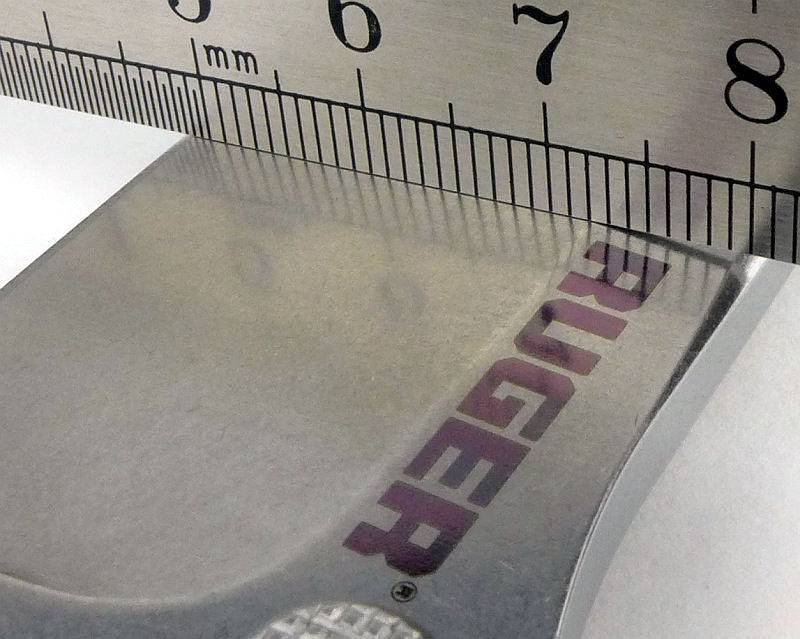
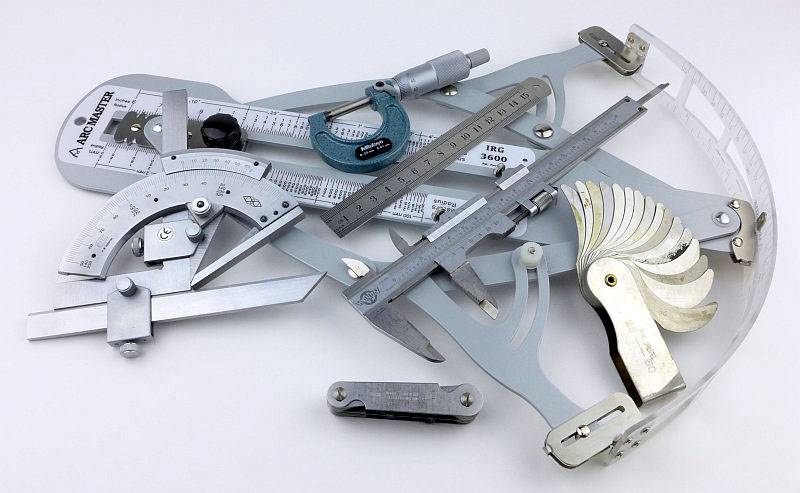
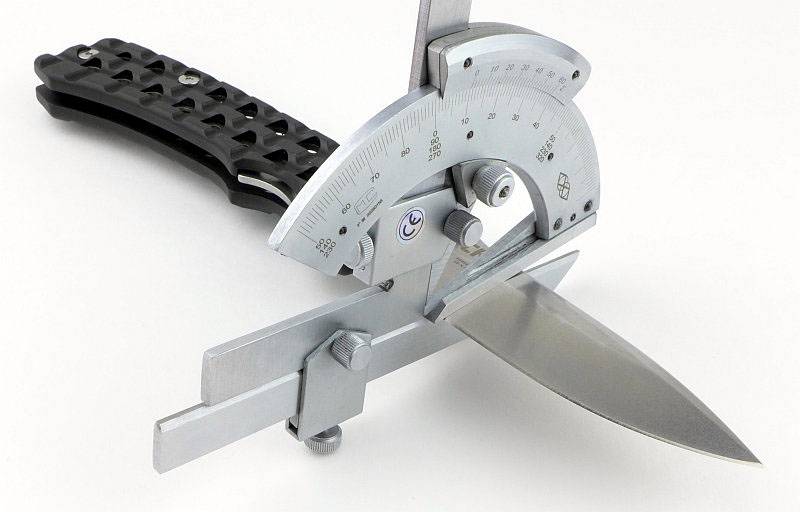
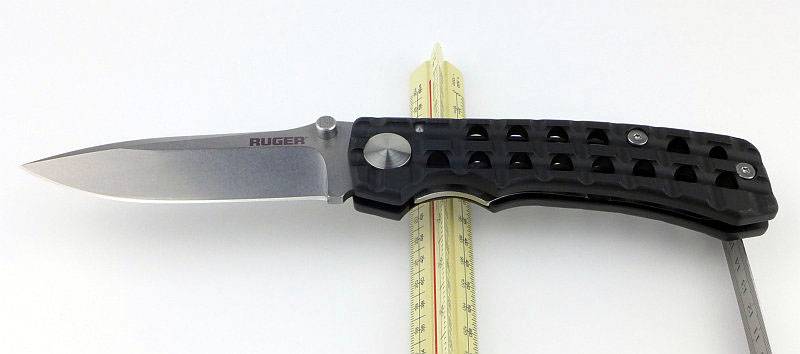
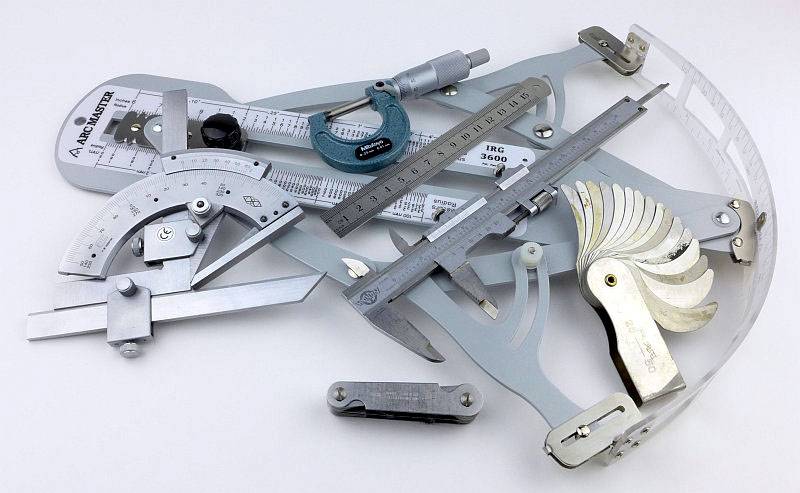
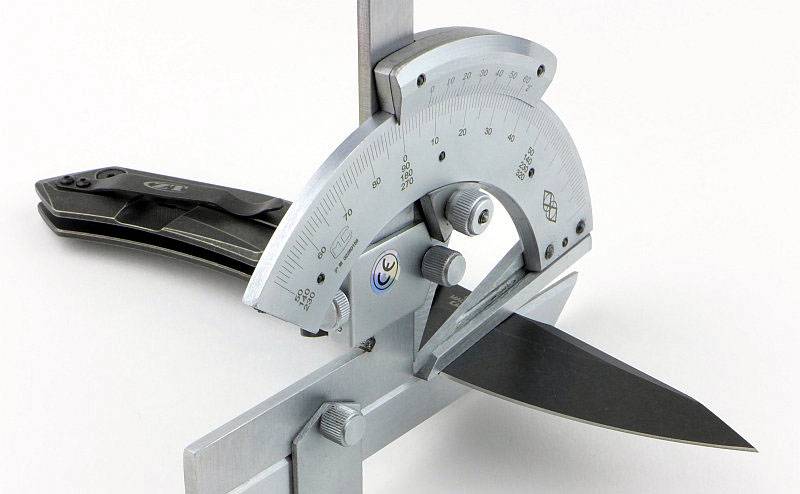
Using a set of gauges and precision measuring equipment including a Vernier protractor, callipers, fixed radius gauges and the unique Arc Master adjustable radius gauge (the one that looks like a crossbow).
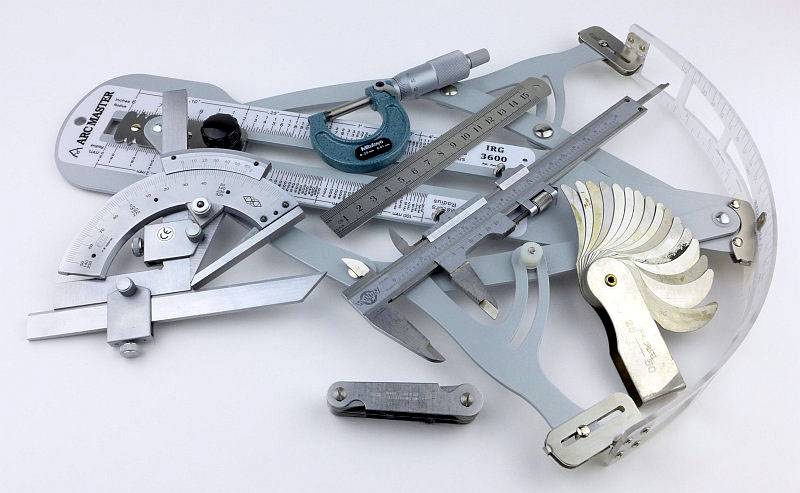
 photo Knife measuring P1180483.jpg

These measurements have been tabulated and are presented along with a few reference blades (8″ Chef’s Knife, 5.5″ Santoku and the popular Fällkniven F1).

Key aspects such as the primary bevel angle, grind type, blade depth, blade thickness, length, weight are detailed, along with balance information.

The ‘Balance relative to the front of the handle’ tells you if the knife will feel front heavy, or if the weight is in your hand (a positive value means the weight is forward of the front of the handle). The ‘Balance relative to the centre of the handle’ indicates how close to a ‘neutral balance’ the knife has in the hand.
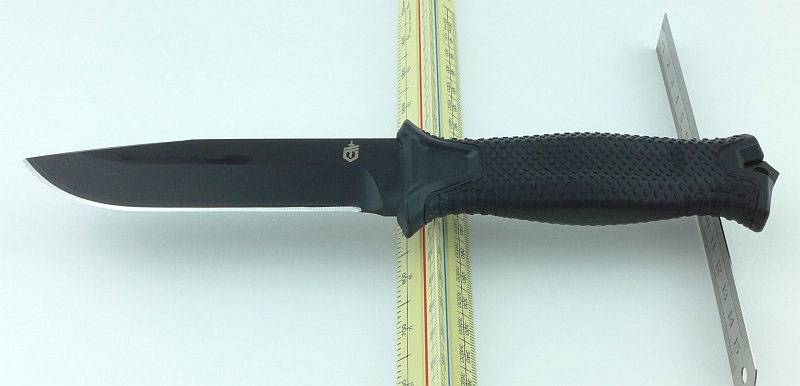
 photo 46 Strongarm balance P1200560.jpg

In the case of full convex grinds the approximate centre of the grind is used for the primary bevel angle estimate.
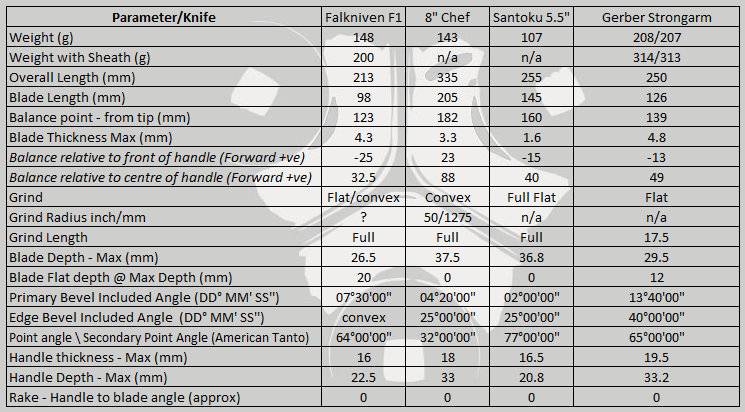
 photo 51 Strongarm Parameters.jpg

The blade is made from 420HC steel.

Explained by the Maker:

The reasons for certain design choices may not be clear when simply looking at an object, so this section is intended to give an insight into the thinking behind a design by speaking to the designer themselves.

Unfortunately I can’t always get time with the designer so will use this section to include relevant information about the knife and its designer.

The Strongarm is the result of an evolution of Gerber’s survival knives which I can trace back through several models. In this section I’d like to share a personal perspective of the evolution that has lead to the Strongarm. This might not be how Gerber would chart its development, but is based on my own knives and experience.

As any child of the 80s will know, the 1982 film ‘Rambo – First Blood’ has been one of the most influential films in terms of interest in survival and in knife design at the time. With Lyle knives way out of reach, I ended up owning some of the rather nasty cheap hollow handle Rambo style knives. There were other more serious designs available but pricing also made them out of reach.

Still hankering after a decent and stylish blade I was struck by the appearance of one in another film from 1988 staring Sidney Poitier and Tom Berenger – Deadly Pursuit (Shoot to Kill). In this film Tom Berenger’s character is carrying a Gerber BMF (Basic Multi-Function) in its original pattern with 8″ blade, and this was the saw back version that wasstill in fashion at the time. I loved it and knew this was the knife I had to have. Unfortunately with the UK market starved of this knife I had to wait for one to arrive, and when it did changes had been made to the size and grind. It now had a 9″ blade and the one I found didn’t have the saw-back. It was still a meaty solid knife, so had to do. The BMF was produced by Gerber between 1986 and 1998 and had several ‘updates’ during this time.

In the following evolution photographs is the original pattern BMF I eventually found only a couple of years ago (and this one has been on active duty in war zones).

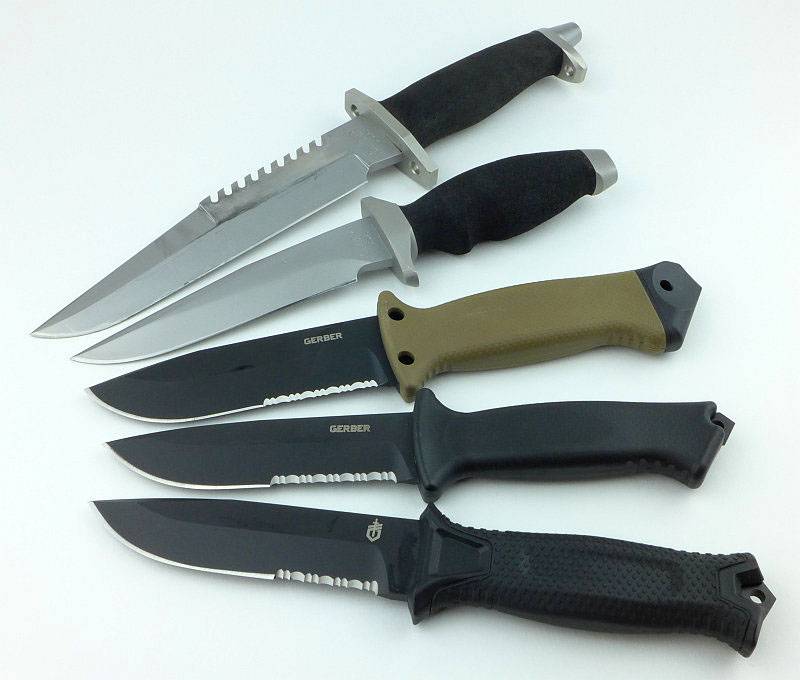
The sheath is as important as the knife in providing the overall package, so starting here we can see all the knives in this evolution in their sheaths. The knives shown are the BMF 8″ saw-back, then a LMF, the LMF II, a Prodigy and finally the Strongarm.
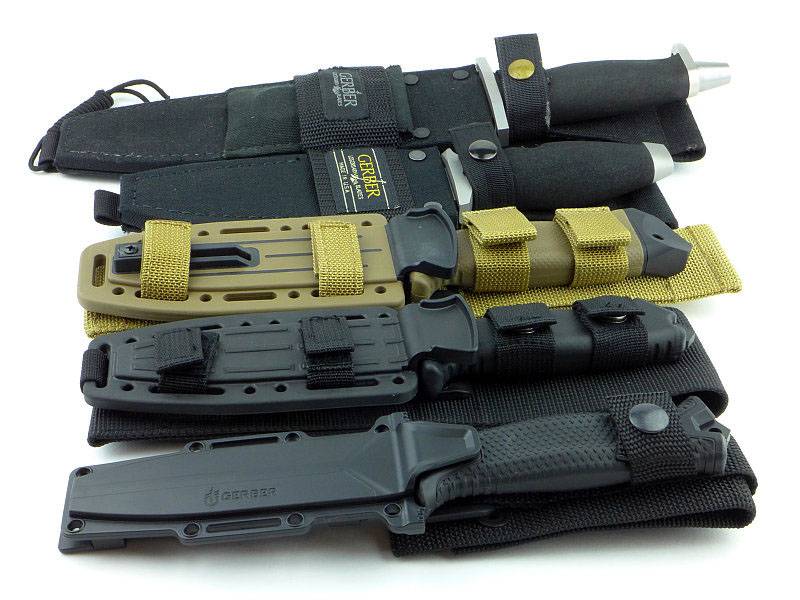
 photo 41 Strongarm evolution P1190818.jpg

With the BMF (first made in 1986) being a big knife there was demand for a similar design but smaller. In 1988 Gerber released the LMF (Light Multi-Function). In its first year the LMF had a full flat grind, but from 1989 onwards (until 1997 when it was discontinued) it was the style shown here. The original LMF had the bias towards blade length as a proportion of overall length. After a few years, the LMF was reborn in May 2005 as the LMF II designed specifically as a military survival knife. Becoming known as the standard by which all survival knives should be judged, many found the LMF II a little too big, so a smaller alternative was made with the name Prodigy. Working hard to make this knife all the more versatile, Gerber designed the multi-mount and tweaked the design further to create the Strongarm.
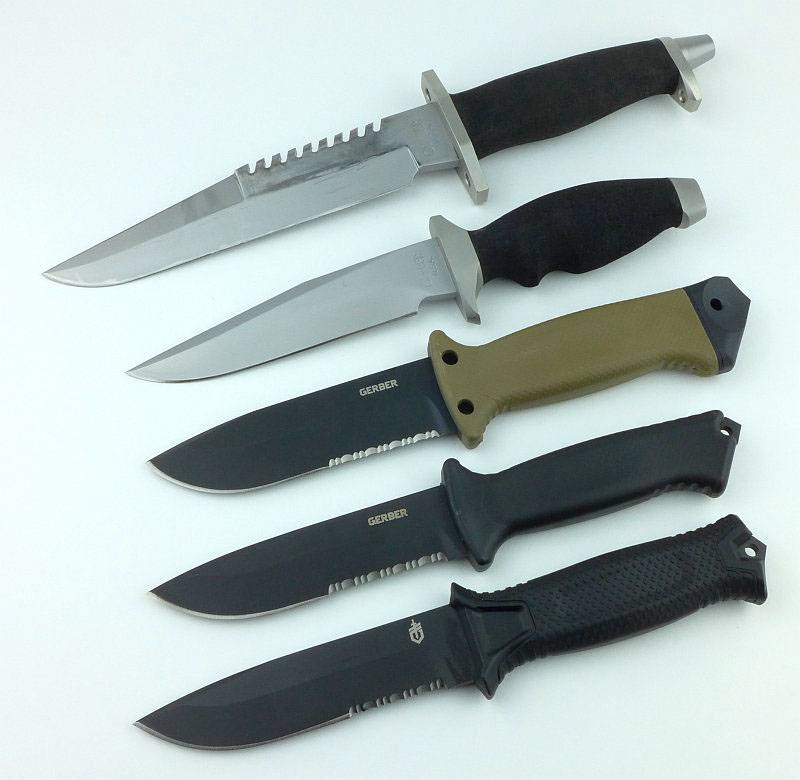
 photo 43 Strongarm evolution P1190839.jpg

Following the evolution series you can see how blade and handle lengths changed over time.
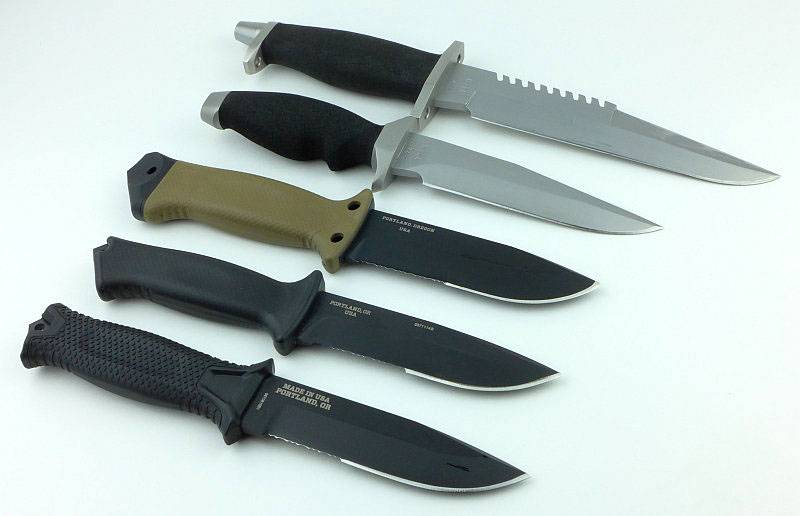
 photo 45 Strongarm evolution P1190832.jpg

A few more details:

Both the plain edge and part-serrated version were provided for review, hence the two boxes.
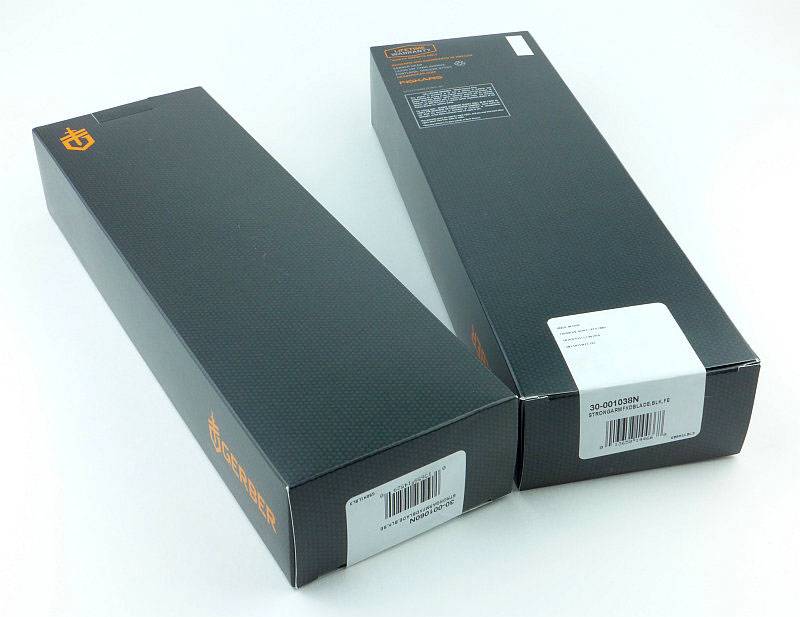
 photo 01 Strongarm boxed P1190423.jpg

A cardboard insert keep the knife in place and prevents the striker pommel breaking through the outer box.
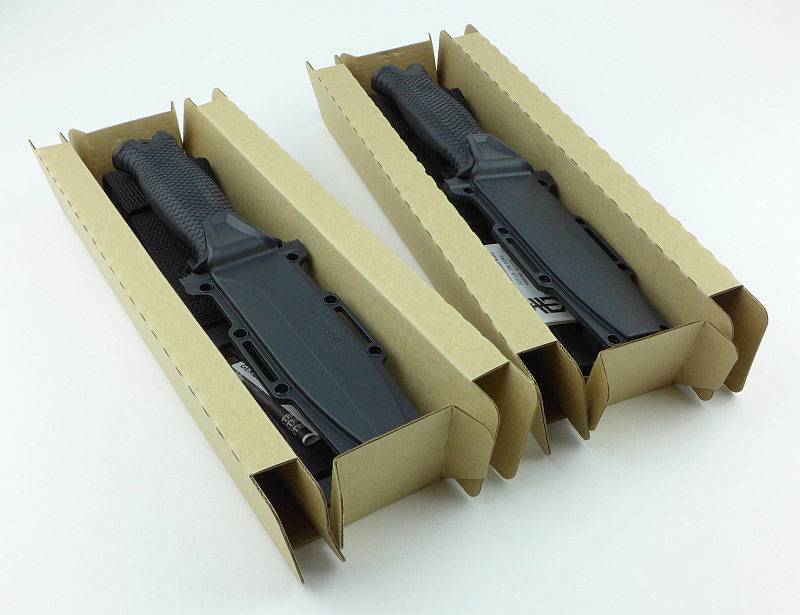
 photo 02 Strongarm unboxing P1190424.jpg

Fresh out of the box, and as well as the sheathed knife there is the PALS webbing clip, a horizontal belt loop adapter and the instructions.
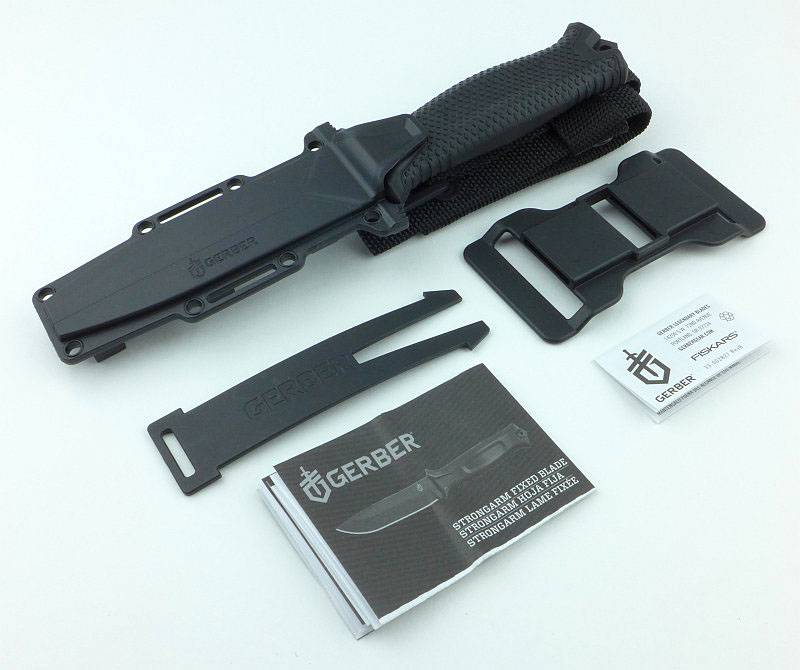
 photo 03 Strongarm unboxed P1190431.jpg

It is immediately obvious how much more streamlined Gerber have made the Strongarm compared to earlier knives in the line.
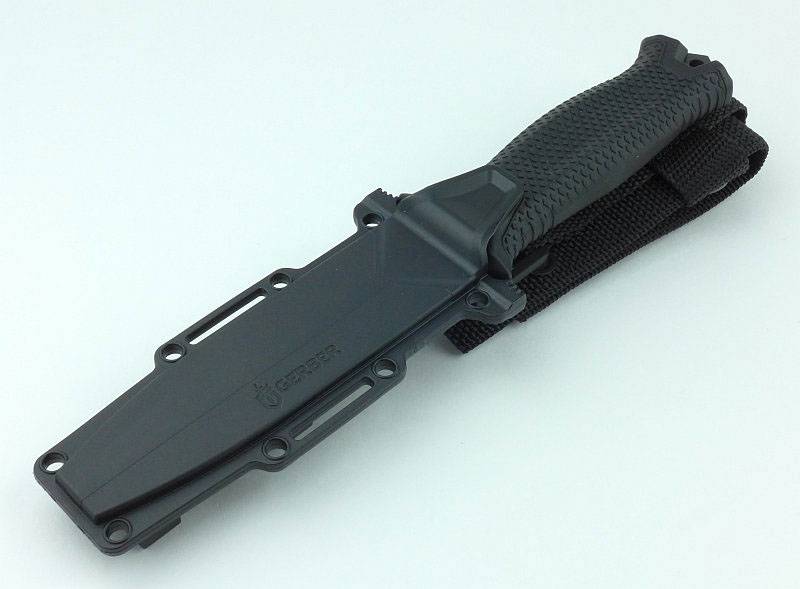
 photo 04 Strongarm sheathed P1190440.jpg

The moulded plastic sheath is suspended by a webbing hanger. For those sharp eyed readers you might notice that only a single press-stud is used for the hanger loop on the sheath, but even if this were to become un-popped, it cannot come out of the sheath while the knife is in the sheath.
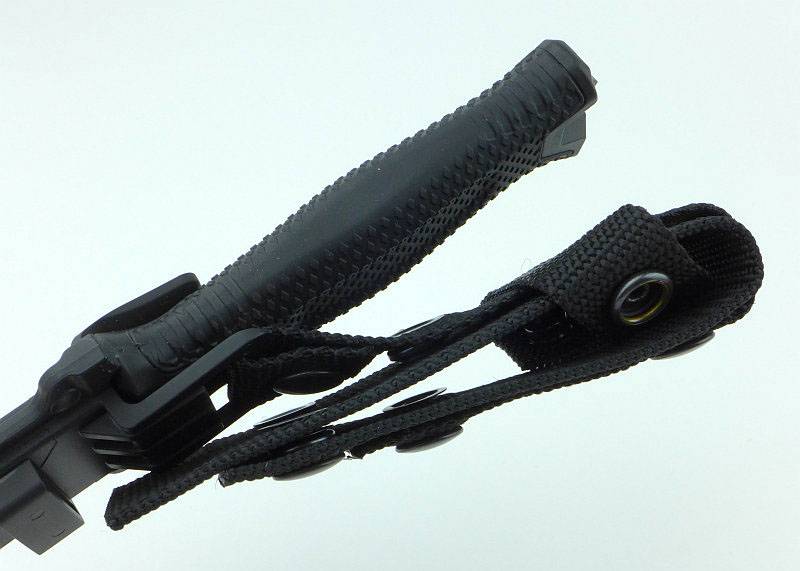
 photo 05 Strongarm hanger P1190443.jpg

These are the parts of the sheath hanger/belt loop.
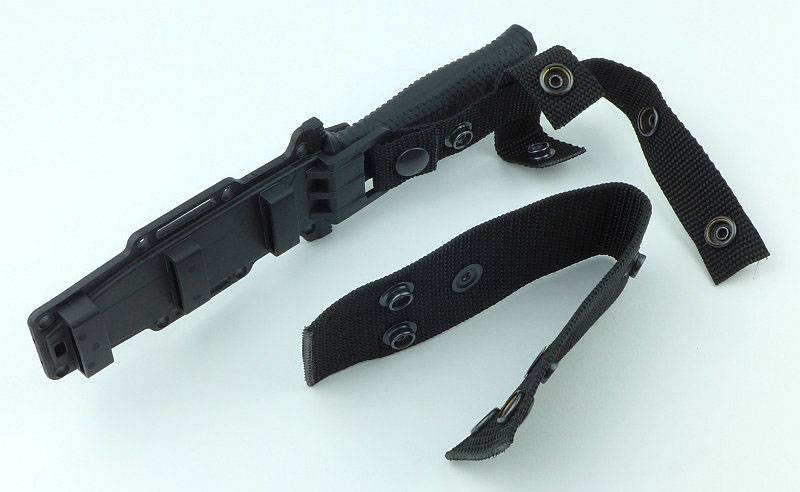
 photo 06 Strongarm hanger parts P1190445.jpg

To replace the belt loop, lay out the hanger strap as shown. (The cross piece is a knife retention strap for added security)
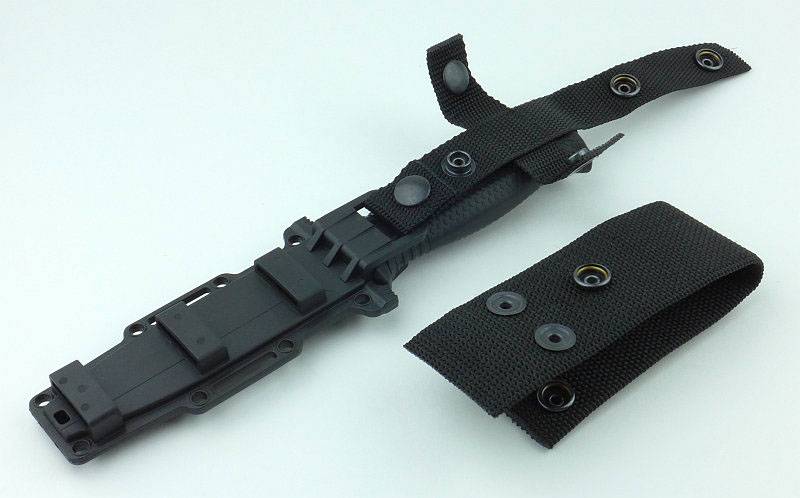
 photo 07 Strongarm hanger parts assemble P1190449.jpg

Fit the belt loop in place with the single press-stud on the underneath.
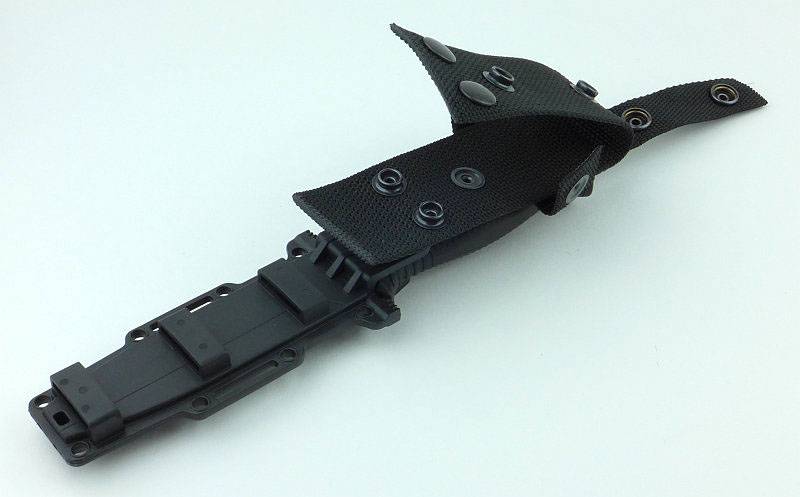
 photo 08 Strongarm hanger parts assemble P1190452.jpg

Close the belt loop with its two press-studs.
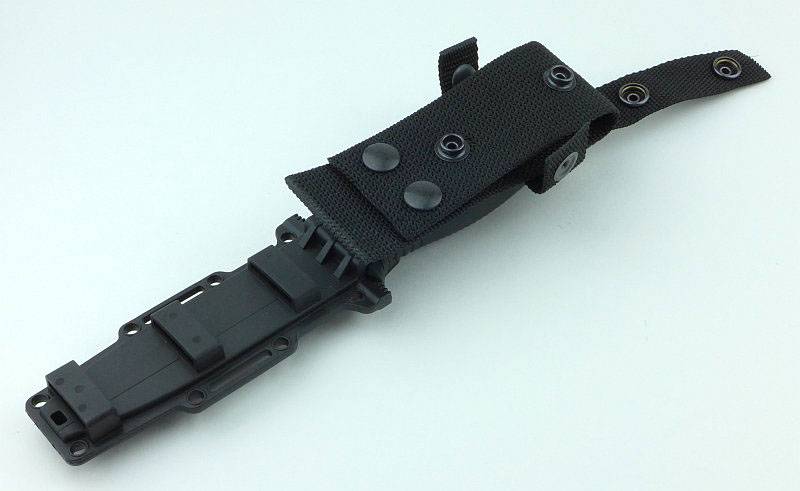
 photo 09 Strongarm hanger parts assemble P1190455.jpg

Then lay the hanger strap over the top and secure the two press-studs.
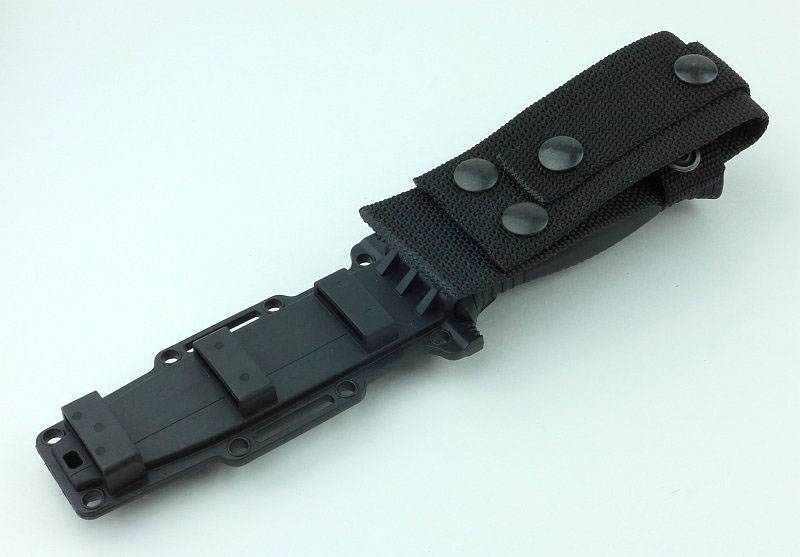
 photo 10 Strongarm hanger parts assemble P1190457.jpg

Taking the hanger off for clarity, here we are looking at the moulded sheath’s PALS fixing.
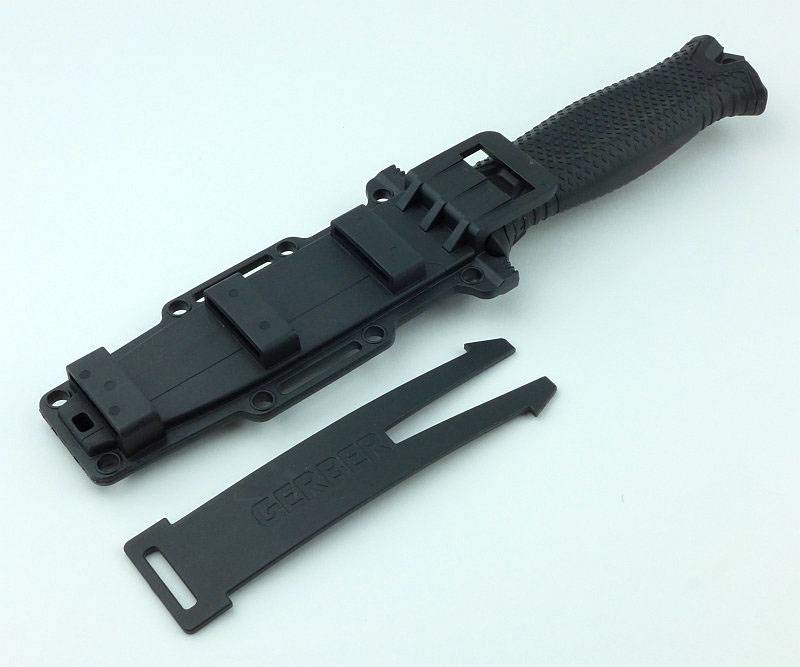
 photo 11 Strongarm PALS P1190460.jpg

Once in place over the PALS webbing you slide the locking bar through the loops to attach it.
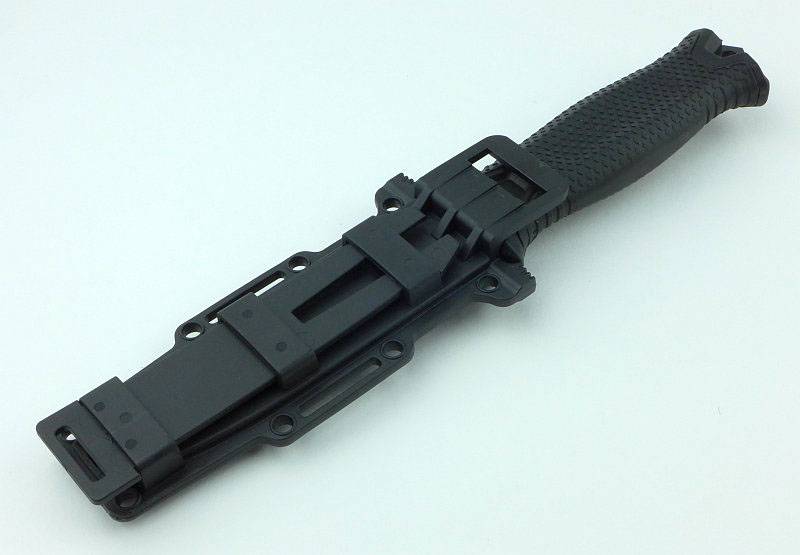
 photo 12 Strongarm PALS P1190463.jpg

The PALS fixing can also be used to fit the horizontal belt loops.
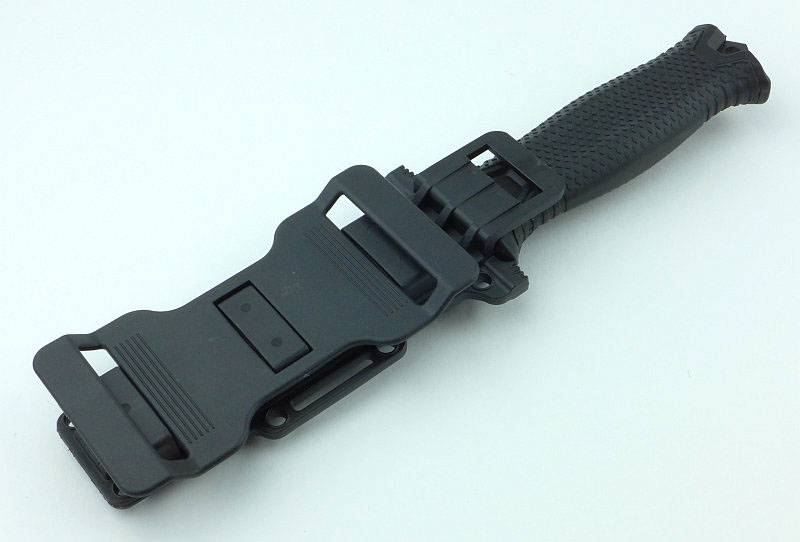
 photo 13 Strongarm horiz Belt P1190466.jpg

Despite the blade being stainless steel, and having a black ceramic coating the Strongarm arrived with an oiled blade.
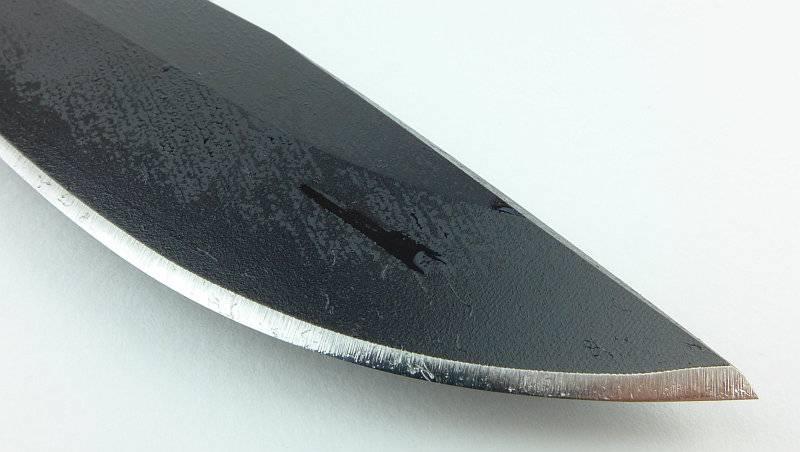
 photo 14 Strongarm oil P1190468.jpg

Each knife has a serial number and “Made in USA Portland, OR” proudly inscribed on the blade.
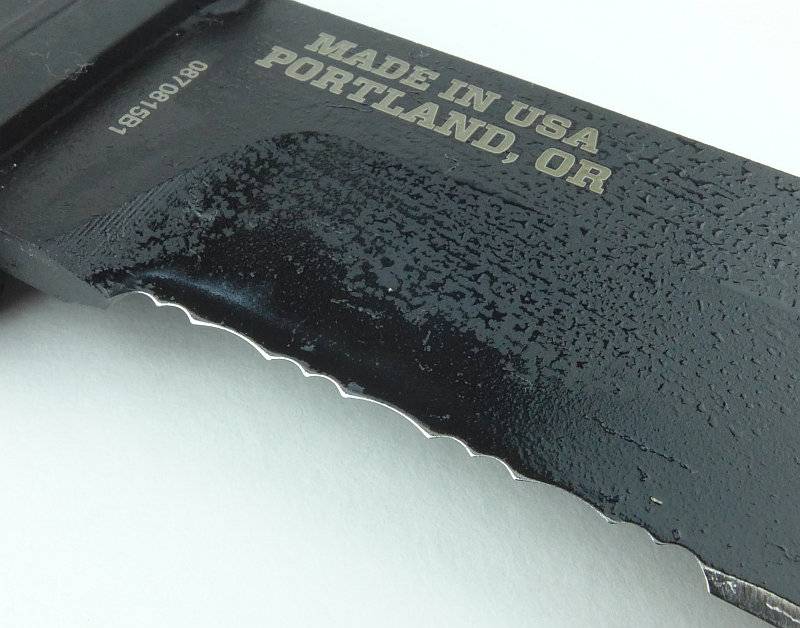
 photo 15 Strongarm serration back P1190472.jpg

The ceramic coating seems to have a slight non-stick effect as the oil beads up on it.
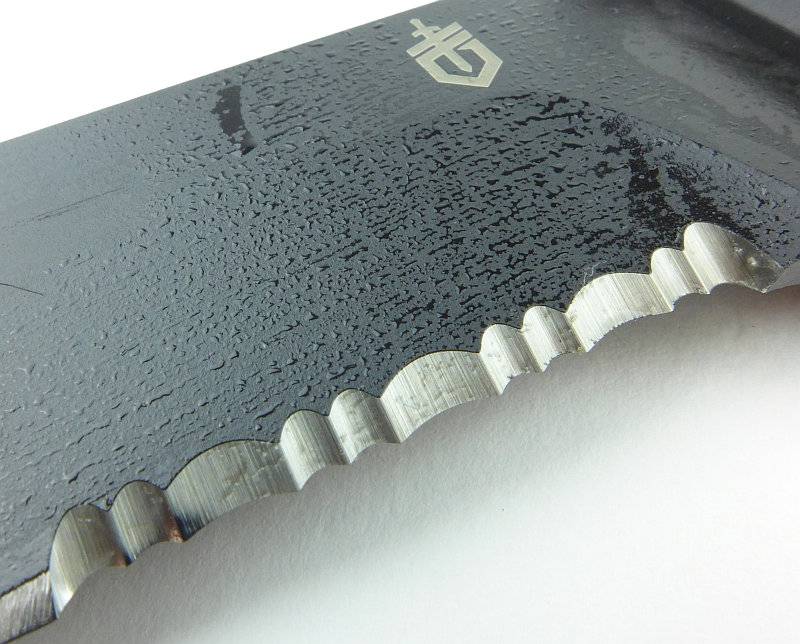
 photo 16 Strongarm serration front P1190481.jpg

You might also note that the length of the serrations is less than one third of the blade’s cutting edge.
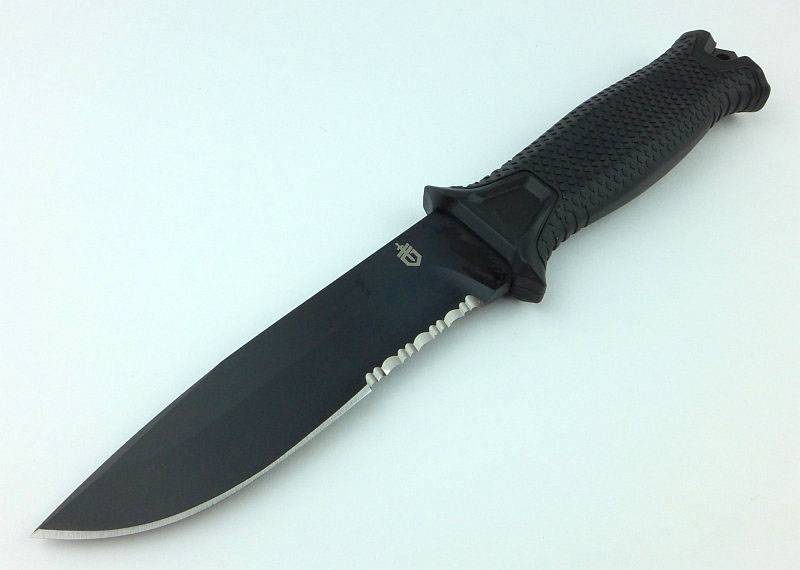
 photo 17 Strongarm angle P1190484.jpg

The grind provides a powerful and strong point to the knife.
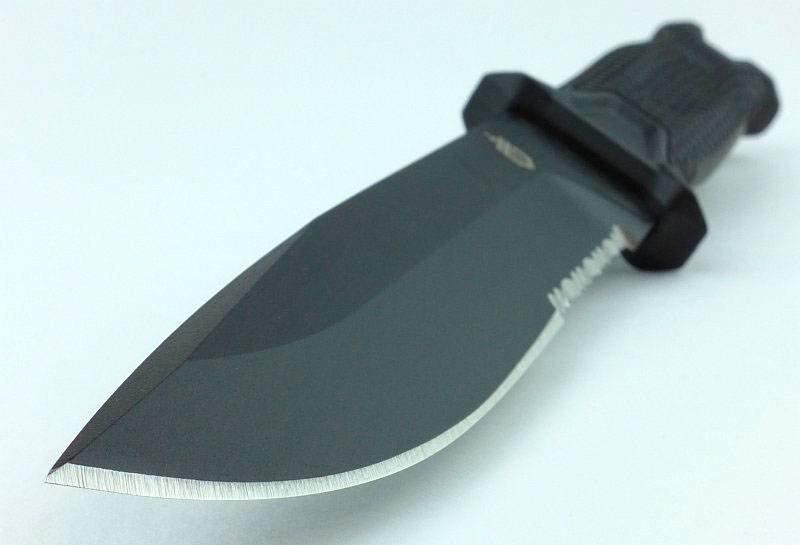
 photo 22 Strongarm tip P1190724.jpg

Despite the grip looking quite flat when in the sheath, you can see there is a definite palm swell.
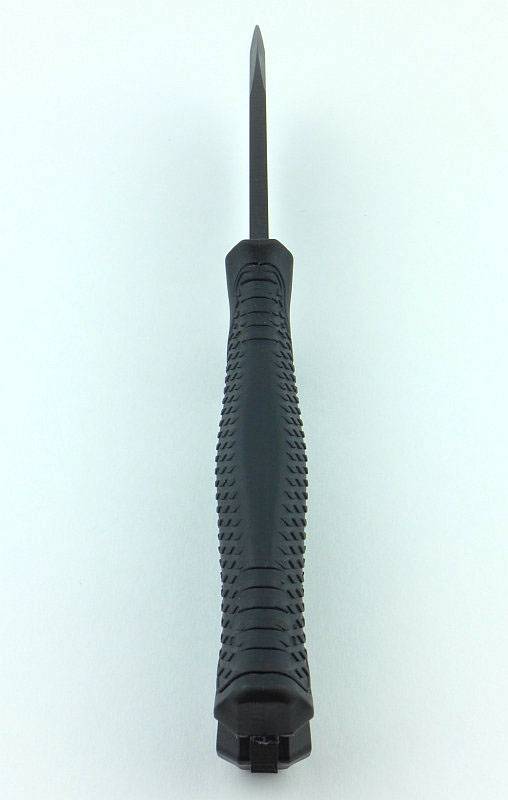
 photo 23 Strongarm swell P1190725.jpg

The full tang protrudes from the handle providing a lanyard hole and glass breaking point.
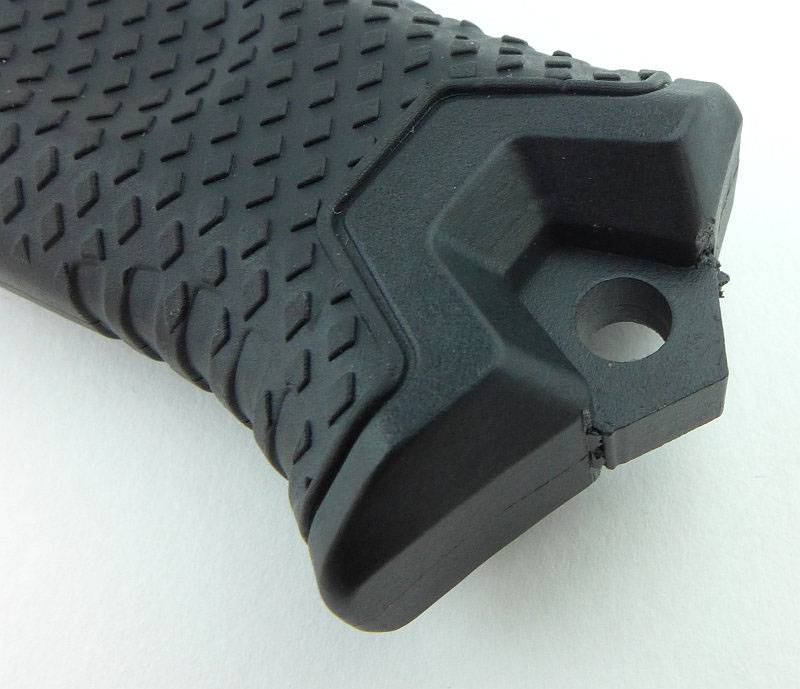
 photo 24 Strongarm glass breaker P1190728.jpg

There is a rubber over-mould on the glass-filled nylon handle which has a diamond-shaped raised grip pattern.
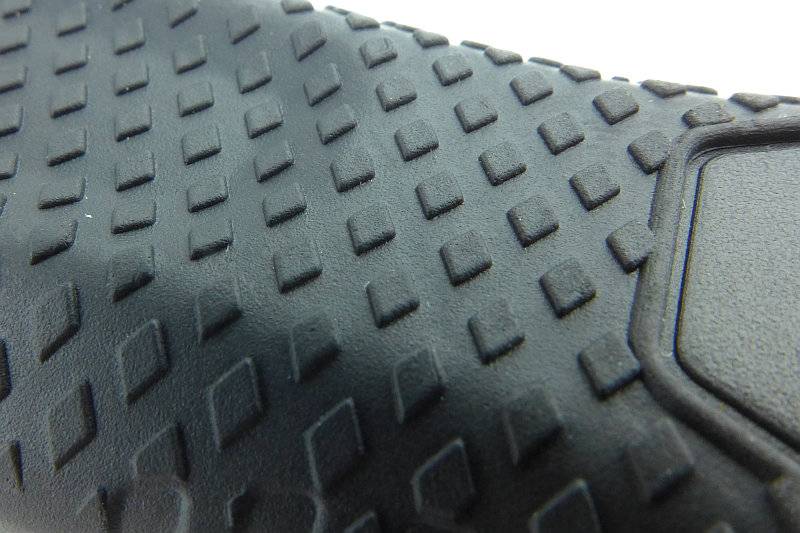
 photo 25 Strongarm grip P1190735.jpg

Keeping the blade strength to the maximum the plunge line is a smooth curve transitioning from cutting edge to ricasso.
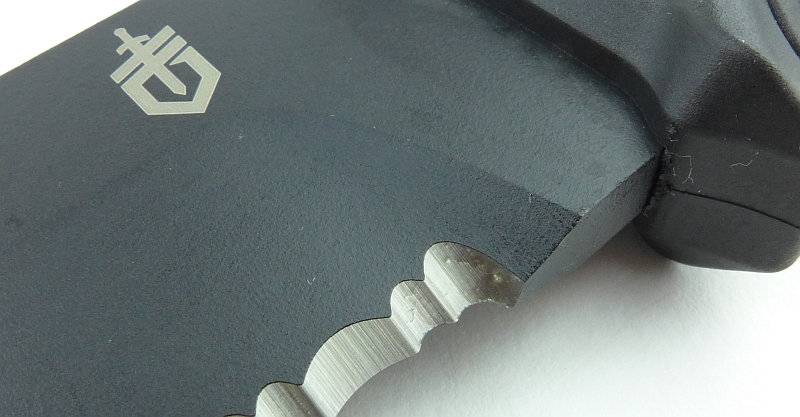
 photo 26 Strongarm plunge P1190738.jpg

Looking at how the cutting edge terminates for the plain edge version. I shall probably be adding a sharpening choil myself to this one.
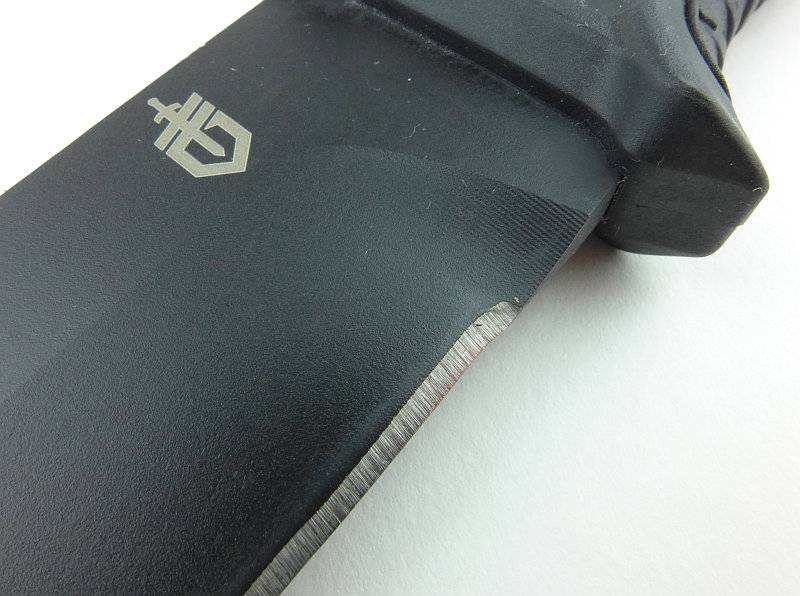
 photo 40 Strongarm plain edge P1190804.jpg

As you would expect, when sheathed there is no visible difference between the plain and part-serrated versions.
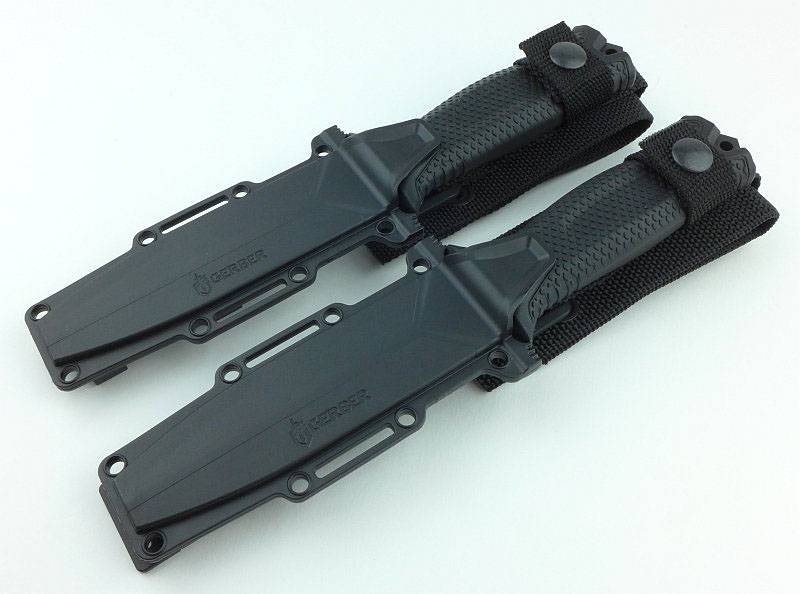
 photo 28 Strongarm both P1190763.jpg

Let’s have a quick look over the difference between them.
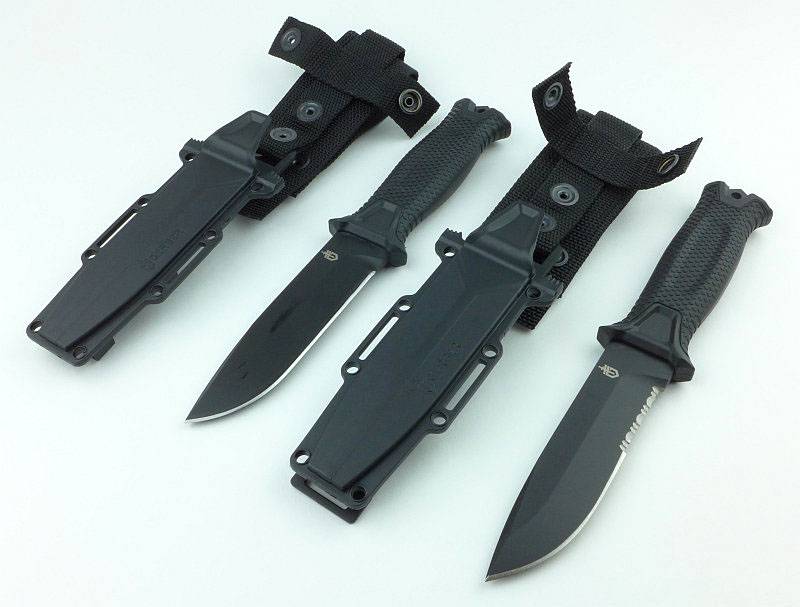
 photo 29 Strongarm both P1190768.jpg

Starting with a simple side-by-side.
 photo 30 Strongarm both P1190770.jpg

Of course, the blades are made from exactly the same blade blank.
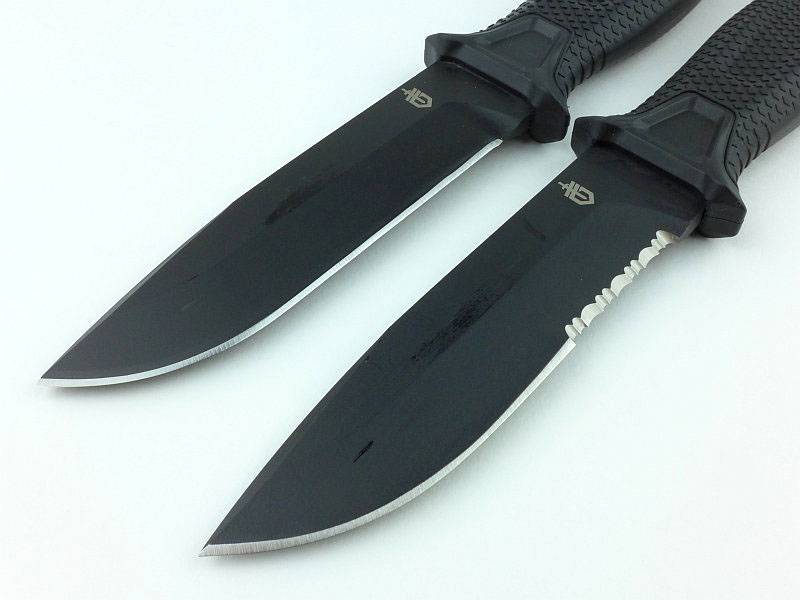
 photo 31 Strongarm both P1190771.jpg

Having that part-serrated edge always seems to make that version look as if it has more ‘belly’ near the front of the blade. This is because the serrations have to be cut quite deeply into the blade due to being a single bevel grind.
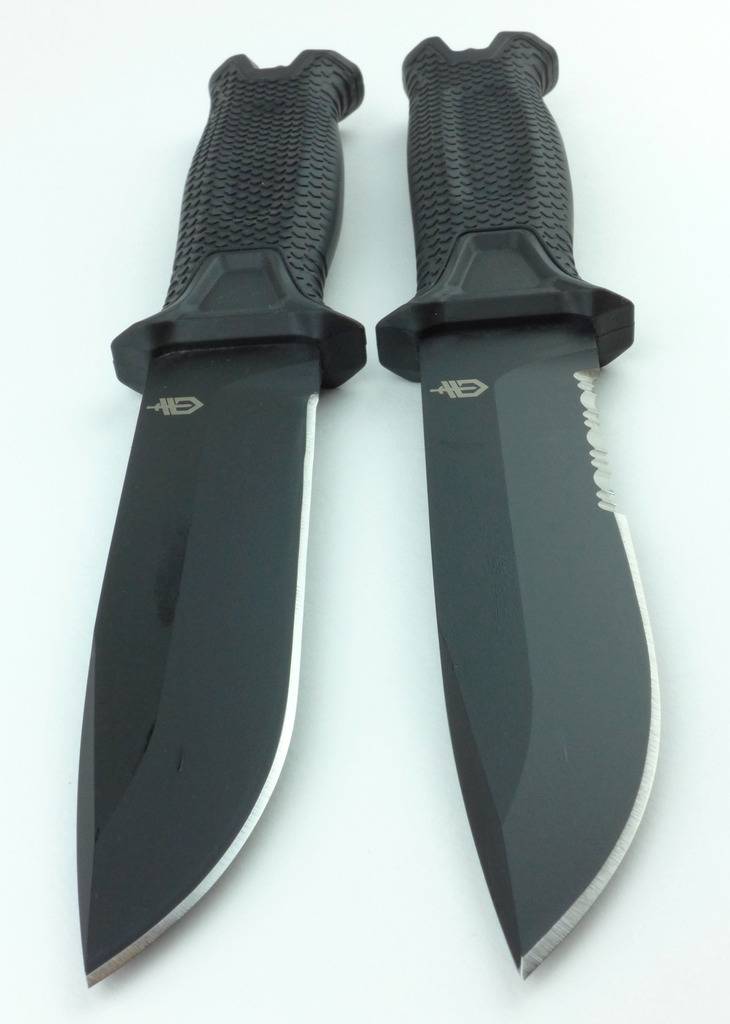
 photo 32 Strongarm both P1190774.jpg

Now we have had a good look over the Strongarm, it is time for that PALS attachment. Thanks to the secure retention system in the sheath, the knife can be happily mounted tip up or down.
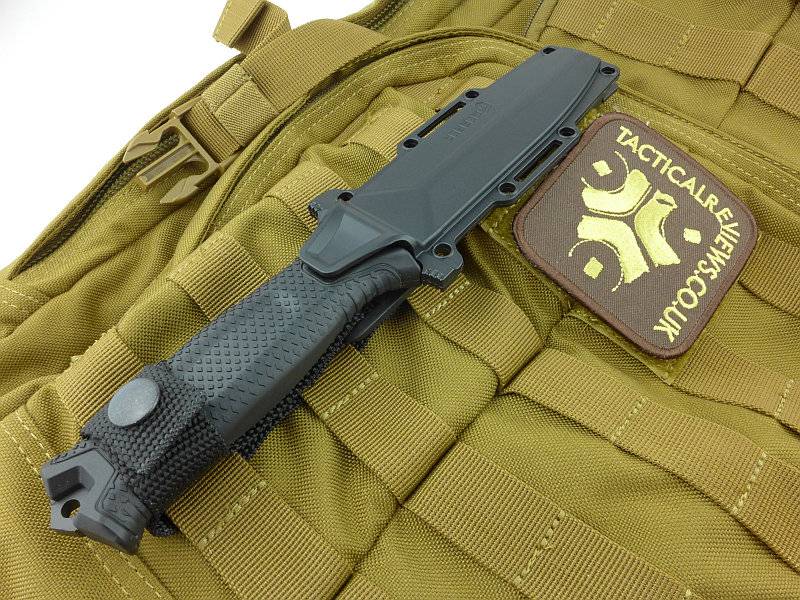
 photo 18 Strongarm PALS P1190716.jpg

When PALS mounting you remove the belt loop and use the hanger strap to keep the handle from flapping. This hanger strap has one press-stud to secure it to the webbing and the rest of the strap needs to be tucked out of the way.
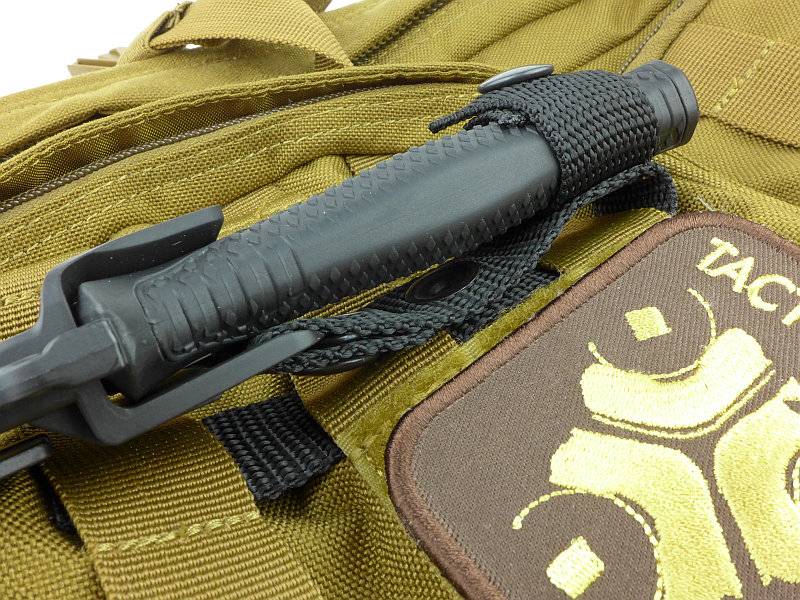
 photo 19 Strongarm PALS detail P1190713.jpg

The plastic sheath fits into the PALS webbing like this.
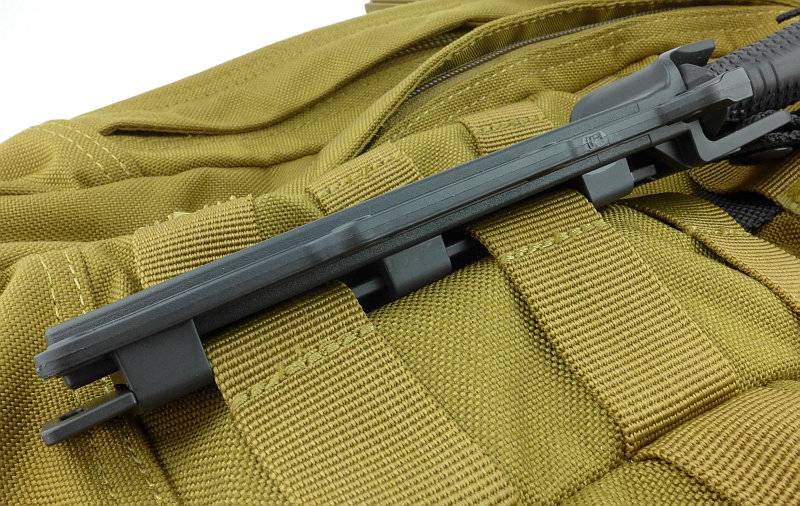
 photo 20 Strongarm PALS detail P1190710.jpg

A very neat PALS compatible system and far more compact than the LMF II or Prodigy.
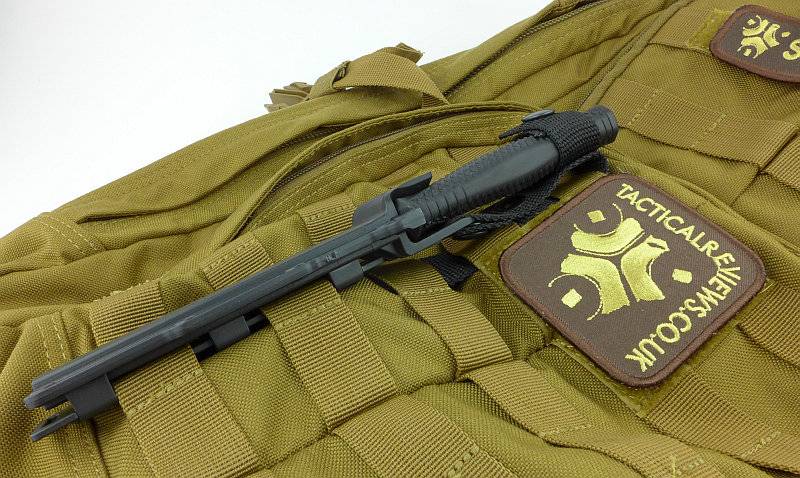
 photo 21 Strongarm PALS detail P1190706.jpg

What it is like to use?

I’d like to start this section with a little comparison to its most closely related sibling, the Prodigy. I really like the LMF II and Prodigy, so if there are any comments that sound anti-either of them it is only by way of saying how the Strongarm has improved on them.

The most obvious difference is the size of the sheath and the retention tab. The new retention system is secure, but much easier to use. Overall the force required to remove the knife is slightly less with the Strongarm, but still plenty strong enough to keep the knife in place. There are also two thumb tabs moulded into the sheath to give you a leverage point for bringing the knife out of the sheath under much more control than just pulling it out. The streamlining of the sheath makes a huge difference to the apparent size of the knife when carrying it.
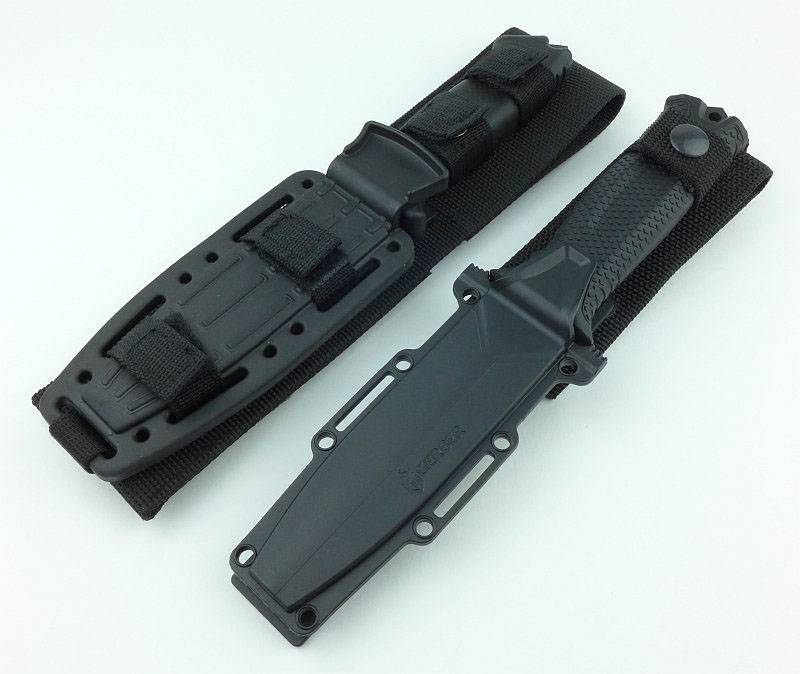
 photo 33 Strongarm prodigy compare P1190778.jpg

Once the Prodigy and Strongarm are out of their sheaths they are more similar in appearance but with several key differences that we will take a look at.
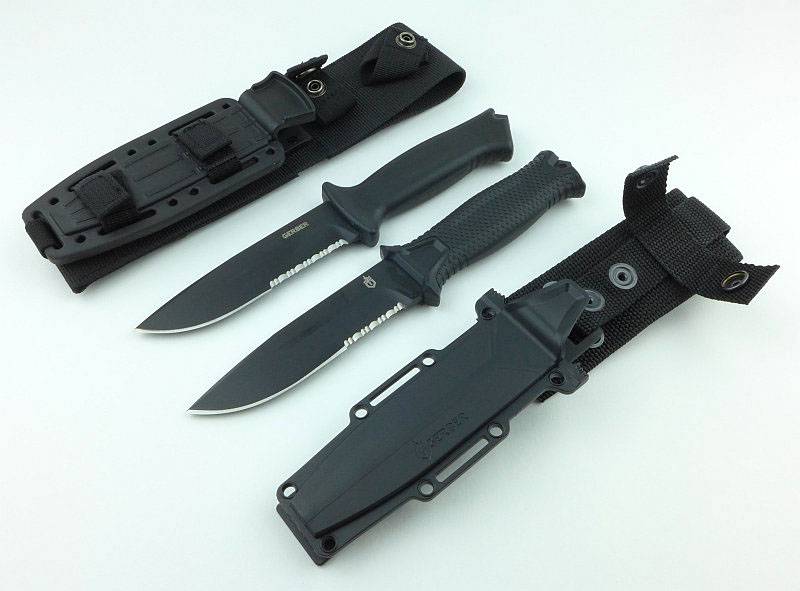
 photo 34 Strongarm prodigy compare P1190784.jpg

The area of the handle where the retention system holds the knife is quite different. For the older Prodigy, the normal moulded guard is gripped by the sheath, but in the Strongarm a clearly dedicated section of the guard is specifically shaped for the sheath to click into. In this way, instead of the sheath needing to grip the ‘normal’ handle, the new Strongarm has had the retention system designed into the knife handle making it much more precise.
Also of note is the handle texture on the Strongarm; while the Prodigy feels very comfortable and has good grip, the grip pattern of the Strongarm makes it feel rough and like it is positively holding onto you.
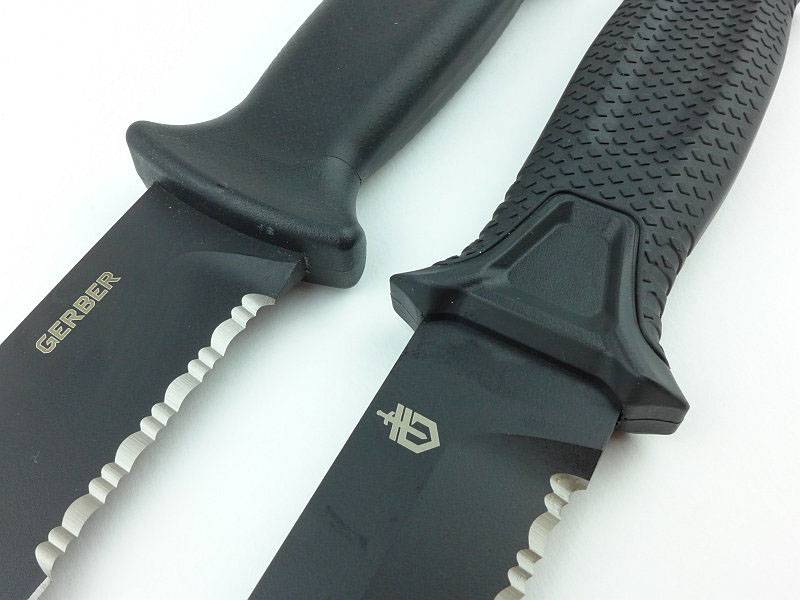
 photo 36 Strongarm prodigy compare P1190789.jpg

The part-serrated portion of the blade on the Strongarm has been reduced. This is most welcome as the serrated part of the Prodigy blade did seem to dominate it.
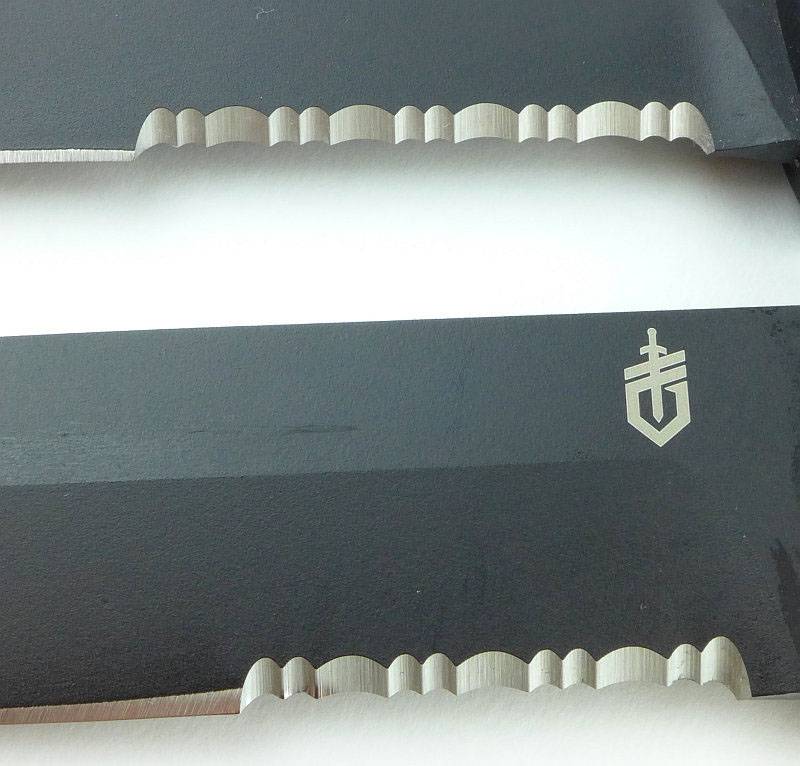
 photo 37 Strongarm prodigy compare P1190792.jpg

Two features we can notice here are the position of the striker on the pommel, and the grip length. The striker on the Strongarm is more central than on the Prodigy making it more natural to strike on target. Though the handle itself is the same overall length, the grip hook has been pushed further along the handle effectively making the grip longer giving more room for a gloved hand.
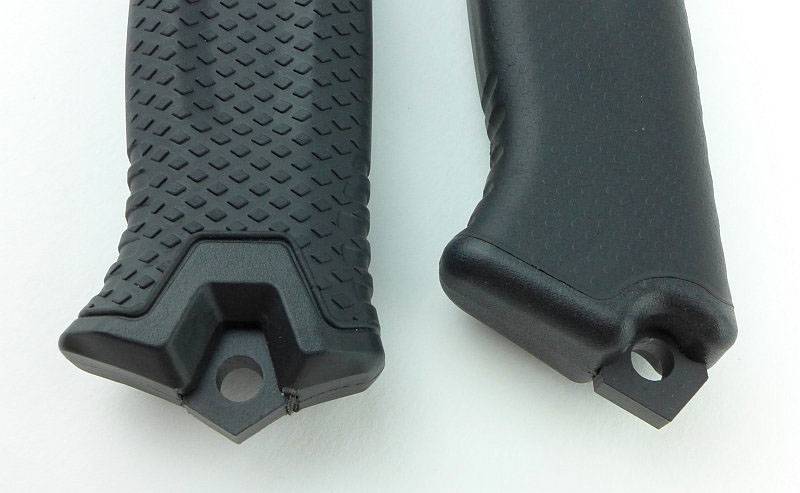
 photo 38 Strongarm prodigy compare P1190794.jpg

Finishing up in this comparison with an overhead shot which shows how similar the overall dimensions are to the older Prodigy.
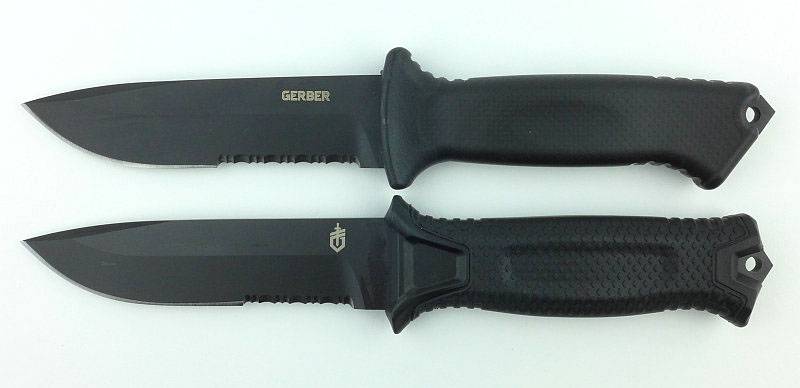
 photo 39 Strongarm prodigy compare overall P1190801.jpg

In the Strongarm, Gerber have pitched the size bang-on for an easily carried but still capable survival knife. For reference, I take XL size gloves. Personally I prefer a little more body to the grip, but this does need to work well for the average hand and I can still get a good grip without it feeling too small.
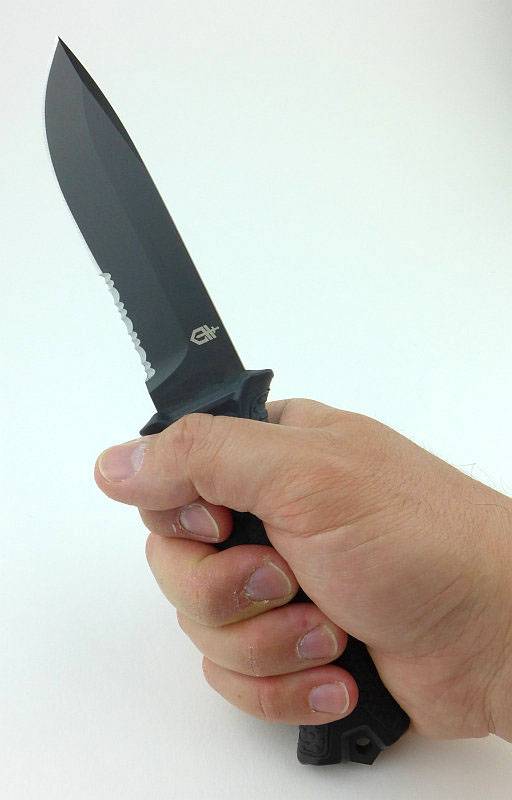
 photo 27 Strongarm in hand P1190747.jpg

I don’t have the facilities to test the Strongarm in an escape/rescue/breaching scenario so instead have to focus on more of the survival and camping aspects. Both the plain edge and part-serrated version are on test, and personally I favour the plain edge as a general working tool, but do see a place for the part-serrated as a backup tool. One of the reasons I don’t like the part-serrated blade is for the wood preparation and carving round the camp. As shown here the serrations make significant shaping in those power cuts carried out close to the handle. It certainly cuts well, but serrations cuts best when slicing and not so well in push cuts. Also if your uses are for cutting a lot of fibrous material and ropes/cords, then the serrations are going to be a real boon.
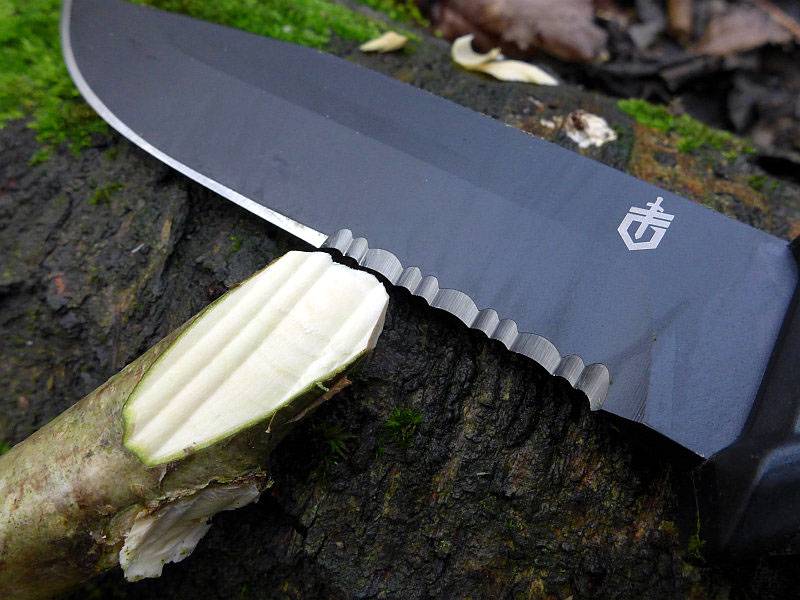
 photo 48 Strongarm whittle P1250185.jpg

Thanks to the thick blade stock, the Strongarm’s blade has enough weight in it to work on its own hacking into branches. Here is a rather untidy job on some dormant wood and is my first attempt while I was getting a feel for the best grip to use (two or three finger).
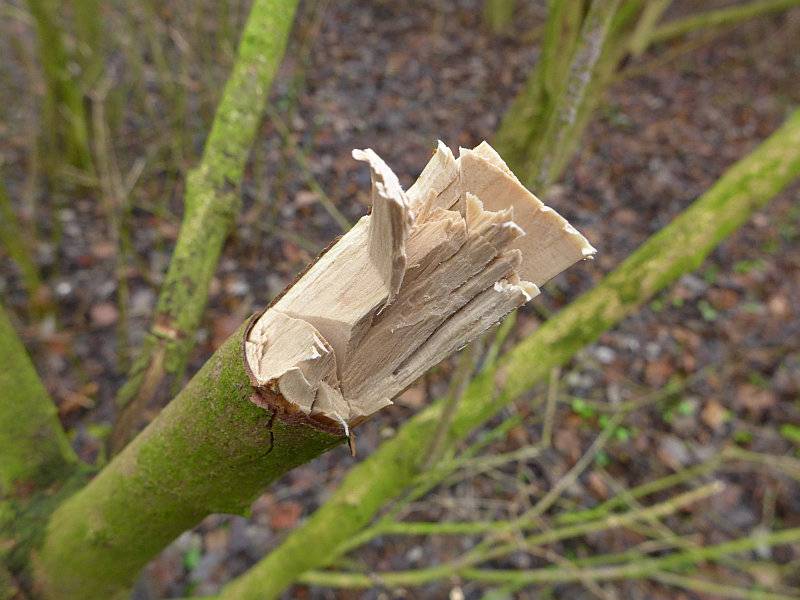
 photo 49 Strongarm hack P1250188.jpg

So even before you have found yourself a baton, it gets through some smaller branches easily enough. More fatiguing than a bigger heavier knife, but it will do the job.
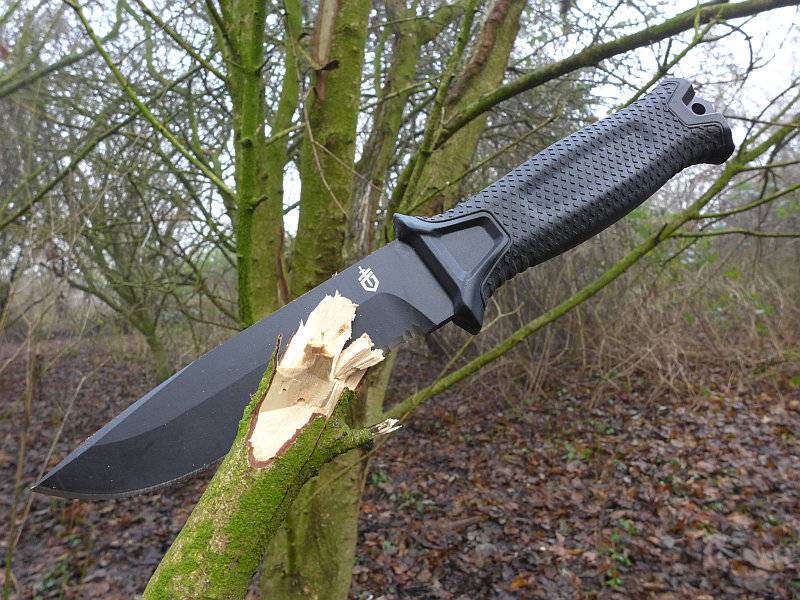
 photo 50 Strongarm hack P1250198.jpg

Having followed the evolution of the Gerber line to the Strongarm, there isn’t a single feature I would undo and want to revert to an earlier version. I still like and use the earlier knives, but the Strongarm is an improvement over them in every way, not least the ease of carry. Remember the ‘best’ survival knife is the one you have on you, so where I might not carry the LMF II, I would carry the Strongarm.

Review Summary

The views expressed in this summary table are from the point of view of the reviewer’s personal use. I am not a member of the armed forces and cannot comment on its use beyond a cutting tool or field/hunting knife.

Something that might be a ‘pro’ for one user can be a ‘con’ for another, so the comments are categorised based on my requirements. You should consider all points and if they could be beneficial to you.

_______________________________________________ _______________________________________________
Things I like What doesn’t work so well for me
_______________________________________________ _______________________________________________
Simple and effective blade retention system. Retention strap press-stud was initially too stiff and caused fraying of the strap.
Part-serrated and Plain Edge versions available. Blade a little too thick for good food preparation.
Multi-mount sheath with belt, horizontal and PALS options.
Full Tang.
Ambidextrous sheath.
Enough weight in the blade to chop.


Discussing the Review:

Please feel free to add comments to the review, but the ideal place to freely discuss these reviews is on a forum. If you started reading the shorter forum version of the review, but followed the link this full exclusive review, please return to that forum to discuss the review there.
If you read the review entirely on Tactical Reviews, please consider one of the following to join in any discussion.

BladeForums – Knife Reviews (US based Forum for Knife Discussion)

CandlePowerForums – Knife Reviews Section (Largest and Friendliest Flashlight Community Forum)
Light Review: Fenix TK15UE (Ultimate Edition)

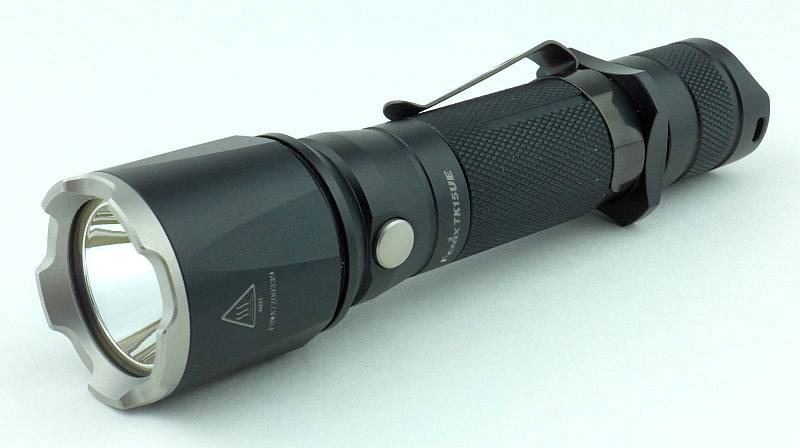
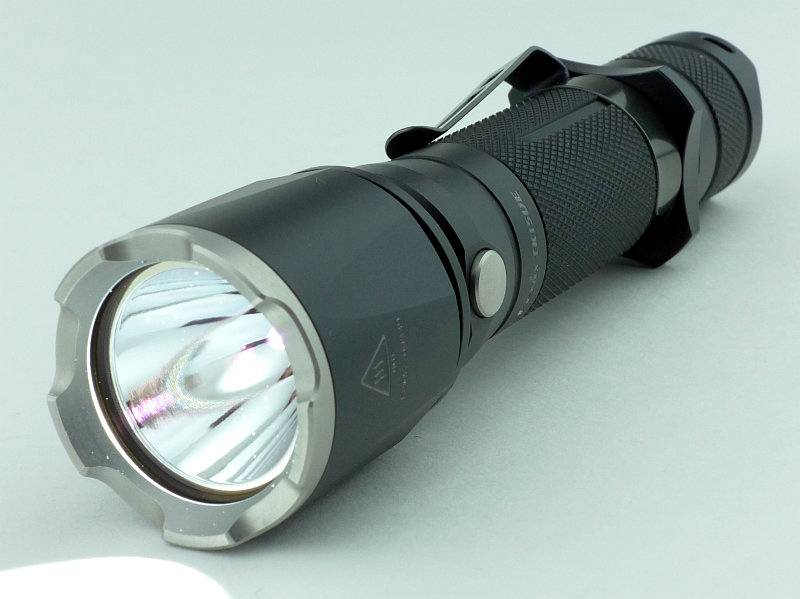
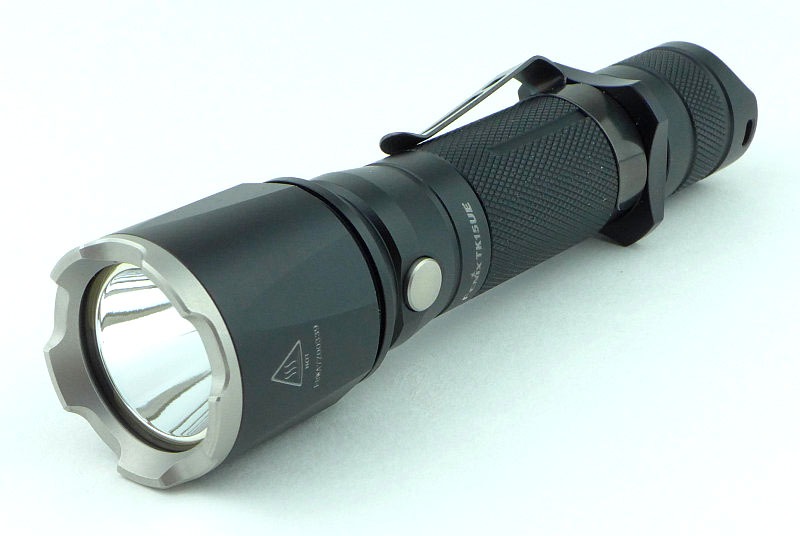
Fenix have been taking classic lights from their range and creating ‘Ultimate Edition’ versions, pushing their performance to the maximum. The TK15 has now been ‘UE’ed to make the TK15UE with uprated output, throw and a new stainless steel bezel.

 photo 16 TK15UE trailer P1230848.jpg

Taking a more detailed look:

The TK15UE comes in Fenix’s standard packaging.
 photo 01 TK15UE Boxed P1230641.jpg

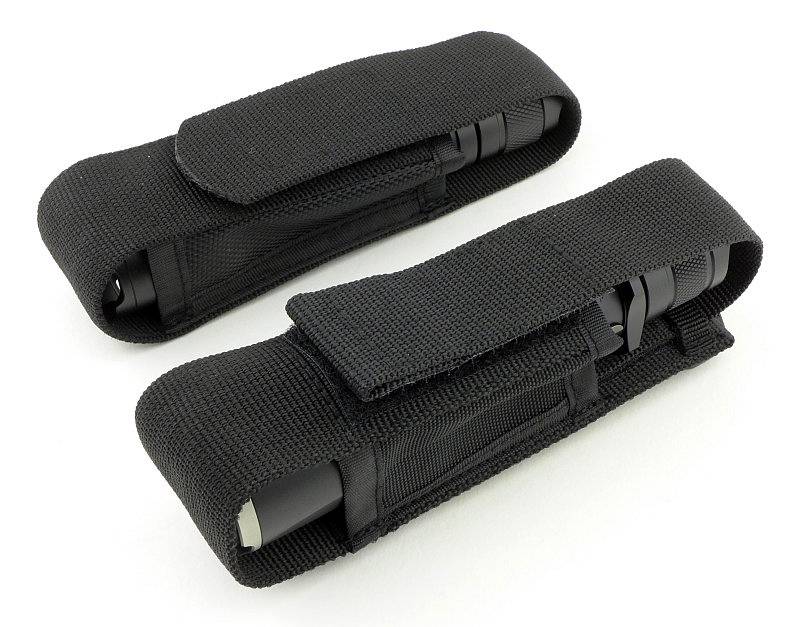
Included with the TK15UE are the instructions, a holster, a lanyard, a couple of O-rings and a spare switch boot.
 photo 02 TK15UE Box contents P1230650.jpg

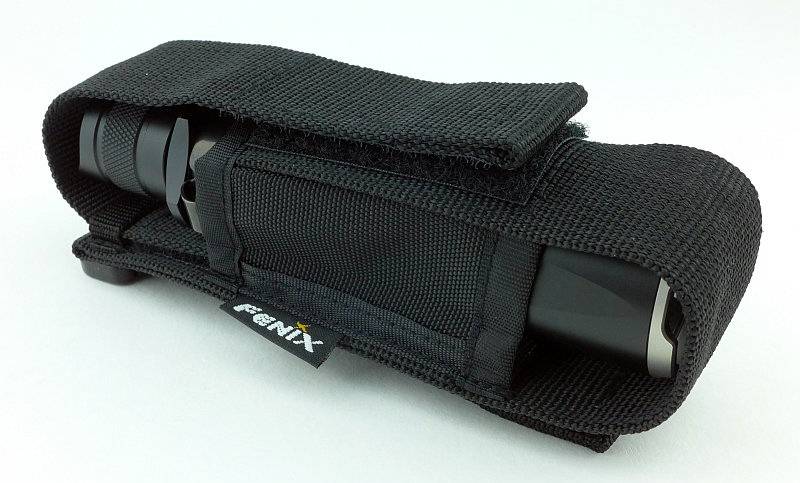
Before we move on, the holster is worth lingering on a little longer.
 photo 03 TK15UE holster P1230657.jpg

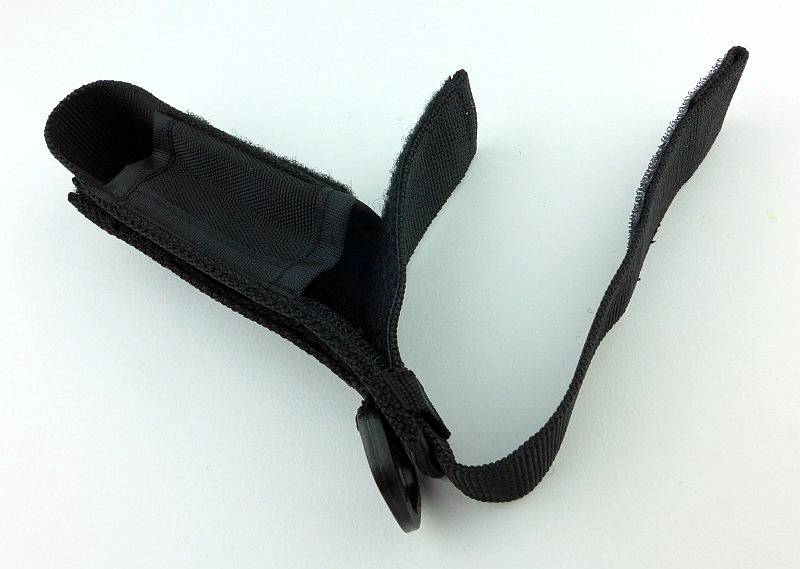
On the back there is a choice of a D-ring, fixed loop, and Velcro closing loop.
 photo 04 TK15UE holster loops P1230656.jpg

There is something a little different here. The holster flap has a retaining strap over it and inside the holster it is fixed with Velcro.
 photo 05 TK15UE holster flap P1230667.jpg

You can just see inside that the flap extends most of the way down the inside of the holster.
 photo 07 TK15UE holster flap adjust inside P1230678.jpg

The entire flap can be undone and either removed or adjusted to loosen or tighten the fit, or even accommodate a different length light.
 photo 06 TK15UE holster flap adjust P1230675.jpg

As supplied, the holster is correctly configured for the TK15UE.
 photo 08 TK15UE in holster P1230680.jpg

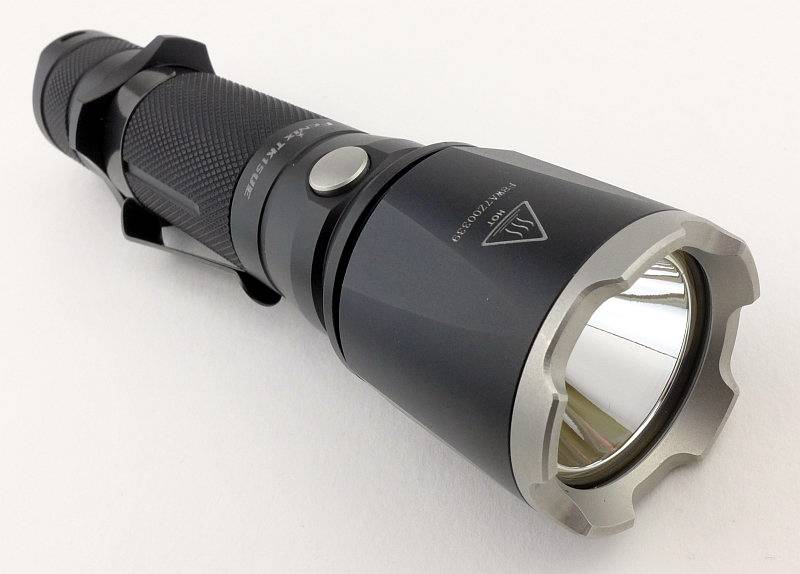
The most obvious sign that this is something a bit different to the previous TK15s is the Stainless Steel bezel.
 photo 09 TK15UE angle P1230689.jpg

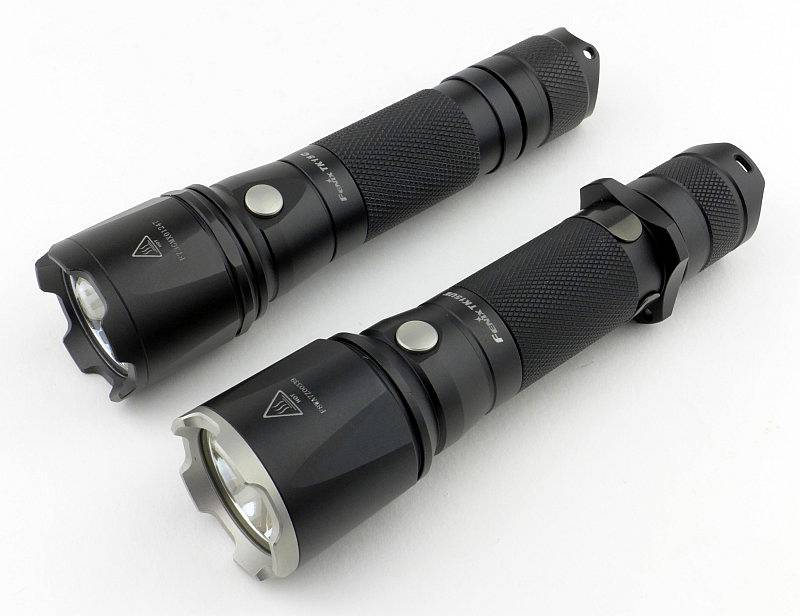
Let’s have a look at how the TK15UE and an older TK15 compare. This is the TK15C. So the holster is more than the basic one the TK15C comes with.
 photo 10 TK15UE compare P1230827.jpg

Dimensions are all very similar. The TK15C I’m comparing with here has had the clip removed as well as the tactical grip ring because it has been used gun-mounted.
 photo 12 TK15UE compare P1230832.jpg

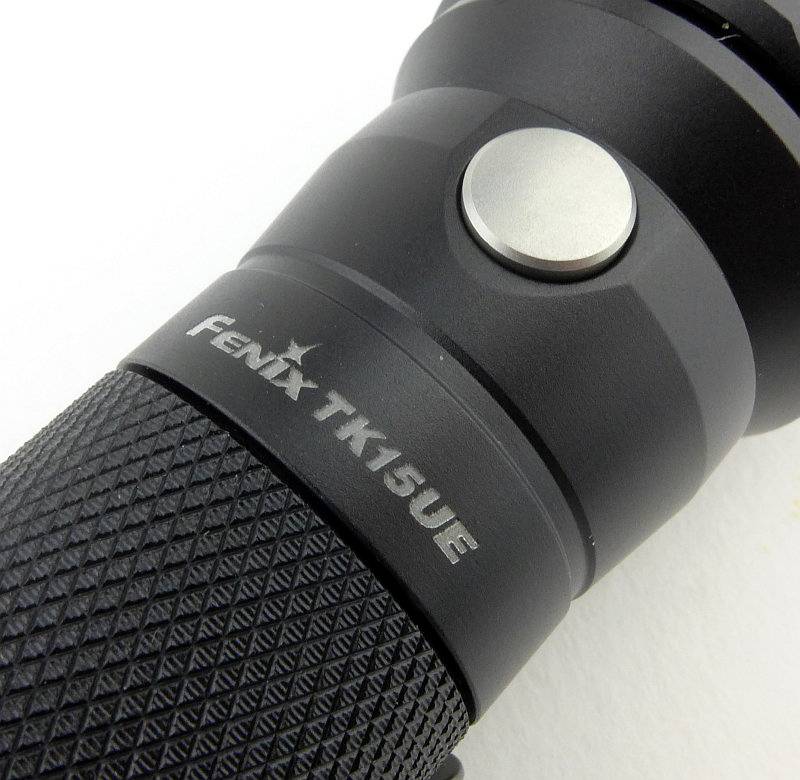
Going in close to the engraving of the model, the knurling and mode switch.
 photo 13 TK15UE switch detail P1230837.jpg

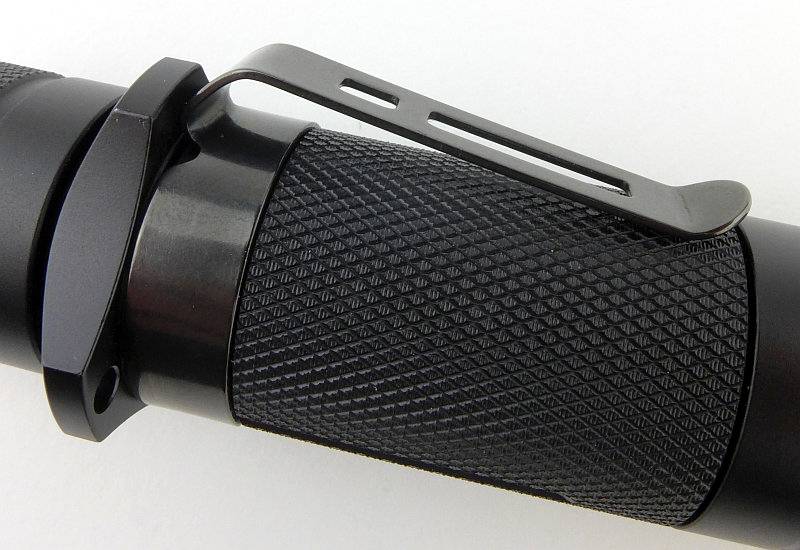
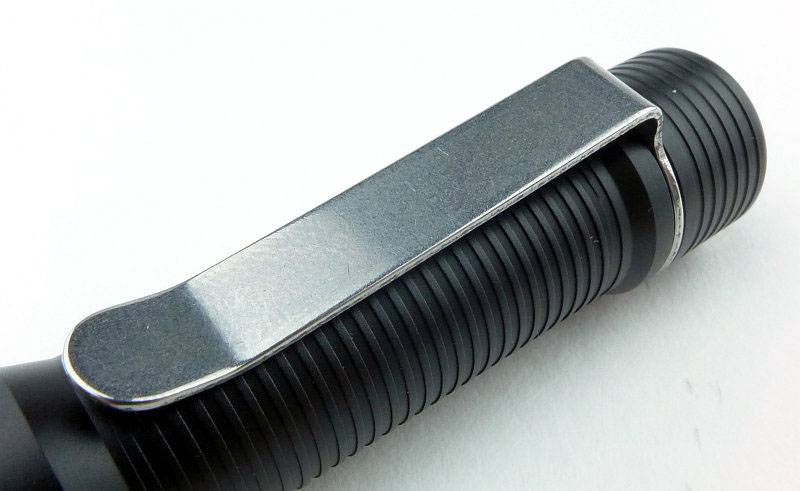
All the edges of the clip are nicely rounded, and there are no sharp corners to eat away at your pockets (just the knurling under the clip).
 photo 14 TK15UE clip detail P1230839.jpg

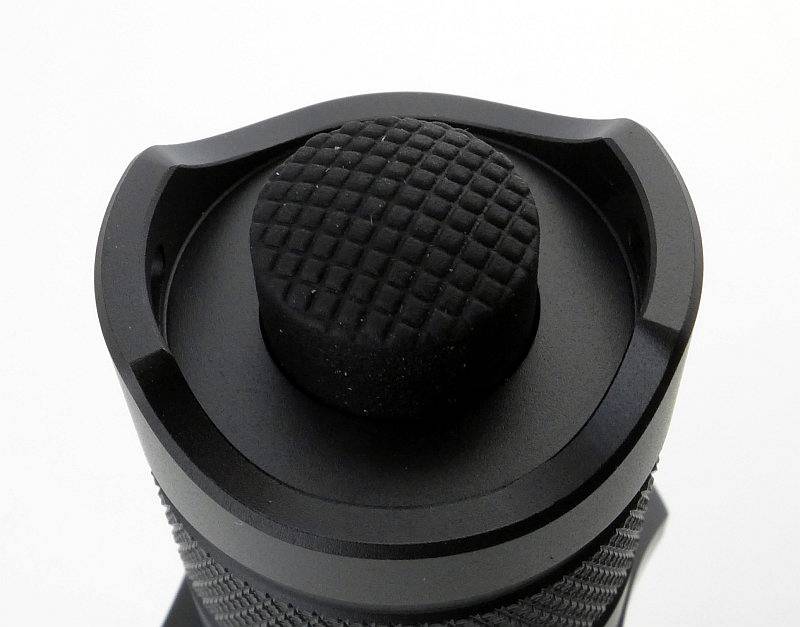
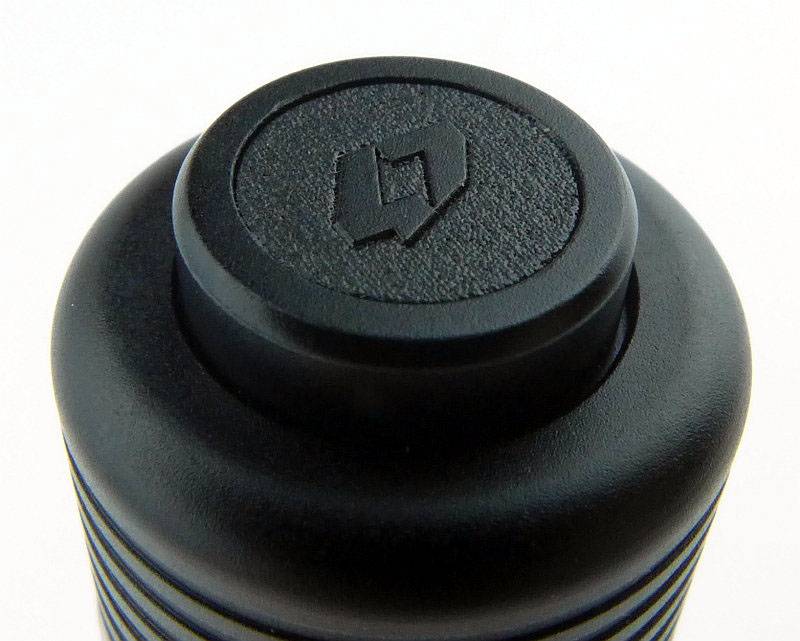
The switch button does protrude, so no tail-standing, and it has two raised areas to provide the switch with some protection from accidental activation.
 photo 15 TK15UE tail detail P1230844.jpg

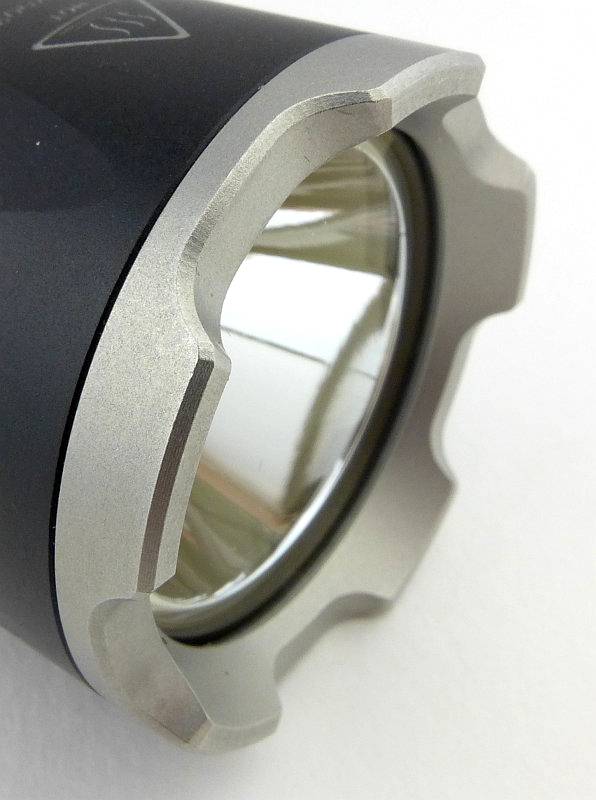
As with the stainless bezels on other Fenix lights, the edges have been bevelled to make them kind to the holster and your pockets.
 photo 17 TK15UE bezel P1230849.jpg

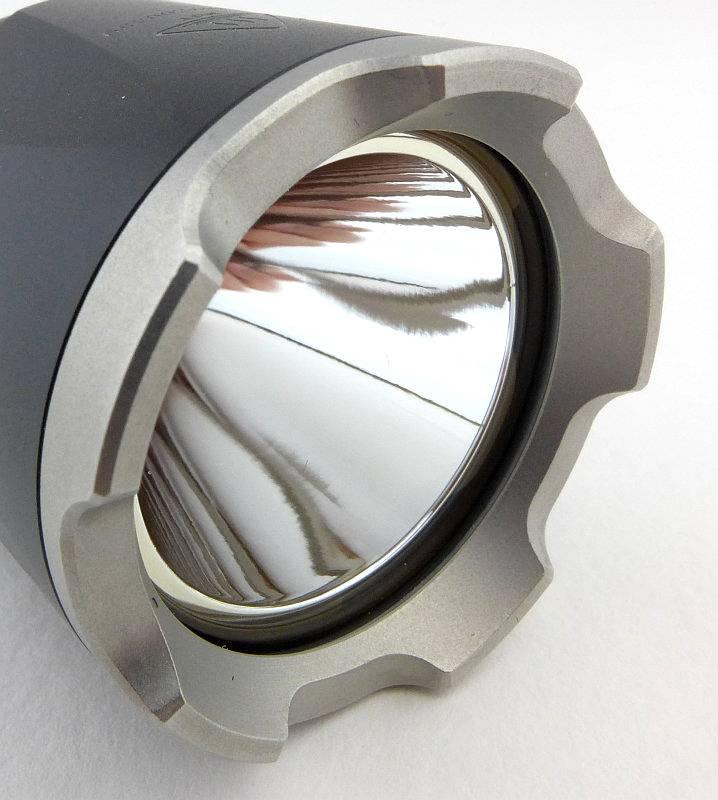
The inner edges of the bezel are crisp without being sharp.
 photo 18 TK15UE bezel P1230852.jpg

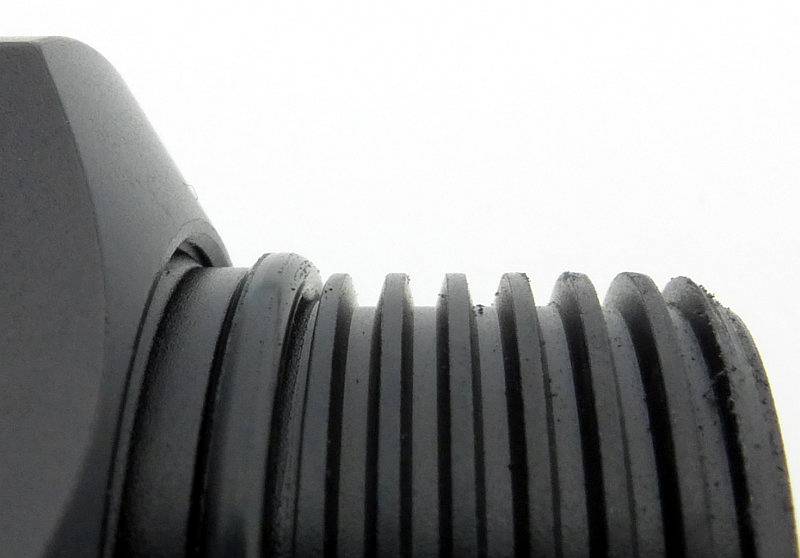
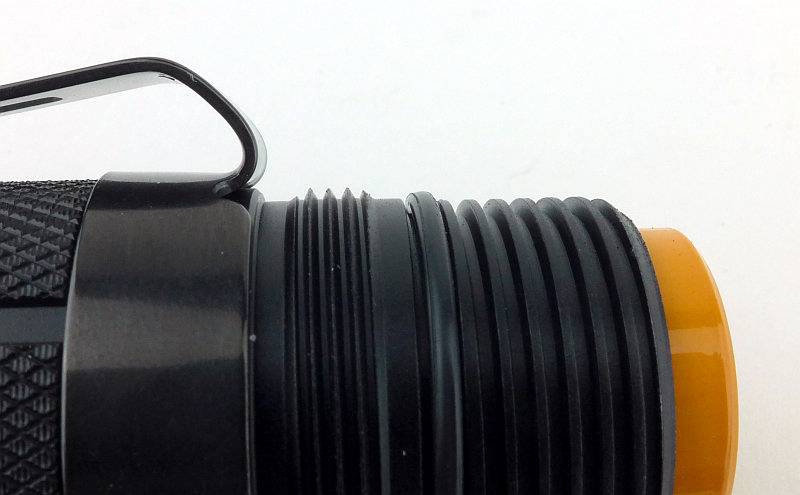
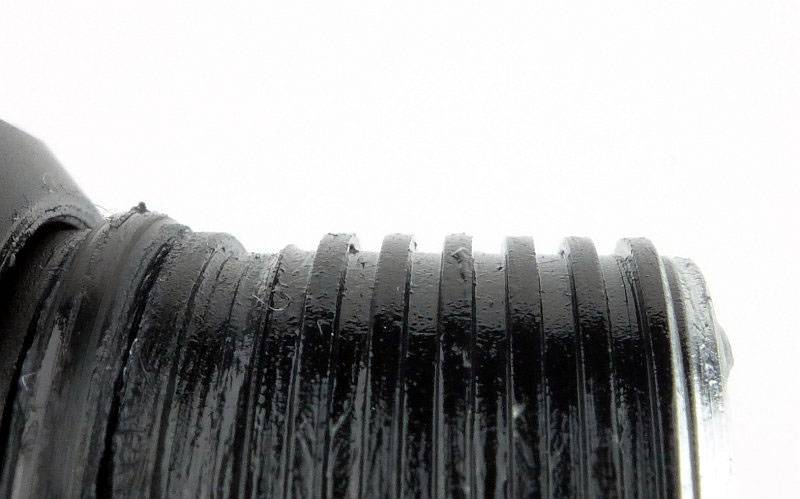
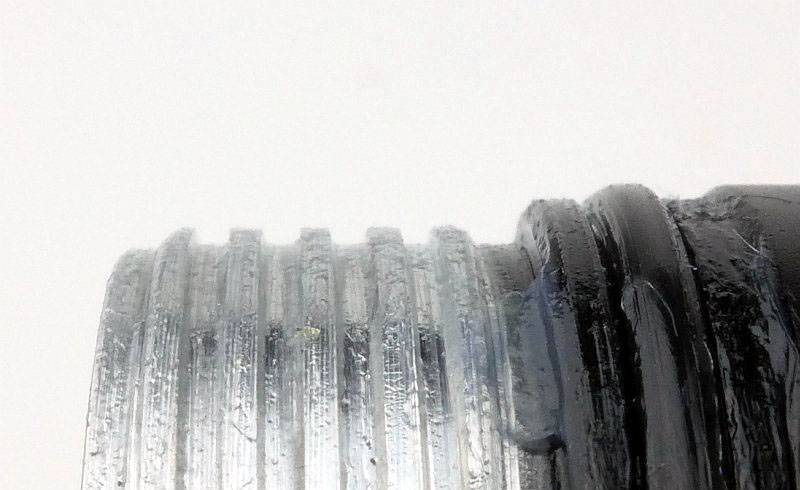
Fenix’s preferred trapezoid threads are used.
 photo 19 TK15UE threads P1230857.jpg

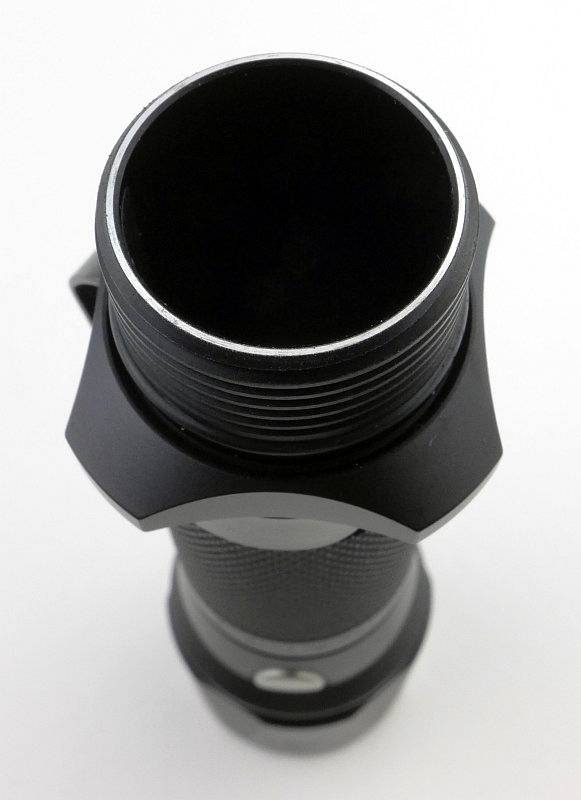
The end of the battery tube is the electrical contact that connects to the tail-cap contact.
 photo 20 TK15UE tube P1230863.jpg

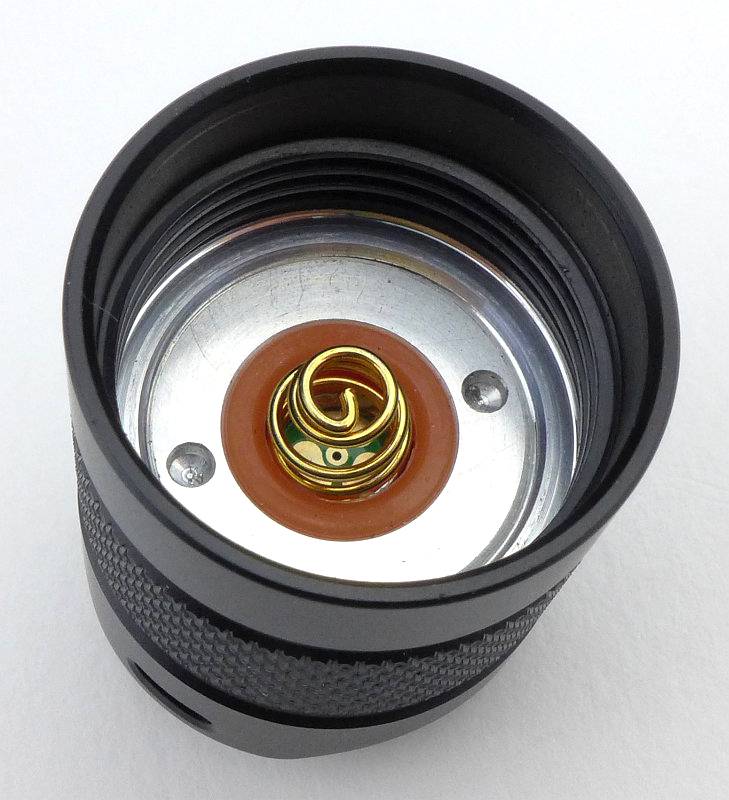
Inside the tail-cap are the battery tube contact and the negative terminal sprung contact.
 photo 21 TK15UE tailcap contacts P1230866.jpg

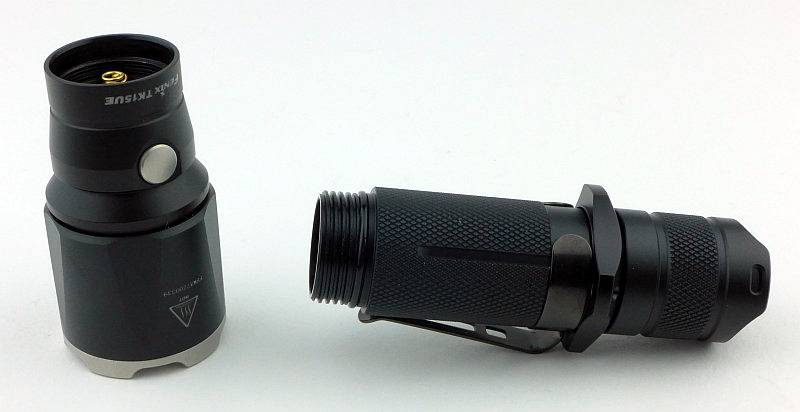
With the TK15UE, the head will unscrew.
 photo 22 TK15UE head off P1230884.jpg

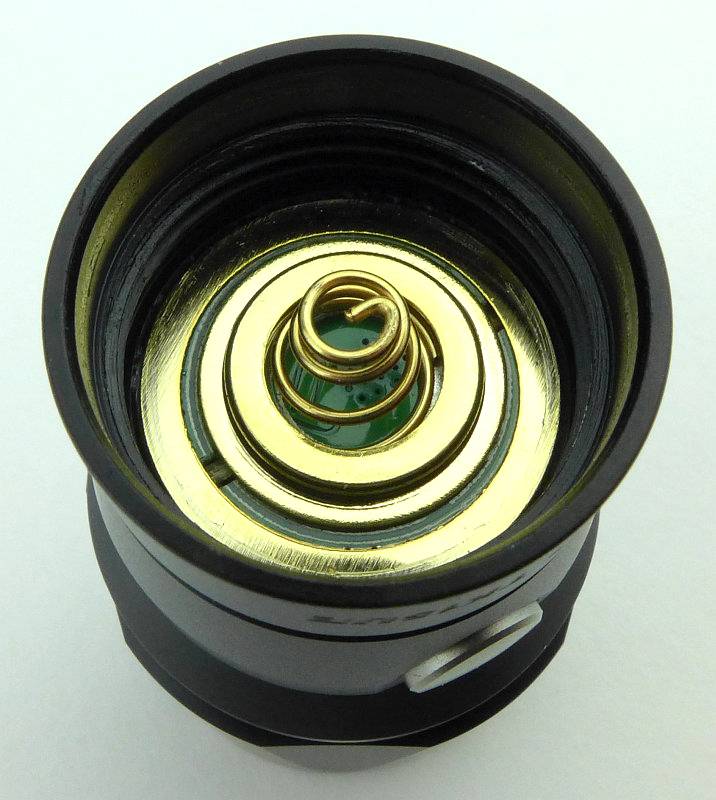
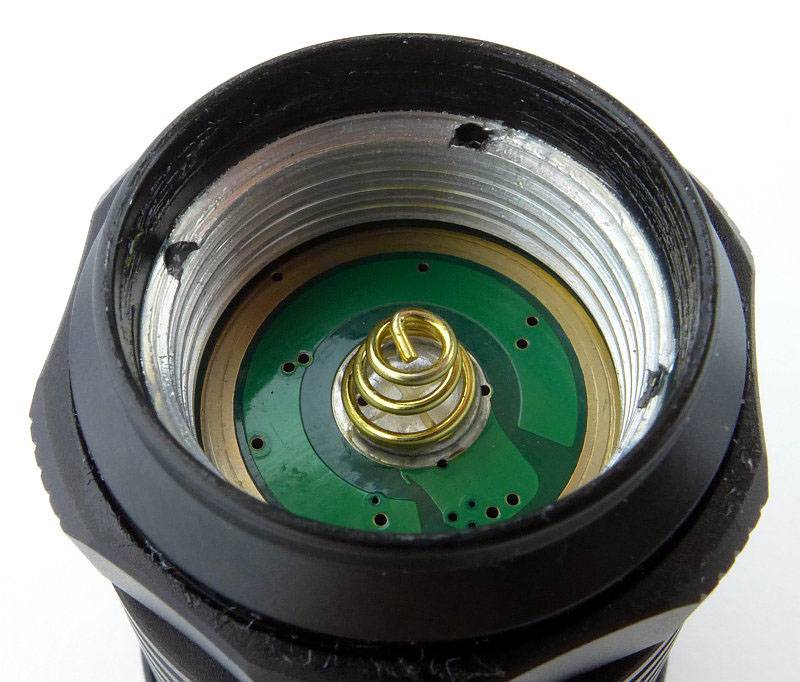
As the battery tube can be removed we can get a good look at those contacts in the head.
 photo 23 TK15UE head contacts P1230885.jpg

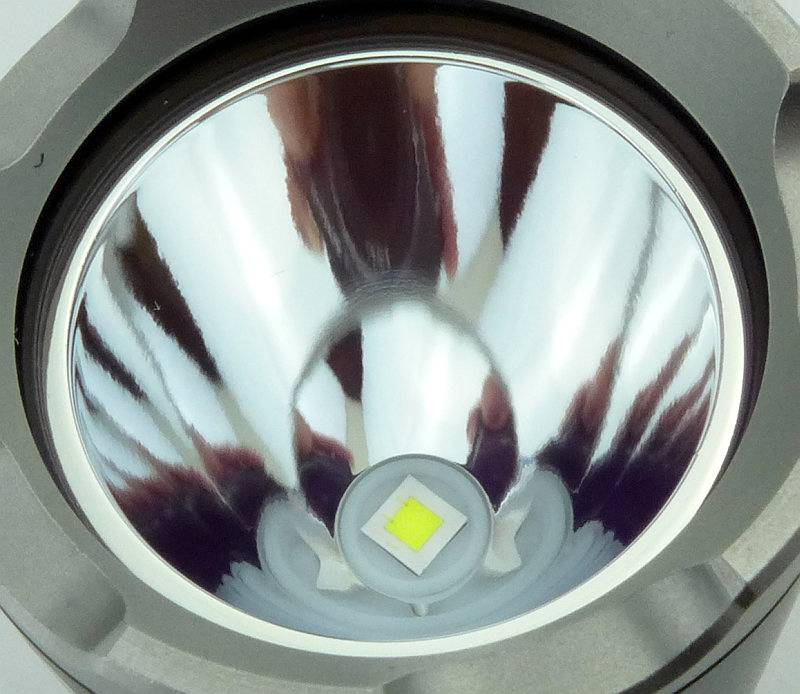
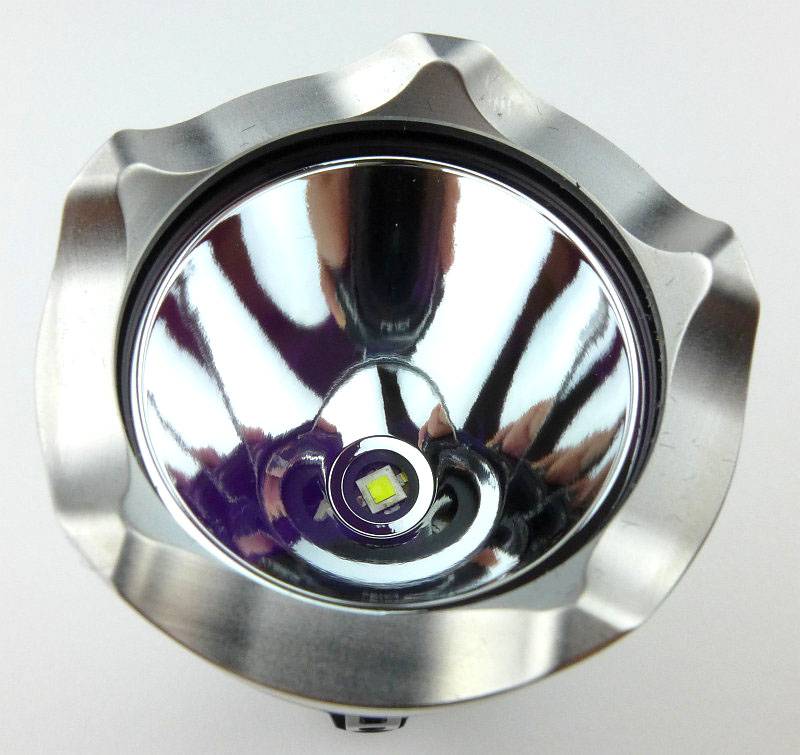
Just like previous TK15 models, the TK15UE has a smooth reflector.
 photo 24 TK15UE reflector P1230888.jpg

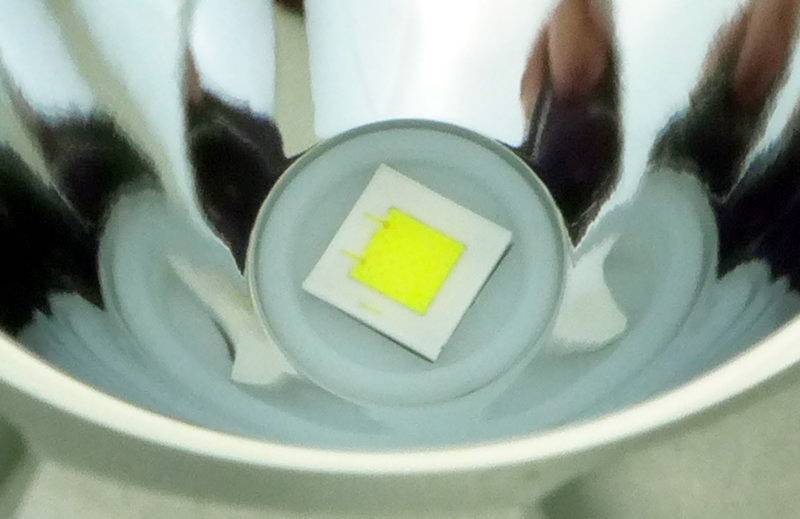
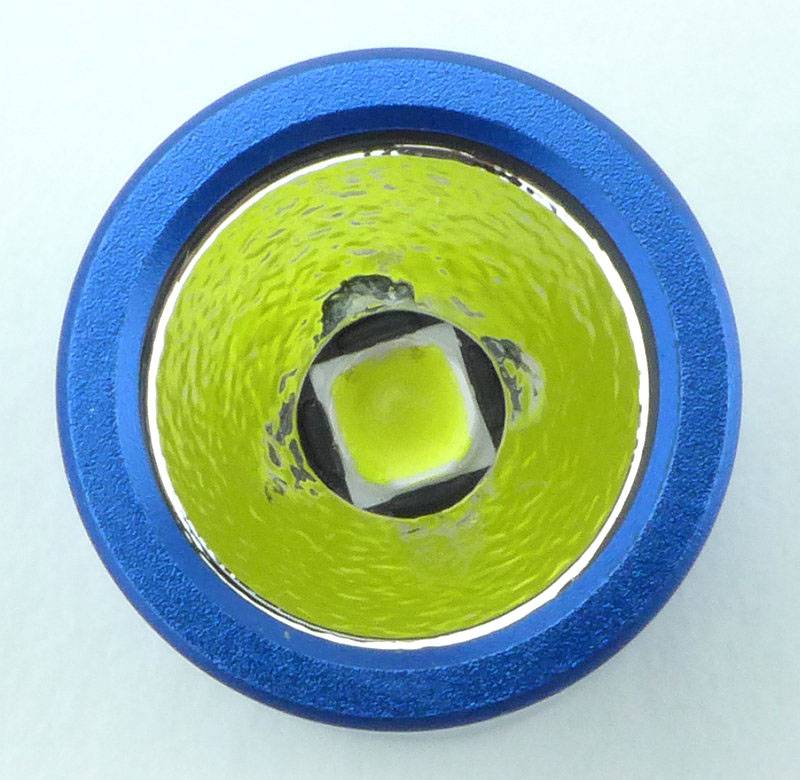
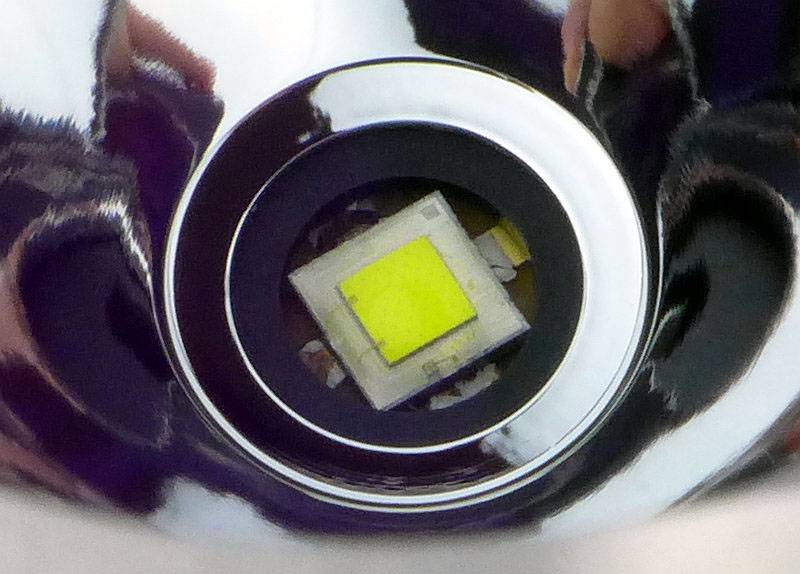
In the centre of that reflector is the CREE XP-L HI V3 LED.
 photo 25 TK15UE LED P1230897.jpg

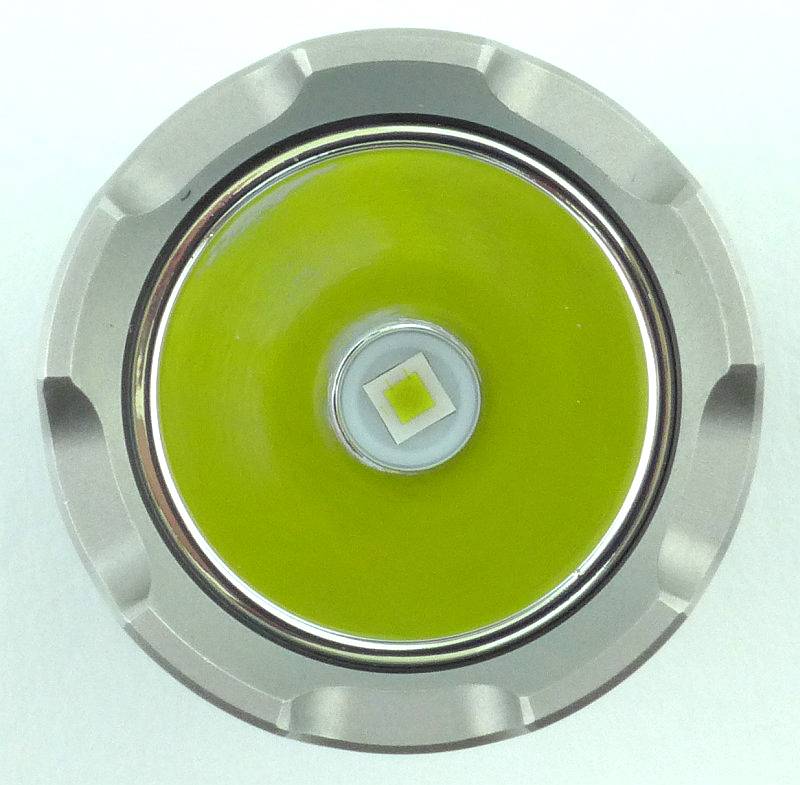
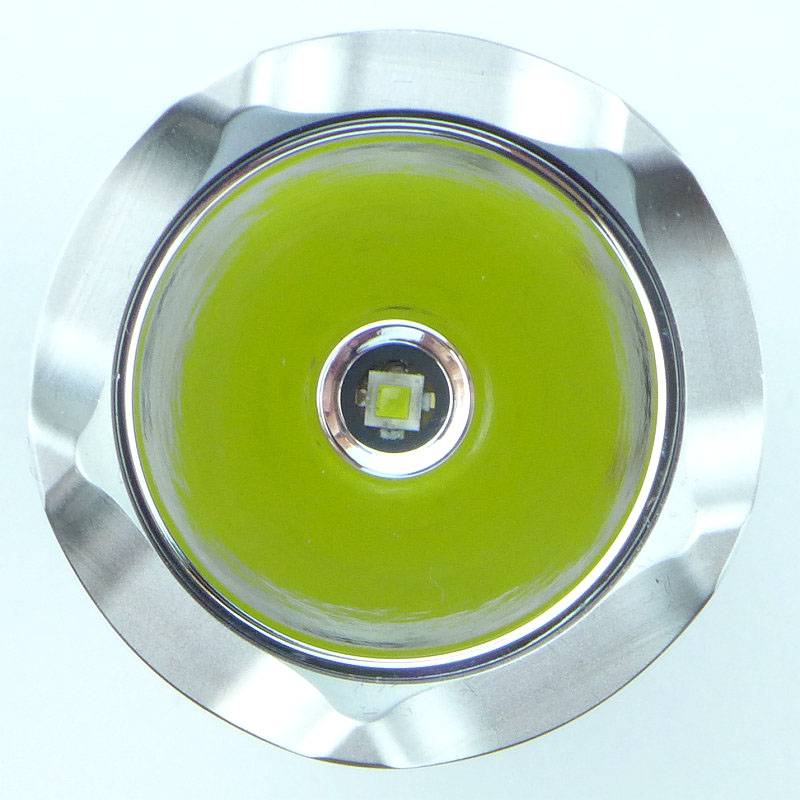
Looking straight into the TK15UE’s reflector.
 photo 26 TK15UE LED P1230901.jpg

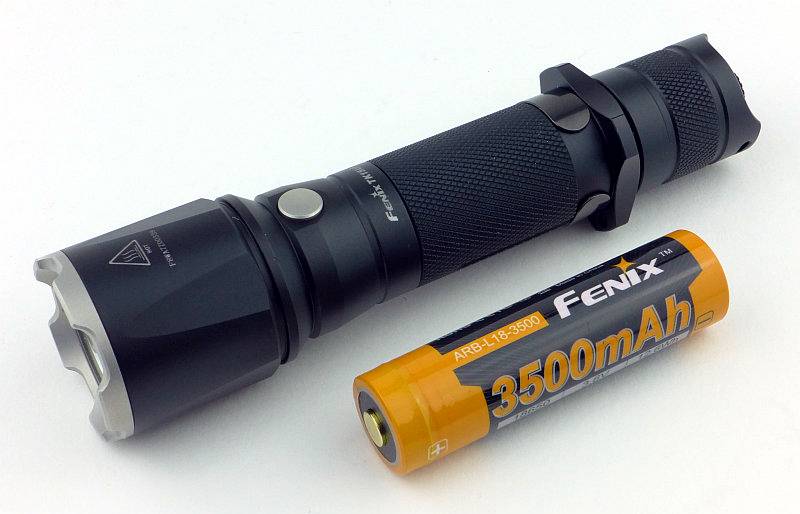
The TK15UE is one of the more compact single 18650 lights. Not as compact as the small-head types such as the PD32, but it does have a big enough reflector to give it some punch.
 photo 27 TK15UE with cell P1230904.jpg

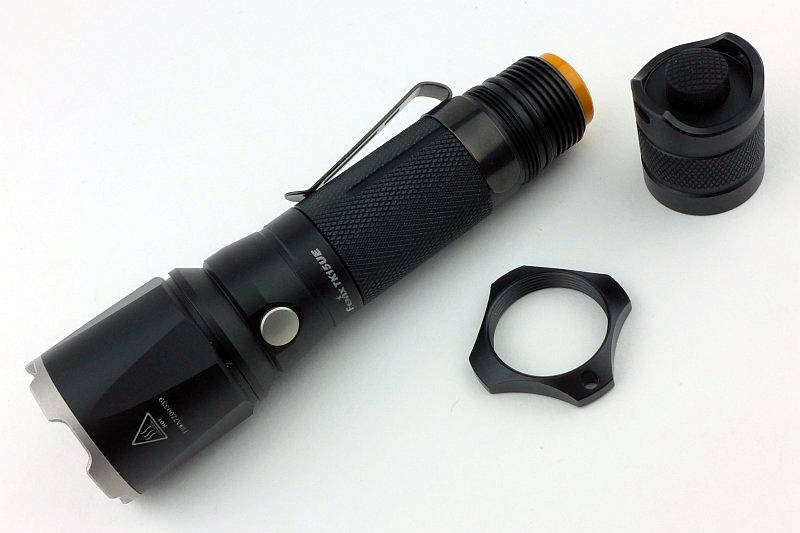
You can take off the tactical grip ring by unscrewing it.
 photo 28 TK15UE ring off P1230910.jpg

Unless you buy the optional thread protector you will see the grip ring threads.
 photo 29 TK15UE ring threads P1230914.jpg

The beam

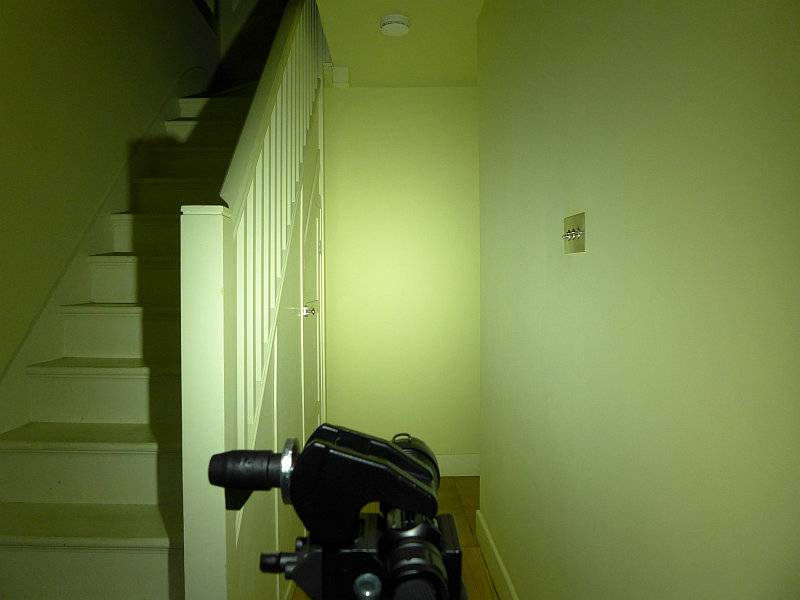
Please be careful not to judge tint based on images you see on a computer screen. Unless properly calibrated, the screen itself will change the perceived tint.

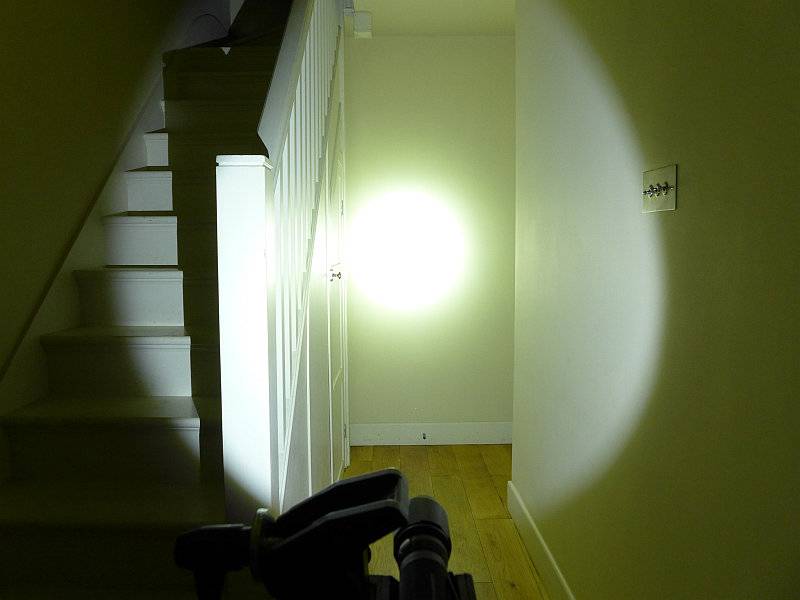
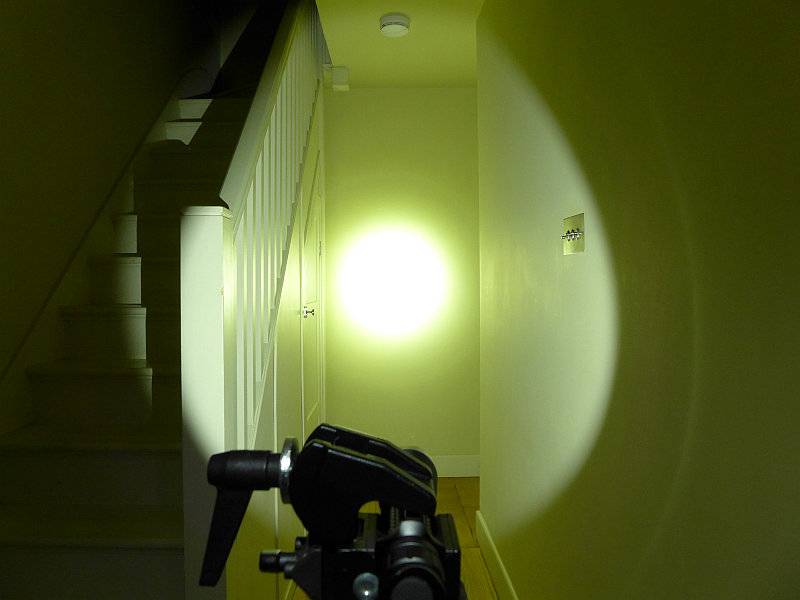
The indoor beamshot is intended to give an idea of the beam shape/quality rather than tint. All beamshots are taken using daylight white balance. The woodwork (stairs and skirting) are painted Farrow & Ball “Off-White”, and the walls are a light sandy colour called ‘String’ again by Farrow & Ball. I don’t actually have a ‘white wall’ in the house to use for this, and the wife won’t have one!

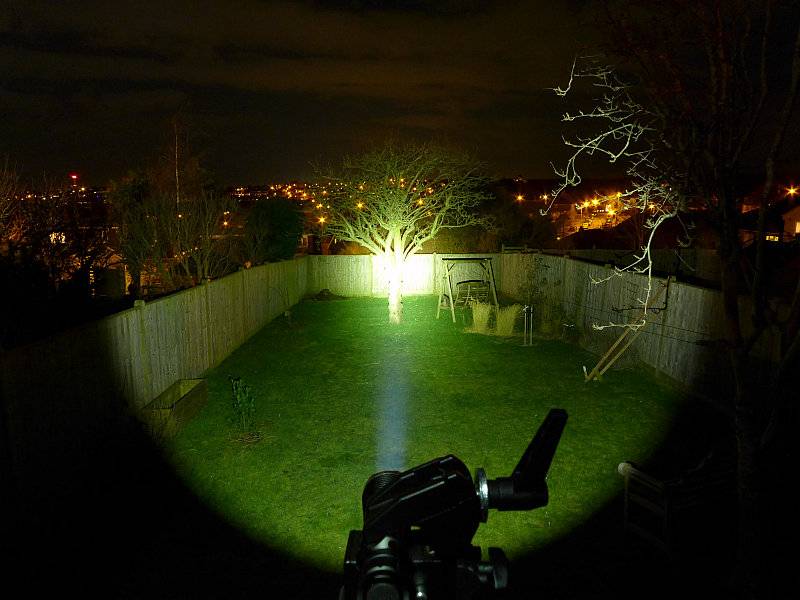
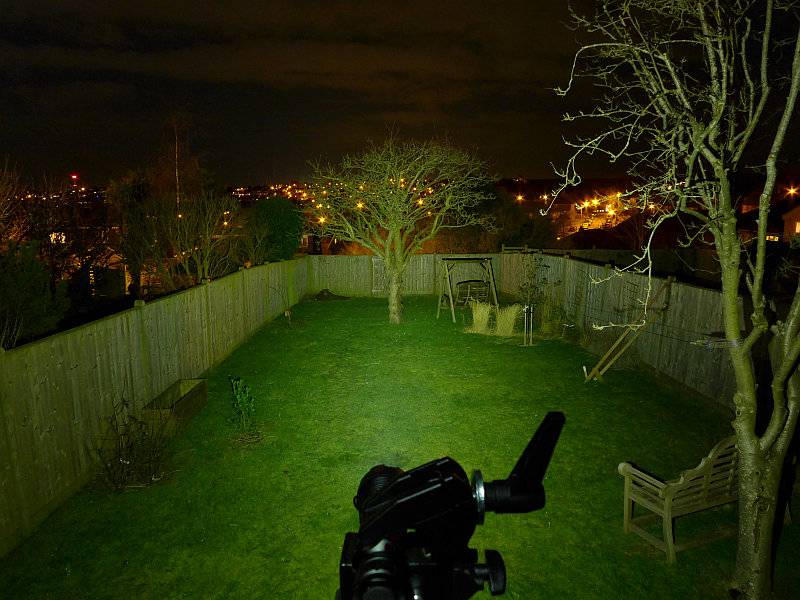
Indoors the TK15UE is not at its best, as it is quite a throw orientated beam. The hotspot is bright and well formed. Spill is relatively dim and narrow but usable. There is enough balance in the beam to make it OK indoors.
 photo 32 TK15UE indoor P1240716.jpg

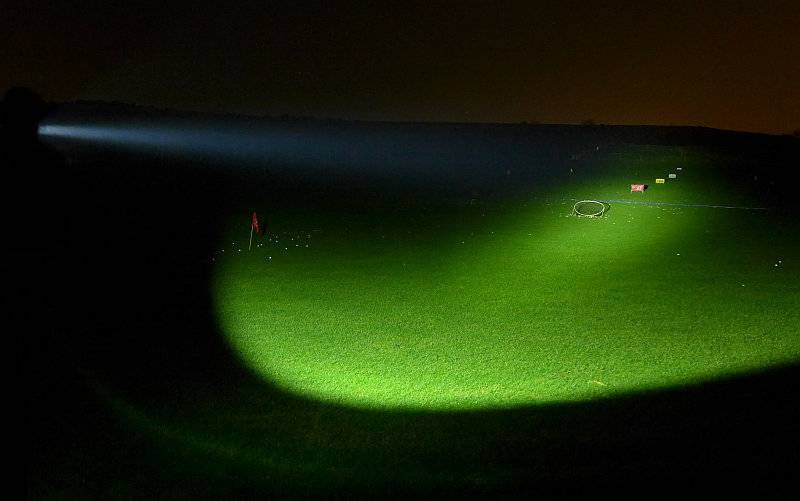
But it is when you get a bit more range that the TK15UE really starts to shows what it is made of. The throw belies its compact size, and with the ‘UE’ upgrade it is a really punchy little light.
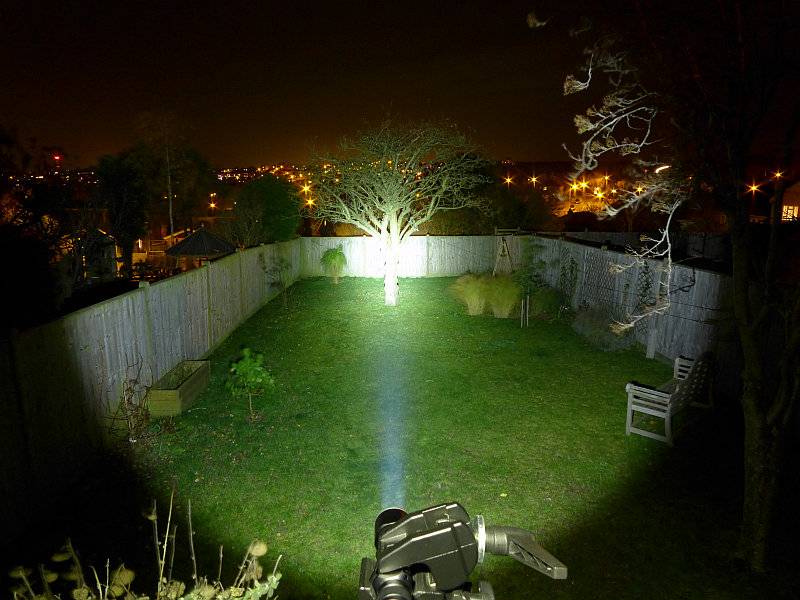
 photo 31 TK15UE outdoor P1240668.jpg

Modes and User Interface:

To control the TK15 UE there is the forward-clicky tail switch, and the mode selection switch just behind the head.

Click ON (or half press for momentary action) the tail switch to access the last used constant mode. With the tail switch on, press the mode button to cycle though the modes.

The standard modes are Low, Medium, High and Turbo.

There is a hidden Strobe mode accessed by holding the modes selection switch in for 1s. Strobe is not memorised as a last used mode.

Batteries and output:

The TK15UE runs on 18650 or 2xCR123.

To measure actual output, I built an integrating sphere. See here for more detail. The sensor registers visible light only (so Infra-Red and Ultra-Violet will not be measured).

Please note, all quoted lumen figures are from a DIY integrating sphere, and according to ANSI standards. Although every effort is made to give as accurate a result as possible, they should be taken as an estimate only. The results can be used to compare outputs in this review and others I have published.

___________________________________________ ________________________________ ________________________________
Fenix TK15UE using specified cell I.S. measured ANSI output Lumens PWM frequency or Strobe frequency (Hz)
___________________________________________ ________________________________ ________________________________
Turbo – Fenix ARB-L18-3500 776 0
High – Fenix ARB-L18-3500 377 0
Medium – Fenix ARB-L18-3500 164 0
Low – Fenix ARB-L18-3500 14 0

* Beacon and Strobe output measurements are only estimates as the brief flashes make it difficult to capture the actual output value.

Peak Beam intensity measured 31100 lx @1m giving a beam range of 353m.

There is no parasitic drain.

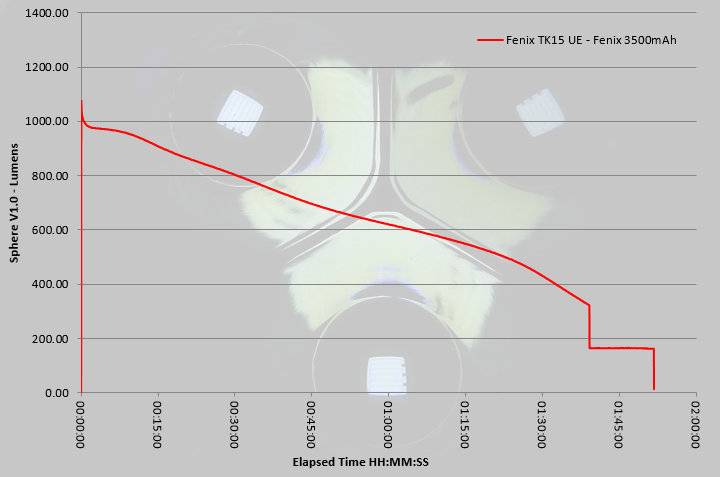
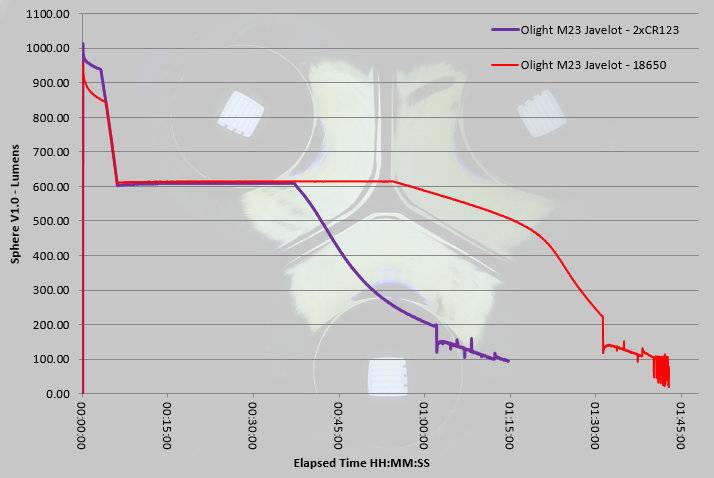
I was slightly surprised by the Turbo output runtime trace as unlike most Fenix lights the TK15UE does not appear to run with a regulated output. The trace was recorded using cooling, so it is unlikely that this is due to overheat protection, instead the TK15UE seems to run at maximum output with that output sagging as the cell becomes depleted. However saying that, you do get a full hour of runtime at more than 600lm, so overall the performance is still good. (This was run using Fenix’s latest ARB-L18 3500mAh cell.)
 photo Fenix TK15 UE runtime.jpg

Troubleshooting

This section is included to mention any minor niggles I come across during testing, in case the information helps anyone else.

No issues were encountered during testing.

As per the description of this section, this information is provided in case anyone else finds a similar ‘issue’ that might be fixed in the same way.

The TK15UE in use

By separating the mode selection to a side-switch Fenix have allowed proper momentary use of that forward-clicky tail switch. This makes for a really easy and intuitive interface and keeps things simple for any user.
Fortunately the strobe mode is reasonably well hidden and is not memorised; I’m surprised anyone still includes strobe. As those that follow me will know, I’m certainly no fan of strobe and most true tactical users I know are aware that if you strobe another person, you strobe yourself as well, so your are better off not using it at all. Thankfully with the TK15UE you need never come across strobe and can use the four constant output modes without tripping over strobe.
The TK15UE manages a balance between hotspot and spill that, although it is more oriented towards throw, is still usable at indoor distances.
When using the holster with the TK15UE inserted bezel-down, the bezel does catch in the holster before getting all the way in. Used bezel-up, this does not happen. It seems to be due to the adjustable flap taking up more space inside so the bezel catches on the inside of the holster. To get it all the way into the holster bezel-down you need to twist the TK15UE as you insert it.
There are smaller single 18650 lights, but the TK15UE is still compact enough to make it easy to carry, yet that slightly larger head is enough to give it a nice strong beam. Even with the upgrades to the head and LED, Fenix have kept the character of the TK15 but made it significantly brighter.
I’ve always felt the TK15 was an unsung hero in the Fenix line-up, quietly getting on with the job while others took the glory. In the Ultimate Edition, the TK15UE can now take some of the limelight and hopefully get a bit more recognition.

Review Summary

_______________________________________________ _______________________________________________
Things I like What doesn’t work so well for me
_______________________________________________ _______________________________________________
Significantly boosted output compared to previous TK15 models. Turbo output not regulated.
Excellent throw from a compact head. Bezel catches in holster when used bezel down.
Simple user interface. Can accidentally hit the mode switch especially if wearing gloves.
Stainless Steel Bezel.

 photo 30 TK15UE angle on P1230918.jpg


Discussing the Review:

Please feel free to add comments to the review, but the ideal place to freely discuss these reviews is on a forum. If you started reading the shorter forum version of the review, but followed the link this full exclusive review, please return to that forum to discuss the review there.
If you read the review entirely on Tactical Reviews, please consider one of the following to join in any discussion.

CandlePowerForums – Flashlight Reviews Section (Largest and Friendliest Flashlight Community Forum)

EdgeMatters – Sponsored Reviews (UK based Forum for Knife Makers and Collectors)

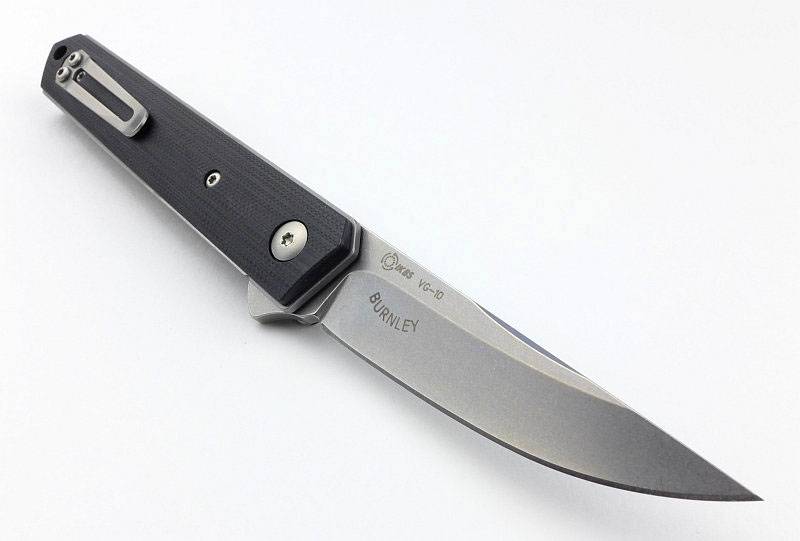
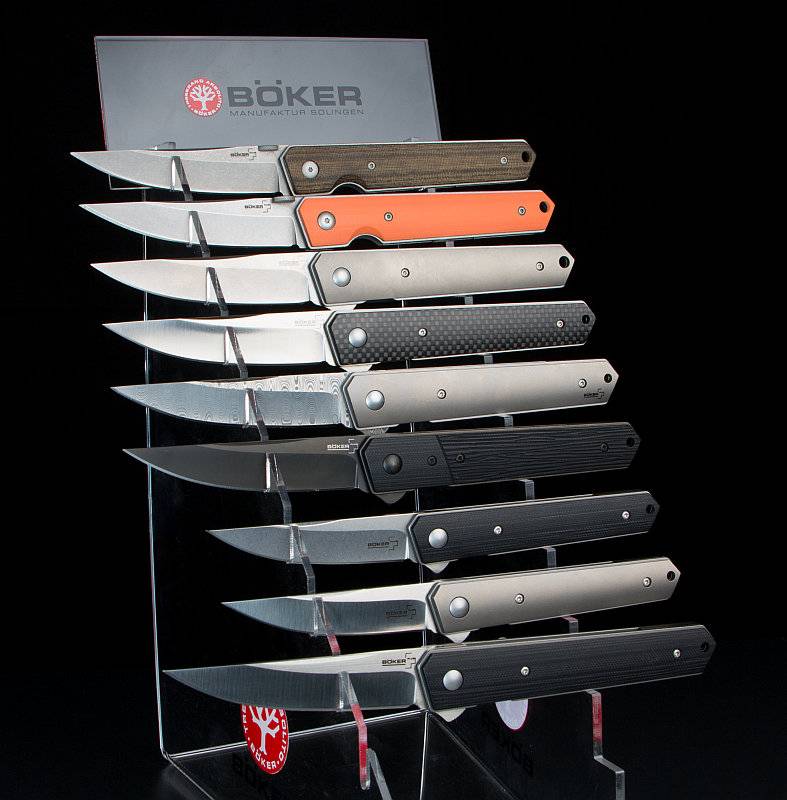
Knife Review: Böker Plus Kwaiken Mini Flipper

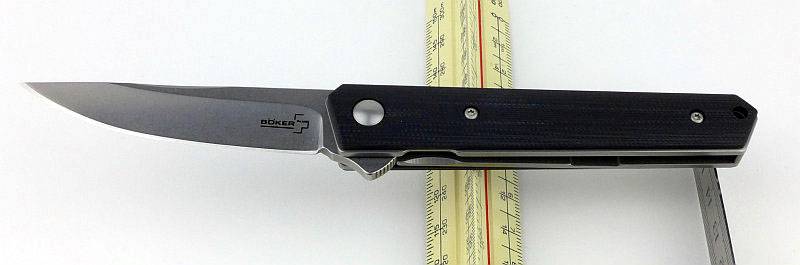
After reviewing the Böker Plus Kwaiken Flipper, while at IWA 2016 I was able to speak to Lucas Burnley about the original Kwaiken folder and this new ‘Mini’ version of the Kwaiken Flipper. This review is of the new Kwaiken Mini Flipper, a scaled down version of the Kwaiken Flipper.

 photo 19 KwaikenMini maker angle P1180169.jpg

The Blade and Handle Geometry:

Most knife specifications have a basic description of the blade geometry, but in this section I will be taking a more detailed look at geometry and balance.
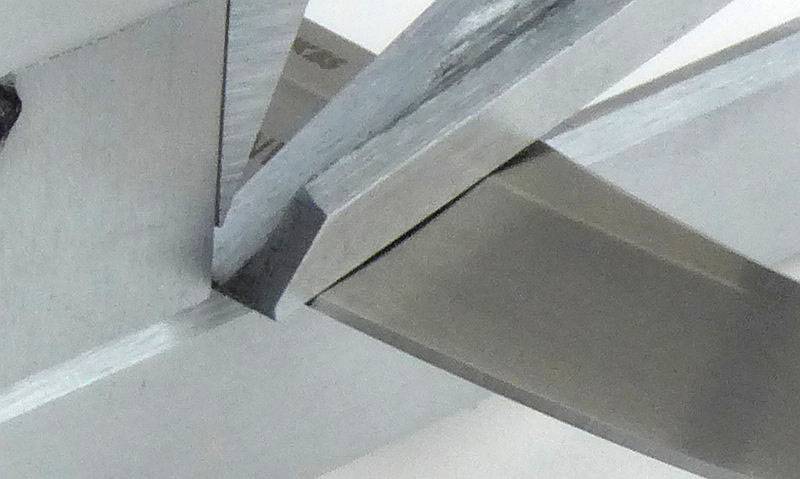
 photo 30 KwaikenMini grind P1180560.jpg

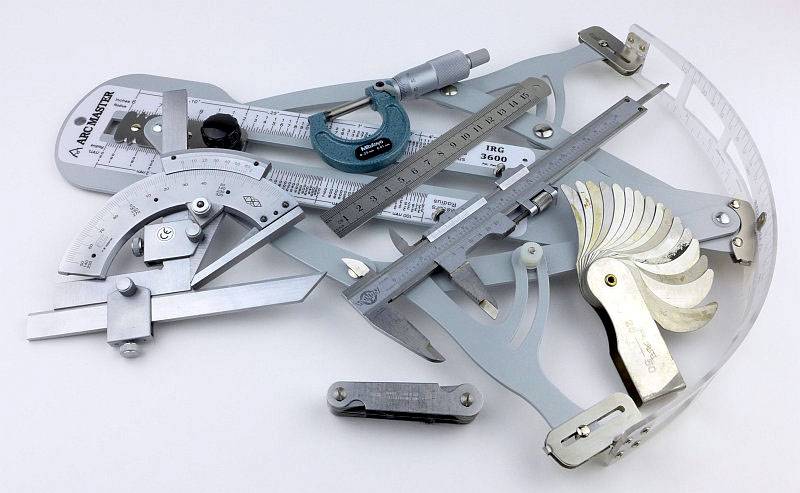
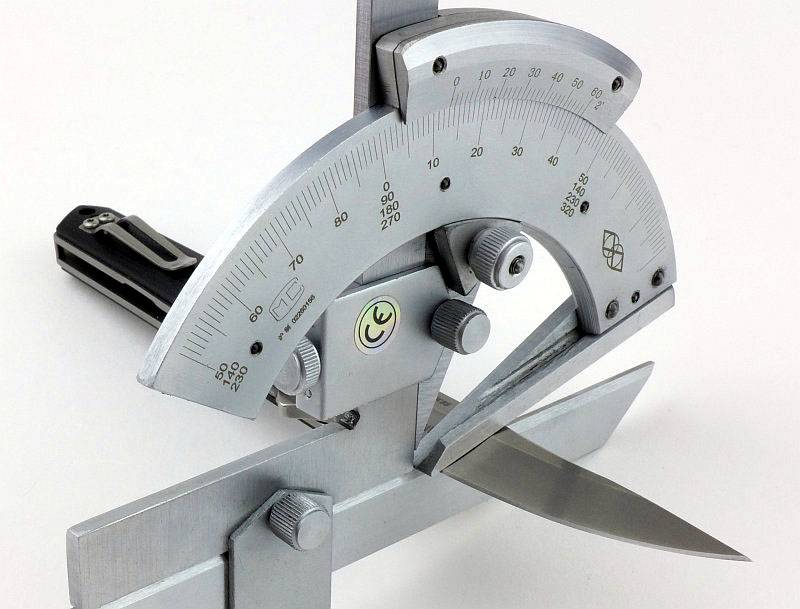
Using a set of gauges and precision measuring equipment including a Vernier protractor, callipers, fixed radius gauges and the unique Arc Master adjustable radius gauge (the one that looks like a crossbow).
 photo Knife measuring P1180483.jpg

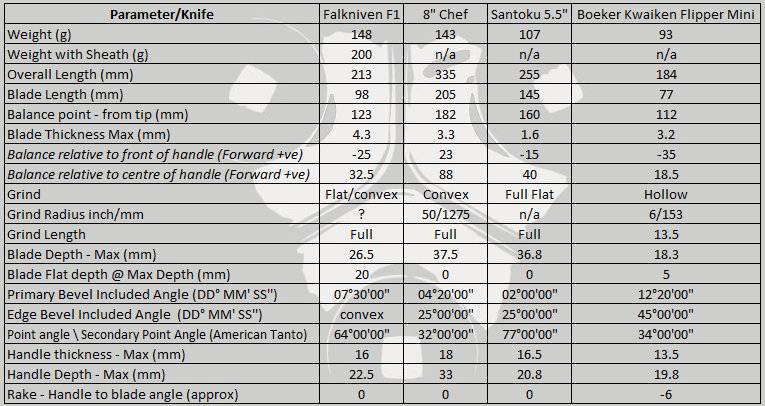
These measurements have been tabulated and are presented along with a few reference blades (8″ Chef’s Knife, 5.5″ Santoku and the popular Fällkniven F1).

Key aspects such as the primary bevel angle, grind type, blade depth, blade thickness, length, weight are detailed, along with balance information.
 photo 29 KwaikenMini grind angle P1180560.jpg

The ‘Balance relative to the front of the handle’ tells you if the knife will feel front heavy, or if the weight is in your hand (a positive value means the weight is forward of the front of the handle). The ‘Balance relative to the centre of the handle’ indicates how close to a ‘neutral balance’ the knife has in the hand.
 photo 28 KwaikenMini balance P1180557.jpg

In the case of full convex grinds the approximate centre of the grind is used for the primary bevel angle estimate.

 photo 53 Kwaiken Mini parameters.jpg

The blade is made from VG-10 steel.

Explained by the Maker:

The reasons for certain design choices may not be clear when simply looking at an object, so this section is intended to give an insight into the thinking behind a design by speaking to the designer themselves.

Unfortunately I can’t always get time with the designer so will use this section to include relevant information about the knife and its designer.
While at IWA 2016 I was fortunate enough to meet Lucas Burnley and have the opportunity to talk to him about the Kwaiken Flipper and its development and design including the latest ‘Mini’ in this review.
 photo 53 Lucas.jpg
(Photo Credit – Oliver Lang-Geffroy)

The original Kwaiken was in fact a fixed blade, and the folder came from that fixed blade around eleven years ago (approx. 2005). The fixed blade Kwaiken is such a simple design it was a hard translation into the folder, and to date is the hardest thing Lucas has designed.

Aspects such as the fully enclosed blade, the detailing on the spine and the sleek lines were the main reasons it was difficult to work out the mechanics, and how to make it, making it a stretch for Lucas at the time.

The design is completely linear and slender which is what the Kwaiken is known for. At the time, Lucas’s design style (apart from the Kwaiken) was very curvy with big wide blades and the folders he was making were really ‘swoopy’, so to strip the design down to the point the entire blade fits within the handle, yet still has the same proportions of the fixed blade was a real challenge.

Not being able to use cord wrapping for the handle meant there was a need for additional grip, and the shadow-boxing (the step between the scales and liners) is actually a gripping surface in a similar way to jimping. So the shadow-boxing detail is a completely intentional feature and not included for easing manufacturing tolerances for the production knives. In fact including this feature added extra work as for the custom Kwaiken folders as Lucas would first make the scales to size, and then mark them and hand cut them to the final inset shape.

Asking Lucas about his own workshop and how much automated machinery he has, he mentioned how completely different the approach to CNC machining is to making by hand. Although making by hand is not the most efficient way, if he makes a mistake he can correct it, if he wants to change something he can change it, with CNC machining you have to plan from the start all the way to a finished product. Currently he does use the CNC machine to make a parts-set for a knife which he then assembles and hand fits everything to achieve the really high quality he demands. Whatever method might be used, Lucas feels it is unimportant for there to be a distinction between a custom knife maker and a handmade knife maker; he can forge a knife, machine a knife – he makes knives, and is completely open as to how his knives are made. However, saying that, the processes need to be satisfying to Lucas; he might want to learn how to use CNC machinery simply because it’s fun, after that, if people like that fact, great, but he will make what he wants, how he wants, explain to people how it is made, and then they buy it or they don’t.

Back to the Kwaiken Folder; initially this design didn’t start with a flipper, and the original custom knife had a thumb disc. The flipper was the next generation of the design.

When the first Böker Kwaiken folder production knife was released (thumb disc version), there were complaints because some people had a hard time opening it. This was because Lucas wanted a really small thumb disc and this became a good lesson in the differences between a factory design versus custom knife making. When Lucas makes a custom knife he can absolutely tune that knife so it opens exactly the way he wants it to every time. He can then explain to the user that this is a small thumb disc and instead of treating it like a lever, you need to treat it like a button, pushing down on it. As the design was now making its way into the hands of people not so familiar with thumb opening knives, without the benefit of a custom tune and one-to-one customer contact, the decision was made to move to a larger disc. Production design has to be very understandable to everyone.

The original Thumb disc size.
 photo 50 Kwaiken history 01.jpg
(Photo Credit – BladeBarrelBezel.com)

The new larger Thumb disc has been fitted and is shown next to the original.
 photo 51 Kwaiken history 02.jpg
(Photo Credit – BladeBarrelBezel.com)

Lucas asked himself how he could make the Kwaiken folder more understandable and more accessible for everyone – that was why the flipper was introduced. It turns out however, that the flipper had other advantages; it allows the handle to go back to being straight, completely linear and clean, which is how Lucas wanted it in the first place. The ‘flip’ side of this (excuse the pun) is that now you have the flipper tab sticking out. When Lucas designed the Kwaiken flipper, a lot of the knives out there had very large flipper tabs, so he concentrated on working out what it is that really makes a flipper work. In the case of the Kwaiken this results in the tab being shaped like a wheel to allow prolonged contact with it as the blade deploys; this concept allows the tab to be as small as it is (in fact Lucas feels he could probably go even smaller). The goal was to keep it as clean and as small as possible, yet remain intuitive so anyone could pick it up and use it.

Concerning overall design, though Lucas considers the knife a tool, he also recognises the fact that it might be used for self defence, so includes attributes to support that. There is the simple fact that any knife is better than no knife, but here we have a folder so the first disadvantage is that you have to open it. With the Kwaiken, straight out of your pocket, even the folded knife was intended to also be better than nothing, with the taper and slight point of the handle giving you a kubotan style pressure point weapon. This is not something you will see listed as a feature or selling point but is part of the thought process behind the design.

When designing a knife, unlike other products that need to ‘perform’ within measured parameters, the process is more about visual correctness. Things have to ‘look’ right and be intuitive. For Lucas there is a critical interaction in the design between curves, angles and straight lines, and he tries to create tension in his designs. A knife with only curves can be boring, a knife with only angles, though modern looking, can also be boring; for Lucas there needs to be a balance and interest created from combining these.

In the Kwaiken folder, the mainly linear design has a few curves, the sweep from belly to blade tip, and the hollow grind. In fixed blades the choice of grind can be highly driven by the purpose of that knife, be it a small carving knife, or a large chopper. With folding knives you have much more flexibility in choosing the grind. Using a hollow grind takes out more metal and reduces the weight as well as adjusting the balance point. Many of the design features incorporated into Lucas’s designs (such as the scallops in the spine) are not for a particular purpose, but simply to add interest and look good. He doesn’t want his designs to be instantly understood, but instead needing you to look at it again and again to take in the details.

Due to the size constraints inside the Kwaiken, to be able keep blade fully inside the handle, an internal stop pin was needed. This further constrained the space for any bushings and with a small narrow and light blade which needs the action to be slick enough for a flipper, the IKBS bearing system is ideal. Currently Lucas is working on increasing the size to allow the use of caged rather than loose bearings in the next generation of the Kwaiken folder, making user maintenance much easier.

And now the subject of this review, the Kwaiken Mini Flipper, a scaled down version. Miniature is truly scaled down, whereas ‘compact’ is generally scaled down in certain elements but not in others. With the Mini, starting with the blade length, the blade has not been reduced all that much, reduced by only half to three quarters of an inch, but being a folder, with this small decrease in blade length, overall you lose twice that. The knife doesn’t lose much blade, but it gets much smaller altogether.

The reduction in size makes it such a convenient length, Lucas said he would not be surprised if the Mini becomes more popular than the full size version. Many people are not that comfortable carrying a large folding knife, and the Kwaiken is quite a large knife, so the Mini gives you all of the style in a much easier to carry package.

One the most fun aspects of the Kwaiken for Lucas is all the modifications people are making to the basic knife, and he is really looking forward to seeing that with the Mini as well.

The ‘Burnley Böker’ has become a very influential design, affecting what people think of as a Kwaiken more towards Lucas’s design than the original Japanese knife, this has only really been possible due to the collaboration with Böker and getting the knife into so many people’s hands. Though Lucas appreciates exclusivity, he likes to be inclusive. Lucas wants to make his product, and he wants them to be very high-end, so they are going to be exclusive purely because his own output is limited; he just can’t make enough. The factory collaboration provides a starting point and at a usable price, and allows people to be part of the Kwaiken wave without having to find a Burnley original custom.

Many owners of original Burnley custom Kwaiken folders have bought the Böker version as their ‘user’ keeping the original as a display piece. When asked how he feels about the fate of his crafted knives, where every aspect has been optimised to make it the best tool it possibly can be, yet many never get used at all, Lucas responded by saying that the most important thing for him is that the owner gets value from it in their own way, whether that is to be able to pull it out and show its perfection to friends, or to use it. All of Lucas’s knives have been made to be used and used well.

Whenever moving to production, it means suddenly dealing with a lot of different personalities and opinions and there are going to be problems. For Lucas, it is the relationships with the companies he chooses to work with that are most important. You have to be able to have a problem, look at it, and communicate to be able to get it fixed. Working with Böker has been mutually beneficial for both Lucas and Böker and they have both learned from each other. The goal for Lucas is to create icons and to do this working with a factory as a long term relationship, not to produce a single model that fades away, just to get a pay cheque, but to continue to build (as can be seen with the progression of the Kwaiken folder). Icons come about because they are made, and then made available, and then made continuously.

Showing the continual development of the Kwaiken Folder, here are the versions made so far (see photo below)-
1. Böker Plus Kwaiken Folder
2. Böker Plus Kwaiken Folder Orange
3. Böker Plus Kwaiken Flipper Titan
4. Böker Plus Kwaiken Flipper Carbon
5. Böker Plus Kwaiken Flipper Damast
6. Böker Plus Kwaiken Flipper Tactical
7. Böker Plus Kwaiken Mini Flipper G-10
8. Böker Plus Kwaiken Mini Flipper Titan
9. Böker Plus Kwaiken Flipper G-10
 photo 52 Kwaiken history 03.jpg
(Photo Credit – Böker)

The work is still ongoing and there are a few more versions of the Kwaiken folder in the pipeline, a slim framelock version and a compact version. Though previously only Lucas’s knives have had a duplex grind on the blade, this is also something that is being worked on for the production models, but it is difficult. At the time of speaking the duplex blade grind is on about its fifth version and is getting really close to being ready.

A few more details:

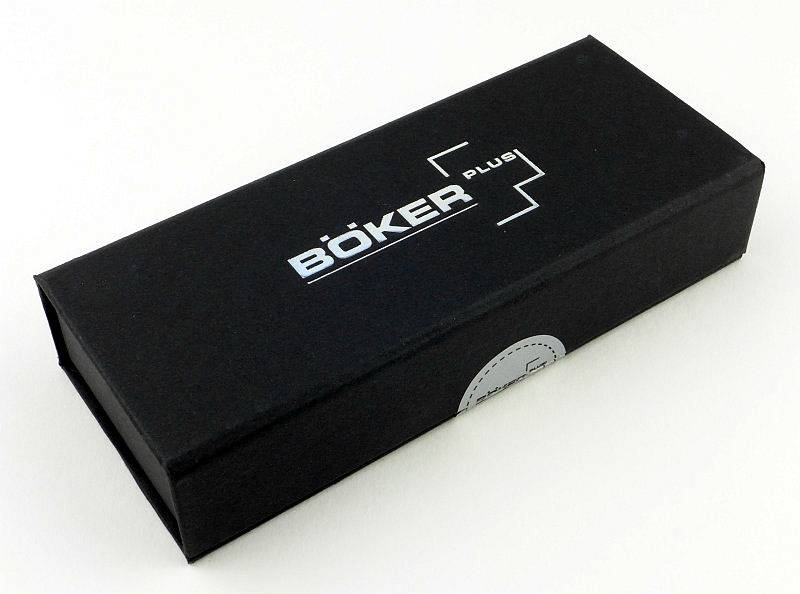
The Kwaiken Mini Flipper arrives in a presentation box.
 photo 01 KwaikenMini Boxed P1180106.jpg

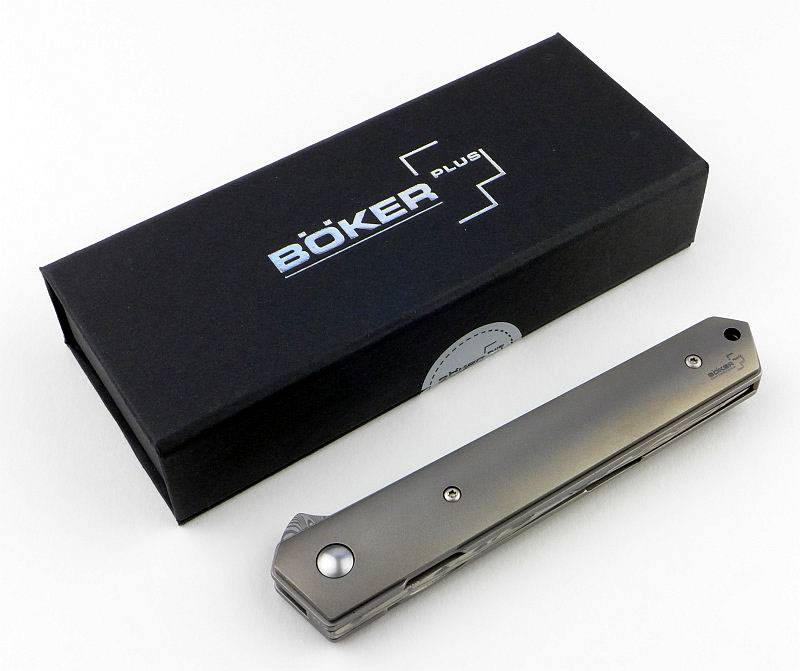
Before opening the box, here is the full size Kwaiken Flipper next to it.
 photo 02 KwaikenMini Boxed plus normal P1180110.jpg

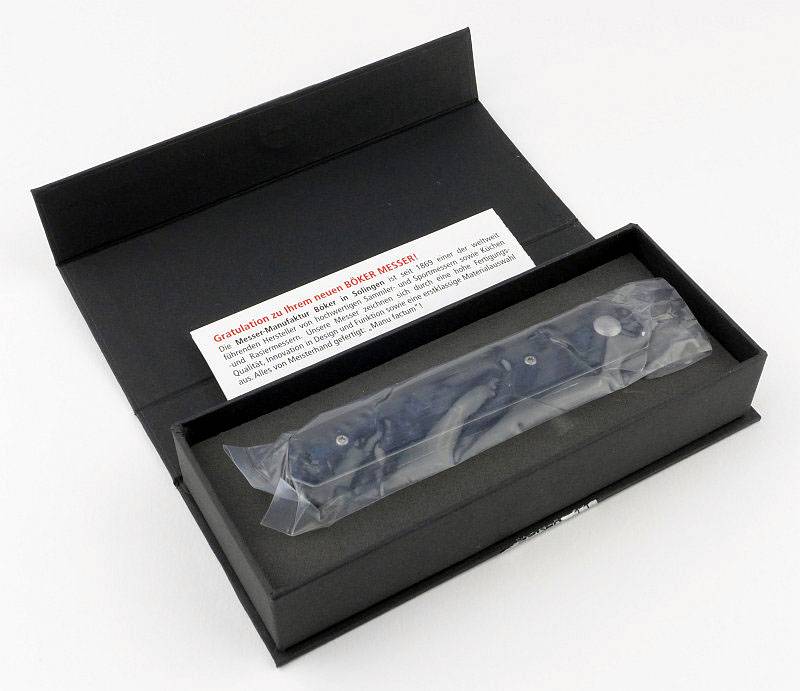
The box has a magnetic closure, and the knife arrives in a small plastic bag.
 photo 03 KwaikenMini Box open P1180113.jpg

This is the G10 version of the Kwaiken Mini – there is a Ti version as well.
 photo 04 KwaikenMini P1180114.jpg

Though only a little shorter the scaled down Mini appears a lot smaller than the full size version.
 photo 05 KwaikenMini plus normal P1180117.jpg

Thanks to the fully concealed blade, the Kwaiken Mini Flipper will sit with the flipper tab upwards.
 photo 06 KwaikenMini flipper P1180118.jpg

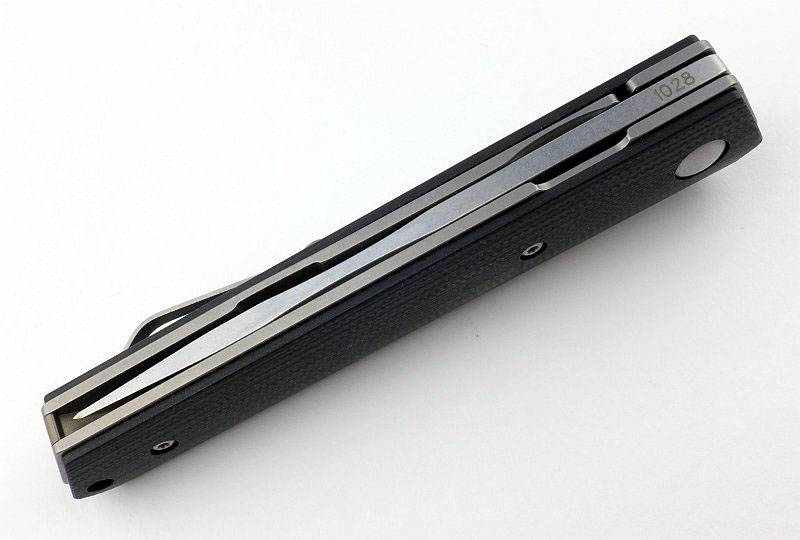
Turned the other way up you can see how the blade is fully enclosed in the handle.
 photo 07 KwaikenMini folded P1180121.jpg

The Kwaiken Mini Flipper also has a mini clip.
 photo 08 KwaikenMini clip P1180126.jpg

With careful design, the flipper tab has been kept small, and includes jimping for grip.
 photo 09 KwaikenMini flipper along P1180129.jpg

Top right in this photo you can see the locking surface on the blade tang and just visible in the bottom left quadrant is the concealed blade stop pin.
 photo 10 KwaikenMini lock face P1180130.jpg

Blade centring is excellent and only looks slightly off here due to the uneven edge from the final sharpening.
 photo 11 KwaikenMini centring P1180132.jpg

Out of the box, lock engagement is not that deep, but is still rock solid. Also note the cutout of the liner opposite the lock to allow the lock to be released.
 photo 12 KwaikenMini lock engagement P1180140.jpg

The lock bar is part of the liner, and here is the section that has been thinned to create the lock bar spring.
 photo 13 KwaikenMini lock spring P1180142.jpg

Looking deep within the knife you can see the detent ball which holds the blade in the closed position.
 photo 14 KwaikenMini detent P1180149.jpg

Classic Burnley Kwaiken lines have the straight spine and curve from plunge line to tip.
 photo 16 KwaikenMini blade P1180155.jpg

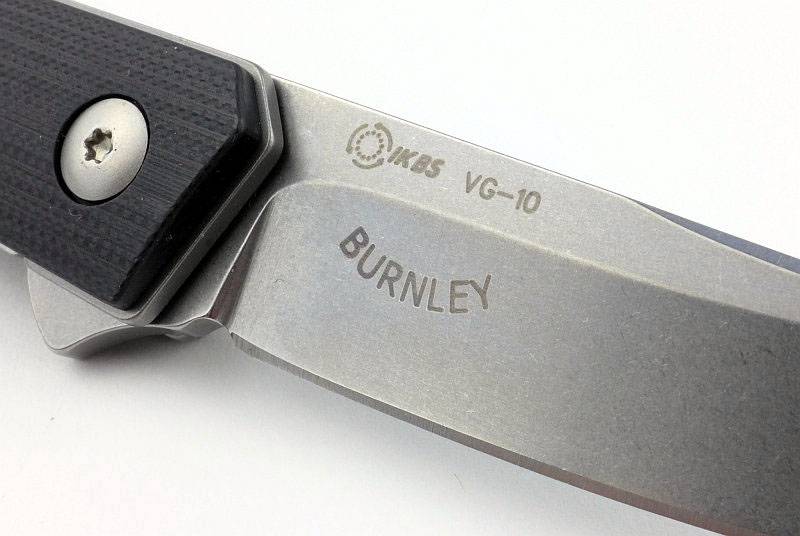
The knife’s credentials are marked on one side of the blade, a Burnley design, VG-10 blade steel and using an IKBS bearing.
 photo 18 KwaikenMini maker P1180164.jpg

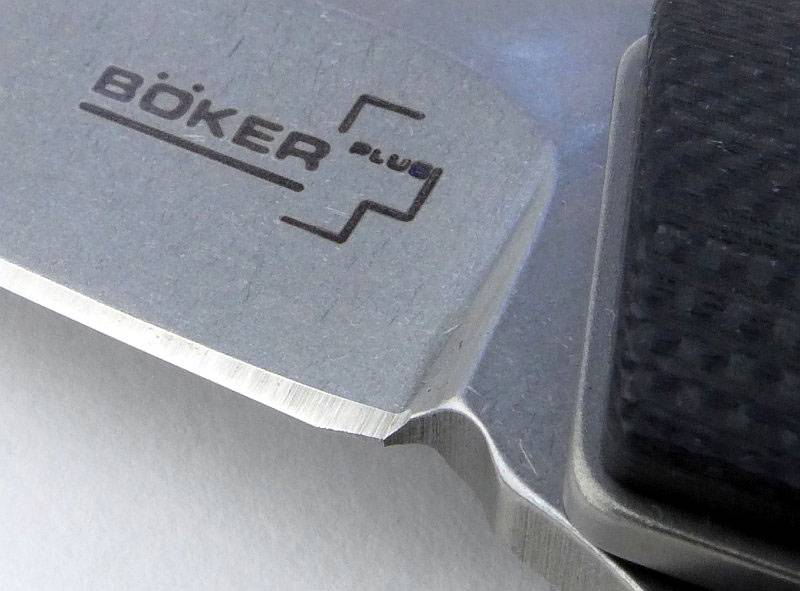
On the opposite side of the blade is the Böker Plus logo. The blade is stonewashed, and this photo also clearly shows the plunge line and sharpening choil.
 photo 27 KwaikenMini plunge P1180219.jpg

A different view of the fully concealed blade.
 photo 21 KwaikenMini concealed blade P1180173.jpg

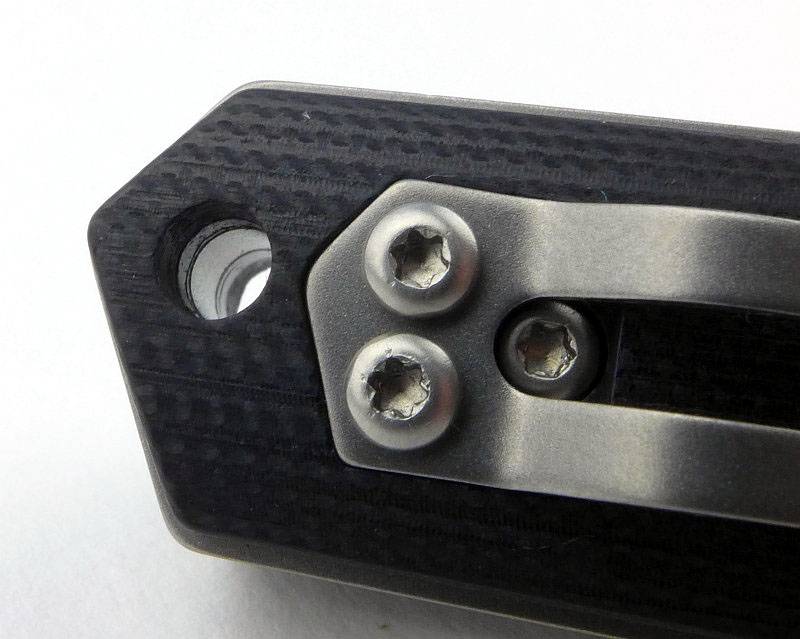
Torx bolts hold the clip and scales on.
 photo 22 KwaikenMini lanyard P1180177.jpg

The blade has a small sharpening choil, but if you look closely, the factory edge has not quite made it all the way back to this.
 photo 23 KwaikenMini choil P1180187.jpg

With space being so limited, the actual cutting edge is quite near the surface of the liners with the blade closed.
 photo 24 KwaikenMini spacer P1180189.jpg

What it is like to use?

If you start with the full size Kwaiken Flipper, the Mini can feel exactly that, Mini. Perhaps too small, but we must not stop there, as in the course of this testing, after the initial photo shoot, I made myself put away the full size version to allow myself to become accustomed to the Mini in its own right.

Taking the two versions on their own and putting them back to back, the scaling down is clear.
 photo 20 KwaikenMini back to back P1180171.jpg

But put this in context with some other knives, and here it is next to the Fällkniven F1 and a Spyderco UK Pen Knife along with the full size Kwaiken Flipper. The full size Kwaiken is a large folder and only seems less so due to being slim, so the Mini is still a good sized knife.
 photo 25 KwaikenMini size P1180207.jpg

There is plenty of handle to get a good grip. (I take XL Sized gloves)
 photo 26 KwaikenMini in hand P1180212.jpg

With the Kwaiken Mini Flipper used as a regular carry, it is much more discreet being smaller and lighter. It still retains all the character of the original, and I found myself forgetting what the full size version feels like and not missing it.

We all have different knife carry laws to contend with, so size can be an important factor. It the UK, there is no difference in law between me carrying the full size or Mini, but if I have good reason to carry a locking knife or I’m simply using it on private property, the Mini is much more pocket friendly.

Having a smaller and lighter blade, the flip is not quite as reliable as the full size Kwaiken Flipper and I’ve had a few misfires. Any misfire can easily be fully opened with a flick of the wrist, and if you maintain good contact with the flipper tab throughout the launch it rarely happens.

For the size of blade, the spine is relatively thick so this does start to drag when cutting deeply into tougher materials. For point-work though the Kwaiken blade shape is highly effective so much so you have to be careful not to puncture too deeply.

Initially I was sceptical about the Kwaiken Mini and it seemed too small; Why would I want to bother with a scaled down version of a great knife? Well, now I’ve lived with it I can see exactly why. Clearly you need to like the Kwaiken design, and if you do (why wouldn’t you?) then the Mini gives you all of the sleek lines and style, in perfect scaled down proportion that is far more pocket friendly.

Review Summary

The views expressed in this summary table are from the point of view of the reviewer’s personal use. I am not a member of the armed forces and cannot comment on its use beyond a cutting tool or field/hunting knife.

Something that might be a ‘pro’ for one user can be a ‘con’ for another, so the comments are categorised based on my requirements. You should consider all points and if they could be beneficial to you.

_______________________________________________ _______________________________________________
Things I like What doesn’t work so well for me
_______________________________________________ _______________________________________________
Truly scaled down so faithfully keeps the character of the original. Relatively thick blade for its size.
Pocket friendly size. Flip is less reliable than the full size.
IKBS bearing. Pocket clip can be tricky to get started.
Fully enclosed blade when folded.
Sleek and distinctive style.

 photo 17 KwaikenMini plus normal P1180157.jpg


Discussing the Review:

Please feel free to add comments to the review, but the ideal place to freely discuss these reviews is on a forum. If you started reading the shorter forum version of the review, but followed the link this full exclusive review, please return to that forum to discuss the review there.
If you read the review entirely on Tactical Reviews, please consider one of the following to join in any discussion.

EdgeMatters – Sponsored Reviews (UK based Forum for Knife Makers and Collectors)

BladeForums – Knife Reviews (US based Forum for Knife Discussion)

CandlePowerForums – Knife Reviews Section (Largest and Friendliest Flashlight Community Forum)
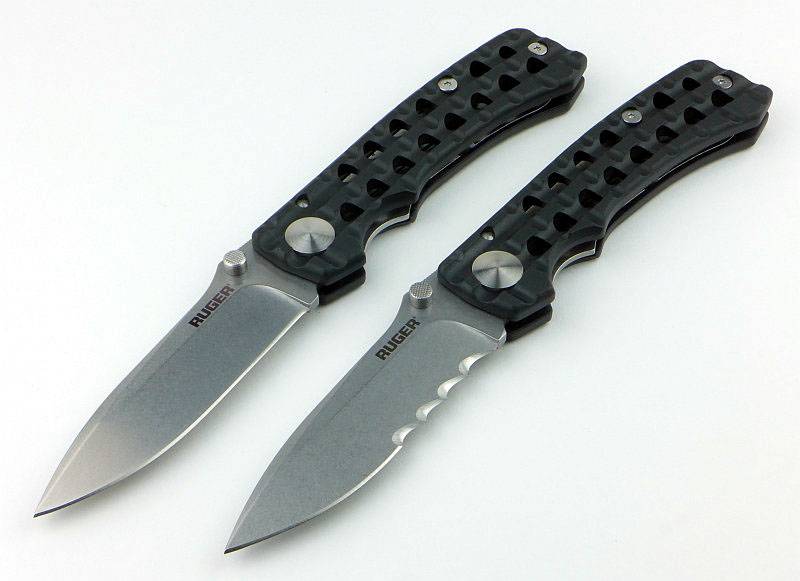
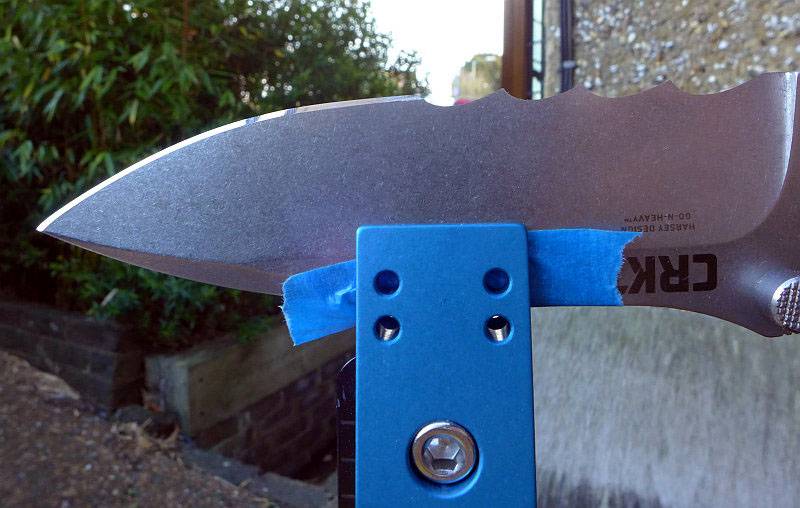
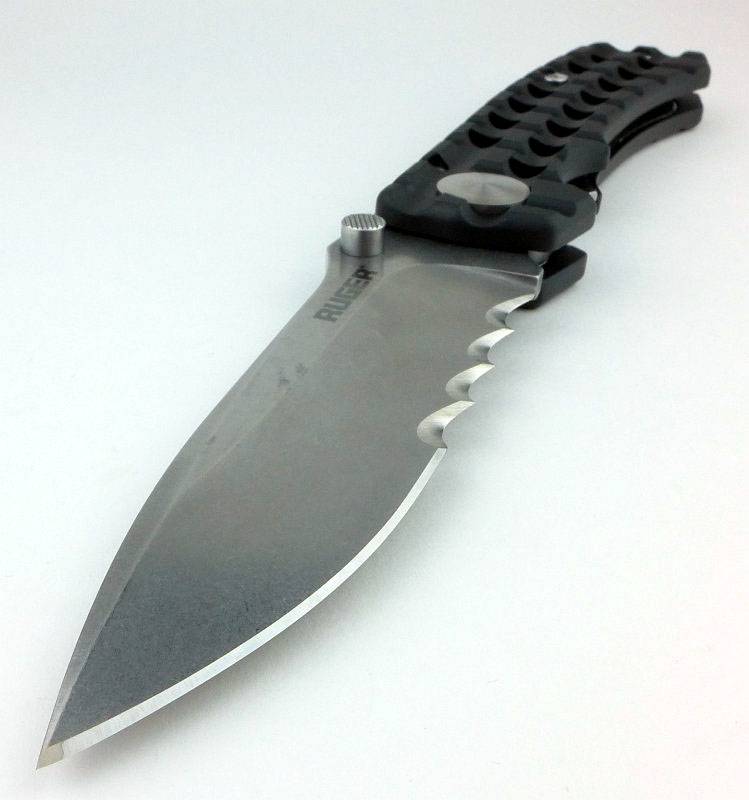
Knife Review: Ruger / CRKT GO-N-HEAVY (Plain and Veff Serrated Versions)

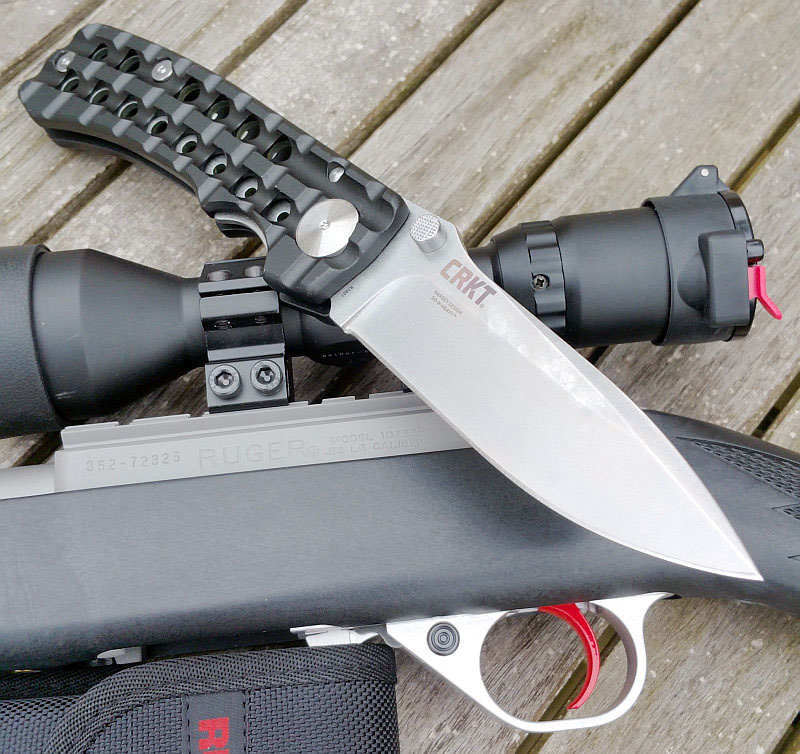
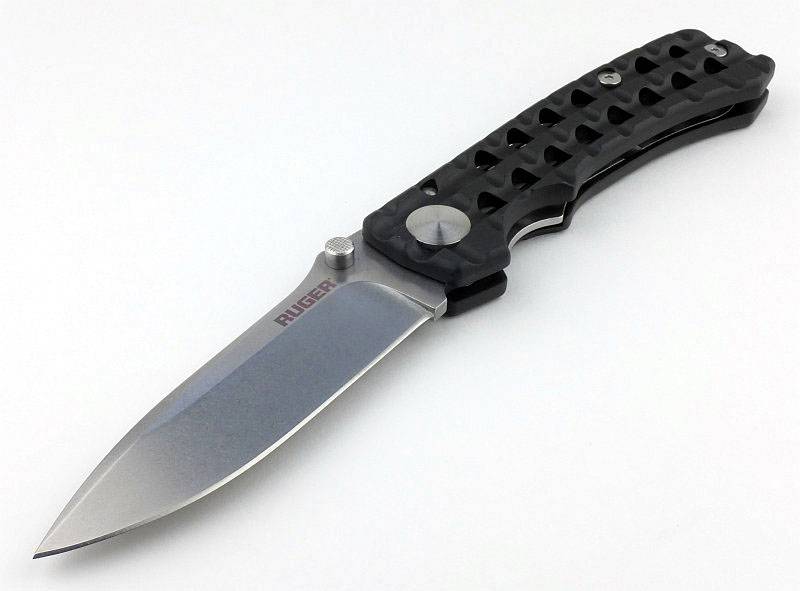
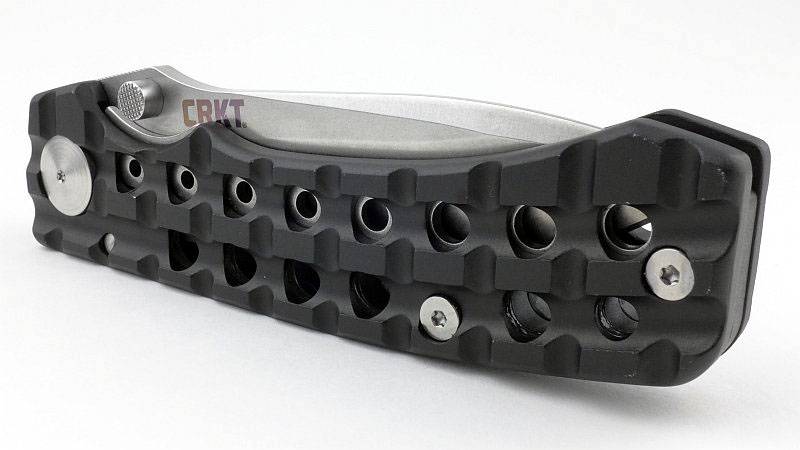
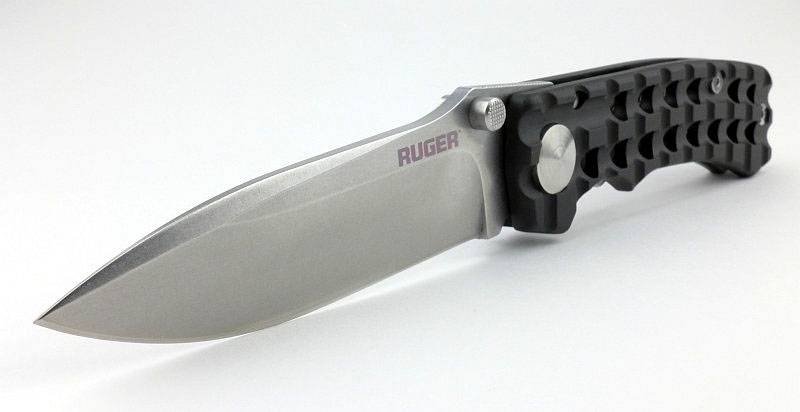
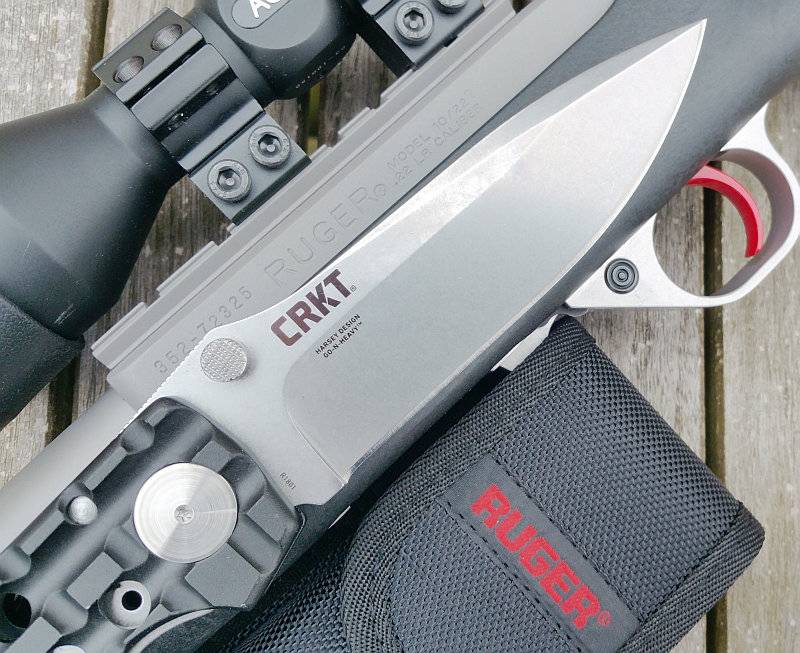
One of my highlights of IWA 2016 was a visit to the CRKT stand, and on that stand was a knife I could not leave IWA without. Amongst the new Ruger line of knives (produced by CRKT) was the super-sized Go-N-Heavy which stood out not only due to its size, but for the distinctive look which comes from a combination of the design brief for the Ruger line of knives and its pedigree of being a William Harsey design.

 photo 17 GoNHeavy open P1170642.jpg

The Blade and Handle Geometry:

Most knife specifications have a basic description of the blade geometry, but in this section I will be taking a more detailed look at geometry and balance.
 photo 33 GoNHeavy flat grind P1180539.jpg

Using a set of gauges and precision measuring equipment including a Vernier protractor, callipers, fixed radius gauges and the unique Arc Master adjustable radius gauge (the one that looks like a crossbow).
 photo Knife measuring P1180483.jpg

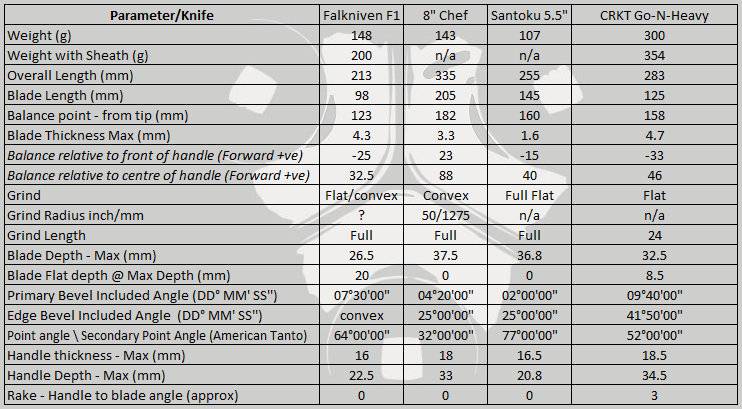
These measurements have been tabulated and are presented along with a few reference blades (8″ Chef’s Knife, 5.5″ Santoku and the popular Fällkniven F1).

Key aspects such as the primary bevel angle, grind type, blade depth, blade thickness, length, weight are detailed, along with balance information.
 photo 32 GoNHeavy grind P1180537.jpg

The ‘Balance relative to the front of the handle’ tells you if the knife will feel front heavy, or if the weight is in your hand (a positive value means the weight is forward of the front of the handle). The ‘Balance relative to the centre of the handle’ indicates how close to a ‘neutral balance’ the knife has in the hand.
 photo 31 GoNHeavy balance P1180534.jpg

In the case of full convex grinds the approximate centre of the grind is used for the primary bevel angle estimate.
 photo GoNHeavy parameters.jpg

The blade is made from 8Cr13Mov steel, the washers from Teflon and the handles are hard anodised 6061-T6 Aluminium.

Explained by the Maker:

The reasons for certain design choices may not be clear when simply looking at an object, so this section is intended to give an insight into the thinking behind a design by speaking to the designer themselves.

Unfortunately I can’t always get time with the designer so will use this section to include relevant information about the knife and its designer.

While discussing the Ruger knives with CRKT, there were a couple of insights into the processes that led to the final designs of the knives.

The project started with Ruger approaching CRKT and asking them to design a special line of knives for them. The knives had to represent Ruger, so would not simply be any old design, but had to fit in with the feel of Ruger’s products.

As one of the designers CRKT have worked with before, it turns out that Bill Harsey had already been working on a design that was reminiscent of the Picatinny rails on the SR line of rifles. Never quite making it off his workbench, it seemed a perfect fit, so was adopted for the Go-N-Heavy and Go-N-Heavy Compact knives in the Ruger lineup. The Ruger range also includes a total of 23 different models, fixed and folding, plain edges and part-serrated.

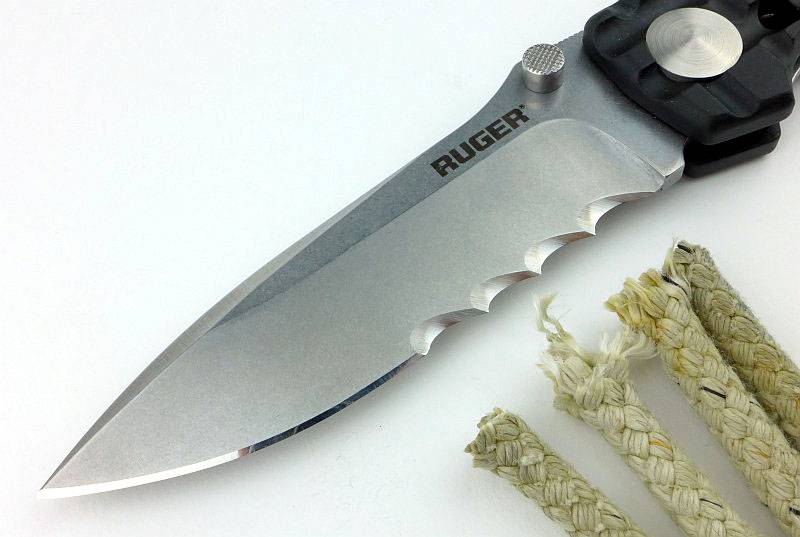
A feature used in CRKT knives are the unique Veff Serrations (which we will see in more detail). A different take on the design of serrations where the scallops are angled to give a positive feed into the cut. The effect is similar to a normal wood saw where the teeth cut into the material in one direction, but ride over the surface (clearing the cut) in the other. Veff serrations give real bite to the cut. We will cover these in more detail later.

A few more details:

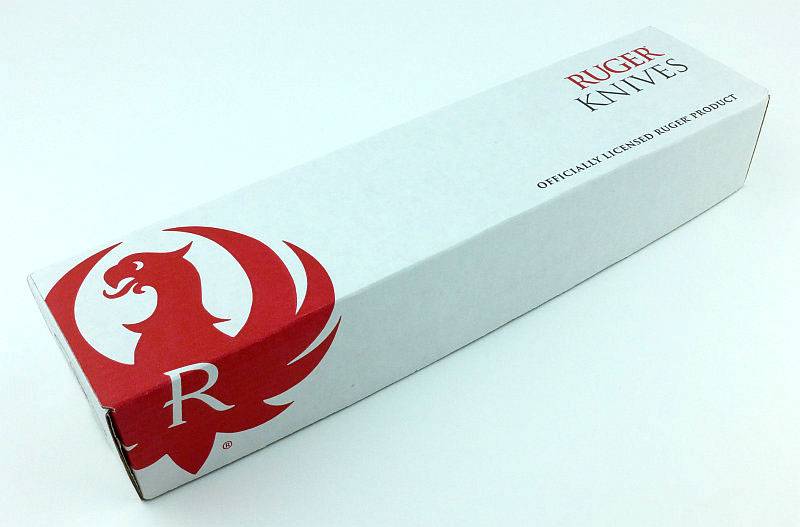
This review is going to look at both versions of the Go-N-Heavy, the plain edge and part-serrated (Veff serrations). The knife arrives in a Ruger branded box.
 photo 01 GoNHeavy box P1190016.jpg

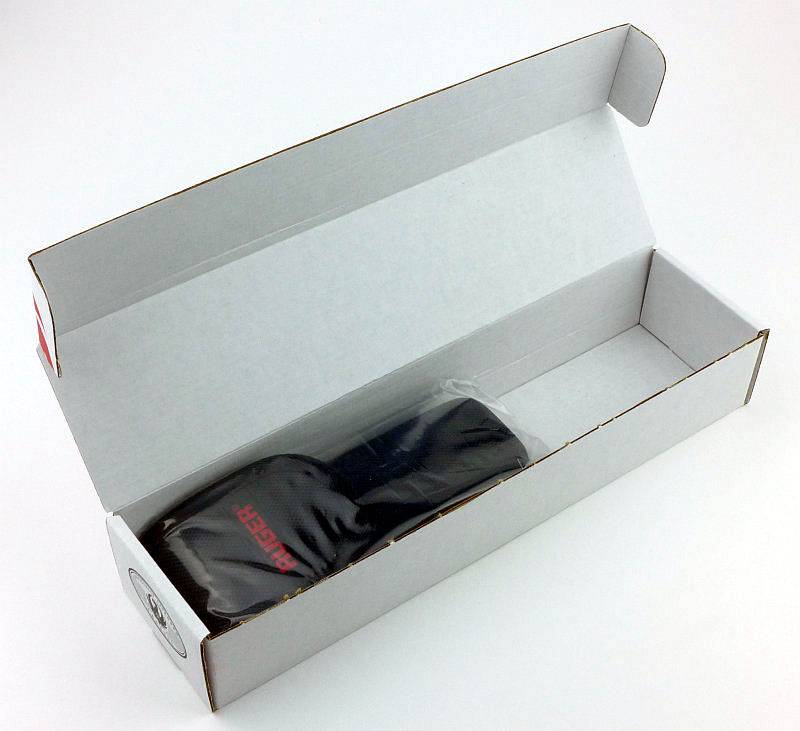
Inside the knife is in its belt pouch and wrapped in a plastic bag.
 photo 03 GoNHeavy box open P1190022.jpg

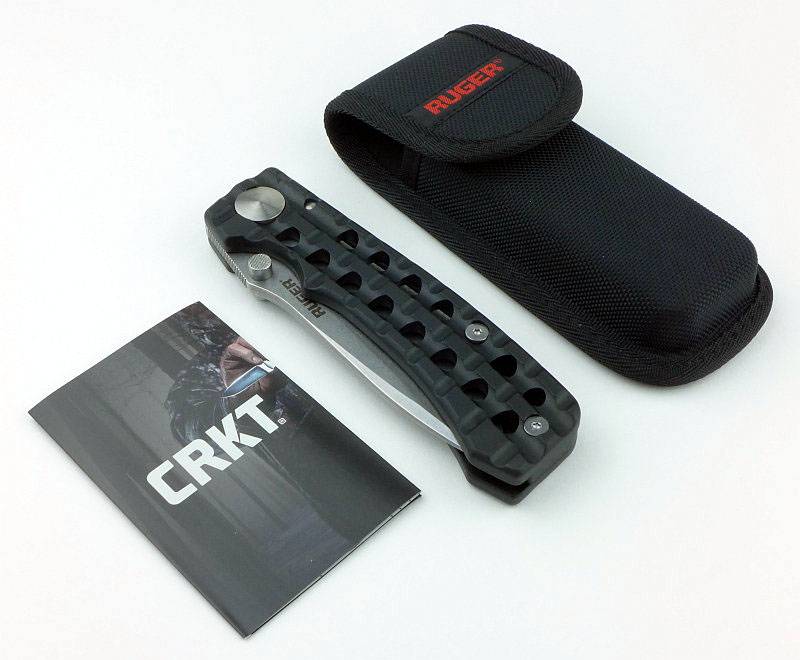
Along with the knife and belt pouch is a CRKT leaflet.
 photo 04 GoNHeavy box contents P1190030.jpg

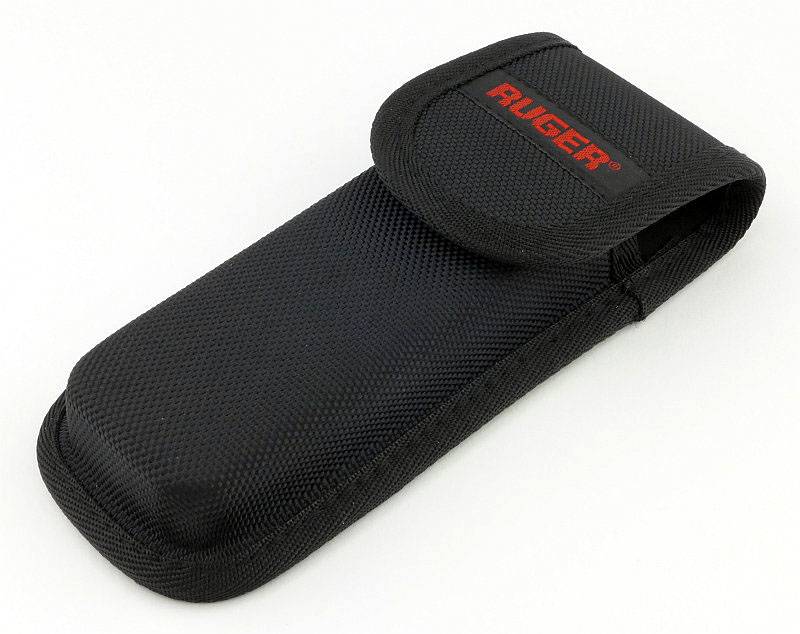
Especially important as this is a large folder, there is a well finished nylon belt pouch.
 photo 06 GoNHeavy holster front P1170601.jpg

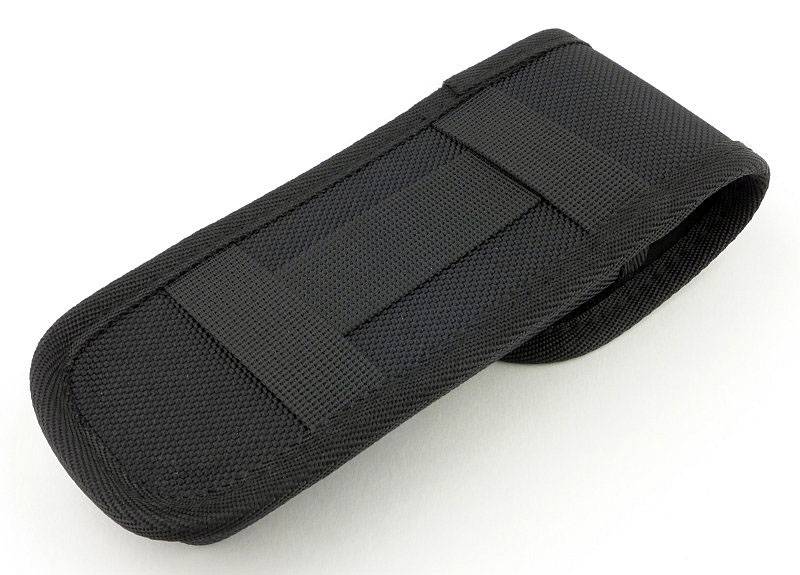
The belt pouch loops allow for horizontal or vertical carry positions.
 photo 07 GoNHeavy holster back P1170604.jpg

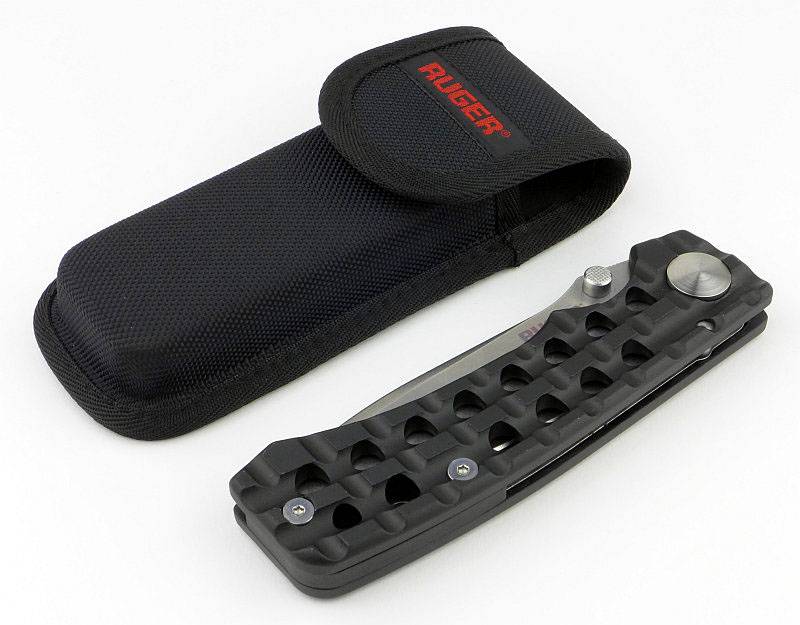
That large belt pouch is filled by the Go-N-Heavy.
 photo 08 GoNHeavy knife and holster P1170607.jpg

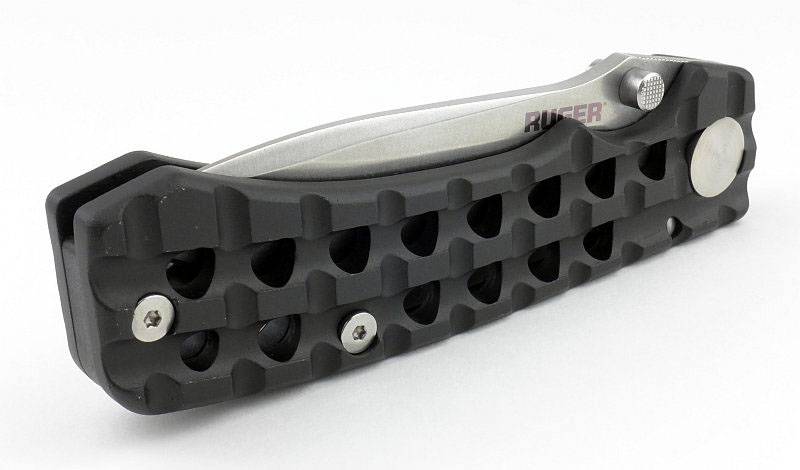
Let’s take a look round this, starting with the Ruger side of the blade.
 photo 09 GoNHeavy knife closed P1170609.jpg

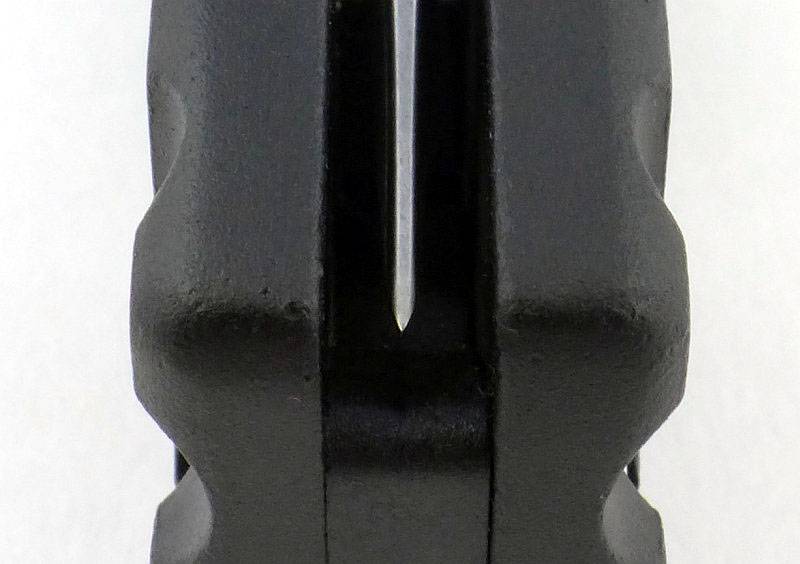
Then the CRKT side of the blade. (On this side you can see the stainless steel lock insert/liner.)
 photo 10 GoNHeavy knife closed P1170613.jpg

Centring is pretty much spot on. Oddly, I’m looking at the actual knife right now and it looks better than this photo.
 photo 11 GoNHeavy centring P1170617.jpg

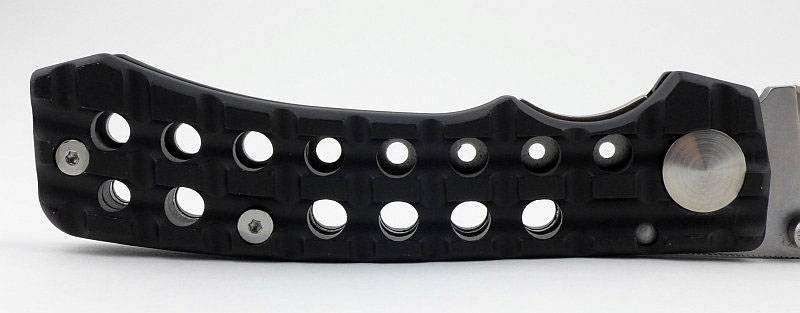
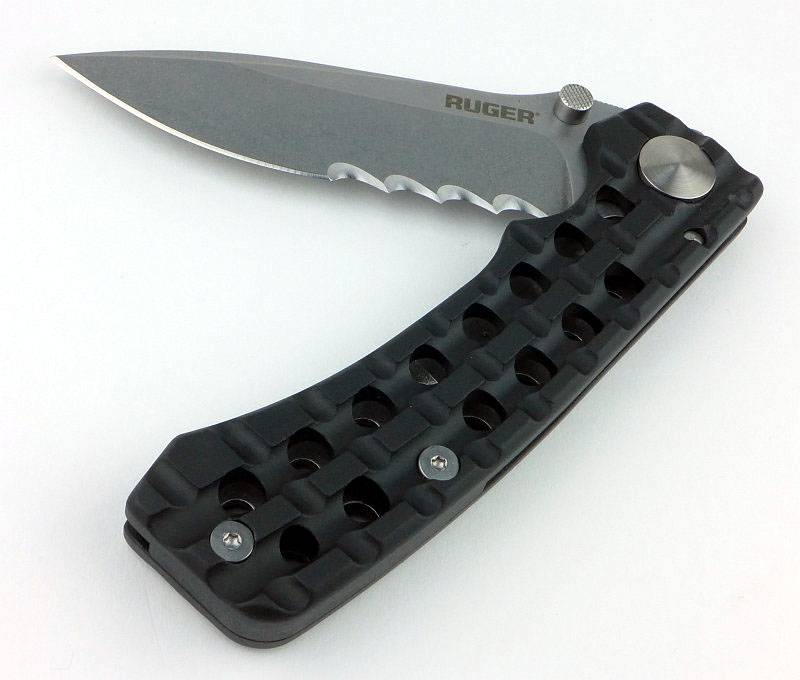
Loving the details in the handle. Though not a Picatinny rail, it is certainly reminiscent of one.
 photo 12 GoNHeavy handle P1170620.jpg

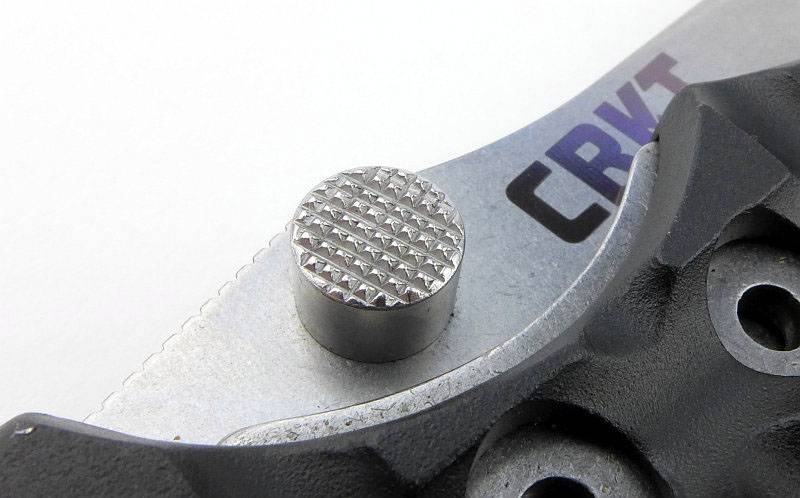
Enough blade is exposed to allow two handed opening, but there is also an ambidextrous thumb stud fitted to the blade.
 photo 13 GoNHeavy thumb P1170624.jpg

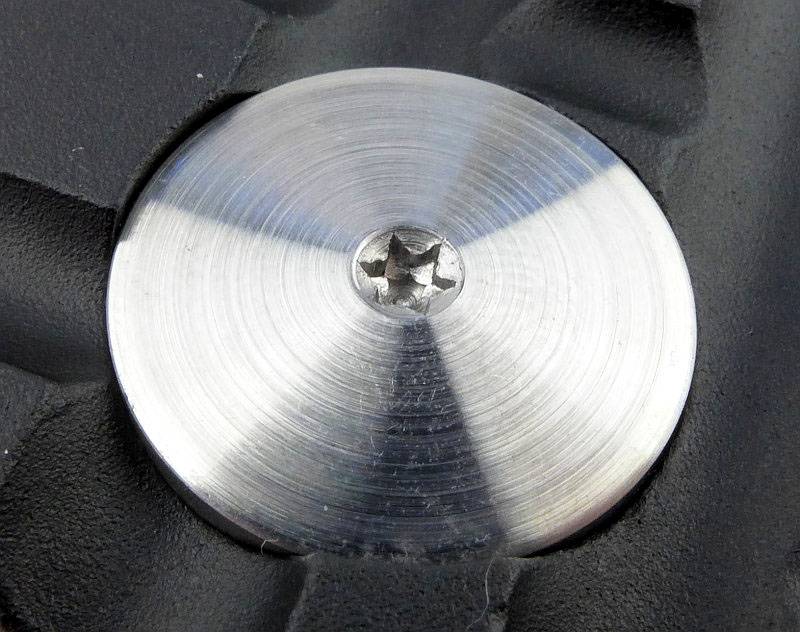
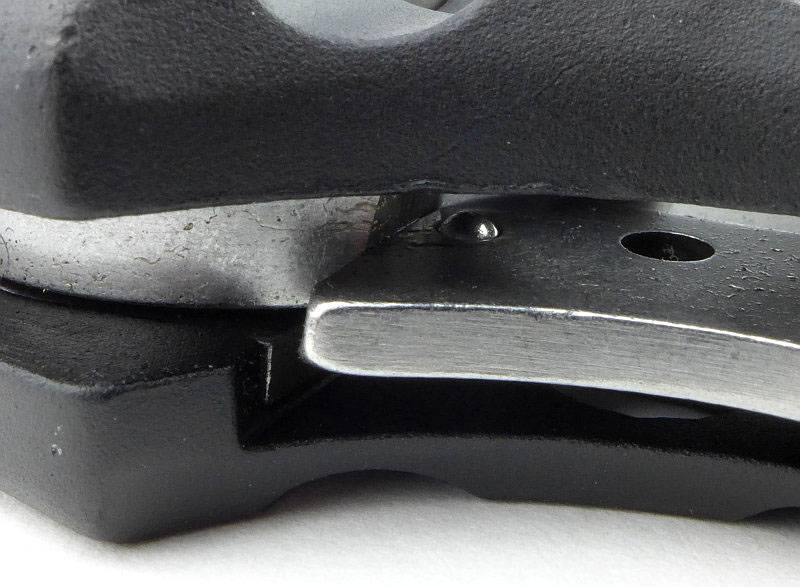
One side of the pivot has a torx fitting for adjustment. The pivot bolt appears big and oversized, but this is for stylistic reasons and sits very well with the black anodised handles.
 photo 14 GoNHeavy pivot P1170628.jpg

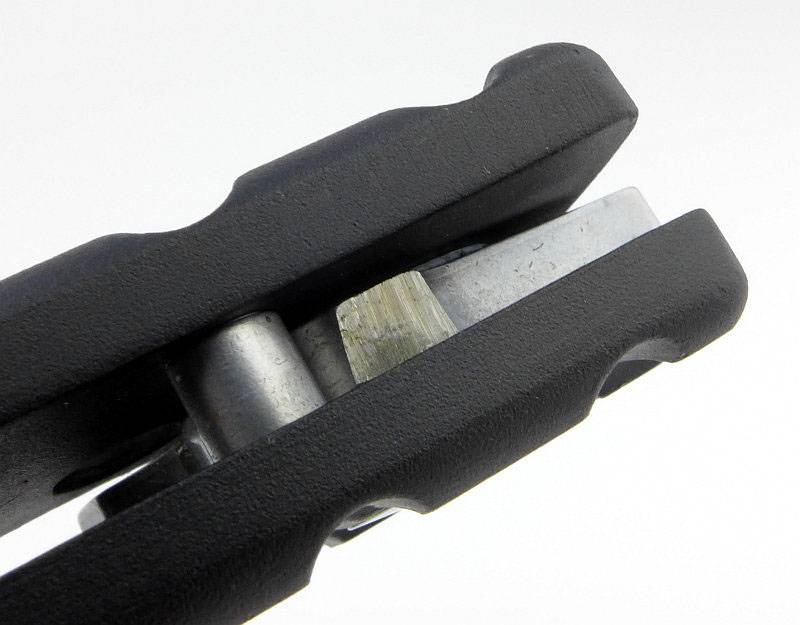
Here we can see the blade stop pin and locking surface (which is fresh and unused straight out of the box).
 photo 15 GoNHeavy stop pin P1170633.jpg

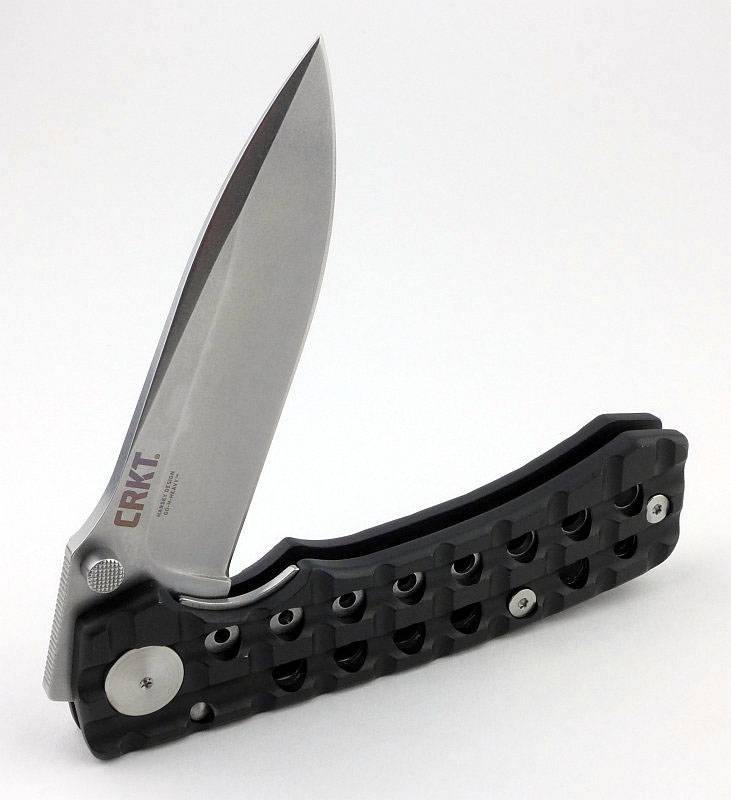
And out comes that nice big blade with recognisable Harsey style.
 photo 16 GoNHeavy part open P1170636.jpg

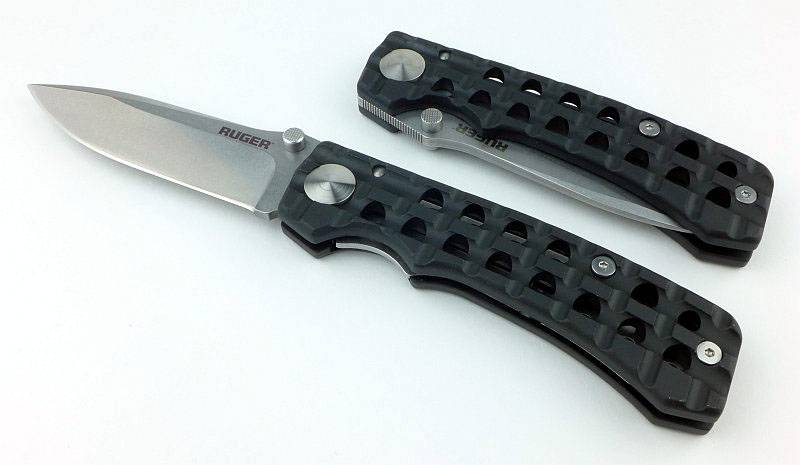
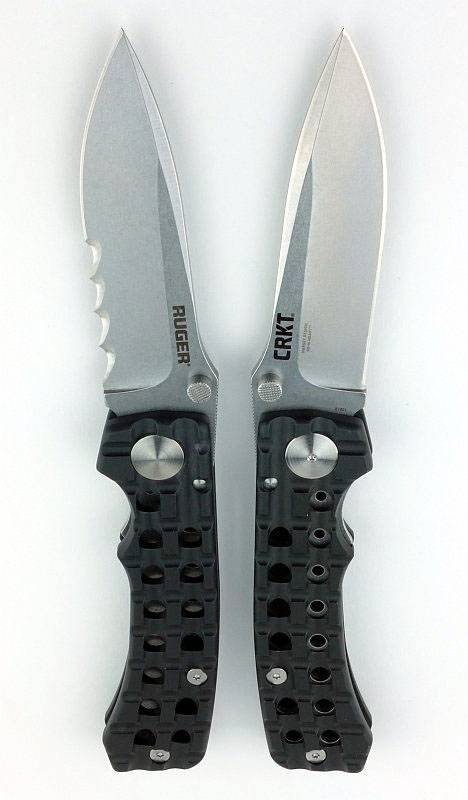
Both versions together to show how it looks open and closed.
 photo 05 GoNHeavy open and closed P1190031.jpg

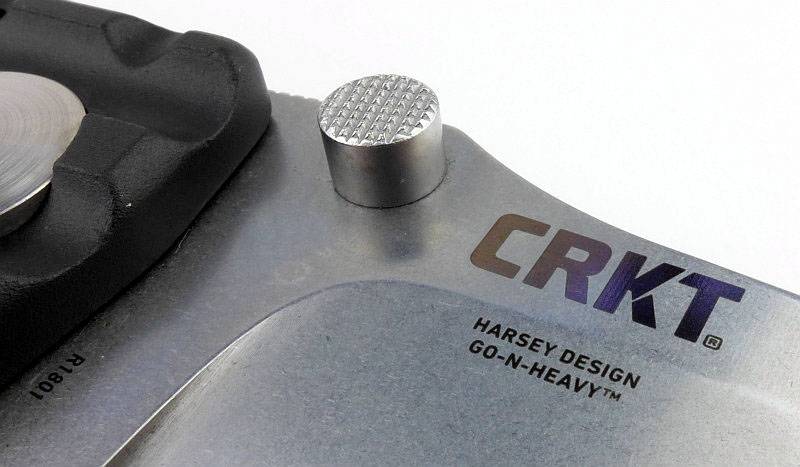
One side of the blade has the CRKT logo, plus model, engraved into the surface.
 photo 18 GoNHeavy logo P1170646.jpg

Lock engagement straight out of the box looks a little light, but was strong and soon settled in slightly with use.
 photo 19 GoNHeavy lock P1170649.jpg

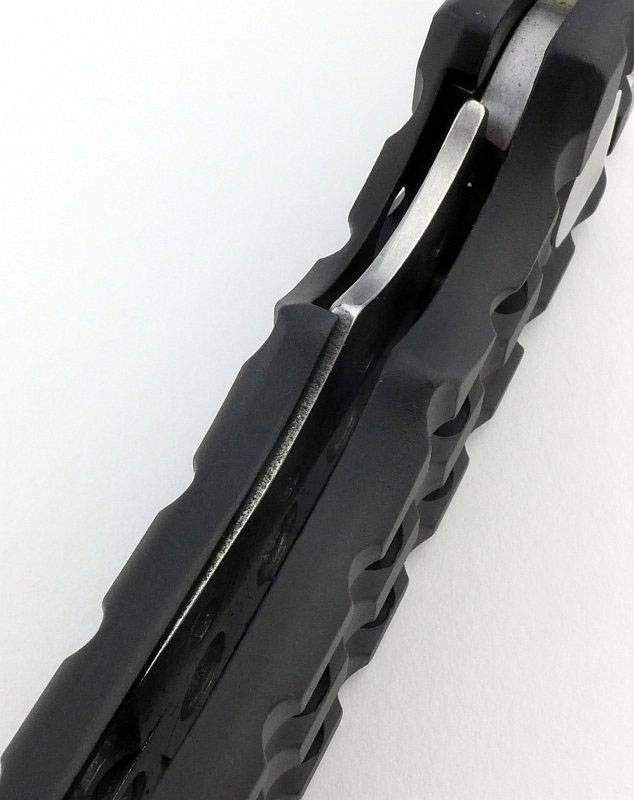
Stepping back a little this view shows how the stainless liner fits into a recess in one of the aluminium handles.
 photo 20 GoNHeavy lock bar P1170653.jpg

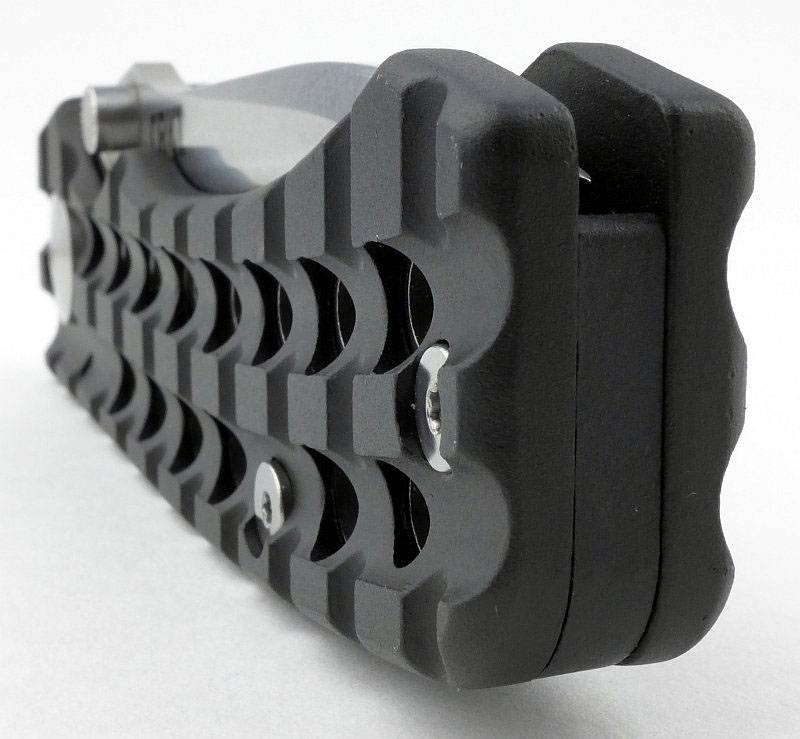
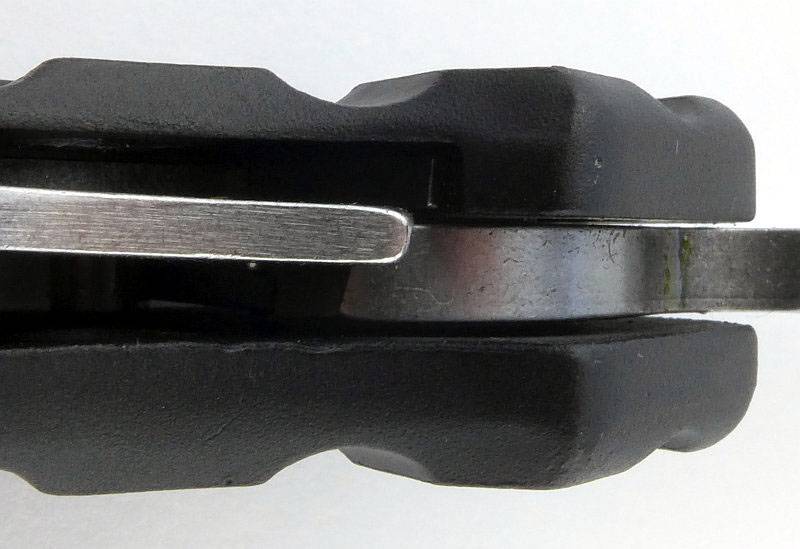
The holes in the handles do go all the way through. You might also spot that the holes in the stainless steel liner are slightly smaller.
 photo 21 GoNHeavy holes P1170655.jpg

Only one side of the pivot bolt has a torx fitting. The other side is completely plain.
 photo 22 GoNHeavy pivot 2 P1170659.jpg

The plunge line is neatly executed.
 photo 23 GoNHeavy plunge P1170663.jpg

Torx bolts are used to hold the handles together.
 photo 24 GoNHeavy handle screw P1170666.jpg

On the thumb ramp there is some fine jimping to give you extra grip.
 photo 28 GoNHeavy jimping P1170696.jpg

Taking a very close look into the Go-N-Heavy with the blade open you can see the detent ball on the side of the lock bar which holds the blade in the closed position.
 photo 29 GoNHeavy detent P1170703.jpg

There is a nice flowing semi-swedge on the blade spine.
 photo 25 GoNHeavy angle P1170677.jpg

Now a switch over to the part-serrated version featuring Veff serrations.
 photo 34 GoNHeavy veff P1190041.jpg

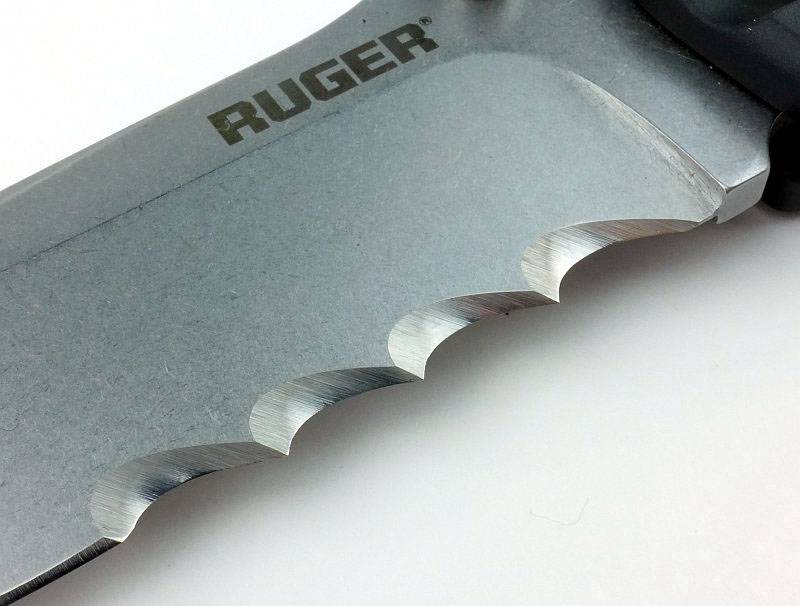
Really heavy-duty serrations with only four scallops in the serrated area.
 photo 35 GoNHeavy veff serrations P1190047.jpg

From the other side of the blade you can see the serrations are cut with a single bevel.
 photo 36 GoNHeavy veff single bevel P1190054.jpg

The two versions.
 photo 38 GoNHeavy both P1190085.jpg

What is the Go-N-Heavy like to use?

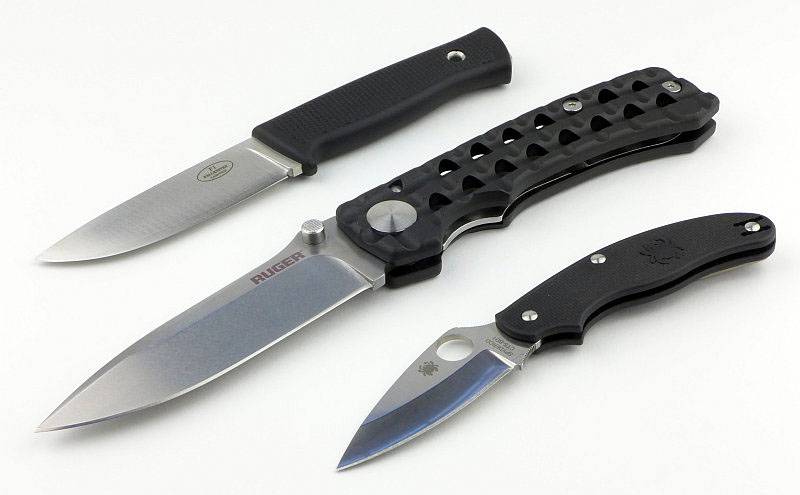
Before we go onto using it, to start with we have to get the proper ideal of scale, so here the Go-N-Heavy is next to the Fällkniven F1 and a Spyderco UK Pen Knife. Yes, it really dwarfs the Fällkniven in blade and handle.
 photo 27 GoNHeavy size P1170691.jpg

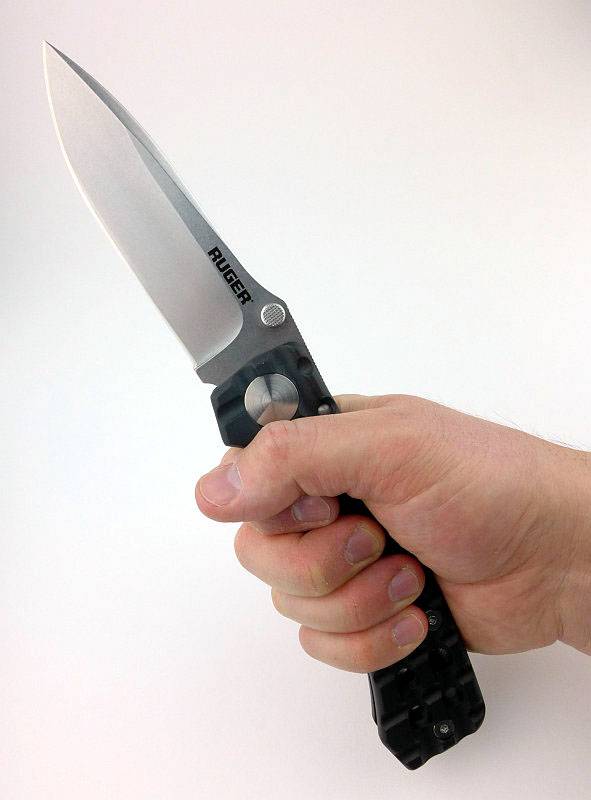
I take XL size gloves, and this knife makes my hand look small. What the large handle does allow for however are a range for different grip positions all of which remain comfortable.
 photo 30 GoNHeavy in hand P1170714.jpg

Ok, I’m not going to argue that it is the most practical knife, but saying that there are plenty of occasions I want to have a large knife with me but can’t really justify a fixed blade. The Go-N-Heavy gives you a knife with presence but which is small enough when folded to pop into a bag or onto your belt and not be too noticeable; until you need it.

There is also just something so satisfying about a big folder, watching that large blade appear and the knife double in size. When at IWA I found it very difficult to put down, and knew exactly which CRKT knife I wanted to test.

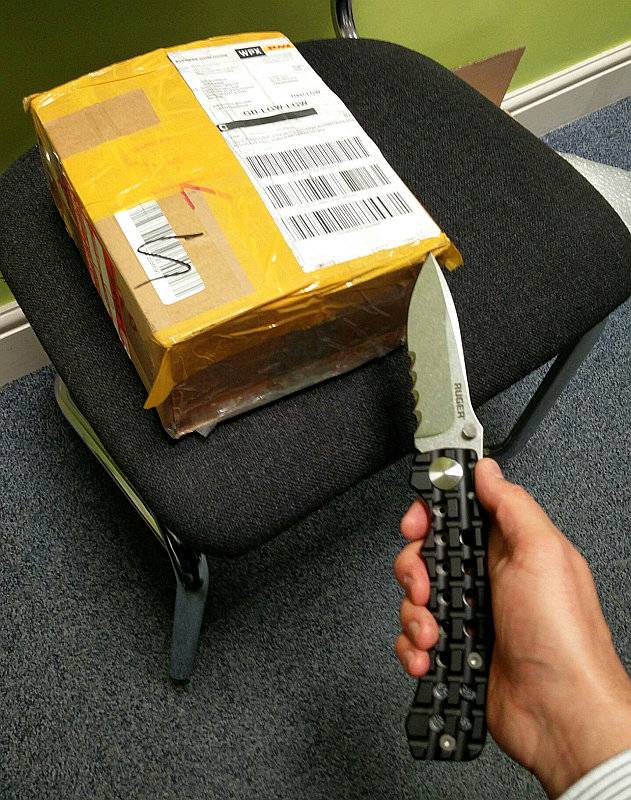
Perhaps a little over sized for a box cutter (especially as you might end up going through the entire box and cutting the contents), but it did the job. Clearly this is not what the knife was intended for.
 photo Box cutter IMG_20161006_133916.jpg

Though the factory plain edge was serviceable enough, I decided to give it a bit of an upgrade and pop a Wicked Edge onto it.
 photo Wicked edge GoNHeavy P1230401.jpg

Looks rather nice with its new edge.
 photo Wicked edge GoNHeavy P1230411.jpg

Unfortunately no large rope cutting tasks have yet presented themselves, so I’ve had to make do with smaller ropes. On the smaller sizes, the rope tends to stick in one of the serrations rather than the serration sawing through. It makes it more like a series of line cutting hooks. You need to scale up the cutting job to really get the Veff serrations showing their power. They look great, and are very aggressive, but on smaller jobs they can be hard work.
What you really can feel is the effect of the angled serrations; they actively bite deeper into the material as you cut instead of riding over the surface. In the right cutting job it makes for a very aggressive and efficient cut. For smaller jobs you often have to push the cut away from you to stop the teeth biting so deeply.
 photo 40 GoNHeavy veff cut P1230442.jpg

Serrated or plain edge, its your call and depends on your requirements (I’d love to see a mid-serrated version – see The Mid-Serrated Blade – A new concept from Subwoofer). Either one will give you a really satisfying super-sized folder.
 photo 39 GoNHeavy both P1190091.jpg

Review Summary

The views expressed in this summary table are from the point of view of the reviewer’s personal use. I am not a member of the armed forces and cannot comment on its use beyond a cutting tool or field/hunting knife.

Something that might be a ‘pro’ for one user can be a ‘con’ for another, so the comments are categorised based on my requirements. You should consider all points and if they could be beneficial to you.

_______________________________________________ _______________________________________________
Things I like What doesn’t work so well for me
_______________________________________________ _______________________________________________
Super-Sized Folder. Serrations are too large for some jobs.
Harsey Design. Smaller hands may struggle to open one handed.
Multiple grip options.
Distinctive Styling.
Veff Serrations have excellent bite.
Belt pouch included.

 photo 40 GoNHeavy ruger IMG_20160326_121119.jpg


Discussing the Review:

Please feel free to add comments to the review, but the ideal place to freely discuss these reviews is on a forum. If you started reading the shorter forum version of the review, but followed the link this full exclusive review, please return to that forum to discuss the review there.
If you read the review entirely on Tactical Reviews, please consider one of the following to join in any discussion.

EdgeMatters – Sponsored Reviews (UK based Forum for Knife Makers and Collectors)

BladeForums – Knife Reviews (US based Forum for Knife Discussion)

CandlePowerForums – Knife Reviews Section (Largest and Friendliest Flashlight Community Forum)
Light Review: Surefire Sidekick (Compact Fob Light)

Though not the first to make a USB rechargeable keychain light, Surefire have applied their philosophy of ‘excellence in illumination’ to this EDC essential.

 photo 09 Sidekick on P1170827.jpg

Taking a more detailed look:

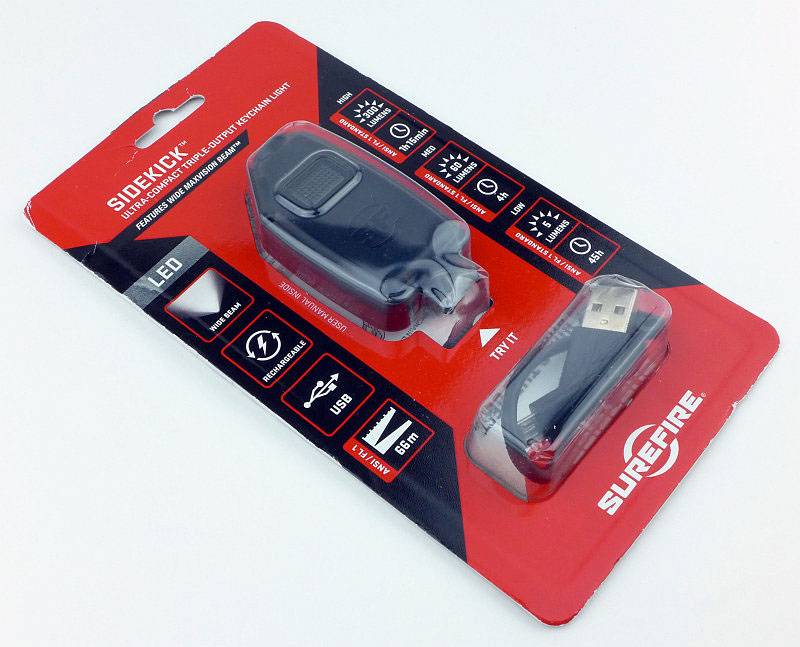
The Sidekick comes in a cardboard blister pack.
 photo 01 Sidekick Boxed P1170798.jpg

Inside is the Sidekick itself, a short USB charging cable, a metal clip and the instructions.
 photo 02 Sidekick Box contents P1170803.jpg

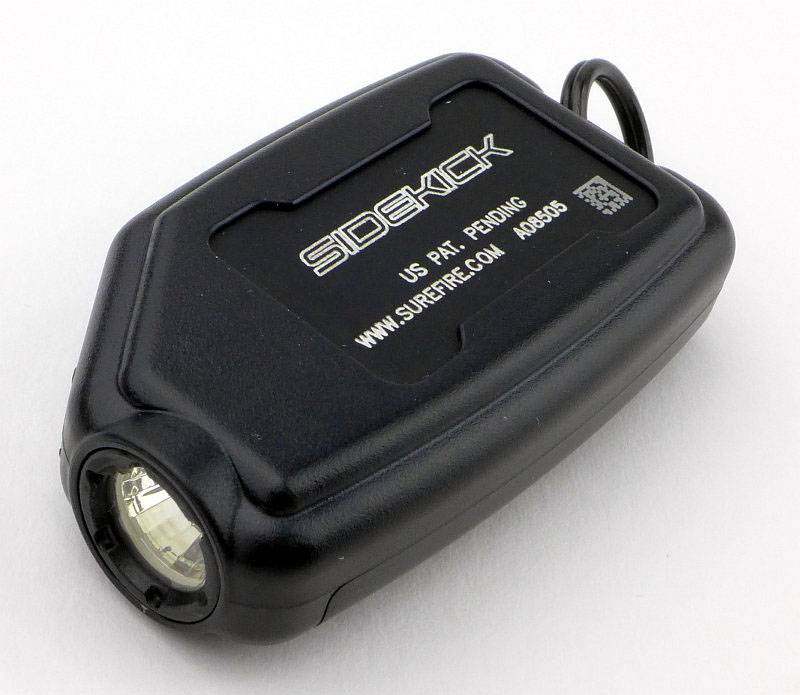
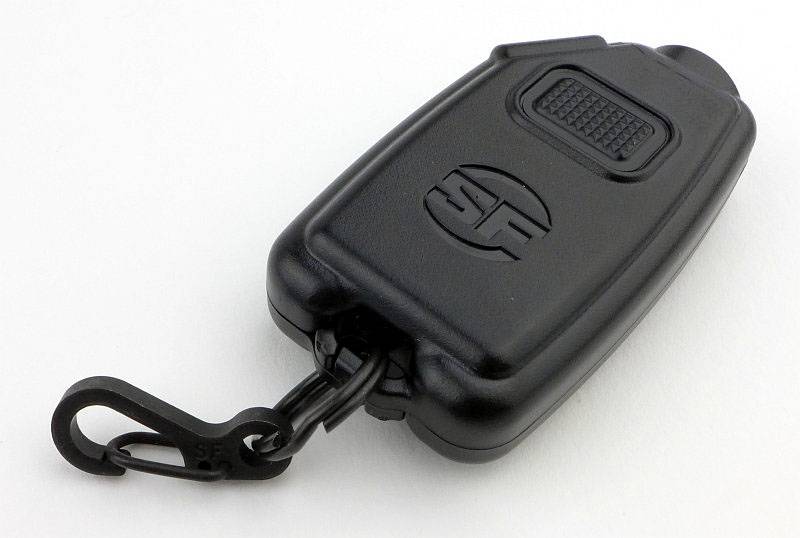
The underside of the Sidekick has a metal heat sink panel with the model engraved onto it.
 photo 03 Sidekick angle P1170808.jpg

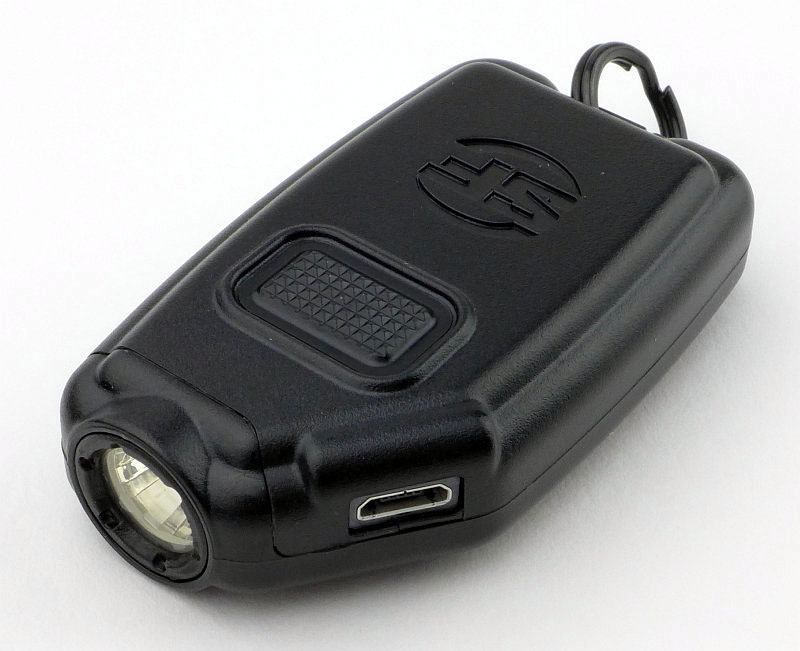
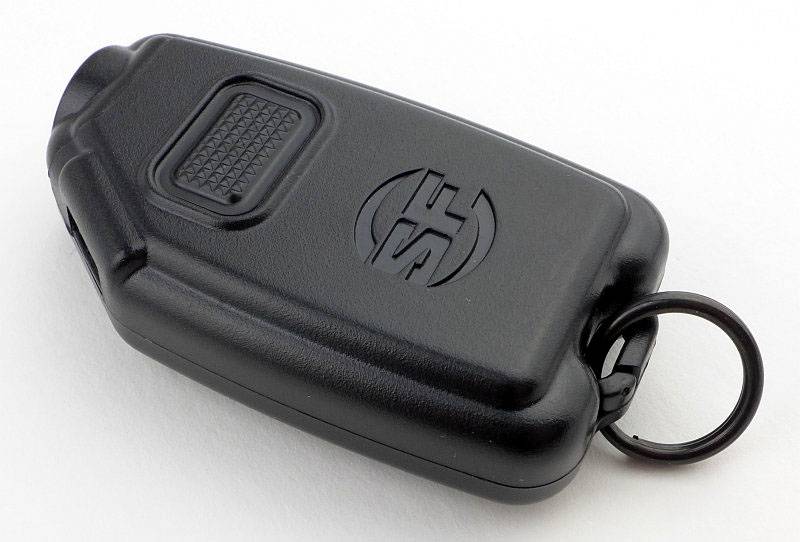
At the top is the power button and a moulded Surefire logo. The main body is a tough plastic and has a split ring at the rear.
 photo 04 Sidekick rear angle P1170812.jpg

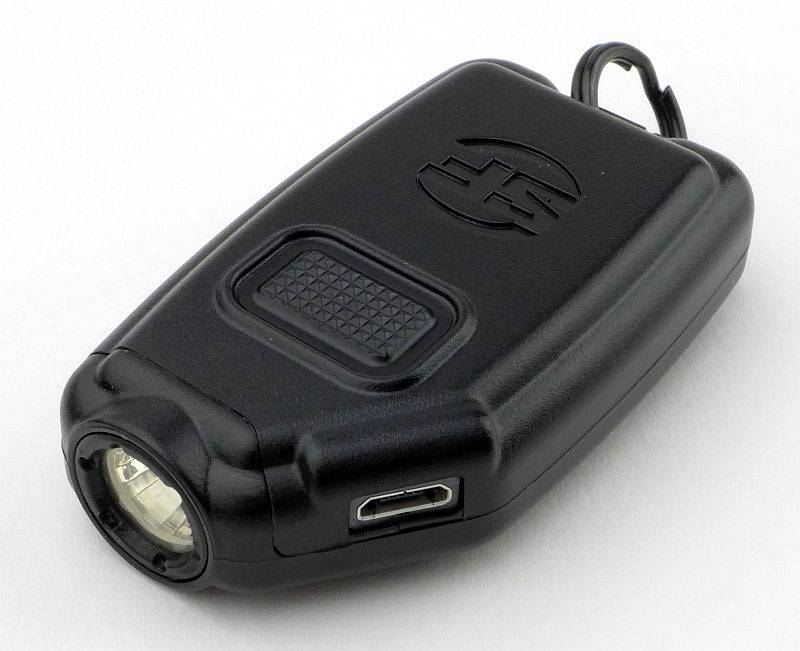
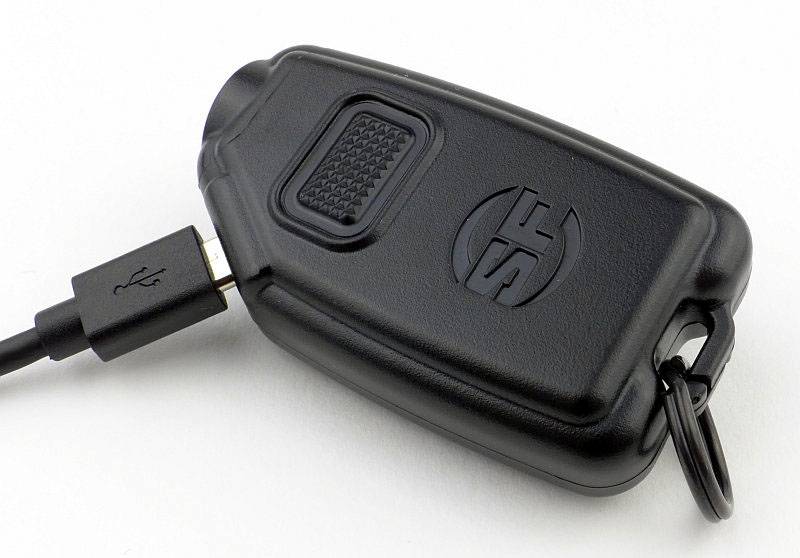
On the angled corner at the front you can see the micro-USB port for charging.
 photo 05 Sidekick port angle P1170815.jpg

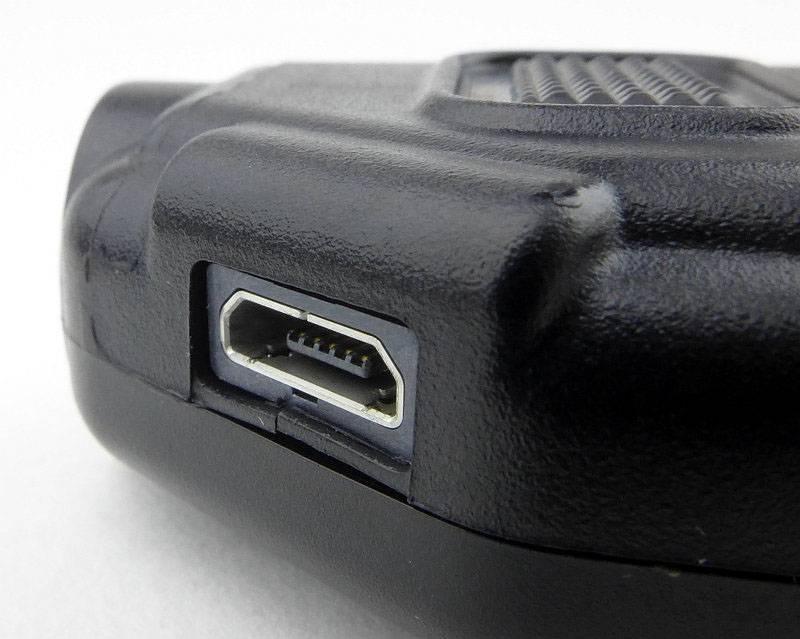
I only noticed the small piece of plastic case under the micro-USB port was cracked when I was preparing these photos. This has not affect the function at all.
 photo 06 Sidekick port close P1170816.jpg

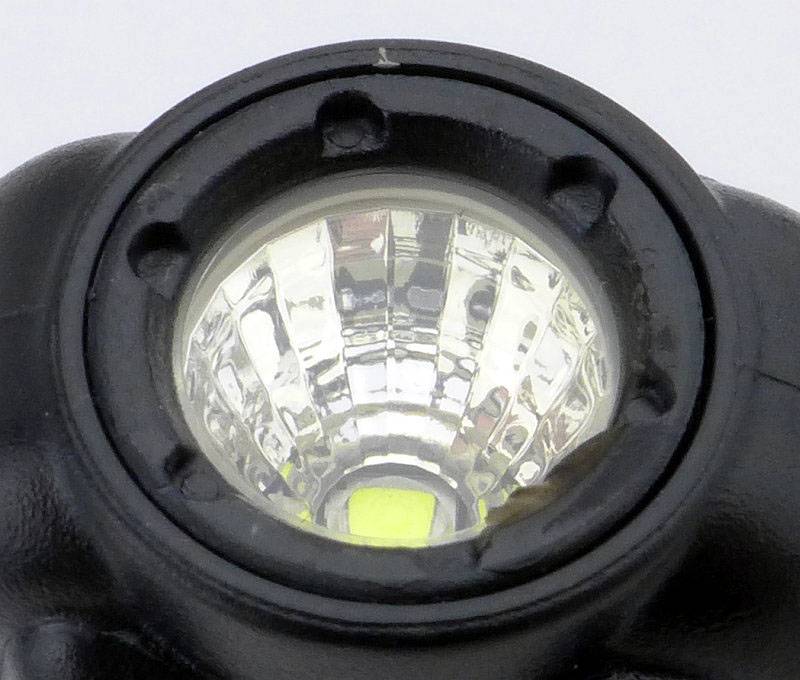
Set into the front is Surefire’s MaxVision Beam reflector assembly. This has a multi-faceted reflector surface to smooth out the beam without the losses of a textured reflector.
 photo 07 Sidekick reflector angle P1170822.jpg

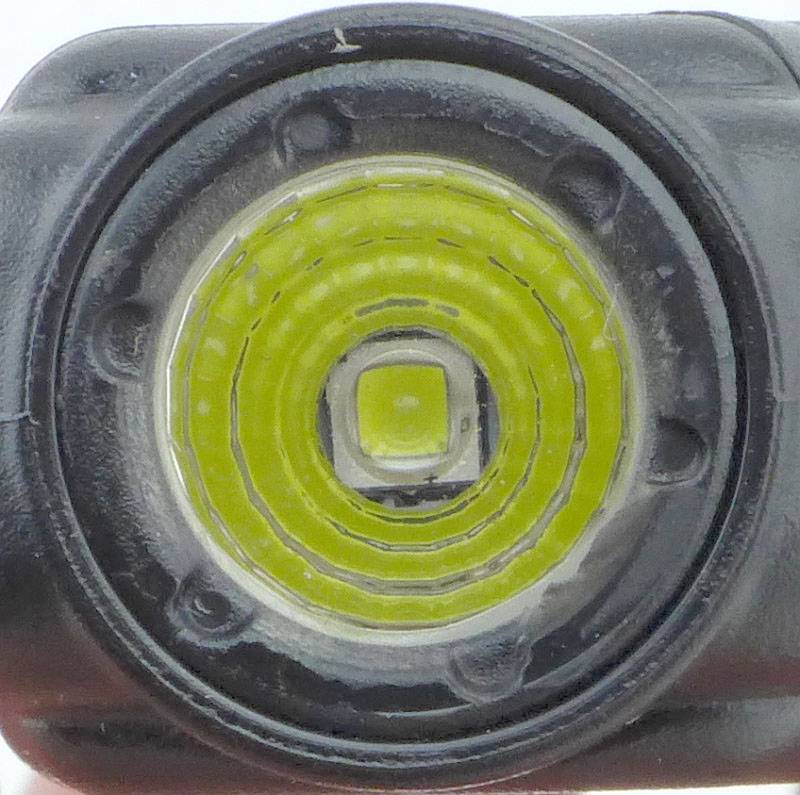
Looking straight into the faceted reflector at the Cree XP-G2 LED. (For some reason Surefire don’t specify the actual LED anywhere in the documentation.)
 photo 08 Sidekick LED P1170824.jpg

Plugging in the micro-USB cable to charge the Sidekick.
 photo 10 Sidekick charging P1170830.jpg

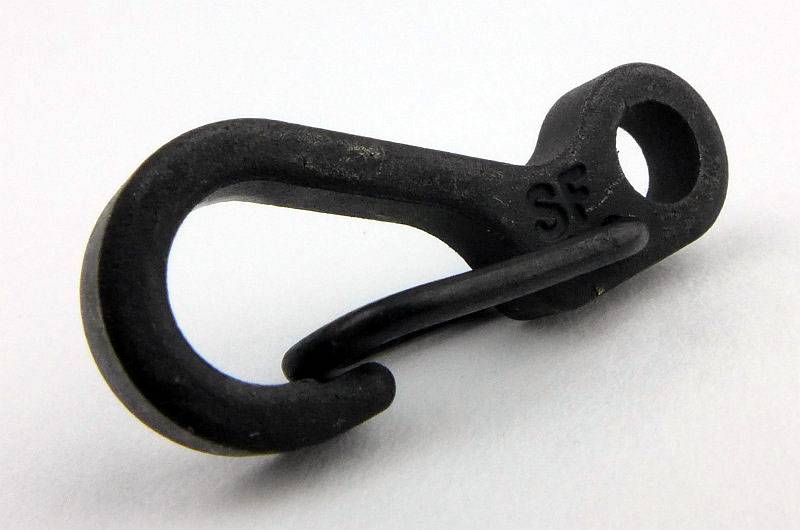
Even the compact metal clip has ‘SF’ on it.
 photo 11 Sidekick clip P1170831.jpg

The split ring is very stiff, so getting the clip on isn’t easy, but its not going to come off by mistake.
 photo 12 Sidekick with clip P1170834.jpg

The beam

Please be careful not to judge tint based on images you see on a computer screen. Unless properly calibrated, the screen itself will change the perceived tint.

The indoor beamshot is intended to give an idea of the beam shape/quality rather than tint. All beamshots are taken using daylight white balance. The woodwork (stairs and skirting) are painted Farrow & Ball “Off-White”, and the walls are a light sandy colour called ‘String’ again by Farrow & Ball. I don’t actually have a ‘white wall’ in the house to use for this, and the wife won’t have one!

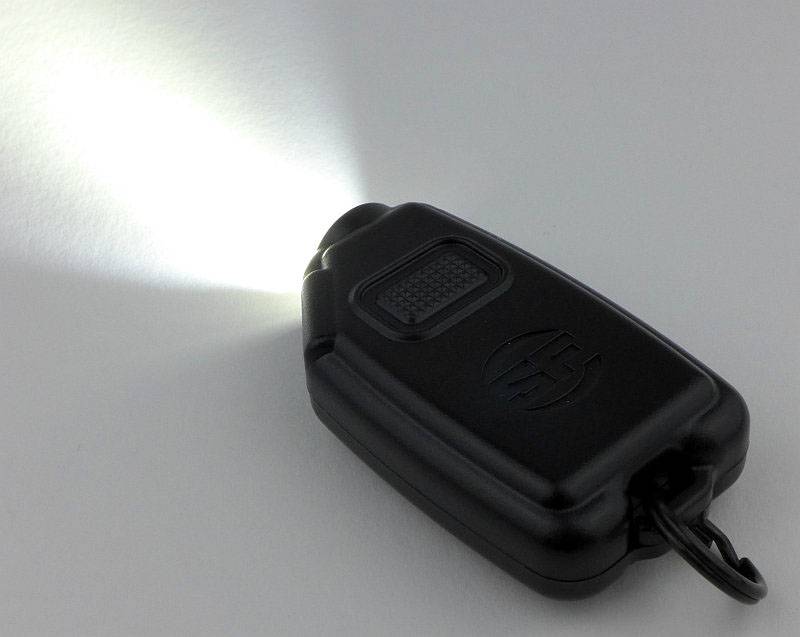
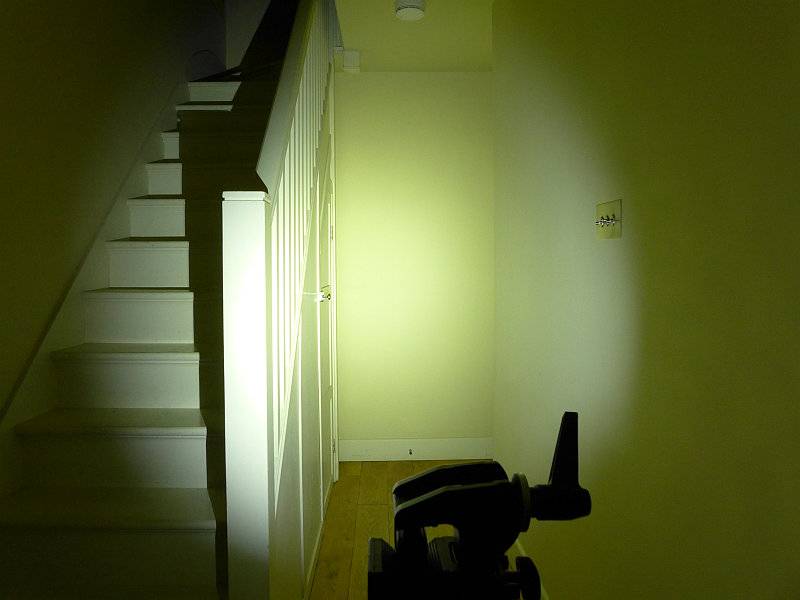
Since the days of the Solitaire keychain light, I’ve always had a compact EDC light on my keys. This shrunk to the photon size button cell type, but those really only served as a last ditch light, so the size I used grew again to include a USB rechargeable or AAA powered light. The beam of the Sidekick is a revelation in keychain lights, with its wide floody beam (with no glare) and plenty of power.

Just look at this beamshot and you probably think we were looking at something you wouldn’t attach to your keys. A really excellent EDC beam.

 photo 14 Sidekick indoor beam P1230310.jpg

Modes and User Interface:

The Sidekick has three output levels Low, Medium, and High.
From OFF, press the power switch to select Low, press again within 2s to change to Medium, press again within 2s of the last press to get High, and once more cycles to OFF.
If you are using either Low or Medium, if you wait over 2s before pressing again, the Sidekick will turn OFF (instead of going to the next mode and then OFF).

There are no indicator lights on the Sidekick, so no charge or low battery indicators. Instead the Sidekick uses its main LED. For low battery, the output simply reduces sharply to a lower level and starts to fade out. There is no sudden turn off, so while there is no actual ‘warning’ it is clear you are low on power.

For charging, the main LED is used as the indicator. With the USB power connected, the LED blinks to indicate the Sidekick is charging. During the charging process the LED sometimes comes on steadily for a few seconds then has a series of blinks. I’ve not so far managed to determine if there is an actual pattern to this. Ultimately, once fully charged the main LED comes on steadily at the low level and stays on as long as power is connected.

The default order of the modes is L-M-H, but this can be reversed to H-M-L by carrying out the following steps:

1. Plug in the charger.
2. Press the switch three times until the High level is activated.
3. Leave the Sidekick On for 5 seconds or more, then press the switch once to turn Off.
4. Unplug from the charger and test the sequence.

To return to L-M-H, repeat the previous steps except in step 2 you press three times to activate Low.
(Stopping on Medium at step 2 does not do anything.)

Batteries and output:

The Sidekick runs on a built-in 640mAh Li-ion battery.

Surefire have commented that the charge rate is fixed around 450mA, but it always seems to charge faster than the instruction manual, or this information, would suggest. In my experience (with a good charger) even fully depleted, it takes less than an hour to charge.

To measure actual output, I built an integrating sphere. See here for more detail. The sensor registers visible light only (so Infra-Red and Ultra-Violet will not be measured).

Please note, all quoted lumen figures are from a DIY integrating sphere, and according to ANSI standards. Although every effort is made to give as accurate a result as possible, they should be taken as an estimate only. The results can be used to compare outputs in this review and others I have published.

___________________________________________ ________________________________ ________________________________
Surefire Sidekick using built-in cell I.S. measured ANSI output Lumens PWM frequency or Strobe frequency (Hz)
___________________________________________ ________________________________ ________________________________
High 320 0
Medium 60 0
Low 3 100

* Beacon and Strobe output measurements are only estimates as the brief flashes make it difficult to capture the actual output value.

There is parasitic drain but as the light is sealed this could not be measured. During normal use over a period of over 6 months, the Sidekick has never noticeably self drained.

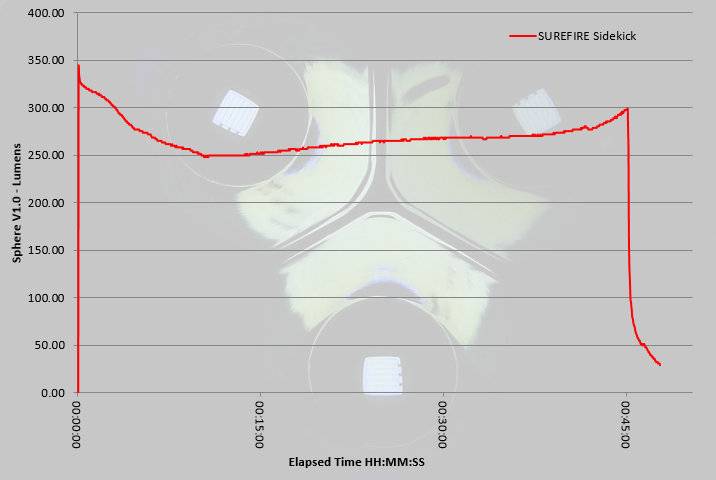
For such a compact lightweight light, the Sidekick has a fantastic performance on High. Not fully regulated, the output does however remain above 250lm for a full 45 minutes – very impressive for a keychain light.
 photo surefire sidekick runtime.jpg

Troubleshooting

This section is included to mention any minor niggles I come across during testing, in case the information helps anyone else.

No issues were encountered during testing.

As per the description of this section, this information is provided in case anyone else finds a similar ‘issue’ that might be fixed in the same way.

The Sidekick in use

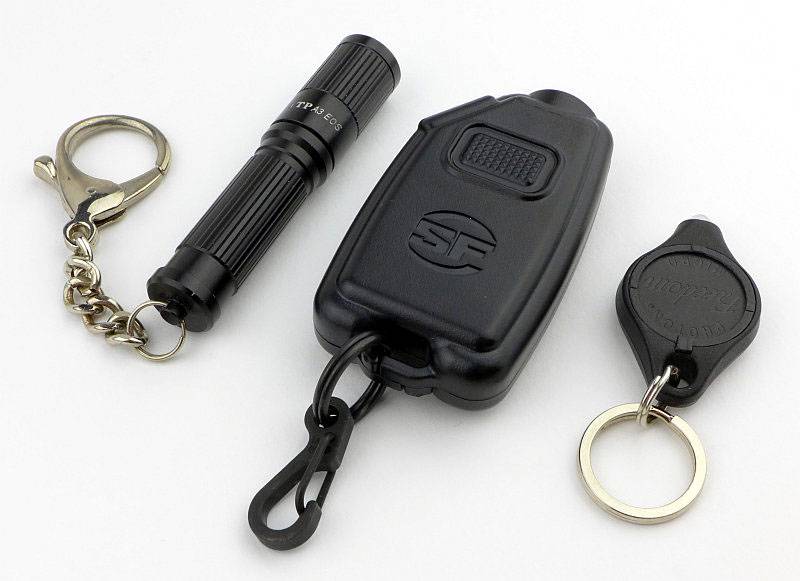
Though it is compact, the Sidekick is relatively large for a keychain light. It gets away with this thanks to not being heavy and the plastic housing seems to help reduce its overall presence. Here it is shown next to a AAA keychain light and a photon button cell light.

 photo 13 Sidekick size P1170838.jpg

With this extra size and relatively high cost (compared to its rivals, and especially in non-US markets), the Sidekick needs to work well to justify itself. The excellent beam and 300lm output do just that.

Ideally I prefer a smaller keychain light, but the extra size does make it more stable to hold, and you just don’t get that kind of output and runtime from something smaller and lighter.

If the housing were 100% plastic there would be heat issues, but Surefire have used a metal side panel which allows it to conduct heat out of the Sidekick. When using the High output this can get quite hot to the touch.

Perhaps the biggest annoyance for me has been that it is very similar in size to my car key, and when reaching into my pocket I now have to do the ‘pocket juggle’ of my keys to identify if I’ve grabbed my car key or the Sidekick.

The power button is quite stiff and has little feel to the click. The stiffness is an advantage in not having accidental activations (none so far, which I cannot say about other keychain lights), and eventually you do get some feel for the subdued click.

Not being a tactical light, the modes being L-M-H is ideal as for general EDC you most often only need a little light. One disappointment is the use of visible PWM in the Low mode. Medium and High have no PWM, and if only that Low mode was the same it would be much better.

Battery capacity is really great with the 640mAh cell always having plenty of output and runtime for everything I’ve thrown at it. Even with some unexpected night time strolls needing the path to be lit, using the full 300lm and plenty of other On/Off cycles to check things, and I’ve not needed to keep on recharging.

Recharging is one of those ‘love it or hate it’ things due to the main beam being used as a charging indicator. As it has never taken more than 1 hour to charge I haven’t needed to charge it overnight, so it is not that the main beam flashing and then going onto Low disturbs my sleep. However, the flashing can be annoying if you are in a room with lowered lighting. I was surprised by the Sidekick turning on the Low output once charging is complete, but actually it is a very clear indication that charging has finished, and even with a good charging circuit, it is never a good idea to leave any device on charge for a long time for no reason. The Sidekick tells you clearly to take it off charge. You can look at this either way, and to start with I thought it was not good, but having got used to it find it works pretty well.

The beam is very good, with a smooth floody profile and a neutral tint, which makes it so much better to use than lights with a 5mm LED or those with a more focused hotspot. This combined with the 300lm output, which is reasonably well maintained for a full 45 minutes of constant runtime, make this a really strong performer and the slight size penalty you pay is worth it.

Review Summary

_______________________________________________ _______________________________________________
Things I like What doesn’t work so well for me
_______________________________________________ _______________________________________________
Excellent MaxVision Beam. Bigger than most keychain lights.
300lm output. Easily confused for a car key.
USB rechargeable. Built-in non replaceable cell.
Lightweight. Main beam flashes then comes on constantly while charging.
45 minutes runtime on High. Visible PWM used in Low
L-M-H mode order.
Comfortable and stable to hold.
Strong, small, metal clip.


Discussing the Review:

Please feel free to add comments to the review, but the ideal place to freely discuss these reviews is on a forum. If you started reading the shorter forum version of the review, but followed the link this full exclusive review, please return to that forum to discuss the review there.
If you read the review entirely on Tactical Reviews, please consider one of the following to join in any discussion.

CandlePowerForums – Flashlight Reviews Section (Largest and Friendliest Flashlight Community Forum)

EdgeMatters – Sponsored Reviews (UK based Forum for Knife Makers and Collectors)

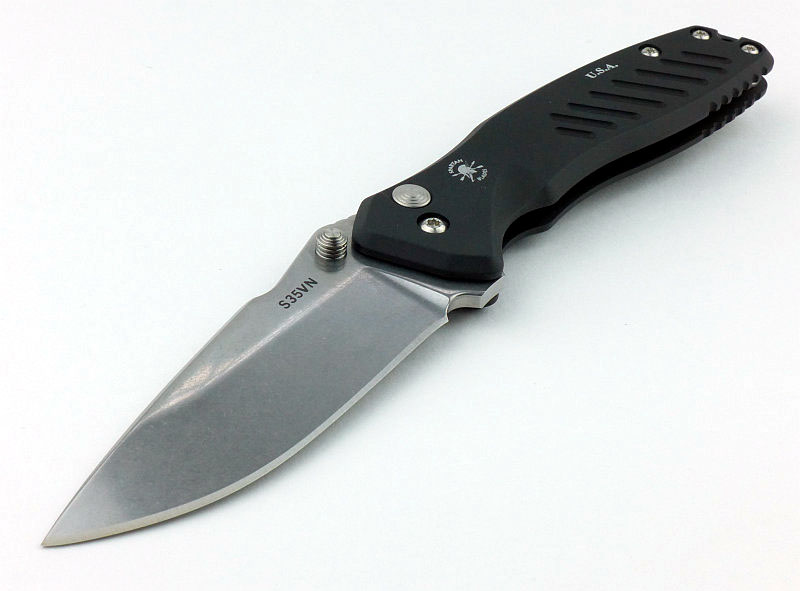
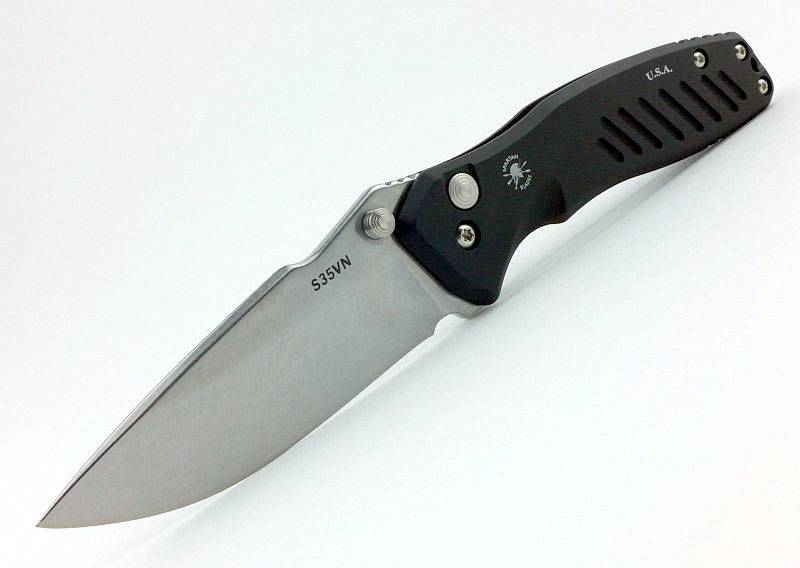
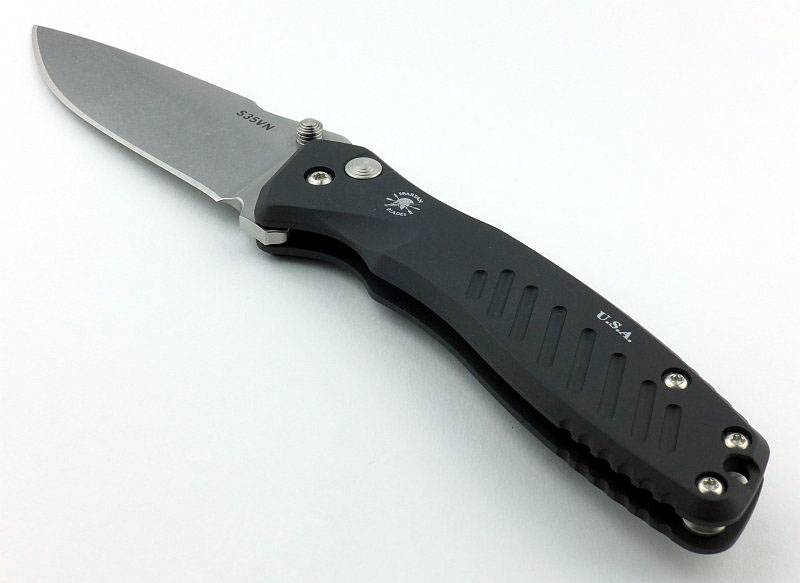
Knife Review: Spartan Blades PALLAS Button Lock

Spartan Blades LLC proudly make “Knives with Intent”, and their Pallas Button Lock folder is no exception, fulfilling its design brief exceptionally well.

 photo 31 Pallas side open P1190318.jpg

The Blade and Handle Geometry:

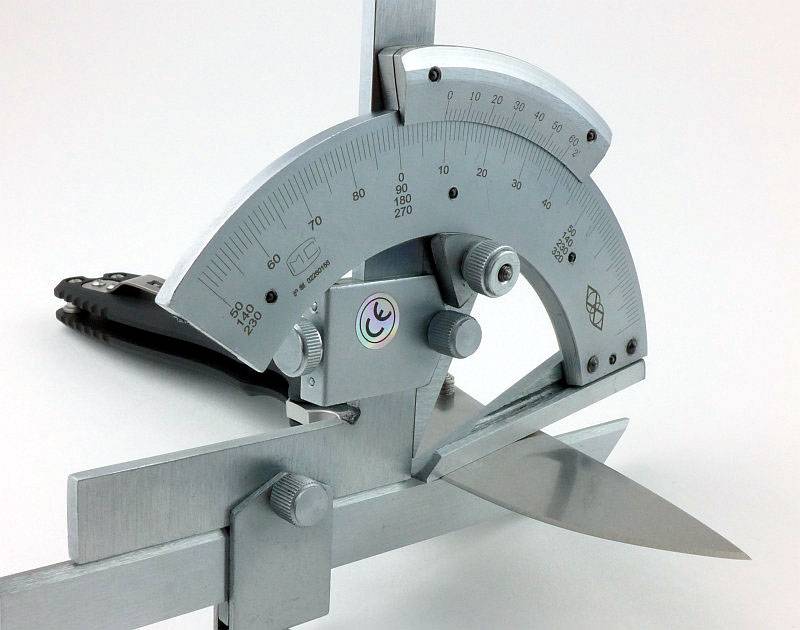
Most knife specifications have a basic description of the blade geometry, but in this section I will be taking a more detailed look at geometry and balance.
 photo 43 Pallas grind P1200581.jpg

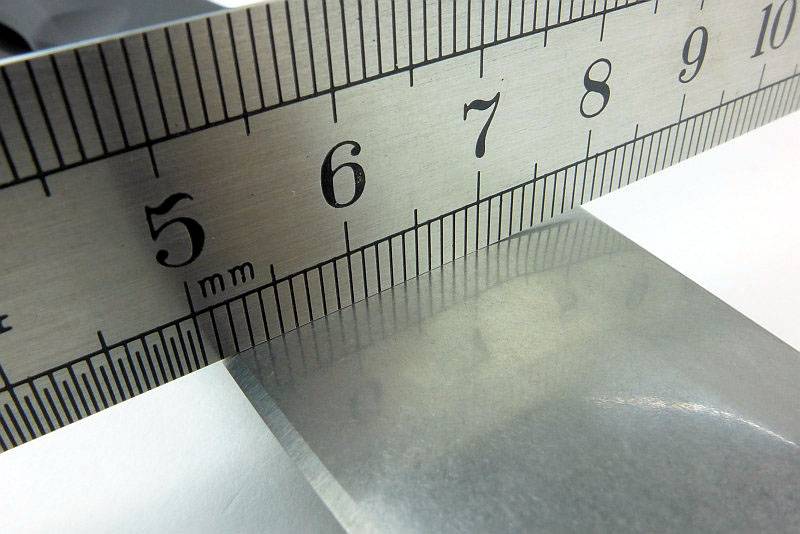
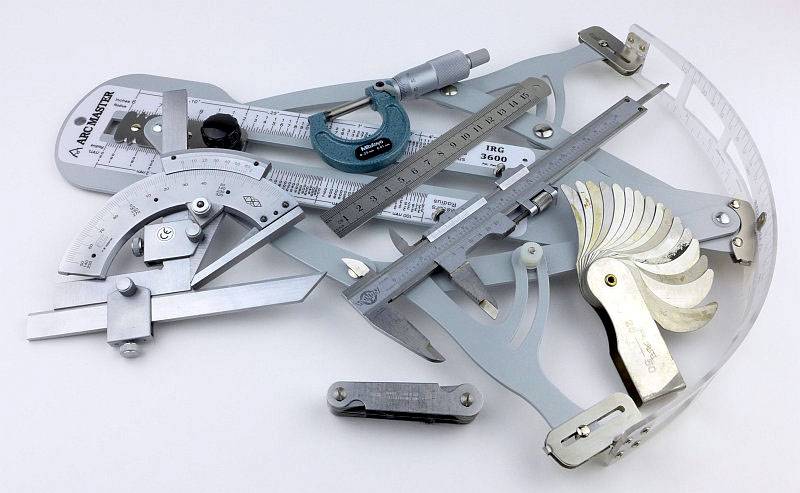
Using a set of gauges and precision measuring equipment including a Vernier protractor, callipers, fixed radius gauges and the unique Arc Master adjustable radius gauge (the one that looks like a crossbow).
 photo Knife measuring P1180483.jpg

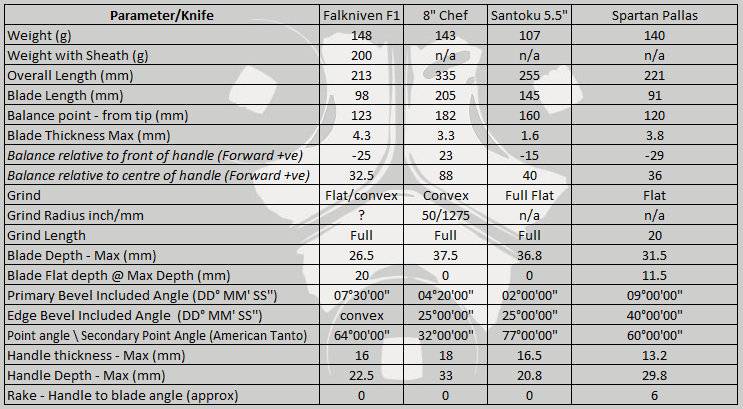
These measurements have been tabulated and are presented along with a few reference blades (8″ Chef’s Knife, 5.5″ Santoku and the popular Fällkniven F1).

Key aspects such as the primary bevel angle, grind type, blade depth, blade thickness, length, weight are detailed, along with balance information.
 photo 44 Pallas angle P1200606.jpg

The ‘Balance relative to the front of the handle’ tells you if the knife will feel front heavy, or if the weight is in your hand (a positive value means the weight is forward of the front of the handle). The ‘Balance relative to the centre of the handle’ indicates how close to a ‘neutral balance’ the knife has in the hand.
 photo 42 Pallas balance P1200573.jpg

In the case of full convex grinds the approximate centre of the grind is used for the primary bevel angle estimate.

 photo Spartan Pallas Parameters.jpg

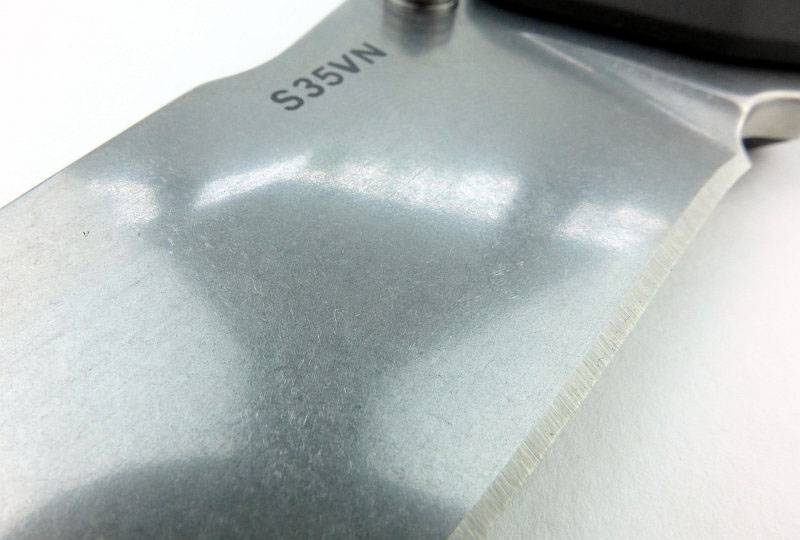
The blade is made from S35VN steel.

Explained by the Maker:

The reasons for certain design choices may not be clear when simply looking at an object, so this section is intended to give an insight into the thinking behind a design by speaking to the designer themselves.

Unfortunately I can’t always get time with the designer so will use this section to include relevant information about the knife and its designer.

Mark Carey (co-founder of Spartan Blades LLC) and I discussed the Pallas at IWA 2016, so I was able to find out a little of the thought processes that brought the Pallas folder into Spartan Blades’ line up.

The knife was actually designed by Spartan Blades’ other founder Curtis Iovito and named after PALLAS (PALE ES), the Titan god of warcraft from Greek mythology.

Mark, as an ex-serviceman himself, is passionate about helping to properly equip those in the armed forces with reliable tools. The Pallas was born out of a relatively simple need for a folding knife that could be easily closed with gloves on, and while being made of premium materials, would stay at an affordable price point.

With most liner or frame lock knives being awkward to close with gloves on, the button lock was an ideal format to make it easy to release the lock with even thick gloves on. For a blade you can rely on, CPMS35VN steel was chosen with a thickness sufficient to make it strong, without being excessively thick or heavy which would impede cutting. The S35VN blade rides on a set of Alpha bearings keeping it slick. To keep weight low and yet not add a high cost, 6061 aluminium was used for the frame along with stainless steel hardware.

In its standard format the Pallas has a flipper tab and thumb stud, either of which can be flicked to easily open the blade. In this review is a special modified version for the UK market. The modification was included following a discussion between Bruce of Heinnie Haynes and Mark, and required the flipper tab to be removed.

This ‘UK’ modified Pallas was created due to the UKBA tightening control over imported knives with quickly deployable blades. Flipper style knives are the primary target.

A few more details:

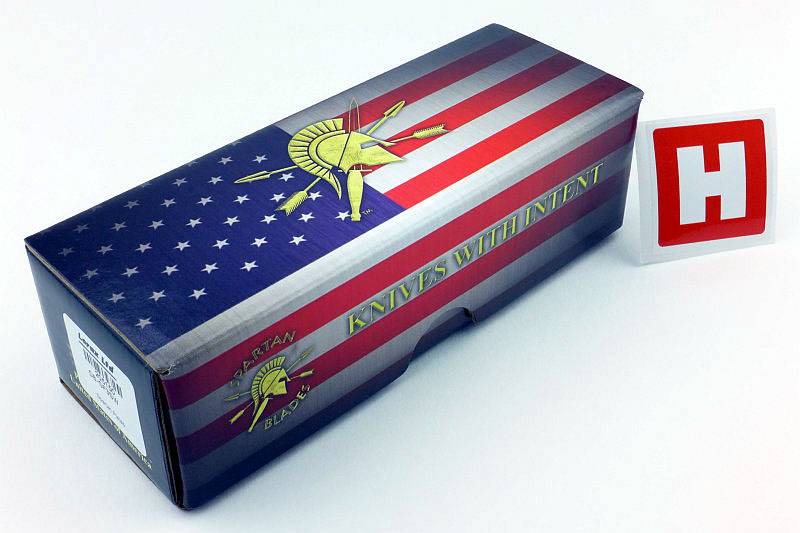
The Pallas box along with a Heinnie Haynes sticker to signify the creation of this ‘UK’ Version of the knife.
 photo 01 Pallas boxed H P1190180.jpg

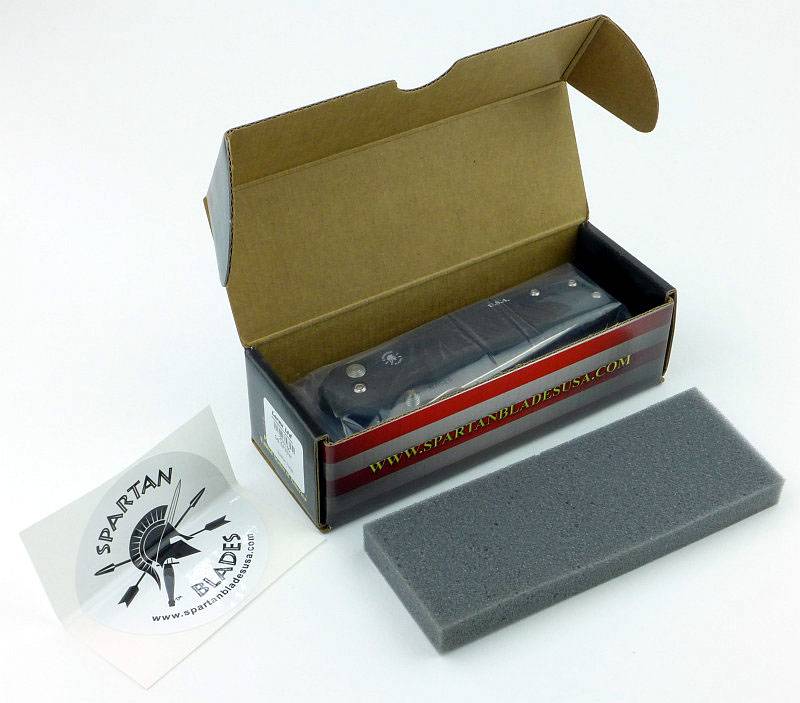
Flipping open the box, and the Pallas is sandwiched between foam liners with a Spartan Blades sticker included.
 photo 02 Pallas box open P1190188.jpg

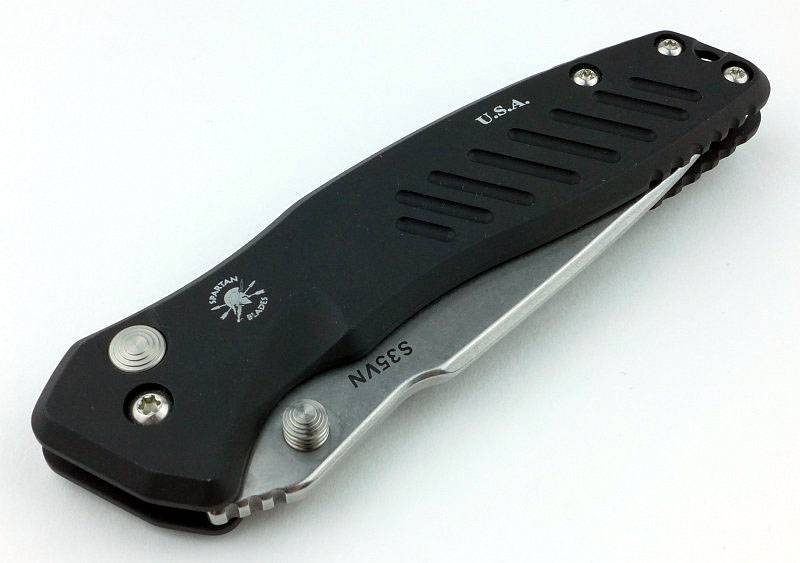
Fresh out of the box, the Pallas.
 photo 03 Pallas closed P1190190.jpg

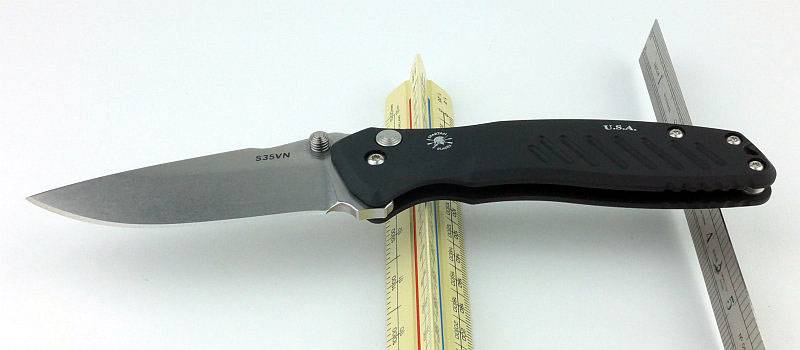
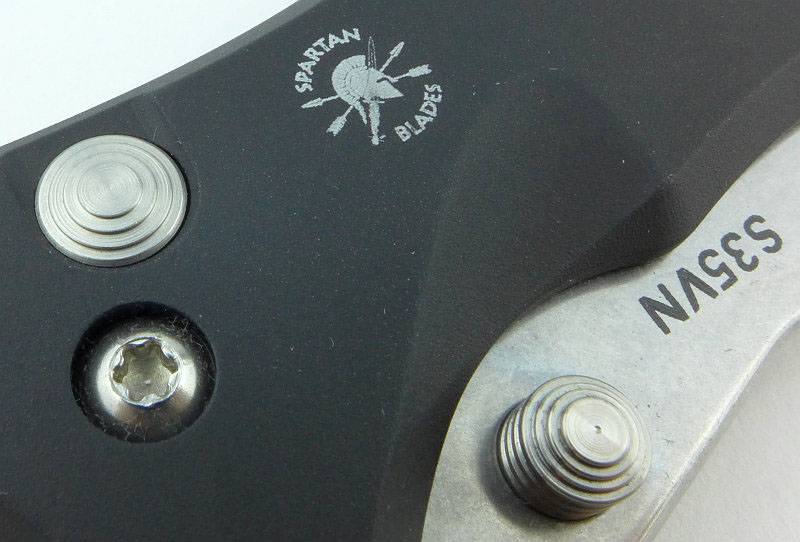
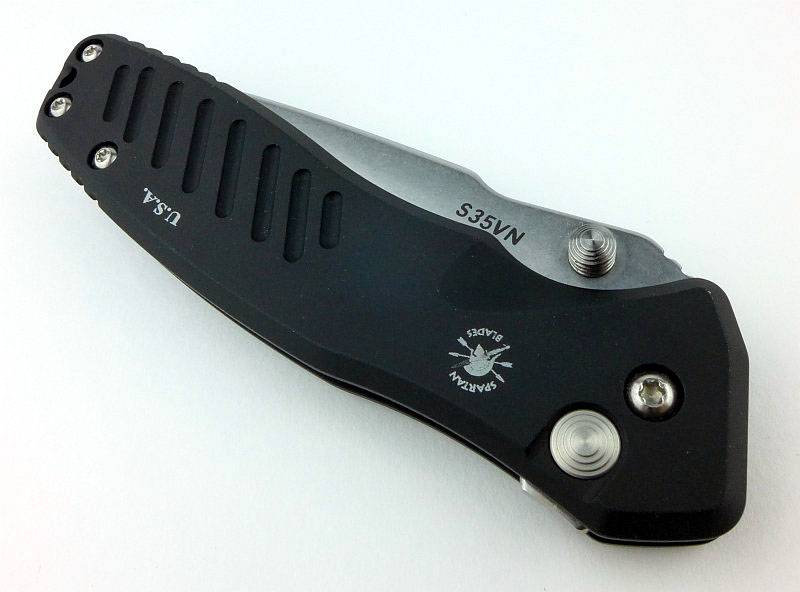
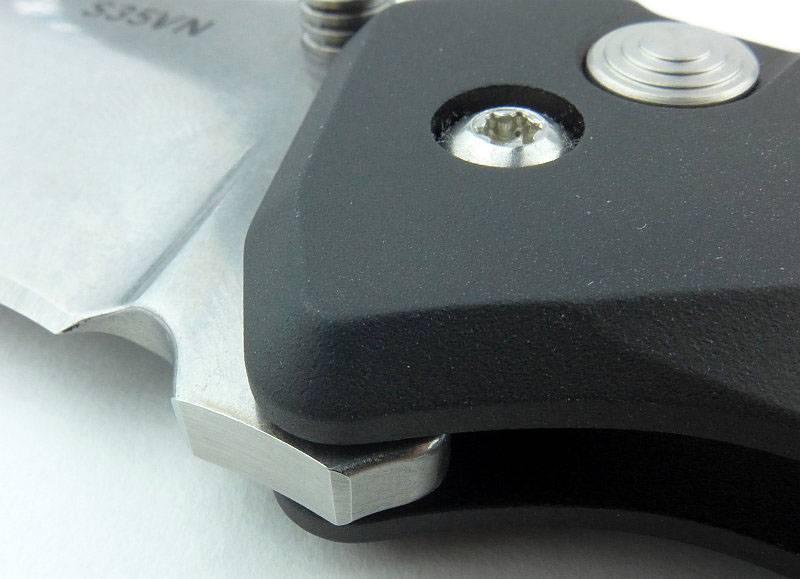
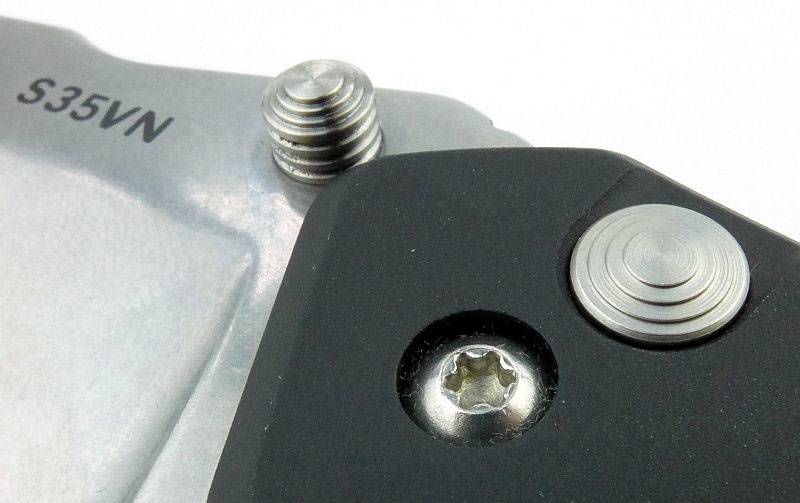
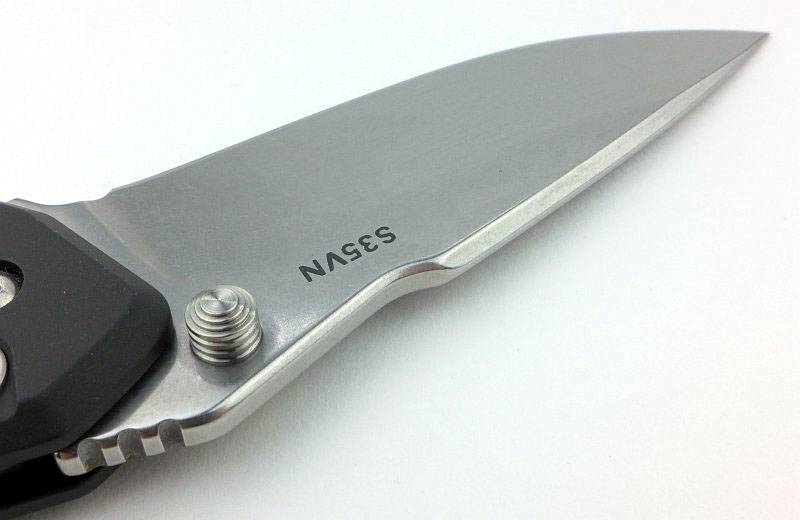
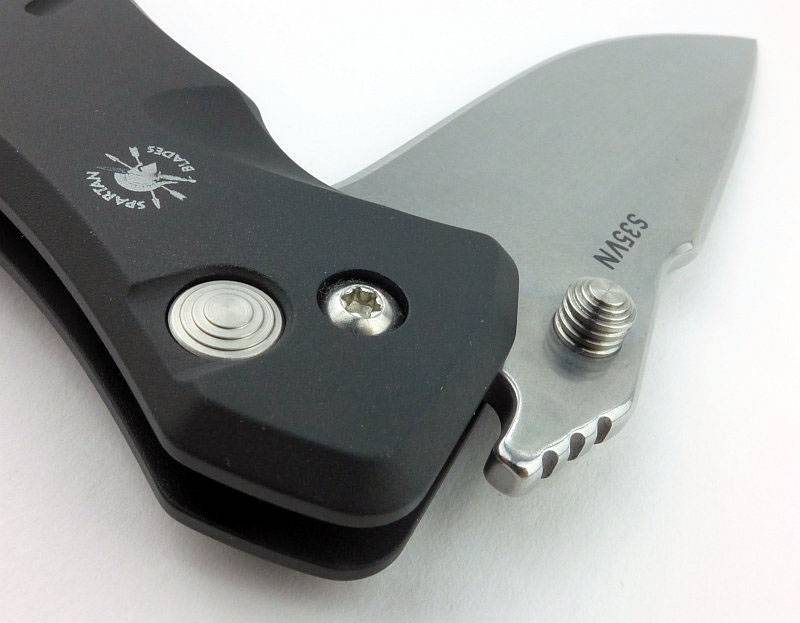
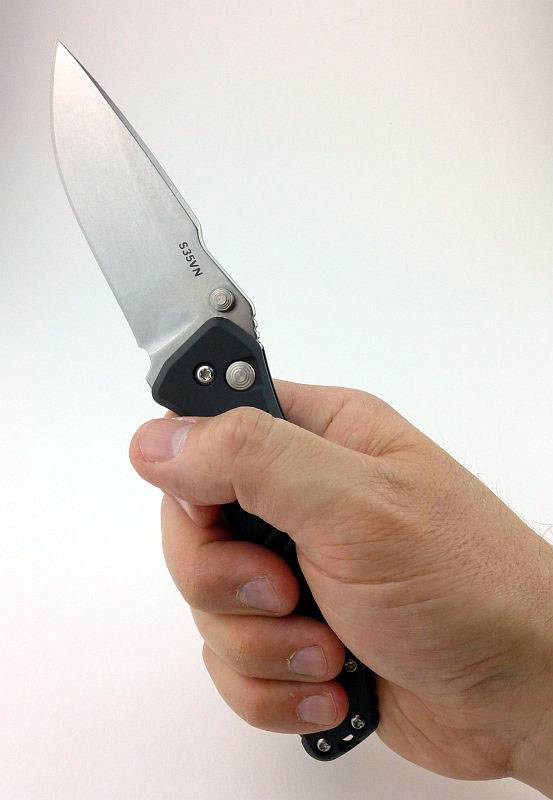
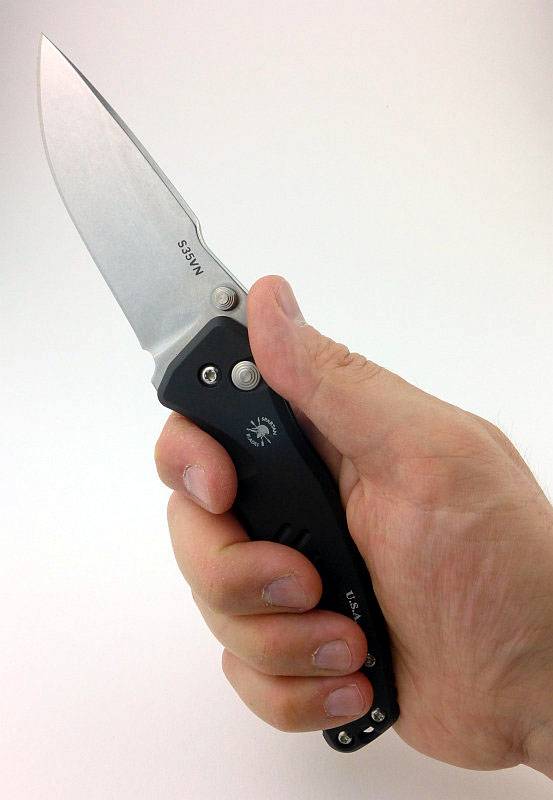
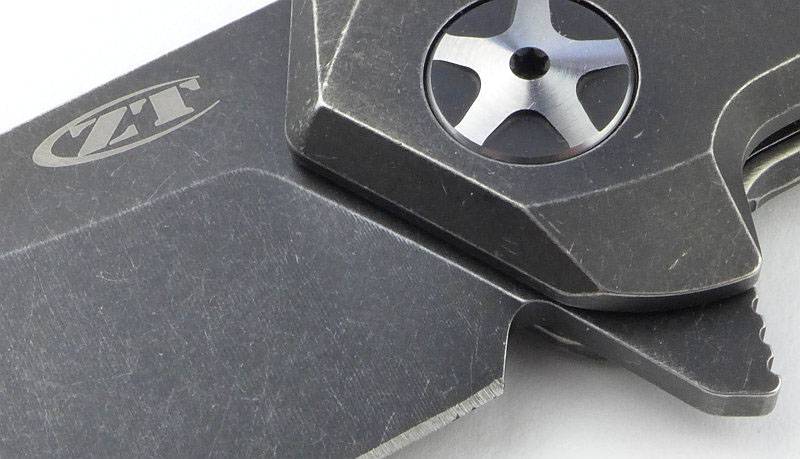
Straight in for a look at three key aspects of this knife, it is made by Spartan Blades (with the logo engraved in the handle), there is a button lock, and the blade is S35VN steel.
 photo 04 Pallas button stud logo P1190191.jpg

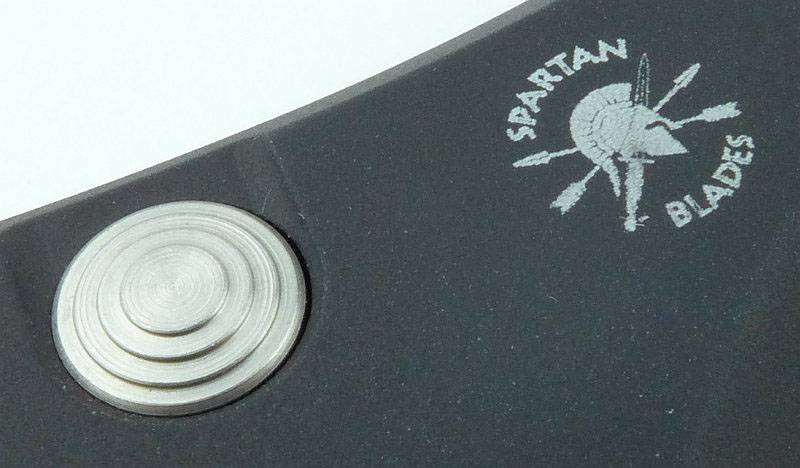
Closer still to the stainless steel button.
 photo 05 Pallas button logo P1190192.jpg

Despite an overall flat cross-section, the Pallas is full of curves that make the design flow and provide its ergonomics.
 photo 06 Pallas standing closed P1190200.jpg

Note the deviation from a standard Pallas in the there is no longer a flipper tab on this special UK version.
 photo 07 Pallas lying closed P1190204.jpg

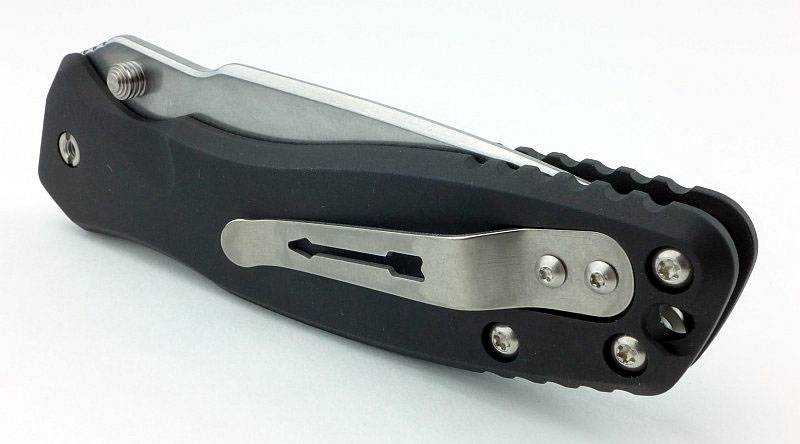
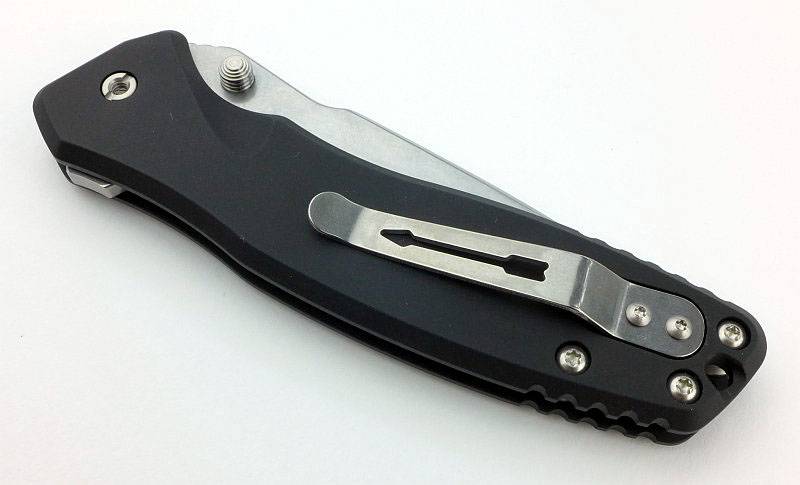
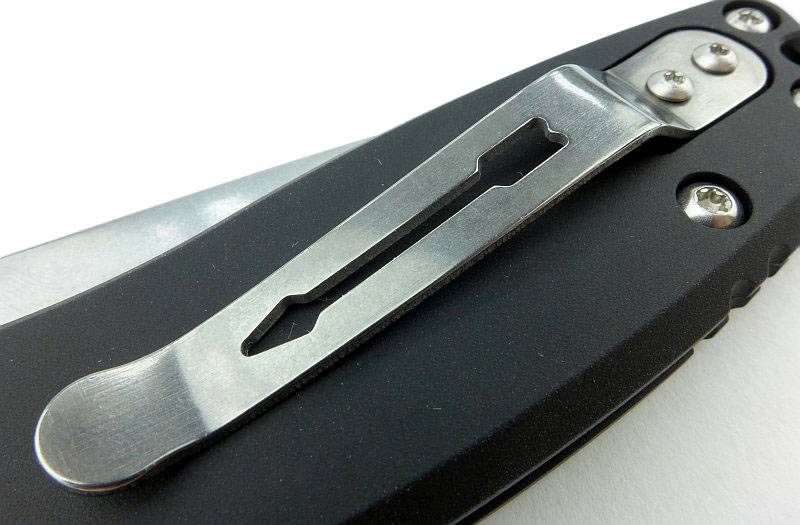
SpartanBlades’ signature titanium arrow pocket clip.
 photo 08 Pallas clip P1190206.jpg

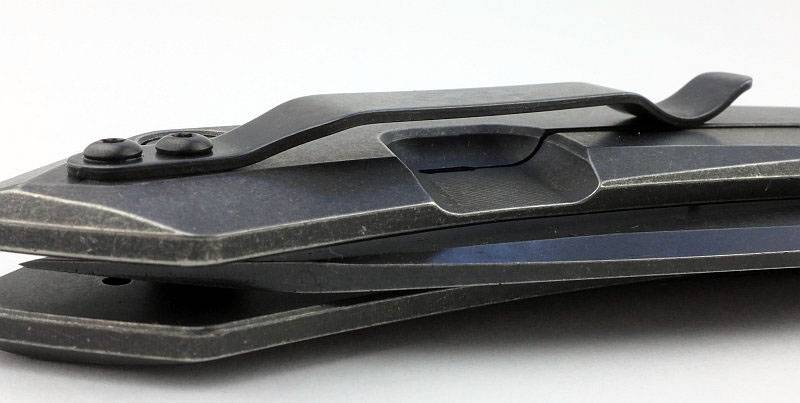
The pocket clip is one sided and cannot be fitted to the side with the lock button.
 photo 09 Pallas lying closed P1190210.jpg

This is where the flipper tab would be on the standard Pallas.
 photo 10 Pallas UK version P1190214.jpg

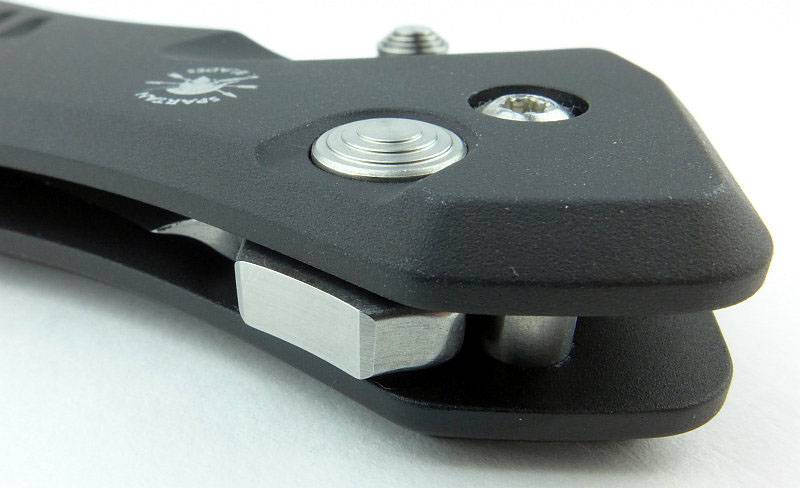
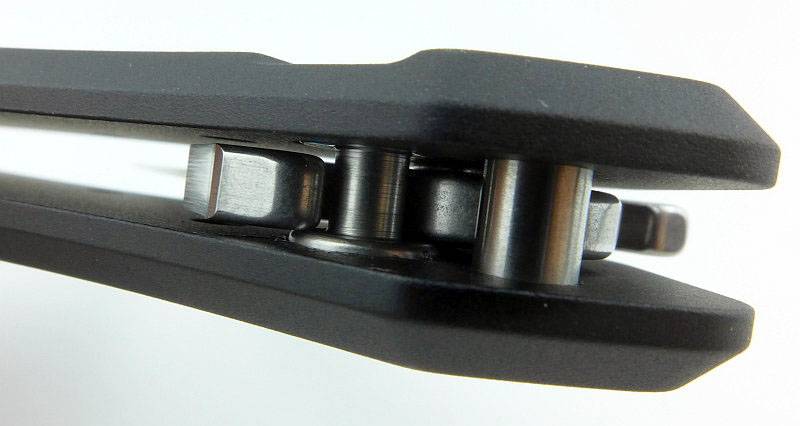
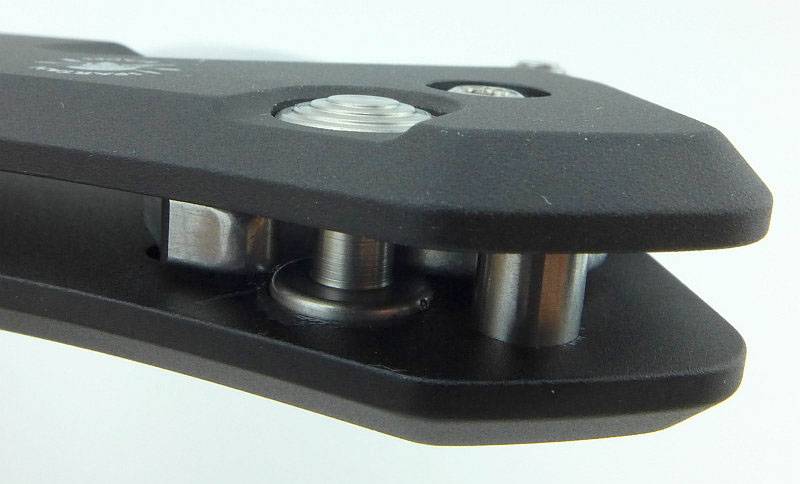
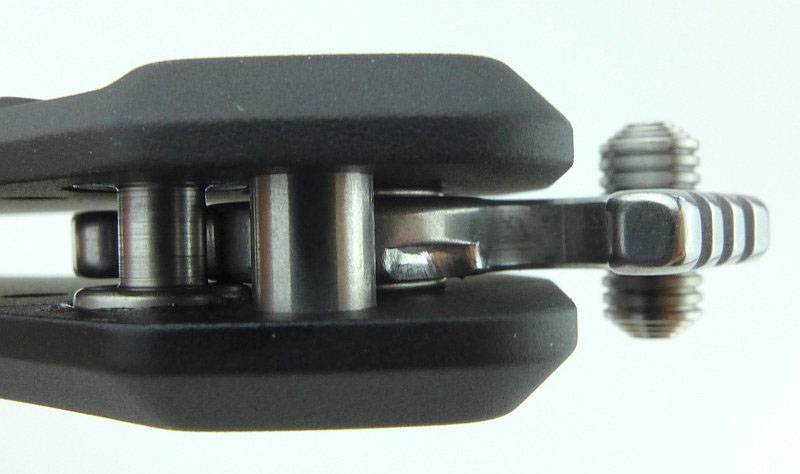
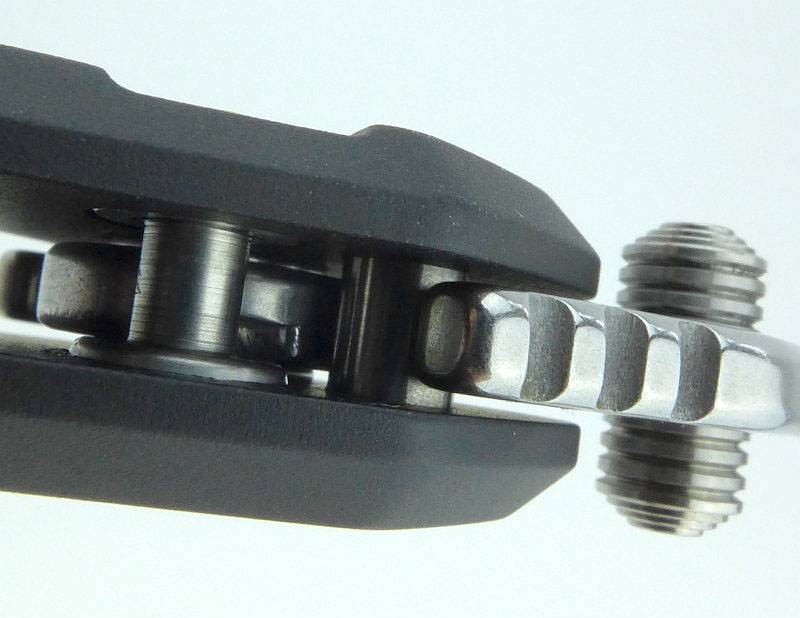
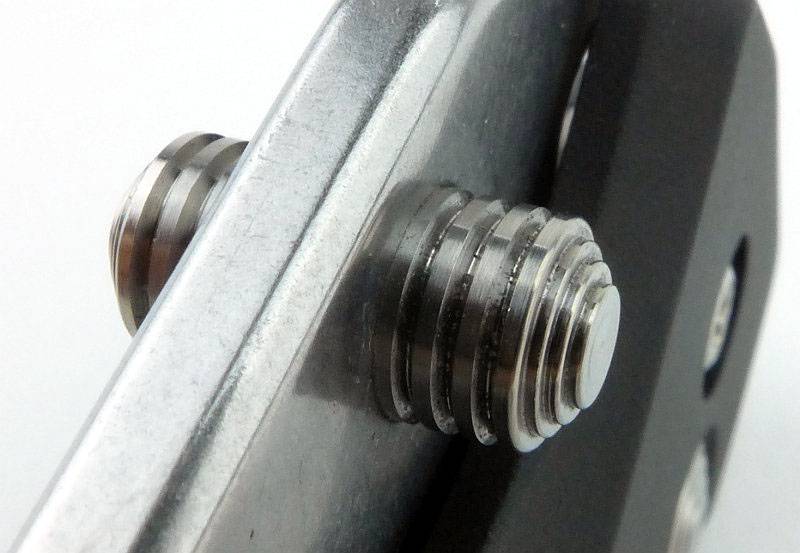
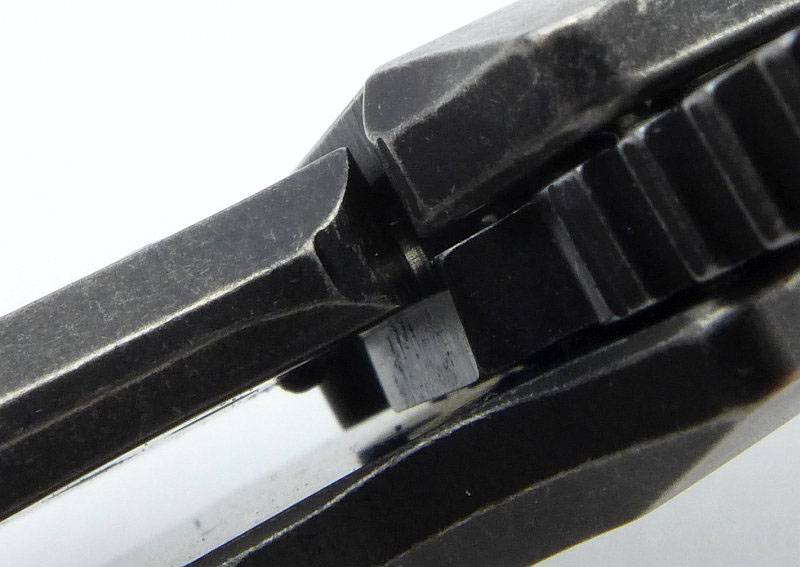
Button locks are far less common in non-autos, than other locking mechanism, so warrants a closer look. Here the blade has been opened slightly to allow the button and its shaft to be seen.
 photo 11 Pallas button inside P1190222.jpg

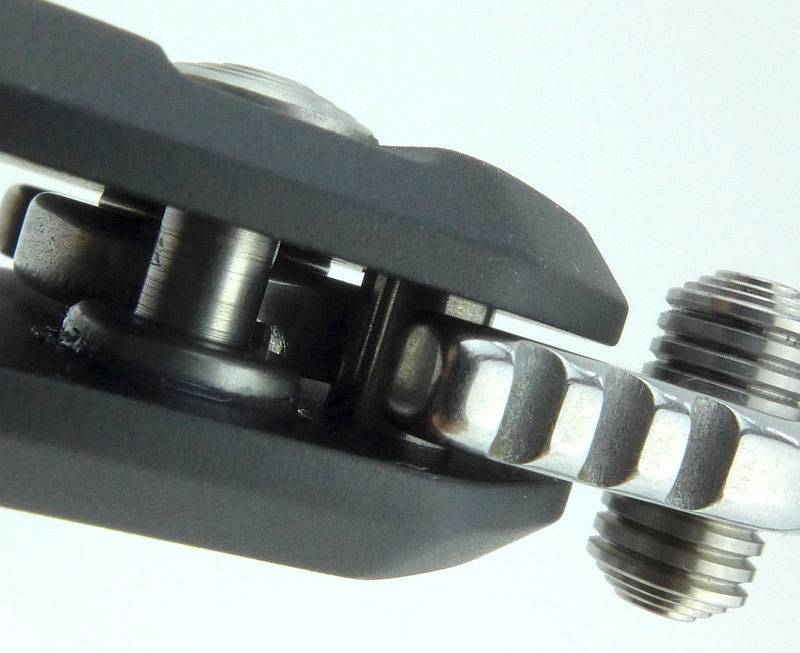
Viewed from a slightly higher angle you can see how the button has been pulled into the handle as the blade starts to open.
 photo 12 Pallas button inside P1190233.jpg

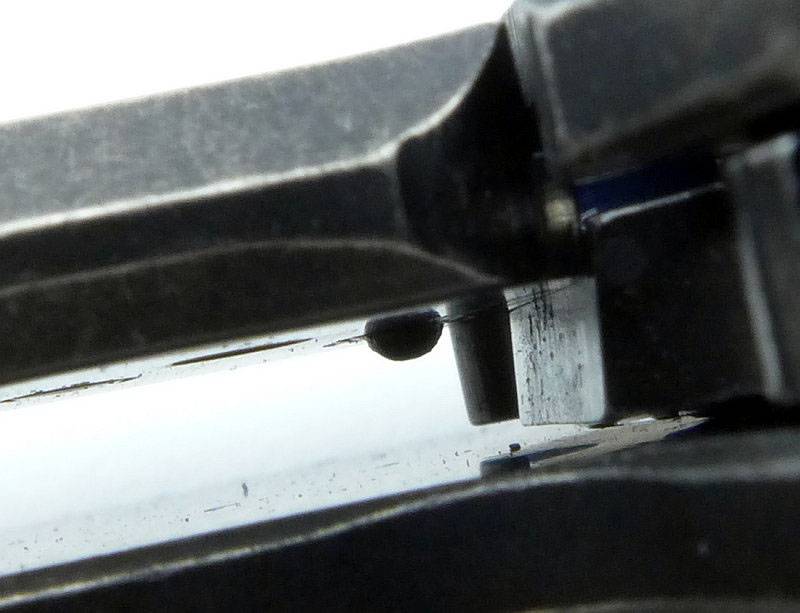
With the blade a little further open you can see the locking notch in the blade into which the button engages. You can see it is just to the right of the blade stop pin.
 photo 13 Pallas lock notch P1190238.jpg

The blade is now nearly fully open and the locking notch has nearly reached the button.
 photo 14 Pallas lock notch nearly open P1190243.jpg

And fully open the button has locked itself into the notch in the blade. The blade has also hit the stop pin and is firmly wedged between the two.
 photo 15 Pallas lock button engaged P1190245.jpg

Now the blade is fully open, the UK version trimmed off flipper tab can be seen more clearly.
 photo 16 Pallas no flipper P1190259.jpg

The overall view.
 photo 18 Pallas angle open reverse P1190264.jpg

when looking closely at the blade tip you can see the contrast of the crispness of the final edge bevel and the rounded blade spine.
 photo 19 Pallas tip P1190272.jpg

The entire blade surface has a stonewashed finish.
 photo 20 Pallas stonewash P1190275.jpg

Not quite a full flat grind, the Pallas blade is a high flat grind.
 photo 21 Pallas blade grind P1190276.jpg

Each side of the pivot bolt is different, with a nut on this side.
 photo 22 Pallas pivot nut P1190285.jpg

And a torx bolt head on the other side.
 photo 23 Pallas pivot bolt P1190280.jpg

Though they look good, the handle spacers are also a very practical design with wide flats where they contact the handles and a slight waist which will reduce weight without any significant loss of strength.
 photo 24 Pallas spacers P1190289.jpg

You can see straight through the handle with the three spacers one end,and the blade pivot at the other.
 photo 25 Pallas spacers P1190293.jpg

All the edges of the spine are nicely rounded. So you won’t be striking sparks off fire-rods, but you also won’t be fraying your pockets.
 photo 26 Pallas spine P1190294.jpg

There is a little jimping for your thumb where the blade meets the handle.
 photo 27 Pallas jimping P1190298.jpg

Each side of the spacers are held with torx bolts, as is the pocket clip.
 photo 28 Pallas spacer bolts P1190302.jpg

Blade centring is spot on.
 photo 29 Pallas centring P1190307.jpg

When the blade is between one third and two thirds open you can see the blade-stop hook in the tang of the blade.
 photo 30 Pallas blade stop hook P1190315.jpg

The cutting edge is terminated in a choil, and the plunge line is nicely radiused to reduce stress concentrators.
 photo 32 Pallas plunge choil P1190322.jpg

At the butt of the knife handle, there is jimping top and bottom giving a surprisingly useful amount of grip. I’d also take this opportunity to point out the surface texture of the anodised handles. There is a matt finish to the anodising due to what appears to be an underlying bead blasted surface.
 photo 33 Pallas handle jimping P1190325.jpg

Grooves cut into this side of the handle provide grip where your finger tips press onto the handle. Subtle and effective.
 photo 39 Pallas handle grip P1190366.jpg

The lanyard hole goes through both handle slabs.
 photo 40 Pallas lanyard hole P1190368.jpg

Lastly for this section, a close-up of the thumb stud which looks crisp and precise, yet without any sharp edges on the thumb contact surface.
 photo 41 Pallas thumb stud P1190377.jpg

What it is like to use?

I like a big folder, and though the Pallas is not really big, it certainly is a good size with its 3 3/4″ blade and 8 3/4″ opened length. For a knife of its size with all metal construction, the weight is impressively low making it easy to carry.

Admittedly I was slightly sceptical about the button lock from the point of view of a good tight lockup. Straight out of the box, my fears seemed to be proving true, HOWEVER (and yes a big however) this was only due to two reasons. Firstly without the flipper, I was only opening the blade slowly and the lock was then not engaging tightly, and secondly the button just needed a little use to settle in.

After more use, the lock was engaging tightly even when only opened gently on the thumb stud. So I would recommend all users to start with at least 30-40 good firm flicks open to bed the button lock in. After this the lock has been spot on and rock solid. Even with the UK version you can start to open the blade with the thumb stud, then flick it fully open with your wrist. For those with the knack, so can also flip the blade open using the thumb stud instead of the flipper tab (but be careful as you can easily catch the edge with your thumb doing this).

Another observation that was immediately obvious, is that the blade movement is super slick. Importantly the blade has no side-to-side play, but the movement is so smooth and easy I would go so far as to say it is the smoothest I’ve used to date (and I’ve handles hundreds of folders with and without ball-bearings). This may in part be due to the button lock mechanism allowing the blade tang to move freely, or possibly due to the high level of finish of all the moving parts.

The generous size of the knife means it is a comfortable handful with or without gloves. I would obviously prefer the added protection the flipper tab (finger guard) gives you, but for this UK version it is no less safe than other non-flipper folders.
(I take XL size gloves)
 photo 34 Pallas in hand P1190332.jpg

Taking up a thrust hold, the jimping on the blade gives you more grip.
 photo 35 Pallas in hand P1190334.jpg

Though this was not the intention of the harpoon style blade, it just happens that for a fine working grip your first finger sits nicely against the harpoon spine. Like this of course you need to watch your thumb doesn’t hit the lock button. (So far I’ve not had any instances of an accidental press of the lock button)
 photo 36 Pallas in hand P1190337.jpg

When swapping between grips, your hand seems to fall into place with no adjustment required to eliminate any hotspots. Handle shaping is subtle but certainly works well for me.

With the button lock design being focused on ease of closing with gloves on, it is primarily a right-handed layout with the button being easy to reach with the thumb of your right hand. The clip is also fixed to one side (opposite to the button). The blade has a double-ended thumb stud and there is a depression on both handle sides giving easier access to the thumb stud, so at least for opening the Pallas is suitable for left-handed users as well. Are there any issues for left-handers? No, even using the Pallas left-handed I found the button easy to press with my first finger to close the blade. It is not as comfortable with the clip falling under your finger tips in a left-handed grip, but that is only a minor annoyance.

Another concern I had was of the button being accidentally pressed during use. So far I’ve not come close to doing this as the button appears to be far enough forward you positively have to try and press it. It is perhaps a small risk, but the completely safe and easy one-handed-closing the Pallas allows, has started to make this a firm favourite. While holding the button in, the blade is able to swing freely, so one-handed-closing is as easy as pressing the button and either flicking the blade closed or holding the blade upright and allowing it to swing closed. Many knives open easily, but few close this easily (when you want it to close).

I’m not a fan of pocket clips, and the Pallas clip looks quite thick, but thanks to being titanium, it has an ideal holding tension that is not too strong or weak.

Blade thickness is an excellent compromise between ultimate strength and cutting ability. It is thick enough that in some harder materials you start to feel it binding as the blade grind wedges into the cut, but the high flat grind helps this stay manageable. There is enough steel in the blade that you are not going to be worried about breaking it (unless you try to use it as a pry bar).

To give another idea of scale, here it is next to the Fällkniven F1 and a Spyderco UK Pen Knife.
 photo 37 Pallas size P1190353.jpg

And also shown next to the Spartan Blades Harsey Model II.
 photo 38 Pallas size P1190360.jpg

Review Summary

The views expressed in this summary table are from the point of view of the reviewer’s personal use. I am not a member of the armed forces and cannot comment on its use beyond a cutting tool or field/hunting knife.

Something that might be a ‘pro’ for one user can be a ‘con’ for another, so the comments are categorised based on my requirements. You should consider all points and if they could be beneficial to you.

_______________________________________________ _______________________________________________
Things I like What doesn’t work so well for me
_______________________________________________ _______________________________________________
Button lock makes blade closing easy, with or without gloves. Lock initially needs some bedding in.
Safe and Easy One-Handed Closing. Small possibility of accidentally pressing the lock button during use (this did NOT happen during testing).
Strong S35VN Blade. Slightly biased for right-handed users.
Lightweight for its size.
Super smooth blade action.
Zero blade play.
Excellent fit and finish.
Titanium pocket clip.

 photo 17 Pallas angle open P1190262.jpg


Discussing the Review:

Please feel free to add comments to the review, but the ideal place to freely discuss these reviews is on a forum. If you started reading the shorter forum version of the review, but followed the link this full exclusive review, please return to that forum to discuss the review there.
If you read the review entirely on Tactical Reviews, please consider one of the following to join in any discussion.

EdgeMatters – Sponsored Reviews (UK based Forum for Knife Makers and Collectors)

BladeForums – Knife Reviews (US based Forum for Knife Discussion)

CandlePowerForums – Knife Reviews Section (Largest and Friendliest Flashlight Community Forum)
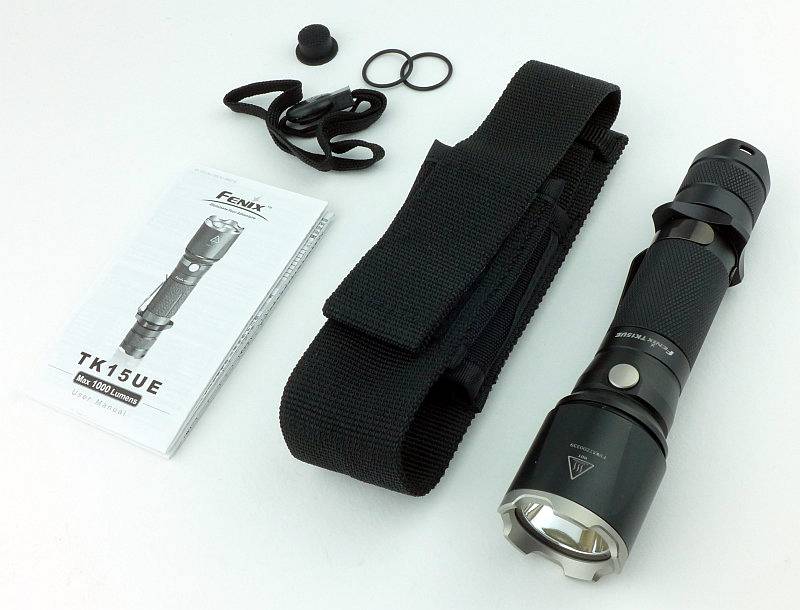
Knife Review: Zero Tolerance 0095BW Flipper (S35VN blade, Titanium Handle, ‘BlackWash’ Finish)

One of Zero Tolerance’s new knives for 2016, the 0095BW is one which initially did not particularly stand out for me, but as I’ve got to know it better, I’ve found I very nearly missed out on a real gem.

 photo 19 ZT 0095BW open angle lockbar P1180414.jpg

The Blade and Handle Geometry:

Most knife specifications have a basic description of the blade geometry, but in this section I will be taking a more detailed look at geometry and balance.
 photo 32 ZT 0095BW grind P1180524.jpg

Using a set of gauges and precision measuring equipment including a Vernier protractor, callipers, fixed radius gauges and the unique Arc Master adjustable radius gauge (the one that looks like a crossbow).
 photo Knife measuring P1180483.jpg

These measurements have been tabulated and are presented along with a few reference blades (8″ Chef’s Knife, 5.5″ Santoku and the popular Fällkniven F1).

Key aspects such as the primary bevel angle, grind type, blade depth, blade thickness, length, weight are detailed, along with balance information.
 photo 33 ZT 0095BW measure P1180531.jpg

The ‘Balance relative to the front of the handle’ tells you if the knife will feel front heavy, or if the weight is in your hand (a positive value means the weight is forward of the front of the handle). The ‘Balance relative to the centre of the handle’ indicates how close to a ‘neutral balance’ the knife has in the hand.
 photo 31 ZT 0095BW balance P1180523.jpg

In the case of full convex grinds the approximate centre of the grind is used for the primary bevel angle estimate.

 photo 0095BW Parameters2.jpg

The blade is made from S35VN steel.

A few more details:

The 0095BW’s box.
 photo 01 ZT 0095BW boxed P1180348.jpg

Inside was the 0095BW and a generic ZT information leaflet.
 photo 02 ZT 0095BW box contents P1180351.jpg

Quiet and subtle, the 0095BW’s stonewashed ‘BlackWash’ finish makes it inconspicuous.
 photo 03 ZT 0095BW closed angle P1180354.jpg

Nicely picking up the edges, the stonewashed finish allows you to really appreciate all the design details and flow of the lines.
 photo 04 ZT 0095BW closed angle lockbar P1180356.jpg

A two-tone pivot adds a decorative element.
 photo 05 ZT 0095BW pivot bolt P1180361.jpg

Blade and handle blend into each other with the stonewashed finish, and on this side the model, ‘made in’ and KAI logo can be seen on the blade. Also note the bolt head holding the hardened lockbar insert onto the Titanium lockbar.
 photo 06 ZT 0095BW model P1180363.jpg

The blade is perfectly centred (even if I’ve not quite captured that in this photo).
 photo 06b ZT 0095BW blade centring P1180367.jpg

Despite such an understated, almost ‘used’ look, the 0095BW is a stunning looking knife.
 photo 07 ZT 0095BW closed side P1180371.jpg

On the other side of the blade is the ZT logo which sits into the lock release cut-out.
 photo 08 ZT 0095BW logo P1180373.jpg

The removable clip also has the ZT logo. Also note how it sits at an angle such that it does not press on the lock bar, but instead on the side of the handle.
 photo 09 ZT 0095BW clip P1180374.jpg

Taking a lower angle view, you can see the thinned area of the handle (under the clip) that creates the lock bar spring.
 photo 09 ZT 0095BW lock spring P1180377.jpg

Ready for action the flipper (which doubles as a finger guard) has jimping to provide a good grip.
 photo 10 ZT 0095BW flipper P1180386.jpg

Ready for the clip to be mounted on either side, the 0095BW has the threaded holes for tip-up carry either way round.
 photo 11 ZT 0095BW clip holes P1180387.jpg

A close view of the stonewashed finish on the handle. This gives an even overall ‘worn’ look, which really helps further marks blend in. The 0095BW is asking to be used.
 photo 12 ZT 0095BW finish P1180392.jpg

With the blade open you can now see the lockbar release cut-out, and the where you press on the lockbar to release the blade. Notice as well how the lines of the handle flow into the flipper.
 photo 14 ZT 0095BW flipper open P1180399.jpg

A close-up of the blade tip.
 photo 15 ZT 0095BW tip P1180402.jpg

One of those details I consider a must-have, the 0095BW has a choil to terminate the edge and allow proper sharpening.
 photo 16 ZT 0095BW choil P1180404.jpg

Like the handle, the blade has a stonewashed finish. The main difference here is that the blade grinding lines are visible through the finish.
 photo 17 ZT 0095BW blade finish P1180410.jpg

A well rounded plunge line follows the handle’s front edge.
 photo 18 ZT 0095BW plunge line P1180412.jpg

Out of the box, lock engagement is not that deep. However the lockup is rock solid. As it wears this will gradually increase the engagement.
 photo 21 ZT 0095BW lock engagement P1180418.jpg

The blade stop is a pin set into the handle, but set into blind holes so it cannot be seen on the side of the handle.
 photo 22 ZT 0095BW blade stop P1180428.jpg

Giving it the really snappy opening is the detent ball which holds the blade closed until enough pressure is applied to the flipper.
 photo 28 ZT 0095BW detent P1180472.jpg

A curving handle acts like a palm swell. The harpoon blade design is one of my favourite blade shapes.
 photo 23 ZT 0095BW open angle P1180431.jpg

Another look at that harpoon design.
 photo 24 ZT 0095BW harpoon P1180437.jpg

What it is like to use?

Again this knife surprised me, as in contrast to its modest appearance (mainly thanks to the stonewashed finish), the 0095BW displays modern lines and has particularly good slicing and piercing ability. The blade cuts very aggressively and eagerly.

With a narrow point angle, the tip cuts very deeply (frequently deeper than you might want) and means you have to be wary of this. The high flat grind makes this almost a full flat grind and as such it slices very well. Add to this the blade being only 3mm thick and it makes those deep slicing cuts very easily.

The 0095BW is a good size folder with 3 1/2″ blade, yet remains slim, light and easy to pocket due to the Titanium used for the handles. This cuts both ways though, and does make the handle a little thin for heavy or extended work. As an EDC blade for sporadic cutting, the compromise is ideal.

Holding for a piercing cut, the flipper serves as a finger guard and gives you a solid surface to push forward with. (I take XL size gloves)
 photo 25 ZT 0095BW in hand P1180454.jpg

Taking up a power grip, the harpoon blade shape fits in perfectly with a thumb positioned on the spine for a stronger cutting force. The curve of the handle sitting nicely into your palm.
 photo 26 ZT 0095BW in hand P1180456.jpg

While looking at grip, a small aside to take a look at a common issue people have with flippers – that of finding them difficult to flip. The most common reason people have difficulty with flippers that use integral locks, is the accidental pressure on the lock bar. The lock bar has the blade retention detent, and is you push on the lock bar you effectively prevent the detent from slipping and so stop the blade deploying. You need to ensure that when you grip the closed knife you keep your fingers off the lock bar, and if you do this, sliiiiCK, the blade flies open and locks firmly. For a knife where the pocket clip sits fully on the lock bar (not the case here) you need to watch that as well.
 photo 29 ZT 0095BW opening grip P1180474.jpg

Once you have the hang of gripping the knife correctly for the flip, it starts to become addictive and usually your flipping session ends with someone shouting at you to “STOP IT” (or is it just me that has that happen?).

In terms of its flip, this is one area Zero Tolerance have worked hard to get right. The design of the detent allows a good amount of force to build and then a clean release of that force as the blade breaks free. Using ZT’s KVT ball-bearing makes the blade motion super smooth, in fact if you push the lock bar out slightly to stop the detent ball pressing on the side of the blade, the blade will swing smoothly under its own weight. The result of a tuned detent combined with the KVT ball-bearing, is a very positive blade deployment which you might even think is assisted. Lock-up is absolutely solid with no play at all.

A quick mention of the ZT BlackWash finish – this is a bit like getting stonewashed jeans, it has almost been worn-in for you. The finish makes it look used, and easily masks any further marks from use, so unlike other types of finish that can be painful to see the first signs of use on, the 0095BW is just asking to be used.

To give an idea of scale, here it is next to the Fällkniven F1 and a Spyderco UK Pen Knife.
 photo 27 ZT 0095BW size P1180458.jpg

Review Summary

The views expressed in this summary table are from the point of view of the reviewer’s personal use. I am not a member of the armed forces and cannot comment on its use beyond a cutting tool or field/hunting knife.

Something that might be a ‘pro’ for one user can be a ‘con’ for another, so the comments are categorised based on my requirements. You should consider all points and if they could be beneficial to you.

_______________________________________________ _______________________________________________
Things I like What doesn’t work so well for me
_______________________________________________ _______________________________________________
Understated look using ZT’s BlackWash finish. Handle too slim for extended use or heavy cutting.
Extremely effective for slicing or piercing. Blade tip makes it easy to cut too deeply.
Silky and positive flip action. Pivot bearing is not sealed so could attract dust and grit.
Light weight. Careful placement of fingers required for an easy flip.
Slim design is easy to pocket. Can become slippery with wet or greasy hands due to a lack of grip patterns or jimping.
Uses S35VN steel.
KVT pivot ball-bearing.
Reversible clip.
Excellent fit and finish.

 photo 13 ZT 0095BW open angle P1180395.jpg


Discussing the Review:

Please feel free to add comments to the review, but the ideal place to freely discuss these reviews is on a forum. If you started reading the shorter forum version of the review, but followed the link this full exclusive review, please return to that forum to discuss the review there.
If you read the review entirely on Tactical Reviews, please consider one of the following to join in any discussion.

EdgeMatters – Sponsored Reviews (UK based Forum for Knife Makers and Collectors)

BladeForums – Knife Reviews (US based Forum for Knife Discussion)

CandlePowerForums – Knife Reviews Section (Largest and Friendliest Flashlight Community Forum)
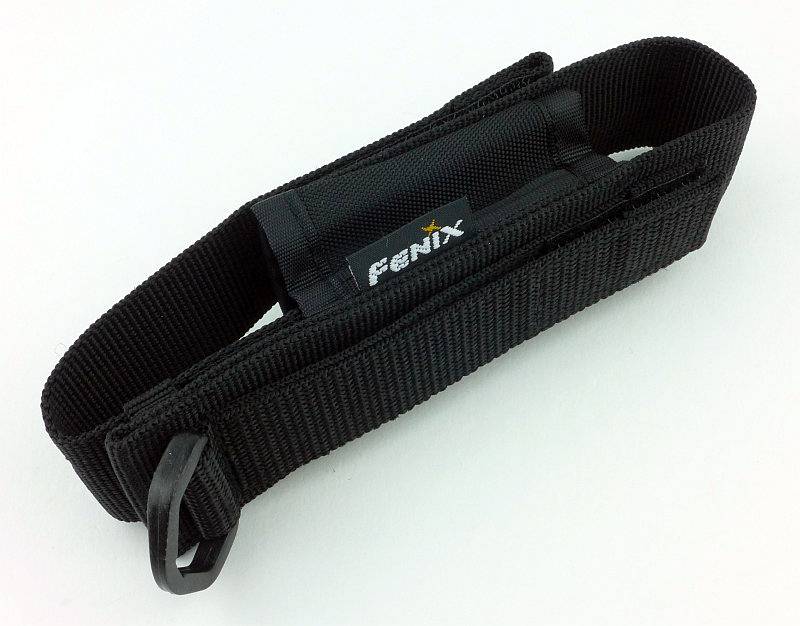
Gear Review: Walkstool ‘Comfort 65’ Portable Stool with Telescopic Legs

It was at IWA 2016 that I came across Walkstool on my way to another appointment. As soon as I saw their telescopic folding stools I felt they were worth further investigation, and after a demonstration by Pius Schmitt (who is featured in the Walkstool website videos) didn’t need any further persuasion; I knew this was something special.

 photo 13 walkstool featured P1190526.jpg

A little more background:

Background, but not about Walkstool, instead about me and portable seating. Maybe it is a sign of age, or maybe just being in favour of comfort, but I’ve used some form of portable seating whenever I could carry it on various trips and outings.

These have included shooting sticks, many different folding chairs and lots of different folding stools. In all cases, the only telescopic part of any design was on a few shooting sticks to give some degree of height adjustment but no real saving in carried size.

The compromises in size and weight have always resulted in anything comfortable being large and heavy and not very portable, and anything small and light being really quite uncomfortable and generally too short for comfort.

At IWA I was not looking for anything like Walkstool’s Comfort (65cm model on test here), but it simply stood out. As soon as I saw that there were several different sizes, that the legs were telescopic (making them nearly 50% smaller when folded, and giving you two sitting heights) and the strong comfortable seat, the Walkstool had me interested.

The Walkstool family with the two Basic models on the left (made in China) and the four Comfort models (made in Sweden).
 photo ws_family_screen.jpg

A few more details:

Each Walkstool comes in a carry bag that can be carried over your shoulder.
 photo 01 walkstool bag P1180579.jpg

When folded it is an extremely neat package.
 photo 02 walkstool folded P1180580.jpg

Wrapped round the seat is a strap with Velcro fastening to hold the stool tightly closed.
 photo 03 walkstool opening P1180584.jpg

Just tear back the free end of the strap to open.
 photo 04 walkstool opening P1180585.jpg

Once released the seat material starts to open up
 photo 05 walkstool opening P1180587.jpg

Strap released and ready to be opened.
 photo 06 walkstool opening P1180590.jpg

Opening out the seat, but not yet the legs. You can use the Walkstool in this configuration for a lower seating position, or to sit with a knee down to the ground.
 photo 07 walkstool half open P1180591.jpg

A special tri-bolt holds the legs together very strongly. Here you can see one of the leg release buttons (red) which is visible with the legs extended, and must be pressed in to allow the legs to retract. If you press the release button and pull the leg, you can remove it for cleaning.
 photo 08 walkstool detail leglocks P1180594.jpg

Ready to sit on the lower height.
 photo 10 walkstool half open P1180634.jpg

With legs extended you have a proper stool to sit on.
 photo 09 walkstool fully open P1180628.jpg

It is worth having a look at Walkstool’s video demonstration.

What it is like to use?

The first point to consider is that part of ‘using’ this stool is carrying it with you. It certainly is light enough to be an all day companion and you will want to take it with you rather than agonise over if it is worth the effort of carrying it.

I’ve carried it in three ways; firstly in the supplied bag, out of the bag and using the strap to secure it to my belt or a backpack, and finally actually fully inside a backpack.

Of these carry methods, my least favourite is using the carry bag. The strap is a string which has a tendency to want to slip off your shoulder. Not a design fault or problem, just a reason I would generally avoid this.

If I have a full size backpack I will simply pop the Walkstool inside the backpack, zip up and forget I have it with me until I want to use it. This is my preferred carry method.

Lastly the strap for folding up the Walkstool has intentionally been made longer than needed so that you can use this strap to attach it to something else. Walkstool show this being fixed to a belt, but I’ve also used it to attach the Walkstool to the outside of my backpack. Particularly useful if the backpack too small to fit the Walkstool fully inside. A minor annoyance on this subject though is that there is exposed ‘hook’ Velcro on the strap; this has a tendency to be very aggressive to other fabrics. I have used some Velcro ‘loop’ tape to cover this up, but it would be nice if this was included with the stool.

So many stools I’ve used in the past have been too short, and that makes you less stable and sitting on these becomes tiring. When looking at the Walkstool models I assumed I would find the tallest would suit me as I’m 6’2″ with relatively long legs. To my surprise, the Walkstool 75 (the largest) was too tall for me and it turns out the Comfort 65 was a much better match. If you can, try the different models, or at least consult the Walkstool size guide.

So you have it with you, and now it is time for a sit down. Extend the legs, open them out and sit in excellent comfort. I was doing a little whittling (with a Swedish knife, as it happens, the Fällkniven F1 Pro) and was perfectly comfortable and stable on the Walkstool.
 photo 13 walkstool featured P1190526.jpg

There are often instances where you want to be sitting lower, but not on the ground, perhaps if you are with a group of people not so well equipped who are sitting on the ground, or if you are working with several things and have them laid out on the ground.
Using the Walkstool with the legs retracted, you have this low height stool which can rock around the central point where the legs are connected, giving you mobility and the ability to turn.
 photo 12 walkstool sitting half open P1190529.jpg

Having this dual height is more useful than I thought it would be and is a unique feature made possible by the telescopic legs.

Quite simply I would not go back to anything else having used this folding stool, as nothing else I have ever seen provides so much comfort, quality and strength in such a small light package.

Review Summary

The views expressed in this summary table are from the point of view of the reviewer’s personal use. I am not a member of the armed forces and cannot comment on its use beyond a cutting tool or field/hunting knife.

Something that might be a ‘pro’ for one user can be a ‘con’ for another, so the comments are categorised based on my requirements. You should consider all points and if they could be beneficial to you.

_______________________________________________ _______________________________________________
Things I like What doesn’t work so well for me
_______________________________________________ _______________________________________________
Excellent comfort. More expensive than other folding stools.
Strong and stable. Exposed ‘hook’ Velcro tape.
Dual height. Potential for dirt to seize the telescopic legs (but legs are removable for cleaning).
Different sizes available.
Easy to carry.

See Walkstool’s Website for the sizing guide, Walkstools holding up a car and more. This review is included on the Walkstool Testimonial Page.


Discussing the Review:

Please feel free to add comments to the review, but the ideal place to freely discuss these reviews is on a forum. If you started reading the shorter forum version of the review, but followed the link this full exclusive review, please return to that forum to discuss the review there.
If you read the review entirely on Tactical Reviews, please consider one of the following to join in any discussion.

(You many need to use the forum’s ‘Search’ to find the review.)

EdgeMatters – Sponsored Reviews (UK based Forum for Knife Makers and Collectors)

CandlePowerForums (Largest and Friendliest Flashlight Community Forum)
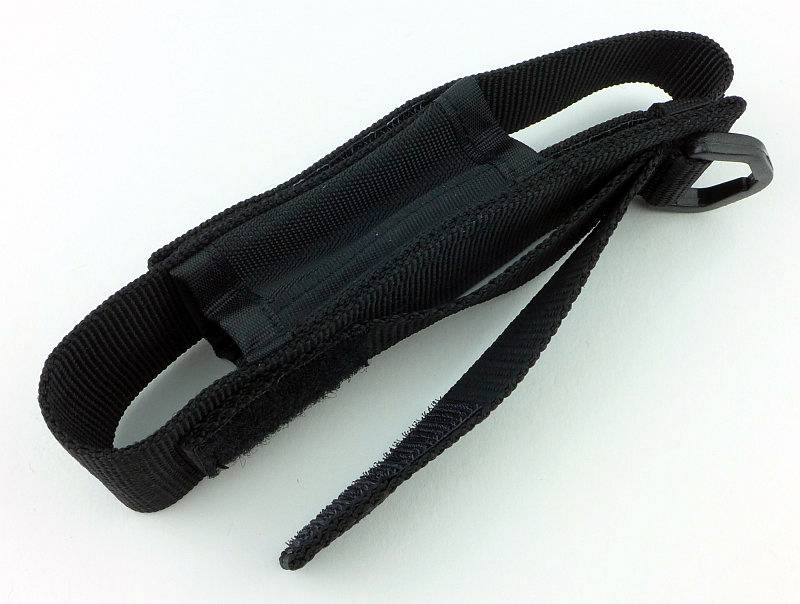
Light Review: FOURSEVENS Preon P1 and P2

FOURSEVENS’ Preons have been very popular and well regarded AAA powered EDC lights. Being time for a reboot, here are the current updated versions of the Preon P1 and P2.

(And yes, they do have a high efficiency XP-L LED.)
 photo 09 Preon P2 angle LED P1160829.jpg

Taking a more detailed look:

Presentation is great with FOURSEVENS’ standard clear plastic box packaging.
 photo 01 Preon P1P2 boxed P1160796.jpg

Each Preon comes with one set of AAA Alkaline cells, two spare O-rings and the instructions.
 photo 02 Preon P1P2 unboxed P1160798.jpg

A quick look at the previous generation Preon P2 (in toxic green) with the latest generation Preon P1 and P2.
 photo 04 Preon P1P2 trio angle P1160808.jpg

A feature of the Preons is the metal switch button. Prior to anodising, this has been engraved with the FOURSEVENS logo.
 photo 05 Preon P2 switch engraving P1160815.jpg

The stainless steel pocket clip is a well finished and has a well-suited tension (not too stiff) to the size and weight.
 photo 06 Preon P2 clip P1160819.jpg

Just above the head of the light the FOURSEVENS logo is laser engraved through the anodising.
 photo 07 Preon P2 engraving P1160821.jpg

On the opposite side the model is engraved.
 photo 08 Preon P2 engraving2 P1160825.jpg

A view of the contacts inside the head. (This is the same for the P1 so the P1 is not being shown.)
 photo 10 Preon P2 head contact P1160831.jpg

The threads are a standard form, and are well lubricated. (This is the same for the P1 so the P1 is not being shown.)
 photo 11 Preon P2 threads P1160834.jpg

You can unscrew the switch cap and take the clip off, but this does not give access to the battery chamber.
 photo 12 Preon P2 switch cap off P1160837.jpg

An XP-L LED sits in a small textured reflector.
 photo 13 Preon P2 reflector P1160839.jpg

Looking straight into the small reflector.
 photo 14 Preon P2 LED P1160845.jpg

The clip on the P1 is the same, but here is a view from a different angle.
 photo 15 Preon P1 clip P1160848.jpg

The P1 also has a metal switch cap over a forward-clicky switch.
 photo 16 Preon P1 switch P1160854.jpg

The new Preons feature a fully textured body with grooves for grip along the entire length.
 photo 17 Preon P1 body P1160855.jpg

With it shorter battery tube it is just possible to show the positive contact spring terminal.
 photo 18 Preon P1 negative terminal P1160864.jpg

For scale, each Preon is shown with its AAA cells next to it.
 photo 19 Preon P1P2 size P1160870.jpg

The beam

Please be careful not to judge tint based on images you see on a computer screen. Unless properly calibrated, the screen itself will change the perceived tint.

The indoor beamshot is intended to give an idea of the beam shape/quality rather than tint. All beamshots are taken using daylight white balance. The woodwork (stairs and skirting) are painted Farrow & Ball “Off-White”, and the walls are a light sandy colour called ‘String’ again by Farrow & Ball. I don’t actually have a ‘white wall’ in the house to use for this, and the wife won’t have one!

For this set of beamshots, the exposure has been kept the same for the P1 and P2 to show their relative brightness.

Starting indoors with the P1, it has plenty of power for your close range EDC needs, with a nice wide, soft, hotspot and wide spill.
 photo 20 Preon P1 indoor beam P1170374.jpg

With the P2 it looks the same just brighter, as the P2 has double the output of the P1.
 photo 21 Preon P2 indoor beam P1170370.jpg

At outdoor ranges the Preons struggle as they are only AAA powered and have a flood orientated beam. These exposures are long to show anything. The P1 doesn’t have much impact.
 photo 22 Preon P1 outdoor beam P1170293.jpg

With the same exposure to allow direct comparison, the P2 looks a bit better, but this is a long exposure, so don’t expect too much at this range.
 photo 23 Preon P2 outdoor beam P1170285.jpg

Modes and User Interface:

Both the Preon P1 and P2 operate in the same way with a forward-clicky switch.
In total, there are 7 output modes which can be used – Low, Medium, High, Strobe, SOS, Beacon (high), Beacon (low).

To fine tune the Preon to your needs, you can set one of 5 possible ‘Configurations’ which have only certain modes available:
Configuration 1: High
Configuration 2: Previous, High, Low
Configuration 3: Previous, High, Strobe
Configuration 4: Previous, Low, Medium, High, Strobe
Configuration 5: Previous, Low, Medium, High, Strobe, SOS, Beacon (high), Beacon (low)

By default, configuration 2 is set. To change configuration, rapidly press the switch 10 times within 2s, holding or clicking the tenth press.
At this point the Preon will flash 1 to 5 times to indicate the selected configuration.
Quickly turn the Preon OFF and ON again to move to the next configuration, and repeat until you have the desired configuration. To memorise the setting, turn the Preon OFF for 5 seconds.

The Preon has a memory of the last mode used. This is relevant only on Configurations 2, 3, 4 and 5.
To change to the next mode in the chosen configuration, turn the Preon OFF and ON again within one second.
As shown in the Configuration list above, when you first turn the Preon ON, you get the ‘previously used’ output mode. When you then change mode, you jump to the start of the set of modes for that Configuration.
For example, if you are set to Configuration 5 and previously used Strobe, when you first turn the Preon ON you get Strobe, and when changing modes the next mode becomes Low, Medium… (In this example you do not go to SOS as the next mode).

Batteries and output:

The Preon P1 runs on 1x AAA and the P2 on 2x AAA; either Alkaline of NiMh cells can be used (maximum input voltage 3.0V).

To measure actual output, I built an integrating sphere. See here for more detail. The sensor registers visible light only (so Infra-Red and Ultra-Violet will not be measured).

Please note, all quoted lumen figures are from a DIY integrating sphere, and according to ANSI standards. Although every effort is made to give as accurate a result as possible, they should be taken as an estimate only. The results can be used to compare outputs in this review and others I have published.

___________________________________________ ________________________________ ________________________________
P1/P2 using AAA Eneloop I.S. measured ANSI output Lumens PWM frequency or Strobe frequency (Hz)
___________________________________________ ________________________________ ________________________________
P1 – High 127 1000
P1 – Medium 63 1000
P1 – Low 7 1000
P2 – High 259 950
P2 – Medium 137 950
P2 – Low 33 950

* Beacon and Strobe output measurements are only estimates as the brief flashes make it difficult to capture the actual output value.

Peak Beam intensity for the P1 measured 200 lx @1m giving a beam range of 28 m.
Peak Beam intensity for the P2 measured 600 lx @1m giving a beam range of 49 m.

There is no parasitic drain.

The two Preon models are also shown next to the Bolt-Mini, as this was another FOURSEVENS AAA light I have tested (check index page for this review). Thanks to its two AAA cells, the P2 is the only light to display full regulation in the output. With only one AAA, the P1 is always pushing this limited power source, but runs with a pretty consistent output after the initial drop from the 3 minute ‘burst’ at turn-on.
 photo Foursevens Bolt mini Preon P1 P2 runtime.jpg

Troubleshooting

This section is included to mention any minor niggles I come across during testing, in case the information helps anyone else.

No issues were encountered during testing.

As per the description of this section, this information is provided in case anyone else finds a similar ‘issue’ that might be fixed in the same way.

The Preon P1 and P2 in use

When compared to the previous generation Preons, these new versions are slightly chunkier, and initially I was not entirely convinced, as the point of an AAA light is to be very small. But then I remembered that as much as I love the older P2 shown in the photos, it was always a bit slippery. The smooth body wanting to slide around and not giving much of a grip.

With the new Preons having a grip pattern over the entire length of the light, no longer do you get this slippery feeling. One further observation though, is that these grooves tend to pick up pocket fluff nicely, which does somewhat spoil the look.

Personally I preferred the previous UI where it had no memory, but for some a memory is a requirement as you can pre-select the output you generally use. However, as the memory only affects the mode at switch-on, after which the mode selection goes to the first of the modes in the current Configuration, it only takes one mode change to return to Low (if Low was not the previously used mode). On the P2, the Low is much brighter than it used to be (3lm in the previous version) as it is now 33lm. The P1’s low is still pretty low at 7lm so if you need a lower output the P1 is the way to go.

Unfortunately another aspect has changed in the new version, PWM is rearing its head. The previous P2 had PWM but at 2500Hz and was not noticeable to the naked eye; the new version has PWM at 1000Hz. On High and Medium this has not really been visible, but on Low, I do catch the strobing effect out of the corner of my eye. A minor irritation and not what I would expect of FOURSEVENS. It slightly takes the edge off what could be a great update to this well loved series.

It used to be more common for smaller EDC lights to go with a reverse-clicky switch, but as in earlier versions, the Preon does use a forward-clicky and gives you that immediate response to pressure on the switch.

A great feature that has been added to the Preons is the user-changeable configuration that allows you to limit which output modes can be selected. You don’t get to choose which modes are included in a ‘configuration’ but you can choose one of the five available ‘configurations’ to best suit your needs. This user configuration has great potential and I hope FOURSEVENS expand the number of configurations that can be chosen from including a lower level in the P2, and perhaps configurations with no memory. Remember when choosing your configuration that the new Preon has a memory so starts on the last used mode.

With the small power source of AAA, the added efficiency of the XP-L (though only around 9%) makes a difference. Thanks to the XP-L having an XM-L2 size die in a smaller package, it is compact enough to be fitted into the Preon’s head and provide a great EDC beam.

The new Preon doesn’t just have a new body design, it has user-configuration and an XP-L LED.

Review Summary

_______________________________________________ _______________________________________________
Things I like What doesn’t work so well for me
_______________________________________________ _______________________________________________
XP-L LED in a truly pocket-sized light. PWM at 1000Hz giving some strobe effects on low.
New ‘grippy’ body design. P2’s lowest level is a bit high at 33lm.
User configurable.
Great EDC beam.


Discussing the Review:

Please feel free to add comments to the review, but the ideal place to freely discuss these reviews is on a forum. If you started reading the shorter forum version of the review, but followed the link this full exclusive review, please return to that forum to discuss the review there.
If you read the review entirely on Tactical Reviews, please consider one of the following to join in any discussion.

CandlePowerForums – Flashlight Reviews Section (Largest and Friendliest Flashlight Community Forum)
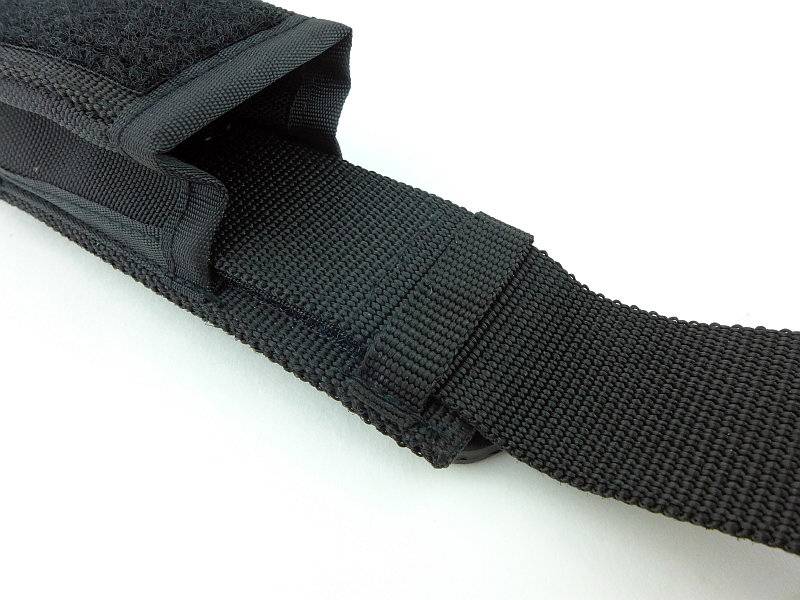
EdgeMatters – Sponsored Reviews (UK based Forum for Knife Makers and Collectors)

Light Review: Olight M23 JAVELOT

Olight have taken the popular M22 Warrior and updated it by giving it the ‘JAVELOT’ treatment. The result is the M23 JAVELOT. After the success of the first few Javelot models, Olight have been updating a few existing models, like the S30RII and M22 into Javelot versions with uprated emitters and throw.

 photo 09 M23Javelot angle reverse P1160532.jpg

Taking a more detailed look:

The M23 JAVELOT is supplied in a sturdy plastic case.
 photo 01 M23Javelot boxed P1160500.jpg

Everything is held in cut-outs in the foam liner.
 photo 02 M23Javelot box open P1160506.jpg

Starting off with a look at the unconventional holster design. The retention flap has a hole cut into it through which the tail-cap protrudes. This gives access to the tail-cap switch.
 photo 03 M23Javelot holstered P1160512.jpg

Both sides of the holster feature cell holders. For CR123 these are not that secure, but for 18650 they work well enough (though the cell is partly exposed and could be damaged.
 photo 04 M23Javelot holster cells P1160513.jpg

Now we see why you might want access to the tail-cap switch while the light is in the holster. The bottom of the holster has a hole cut in it allowing the M23 to be used while fully inside the holster.
 photo 05 M23Javelot holster base P1160517.jpg

On the back is a Velcro belt-loop and small D-ring.
 photo 06 M23Javelot holster loop P1160519.jpg

Supplied with the M23 is the holster, CR123 cell holder, diffuser, spare O-rings, a lanyard, the instructions and two CR123 cells.
 photo 07 M23Javelot contents P1160526.jpg

Externally the main difference between the M22 Warrior and the M23 JAVELOT is the stainless steel bezel.
 photo 08 M23Javelot angle P1160528.jpg

The entire head has heat-sink fins along it.
 photo 10 M23Javelot heat sink fins P1160534.jpg

A side view of the steel pocket clip.
 photo 11 M23Javelot clip1 P1160537.jpg

Another view of the strong pocket clip.
 photo 12 M23Javelot clip2 P1160539.jpg

The pocket clip fits into a cut-out on the battery tube, and the grip-ring has a notch in it which fits over a lug on the steel pocket clip. This prevents the pocket clip or grip-ring rotating.
 photo 20 M23Javelot clip fitting P1160564.jpg

With the supplied diffuser fitted, the stainless bezel is hidden. You can’t fit the M23 into its holster like this.
 photo 14 M23Javelot angle diffuser P1160544.jpg

Inside the tail-cap, the negative terminal is a sprung plunger. The tail-cap/battery tube connection is hidden and uses a special design to fit into the conical opening at the end of the battery tube.
 photo 15 M23Javelot tailcap P1160548.jpg

The switch is large and textured.
 photo 16 M23Javelot tailcap switch P1160550.jpg

Threads on the tail-cap end of the battery tube are square cut and fully anodised.
 photo 17 M23Javelot threads P1160555.jpg

Threads on the head end of the battery tube are square cut and bare aluminium.
 photo 18 M23Javelot head threads P1160556.jpg

Unscrewing the battery tube fully shows the contacts in the head, with the positive spring-terminal, bare threads plus ring-terminal for the twisty interface.
 photo 19 M23Javelot head contacts P1160561.jpg

For its excellent throw the M23 uses a deep, smooth reflector.
 photo 21 M23Javelot reflector P1160574.jpg

Looking straight into the reflector.
 photo 22 M23Javelot LED P1160580.jpg

And a closer look at that LED. Olight describe this as a ‘customised high intensity CREE XP-L LED’.
 photo 23 M23Javelot LED close P1160586.jpg

The beam

Please be careful not to judge tint based on images you see on a computer screen. Unless properly calibrated, the screen itself will change the perceived tint.

The indoor beamshot is intended to give an idea of the beam shape/quality rather than tint. All beamshots are taken using daylight white balance. The woodwork (stairs and skirting) are painted Farrow & Ball “Off-White”, and the walls are a light sandy colour called ‘String’ again by Farrow & Ball. I don’t actually have a ‘white wall’ in the house to use for this, and the wife won’t have one!

The beam does have a reasonably warm tint and as expected for a JAVELOT light, there is a very strong hotspot. This might be a bit fatiguing to use indoors which is why there is a diffuser supplied.
 photo 24 M23Javelot indoor beam P1170305.jpg

Popping on the diffuser and we have an entirely different experience (the exposure here is the same as without the diffuser).
 photo 25 M23Javelot indoor beam diffused P1170308.jpg

Outdoors it is clear this is a thrower!
 photo 26 M23Javelot outdoor beam P1170240.jpg

And just to see, the result with the diffuser is good (the exposure here is the same as without the diffuser).
 photo 27 M23Javelot outdoor beam diffused P1170243.jpg

But we need more range, so here we are at a golf driving range with the 250yard marker easily visible, and beyond.
 photo 28 M23Javelot outdoor beam golf P1170221.jpg

Modes and User Interface:

The M23’s output is controlled by the forward-clicky tail-cap switch and twisty interface at the head.

Available modes include High, Medium, Low and Strobe.

From OFF, either click or half-press and hold to turn onto the last-used constant output mode.
From ON, either click the switch or release the half-press to turn OFF.

From OFF, double-tap and click (or hold) the switch to activate High.
From OFF, triple-tap and click (or hold) the switch to activate Strobe. While strobe is activated, the twisty interface does nothing.

From ON, loosen-tighten the head to cycle through High -> Medium -> Low -> High etc. (it is as the head becomes tight again that the mode changes). Tightening the head while the M23 is OFF does nothing.

This operation allows you to set the output to Low, but still have direct access to High (double-tap) and Strobe (triple-tap) via the tail-cap switch alone.

Batteries and output:

The M23 runs on either 1x 18650 or 2x CR123.

To measure actual output, I built an integrating sphere. See here for more detail. The sensor registers visible light only (so Infra-Red and Ultra-Violet will not be measured).

Please note, all quoted lumen figures are from a DIY integrating sphere, and according to ANSI standards. Although every effort is made to give as accurate a result as possible, they should be taken as an estimate only. The results can be used to compare outputs in this review and others I have published.

___________________________________________ ________________________________ ________________________________
Olight M23 JAVELOT using specified cell I.S. measured ANSI output Lumens PWM frequency or Strobe frequency (Hz)
___________________________________________ ________________________________ ________________________________
High – CR123 950 0
Medium – CR123 361 0
Low – CR123 38 0
High – 18650 918 0
Medium – 18650 365 0
Low – 18650 38 0
Diffuser Test High – No Diffuser 861 0
Diffuser Test High – Diffuser 584 0

* Beacon and Strobe output measurements are only estimates as the brief flashes make it difficult to capture the actual output value.

Peak Beam intensity measured 39700 lx @1m giving a beam range of 398 m.

There is no parasitic drain.

Overlaying the two runtime traces from 2xCR123 and 1×18650 shows that CR123 initially gives a slight boost in output for the first few minutes before the output for both power sources converge. This happens during the controlled output reduction to just over 600lm for the regulated level. CR123 runs out of steam earlier (as expected) falling out of regulation at around 35 minutes. 18650 holds regulation until about 55 minutes with a less sharp fall-off.
Both traces end with a period of inconsistent flickering output instead of cutting out.
 photo Olight M23 Javelot runtime.jpg

Troubleshooting

This section is included to mention any minor niggles I come across during testing, in case the information helps anyone else.

No issues were encountered during testing.

As per the description of this section, this information is provided in case anyone else finds a similar ‘issue’ that might be fixed in the same way.

The M23 in use

I’m going to get the main issue out of the way first – the holster. I can see what was intended with the holster, but for me it presents three main problems in use. Firstly getting the flap over the tail-cap, so you can secure it is far too difficult as it is a tight fit and doesn’t easily go over the M23’s tail-cap. It is possible that as it wears it will become easier, but this will only be due to the material softening and becoming frayed. Secondly the tail-cap switch is exposed, and with the design used for the tail-cap connection, it cannot be locked out; no lock-out and an exposed tailcap is going to lead to accidental activation. Lastly on the holster, though the ability to carry spare cells is welcome, by leaving them partially exposed, they can be lost or damaged; I don’t trust the cells holders myself.

The holster is full of good ideas, but I don’t find them to work terribly well.

Onto the M23 itself, and things swing back to positive – it is a typical single 18650 size light, with solid build quality; you definitely would feel confident that you could use the strike bezel if needed.

Rather than having the typical tail-cap to battery-tube connection that uses a battery tube with a flat end (most common), in the M23, Olight uses a design where the inside of the end of the battery tube is conical and the tail-cap contacts are pushed into the cone as you tighten the tail-cap. This means it is far less likely to break the connection, as the tail-cap needs to move significantly to lose contact. It makes the connection very robust, but does prevent the user from locking-out the M23 by unscrewing the tail-cap.

The pocket clip is very strong, a bit too strong for normal use. If this is going on your load carrier PALS webbing, OK, but for many users it will probably be too stiff.

Of course we must appreciate that JAVELOT beam. The custom XP-L Hi LED certainly does its job with plenty of power and an excellent hotspot. Unlike completely throw-orientated lights, the M23 manages a high beam strength without making the hotspot too small; it seems completely ideal for a light this size.

Normally I’m not keen on using lights with throw at close ranges, but the M23 seems to manage this in a way that is perfectly usable. However as a frosted glass diffuser is supplied, you can easily go full flood (at the expense of 33% loss of output) and have a perfect indoor flood-light beam. With the diffuser fitted it will not fit into the holster.

It is possible to tailstand the M23 even though the large switch boot (18mm) protrudes slightly. The combination of three large cut-outs around the button (giving easy access), and the large button itself make the M23 responsive and reliable to control.

The user interface seems extremely well suited to a ‘tactical’ design. Putting strobe to one side (all serious users of tactical lights I’ve spoken to don’t want strobe as it can be just as disorienting to the person using it), at least it needs a deliberate triple-click to activate it. Unfortunately, if you are ‘signalling’ with the M23 you can accidentally get strobe. Taking just those constant modes, you can easily set the M23 to be effectively a ‘high only’ light or a ‘low-high’ light. Setting high with the twisty interface means that your first press is always high, and if you double-tap the button you still have high. Setting low with the twisty interface means that your first press is always low, and if you double-tap the button you get high. Swapping between these configurations is easy and of course you could also make it ‘medium-high’ as well.

Overall a well thought-out light with solid build and a great beam; another JAVELOT success.

Review Summary

_______________________________________________ _______________________________________________
Things I like What doesn’t work so well for me
_______________________________________________ _______________________________________________
Strong beam with great throw for its size. Holster has issues.
Solid build. No lock-out.
Frosted Glass diffuser included. Strobe can be activated when signaling.
Well though-out UI. Pocket clip too stiff for most users.
Large, easily accessible button.
Can Tail-stand.
Durable tail-cap connection design.


Discussing the Review:

Please feel free to add comments to the review, but the ideal place to freely discuss these reviews is on a forum. If you started reading the shorter forum version of the review, but followed the link this full exclusive review, please return to that forum to discuss the review there.
If you read the review entirely on Tactical Reviews, please consider one of the following to join in any discussion.

CandlePowerForums – Flashlight Reviews Section (Largest and Friendliest Flashlight Community Forum)
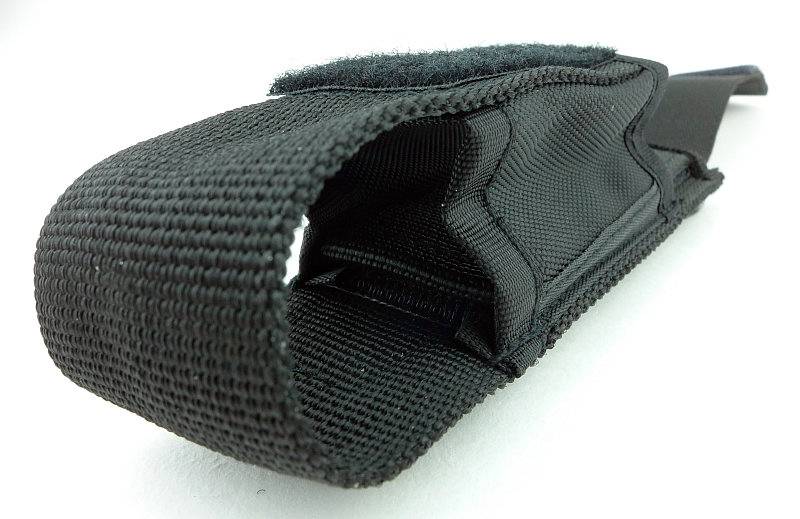
EdgeMatters – Sponsored Reviews (UK based Forum for Knife Makers and Collectors)