Light Review: Olight Javelot Turbo 2 (Kit)

In this detailed review of the Olight Javelot Turbo 2 a long-range torch / flashlight, Tactical Reviews presents a close look at this super-thrower search light. Join me in this Olight Javelot Turbo 2 Review for all the details.

Included in the review is the ‘kit’ which includes coloured filters and magnetic gun / weapon mount.

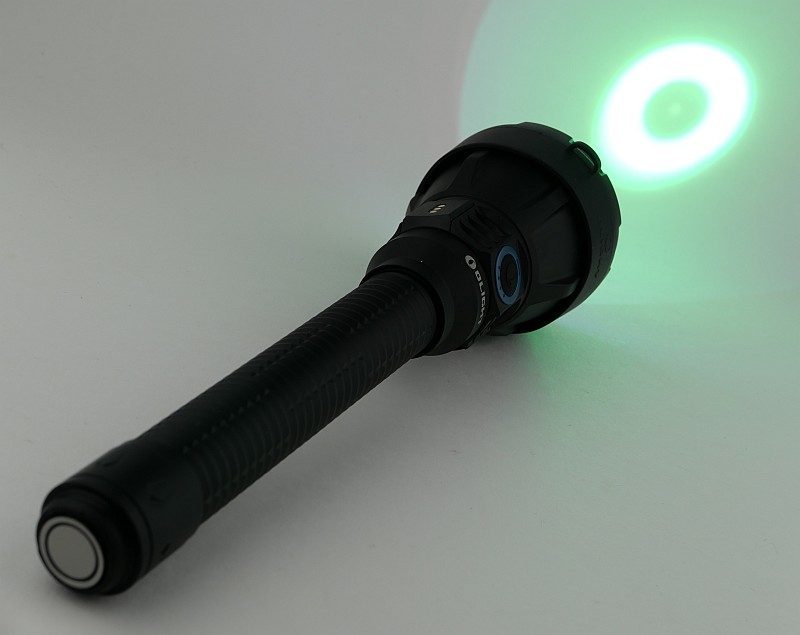
The Javelot Turbo 2 is a full-size, long-range torch/flashlight designed for hunting or search-and-rescue applications. At maximum output, it can throw a focused beam of 1,800 lumens up to 1,500 meters away (as per Olight’s product specifications). Furthermore, the light can pair with a wireless remote, allowing control from 8 meters away. The magnetic dock on the torch secures the remote control and simultaneously charges it.

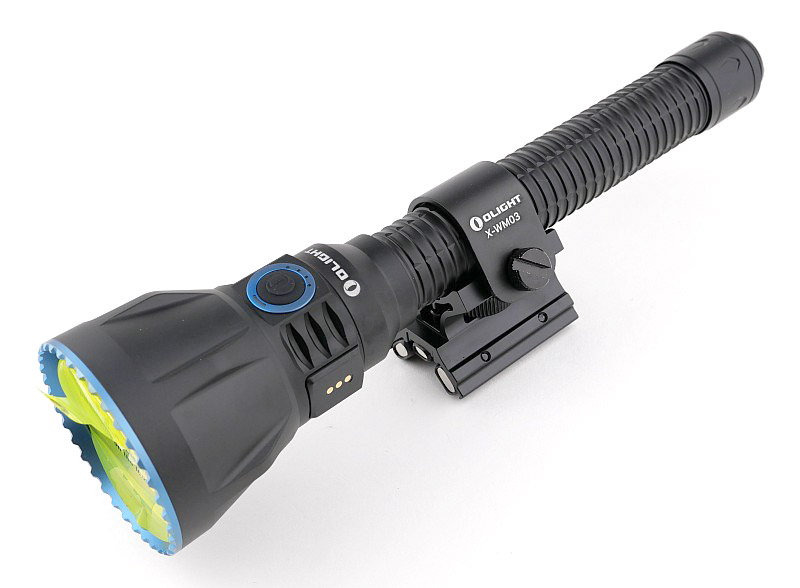
Powered by a 5,000 mAh battery pack, it offers up to 272 hours of runtime on the lowest level and can be easily replaced by unscrewing the tail cap. With both USB-C and magnetic charging capabilities, the Javelot Turbo 2 provides charging flexibility. It can also be mounted using the X-WM03 magnetic mount, transforming it into a super long-range Weapon Mounted Light.
What is in the box?:
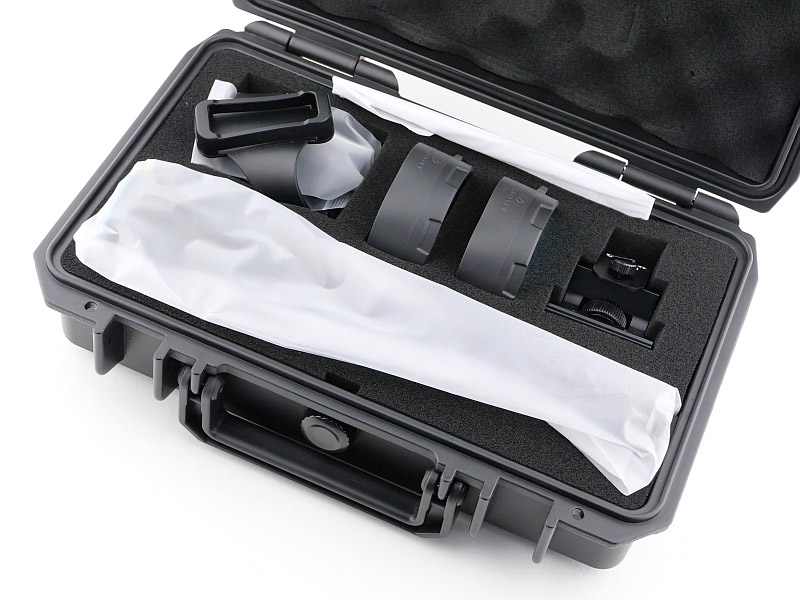
In fact this section should be called ‘What is in the waterproof protective case?’ as the Javelot Turbo 2 comes in a nice quality rugged case with pressure equalisation valve. Something you can either keep the Javelot Turbo 2 in, or re-purpose for anything else you would find more useful if the torch is constantly in use.
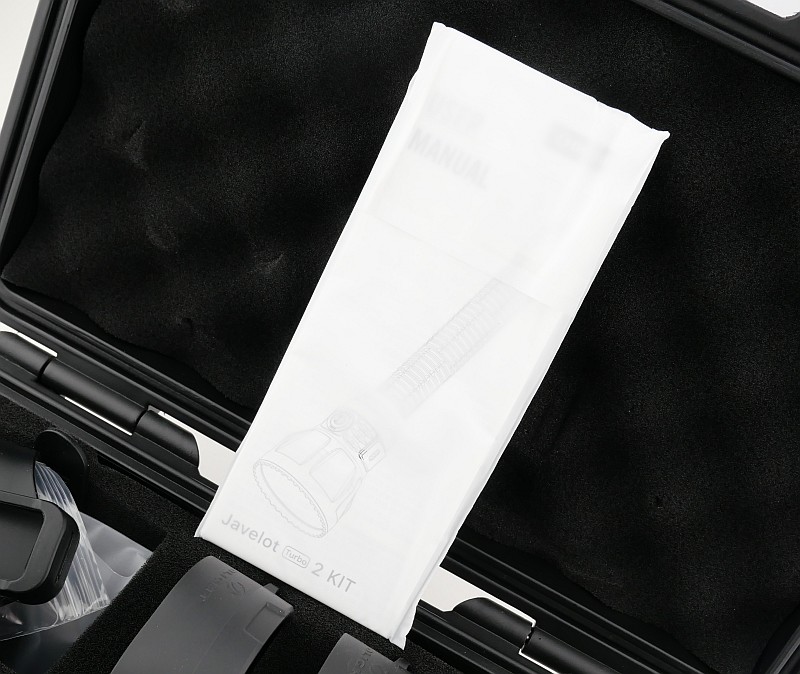
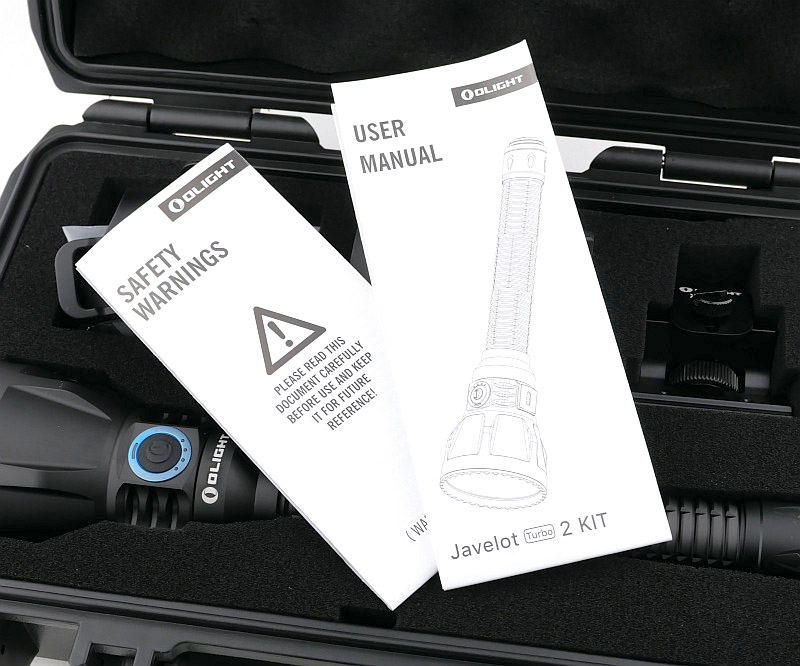
Opening the case you initially find the torch, instructions and remote in plastic bags. This is the Kit form of the Javelot Turbo 2 so the case also houses a magnetic gun mount (or ‘weapon’ mount, depending on your preference), along with two coloured glass filters for hunting.
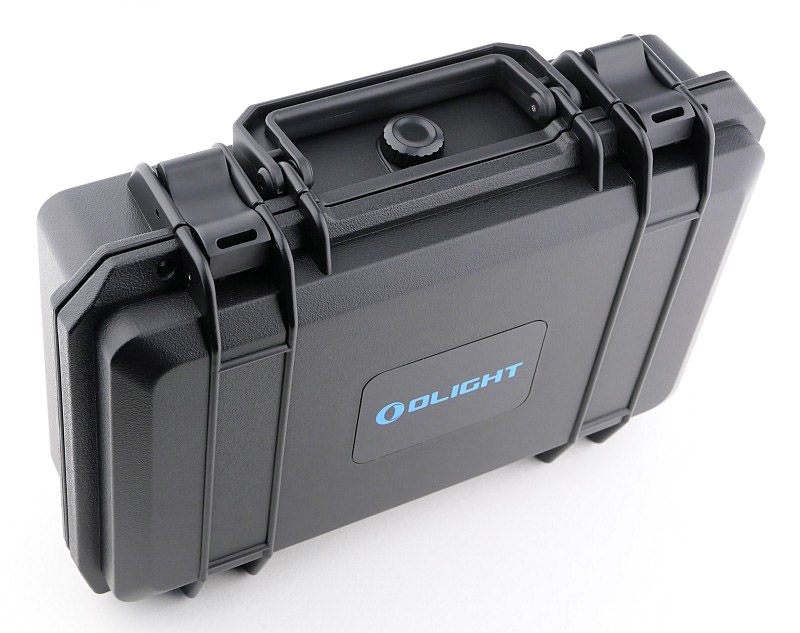
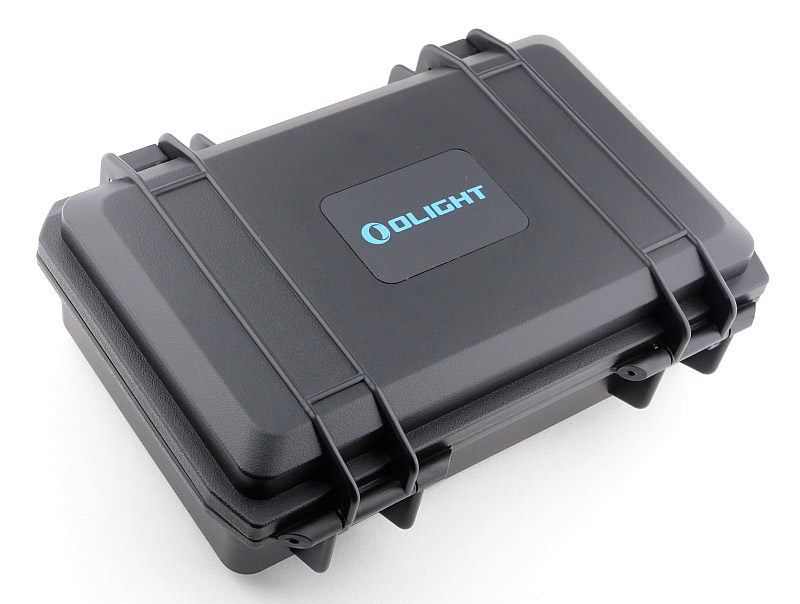
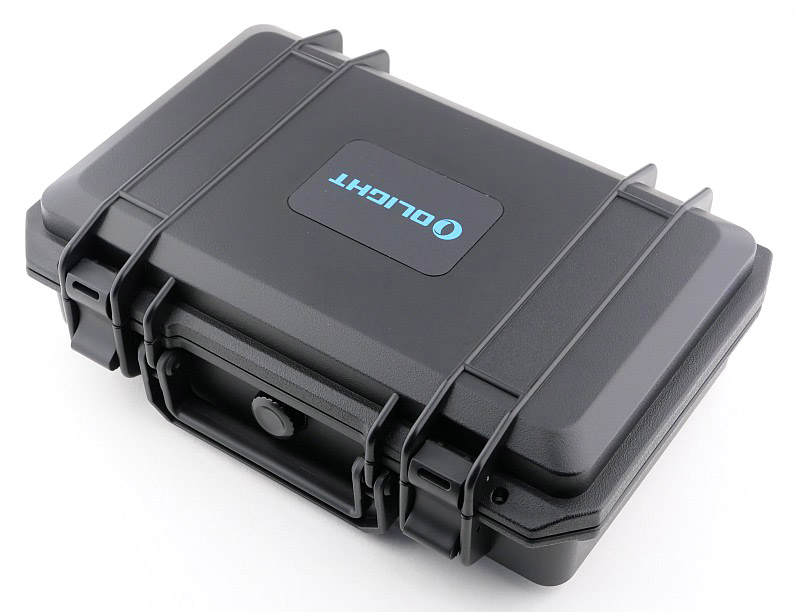
A good look round the Javelot Turbo 2 Kit accessories – Things to look out for here are:
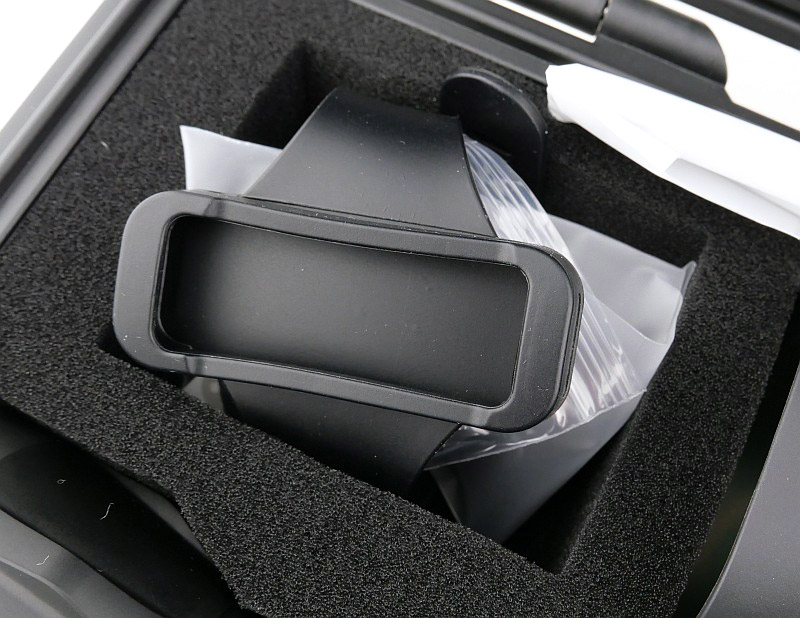
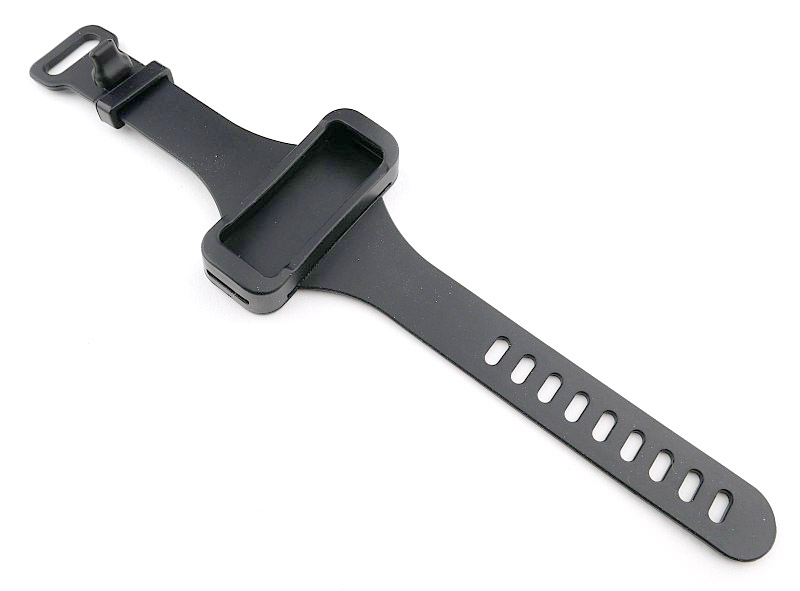
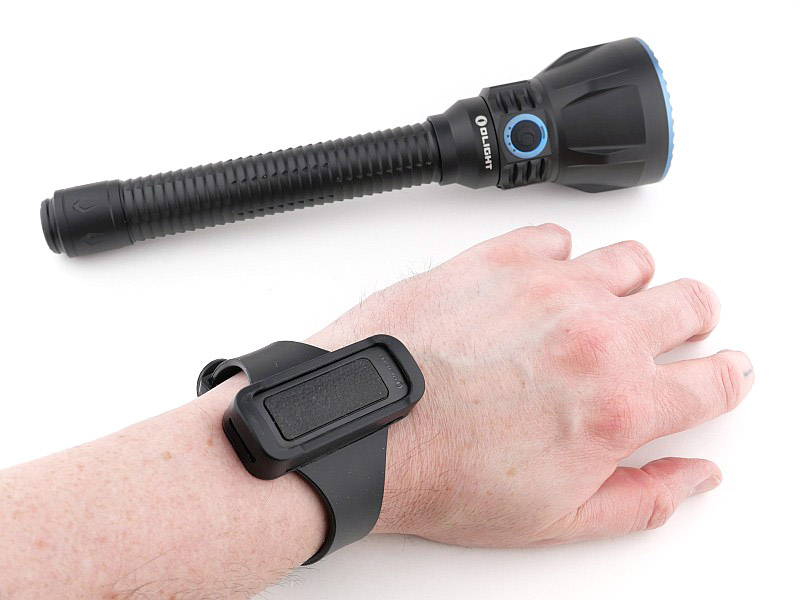
Before looking at the light, there are a number of Kit components to look at. Starting with the wireless remote switch, which has a wrist lanyard and a watch strap style switch holder. Included with these parts is a bag of self-adhesive rubber spacers that are intended to be used with the magnetic gun mount.
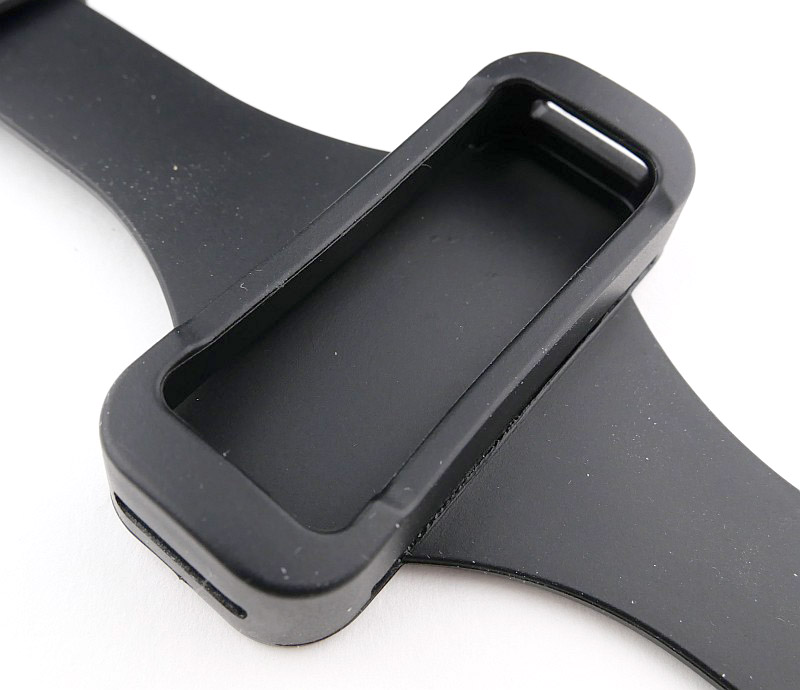
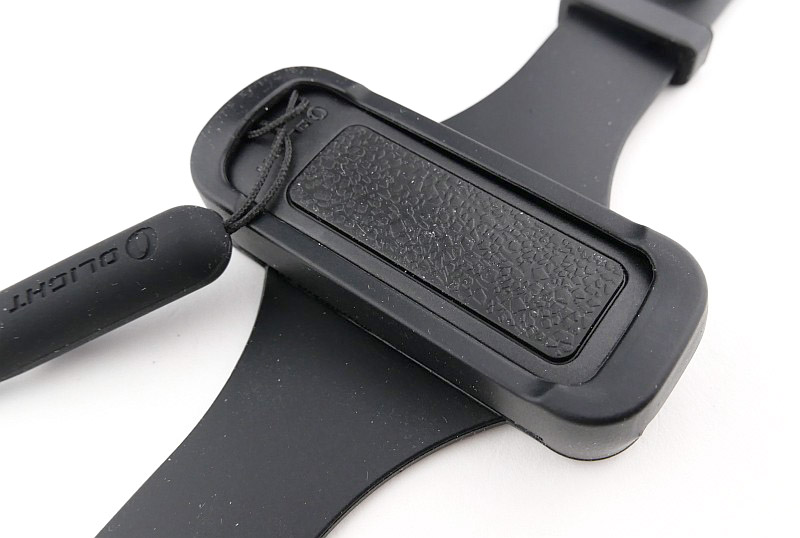
The wireless remote has a single elongated textured button. There is a lanyard hole on one end and flipping it over shows the three pin contacts for it to leech-charge from the main light. For gun and wrist mounting a silicone watch strap holder is also included that the remote can be slotted into. Here I fitted it without removing the lanyard, but you would normally remove the lanyard if using the wrist holder.
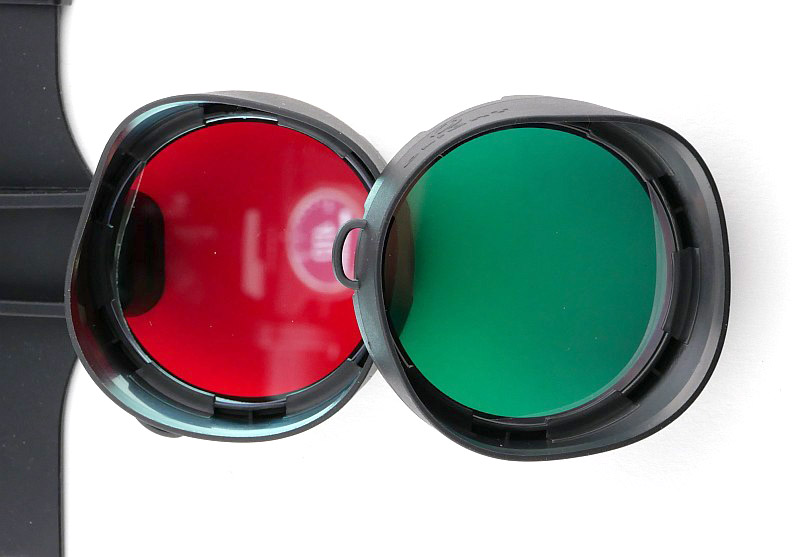
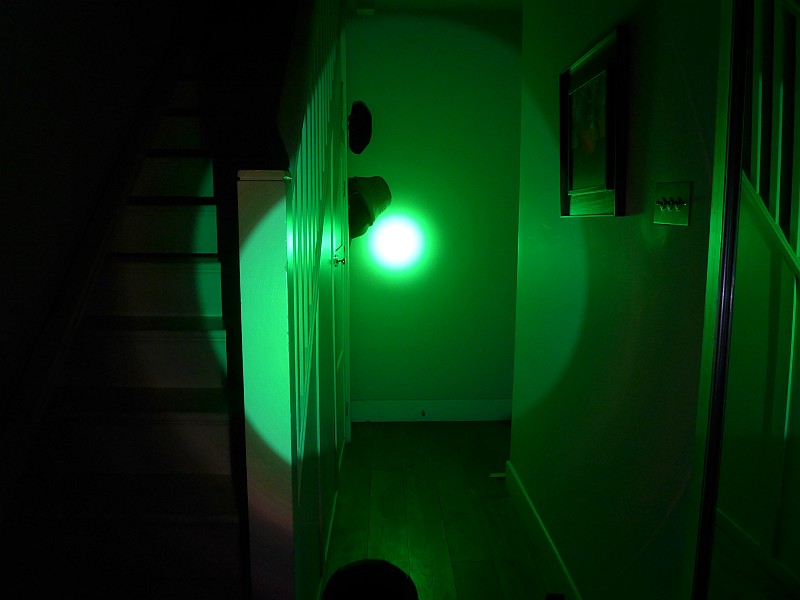
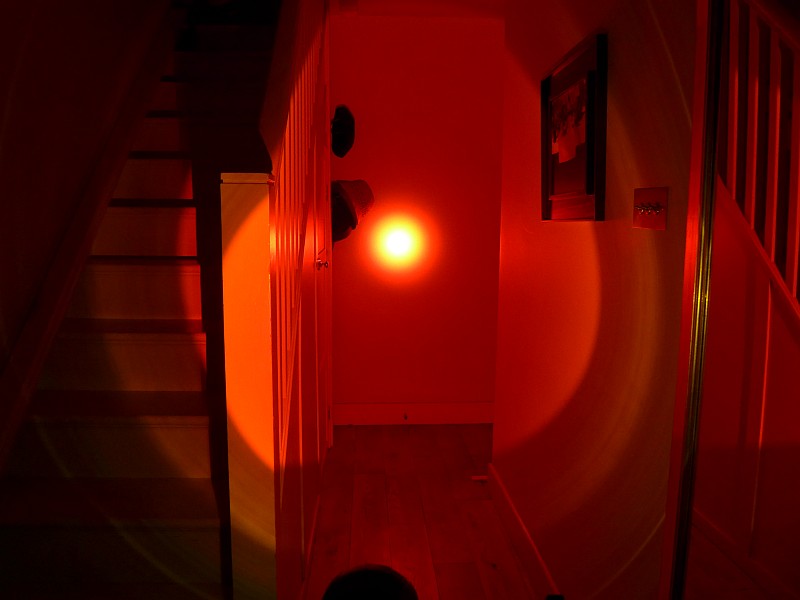
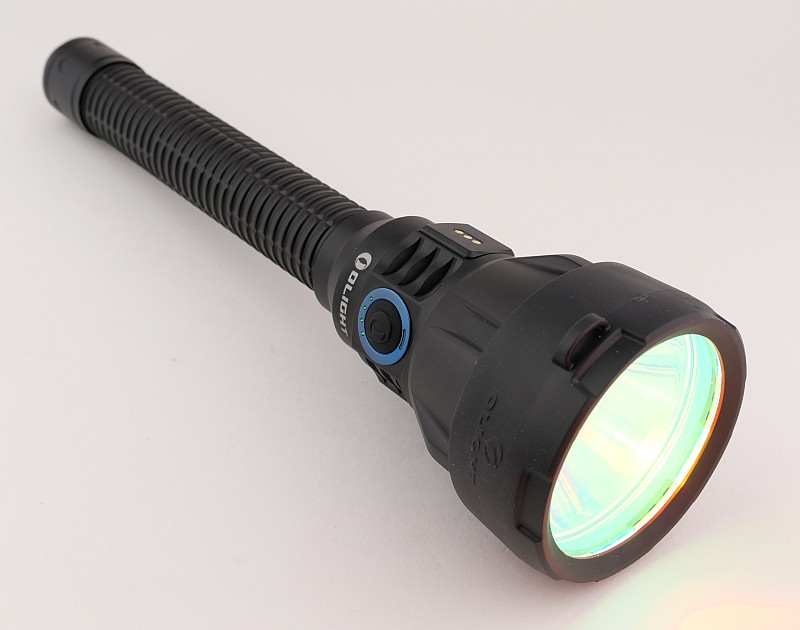
Also included are Red and Green coated glass filters with a elastic TPU lens cone holder that ensures it will stay in place. The coating of the glass appears to be a dichroic filter giving the mirror like appearance until you look directly through the filter when the colour filtering can be seen.
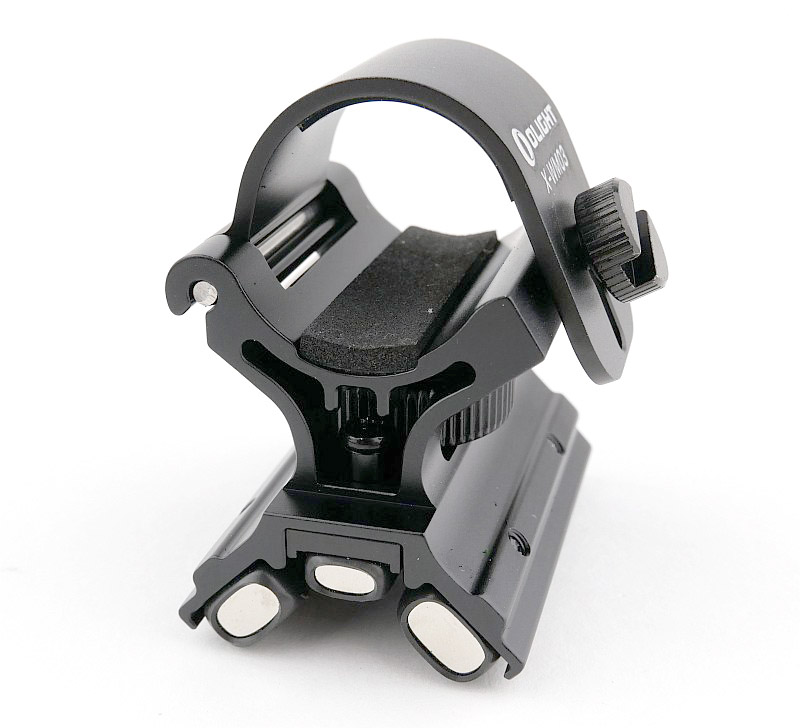
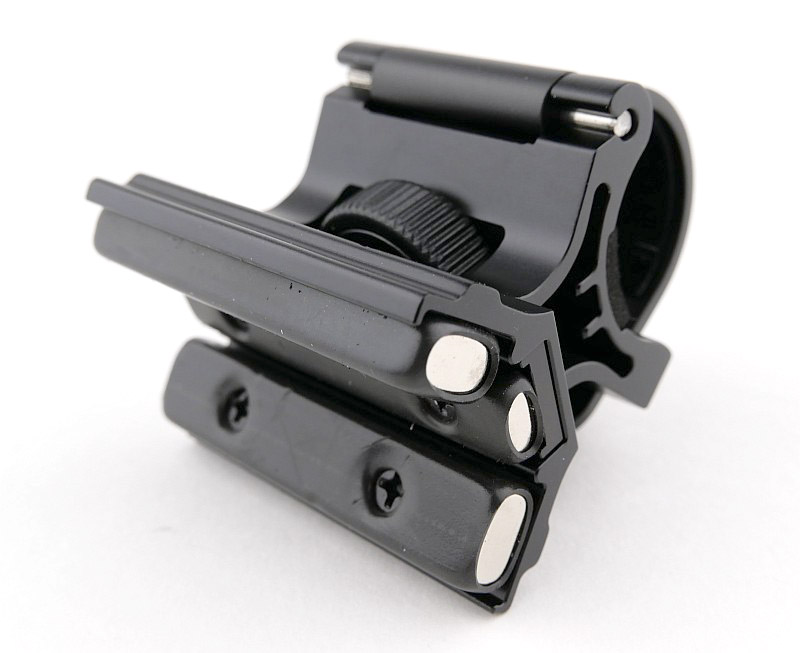
Finally we have the magnetic gun mount. This has a flip-top gate clamp with thumb screw for quick, easy, tool free fitting. Dense closed cell foam lines the inside of the clamp to protect the surface finish of the light. Underneath the mount has three long magnets which have heat shrink tubing on them to protect the gun from direct contact. The large central thumb wheel moves the middle magnet up and down so you can adjust it for different size barrels.
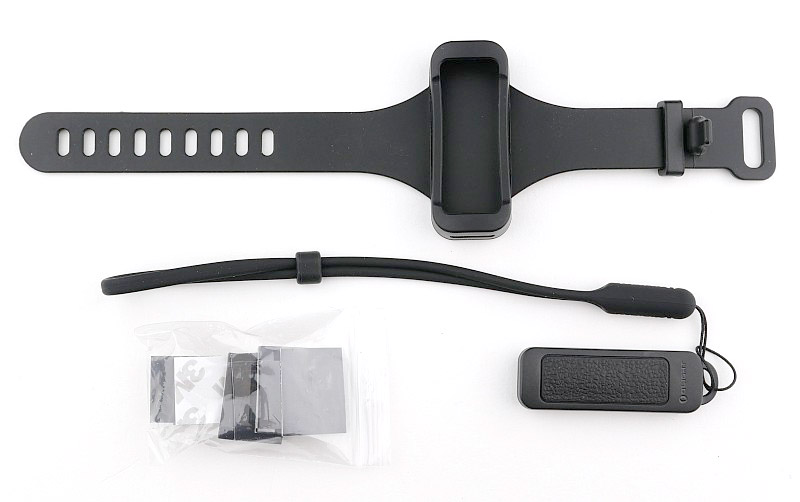
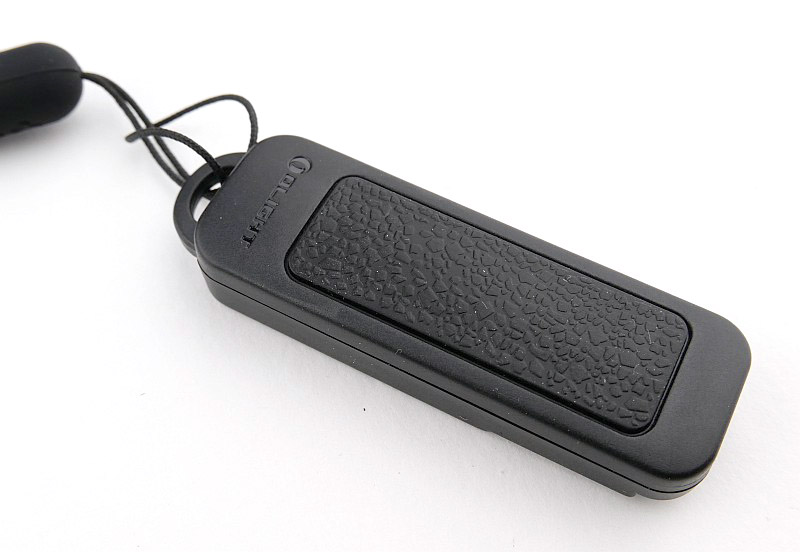
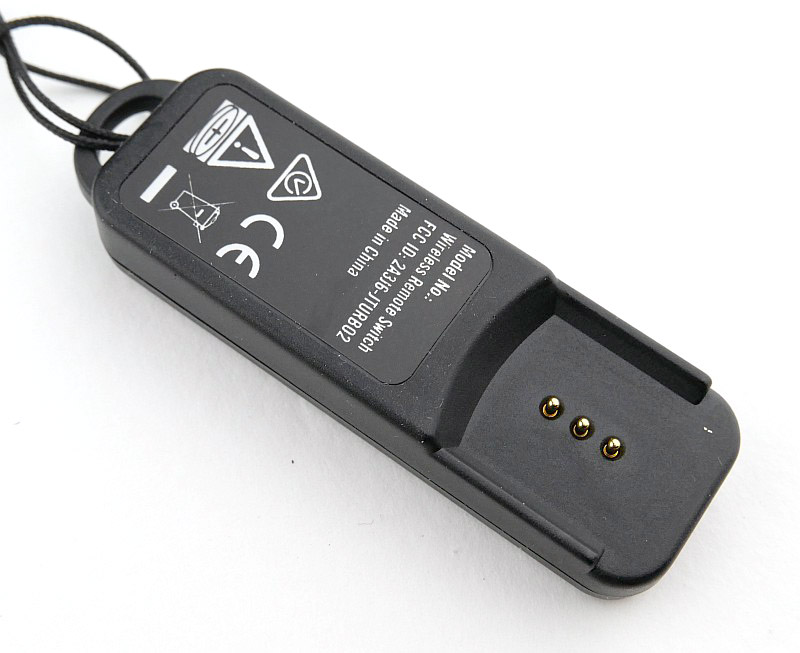
Taking a more detailed look at the Javelot Turbo 2:
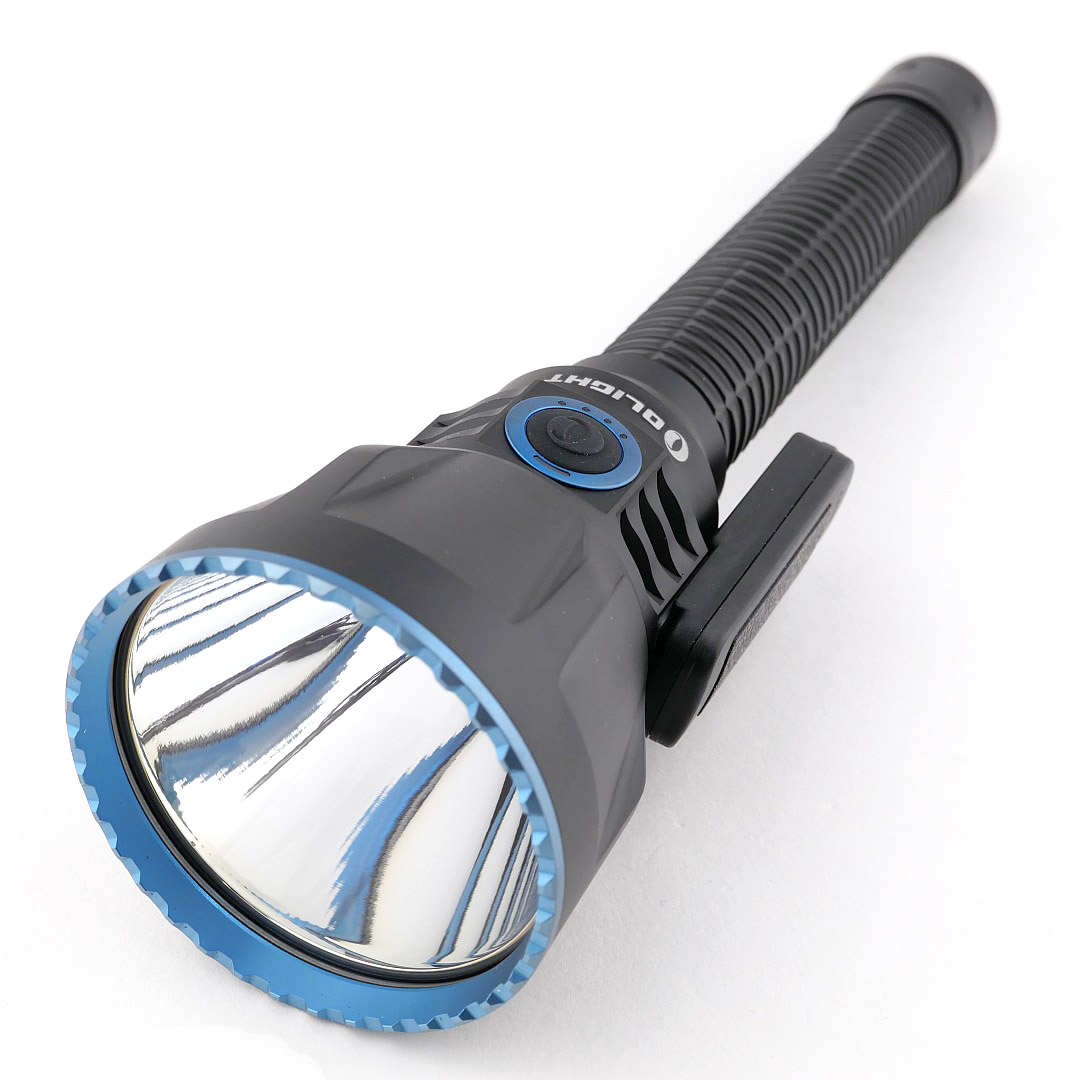
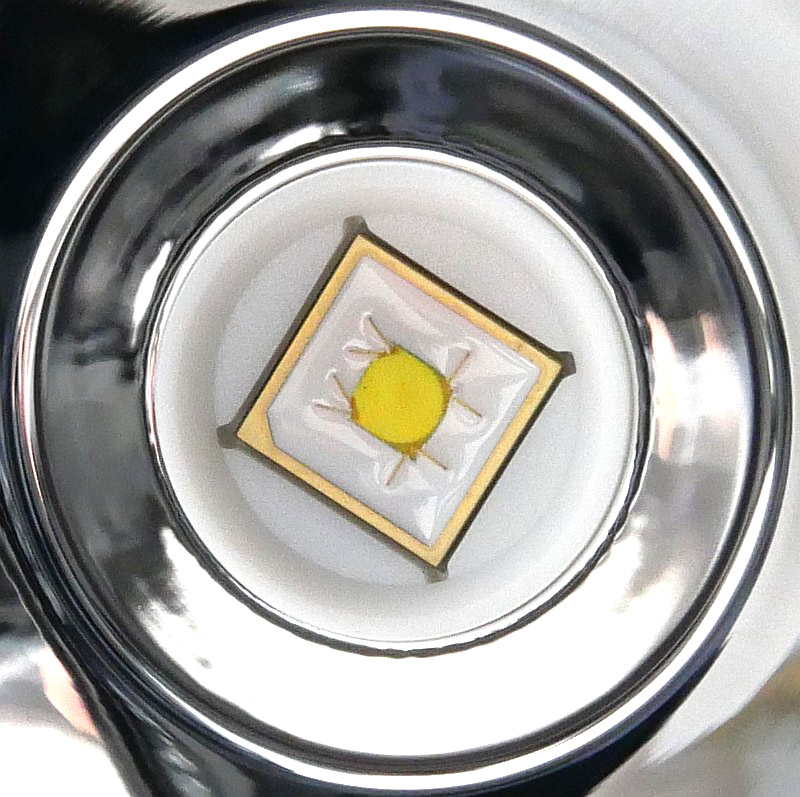
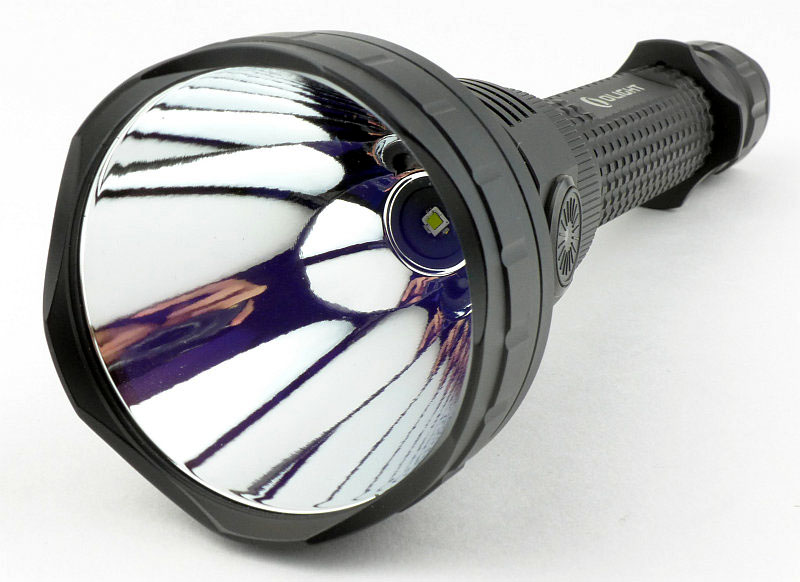
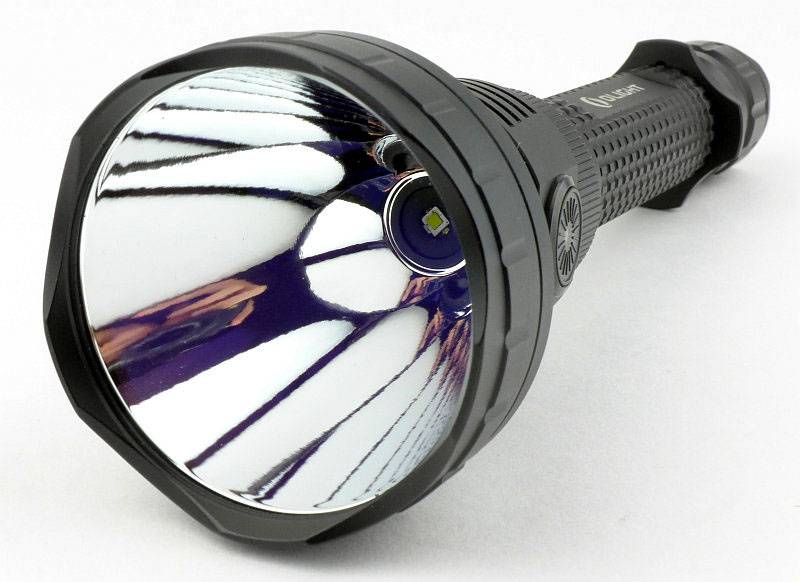
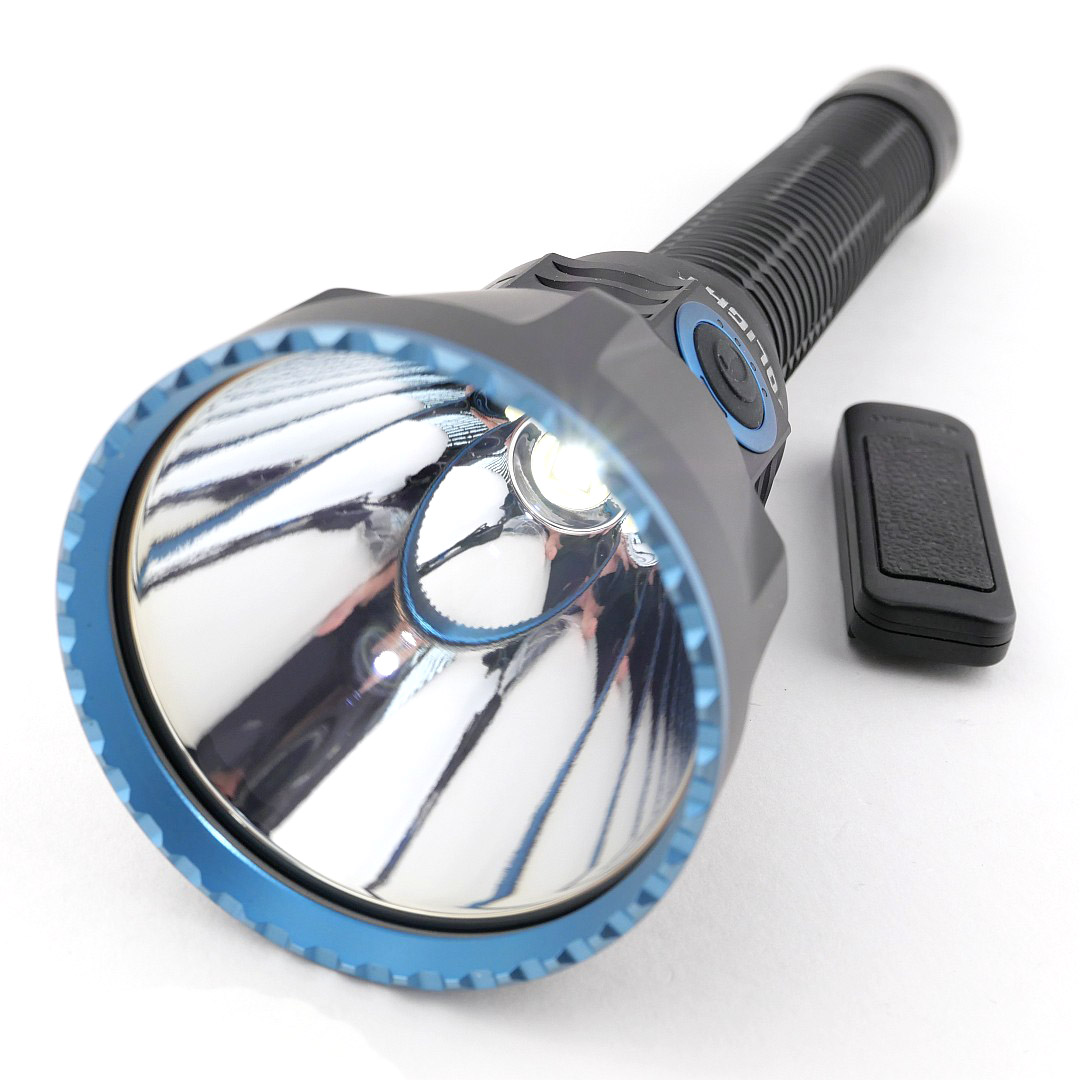
And now onto the main feature; the Javelot Turbo 2 itself. Straight out of the box, the front lens has a yellow plastic protector in place. Make sure you remove this before turning the light on, unless you like smelly melted plastic film over your main lens. And now we see that wide, deep reflector that gives the Javelot lights their fantastic beam range. At the heart of this light is a 27.5W LED, oddly otherwise not given a specification.
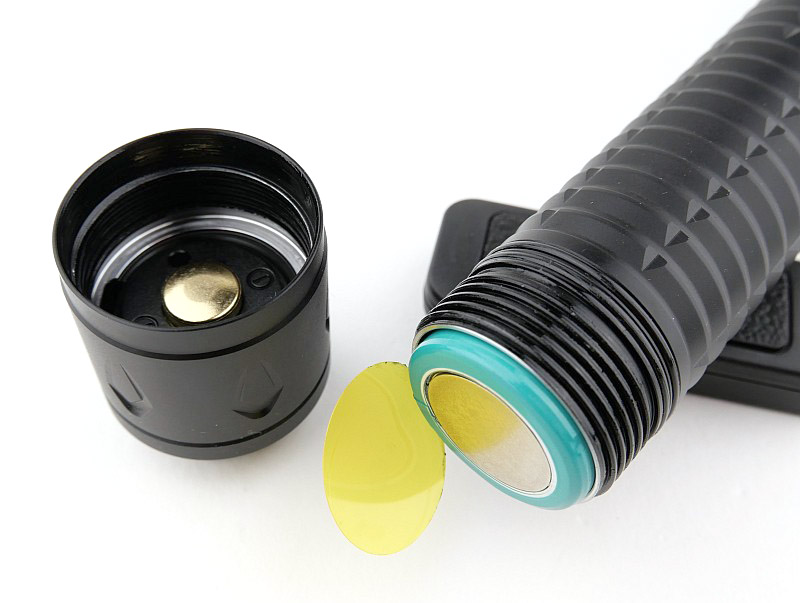
However, you can’t accidentally turn on the light right out of the box, as an insulator is fitted to prevent accidental activation of the light during transport, so you need to unscrew the tail-cap and take out the battery fully to remove this safety insulator. While doing so you can admire the contacts and battery, as afterwards you will most likely not see them again thanks to the built in USB-C charging.
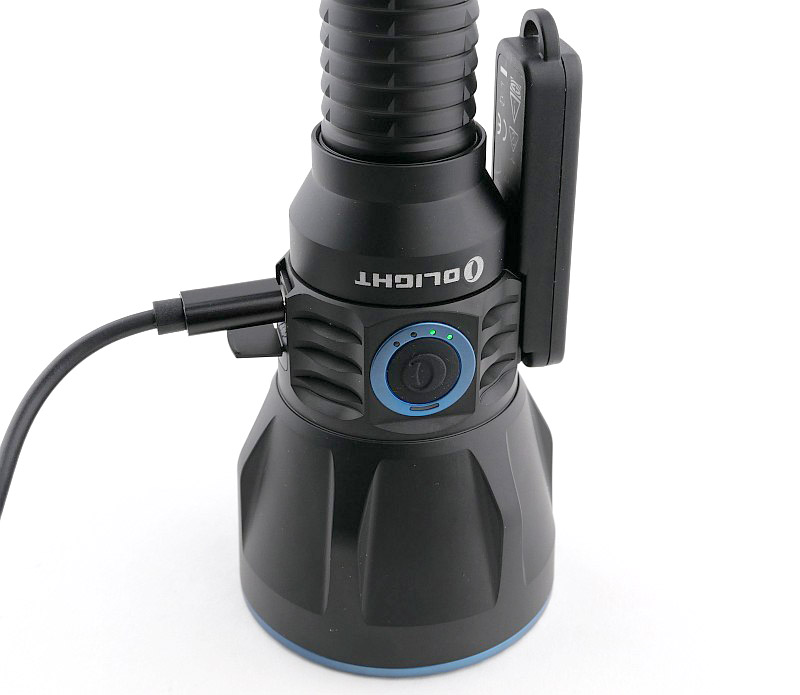
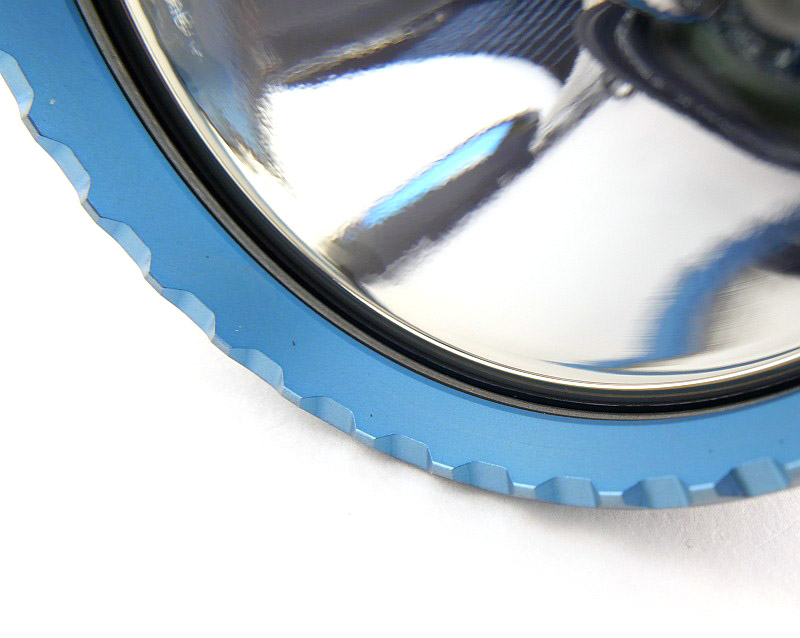
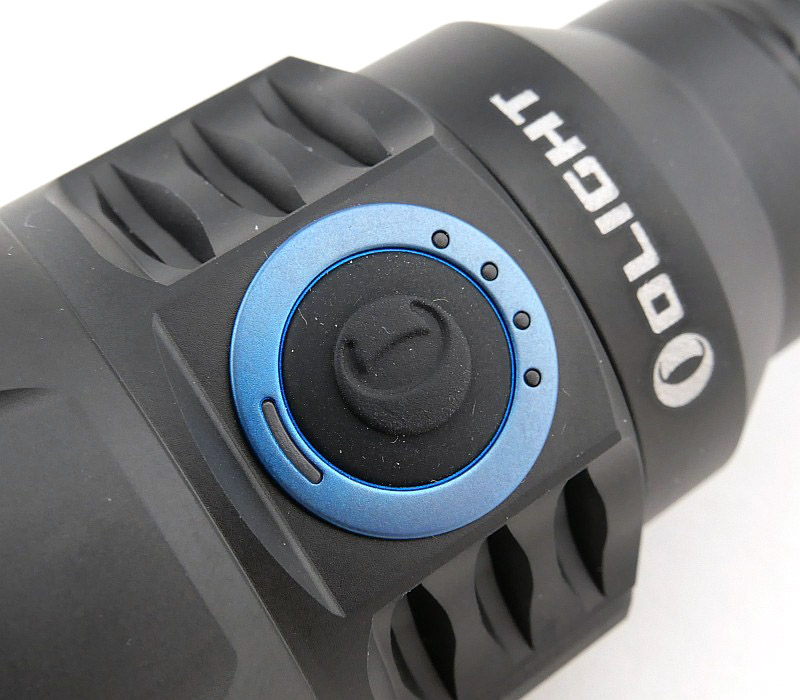
Featuring blue highlights for the main bezel and side switch surround to give Olight’s signature look. The side switch has four battery level indicators and a remote switch activity indicator.
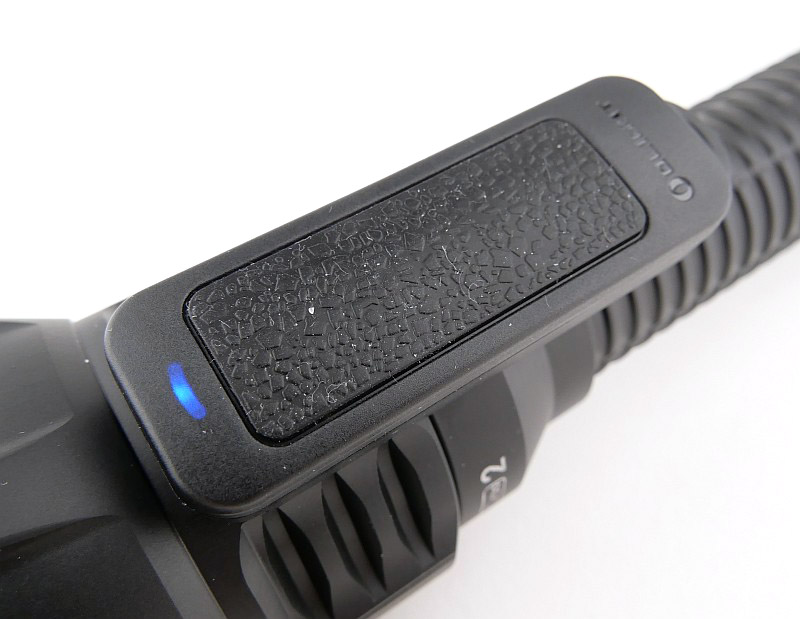
On the opposite side of the light to the side switch is the remote switch dock, using three contacts to charge and pair the remote switch.
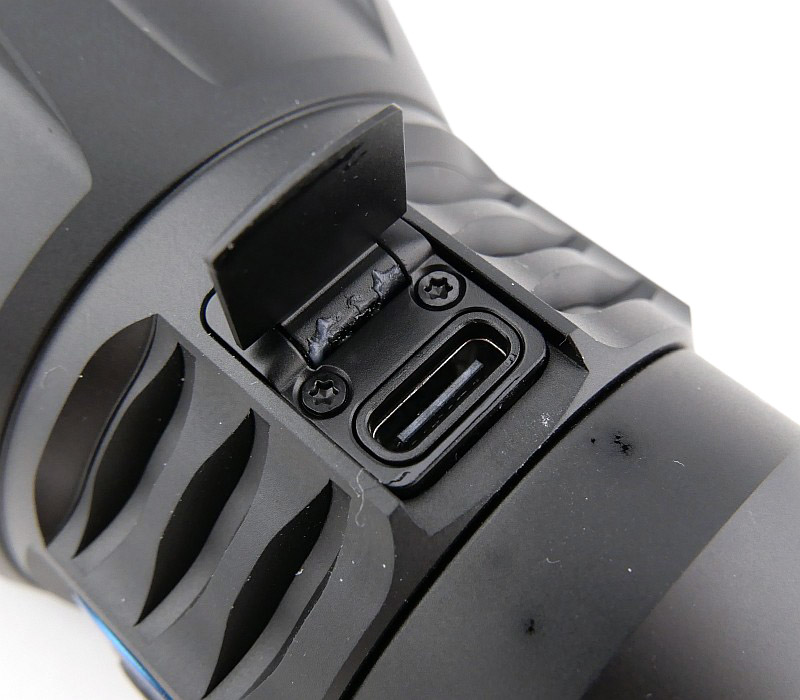
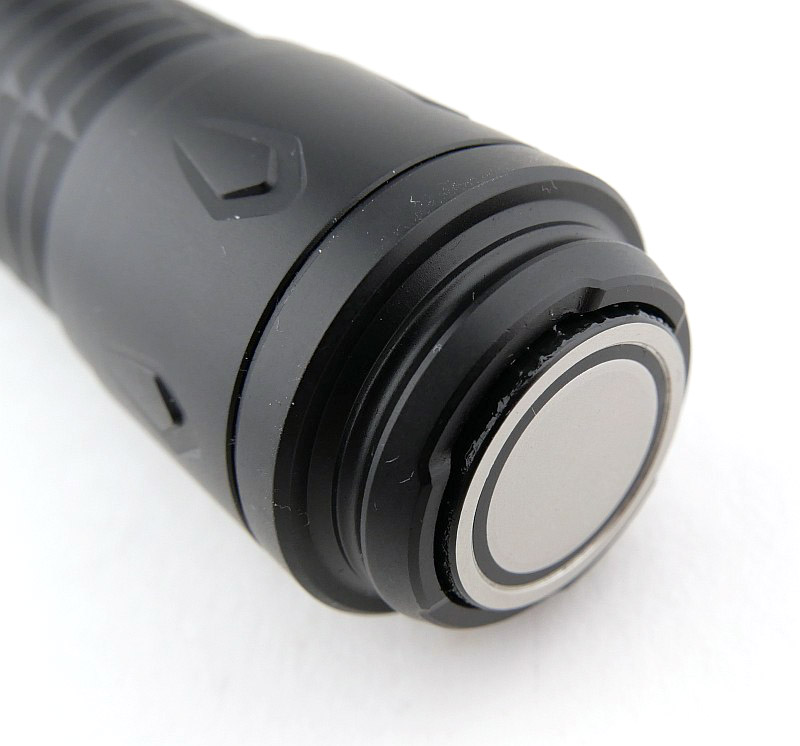
A hinged metal flap covers the USB-C port when not in use. Lastly in this gallery, the tail-cap switch, which has Olight’s magnetic charging contacts, but this cable is not included.


The beam

Please be careful not to judge tint based on images you see on a computer screen. Unless properly calibrated, the screen itself will change the perceived tint.

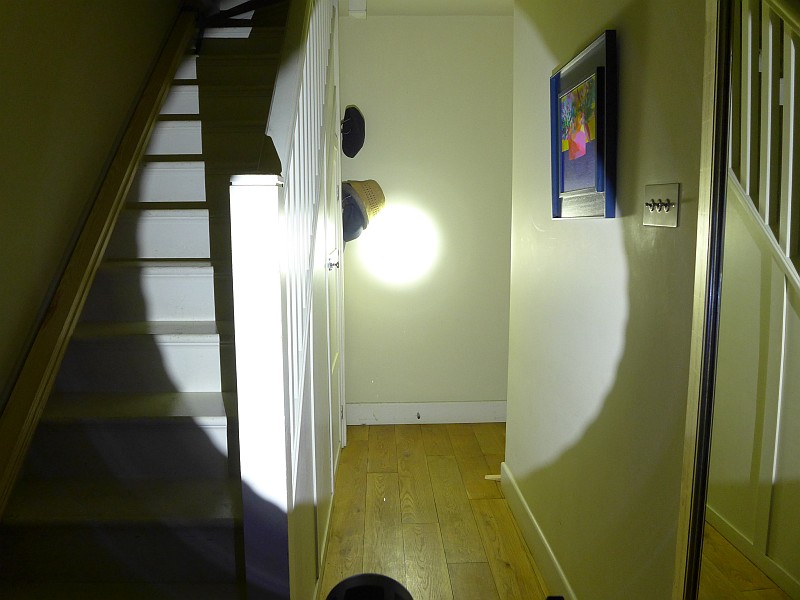
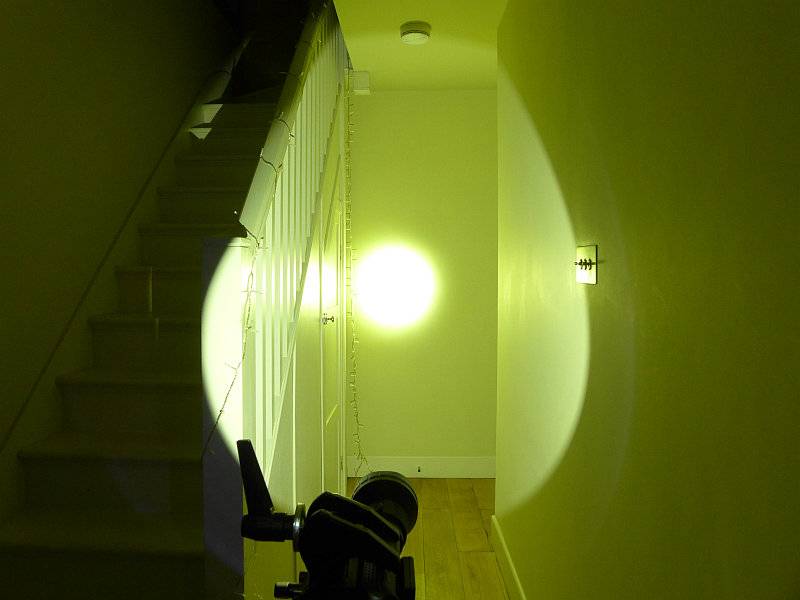
The indoor beam shot is intended to give an idea of the beam shape/quality rather than tint. All beam shots are taken using daylight white balance. The woodwork (stairs and skirting) are painted Farrow & Ball “Off-White”, and the walls are a light sandy colour called ‘String’ again by Farrow & Ball. I don’t actually have a ‘white wall’ in the house to use for this, and my wife won’t have one!

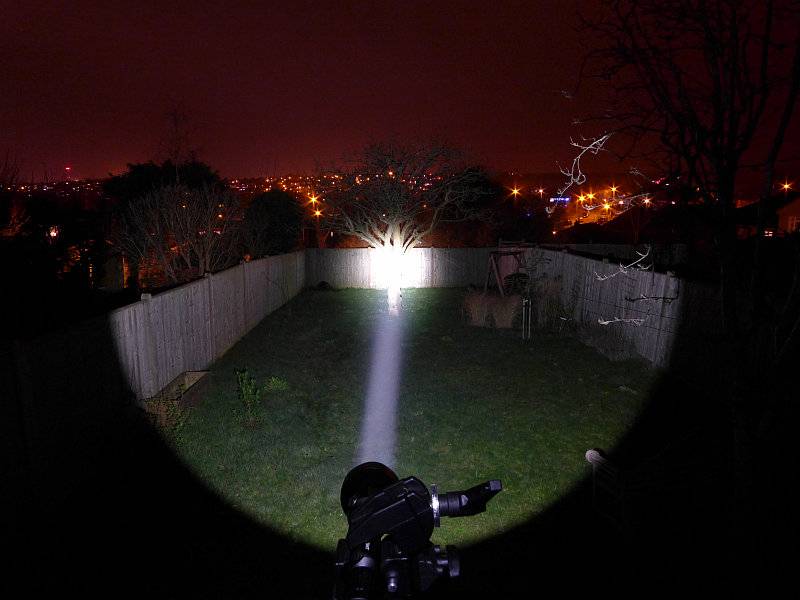
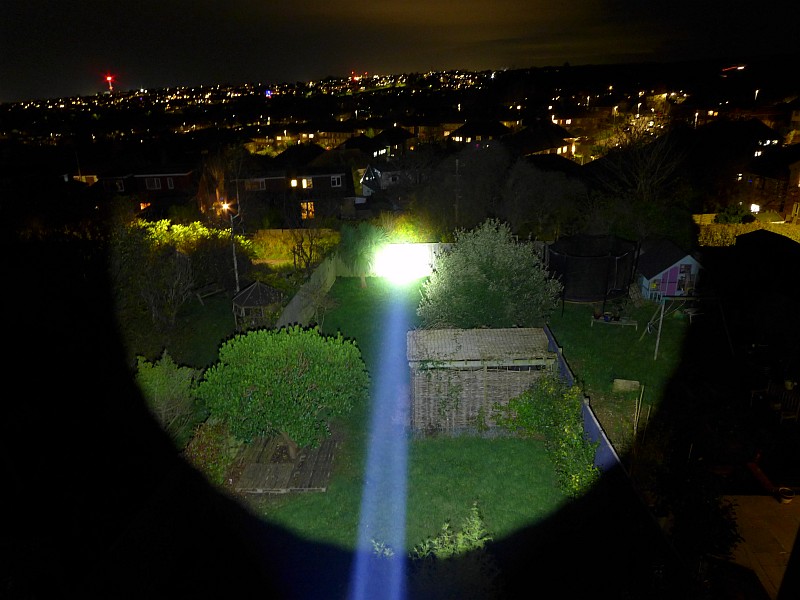
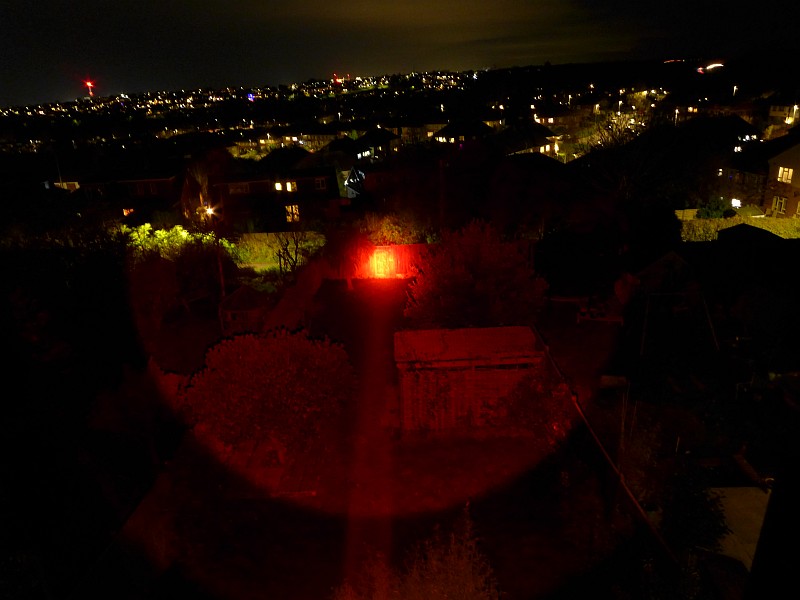
Any long time followers of Tactical Reviews might be familiar with the outdoor beam shots, but a new perspective has become necessary from a higher vantage point; the fence is at a distance of 32m.
The same exposure is used for the coloured filter beam shots to show the relative light levels for indoors and outdoors.

Batteries and output:

The Javelot Turbo 2 runs on a proprietary battery which needs to be charged in the light.

Please note, all quoted lumen figures are from a DIY integrating sphere, and according to ANSI standards. Although every effort is made to give as accurate a result as possible, they should be taken as an estimate only. The results can be used to compare outputs in this review and others I have published.

For full details of the tests and measurements carried out and an explanation of the results, see the page – Light Testing Information.

Measured output correlated incredibly well with the official specifications, including the beam range.
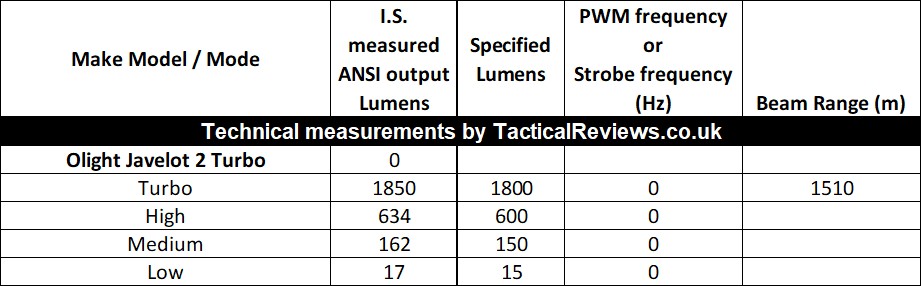

* Beacon and Strobe output measurements are only estimates as the brief flashes make it difficult to capture the actual output value.

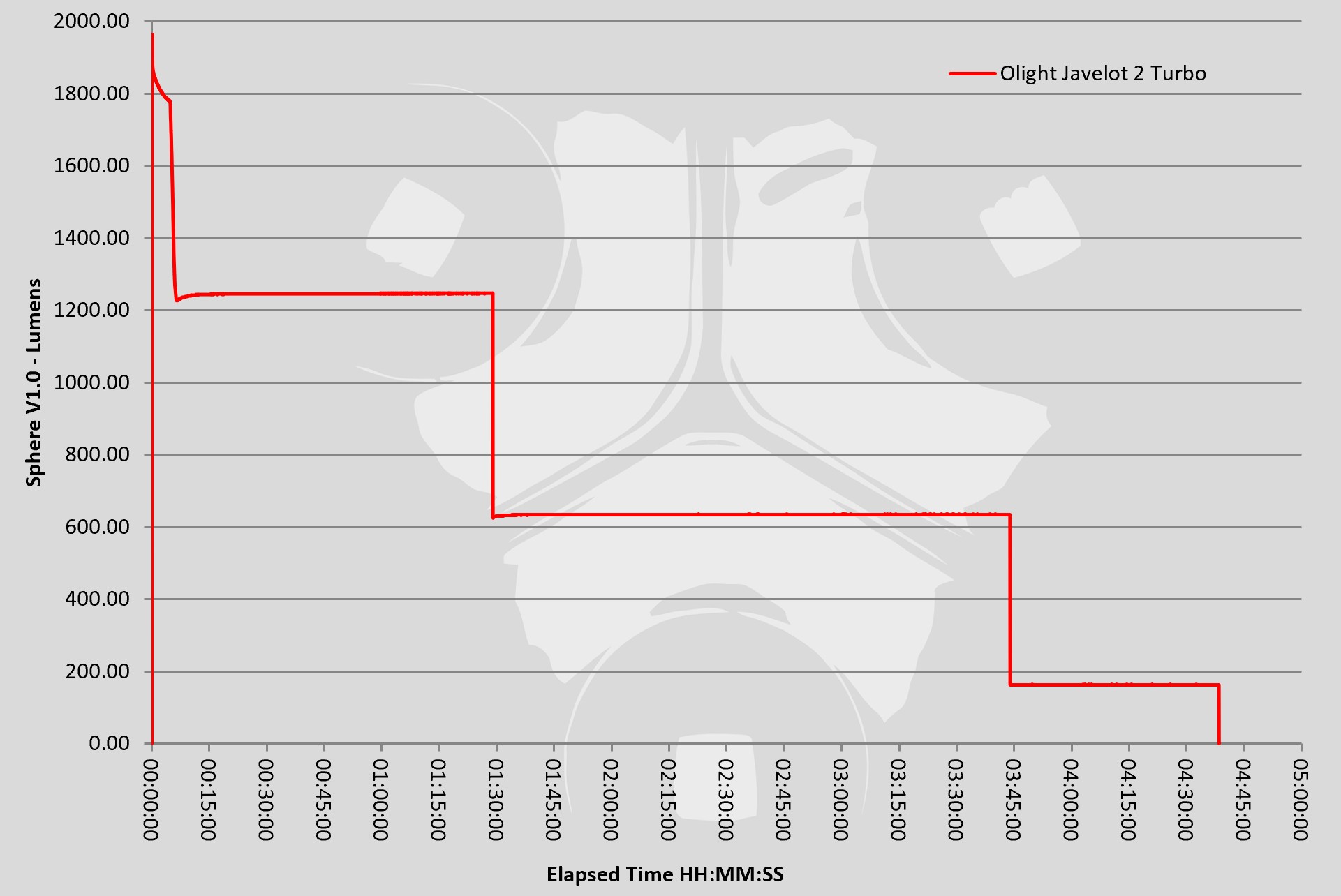
The runtime trace is equally impressive with 1200lm maintained for 1h 30m, and plenty of warning provided with the step downs, so you won’t be let down.

Troubleshooting

This section is included to mention any minor niggles I come across during testing, in case the information helps anyone else.

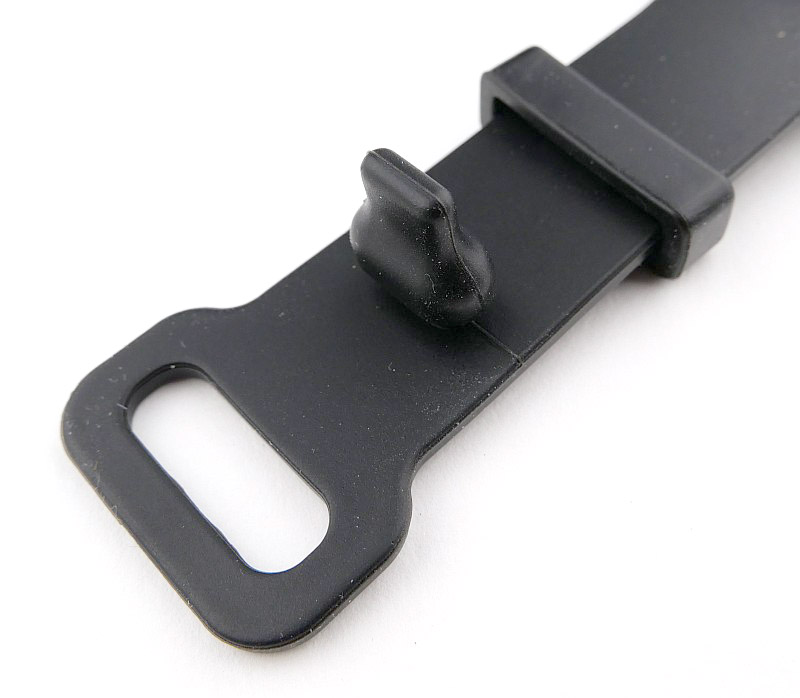
The only issue I encountered was with the switch mount / wrist strap for the remote switch. The post provided to allow the strap size to be set was very difficult to fit, and on the first attempt to remove it broke. I will be cutting off the broken post and fitting a metal Sam Browne stud in its place (a leatherworking fixing). Hopefully Olight will update this design.

As per the description of this section, this information is provided in case anyone else finds a similar ‘issue’ that might be fixed in the same way.

The Javelot Turbo 2 in use

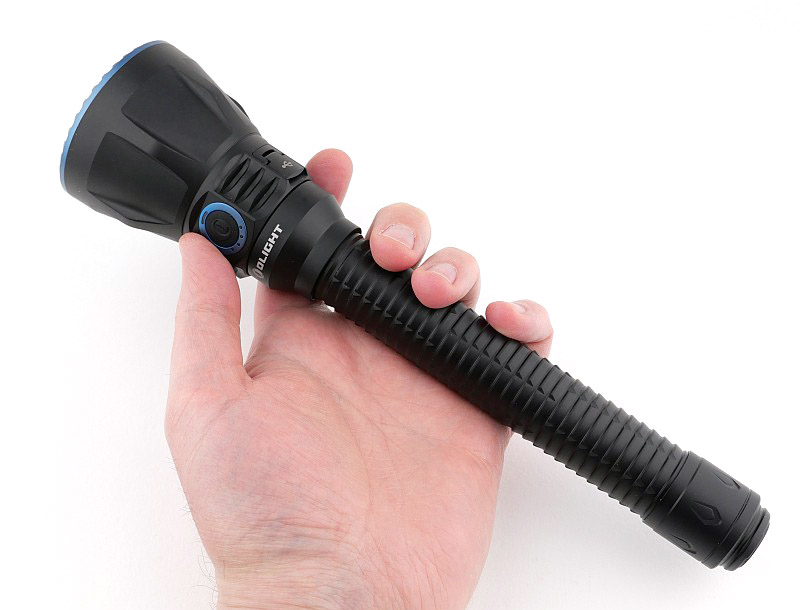
For a super-thrower, the Javelot Turbo 2 is easy to handle and combines its large reflector, and long battery tube into a practical package. Yes, it is long, but this makes it easy to hold and gives it excellent balance too.

Three completely different switching options adds to the versatility immensely. The side switch is one of the most natural controls when holding the Javelot Turbo 2 normally. Move into a tactical-grip with your thumb over the tail-switch, and again more intuitive control. And then yet another option, the bluetooth remote switch.

I’ll admit, that initially I thought this was a gimmick. However, I am now a convert for a couple of reasons; firstly, yes gun / weapon mounting and not having a wire to activate the light is very convenient. The switch mount can be used for gun mounting or as a wrist strap, or you can keep the switch in a pocket or hanging from the lanyard. What I found really useful too was having the Javelot Turbo 2 set up to be used hands free and then remotely controlled. Something I even did for lighting up the garden at night, leaving the Javelot Turbo 2 outside and being able to turn it on and off from inside the house. A really useful option to have.

I did not use the magnetic gun mount; convenient it might be, but secure and stable it is not. Olight’s own videos show the mount moving under recoil. This means you have only a couple of shots before needing to re-adjust. It also means the mount rubbing over the gun’s surface finish (which I normally keep lightly oiled) and any grit or dirt that happens to be on the surface. So I chose not to test this or show it. The mount would be useful for other fixed lighting tasks.

On this basis I also did not use the switch mount strap on a gun. I’m not keen on strapping a switch to a gun, usually using an adhesive strip to fit the switch as this allows precise placement anywhere, but with the Javelot Turbo 2, the remote switch needs to be fitted to the torch to recharge, so you can’t stick it to the gun. You could used some stick-on hook/loop fixings, as long as you ensure you don’t prevent the docking of the remote switch on the light. The switch holder also needs the size adjustment post issue sorted. A stick-on, rather than strap-on, holder would be a good addition if Olight decide to include it in future.

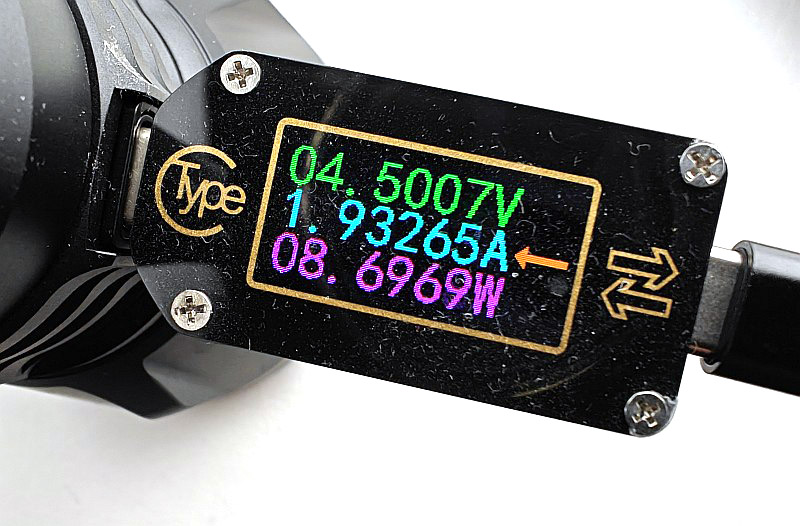
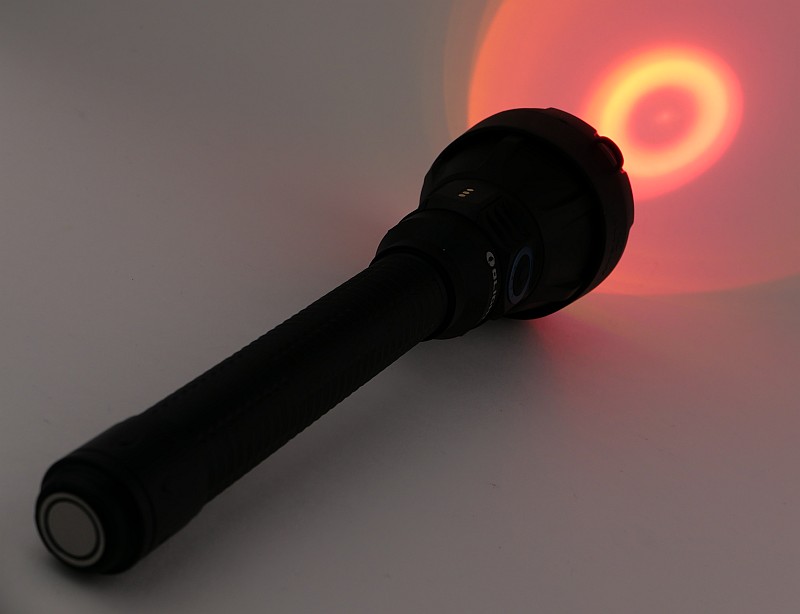
A quick check of the charging rate, and it’s taking 2A at 5V off my normal charger, so a healthy charge rate as specified. Having the coloured filters is crucial for hunting use as all animals are spooked by white light. Different species respond far less to red or green which makes these critical options. The filter mount is a flexible TPU that grips the head firmly and provides additional bump protection. I’m actually tempted to pop the green filter glass out and use the TPU holder as a bump cushion (for my use, the red is much more important).
Olight have always done an excellent job with the beam focus on the Javelot range, and I still have the original Javelots with de-domed LEDs. The Javelot Turbo 2 keeps this excellence and you can see from the lightsaber-like beam how strong this focus is. It measured right on specification, with my own measurements coming in at a beam range of 1510m; it certainly cuts a swathe through the darkness.
Olight Javelot Turbo 2 Review Summary
The views expressed in this summary table are from the point of view of the reviewer’s personal use. I am not a member of the armed forces and cannot comment on its use beyond that covered in the review.

Something that might be a ‘pro’ for one user can be a ‘con’ for another, so the comments are categorised based on my requirements. You should consider all points and if they could be beneficial to you.

_______________________________________________
What doesn’t work so well for me
_______________________________________________

Remote switch mount adjuster broke on first use.
Magnetic gun mount moves under recoil.
Olight did not include the magnetic charging cable.

_______________________________________________
Things I like
_______________________________________________

Wireless remote switch.
1510m beam range measured and confirmed.
1850lm Turbo output measured and confirmed.
Three switching options (side switch, tail switch, remote switch).
Remote switch charges directly off the light.
Good balance and handling.
Strong waterproof case included.
Quality red/green coloured filters.
Useful 15lm Low mode.

Olight Javelot Turbo 2 Review Videos

Starting with a short format sixty second review:


Onto a full video review covering many more details:
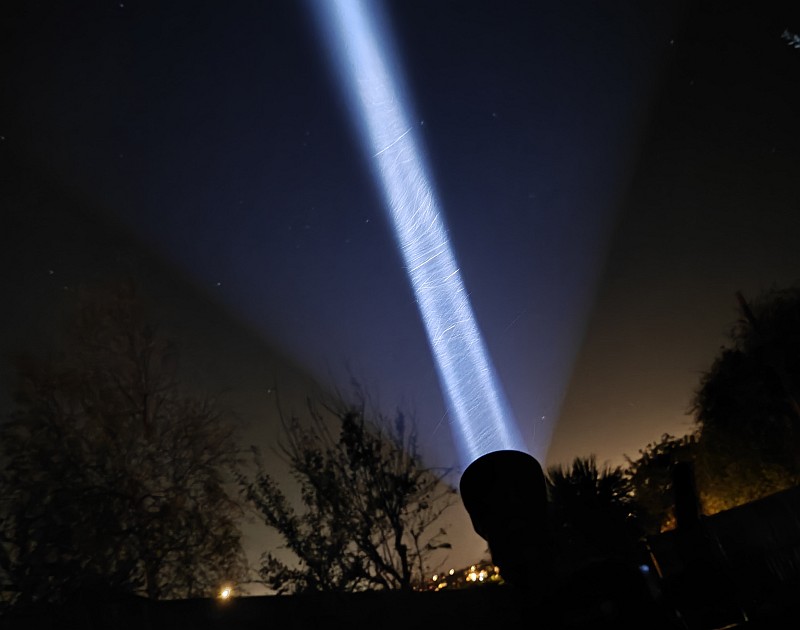

 
Discussing the Olight Javelot Turbo 2 Review:
Something new – will it work? A Tactical Reviews Subreddit.
TacticalReviewsChat on Reddit
Please visit there and start/join the conversation.
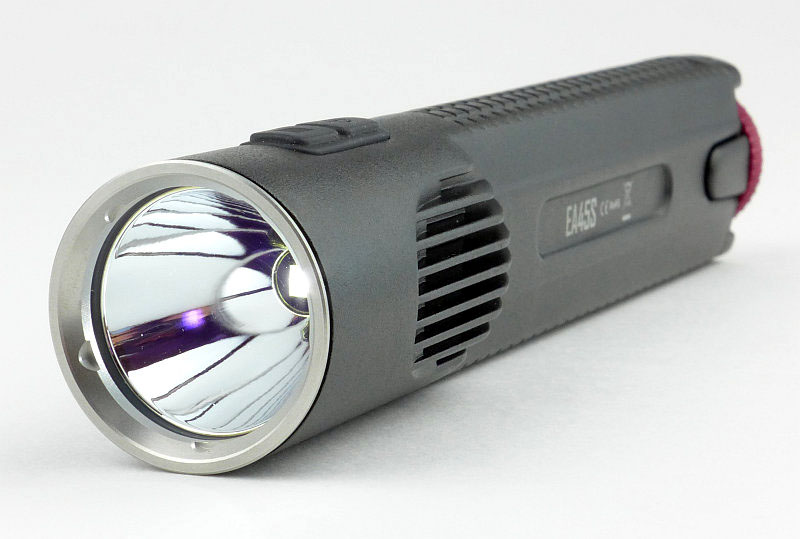
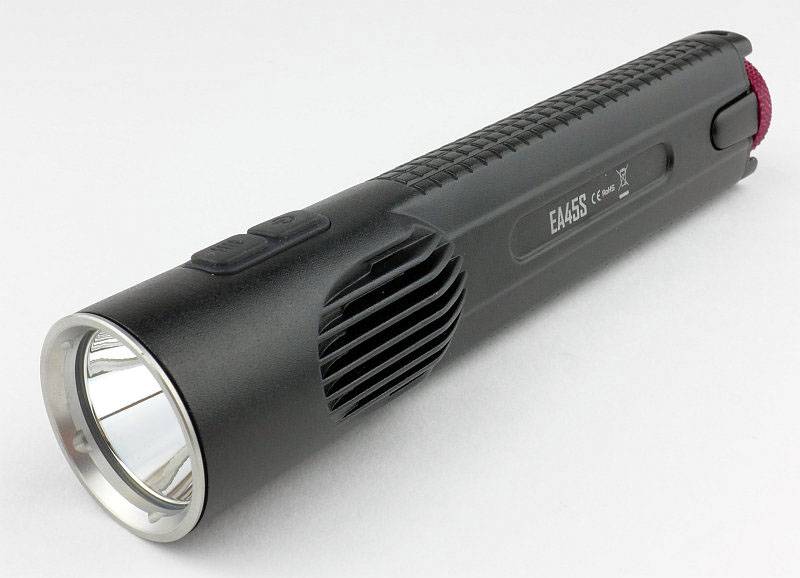
Light Review: NITECORE EA45S

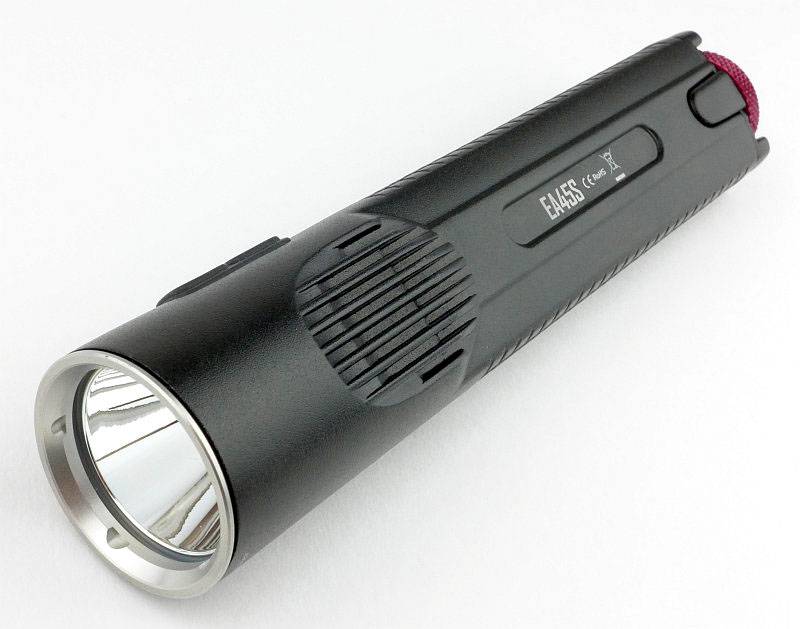
NITECORE’s first die-cast unibody light was the revolutionary EC4 (check the index page for a review link). Developing the idea further, we now have a 4xAA thrower using a similar format die-cast ‘unibody’, the EA45S.

 photo 06 EC45S angle 2 P1150998.jpg

Taking a more detailed look:

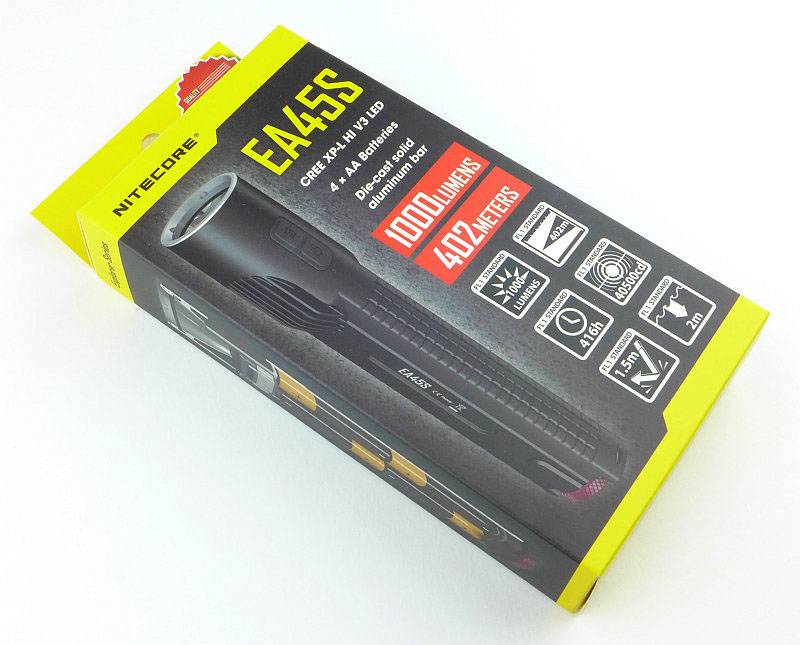
NITECORE’s familiar cardboard packaging is used.
 photo 01 EC45S Boxed P1150979.jpg

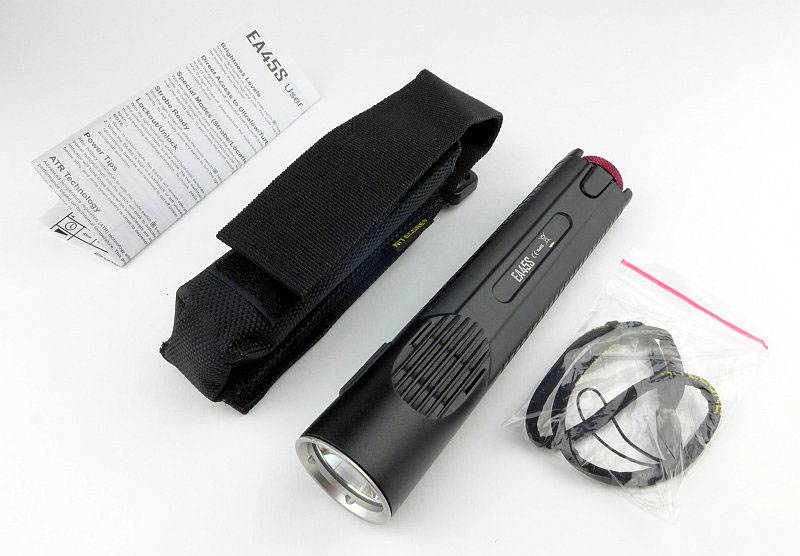
Inside the box is the EA45S, a wrist lanyard, holster and instructions.
 photo 02 EC45S Box contents P1150985.jpg

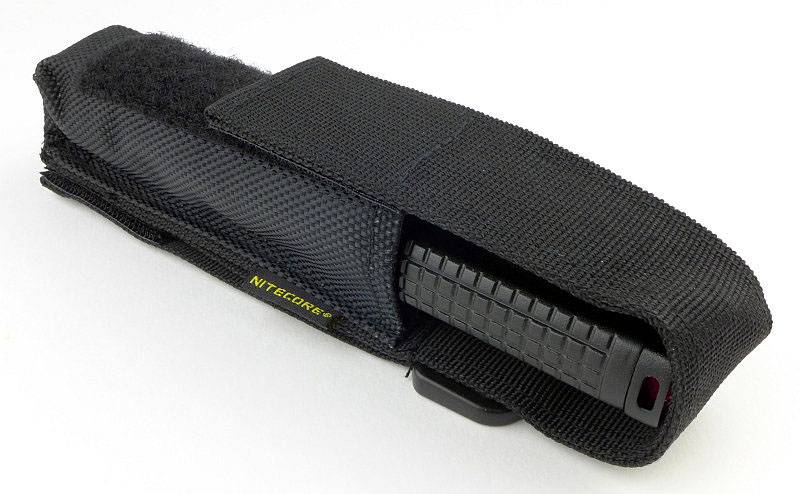
Holsters are always appreciated and this is well made.
 photo 03 EC45S holstered 1 P1150988.jpg

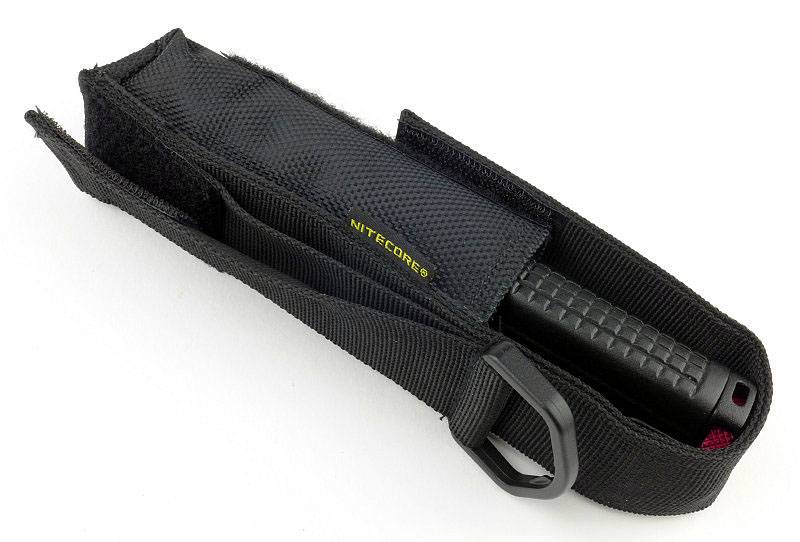
You have the choice of a fixed belt loop, Velcro belt loop and a D-ring.
 photo 04 EC45S holstered 2 P1150991.jpg

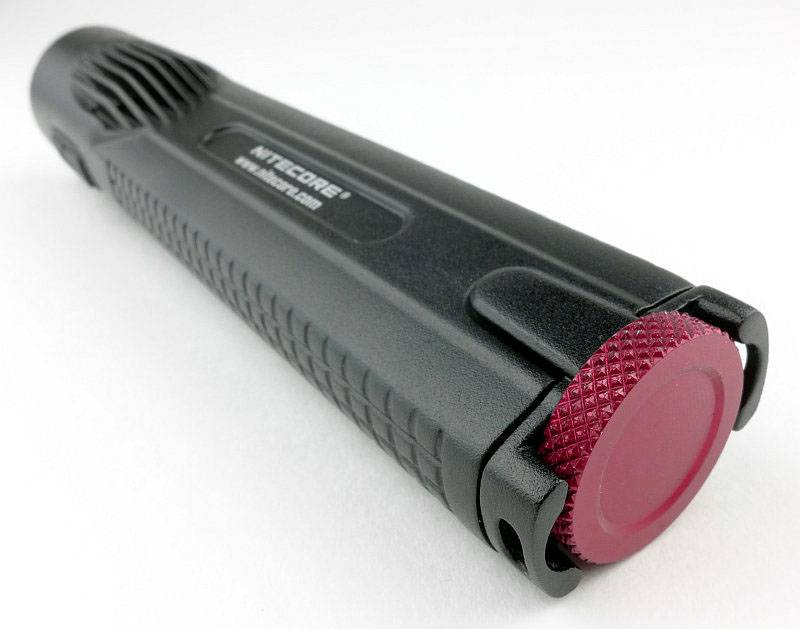
A very distinct feature is the red tail-cap screw that the ‘S’ versions of the die-cast lights have.
 photo 07 EC45S rear angle P1160006.jpg

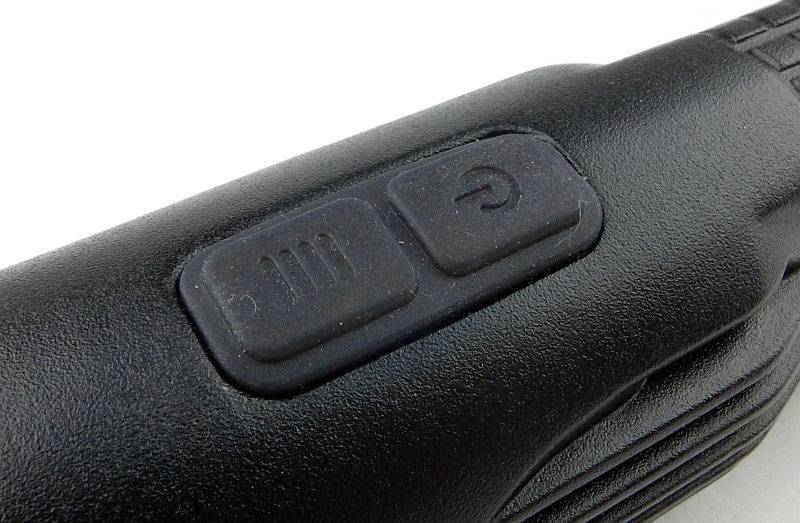
There is a dual side-switch for operating the EA45S.
 photo 08 EC45S switch detail P1160011.jpg

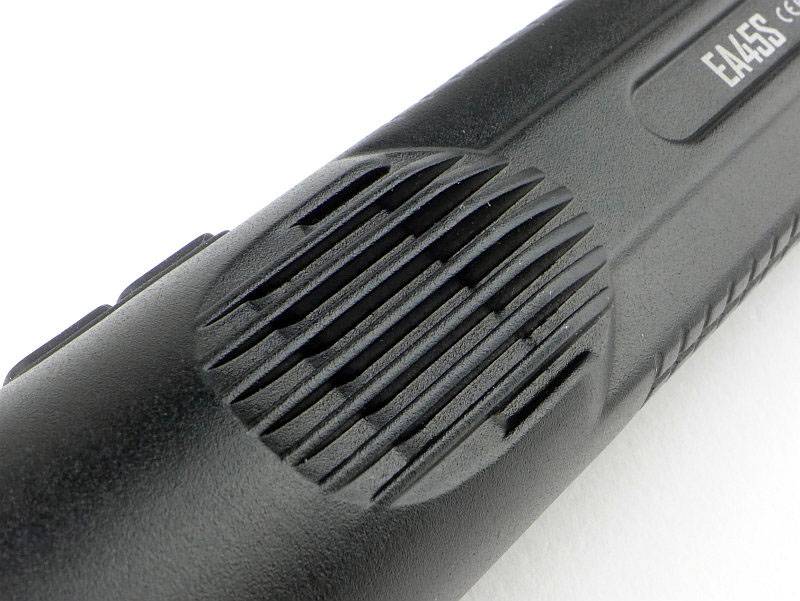
Heat sink fins are cast into the body. Thanks to the die-cast body there is an uninterrupted heat-path from these fins (and the rest of the body) to the LED board mount.
 photo 09 EC45S heat fins P1160012.jpg

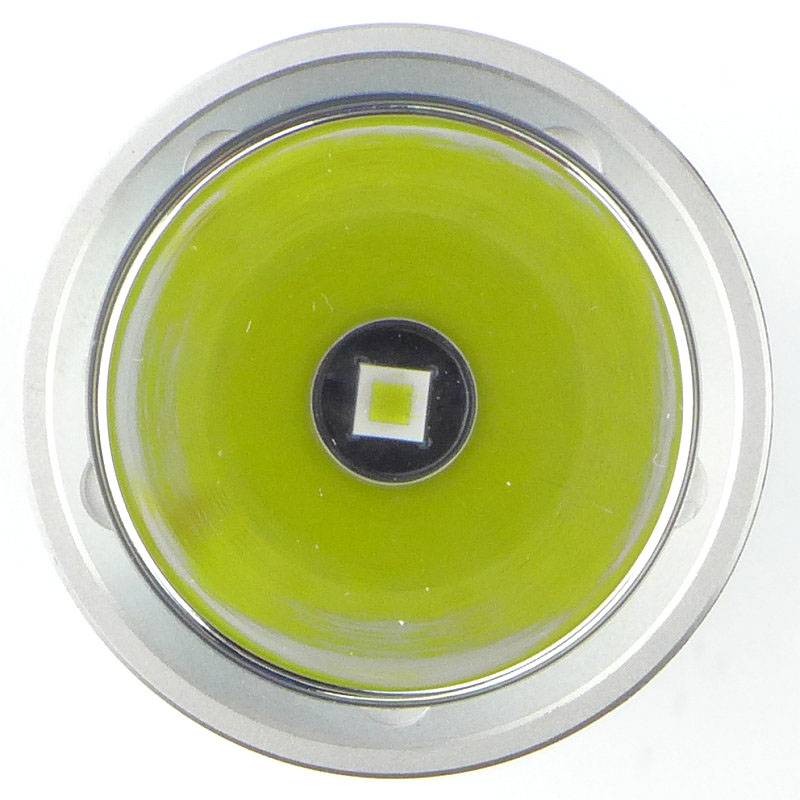
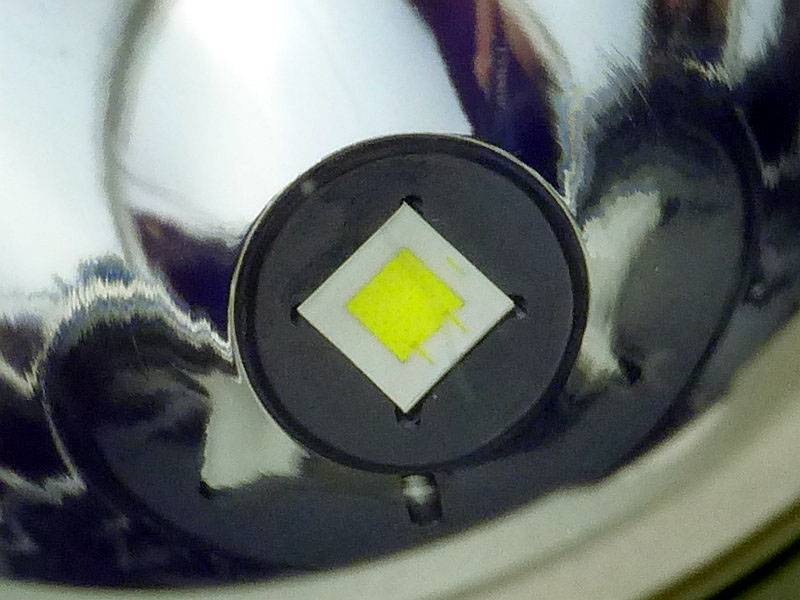
At the base of a smooth reflector is the EA45S’s XP-L Hi V3 LED.
 photo 11 EC45S LED P1160016.jpg

Looking more closely at the XP-L Hi V3 LED.
 photo 12 EC45S LED close P1160026.jpg

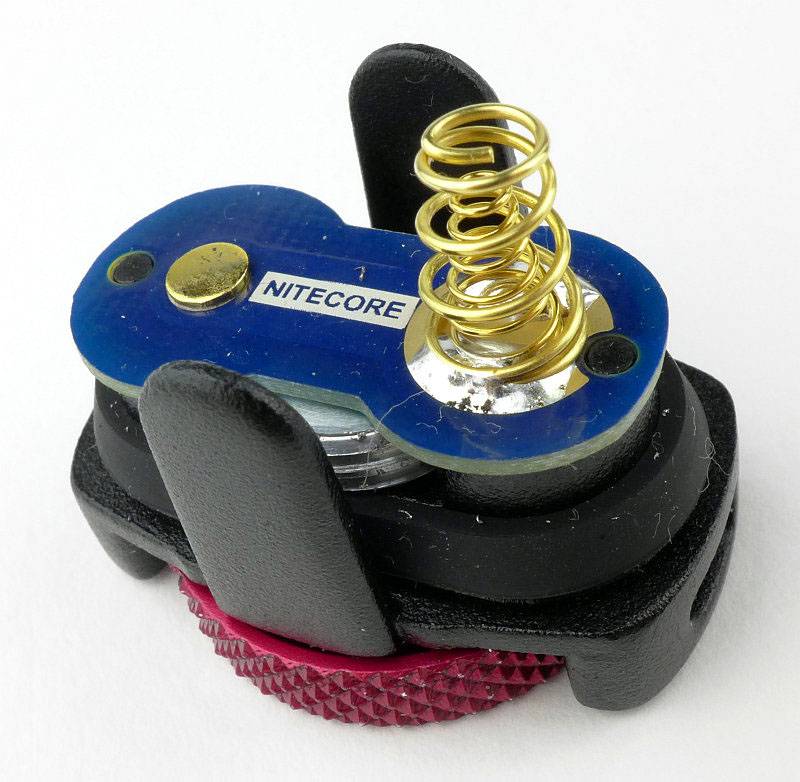
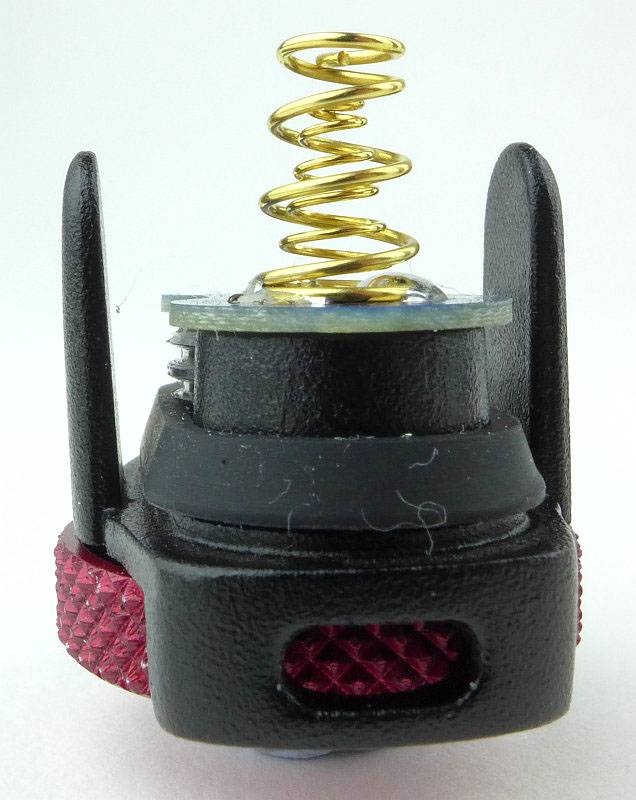
NITECORE’s die-cast lights use an unusual tail-cap design. It has lugs to engage with the body, the contact board, and a thumbscrew.
 photo 13 EC45S tailcap contacts P1160030.jpg

Looking slightly left of centre in this photo, you can see the threads which are almost entirely hidden.
 photo 14 EC45S tailcap threads P1160032.jpg

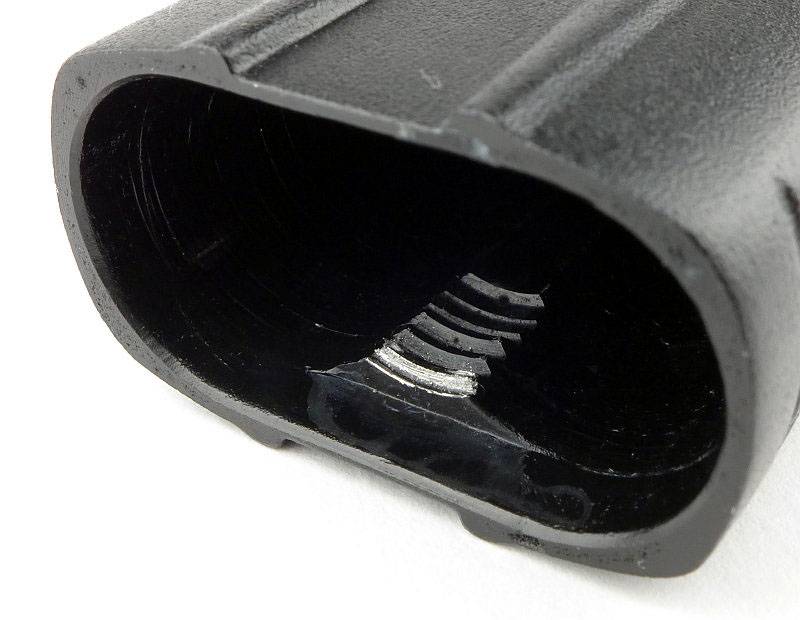
Those threads engage with a small section of threading inside the body.
 photo 15 EC45S internal threads P1160035.jpg

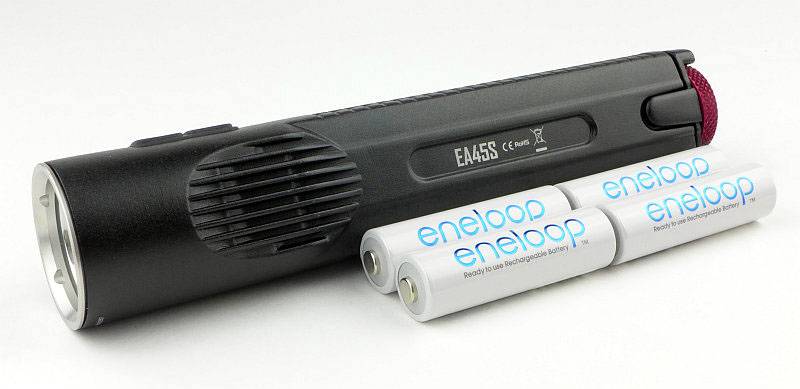
Here you can see the EA45S next to the four AAs it holds.
 photo 16 EC45S with cells P1160042.jpg

The beam

Please be careful not to judge tint based on images you see on a computer screen. Unless properly calibrated, the screen itself will change the perceived tint.

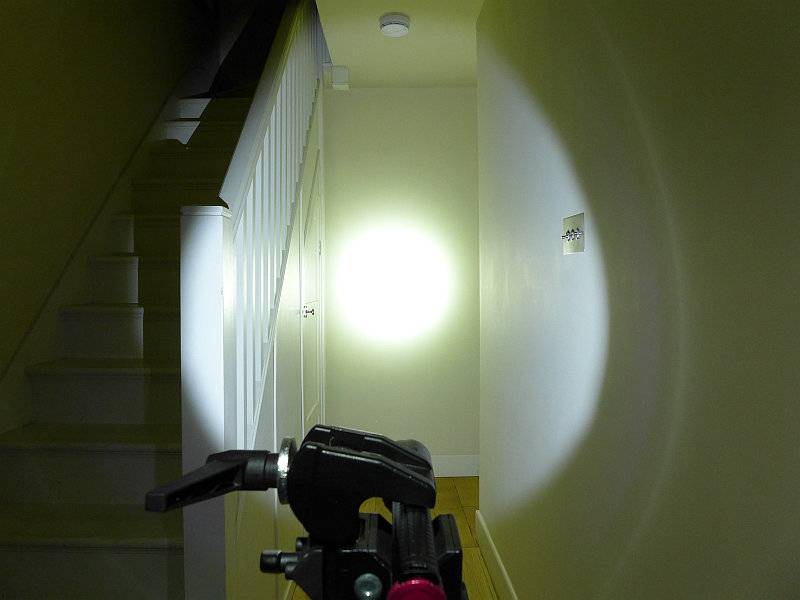
The indoor beamshot is intended to give an idea of the beam shape/quality rather than tint. All beamshots are taken using daylight white balance. The woodwork (stairs and skirting) are painted Farrow & Ball “Off-White”, and the walls are a light sandy colour called ‘String’ again by Farrow & Ball. I don’t actually have a ‘white wall’ in the house to use for this, and the wife won’t have one!

Designed for throw, the EA45S has a very defined and strong hotspot.
 photo 19 EC45S indoor beam P1170299.jpg

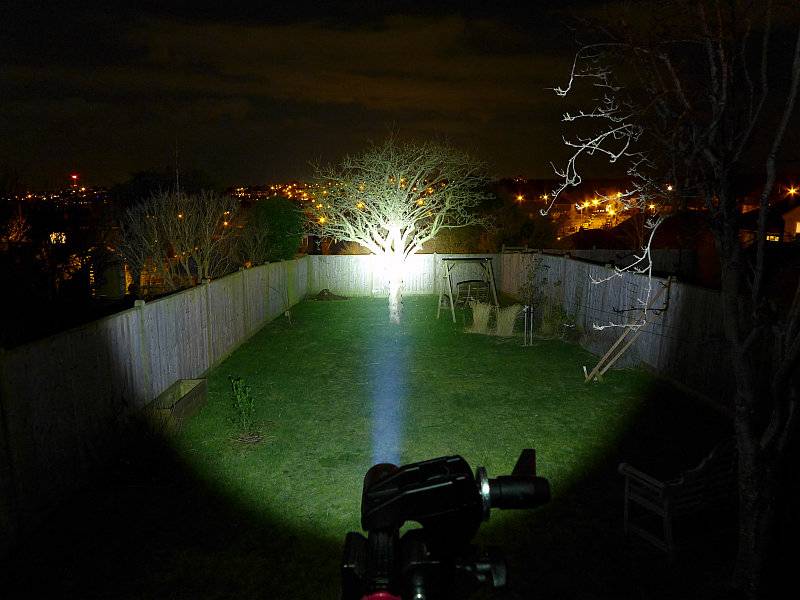
Giving it a bit more range to work with, you can clearly see the power of the beam which is very impressive considering its 4xAA power source.
 photo 20 EC45S outdoor beam P1170234.jpg

Modes and User Interface:

The EA45S has a total of five constant modes (Turbo, High, Medium, Low, Ultra-Low) and three flashing modes (Strobe, Beacon and SOS). Like many other NITECORE lights this is controlled by a dual button.

From OFF, to switch ON to the last used steady white output, briefly press the Power switch. When ON, press the Mode switch to cycle through Turbo -> Ultra-Low -> Low -> Mid -> High back to Turbo etc. To switch OFF briefly press the Power switch.

From OFF, for direct access to Ultra-Low, press and hold the Power switch for more than 1s.

From OFF, for direct access to Turbo, press and hold the Mode switch for more than 1s.

To access White flashing modes, from ON, press and hold the Mode switch for more than 1s. This will activate strobe. Press and hold the Mode switch for more than 1s again to switch to Beacon mode. Press and hold the Mode switch for more than 1s once more to activate SOS.
Once activated, pressing the mode switch briefly returns the EA45S to the previous steady mode, or a brief press of the Power switch will turn the EA45S OFF.

There is a ‘Standby’ mode which uses brief low power flashes of the blue switch indicator LED to act as a locator to allow you to find the EA45S in complete darkness. To activate Standby, from ON press and hold the power switch for over 1s until the blue switch light comes on. Although low power, the flashes are bright enough to disturb someone’s sleep. Exiting standby mode is achieved by switching on the EC4. When using Standby mode the drain is increased but the should still last a year in this mode. Turn ON and OFF again to exit standby.

There is a lockout mode included. With the EA45S ON, press and hold both buttons simultaneously for 1s to enter lockout. When entering Lockout, the EA45S will turn off and give a brief flash of the main beam as you release the buttons. Like this the buttons will not turn the EA45S on. Thanks to the button design this can be done easily with the thumb. To exit Lockout press and hold both buttons simultaneously for 1s and the EA45S will turn ON in the last used mode.

Lastly when first inserting cell/s into the EA45S or briefly pressing the mode switch when OFF, the blue switch light will flash to indicate the battery charge level. It flashes once, twice, or three times. Three flashes indicates full power.

Batteries and output:

The EA45S runs on 4xAA, Alkaline or NiMh. NiMh will give the best performance.

To measure actual output, I built an integrating sphere. See here for more detail. The sensor registers visible light only (so Infra-Red and Ultra-Violet will not be measured).

Please note, all quoted lumen figures are from a DIY integrating sphere, and according to ANSI standards. Although every effort is made to give as accurate a result as possible, they should be taken as an estimate only. The results can be used to compare outputs in this review and others I have published.

___________________________________________ ________________________________ ________________________________
NITECORE EA45S using Eneloop AA I.S. measured ANSI output Lumens PWM frequency or Strobe frequency (Hz)
___________________________________________ ________________________________ ________________________________
Turbo 912 0
High 476 0
Medium 238 0
Low 63 0
Ultra-Low 2 0

* Beacon and Strobe output measurements are only estimates as the brief flashes make it difficult to capture the actual output value.

Peak Beam intensity measured 43100 lx @1m giving a beam range of 415 m.

There is parasitic drain at 102.6uA (2.33 years to drain the cells).

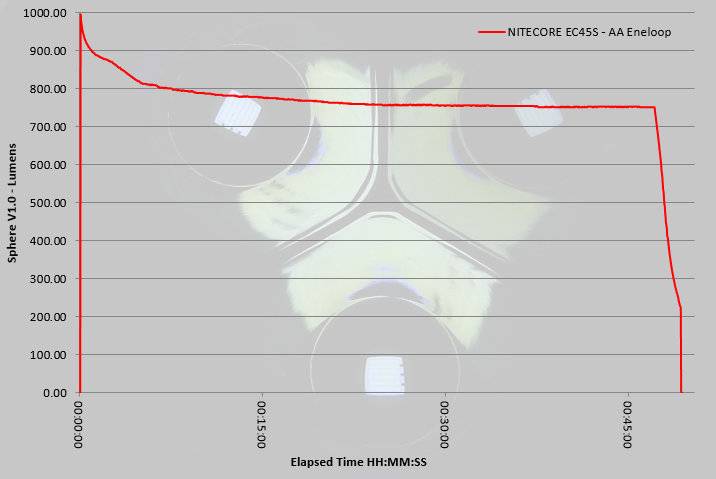
The EA45S does indeed hit 1000lm at switch on, but this drops to a still impressive 912 ANSI lumens. The output gradually declines to around 800lm approximately 7 minutes after switch on, and then remains steady for the remainder of the runtime (just dropping to 750lm) before trailing off sharply once the cells are depleted.
 photo NITECORE EC45S runtime.jpg

Troubleshooting

This section is included to mention any minor niggles I come across during testing, in case the information helps anyone else.

No issues were encountered during testing.

However, I did have a couple of issues with the tail-cap threads not engaging properly. It requires a very firm pressure during the entire fitting of the tail-cap to fit smoothly. The thumb wheel has a convenient smooth depression which allows you to press onto it firmly with your finger while turning the screw.

As per the description of this section, this information is provided in case anyone else finds a similar ‘issue’ that might be fixed in the same way.

The EA45S in use

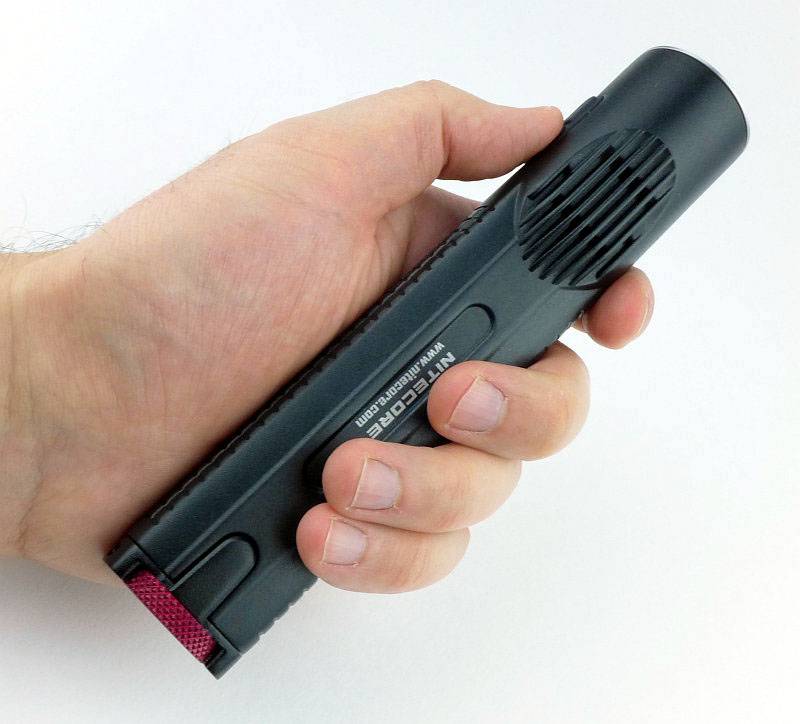
For those that have followed my reviews for a while, you will most likely know I have always loved the 2xAA format for being easy and comfortable to hold. I’ve tested other 4xAA lights which have had the four cells all together (making quite a handful) or 2×2 as in the EA45S. Thanks to the die-cast unibody and lack of cell holder, the EA45S takes this 4xAA format and fits it into a more compact body.

The EA45S has just pushed out the 2xAA as my favourite size/shape, and put itself firmly into pole position with its compact 2×2 4xAA cell layout. It is really comfortable to hold, stable, thanks to the rectangular cross section, and just the right size and weight.

 photo 18 EC45S in hand P1160052.jpg

This is a bigger light than I would EDC, but when I need a step up in performance and runtime without going to something really large, the EA45S fits the bill (and hand) nicely. It is also perfectly reasonable to just throw into a backpack even if you might not need it.

Of course with its throw biased beam, it can be a little fatiguing to use indoors. The Ultra-Low and Low modes are really all you will want to use when inside. Other than that the EA45S’s beam comes into its own. Peering into an engine bay, or deep into storage (loft, or other large space), the throw helps you to see clearly. Outside you can really appreciate the throw the XP-L Hi V3 LED gives you, and how comfortable it is to hold (I might have mentioned that before).

The surface finish on the EA45S is HAIII hard anodised, which can prove challenging on die-cast aluminium, but NITECORE have achieved an excellent quality finish. At first this surface might appear to be a powder-coat due to the graininess, but this is due to having to pre-treat (sand-blast) the die-cast surface before anodising.

A couple of other observations, there is a degree of cell rattle when you knock the EA45S or put it down, but this does not happen with normal handling. Also for use wearing gloves the switches can be a little tricky to hit just right.

Certainly in the sample I have, you have to be careful fitting the tail-cap. Removing it presents no issues, but due to the contact spring strength, it does need constant pressure on it to ensure the threads start and run properly all through the tightening. The thumb-wheel has a shallow smooth depression which makes it easy to apply pressure and turn the wheel to tighten it.

Thanks to the unibody design, heat transfer is managed with ease; nothing gets particularly hot with the entire body acting as a heat-sink.

There are other 4xAA lights with similar output, but NITECORE have delivered it with a superbly ergonomic design. I liked the EC4, but really love the EA45S.

Review Summary

_______________________________________________ _______________________________________________
Things I like What doesn’t work so well for me
_______________________________________________ _______________________________________________
Excellent ergonomics. Tail-cap can be cross-threaded easily.
Over 900lm from four AAs. Beam can be fatiguing at close range.
415m beam range. Parasitic drain could be lower (but is acceptable).
Stable when tail-standing.
Direct access to Ultra-Low and Turbo.

 photo 05 EC45S angle 1 P1150993.jpg


Discussing the Review:

Please feel free to add comments to the review, but the ideal place to freely discuss these reviews is on a forum. If you started reading the shorter forum version of the review, but followed the link this full exclusive review, please return to that forum to discuss the review there.
If you read the review entirely on Tactical Reviews, please consider one of the following to join in any discussion.

CandlePowerForums – Flashlight Reviews Section (Largest and Friendliest Flashlight Community Forum)

EdgeMatters – Sponsored Reviews (UK based Forum for Knife Makers and Collectors)

Light Review: Olight M3XS-UT Javelot – Super Thrower (3/4xCR123, 2×18650)

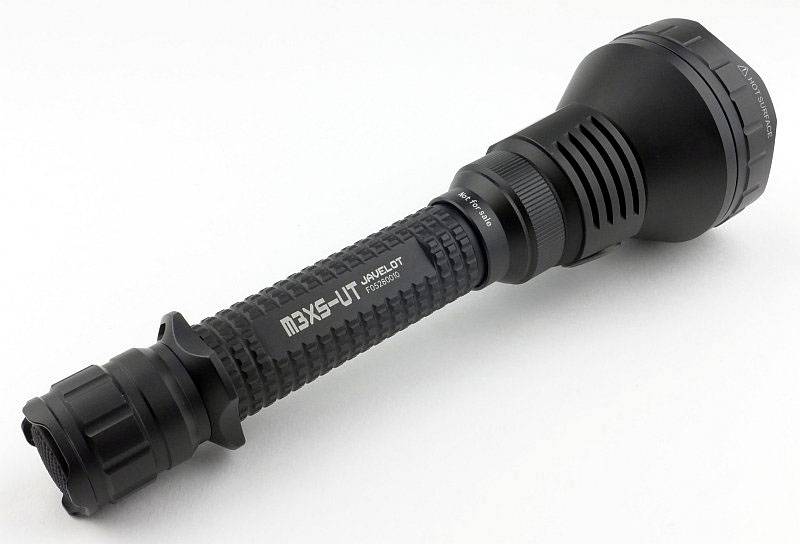
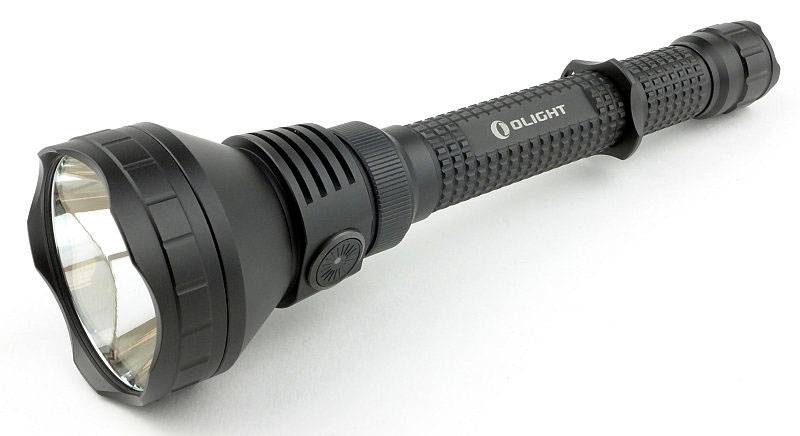
Olight have been building up performance levels with the other Javelot models. These Javelots have been getting noticed for their enhanced throw, and then Olight released the M3XS-UT taking performance up another notch. The M3XS-UT is currently the top of performer amongst the Javelots.

Taking a more detailed look:

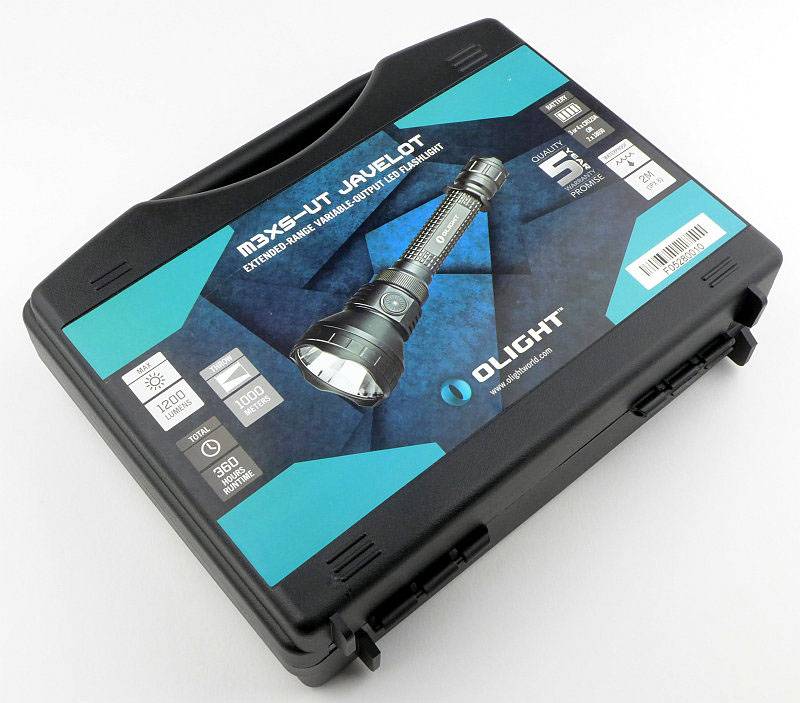
Like all the Javelots I’ve tested, the M3XS-UT comes with a plastic carry case rather than a disposable cardboard box.

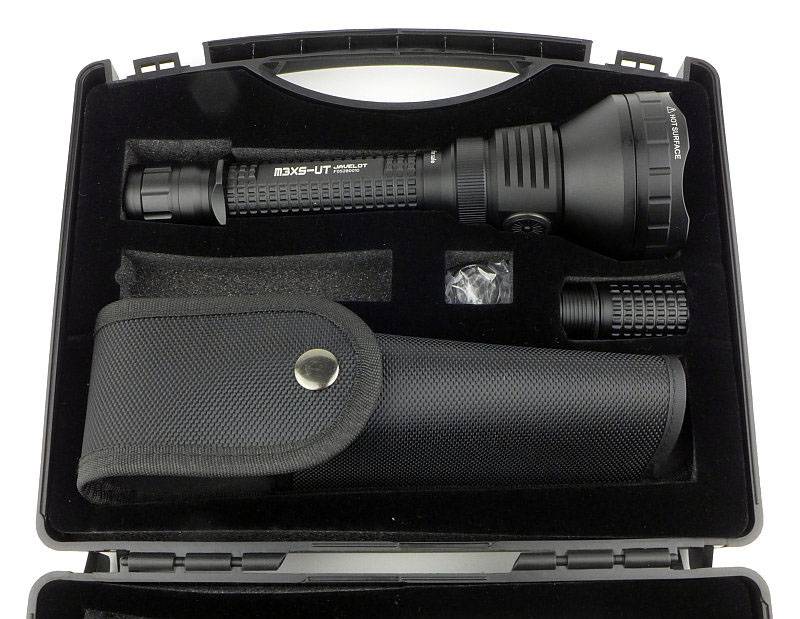
Inside, the contents are held in place with a foam liner. The empty slot would contain the CR123 holder, but in this case this demonstration light had a set of cells fitted into the light when it arrived.

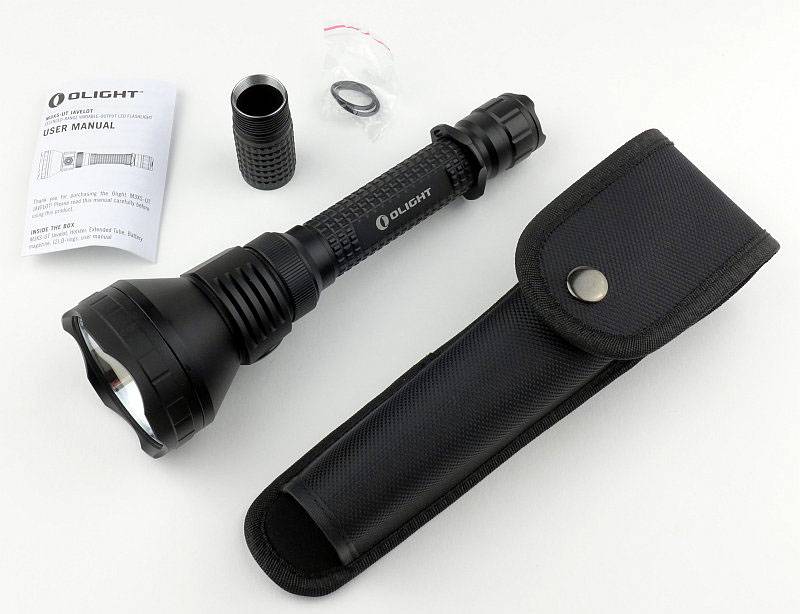
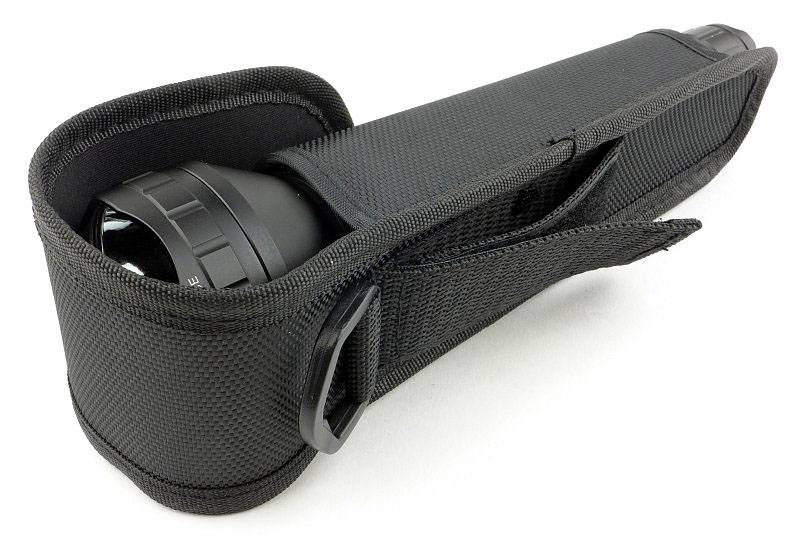
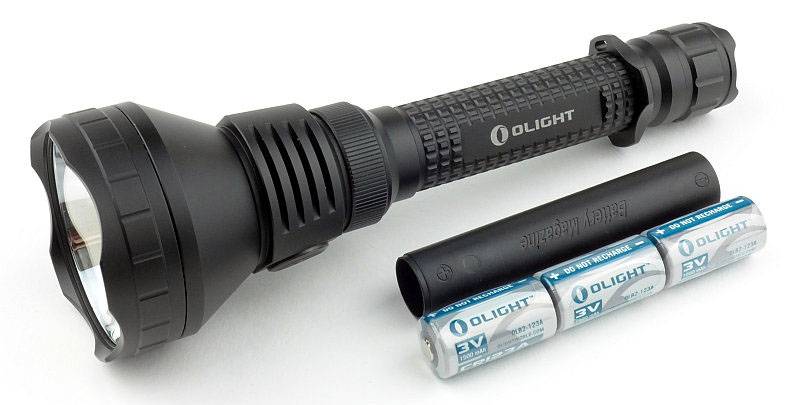
Included are the M3XS-UT, an extender tube, holster, two O-rings and the instructions. (the CR123 cell holder is already in the light here).

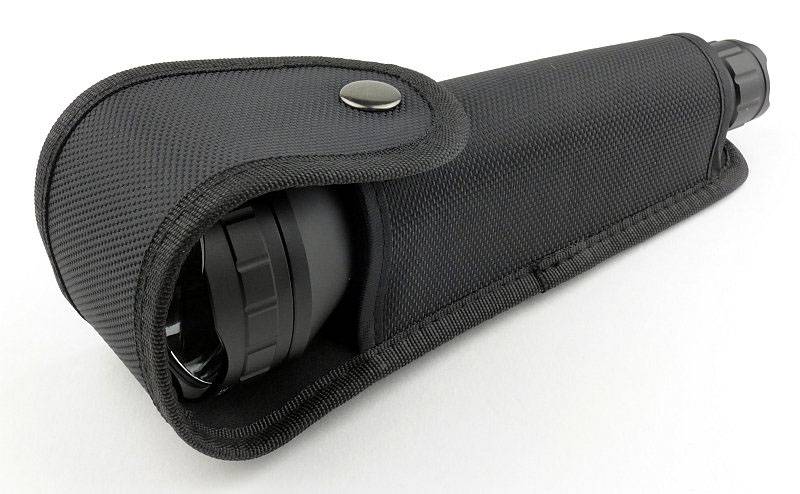
Out of necessity, the M3XS-UT has an open bottom holster.

You have the choice of D-ring or Velcro-closed belt loop.

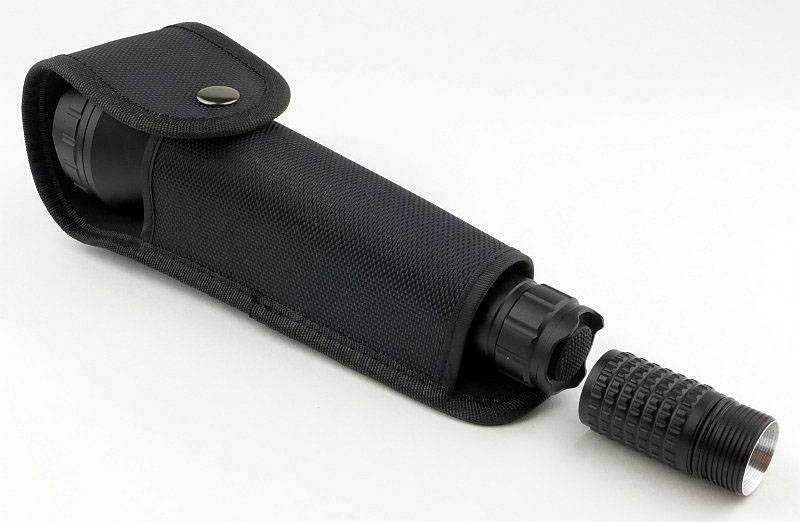
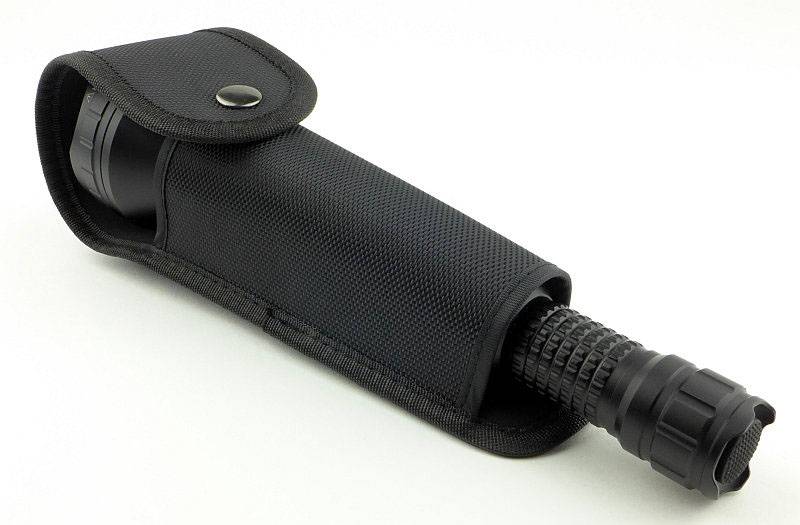
This is why there is an open bottom in the holster.

This holster can be used with or without the extension tube.

The M3SX-UT has a removable grip ring.

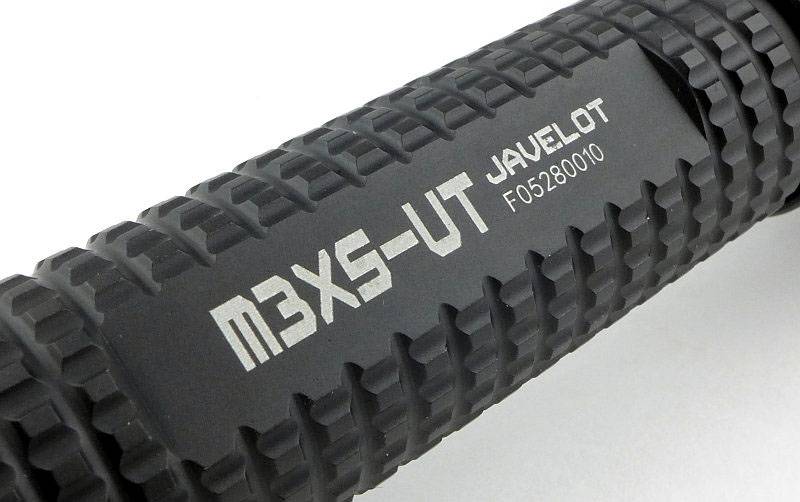
Instead of standard knurling a very effective pattern is machined into the body.

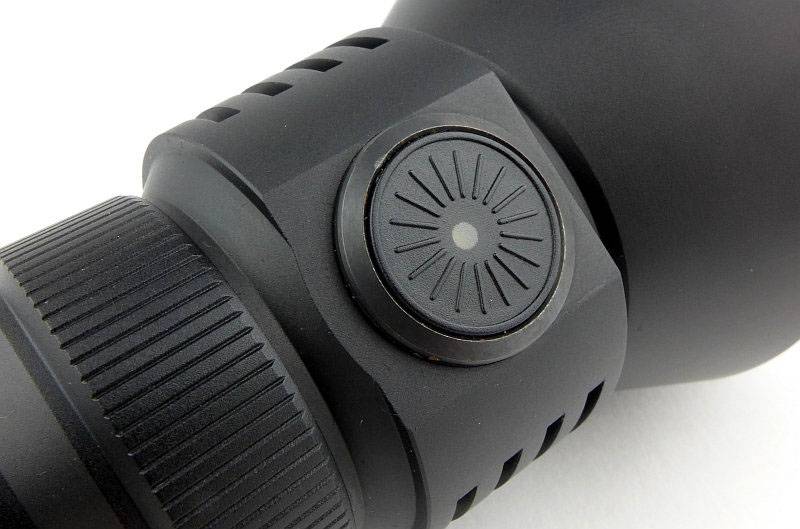
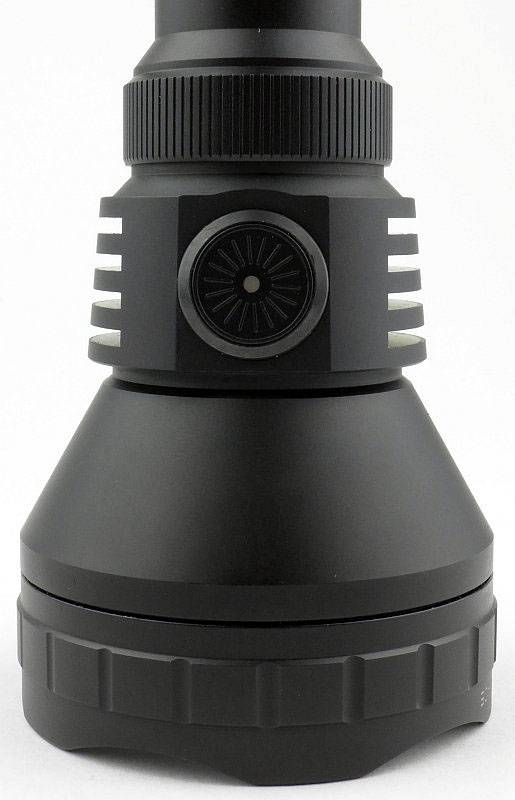
In addition to the tail-cap switch, there is a side-switch for mode selection.
Either side of the side-switch are heat sink fins.

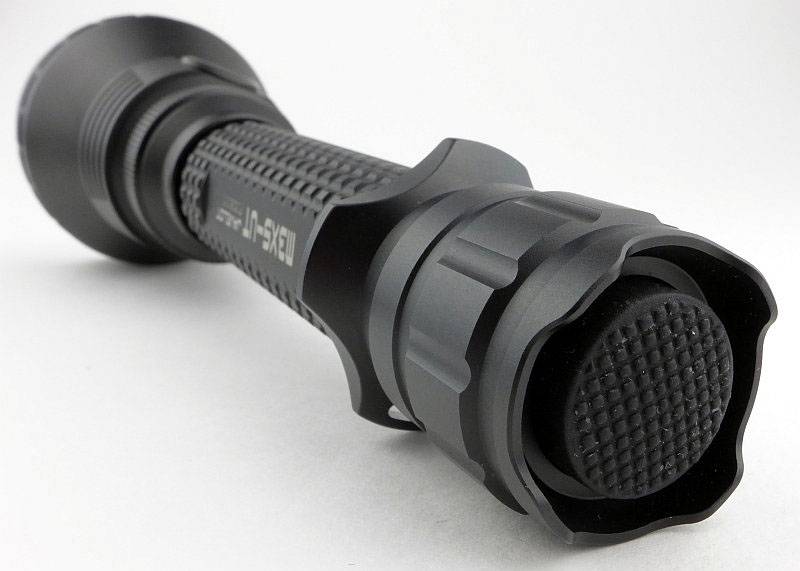
The switch boot is wider than most and the tail-cap has four small raised lugs which allow it to tail-stand (though not very stable).

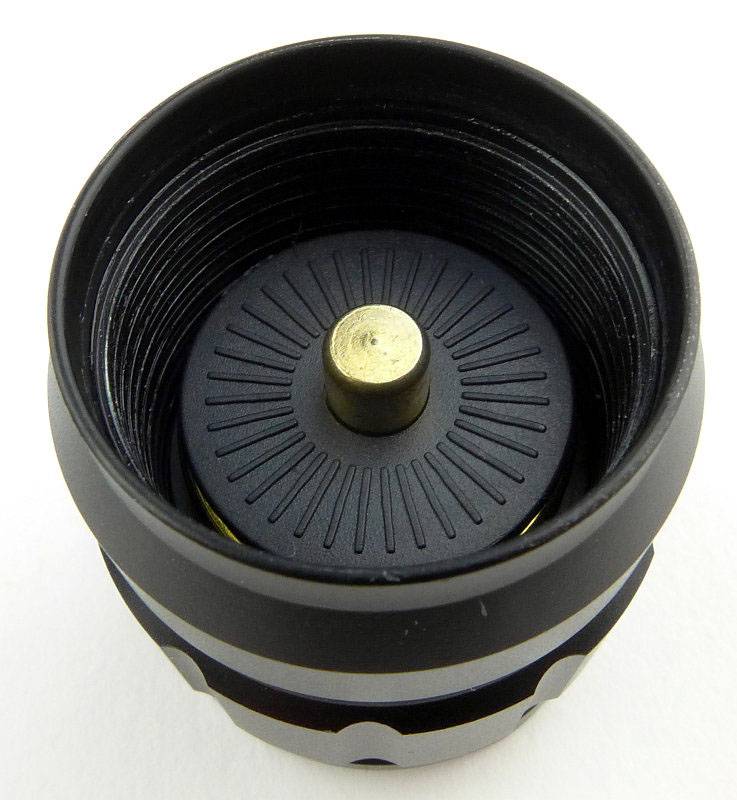
Looking into the tail-cap, the negative terminal is clearly visible, but the contact for the battery tube is only seen as small glimpses. This is due to the design not using a contact point on the end of the tube, but instead fitting into the cone shaped inner edge.

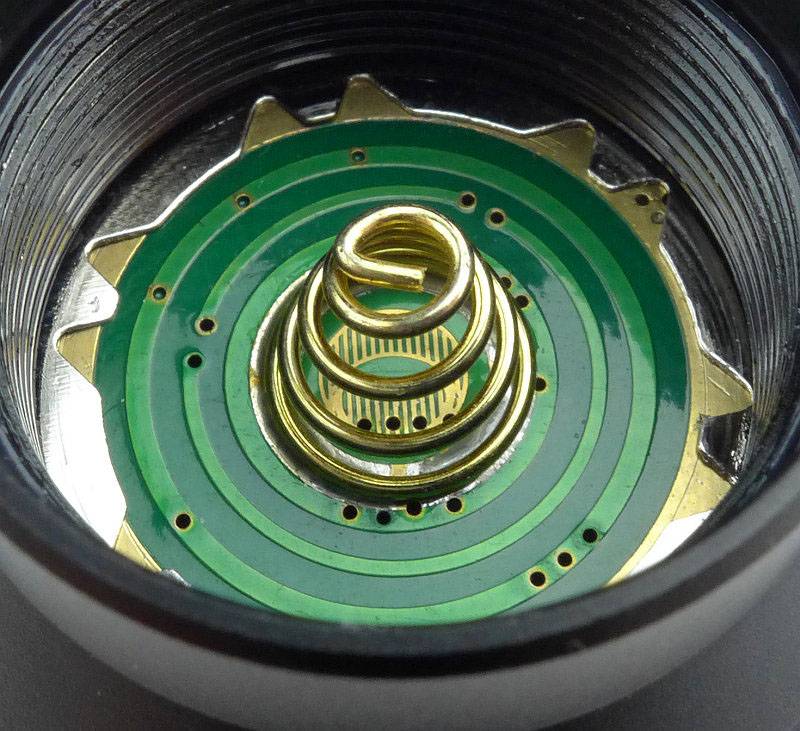
Removing the battery tube completely shows the positive contact in the head as well as the circular battery tube contact.

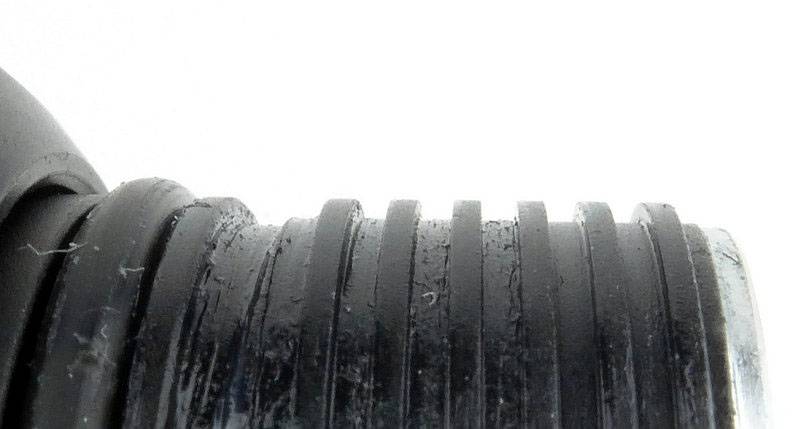
For the tail-cap end of the battery tube, the threads are a square-cut.

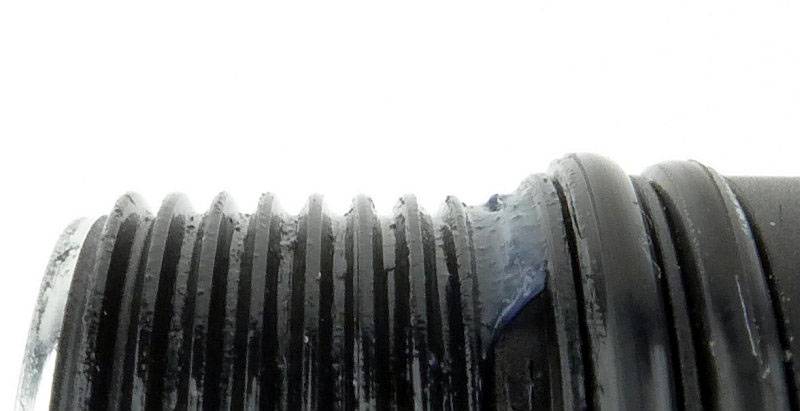
At the head end of the batter tube, the threads are standard and two O-rings are used.

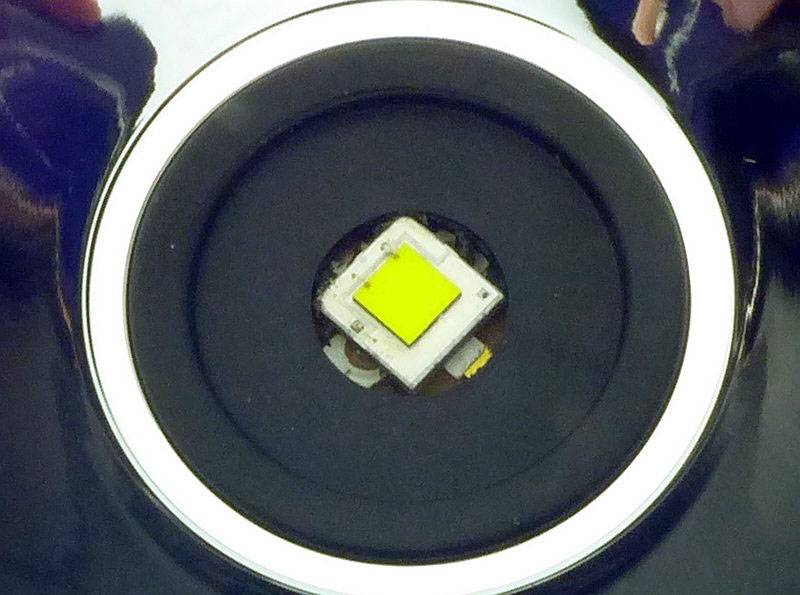
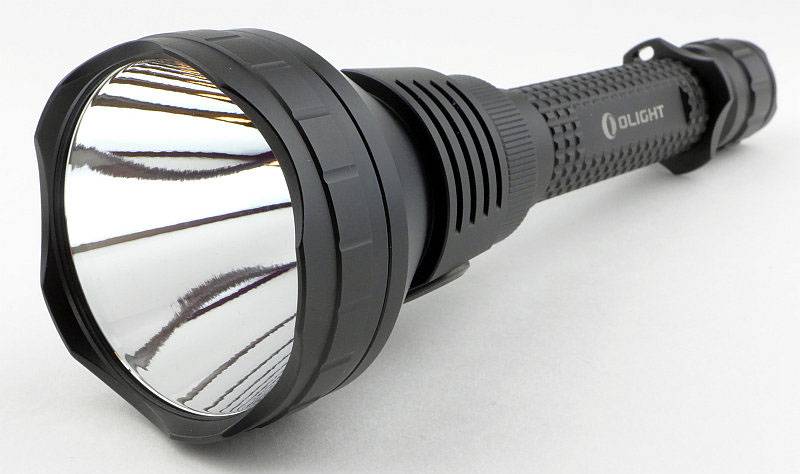
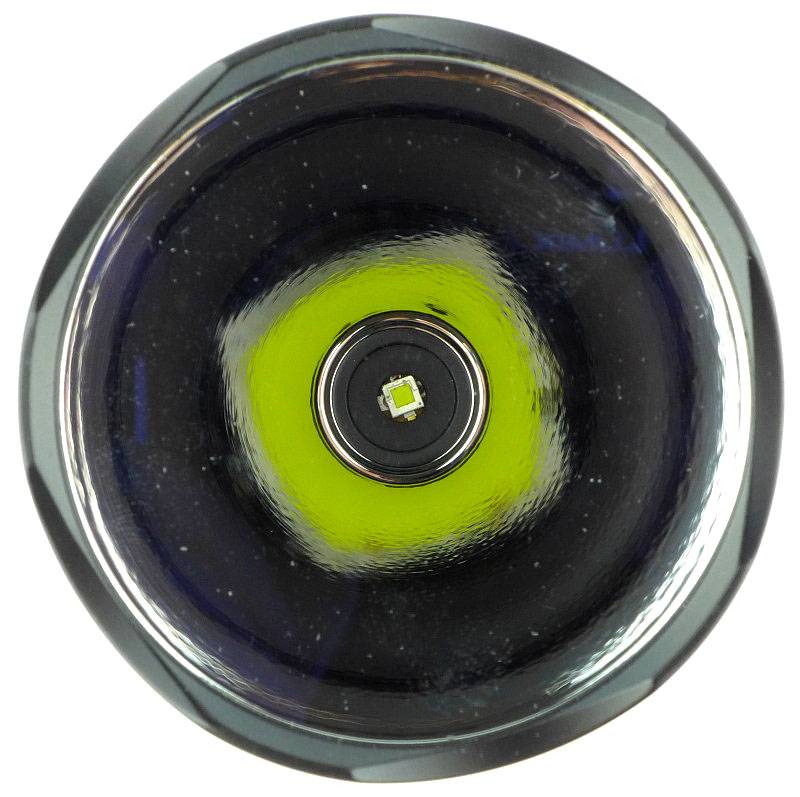
There is just a tiny hint of texturing in the large reflector, and at its heart, a fully exposed XP-L HI LED.

A closer view of the bare phosphor of the XP-L HI.

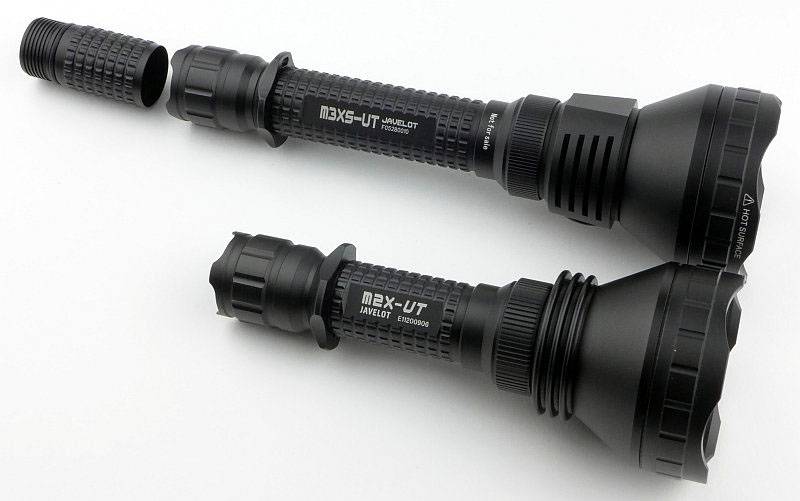
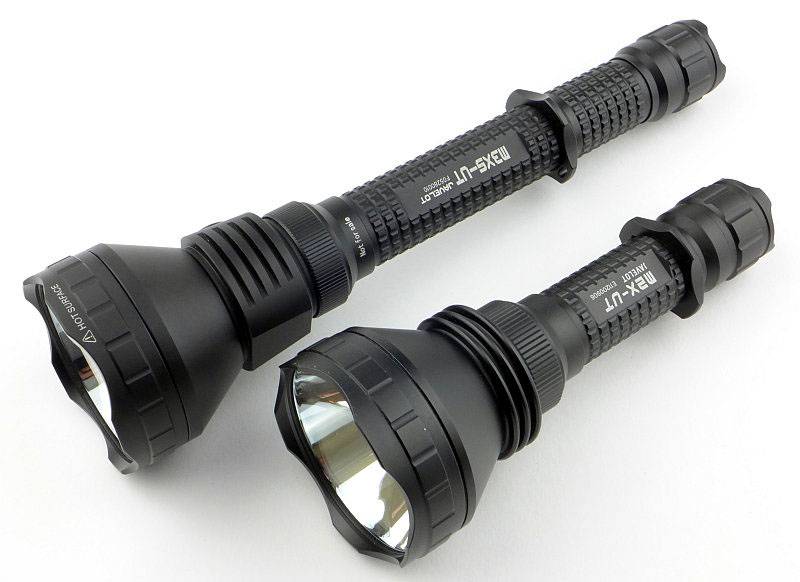
Making comparison to the M2X-UT (using 1×18650), this larger version is clearly longer from the lens to the battery tube due to the inclusion of the side switch and larger heat sink. The non-extended battery tube is also 3xCR123 in length.

Comparing again with the extension tube fitted.

Taking the M3X-UT at its smallest size, it runs on 3xCR123 and has a cell holder to stop any rattle.

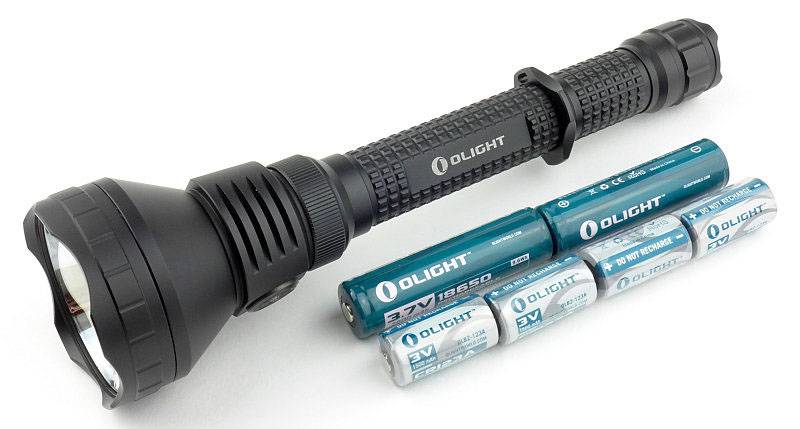
Stepping up to the full length M3XS-UT it runs on 2×18650 or 4xCR123.

To get the most runtime out of the M3XS-UT use it with the extension tube fitted.

The beam

Please be careful not to judge tint based on images you see on a computer screen. Unless properly calibrated, the screen itself will change the perceived tint.
The indoor beamshot is intended to give an idea of the beam shape/quality rather than tint. All beamshots are taken using daylight white balance. The woodwork (stairs and skirting) are painted Farrow & Ball “Off-White”, and the walls are a light sandy colour called ‘String’ again by Farrow & Ball. I don’t actually have a ‘white wall’ in the house to use for this, and the wife won’t have one!

Starting indoors, it is immediately obvious we have a super-high intensity hotspot. In fact what you can see in this photograph is the effect of the hotspot being of such high brightness it is acting as a significant source of light. The edge of the spill is easy to see, but the whole scene is lit behind the spill edge due to the hotspot’s light bouncing back.

Outdoors the hotspot burns out the centre of the image.

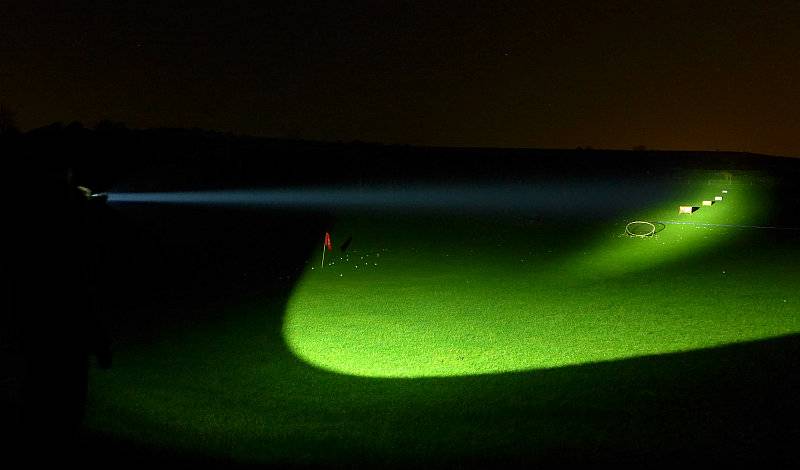
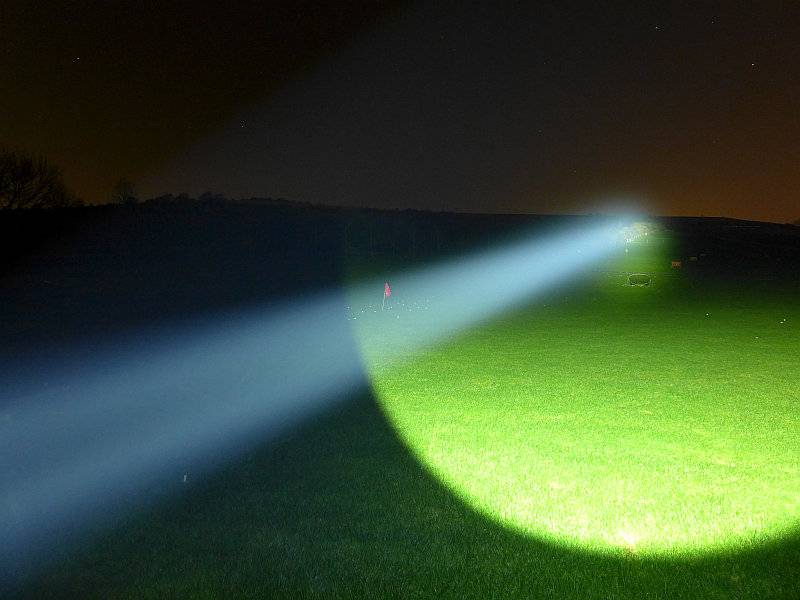
To really appreciate the full power of the M3XS-UT we need a little more range. How about a driving range?

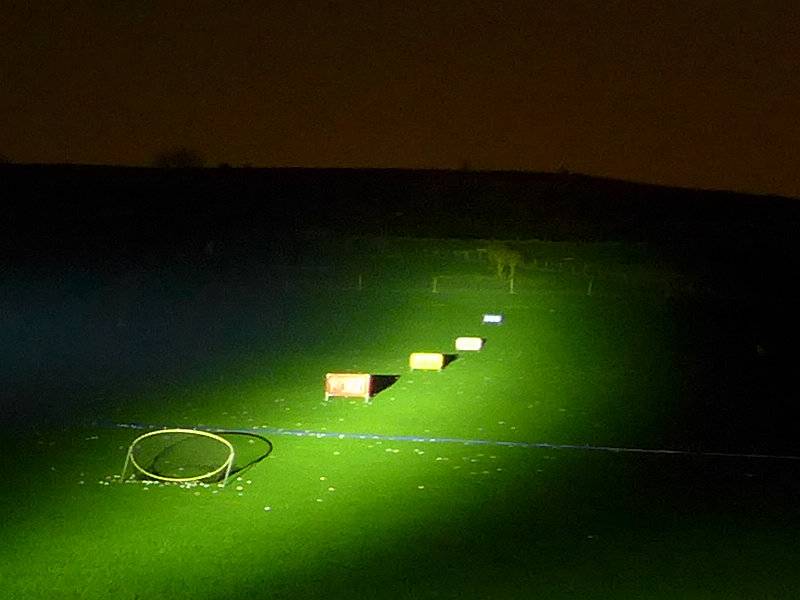
The beam is aimed at a set of four distance markers behind a circular net. The closest marker is 100 yards, with the others set 50 yards apart going up to the furthest at 250 yards.

The beam lights well beyond the markers.

Modes and User Interface:

There are four constant output modes, High, Medium, Low and Moonlight as well as a Strobe mode.

Access to these is via a series of clicks of the forward-click tail-cap switch combined with the side switch.

Turning the M3XS-UT ON with the tail-cap switch, the steady modes are cycled through using the side switch Low -> Medium -> High -> Low etc. The selected mode is memorised for the next time the tail-cap switch is used.

While ON, pressing and holding the side switch turns the output to Strobe.

From OFF, half-pressing or fully pressing the tail-cap switch activates the memorised output level.
From OFF, a rapid double tap of the tail-cap switch activates High. This is not memorised.
From OFF, a rapid triple tap of the tail-cap switch activates Strobe. This is not memorised.
From OFF, holding the side switch while activating the tail-cap switch turns the output to Moonlight. This is not memorised.

Batteries and output:

The Olight M3XS-UT runs on 3/4x CR123 or 2×18650.

To measure actual output, I built an integrating sphere. See here for more detail. The sensor registers visible light only (so Infra-Red and Ultra-Violet will not be measured).

Please note, all quoted lumen figures are from a DIY integrating sphere, and according to ANSI standards. Although every effort is made to give as accurate a result as possible, they should be taken as an estimate only. The results can be used to compare outputs in this review and others I have published.

___________________________________________ ________________________________ ________________________________
Olight M3XS-UT Javelot using specified cell I.S. measured ANSI output Lumens PWM frequency or Strobe frequency (Hz)
___________________________________________ ________________________________ ________________________________
High using 3x Olight CR123 cells 1243 0
Medium using 3x Olight CR123 cells 678 0
Low using 3x Olight CR123 cells 118 0
High using 2x Olight 18650 cells 1234 0
Medium using 2x Olight 18650 cells 666 0
Low using 2x Olight 18650 cells 116 0

* Beacon and Strobe output measurements are only estimates as the brief flashes make it difficult to capture the actual output value.

Peak Beam intensity measured 249000lx @1m giving a beam range of 998m.

There is no parasitic drain.

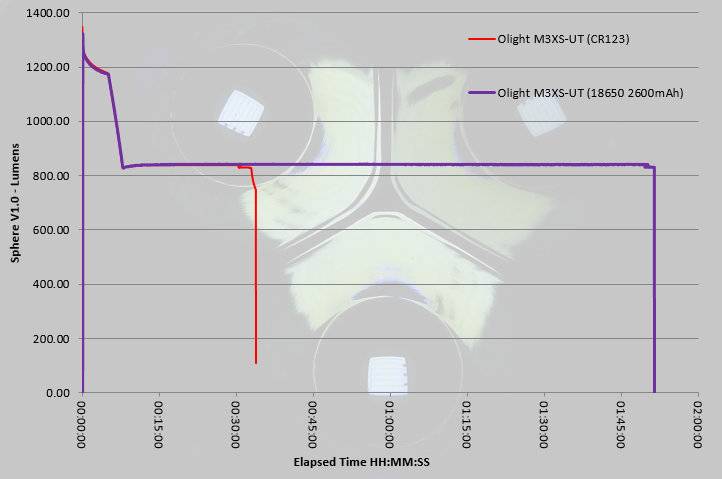
After 8 minutes on High (using either CR123 or 18650) the output makes a controlled reduction to 832lm which is then maintained as a regulated output for as long as the cells can manage.

Running on 2×18650 you have a huge difference in total runtime with the CR123s running into the ANSI cutoff at 35 minutes from turn on, but the 2×18650 (and only 2600mAh cells) gives you up to 1h51m at which point the protection cuts in and the output goes off.

The regulation used in the M3XS-UT means that you get little or no warning of the output cutting out. On 18650 the protection activates, and with CR123 the output plummets once the cells are depleted.

Troubleshooting

This section is included to mention any minor niggles I come across during testing, in case the information helps anyone else.

No issues were encountered during testing.

As per the description of this section, this information is provided in case anyone else finds a similar ‘issue’ that might be fixed in the same way.

The M3XS-UT Javelot in use

This light is an out-and-out throw monster. Unless the extra 3.5cm is a deal breaker, you will want to use the extension tube for the massive increase in run time and guilt-free rechargeable lumens.

At short ranges the M3XS-UT is too tight a beam for comfortable use. It is great for ceiling bounce, but not when directed towards whatever you are looking at. Of course if you are peering into a deep space, the tight beam works wonders, but for general use this extreme-thrower is not the right choice. What you want this light for is its throw and lightsaber like beam.

Due to the intensity of the beam, if you hold it too near to your line of vision the beam itself can obscure your view of what you are shining it at. It is best to hold the light away from your head to allow you to see further. This varies with atmospheric conditions being far more noticeable when the air is moisture laden.

Compared to the smaller M2X-UT (which has very impressive performance – see my review of the M2X-UT for more details), the M3XS-UT steps things up. At 182800 lux@1m the M2X-UT has a beam range of 855m, but with the M3SX-UT this is raised to 249000 lux@1m and a beam range of 998m. A significant jump in beam intensity from the same diameter reflector.

If you are using the momentary output to flash a signal, it is quite easy to activate strobe, and I’d much prefer there to be no strobe at all. In an extreme-range searchlight I see no point in strobe.

Much better is the partly hidden Moonlight mode. In practical terms, due to the highly focussed beam, Moonlight mode is not terribly useful. All you end up seeing is a small bright circle with very dim spill round it. Better than nothing, but this is not a close-range light even with moonlight mode. If only strobe were hidden in this way, then you could easily avoid it.

Handling with the extension fitted is really good. Though the grip ring is now further from the switch, it simply sits between your middle and ring finger, or ring finger and little finger, and gives you plenty of security. I particularly like the machined grip pattern on the battery tube. It is not as abrasive as knurling, but the knobbles give great hold without acting like sandpaper.

The lux figures speak for themselves, and yet the M3XS-UT is not overly large, so you get fantastic throw in a still relatively compact and easy to handle light.

It may not be an all-rounder, but that is not what this light is all about – give it some range and the M3XS-UT truly sings.

Review Summary

_______________________________________________ _______________________________________________
Things I like What doesn’t work so well for me
_______________________________________________ _______________________________________________
Super throw with 249000 lux @1m – 998m beam range Strobe too easily activated
1200lm output Not suited to short range use
Included extension tube allows for longer runtimes Regulated output results in shutdown with little warning
Holster accommodates extension tube
Bare XP-L HI LED used for highest lux
Relatively compact for its performance